
laurentftech/pi-outpost
laurentftech/pi-outpost has 29 GitHub stars and 3 forks. GitHot measured +1 stars in 24 hours and +2 in 7 days. Last checked 2026-11-14 08:42 UTC. Last push 2026-11-06.
Measured star growth
- in 24h
- +1
- in 7 days
- +2
- in 15 days
- Collecting history
- in 1 month
- Collecting history
Net star changes over overlapping periods, not daily totals. Missing measurements are left blank. Stars measure attention, not software quality.
About
A self-hosted web interface for pi coding agent.
Self-hostedREADME.md
OriginalPi Outpost




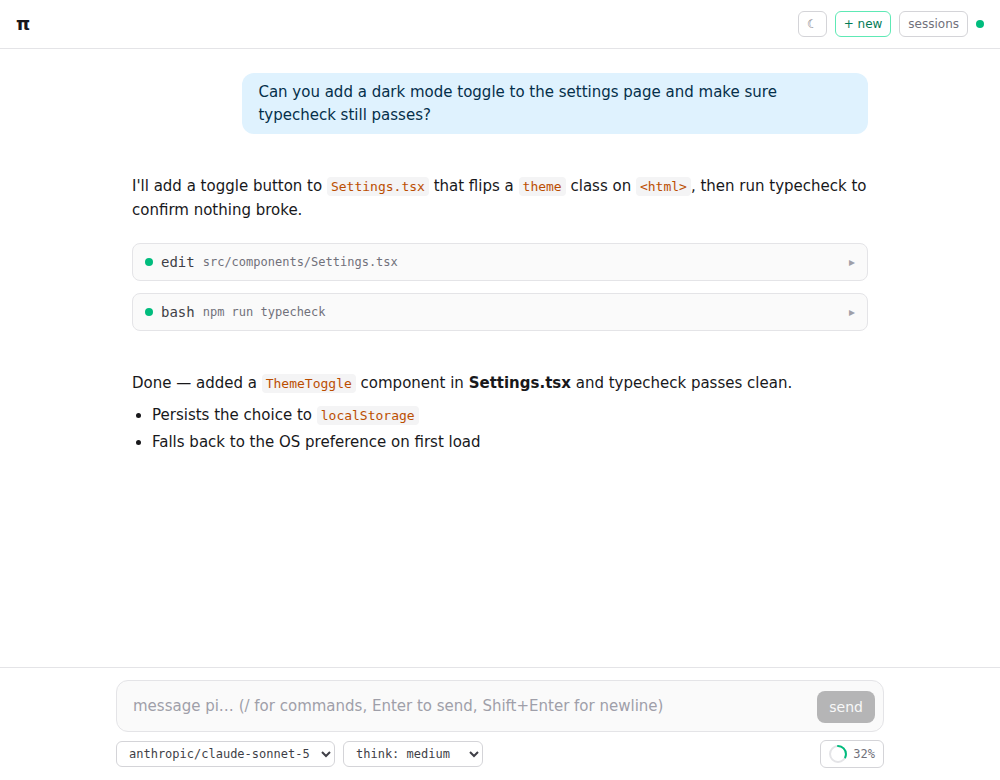
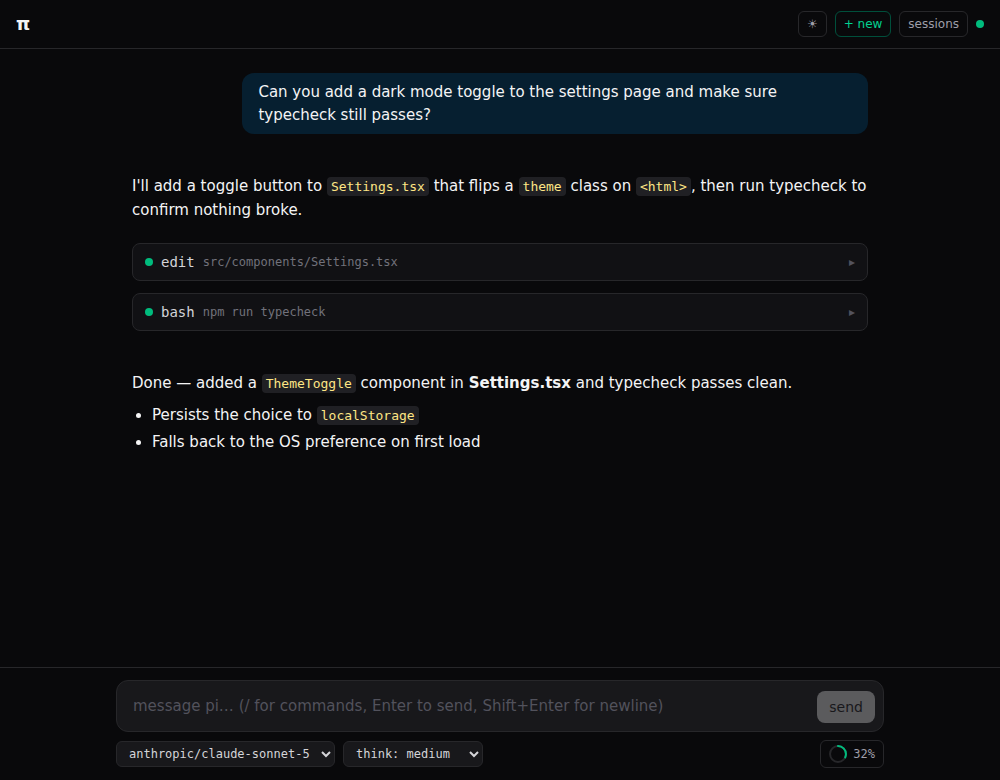
A self-hosted web interface for the pi coding agent. Run it on your machine or server, install it as a desktop app, or embed it in another web application.
One Node process runs the agent and serves the interface. Work across projects with streaming chat, a file browser and editor, Git integration, and PDF and Office document tools.
System-level sandboxing by default: the agent’s shell runs in the OS sandbox: MXC on Windows and Linux, Seatbelt on macOS. The default sandbox confines file access to the project and checks shell confinement before running commands; if the checks fail, commands are refused. See sandboxing for platform requirements and explicit configuration options.
Start in 5 minutes
You need Node.js 24.15+ (or 26+) and npm 12.2.1 and a model provider account or API key. The pi SDK is bundled; no separate pi installation is needed.
In the project you want the agent to work on:
cd ~/projects/my-app
npx --allow-scripts=node-pty,koffi pi-outpost init
npx --allow-scripts=node-pty,koffi pi-outpost
The script permissions enable the native terminal (node-pty) and sandbox FFI (koffi);
other dependency install scripts remain blocked.
Open http://127.0.0.1:3141/ if the interface does not open automatically. Pick a provider and sign in or enter an API key, then ask “What does this project do?” You can also configure a local or OpenAI-compatible model from the setup screen.
The starter configuration lets the agent read and write this directory, with a sandboxed shell. Use the gear menu to adjust permissions. See getting started for the configuration, launch options, and security boundaries.
No Node.js? Download a standalone executable from Releases. See the standalone executable guide for platform setup.
The server listens on loopback by default. Network deployments require an auth token and a suitable sandbox. Everyone connected shares the same projects and conversations: this is a single-tenant application. Read the deployment recipes and sandboxing guide before exposing it.
What you get
- Sandboxing: OS-enforced shell isolation: MXC on Windows and Linux, Seatbelt on macOS, selected automatically by the default sandbox.
- Chat: streaming Markdown, thinking blocks, diagrams, live tool output, model selection, and session history.
- Workspace: multiple projects, a file browser and editor, search, Git diffs and history, and an optional terminal.
- Documents: read PDFs, Office files, and email; create and revise Word documents and PowerPoint decks from templates.
- Graphs and diagrams: structured graphs with automatic layout, selectable viewpoints, and layouts preserved across revisions; edit in draw.io and export to SVG.
- Posters: create posters, worksheets, and slides with the agent, then edit text, pictures, and diagrams visually and export to Word or PowerPoint.
- Review: agent-owned Work Plans, recorded verification evidence, and a workspace Outcome view.
- Your setup: per-project permissions, bundled or external pi runtimes, an embeddable widget, and extension support.
See the feature guide for details.
Documentation
| Guide | Covers |
|---|---|
| Getting started | First run, credentials, starter configuration, security |
| How-to | Recipes for common tasks and troubleshooting |
| Configuration | Credentials, projects, browser settings, every configuration key |
| Command line | Commands, flags, headless prompts, diagnostics |
| Features | Chat, files, documents, terminal, Work Plans, Outcome |
| Sandboxing | File and shell confinement, platform setup, network grants |
| Deployment and updates | Updates, service installation, desktop app |
| Docker with Python | Full app, integrated terminal, persistent projects and landstrip confinement |
| Integrations | Embedding, extension UI, tool progress, Open WebUI, Claude Desktop |
| Development | Repository layout, local development, testing, releases |
| Contributing | Bug reports, development workflow, tests and pull requests |
| Security policy | Private vulnerability reporting, supported versions and trust boundaries |
| Code quality | Enforced checks, coverage scope, known debt and merge rules |
Explore related projects
awesome-selfhosted/awesome-selfhosted
A list of Free Software network services and web applications which can be hosted on your own servers
336,883 starsimmich-app/immich
High performance self-hosted photo and video management solution.
119,132 starsStirling-Tools/Stirling-PDF
#1 PDF Application on GitHub that lets you edit PDFs on any device anywhere
96,551 starslouislam/uptime-kuma
A fancy self-hosted monitoring tool
94,013 stars