
lapce/lapdev
lapce/lapdev has 1,969 GitHub stars and 60 forks. GitHot measured 0 stars in 24 hours. Last checked 2026-11-07 00:48 UTC. Last push 2025-11-24.
Seamless dev environments for Kubernetes
Measured star growth
- in 24h
- 0
- in 7 days
- Update delayed
- in 15 days
- Update delayed
- in 1 month
- Update delayed
Net star changes over overlapping periods, not daily totals. Missing measurements are left blank. Stars measure attention, not software quality.
README.md
OriginalLapdev
Seamless dev environments for your Kubernetes apps



Lapdev gives your team production-accurate development environments that run directly in your Kubernetes cluster. Install the lightweight lapdev-kube-manager, choose the workloads you care about, and Lapdev keeps isolated or shared environments in sync with your production manifests. Developers iterate quickly using the Devbox CLI for local debugging while staying connected to real cluster resources.
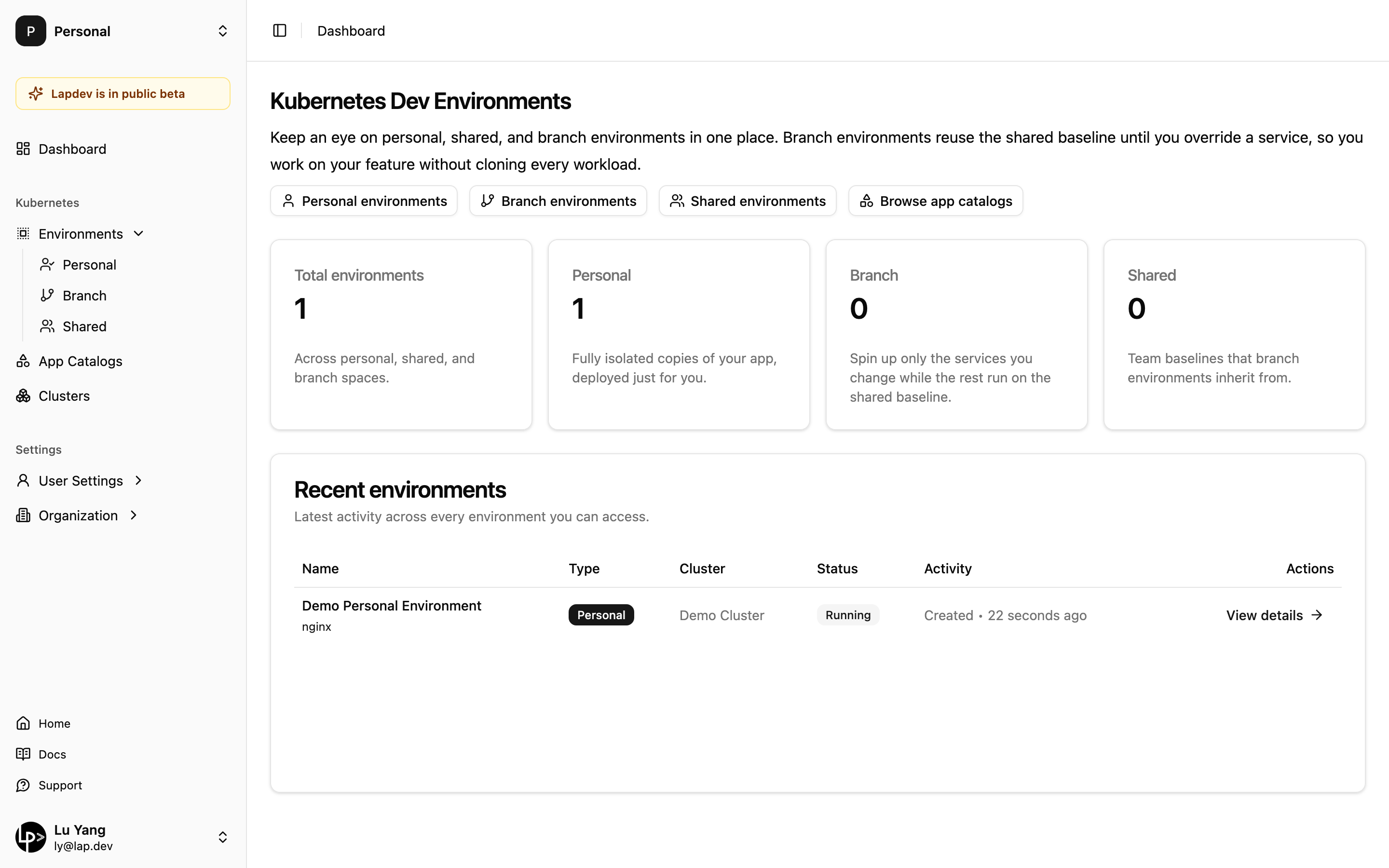
What Lapdev Does
- Reads production manifests – Lapdev builds an App Catalog straight from your production Deployments, StatefulSets, ConfigMaps, Secrets, and Services.
- Creates tailored environments – Launch fully isolated personal namespaces, shared team baselines, or lightweight branch environments with intelligent traffic routing.
- Keeps everything in sync – Monitor production for changes, notify developers, and apply updates when you are ready—no manual YAML drift.
- Enables local-style iteration – Devbox routes cluster traffic to your laptop, so you debug locally while remaining wired into in-cluster dependencies.
- Publishes secure preview URLs – Share HTTPS endpoints for any service without juggling DNS, certificates, or ingress rules.
Architecture at a Glance
Lapdev is made of three components that work together:
- Lapdev API Server – SaaS control plane that handles auth, orchestration, and secure tunneling.
- Lapdev-Kube-Manager – In-cluster operator that mirrors production workloads into development namespaces.
- Devbox CLI – Developer tooling for traffic interception and access to cluster services from your local machine.
Dig deeper in the Architecture docs.
Getting Started
- Connect your Kubernetes cluster
- Create an App Catalog
- Provision your first environment
- Develop locally with Devbox
Resources
Explore related projects
codecrafters-io/build-your-own-x
Master programming by recreating your favorite technologies from scratch.
560,778 starspublic-apis/public-apis
A collective list of free APIs
496,996 starsmorluto/rea
Reverse engineer anything with agents, from app behavior down to native binaries.
440,790 starsopenclaw/openclaw
The AI that really does things. Any OS. Any Platform. The lobster way. 🦞
394,142 stars