
kyujin-cho/pixel-volte-patch
kyujin-cho/pixel-volte-patch has 3,101 GitHub stars and 230 forks. GitHot measured +3 stars in 24 hours. Last checked 2026-11-06 19:33 UTC. Last push 2026-02-07.
Pixel IMS: Rootless replacement for Tensor Pixel VoLTE patch
Measured star growth
- in 24h
- +3
- in 7 days
- Collecting history
- in 15 days
- Collecting history
- in 1 month
- Collecting history
Net star changes over overlapping periods, not daily totals. Missing measurements are left blank. Stars measure attention, not software quality.
README.en.md
OriginalPixel IMS: Enable VoLTE on Tensor Pixel devices
Notice: Changes may not persist across reboot on devices with Android 16 QPR2 Beta 3 or newer
Due to security measures applied on Android on behalf of Google, you may have to reapply the patch across every reboot. Check FAQ section at the very bottom for more.
Troubleshooting
Refer here.
Introduction
This document describes enabling VoLTE support on select Google Pixel devices by using Android's internal telephony.ICarrierConfigLoader.overrideConfig(). This patch can be considered as a rootless method of voenabler.
Supported Carriers
First-grade support
Carriers which can test if patch works or not by developer immediately
- LG U+ (Republic of Korea)
2차 지원
Carriers which aren't possible for testing by developer but reported as supported by community. Please refer the Link for complete list of carriers.
Applying Patch
Requirement
- Pixel device with Google Tensor Chipset
- Google Pixel 6
- Google Pixel 6a
- Google Pixel 6 Pro
- Google Pixel 7
- Google Pixel 7a
- Google Pixel 7 Pro
- Google Pixel 8
- Google Pixel 8 Pro
- Google Pixel Fold
Optional
only if installing Shizuku using ADB
- Windows, macOS or Linux PC with Android Platform Tools installed
- USB-A to USB-C or USB-C to USB-C cable to connect Pixel to the PC
Installing Shizuku
Shizuku makes possible to call internal Android API without root permission by creating a proxy service with ADB user.
- Install Shizuku at the Pixel device you're trying to patch.

- Open installed applciation.

Starting Shizuku without PC (Wi-Fi connection required)
- Follow the official guide to start Shizuku using Wifi debugging without needing any external PC, after that you should see something like "Shizuku is running" at your Pixel phone.

- Now continue to next section.
Starting Shizuku with PC
- Connect your Pixel phone with PC by following this description.
- Start shizuku service by executing
adb shell sh /sdcard/Android/data/moe.shizuku.privileged.api/start.sh. You should see something like "Shizuku is running" at your Pixel phone.
- Now continue to next section.
Install Pixel IMS application
- As for now, there are two ways to obtain the application. Choose you favourite way and install the application.
- Via Play Store
- From Github Releases, by downloading APK file
- Start installed application.
- Tap "Allow all the time" when seeing prompt asking for Shizuku permission.

- Toggle "Enable VoLTE" to enable VoLTE.

- Restart your Pixel phone a couple of times until you can see VoLTE is working.
Build application from source
Download patched android.jar, put it under $ANDROID_PATH/sdk/platforms/android-34 and start hacking as usual.
FAQ
I am looking for somewhere to post feedback.
- Bug report and feature request: Issues
- Anything else (including general questions): Discussions
Does it also work on any carriers other than LG U+?
AYOR. Tested and checked working only with LG U+.
How do I know if VoLTE is enabled or not?
Registered IMS Status at Home page means VoLTE is activated.
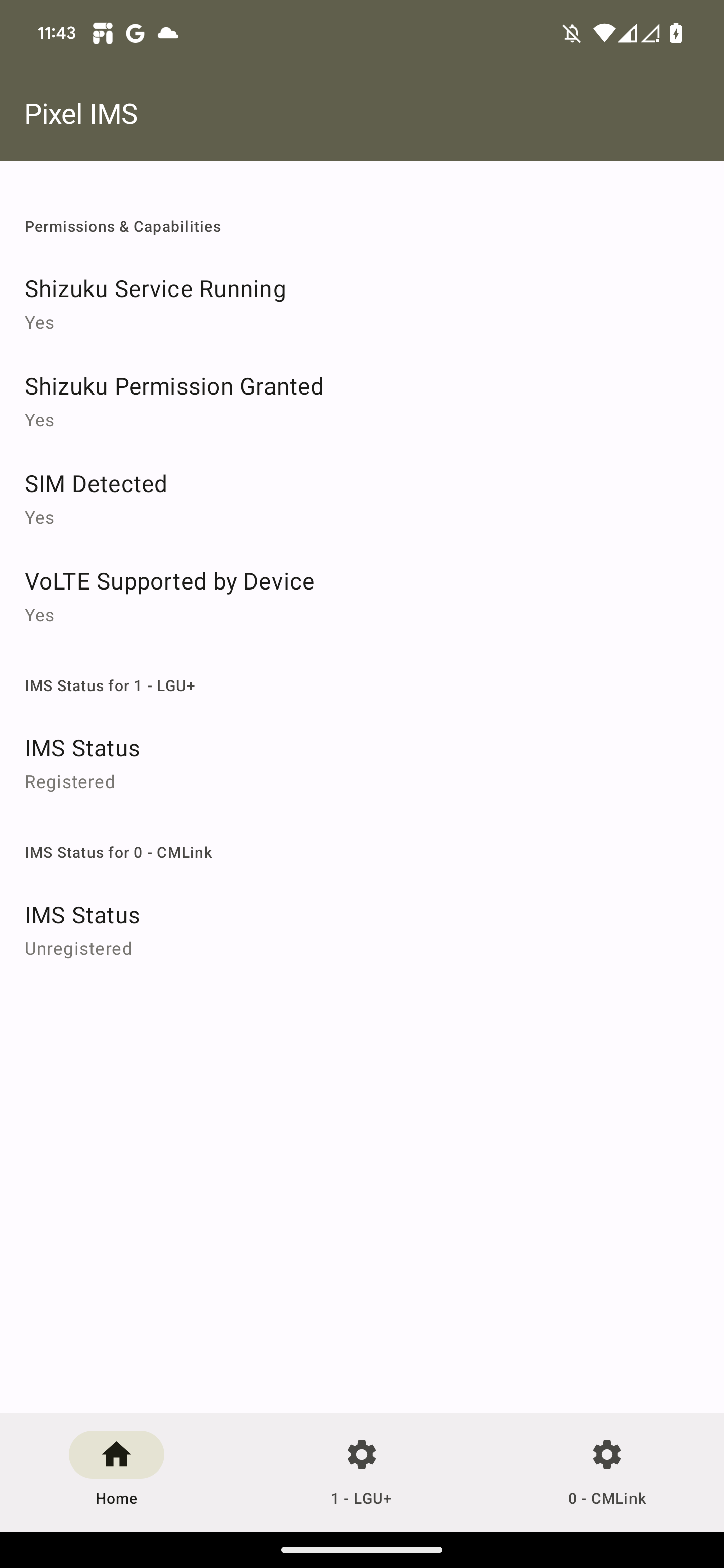
For more information, you can make use of Pixel's internal application. To open it:
- Open vanilla Dialer app from your Pixel phone.
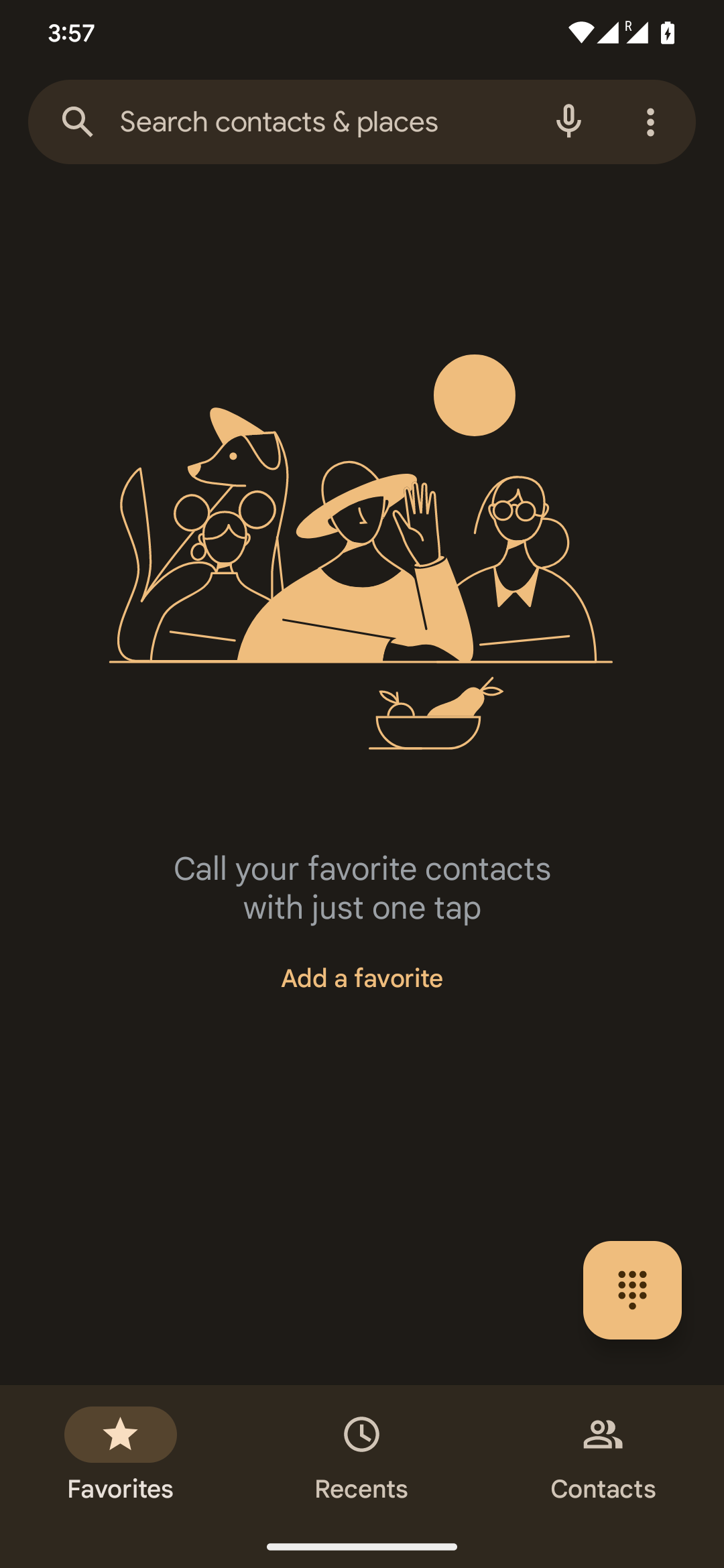
- Dial
*#*#4636#*#*.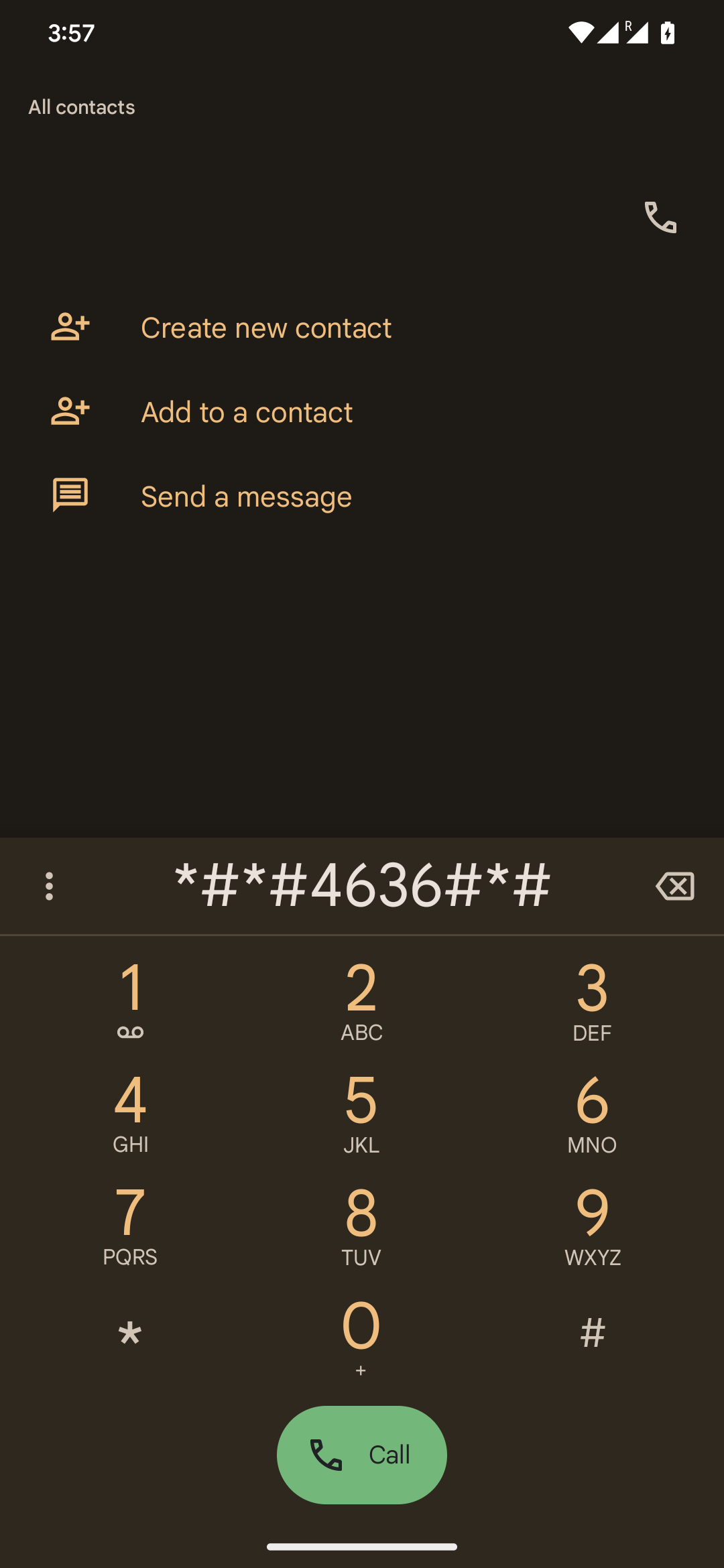
- Tap "Phone information" menu.
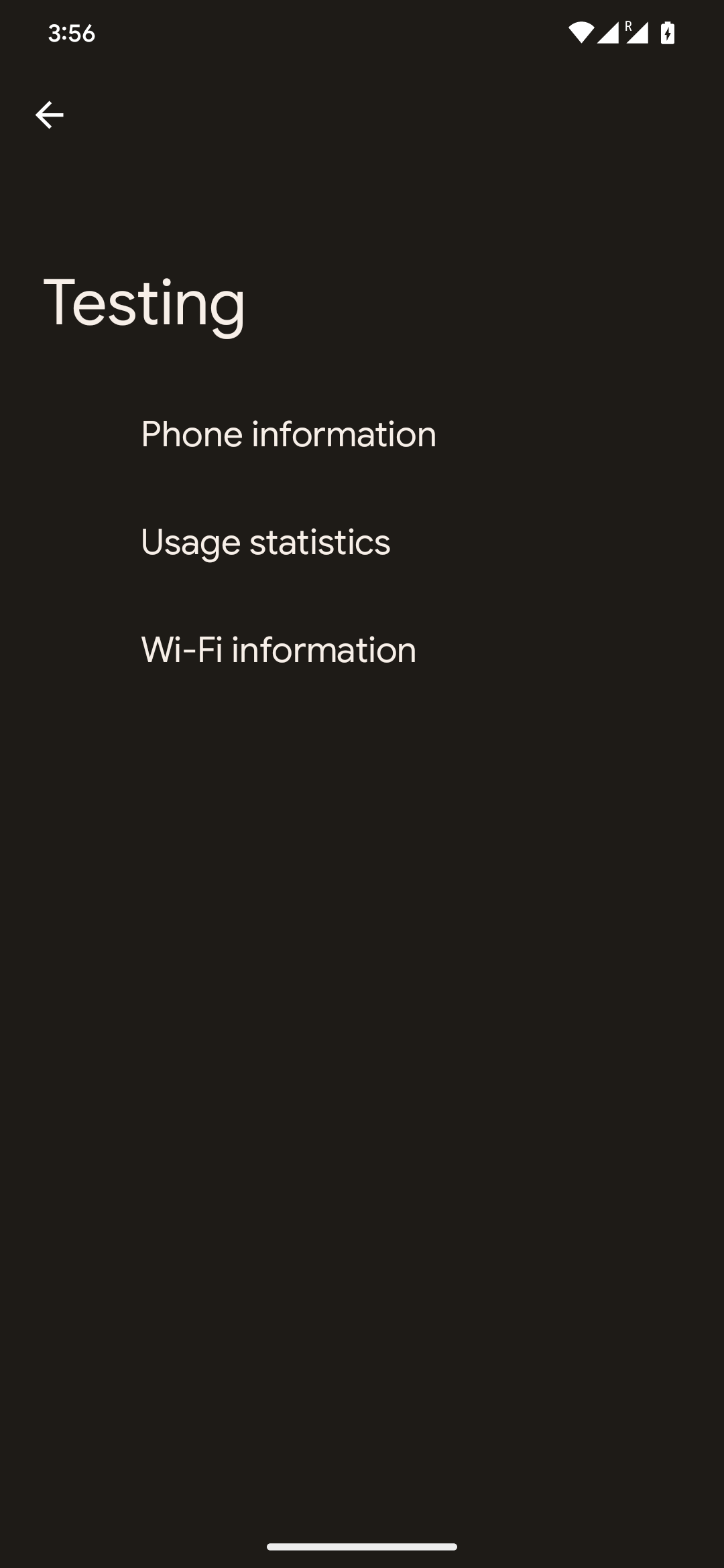
- Tap triple-dot icon at the upper right screen then select "IMS Service Status" menu.
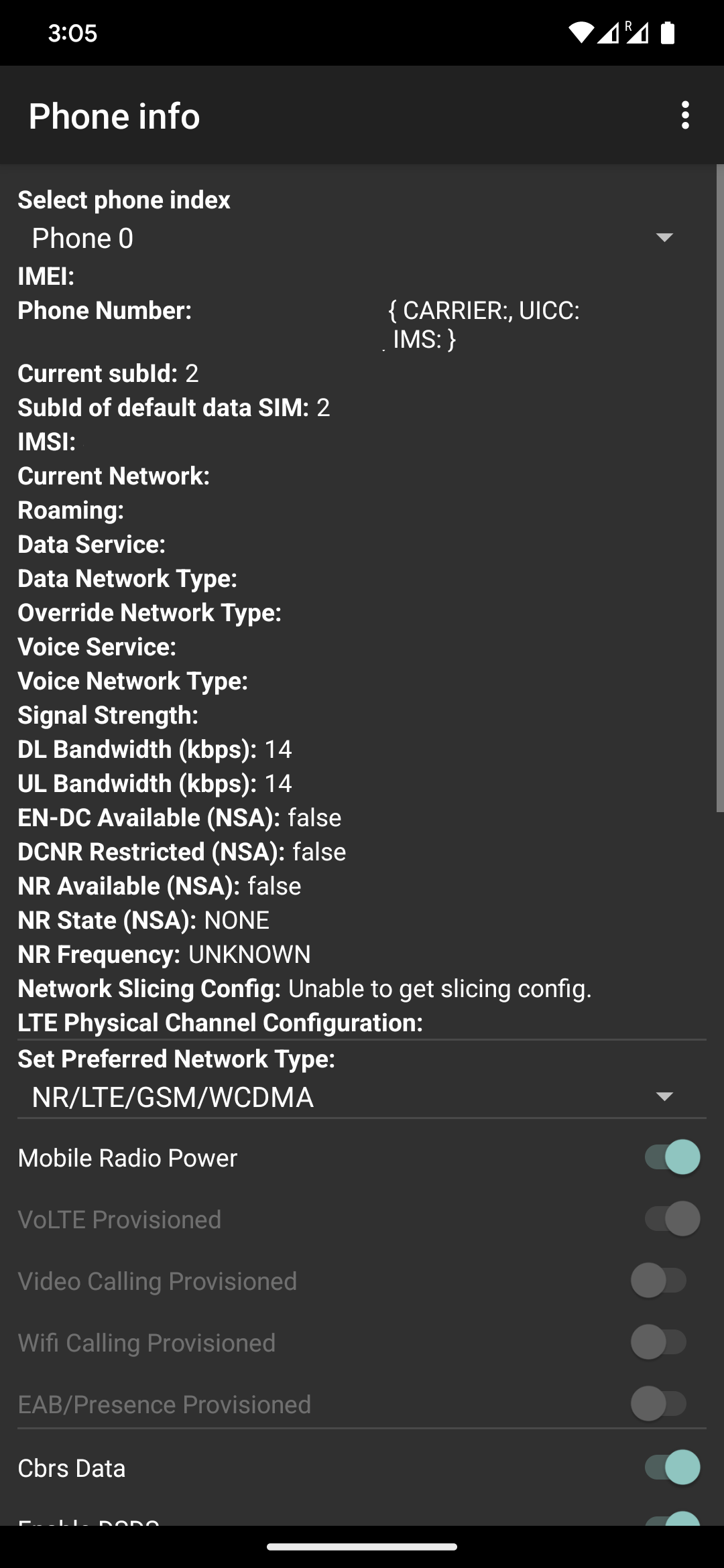
- You should see
IMS Registration: Registeredif everything's done well.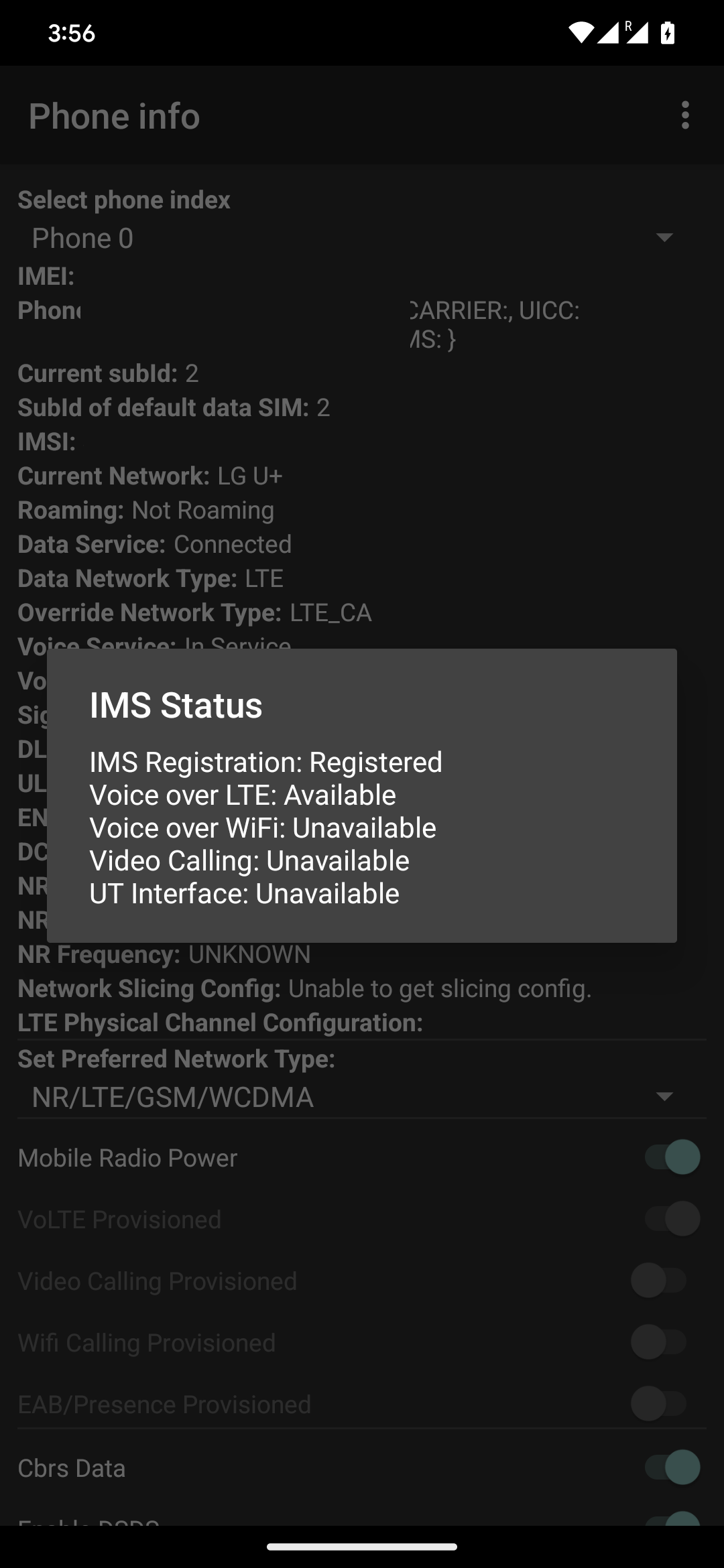
Do I have to do this every time I reboot the phone?
- Devices running Android 16 QPR2 Beta 3 or newer: Yes.
- Others: No.
Do I have to do this after updating my Pixel?
Yes.
How does it work?
There is a checker method, ImsManager.isVolteEnabledByPlatform(Context), which determines if VoLTE is possible for your device-carrier combination(ref: googlesource.com). The abstract logic of that method is:
- Check if
persist.dbg.volte_avail_ovrSystem Property is true- If yes, return true
- This is how voenabler works
- Else continue
- If yes, return true
- Check if device supports VoLTE
- If not, return false
- Else continue
- Check if your carrier supports VoLTE
- If not, return false
- Else continue
- Check if your carrier requires BGA-capable SIM for VoLTE
- If not, return true
- Else continue
- Check if GBA bit is active at EF IST
- If yes, return true
- If not, return false
This patch alters the bolded logic, by force injecting config values as true regardless of carrier configuration.
Explore related projects
codecrafters-io/build-your-own-x
Master programming by recreating your favorite technologies from scratch.
560,449 starspublic-apis/public-apis
A collective list of free APIs
496,767 starsmorluto/rea
Reverse engineer anything with agents, from app behavior down to native binaries.
438,142 starsopenclaw/openclaw
The AI that really does things. Any OS. Any Platform. The lobster way. 🦞
394,076 stars