
kwent/aws-launcher
kwent/aws-launcher has 132 GitHub stars and 8 forks. GitHot measured 0 stars in 24 hours. Last checked 2026-11-16 18:57 UTC. Last push 2026-11-07.
Measured star growth
- in 24h
- 0
- in 7 days
- Collecting history
- in 15 days
- Collecting history
- in 1 month
- Collecting history
Net star changes over overlapping periods, not daily totals. Missing measurements are left blank. Stars measure attention, not software quality.
About
AWS Launcher. Launch AWS Services from your macOS dock.
ProductivityREADME.md
OriginalAWS Launcher
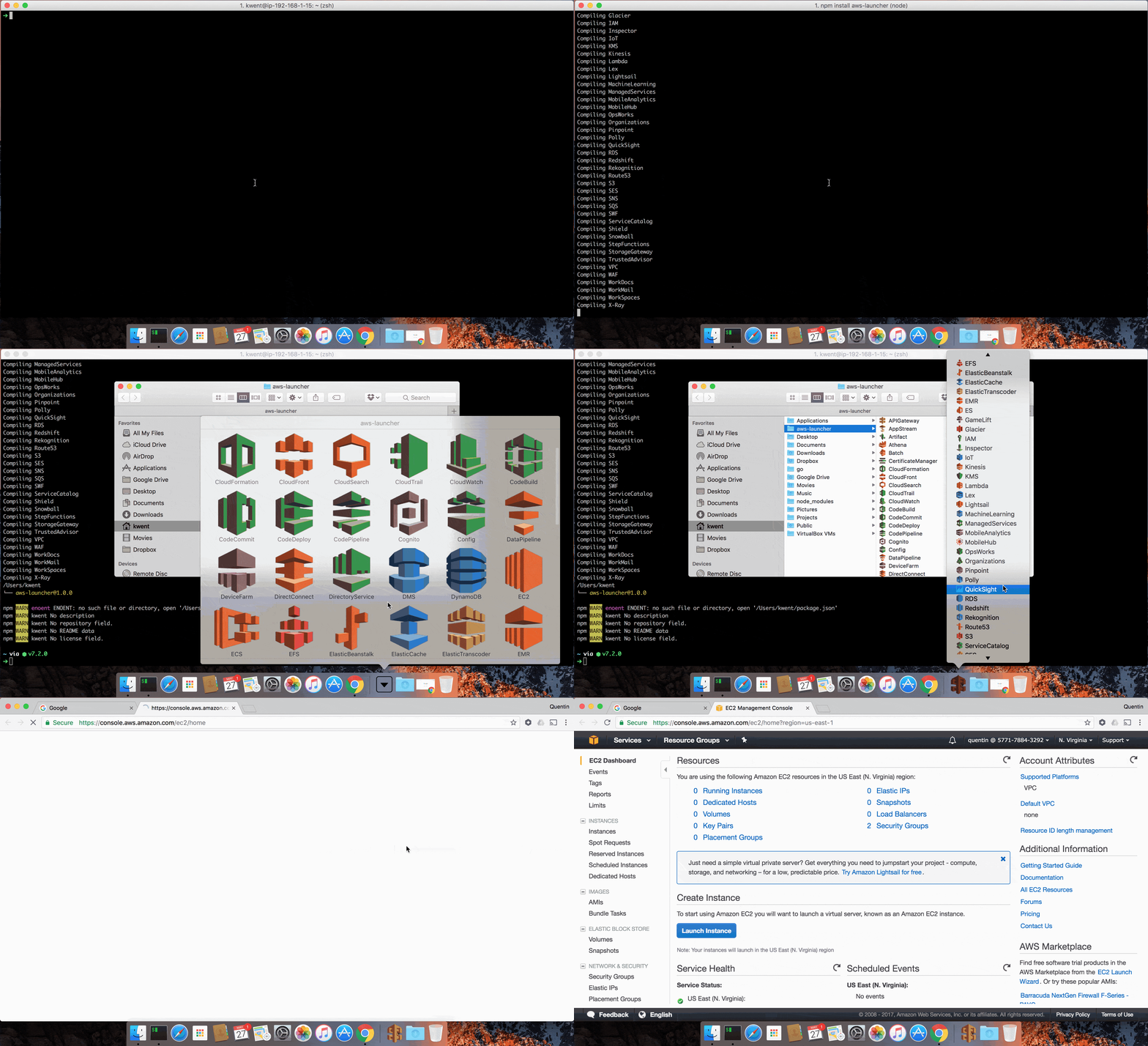
Launch your AWS Services from your macOS dock.


Installation
npm install -g aws-launcher
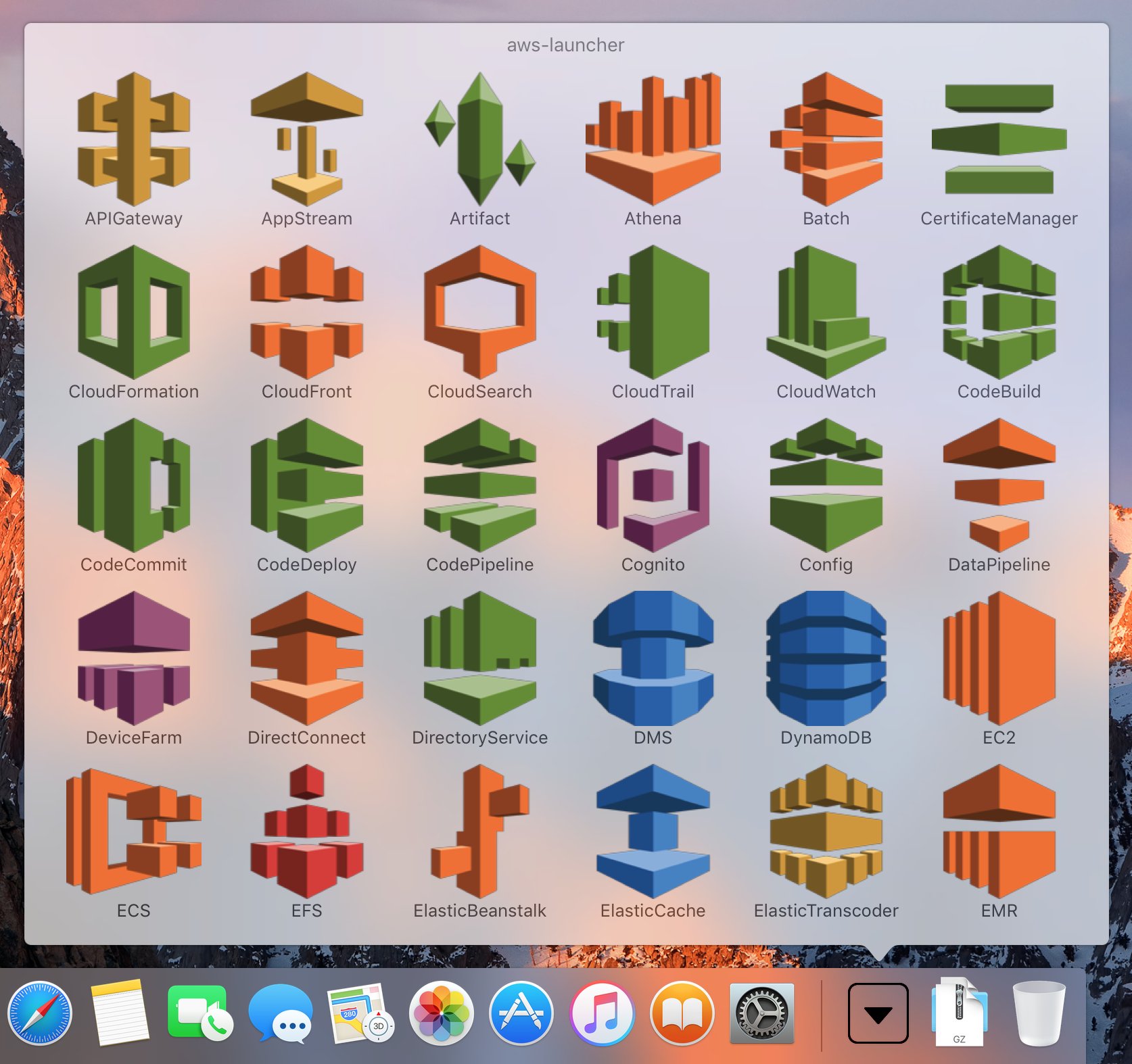
This creates a ~/aws-launcher/ folder with 200+ shortcuts to AWS console services, each with its official icon.
Drag and drop the generated folder into your macOS Dock (right by the Trash item).
Usage
# Rebuild shortcuts
node compile.js

# Preview without creating files
node compile.js --dry-run

# Custom output directory
node compile.js --dest ~/Desktop/my-aws-shortcuts
Customization
By default, aws-launcher generates shortcuts for all AWS services.
You can customize your launcher folder by deleting files in the ~/aws-launcher/
folder. Drag and drop the folder again in your macOS dock to see your
updated launcher.
Spotlight
Since aws-launcher is basically just a folder, you can use macOS Spotlight
to quickly access your shortcuts as well.
Contributing
Service definitions live in services.json. To add or update a service, edit that file. Each entry maps an icon filename to a console URL:
{
  "Amazon-EC2": {
    "name": "Amazon EC2",
    "namespace": "ec2"
  }
}
Use namespace for standard console.aws.amazon.com/{namespace}/home URLs, or url for services with non-standard console URLs.
Updating Icons
Icons are sourced from the AWS Architecture Icons pack. To update:
./scripts/update-icons.sh
See the script for instructions on updating the download URL when AWS releases a new icon pack.
Requirements
- macOS (uses
SetFilefrom Xcode command line tools) - Node.js >= 24
History
View the changelog
Authors
License
MIT - Copyright (c) 2017-2026 Quentin Rousseau