
kestra-io/examples
kestra-io/examples has 41 GitHub stars and 9 forks. GitHot measured 0 stars in 24 hours. Last checked 2026-11-10 00:04 UTC. Last push 2026-01-21.
Best practices for data workflows, integrations with the Modern Data Stack (MDS), Infrastructure as Code (IaC), Cloud Provider Services
Measured star growth
- in 24h
- 0
- in 7 days
- Update delayed
- in 15 days
- Update delayed
- in 1 month
- Update delayed
Net star changes over overlapping periods, not daily totals. Missing measurements are left blank. Stars measure attention, not software quality.
README.md
OriginalKestra Examples
This repository will help you get started with Kestra
For example use-cases, check out Blueprints
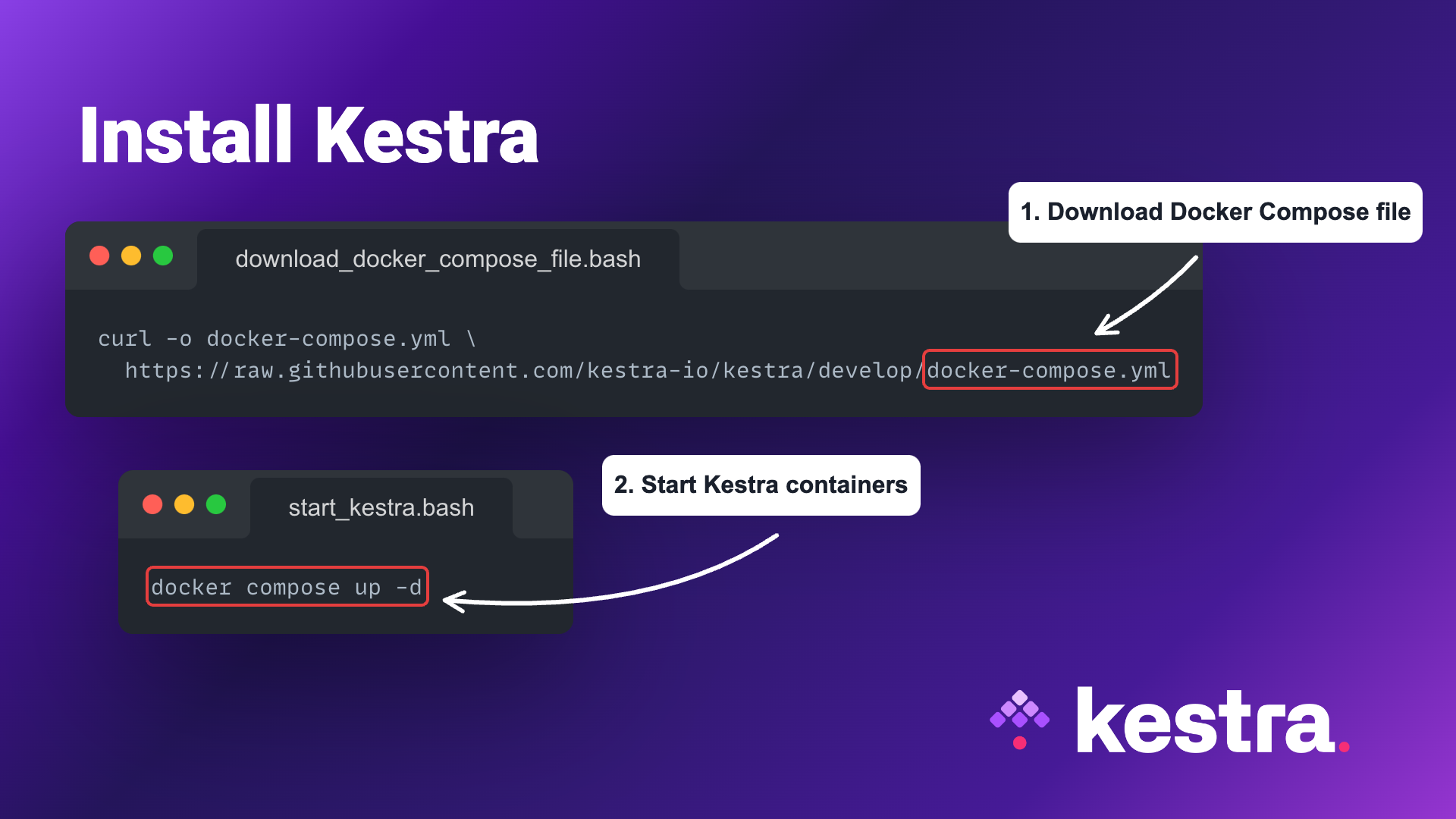
How to install Kestra
Download the Docker Compose file:
curl -o docker-compose.yml https://raw.githubusercontent.com/kestra-io/kestra/develop/docker-compose.yml
Start Kestra:
docker compose up
Hello World example
Here is a simple example logging hello world message to the terminal:
id: myflow
namespace: company.team

tasks:
  - id: hello_world
    type: io.kestra.plugin.core.log.Log
    message: Hello, World!
Cloud & Eneterprise Edition
Cloud & Enterprise Editions have a dedicated credentials managers with extra encryption, namespace-bound credential inheritance hierarchy and an RBAC-setting behind it.
You can add a Secret in the relevant namespace from the Namespace tab in the UI. You should not add the SECRET_ prefix while setting up the secrets via the Namespace tab.
To reference that secret in your flow, use {{ secret('AWS_ACCESS_KEY_ID') }}.
Explore related projects
n8n-io/n8n
Fair-code workflow automation platform with native AI capabilities. Combine visual building with custom code, self-host or cloud, 400+ integrations.
210,027 starslanggenius/dify
Build Agentic workflows, RAG pipelines, with rich AI model and tool support on one collaborative workspace. Deploy on cloud, VPC, or self-hosted, so teams move from prototype to production without rebuilding the stack.
160,773 starsmicrosoft/PowerToys
Microsoft PowerToys is a collection of utilities that supercharge productivity and customization on Windows
140,833 starsstablyai/orca
Orca is the place for working with a fleet of agents (e.g. Grok Bot, Claude Code). Run any coding agent with your own subscription. Available on desktop, mobile and remote runtime.
121,485 stars