
kazzkiq/CodeFlask
kazzkiq/CodeFlask has 1,115 GitHub stars and 124 forks. Star changes are not measured yet. Last checked 2026-11-09 09:39 UTC. Last push 2023-09-17.
A micro code-editor for awesome web pages.
Measured star growth
- in 24h
- Update delayed
- in 7 days
- Update delayed
- in 15 days
- Update delayed
- in 1 month
- Update delayed
Net star changes over overlapping periods, not daily totals. Missing measurements are left blank. Stars measure attention, not software quality.
README.md
Original

CodeFlask: A micro code-editor for awesome web pages.
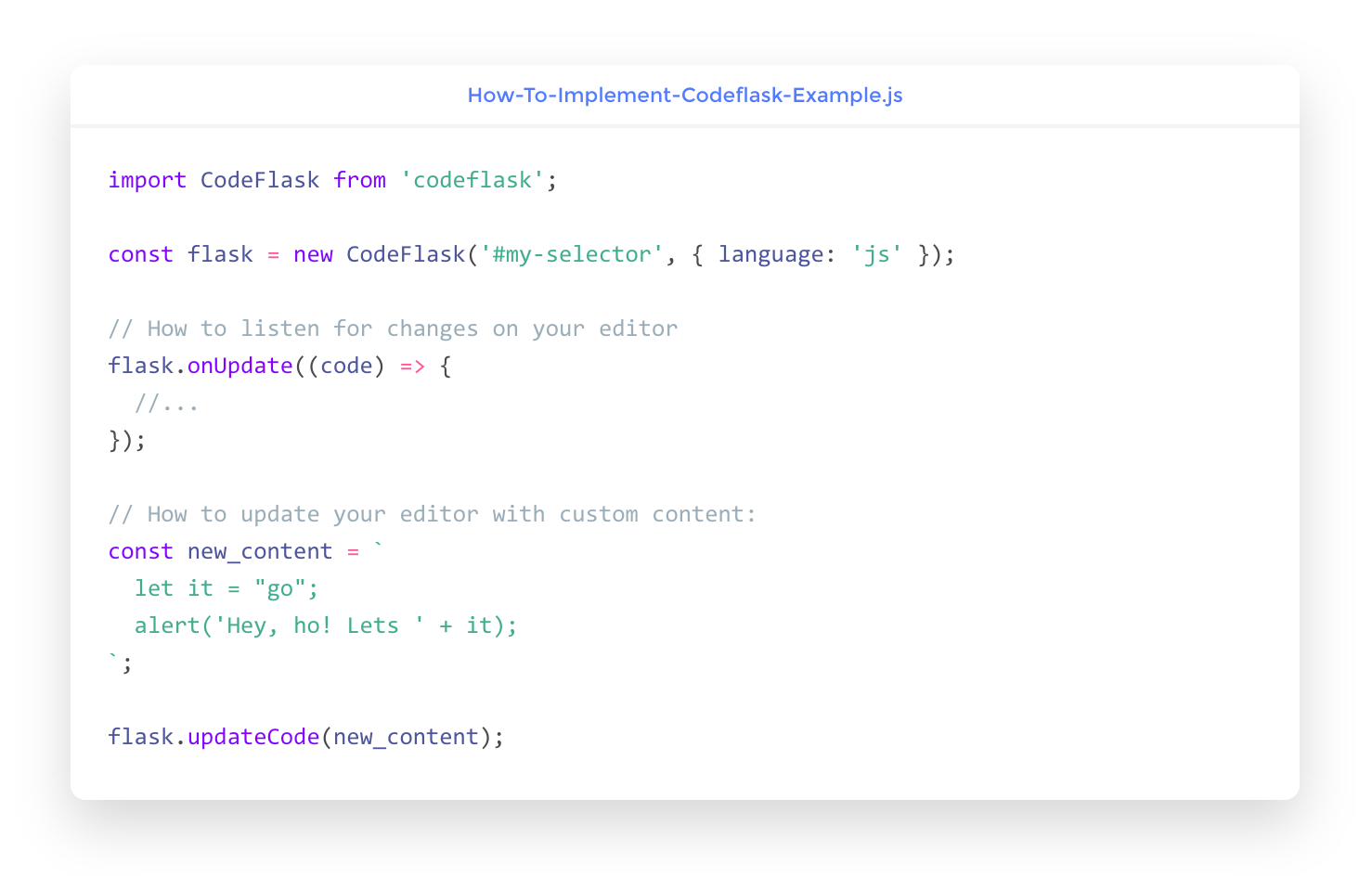
Installation
You can install CodeFlask via npm:
npm install codeflask
Or use it directly in browser via cdn service:
https://unpkg.com/codeflask/build/codeflask.min.js
Usage
import CodeFlask from 'codeflask';

const flask = new CodeFlask('#my-selector', { language: 'js' });
You can also pass a DOM element instead of a selector:
import CodeFlask from 'codeflask';

const editorElem = document.getElementById('editor');
const flask = new CodeFlask(editorElem, { language: 'js' });
Usage with Shadow DOM:
import CodeFlask from 'codeflask';
...
const shadowElem = this.shadowRoot.querySelector('#editor');
const flask = new CodeFlask(shadowElem, { language: 'js', styleParent: this.shadowRoot });
Listening for changes in editor
flask.onUpdate((code) => {
  // do something with code here.
  // this will trigger whenever the code
  // in the editor changes.
});
Updating the editor programatically
// This will also trigger .onUpdate()
flask.updateCode('const my_new_code_here = "Blabla"');
Getting the current code from editor
const code = flask.getCode();
Enabling line numbers
import CodeFlask from 'codeflask';

const flask = new CodeFlask('#my-selector', {
  language: 'js',
  lineNumbers: true
});
Enabling rtl (right to left writing)
import CodeFlask from 'codeflask';

const flask = new CodeFlask('#my-selector', {
  language: 'js',
  rtl: true
});
Enabling read only mode
import CodeFlask from 'codeflask';

const flask = new CodeFlask('#my-selector', {
  language: 'js',
  readonly: true
});
Adding other languages support:
flask.addLanguage('ruby', options)
For Example to add 'Ruby'
import Prism from 'prismjs';
import CodeFlask from 'codeflask';

const flask = new CodeFlask('#my-selector', {
  language: 'ruby',
  readonly: true
});

flask.addLanguage('ruby', Prism.languages['ruby']);
This API is simply a proxy to add a new language to Prism itself (the code highlighter). The options parameter must be the same accepted in Prism. You can read more about it here.
By default, CodeFlask supports the following languages (which are also the default supported in Prism):
- Markup (HTML/XML);
- CSS;
- C-like;
- JavaScript;
Adding your own theme to CodeFlask
By default, CodeFlask comes with a simple theme made from scratch called CodeNoon.
You can easily override this theme with your own by writting your own CSS and adding it to your project. If that's the case, you should also disable CodeNoon with the defaultTheme option:
import CodeFlask from 'codeflask';

const flask = new CodeFlask('#my-selector', {
  language: 'js',
  defaultTheme: false
});
Credits & Thanks
CodeFlask.js was made possible by awesome open-source projects such as Prism.js and Rollup.
Explore related projects
codecrafters-io/build-your-own-x
Master programming by recreating your favorite technologies from scratch.
561,586 starspublic-apis/public-apis
A collective list of free APIs
497,902 starsmorluto/rea
Reverse engineer anything with agents, from app behavior down to native binaries.
449,631 starsopenclaw/openclaw
The AI that really does things. Any OS. Any Platform. The lobster way. 🦞
394,303 stars