Projects View on GitHub
jstrait/jssynth
jstrait/jssynth has 39 GitHub stars and 6 forks. GitHot measured 0 stars in 24 hours. Last checked 2026-11-15 05:38 UTC. Last push 2026-10-12.
What you can do
- Base oscillator with sine/square/saw/triangle wave
- Secondary oscillator with same wave types, and optional detune from primary oscillator
- White or pink noise
- Adjustable volume for each noise source (oscillator 1, oscillator 2, noise)
Measured star growth
- in 24h
- 0
- in 7 days
- Collecting history
- in 15 days
- Collecting history
- in 1 month
- Collecting history
Net star changes over overlapping periods, not daily totals. Missing measurements are left blank. Stars measure attention, not software quality.
About
Make music in your browser with this synthesizer and sequencer
Creative & MediaREADME.md
OriginalJS-130
A synthesizer and sequencer that runs in your browser, using the WebAudio API.
Try it out here: https://www.joelstrait.com/jssynth/
Example Song
The song below is an example of what you can create with the JS-130, along with Beats Drum Machine and GarageBand.
Features
- Oscillator Instruments
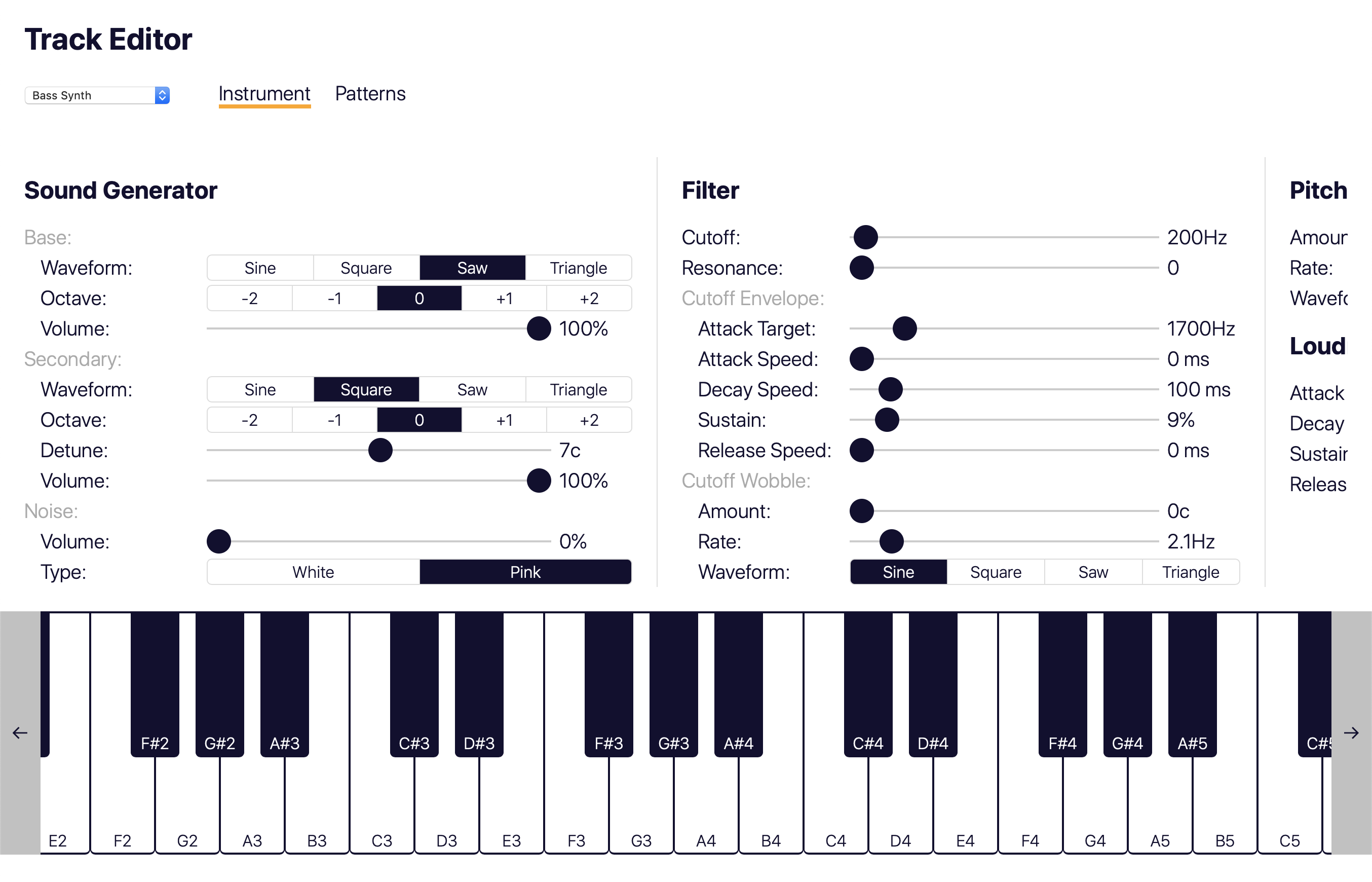
- Base oscillator with sine/square/saw/triangle wave
- Secondary oscillator with same wave types, and optional detune from primary oscillator
- White or pink noise
- Adjustable volume for each noise source (oscillator 1, oscillator 2, noise)
- LFO to control oscillator pitch (i.e. "pitch wobble")
- Filter, with LFO and ADSR envelope to control filter cutoff frequency
- ADSR Envelope to control loudness
- Feedback delay and reverb effects
- Sampler Instruments
- Use a sound file (*.wav, *.mp3, etc.) as an instrument
- Filter, with LFO and ADSR envelope to control filter cutoff frequency
- ADSR Envelope to control loudness
- Feedback delay and reverb effects
- Sequencer
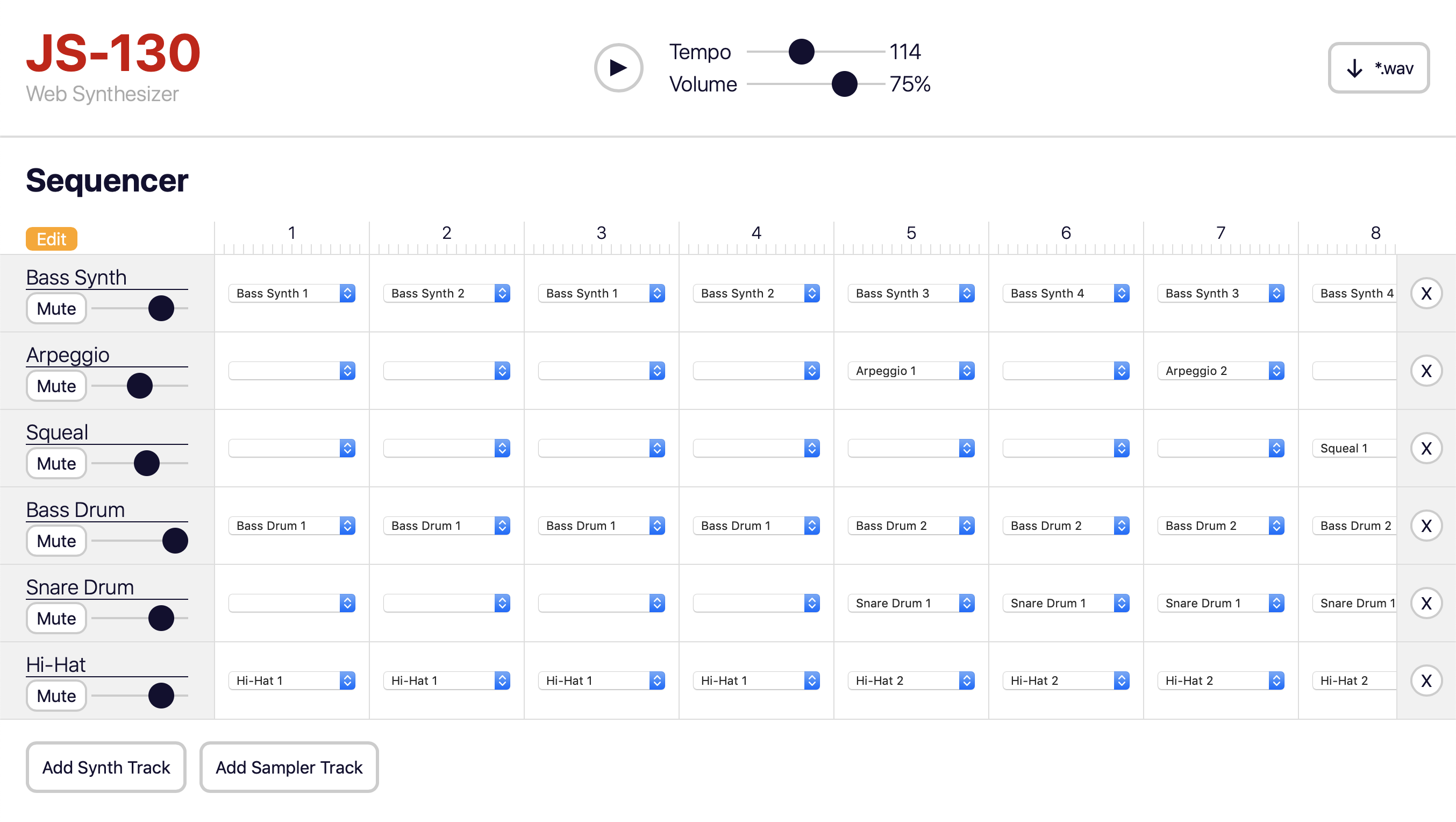
- Multiple tracks, each with its own instrument and set of patterns
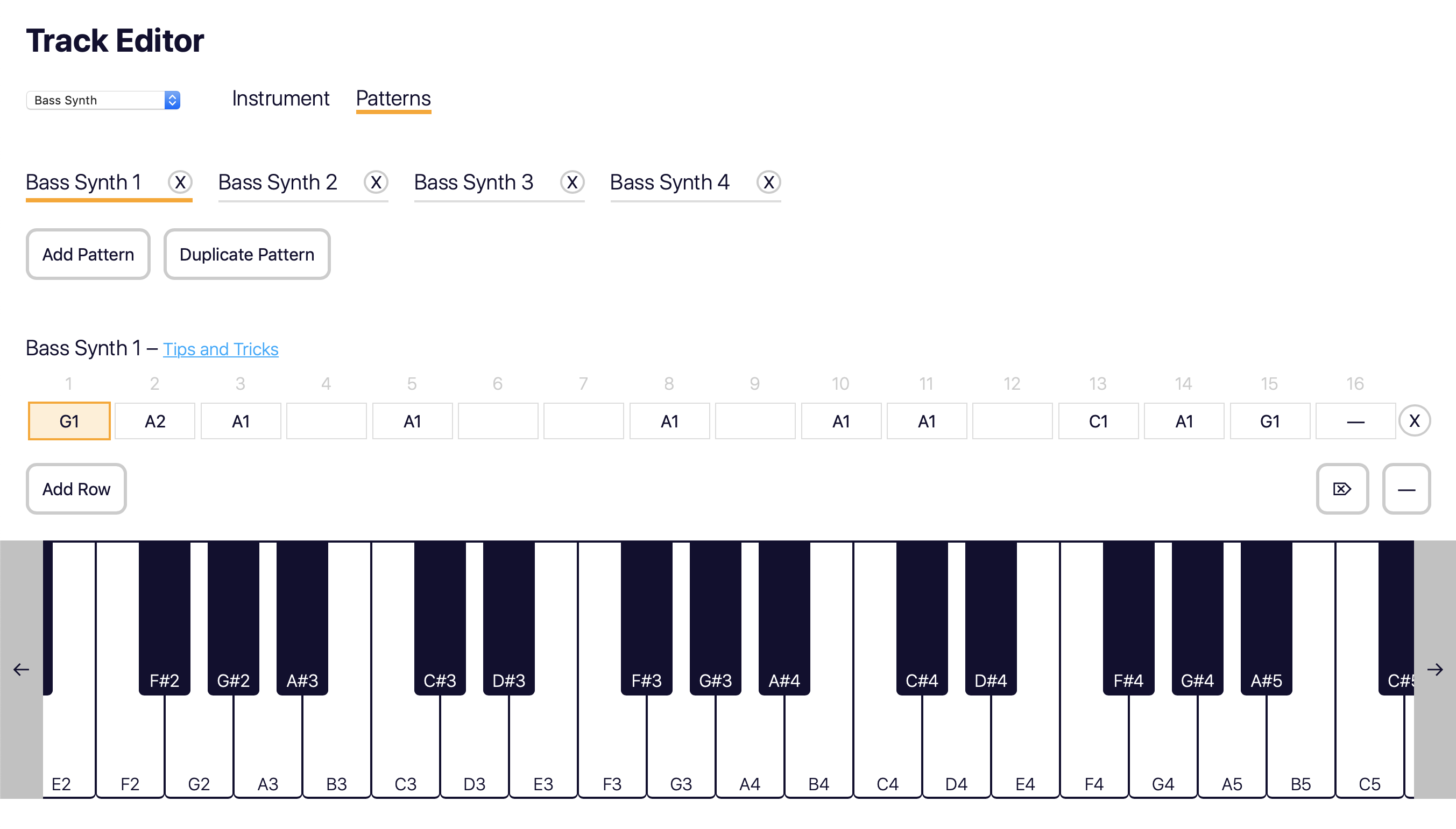
- Enter notes in patterns via on-screen piano keyboard, MIDI keyboard, or computer's keyboard
- Full songs 1-99 patterns long
- Volume control + mute for each track
- Tempo control
- Master volume control
- On-screen keyboard to enter notes and try out sounds
- MIDI keyboard support (only in browsers that support Web MIDI, such as Chrome)
- Download sequencer output to a *.wav file
Running Locally
- If running the app locally for the first time, run
yarn install - Run
yarn serve, which will build the app in-memory, and serve it using a local development server - Open one of the URLs listed in the command-line output in your browser
- While the server is running the app will automatically be rebuilt each time the site is reloaded in the browser
Building For Production
- If building the app for the first time, run
yarn install - Run
yarn build - The
dist/folder will contain the files that should be deployed to production
Running Tests
yarn test
Screenshots
Sequencer:
Instrument editor:
Pattern editor: