
jhomlala/alice
jhomlala/alice has 639 GitHub stars and 328 forks. GitHot measured 0 stars in 24 hours. Last checked 2026-11-16 04:25 UTC. Last push 2026-10-25.
What you can do
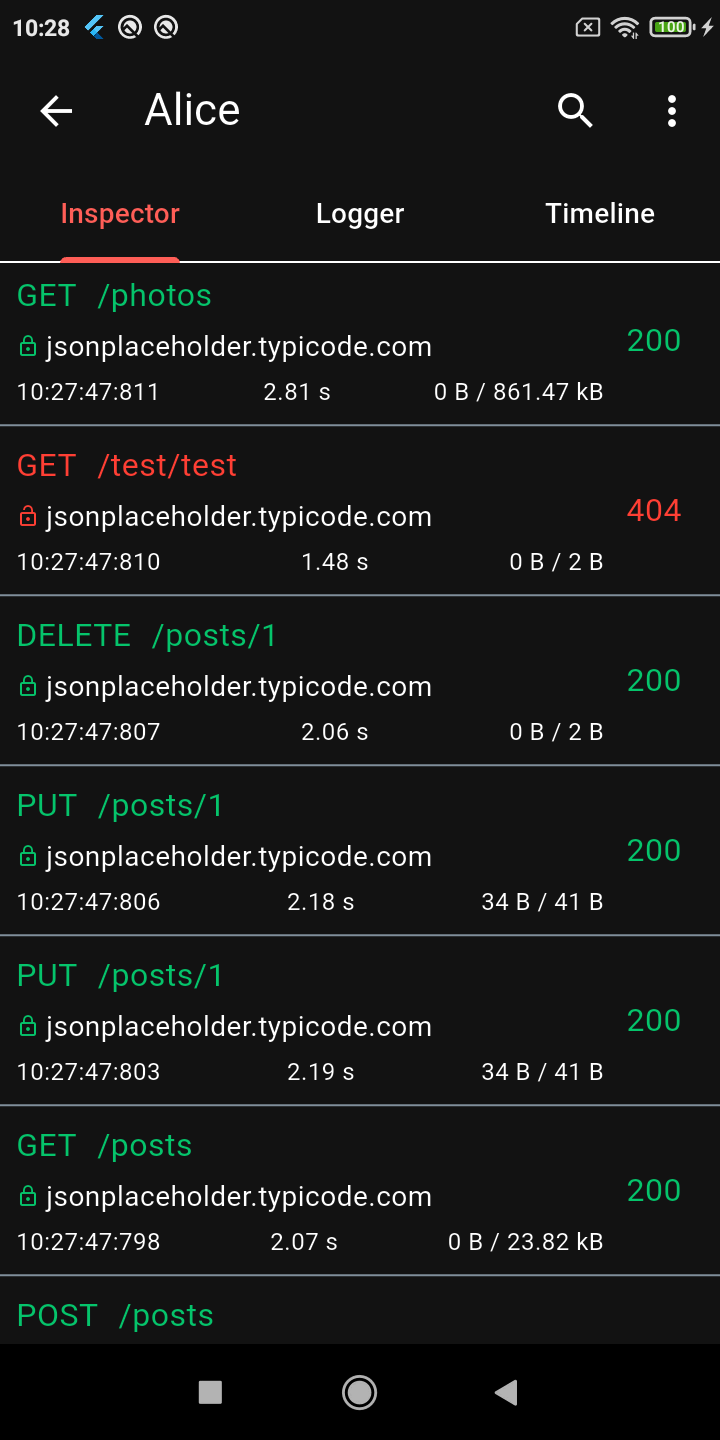
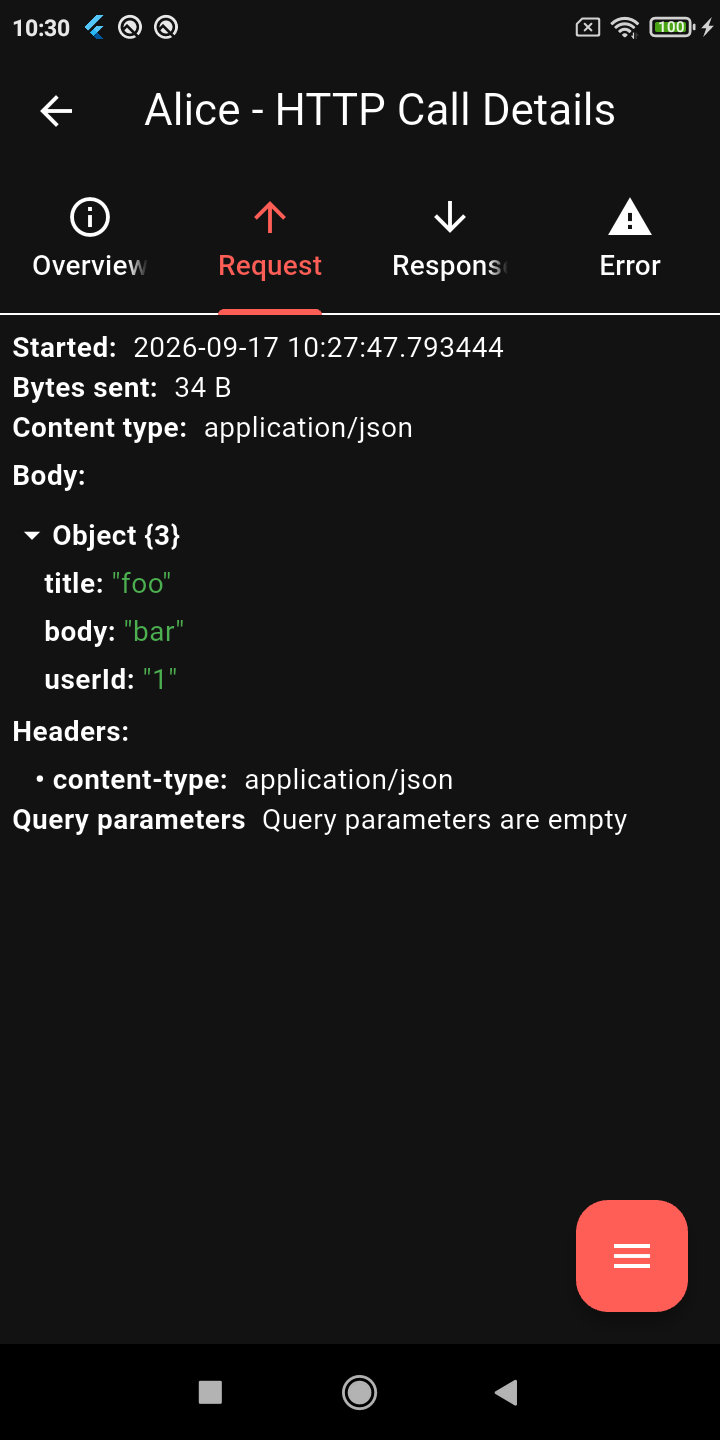
- On-device inspector: Complete logs for every HTTP request and response (headers, bodies, query params, status codes, and timing).
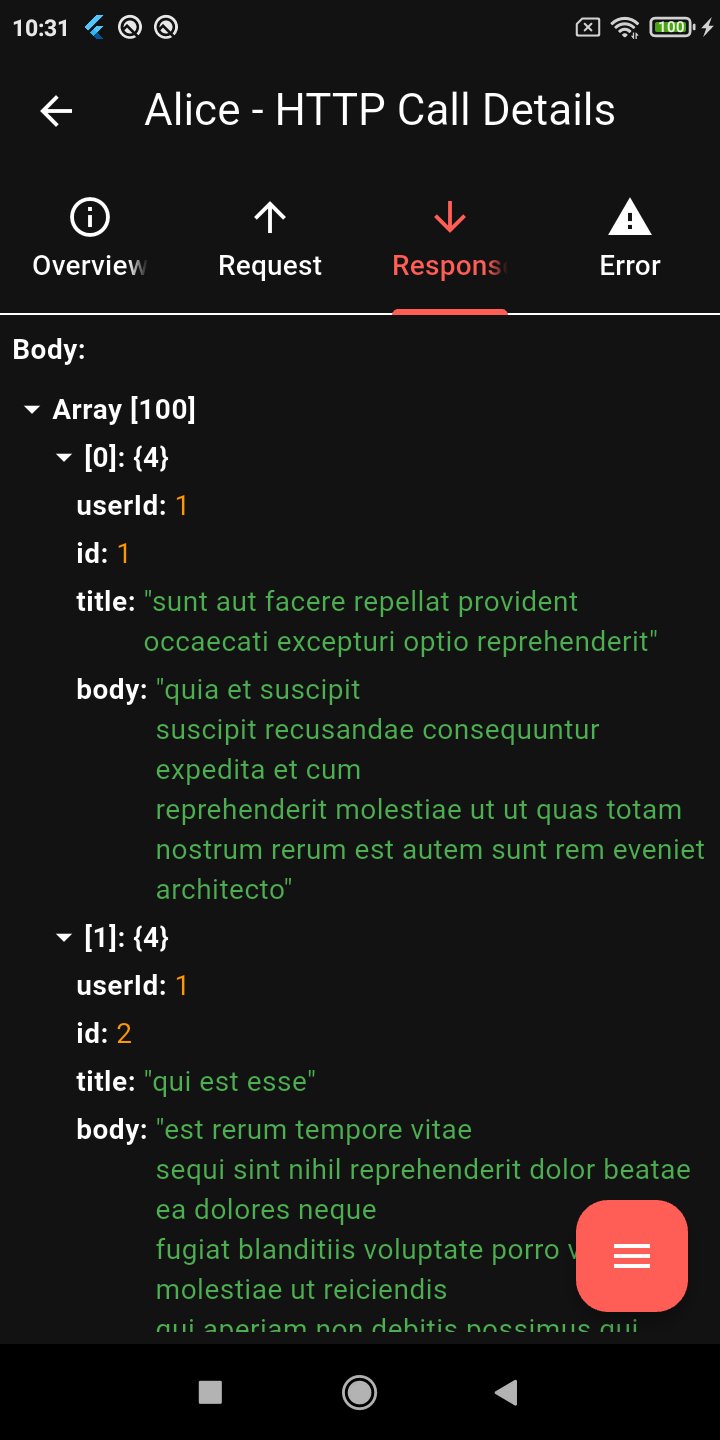
- Tree viewers: Collapsible JSON and XML viewer with node search and long-press shortcuts to copy values, JSONPath, or subtrees.
- Timeline: Gantt chart view to spot waterfall bottlenecks and slow endpoints at a glance.
- Request replay: Re-run captured HTTP calls right from the inspector.
Measured star growth
- in 24h
- 0
- in 7 days
- Update delayed
- in 15 days
- Update delayed
- in 1 month
- Update delayed
Net star changes over overlapping periods, not daily totals. Missing measurements are left blank. Stars measure attention, not software quality.
About
A comprehensive HTTP inspection tool for Flutter, featuring an intuitive UI to monitor and debug network connections.
Developer ToolsREADME.md
Original

Alice


Alice catches your app's HTTP traffic so you can debug API issues without an external proxy: headers, body, response times, the works. View and inspect everything on-device in a dedicated UI.
Inspired by Chuck and Chucker.
Screenshots
 |
 |
 |
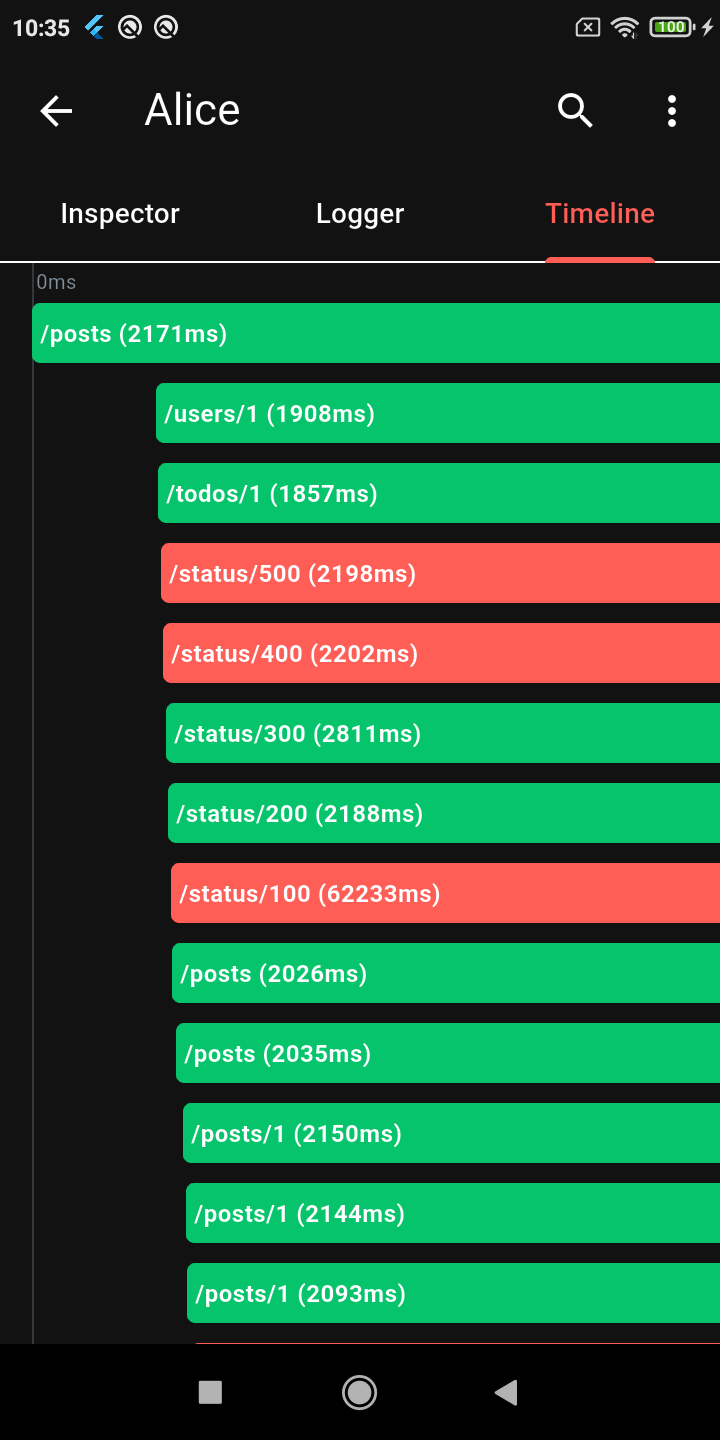 |
| Calls List | Request Details | JSON Viewer | Timeline |
 |
 |
 |
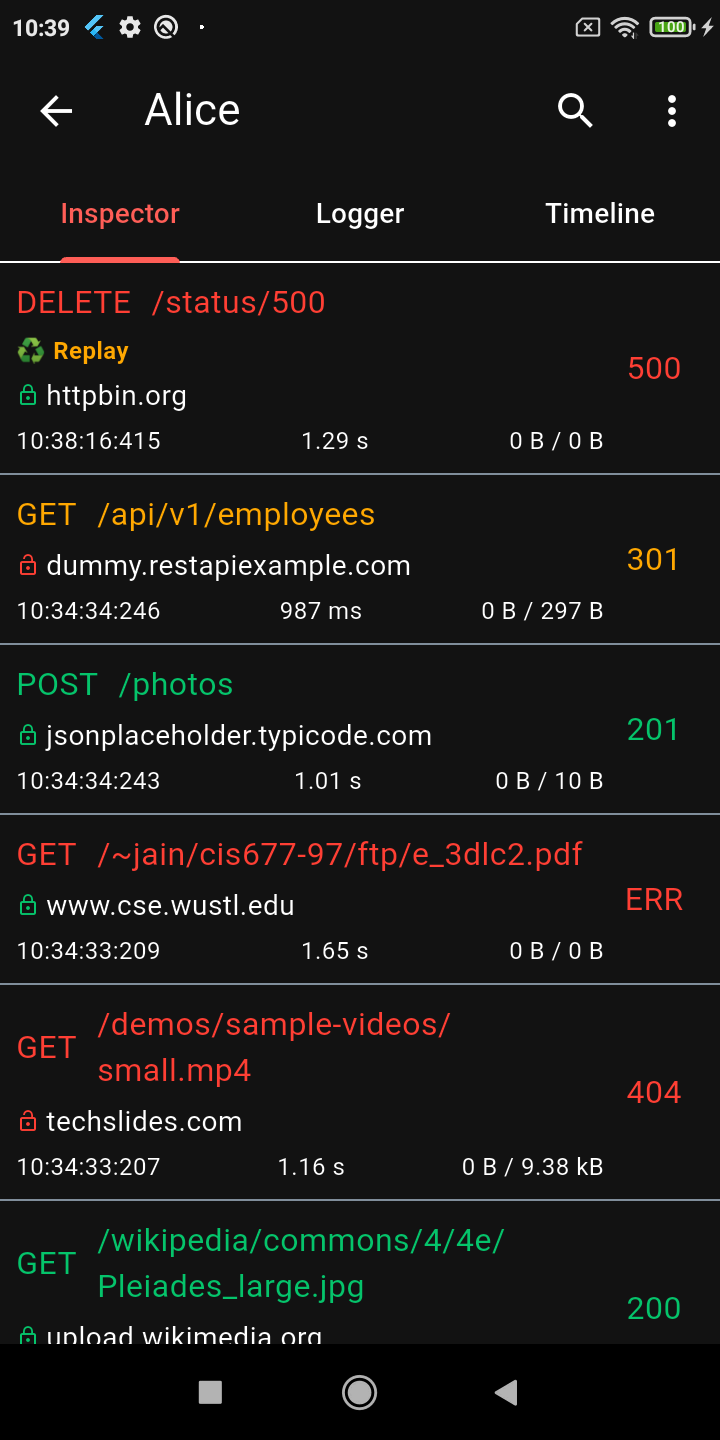 |
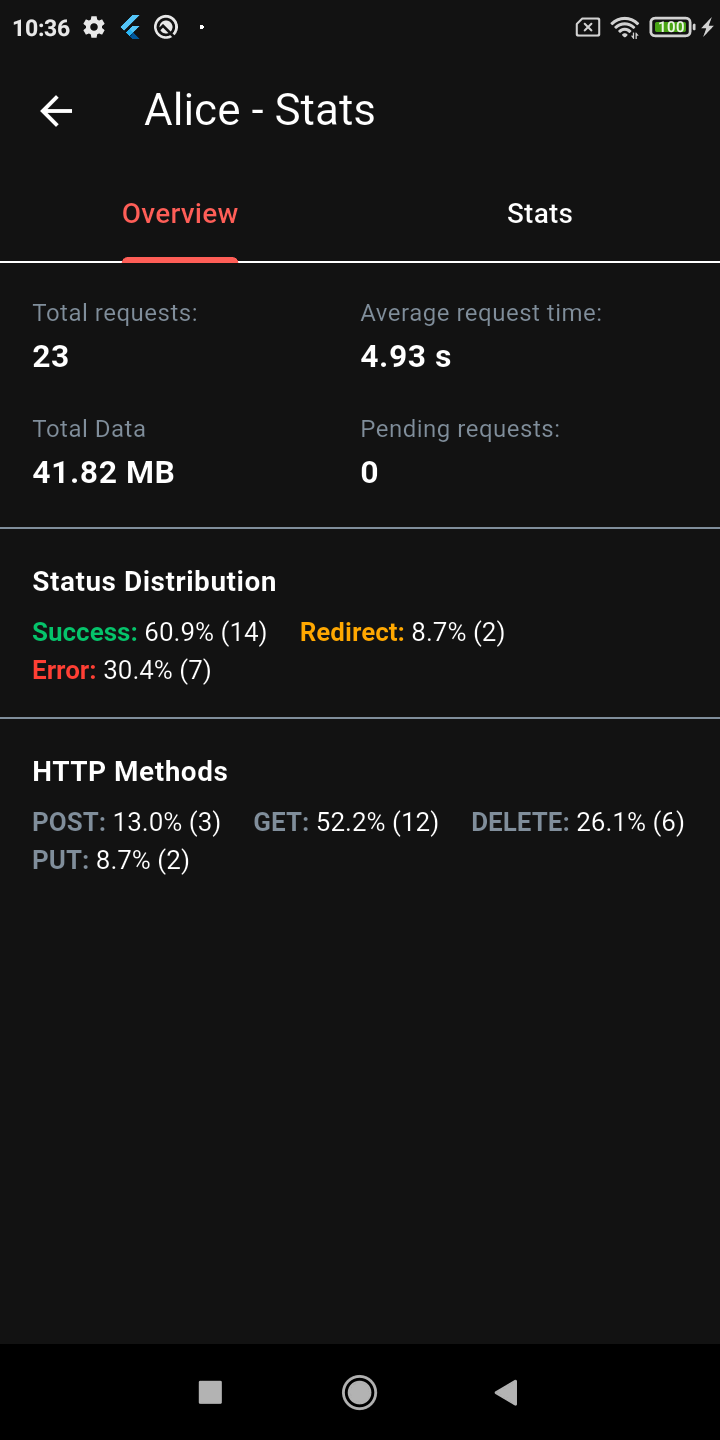
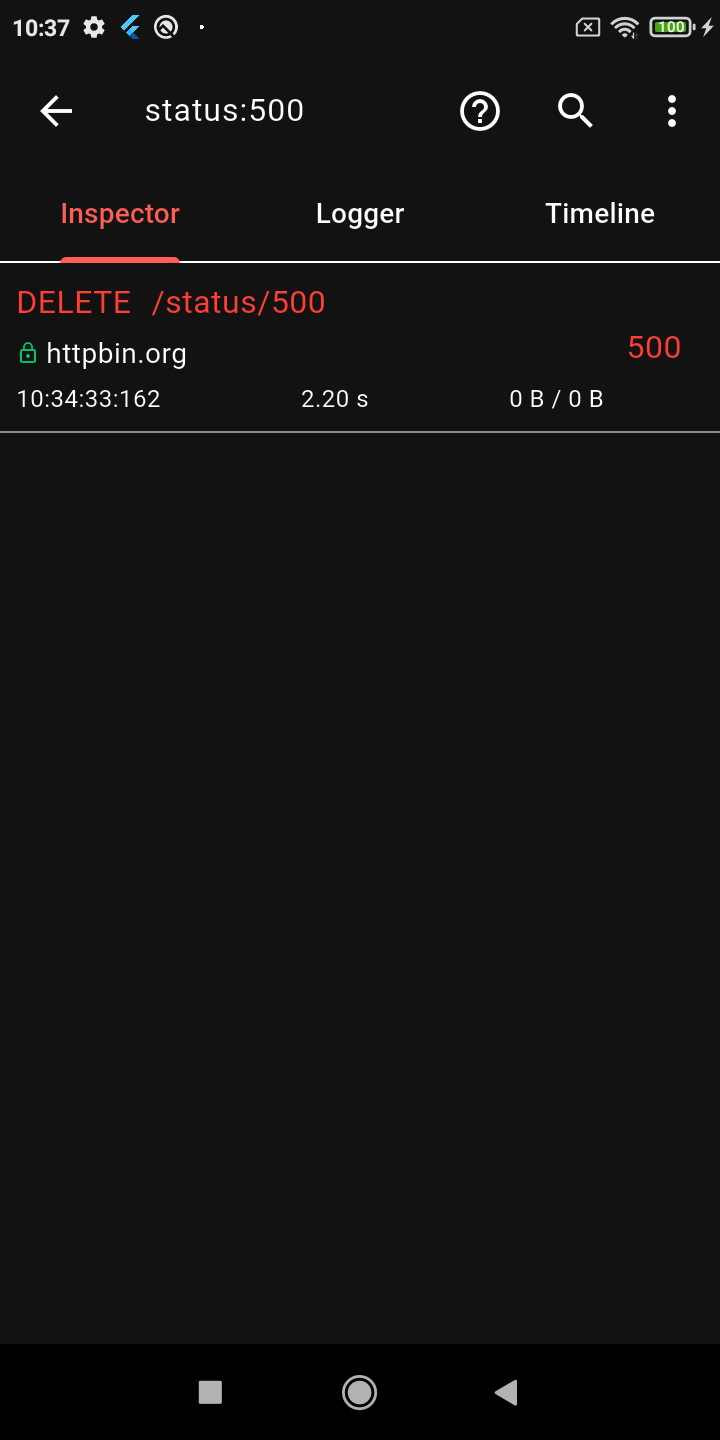
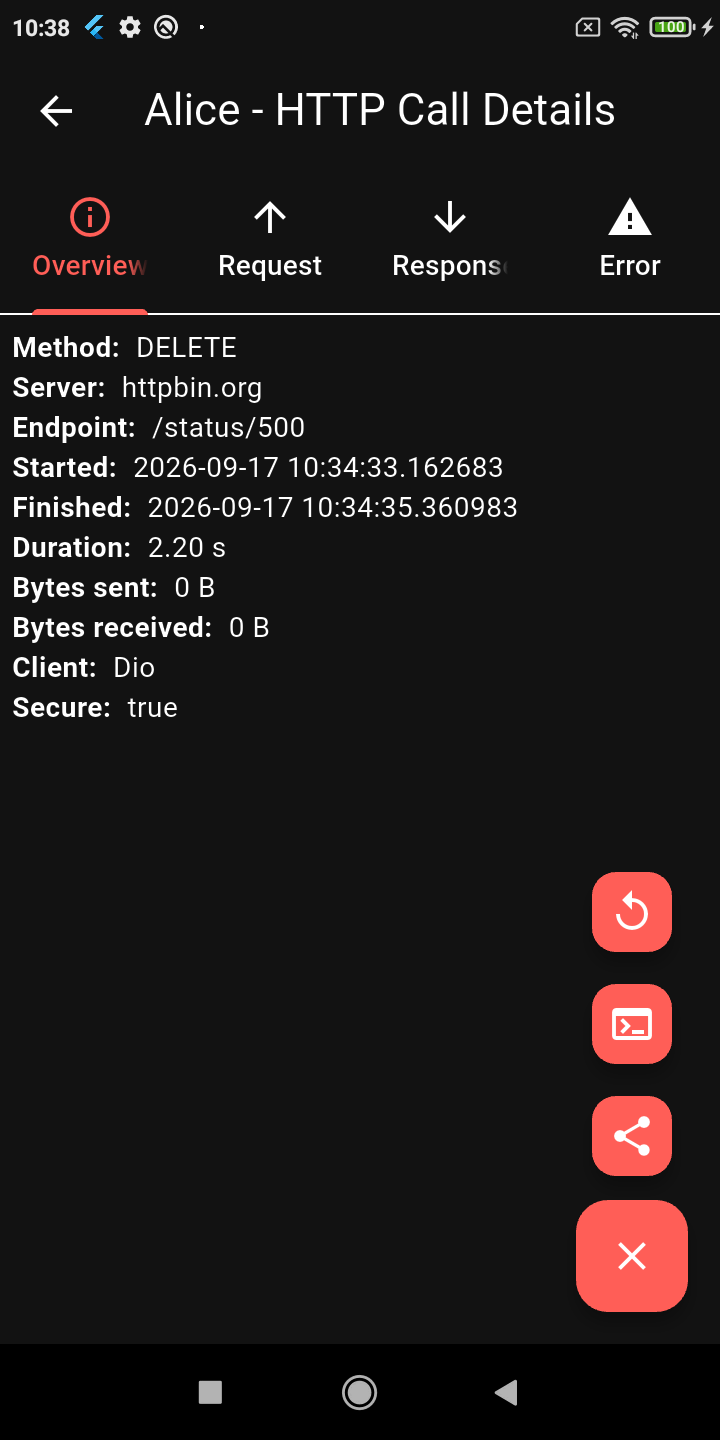
| Stats Dashboard | Advanced Search | Request Replay | Dark Mode |
Features
- On-device inspector: Complete logs for every HTTP request and response (headers, bodies, query params, status codes, and timing).
- Tree viewers: Collapsible JSON and XML viewer with node search and long-press shortcuts to copy values, JSONPath, or subtrees.
- Timeline: Gantt chart view to spot waterfall bottlenecks and slow endpoints at a glance.
- Floating overlay: Draggable in-app pill with real-time stats, in-flight spinner, and color-coded status badges.
- Request replay: Re-run captured HTTP calls right from the inspector.
- Search & filtering: Filter by method, status code, endpoint URI, query params, or headers.
- Security redaction: Strip sensitive headers, cookies, query parameters, and body fields before storage.
- Call tagging & duplicate detection: Tag calls programmatically by user flow (
alice.tag()) and spot accidental N+1 duplicate queries. - Exporting: Save logs as plain text or standard HAR files for Charles, Proxyman, or Postman.
- VM Service extensions: Query network state headlessly (
ext.alice.*) via Dart VM Service from IDEs, scripts, or AI coding agents. - Modular design: Core Alice has zero native dependencies and does not force any specific HTTP client onto your app.
Quick Start
1. Add dependencies
Add alice and the adapter matching your HTTP client to pubspec.yaml:
dependencies:
  alice: ^2.0.0
  alice_dio: ^1.4.0 # or alice_http, alice_http_client, alice_chopper, etc.
2. Initialize Alice
import 'package:alice/alice.dart';

final configuration = AliceConfiguration(
  showOverlayBubble: true,
  redactedHeaders: {'authorization', 'cookie', 'x-api-key'},
  redactedBodyKeys: {'password', 'token', 'secret'},
);

final alice = Alice(configuration: configuration);
3. Attach navigator key
Alice needs access to your app's navigation stack to display the inspector:
MaterialApp(
  navigatorKey: alice.getNavigatorKey(),
  home: const MyHomePage(),
);
4. Hook into your HTTP client
Register the adapter with Alice and attach it to your client. Here is Dio:
import 'package:alice_dio/alice_dio_adapter.dart';
import 'package:dio/dio.dart';

final aliceDioAdapter = AliceDioAdapter();
alice.addAdapter(aliceDioAdapter);

final dio = Dio()..interceptors.add(aliceDioAdapter);
Make your requests as usual. Alice logs them automatically.
Packages
Alice is split into focused packages so you only pull in dependencies your app actually uses:
| Package | Description | Pub |
|---|---|---|
alice |
Core inspector, overlay bubble, HAR export | |
alice_dio |
Adapter for Dio |  |
alice_http |
Adapter for package:http |
 |
alice_http_client |
Adapter for dart:io HttpClient |
 |
alice_chopper |
Adapter for Chopper |  |
alice_graphql_client |
Adapter for GraphQL |  |
alice_notification |
Local OS notifications on HTTP traffic |  |
alice_objectbox |
Persistent call storage via ObjectBox |  |
Overlay Bubble
Set showOverlayBubble: true in AliceConfiguration to float a draggable pill over your application:
- Status at a glance: Displays an in-flight spinner, success count (
2xx), redirect count (3xx), and error count (4xx/5xx). - Quiet until traffic: Stays hidden until your app records its first HTTP call.
- Interactive: Drag to position anywhere on screen. Tap to open the full inspector.
You can also control visibility programmatically:
alice.showOverlayBubble();
alice.hideOverlayBubble();
final isVisible = alice.isOverlayBubbleVisible;
Security Redaction
Keep tokens, cookies, and passwords out of memory, logs, exports, and screenshots:
AliceConfiguration(
  redactedHeaders: {'authorization', 'x-api-key', 'cookie'},
  redactedBodyKeys: {'password', 'token', 'secret', 'client_secret'},
  redactionReplacement: '***REDACTED***', // defaults to '[REDACTED]'
)
Redaction runs at capture time before calls are stored or rendered. Handles nested JSON objects recursively, query parameters, form fields, and x-www-form-urlencoded request bodies.
VM Service Extensions
In debug mode (kDebugMode), Alice exposes Dart VM Service RPCs so external tools can read network traffic headlessly:
| Method | Description |
|---|---|
ext.alice.getCalls |
Intercepted calls list with URI, method, duration, and status code |
ext.alice.getCallDetails |
Full request and response payload for a specific call ID |
ext.alice.getStats |
Live call totals (in-flight, success, redirect, error) |
ext.alice.openInspector |
Programmatically open the inspector UI on device |
ext.alice.clearCalls |
Flush all captured calls from memory |
Documentation
Full guides, configuration options, and adapter setups are in the documentation.
Consulting
Need a custom adapter, bespoke export format, or specialized storage backend? I am available for consulting.