
jagannatharjun/qbt-theme
jagannatharjun/qbt-theme has 2,093 GitHub stars and 153 forks. GitHot measured 0 stars in 24 hours. Last checked 2026-11-08 22:08 UTC. Last push 2024-09-12.
collection of themes for qbittorrent
Measured star growth
- in 24h
- 0
- in 7 days
- Update delayed
- in 15 days
- Update delayed
- in 1 month
- Update delayed
Net star changes over overlapping periods, not daily totals. Missing measurements are left blank. Stars measure attention, not software quality.
README.md
OriginalHow to use
- Download the
.qbthemefile of your taste. We recommend you download it in a qBittorrent Themes folder, but it is not mandatory. - Open qBittorrent, then go to Tools -> Options and click on the box next to Use custom UI Theme.
- Right below that, browse to the path where you previously downloaded the
.qbthemefile. Click Apply and then OK. - Restart qBittorrent. (Close it and then open it again).
Screenshots
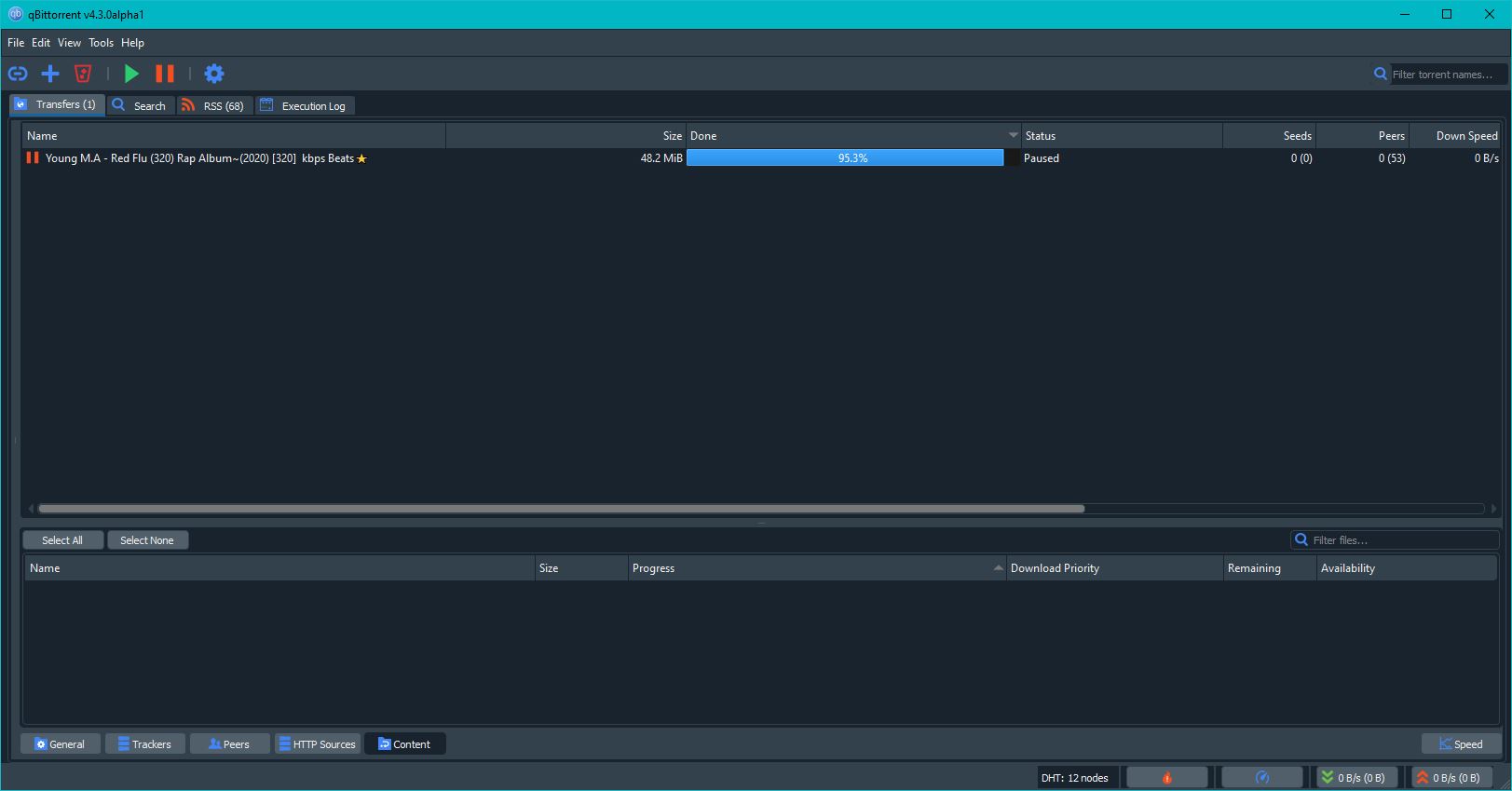
Darkstylesheet.qbtheme
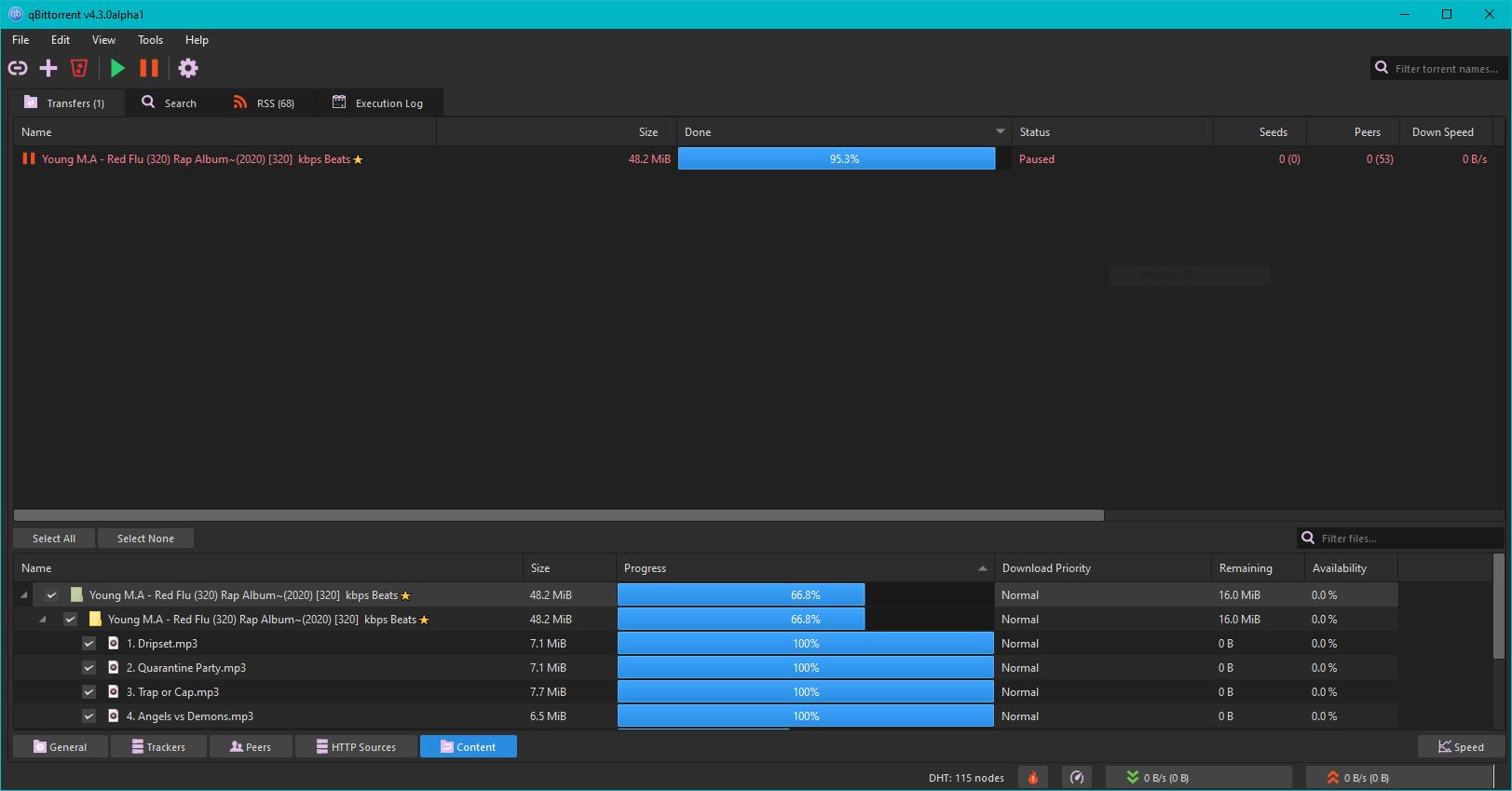
Mumble-Dark.qbtheme
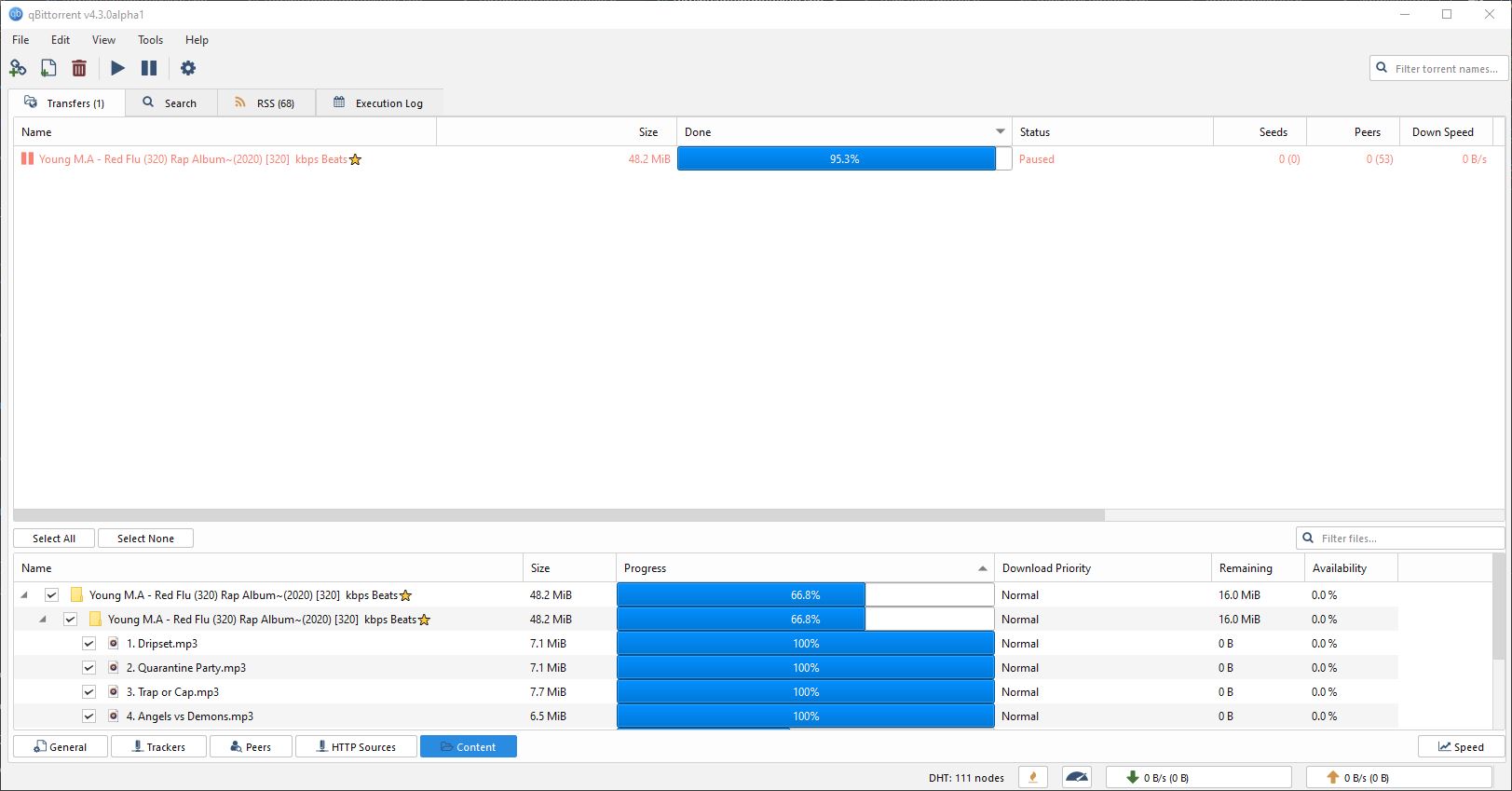
Mumble-Lite.qbtheme
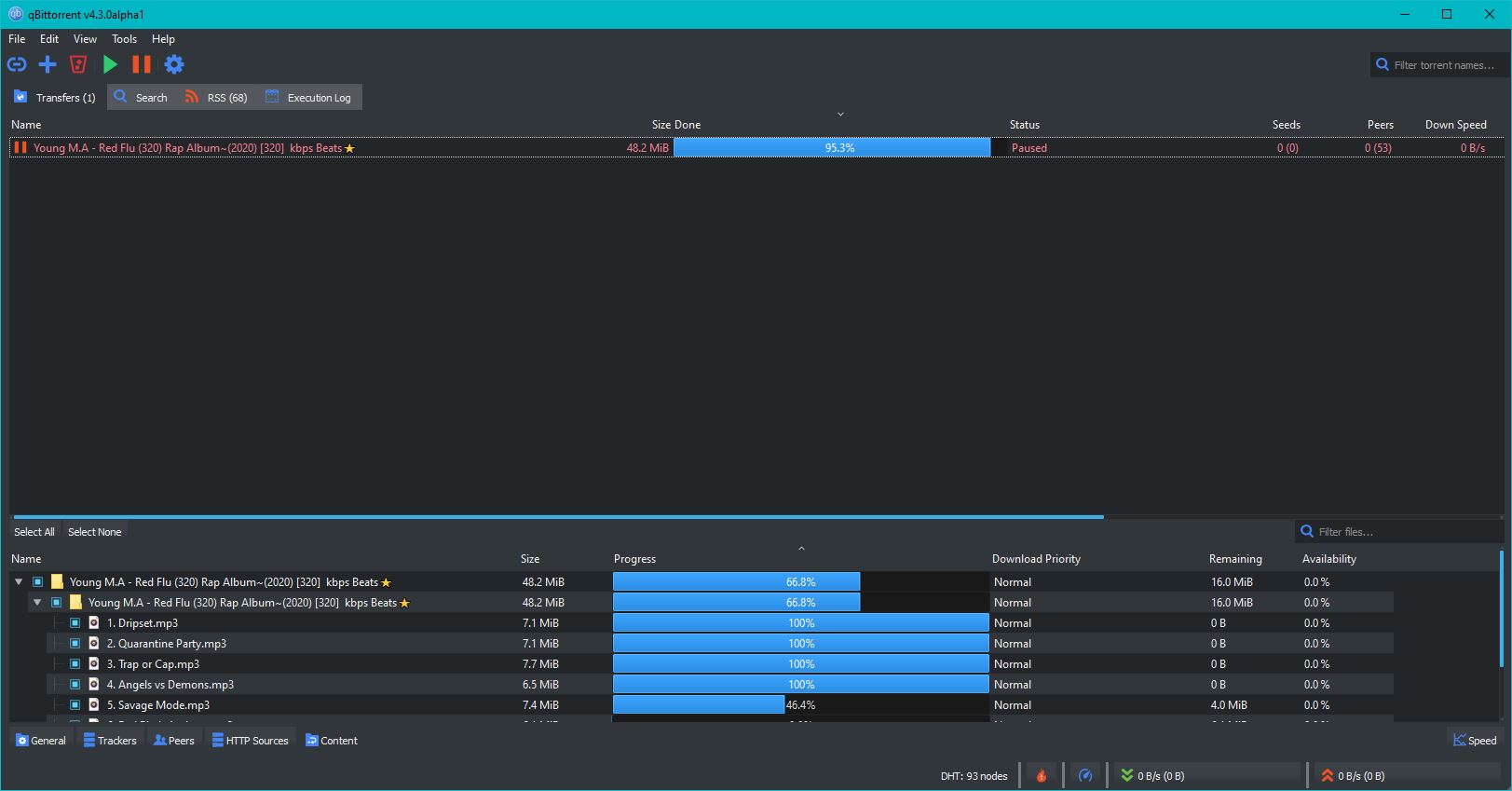
Breeze-Dark.qbtheme
This repo contains different stylesheed edited to run with qbittorrent's style system
DarkStyleSheet theme is based on https://github.com/ColinDuquesnoy/QDarkStyleSheet
Mumble themes are based on https://github.com/mumble-voip/mumble-theme
Breeze themes are based on https://github.com/Alexhuszagh/BreezeStyleSheets
Icons used in dark themes are from nowshed-imran. They are meant to be icons for next qbittorrent major release (https://github.com/qbittorrent/qBittorrent/pull/12965). Do give your opinions on the thread :)
How to create your own theme file?
This repo also contains different tool to create your own qbittorrent theme files.
You can check the source of above style in Builds folder
Explore related projects
codecrafters-io/build-your-own-x
Master programming by recreating your favorite technologies from scratch.
561,221 starspublic-apis/public-apis
A collective list of free APIs
497,445 starsmorluto/rea
Reverse engineer anything with agents, from app behavior down to native binaries.
445,457 starsopenclaw/openclaw
The AI that really does things. Any OS. Any Platform. The lobster way. 🦞
394,227 stars