
ishtms/OpenPocketBaseSDK
ishtms/OpenPocketBaseSDK has 56 GitHub stars and 5 forks. GitHot measured 0 stars in 24 hours and -3 in 7 days. Last checked 2026-11-15 07:09 UTC. Last push 2026-11-05.
Measured star growth
- in 24h
- 0
- in 7 days
- -3
- in 15 days
- Collecting history
- in 1 month
- Collecting history
Net star changes over overlapping periods, not daily totals. Missing measurements are left blank. Stars measure attention, not software quality.
About
PocketBase SDK for Unreal Engine with Blueprint and C++ APIs for records, authentication, files, realtime, batch operations, and admin tooling.
Self-hostedREADME.md
OriginalOpenPocketBase SDK
[!TIP] You might also like my other Open Source UE5 plugins - GlooPrint and PocketBase SDK for Unreal Engine 5
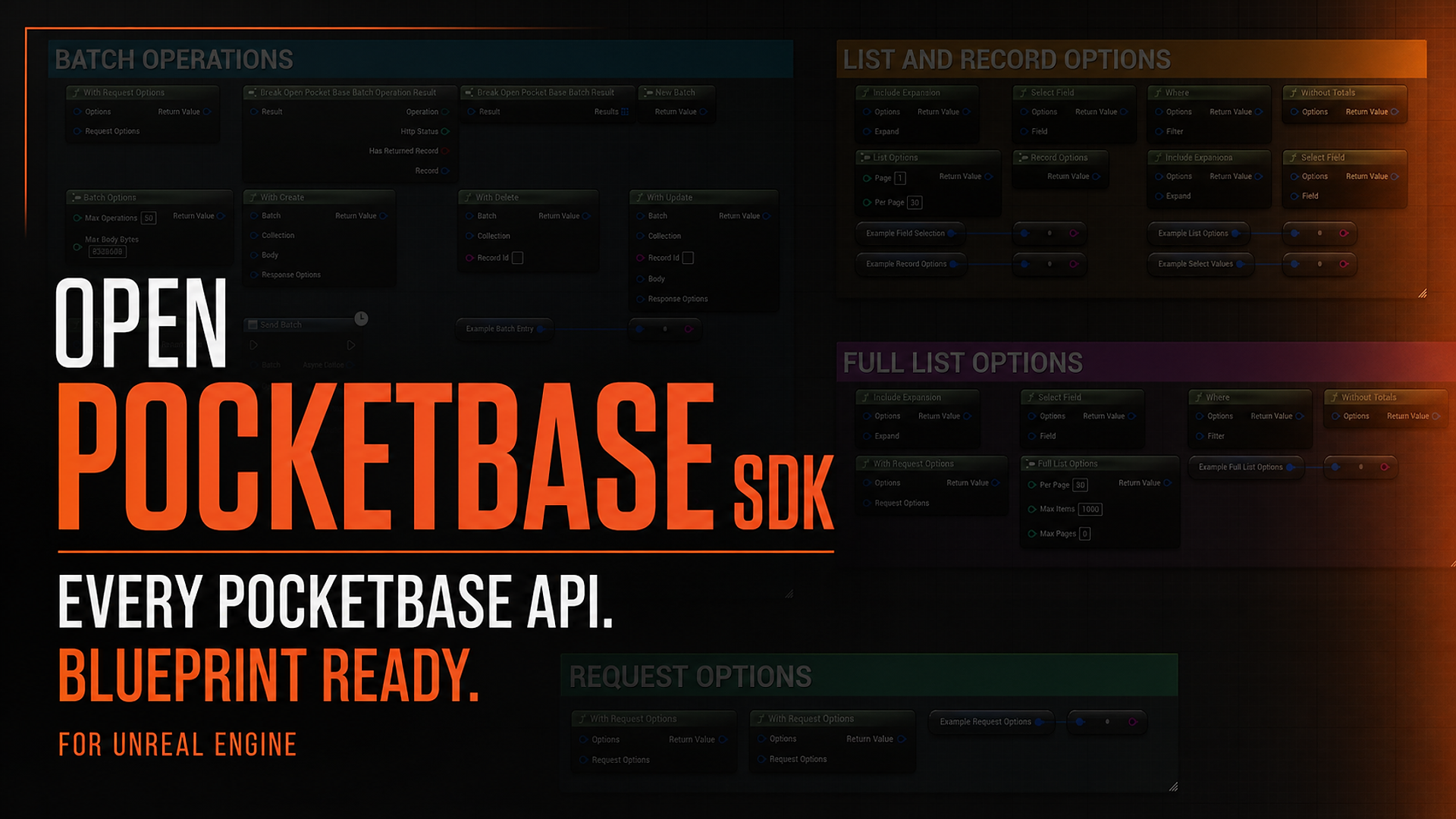
PocketBase for Unreal Engine, built to feel native in both Blueprint and C++. Visit the Website for tutorial, references and documentation.




Why I built this
OpenPocketBase SDK started as a personal project.
I was using PocketBase in my own Unreal Engine projects and wanted the backend experience to feel as natural as the rest of Unreal. PocketBase itself was wonderfully simple, but there was no Unreal integration that gave me the Blueprint workflow, native types, request lifecycle, authentication, files, and realtime support I wanted.
So I built one for myself.
After using it privately and continuing to expand it, I decided to open-source it. PocketBase is an excellent fit for indie games, prototypes, multiplayer services, player accounts, live data, internal tools, and small teams. Unreal developers should be able to use it without first building and maintaining an entire networking SDK.
That is the goal of OpenPocketBase SDK: make PocketBase ridiculously easy to use from Unreal Engine.
Seriously, it is easy
Everything normally needed by gameplay code is exposed to Blueprint.
You can:
- Initialize PocketBase.
- Pick a collection from a schema-aware dropdown.
- Call List Records, Create Record, Log In with Password, Download File, or Subscribe to Records.
- Handle the clear Success, Failed, and Cancelled execution paths.
That is it.
No hand-written HTTP requests. No rebuilding PocketBase URLs. No manual JSON parsing for every call. No custom multipart implementation. No homemade auth-token manager. No SSE parser hidden in a random Actor.
The SDK handles the unglamorous parts and gives you Unreal-friendly values, focused async nodes, safe errors, and predictable lifecycles.
Event Init
  -> Initialize PocketBase from Project Settings
       Succeeded
         -> Use Collection
              -> List Records
                   Success   -> use the returned records
                   Failed    -> inspect the structured error
                   Cancelled -> stop the loading state
The collection and field pickers understand an imported PocketBase schema, so Blueprints can use stable typed references instead of scattering collection and field name strings throughout a project.
What is included
Records and queries
- Create, read, update, and delete records
- Typed record-body builders
- Schema-backed collection and field references
- Filters, sorting, projections, and relation expansion
- Page-based lists and bounded full-list traversal
- Safe field reads that distinguish missing, null, wrong-type, and present values
- Transactional create, update, upsert, and delete batches
Authentication
- Password and one-time password login
- MFA continuation
- Manual OAuth2 with PKCE and state validation
- Assisted OAuth policy and capability gates
- Password reset, email verification, and email change
- Linked external authentication providers
- Session events, refresh coordination, and logout
- Optional secure session persistence on supported platforms
Files
- Multipart record creation and updates
- Disk and in-memory upload sources
- Public file URLs and thumbnail options
- Short-lived protected-file tokens
- Bounded memory downloads
- Atomic disk downloads
- Upload and download progress
- Cancellation and temporary-file cleanup
Realtime
- PocketBase SSE subscriptions
- Whole-collection and individual-record subscriptions
- Typed create, update, and delete events
- Connection-state changes
- Reconnect handling
- Explicit resync signals after a possible event gap
- Clean subscription ownership and teardown
Custom routes
- GET, POST, PUT, PATCH, and DELETE
- JSON, form, multipart, raw, and binary bodies
- Optional authenticated requests
- Bounded request and response sizes
- Parsed object, array, and scalar JSON responses
Developer and admin tools
A separate development-only module provides trusted PocketBase operations for:
- collections
- settings
- logs
- backups
- cron jobs
- bounded SQL
- temporary user impersonation
The admin module is excluded from Shipping by default. It is intended for trusted tools and controlled server or operator workflows, not distributed game clients.
What is still under development
The useful core is here, but I am not going to pretend every platform and every optional feature is finished.
I am currently working on:
- application-scoped Apple Keychain sessions with a safe migration path for existing users
- secure session persistence for Windows, Android, and Linux
- stronger realtime recovery when a client falls behind or its local event queue overflows
- clearer backup restore and saved-file lifecycle handling in the development-only admin tools
- broader packaged-game validation across the platforms Unreal supports
- a future optional offline outbox for projects that need queued mutations
The offline work is not a hidden feature that merely needs enabling. There is no public offline queue, local database, or transparent cache in version 0.1.2. The module currently reserves a clean extension point while I work out an API that stays simple and does not make dangerous promises about conflict resolution.
I would rather label unfinished work honestly than put it in a feature list early. Release notes will document these improvements as they become available.
Blueprint-first, not Blueprint-limited
The public gameplay workflow is available through focused Blueprint nodes:
- Initialize PocketBase from Project Settings
- Get PocketBase Client
- Use Collection
- Get Record
- List Records
- Create Record
- Update Record
- Delete Record
- Log In with Password
- Refresh Session
- Restore Session
- Create Record with Files
- Download File
- Subscribe to Records
- Send Batch
- Send Custom Route
Request structs have guided Make and Break nodes. Builder nodes are pure and composable. SDK values have readable Blueprint string conversions for development, while credential-bearing values remain redacted.
C++ projects use the same underlying client and the same request, error, record, authentication, file, and realtime types. Blueprint is not a reduced wrapper around a separate native product.
Install
Place the repository in the project's Plugins directory:
YourProject/
├── YourProject.uproject
└── Plugins/
    └── OpenPocketBaseSDK/
        └── OpenPocketBaseSDK.uplugin
Clone it directly:
git clone https://github.com/ishtms/OpenPocketBaseSDK.git .\Plugins\OpenPocketBaseSDK
Or add it as a submodule:
git submodule add https://github.com/ishtms/OpenPocketBaseSDK.git Plugins/OpenPocketBaseSDK
git submodule update --init --recursive
Then enable Open PocketBase SDK under Edit > Plugins > Online and restart Unreal Editor when requested.
Blueprint-only projects are ready at this point.
For a C++ game module, add:
PublicDependencyModuleNames.Add("OpenPocketBaseSDK");
Your first Blueprint request
1. Add a project profile
Open:
Edit > Project Settings > Plugins > Open PocketBase SDK
Create a profile such as:
| Setting | Example |
|---|---|
| Name | Local |
| Base URL | http://127.0.0.1:8090 |
| Schema | Your imported PocketBase schema asset |
| Session Persistence | Memory Only |
Set it as the default profile. Use a trusted HTTPS origin for a deployed game.
2. Initialize PocketBase
Add Initialize PocketBase from Project Settings to the Game Instance Init event.
The client is owned by the Game Instance and can be retrieved from other Blueprints with Get PocketBase Client. It survives map changes and shuts down with the Game Instance.
3. Use a collection
Drag from the returned client and add Use Collection.
If a schema asset is assigned to the profile, the node displays a searchable collection picker. Connect the result to a record or authentication node and the picker automatically limits itself to compatible collection types.
4. Make the request
Add a focused async node such as List Records.
Every request terminates once through Success, Failed, or Cancelled. The failure output provides a structured error with kind, HTTP status, code, message, field errors, retry hint, and request ID.
Import a PocketBase schema
Export or retrieve your PocketBase collections as JSON, then drag the file into the Unreal Content Browser. The editor imports it as an OpenPocketBaseSchema asset.
Assign that asset to a project profile to enable:
- collection and field dropdowns
- stable PocketBase IDs
- context-aware operation compatibility
- stale-reference validation
- schema refresh and change diagnostics
- generated typed C++ accessors
Dynamic collection and field APIs remain available for genuinely runtime-defined schemas, but schema-backed references are the recommended default.
A tiny C++ example
#include "OpenPocketBaseClient.h"

FOpenPocketBaseClientConfig Config;
Config.BaseUrl = TEXT("http://127.0.0.1:8090");

FOpenPocketBaseClientResult Created = FOpenPocketBaseClient::Create(Config);
if (!Created.IsSuccess())
{
    UE_LOG(LogTemp, Error, TEXT("%s"), *Created.GetError().Message);
    return;
}

PocketBase = Created.TakeValue();
PocketBase->Health(
    [](TOpenPocketBaseResult<FOpenPocketBaseHealthResult>&& Result)
    {
        UE_LOG(LogTemp, Log, TEXT("Healthy: %s"),
            Result.IsSuccess() ? TEXT("yes") : TEXT("no"));
    });
Retain the client on the object that owns backend access:
TSharedPtr<FOpenPocketBaseClient, ESPMode::ThreadSafe> PocketBase;
Designed for real projects
Ease of use does not mean hiding important failure states.
The SDK includes:
- local validation before dispatch
- cancellation with exactly one terminal result
- total and activity timeouts
- bounded response sizes
- bounded retries for eligible reads
- no automatic replay of ambiguous mutations
- request replacement keys for stale UI queries
- safe game-thread completion and progress
- ordered auth-session generations
- explicit client and subscription shutdown
- capability checks for platform-dependent features
- sanitized errors and Blueprint debug strings
It also avoids silently falling back to insecure behavior. If secure persistence is required but unavailable, client creation fails instead of writing an auth token to plaintext storage.
Current compatibility
| Component | Current target |
|---|---|
| SDK | 0.1.2 |
| PocketBase | v0.39.11 |
| Unreal test host | Unreal Engine 5.8 |
| License | MIT |
PocketBase is still pre-1.0. This SDK deliberately pins a tested PocketBase version rather than claiming that every future server release is automatically compatible.
Platform support and limitations
The SDK uses Unreal's bundled libcurl directly on Win64 and Mac. Redirects are disabled before sending a request, including requests with credentials or uploaded files. Configure the final PocketBase URL; redirect responses are returned as errors. The transport keeps Unreal's allowed-domain policy, default headers, proxy settings, trusted certificates, and certificate pinning.
The transport has changed since the previous packaged checks. Native Windows transport tests cover redirects, uploads, streaming, cancellation, timeouts, and concurrent requests. UE 5.8 compilation and packaged validation of the new transport are still pending on both supported targets. Windows builds using XCurl need to use libcurl instead.
| Target | Current validation | Realtime subscriptions | Secure session persistence | Assisted OAuth browser |
|---|---|---|---|---|
| Windows x64 | Native transport tests pass; UE 5.8 build and packaging pending after the transport change | Implemented; packaged validation pending | Not implemented; use Memory Only | Not implemented; use the manual OAuth flow |
| macOS ARM64 | UE 5.8 build and packaging pending after the transport change | Implemented; packaged validation pending | Apple Keychain previously validated in a packaged build | Browser bridge implemented; complete packaged flow is not yet validated, so use manual OAuth when validation is required |
| iOS | Outside the plugin's current platform allowlist; transport port and device validation needed | Not yet claimed | Keychain implementation present, but packaged validation is pending | Not implemented; use the manual OAuth flow |
| Android | Outside the plugin's current platform allowlist; transport port and device validation needed | Not yet claimed | Not implemented; use Memory Only | Not implemented; use the manual OAuth flow |
| Linux | Outside the plugin's current platform allowlist; transport build and packaged validation needed | Not yet claimed | Not implemented; use Memory Only | Not implemented; use the manual OAuth flow |
"Not yet claimed" does not mean a target is known to be broken. It means that the current release does not advertise that capability without packaged evidence. On targets without an assisted browser bridge, the manual OAuth API still provides the authorization URL and callback flow for integration with a platform-appropriate browser or UI. If a project requires secure persistence and the target has no secure-store implementation, client creation fails explicitly instead of saving credentials as plaintext.
Packaged checks before the transport replacement covered:
- incremental HTTP streaming on Mac ARM64 and Windows x64
- full realtime-manager validation on Mac ARM64
- Apple Keychain secure persistence on packaged Mac ARM64
Those checks used Unreal's HTTP transport and do not establish packaged support for the replacement.
iOS Keychain support is implemented but still needs packaged validation. Windows, Android, and Linux secure session stores are not currently implemented and do not fall back to plaintext.
The exact compatibility contract lives in Config/OpenPocketBaseCompatibility.json.
Repository layout
| Path | Purpose |
|---|---|
| Source/OpenPocketBaseSDK | Core runtime and Blueprint API |
| Source/OpenPocketBaseSDKEditor | Schema import, pickers, validation, and editor support |
| Source/OpenPocketBaseSDKAdmin | Development-only privileged API |
| Source/OpenPocketBaseSDKOffline | Reserved optional offline module boundary |
| Source/OpenPocketBaseSDKTests | Unreal automation tests |
| Tests/Integration | Pinned PocketBase fixture and integration coverage |
| Tests/Packaging | Packaged platform probes |
| Website | Longer guide and API-reference website source |
The offline module currently reserves a future extension boundary. Version 0.1.2 does not expose a public offline outbox, local database, or transparent cache.
Testing
The repository includes automation coverage for:
- client configuration and lifecycle
- records, filters, pagination, and batches
- authentication and session coordination
- files and multipart streaming
- realtime parsing and reconnection
- schema import and Blueprint compilation
- custom routes
- admin policies and operations
- the pinned PocketBase v0.39.11 server
- packaged Mac ARM64 and Win64 behavior
The integration and packaging scripts are under Tests.
Contributing
Issues, focused pull requests, platform validation results, Blueprint usability feedback, and real-world PocketBase workflows are welcome.
If a node feels harder than making the same request should feel, that is a usability bug. The SDK should remain safe without becoming annoying to use.
License
OpenPocketBase SDK is available under the MIT License.
PocketBase and Unreal Engine are trademarks of their respective owners.
OpenPocketBase SDK is an independent community project and is not affiliated with, endorsed by, or maintained by PocketBase.