Projects View on GitHub
h8gi/canvas
h8gi/canvas has 33 GitHub stars and 2 forks. GitHot measured 0 stars in 24 hours. Last checked 2026-11-15 23:42 UTC. Last push 2026-09-09.
What you can do
- Simple & Intuitive: Start animating with familiar Setup and Draw callbacks—no window or loop boilerplate.
- Rich 2D Vector Drawing: Full 2D vector graphics (shapes, paths, text, images, colors, and transformations) powered by gg.
- Interactive: Built-in mouse and keyboard handling for interactive sketches, simulations, and creative coding.
- Easy Recording & Export: Built-in automated animated GIF recording (RecordGIF) and sequential PNG frame capture (SaveFrameSeq).
Measured star growth
- in 24h
- 0
- in 7 days
- Collecting history
- in 15 days
- Collecting history
- in 1 month
- Collecting history
Net star changes over overlapping periods, not daily totals. Missing measurements are left blank. Stars measure attention, not software quality.
About
A lightweight, Processing-like 2D animation and creative coding library for Go
Creative & MediaREADME.md
OriginalCanvas


canvas is a lightweight, Processing-like 2D animation and creative coding library for Go.
It combines the power and simplicity of fogleman/gg (2D vector drawing) with gopxl/pixel for window management and real-time graphics rendering.
Features
- Simple & Intuitive: Start animating with familiar
SetupandDrawcallbacks—no window or loop boilerplate. - Rich 2D Vector Drawing: Full 2D vector graphics (shapes, paths, text, images, colors, and transformations) powered by
gg. - Interactive: Built-in mouse and keyboard handling for interactive sketches, simulations, and creative coding.
- Easy Recording & Export: Built-in automated animated GIF recording (
RecordGIF) and sequential PNG frame capture (SaveFrameSeq).
Installation
go get github.com/h8gi/canvas
Quick Start
package main

import (
	"github.com/h8gi/canvas"
	"golang.org/x/image/colornames"
)

func main() {
	c := canvas.NewCanvas(&canvas.CanvasConfig{
		Width:     640,
		Height:    400,
		FrameRate: 60,
		Title:     "Hello Canvas!",
	})

	c.Setup(func(ctx *canvas.Context) {
		ctx.Background(colornames.White)
		ctx.SetColor(colornames.Green)
		ctx.SetLineWidth(5)
	})

	c.Draw(func(ctx *canvas.Context) {
		ctx.Push()
		if ctx.IsMouseDragged {
			ctx.SetColor(colornames.Red)
		}
		ctx.DrawLine(ctx.Mouse.X, ctx.Mouse.Y, ctx.PMouse.X, ctx.PMouse.Y)
		ctx.Stroke()
		ctx.Pop()

		if ctx.IsKeyPressed(canvas.KeyUp) {
			ctx.Background(colornames.White)
		}
	})
}
Showcase
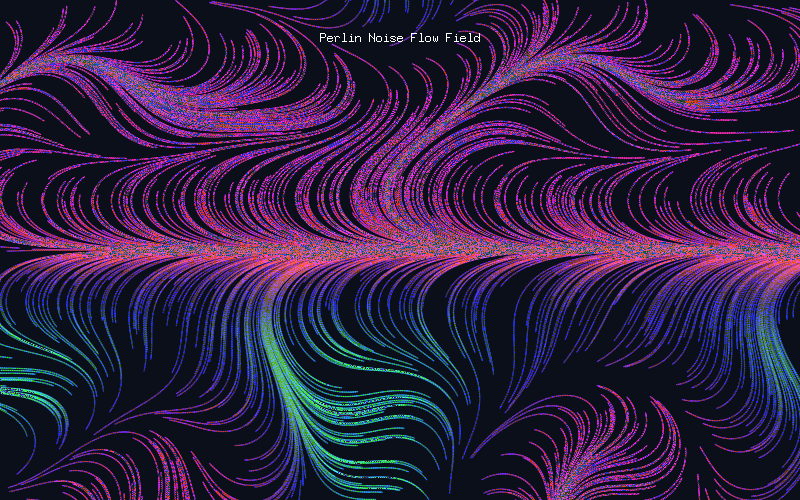
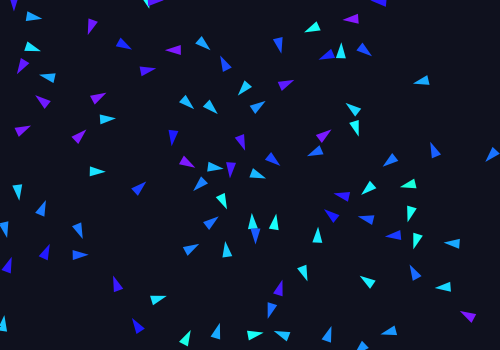
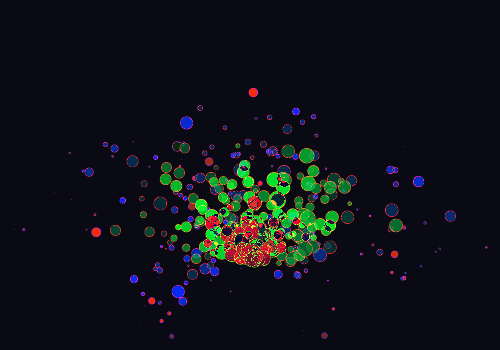
| Perlin Flow Field | Boids Flocking | Particle Fountain |
|---|---|---|
 |
 |
 |
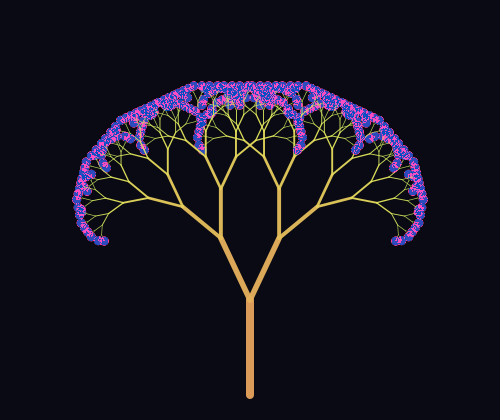
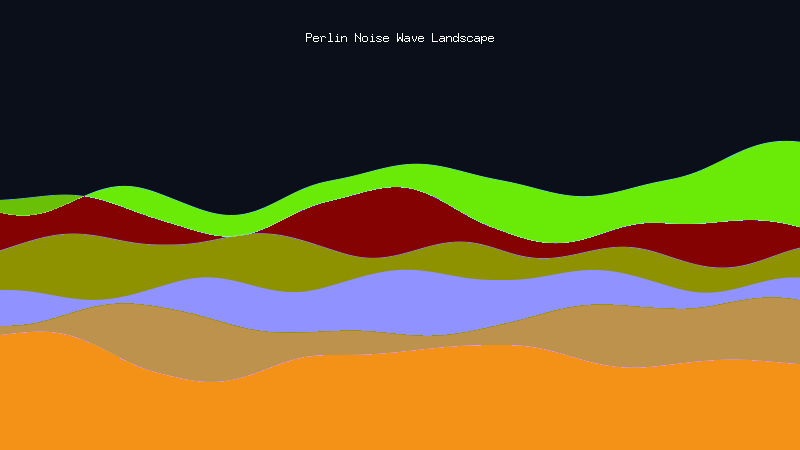
| Fractal Tree | Noise Landscape | Generative Grid |
 |
 |
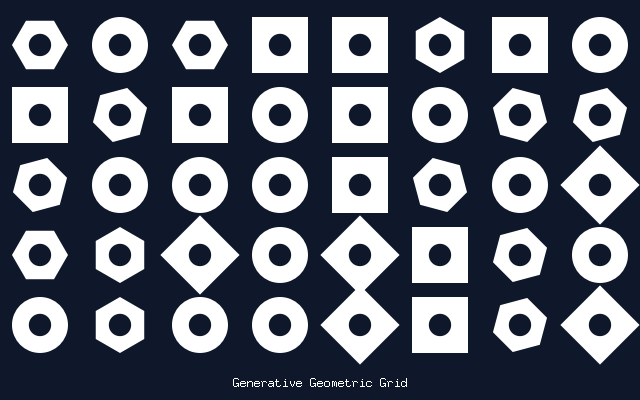 |
Explore all complete, runnable programs in the examples directory.
Built With
License
MIT License © 2019-2026 Hiroki Yagi (h8gi)