
gvergnaud/bise has 51 GitHub stars and 9 forks. GitHot measured +1 stars in 24 hours and +3 in 7 days. Last checked 2026-11-10 19:23 UTC. Last push 2026-11-05.
a multi-agent harness, made for humans :* meet your team lead. you stay in flow, i run the agents.
Measured star growth
- in 24h
- +1
- in 7 days
- +3
- in 15 days
- Update delayed
- in 1 month
- Update delayed
Net star changes over overlapping periods, not daily totals. Missing measurements are left blank. Stars measure attention, not software quality.
README.md
Original
bise /beez/ · french, n.
1. a quick kiss on the cheek :*
2. a brisk north wind
3. a team lead for your coding agents, in a Mac app or in your terminal
bise.dev · install · docs · how it's built · features
bise runs several coding agents for you behind one lead agent.
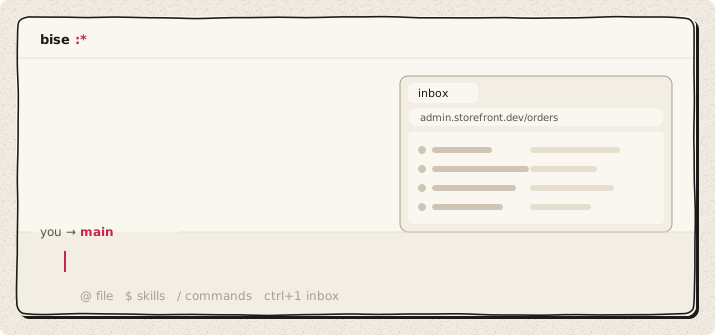
you talk to one agent, the lead (main). it splits what you ask into tasks, does the small ones itself, and starts an agent per task when one is needed. the agents work in parallel, tell each other before they touch the same files, and get their own git worktree when they need a separate copy. what needs your decision (an approval, a choice between options, a review) waits in an inbox; the rest doesn't interrupt you.
one lead, one agent per task, one inbox. there is no workflow to configure.
two front ends, one engine
| bise desktop | bise terminal | |
|---|---|---|
| what | a macOS app: every project in one window, an inbox, notifications, hold fn to talk from any app | a terminal UI: one thread per repo, keyboard first, works over SSH |
| runs on | macOS 14 or later, Apple silicon | macOS (Apple silicon and Intel), Linux x86_64 and arm64 (glibc 2.34+) |
| install | download on bise.dev | curl -fsSL bise.dev/install | sh |
both are clients of the same local hub: the same projects, agents, threads, keys and settings. you can use one, or both at once on the same repo. voice and computer use are macOS only.
install
bise desktop: download it on bise.dev, drag it to Applications, open it. it updates itself.
bise terminal:
curl -fsSL bise.dev/install | sh
cd ~/your-repo
bise
the first run asks for a theme and a model. bise doctor checks the install, your keys and the running hubs. Linux: see install for the supported distributions; NixOS: the flake.
coming from Claude Code or Codex? paste this into it:
read https://bise.dev/setup.md and set bise up for me
it installs bise and brings over your API key, your model, your CLAUDE.md, your skills and your MCP servers. it shows you one plan and waits for your yes; it never prints a key.
models and plans
bise is free and open source. you pay for the models, with a key or a plan you already have:
- API keys: Anthropic, OpenAI, Google AI Studio, Mistral, OpenRouter, Groq, xAI, DeepSeek, Together AI, Fireworks AI, Cerebras; local models through Ollama or LM Studio; any OpenAI-compatible endpoint or gateway (custom providers). see providers.
- plans: ChatGPT Plus or Pro (
bise login chatgpt), OpenRouter sign-in, GLM Coding Plan, Kimi Code, MiniMax M plan. a Claude Pro or Max plan only runs in Anthropic's apps; Max and Team include monthly API credits that work here through an Anthropic key. see subscriptions.
each agent can use its own model and reasoning effort (/model, /reasoning).
how it works
- one thread per project. you always talk to the same lead. when the thread gets long, it is compacted and goes on; any agent can search the full history.
- the lead routes. for each message it decides: answer it, hand it to an agent already on that work, start a new agent, or order it after another task.
- agents work in the background, in your checkout. they message each other before touching the same files. one makes a git worktree only when it needs its own copy, and removes it after.
- the inbox holds what needs you: approvals, questions with options, merges. an item can open the page the agent wrote, where you leave notes on the work and pick an option.
- approvals: by default commands run without asking (yolo).
shift+tabswitches to auto: safe commands run, risky ones wait for you (sandboxed on macOS).
how it's built
- the hub keeps the state of every agent and message on your machine. its core, sb-core (message delivery, the inbox, wakes and timers, routing), is written in Bend with checked laws and proofs: no message lost or delivered twice, a restart rebuilds the same state, nothing waits forever (
bend/laws/,bend/proofs/). - the agent runtime (
bend/runtime/) runs each agent's loop; agents write small TypeScript scripts to call several tools in one step. - the terminal UI, the harness, providers and plugins are in Rust (
rust/). - the desktop app (
apps/desktop/) is an Electron app, a client of the same hub. - plugins use the Agent Plugins format: skills, MCP servers (local, or remote with OAuth) and hooks, from
~/.agents/pluginsor your repo. - restart-safe: quit or update mid-task; agents resume where they stopped, with your draft and queued messages.
features
orchestration
long-running goals
give main a large goal. it splits it into jobs, runs agents in parallel, restarts any that stop on an error, and keeps going until the goal is done.
automatic worktrees
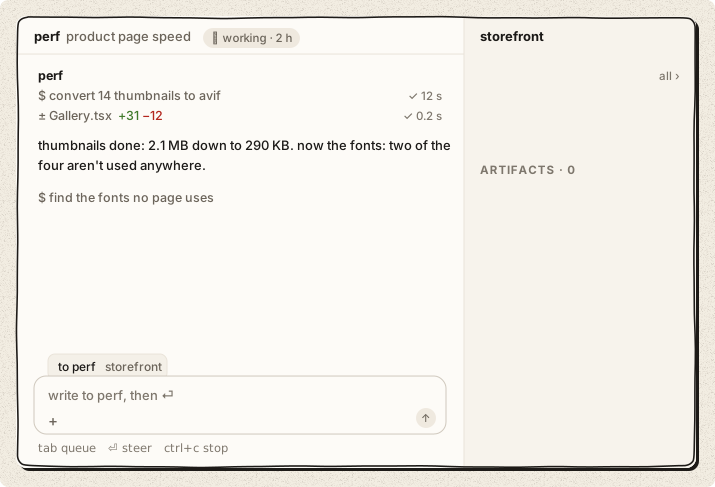
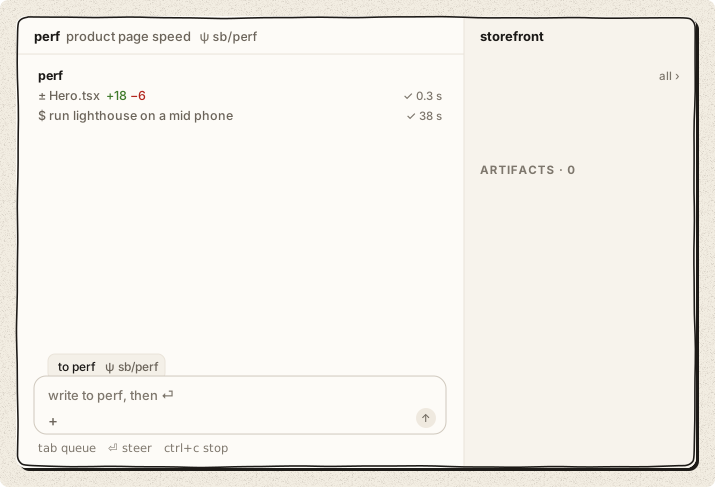
agents share your checkout by default. when one needs an isolated copy (a clean build, a risky change), it creates a git worktree, works there, and removes it when it's done. no branches to name, no folders to clean up. ψ marks an agent that works in its own worktree, in both apps.
focus
main is always available
main hands the heavy work to agents, so it's never busy. ask it anything while five agents run: it listens and answers right away, and nothing you send interrupts a job.
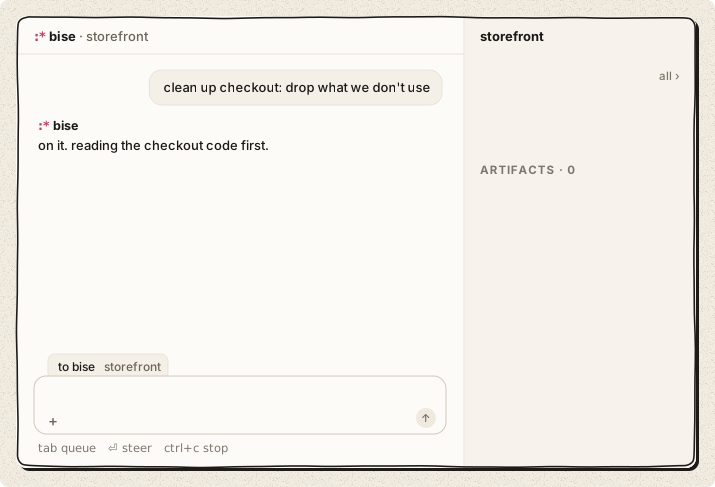
zen mode
in the terminal, while you type, the agents panel, the counters and the agents' chatter dim. they come back when you send. messages between agents stay folded; ctrl+o expands them.
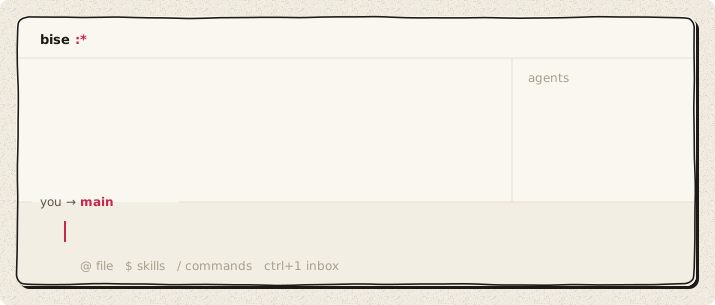
voice
voice to voice
in the desktop app, hold fn in any app and talk. bise takes a still of the window you're on, and the answer shows in a small card in the screen's corner, then stays in main's thread. in the terminal, press ctrl+r twice for voice mode: main answers out loud while the agents keep working. space sends right away, esc leaves, and /voice picks the model, the voice and the language.
dictation
press ctrl+r and talk: your words land in the composer, and any key stops it. in the desktop app it works from anywhere in the window.
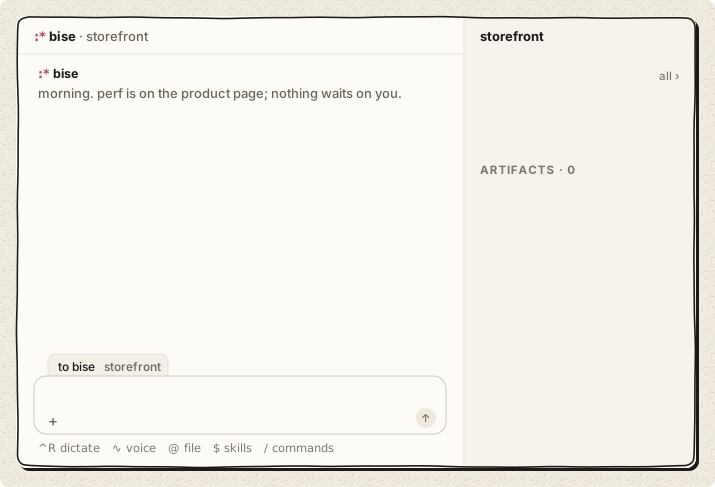
coordination
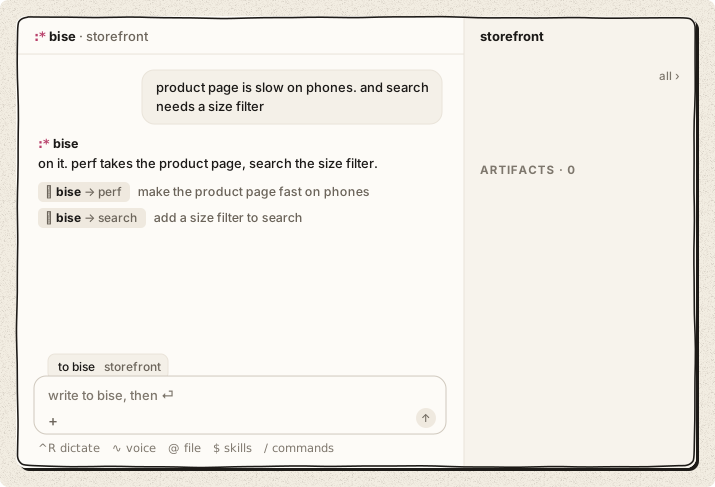
main answers routine questions
agents ask main, not you. main answers what it can, the way you would, and says why. only the decisions that are yours reach your inbox.
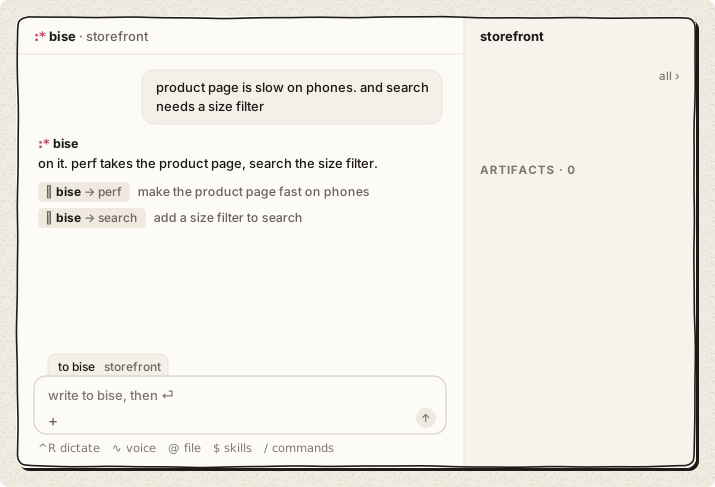
agent-to-agent messages
agents message each other directly: questions, hand-offs, who edits which file. these messages are folded in your thread.
tools
every MCP server, always enabled
connect as many MCP servers as you want (GitHub, Linear, Sentry, Slack, your database) and keep them all on. agents call tools from code, so a hundred servers don't fill the context. the plugins place in the app, or /plugins in the terminal, lists them with their state.

computer use
your agents can use your browser: they open pages in their own tab group, in the background, with your logins, and read, click, type, fill forms and take screenshots. they never take your screen or your active tab. on macOS they can drive apps like Notes or Figma too. it's off by default: /computer-use sets it up (the Chrome extension, the permissions, a live test). for now it acts without asking first, so give it the jobs you'd give someone at your desk.
Agent Plugins
skills, MCP servers and hooks in the Agent Plugins format load as they are, from ~/.agents/plugins or your repo. Vibe plugins too. in the app, each plugin has its page in the plugins place, with a few lines to try.

control
talk to any agent
⌥ + a number talks to one agent directly; in the desktop app a click on its row in the right bar does too, and in the terminal @name. ask it why, redirect it, then esc takes you back to main. the other agents keep running.
pull requests
in a repo that takes pull requests, each change gets its own branch and PR, and goes through your CI, review bots and teammates. the agent's row (the right bar in the app, the agents panel in the terminal) shows where its PR stands: checks, review, merged.
what they made
artifacts
what agents make for you (a page, a doc, a sheet, slides, a PR) is an artifact: a ↗ chip in the thread, and one list with its versions (the artifacts screen in the app, /artifacts in the terminal). in the desktop app it opens beside the thread: select a line, leave a note, and send your notes to the agent that made it. in the terminal, space shows it in Quick Look and @ puts one in your message.

diffs beside the thread
click ± 3 files under an agent's work: its changes against main open beside the thread, file by file. select lines and type to ask the agent about them. in the terminal, ctrl+g opens them too, tab goes to the next file, ⏎ opens the line in your editor, and /diff picks any branch.

details
agents only when needed
main does small jobs itself and starts an agent only when a job needs one. no agents reviewing each other in loops, so fewer tokens.
images
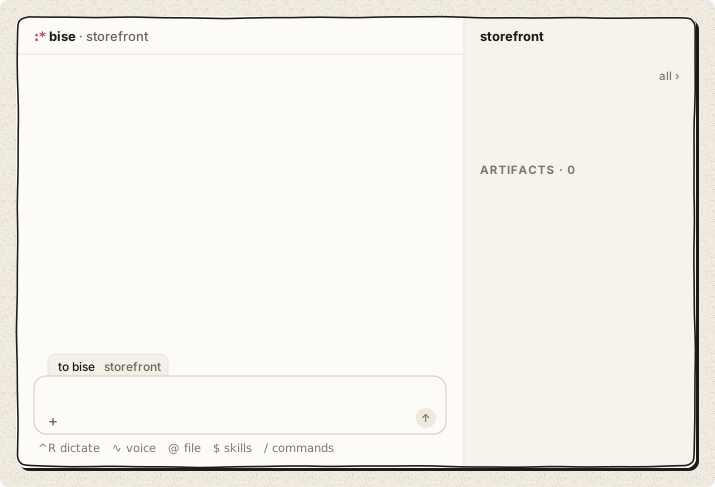
paste a screenshot (⌘V in the app, ctrl+v in the terminal) or drag it in. it becomes one chip in your message.
quotes
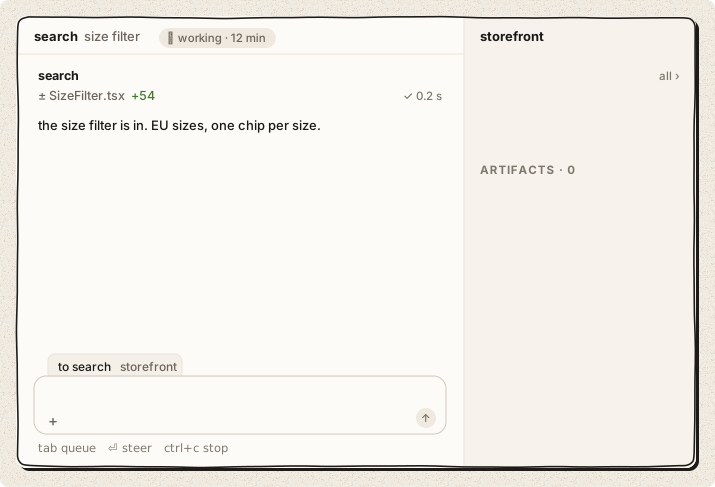
select text in the thread and start typing: it's attached to your message as a quote.
a model per agent
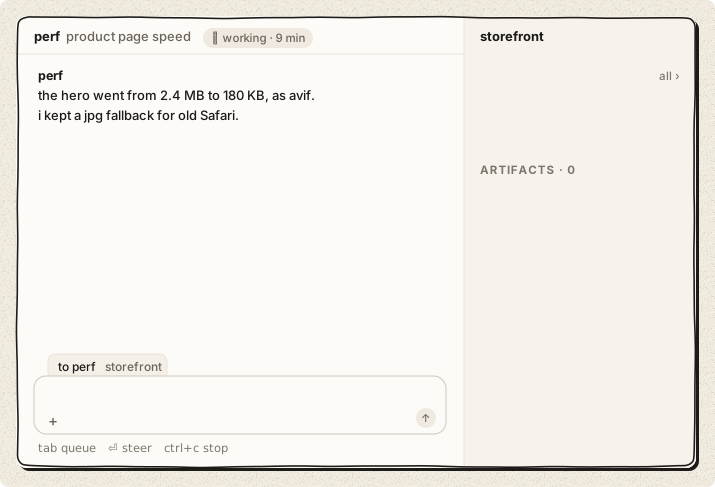
a large model for the hard job, a fast one for chores. the composer's model menu in the app, /model and /reasoning in the terminal, set them per agent.
scheduled tasks
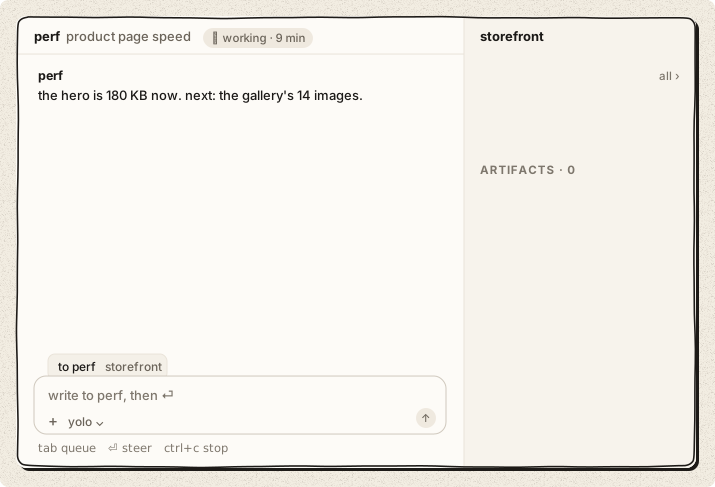
agents can wake themselves on a schedule: check the build every 2 minutes, ship a release every morning. the app's right bar shows them under scheduled & watching; in the terminal, /scheduled lists them, r runs one now, x stops it.
built-in shell
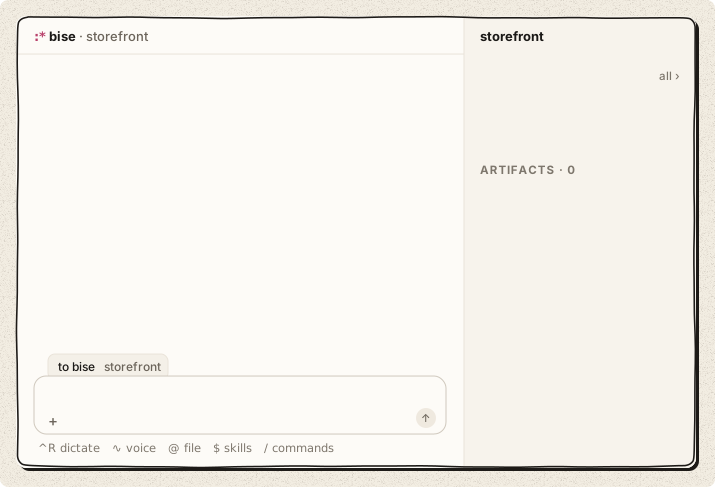
ctrl+` opens a terminal in your repo. it keeps running while hidden.
restart-safe
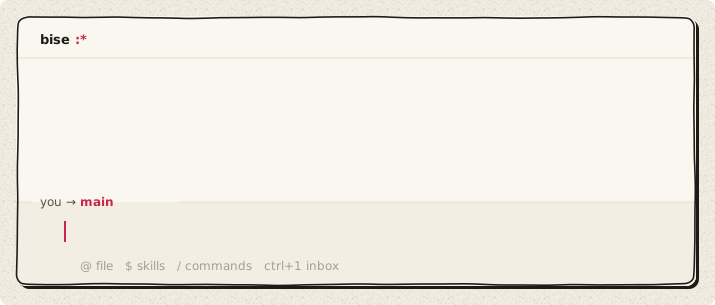
update or quit mid-work. agents resume where they stopped, and your thread, your draft and your queued messages come back.
proven message passing
the hub that carries messages between agents is written in Bend, with checked proofs that no message is lost or delivered twice (bend/PROOF.bend).
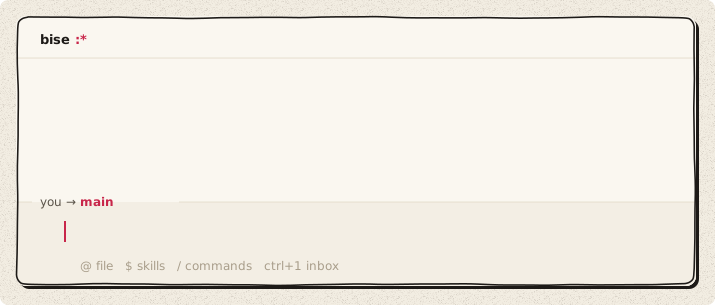
your terminal's theme
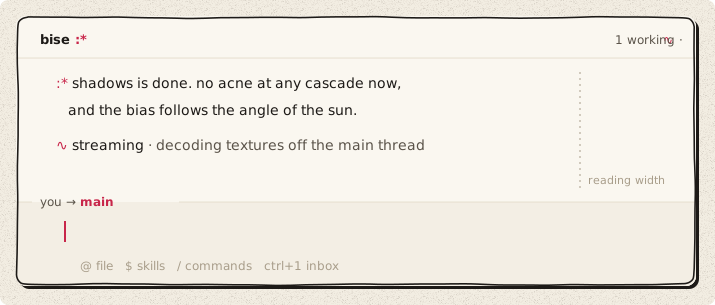
bise uses your terminal's colors, light or dark, and keeps text at a reading width.
from source
git clone https://github.com/gvergnaud/bise && cd bise
./run.sh    # builds and starts bise terminal in the current folder
what's in here
rust/· the terminal UI, the agent harness, providers, plugins, sessionsbend/· sb-core (the hub's core) and the agent runtime, in Bend, with their laws (bend/laws/) and proofs (bend/proofs/)apps/desktop/· bise desktop, the macOS appprompts/· the system prompts and tool descriptions the agents readsite/· bise.dev and its docs (the installer too)tests/· the gate (gate.sh), e2e and TUI testsscripts/,packaging/· dev, build, install and release scriptsdocs/· design docs and notes;docs/brand/the brand book and these images
license
Apache-2.0, see LICENSE. third-party components: THIRD_PARTY_NOTICES.
ideas in. little kisses out. also pull requests. :*
Explore related projects
codecrafters-io/build-your-own-x
Master programming by recreating your favorite technologies from scratch.
561,844 starspublic-apis/public-apis
A collective list of free APIs
498,199 starsmorluto/rea
Reverse engineer anything with agents, from app behavior down to native binaries.
452,426 starsopenclaw/openclaw
The AI that really does things. Any OS. Any Platform. The lobster way. 🦞
394,362 stars