
gutomec/nirvana-os-engine
gutomec/nirvana-os-engine has 83 GitHub stars and 24 forks. GitHot measured 0 stars in 24 hours. Last checked 2026-11-15 05:16 UTC. Last push 2026-11-13.
Measured star growth
- in 24h
- 0
- in 7 days
- Collecting history
- in 15 days
- Collecting history
- in 1 month
- Collecting history
Net star changes over overlapping periods, not daily totals. Missing measurements are left blank. Stars measure attention, not software quality.
About
Nirvana-OS engine: ready-to-run agentic operations. One sentence in, finished work out. Source-available engine for companies, squads and mind-clones. Runtime-agnostic: Claude Code, Codex, Gemini-CLI, Antigravity, Hermes.
ProductivityREADME.md
Original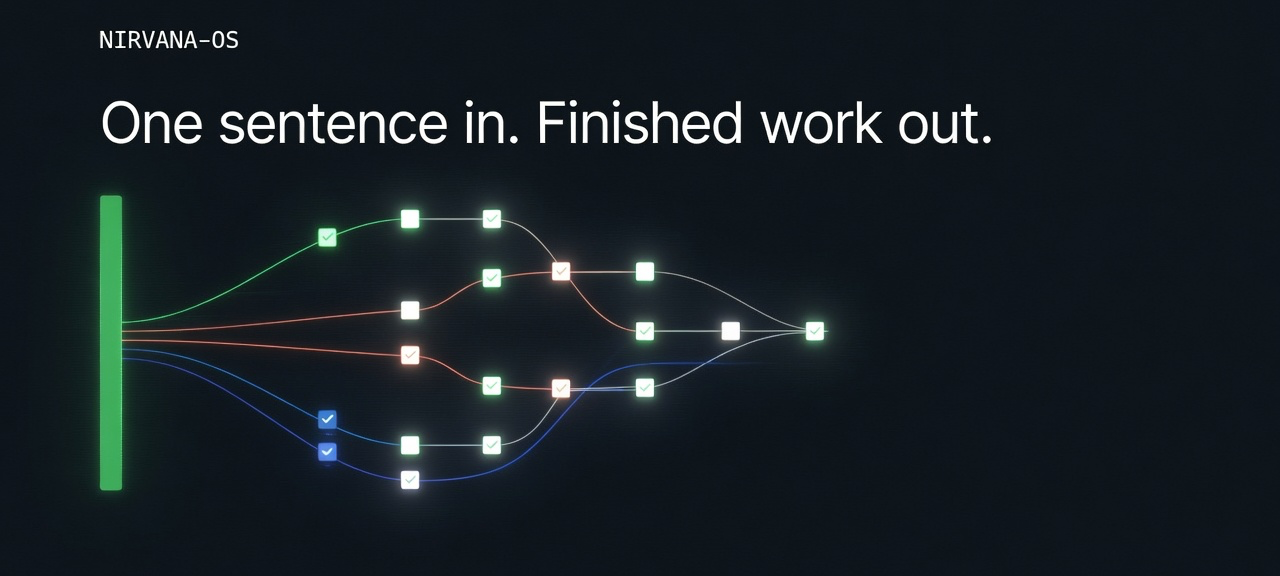
Nirvana-OS
Ready-to-run agentic operations. One sentence in. Finished work out.




macOS, Linux and WSL
curl -fsSL https://gutomec.github.io/nirvana-os-engine/install.sh | bash
Windows (PowerShell)
irm https://gutomec.github.io/nirvana-os-engine/install.ps1 | iex
Documentation · Packs · Illustrated install · Beta · Changelog
Read this in your language: English · Português · Español · 中文 · हिन्दी · العربية
You talk to your agent. Your agent runs Nirvana.
You already work with a terminal agent: Claude Code, Codex, Antigravity, Pi, Grok or another. One prompt gets one good answer. Real work takes a researcher, a writer, a reviewer and an operator, with a record of who did what.
Nirvana-OS gives your agent that organization. You ask in plain language, and the agent uses Nirvana to pick the right businesses, squads and mind-clones, dispatch them, check what comes back and show you the receipt. You do not learn a new interface and you do not type commands day to day. The commands further down are the reference your agent uses, and they are there for you when you want them.
What it is
Nirvana-OS is a Bun-native, runtime-agnostic multi-agent system. It runs on top of the agent you already use and never replaces it. It works with three kinds of content, all of them folders on your machine:
| Pillar | What it is | Where it lives |
|---|---|---|
| Businesses | Organizations with an org chart. A dispatched business runs as one agent that plays its seats, uses squads through their cards and channels mind-clones | ~/businesses/ |
| Squads | Portable agent teams with agents, tasks and workflows the dispatched agent follows as its method | ~/squads/ |
| Mind-clones | Persona DNA in five layers, so an agent thinks and writes with a specific expert's method | ~/businesses/_library/dna/ |
The engine ships with no content. You create businesses, squads and clones by asking your agent, or you install a pack from squads.sh.
Install
This README describes 0.15.1, the current stable release, which the one-liner at the top of this page installs. Node is not needed. If Bun is missing, either installer puts it in your user folder (~/.bun) without sudo or admin rights and carries on.
Before you run it:
- macOS: nothing to prepare.
- Windows (PowerShell): nothing to prepare, and no administrator rights.
- Linux (Ubuntu):
sudo apt update && sudo apt install -y curl unzip. - Windows with WSL (Ubuntu): run
wsl --installin a PowerShell opened as administrator, reboot, open the Ubuntu app and create your Linux user. Then installcurlandunzipas on Linux and run thebashcommand inside Ubuntu. Your AI agent (Claude Code, Codex, Antigravity) must be installed inside Ubuntu too, and your projects belong in~, not under/mnt/c, which is slow.
What it changes on your machine:
- the engine in
~/.nirvana/skills; - the
nirvanaskill linked into every agent runtime it finds:~/.claude/skills,~/.codex/skills,~/.gemini/config/skills(Antigravity),~/.pi/agent/skillsand~/.agents/skills(OpenClaw); nrvandnrv-hermesin~/.local/bin, plus one PATH line in your shell profile (the user PATH on Windows);- audit hooks in Claude Code, Antigravity and Codex;
- the empty content folders
~/squads,~/businessesand~/businesses/_library/dna.
Running it again is safe. Close the terminal and open a new one so nrv is on your PATH, and check with nrv --version; it prints 0.15.1. Then ask your agent: "Check that Nirvana-OS is installed correctly." It runs nrv doctor. Exit 1 means warnings only; exit 2 lists what failed.
Through curl | bash the installer asks no questions. To pick a performance profile at install time, pass it through: replace the final bash with bash -s -- --profile=balanced. You can also set it later by asking your agent (see Settings).
The step-by-step guide for each system is on the documentation site (in Portuguese), with a page for betas, and in INSTALL.md, with the other routes (the nirvana skill through skills.sh, installing from a clone).
Start a project
Open the folder you want to work in, start your agent there, and say: "Set up this folder as a Nirvana-OS project." The agent runs nrv init ., which writes .nirvana/project.yaml and a short note in AGENTS.md, CLAUDE.md and GEMINI.md. Deliverables land in outputs/ inside the project.
That note keeps your agent working as usual. It uses Nirvana only when your request calls for it:
- you name it ("use Nirvana to…", "via nirvana");
- you name or point to one of your businesses, squads or mind-clones ("my launch company", "the copy squad", "in Hormozi's voice"), including a pack name;
- you ask for the work, or part of it, to run on another runtime ("use Codex to review it").
If you want Nirvana to orchestrate every deliverable in a project, say "orchestrate everything in this project with Nirvana". The agent runs nrv init . --orchestrators=always. Open a new session for the change to take hold. A project set up on 0.14 keeps its full contract until you run nrv init . again, which switches it to the on-demand note in place (--orchestrators=always keeps the full contract) and keeps your own lines.
From then on you talk to your agent in plain language and it uses Nirvana-OS. You do not type commands day to day.
What to ask your agent
| You say | Your agent runs |
|---|---|
| "What businesses / squads / mind-clones do I have?" | nrv list-businesses, nrv list-squads, nrv list-clones |
| "Use Nirvana to write the launch copy for X." | the harness: picks the business, writes a brief, nrv dispatch … --exec |
| "Run this through the copy squad, on Codex." | nrv dispatch --squad <slug> … --exec --runtime codex |
| "Stop that run." | nrv run-track stop <run> |
| "Change the headline in what you delivered." | nrv revise <project> "<change>" |
| "Show me what that run did." | nrv audit-view <project> |
| "Install the dependencies of all my squads." | nrv activate --all |
| "Update Nirvana-OS." | nrv update |
| "Update my Genesis Circle pack." | nrv update genesis-circle |
| "Put Nirvana in economy mode." | nrv config set execution.profile economy --global |
Bigger requests work the same way:
Use Nirvana-OS to create a company called podcast-empire that produces, publishes,
and monetizes 3 podcasts at once. Each show has its own niche, an AI host, an
editorial calendar, and an independent monetization funnel. Around 7 employees.
Use Nirvana-OS to turn the public work of <author> into a complete AI mind-clone.
Use Nirvana-OS to produce a launch package: market research, landing-page copy,
and a competitive teardown.
The agent orchestrates and never writes the deliverable itself. Each business it picks gets its own brief and its own run, in parallel when the parts are independent.
Packs
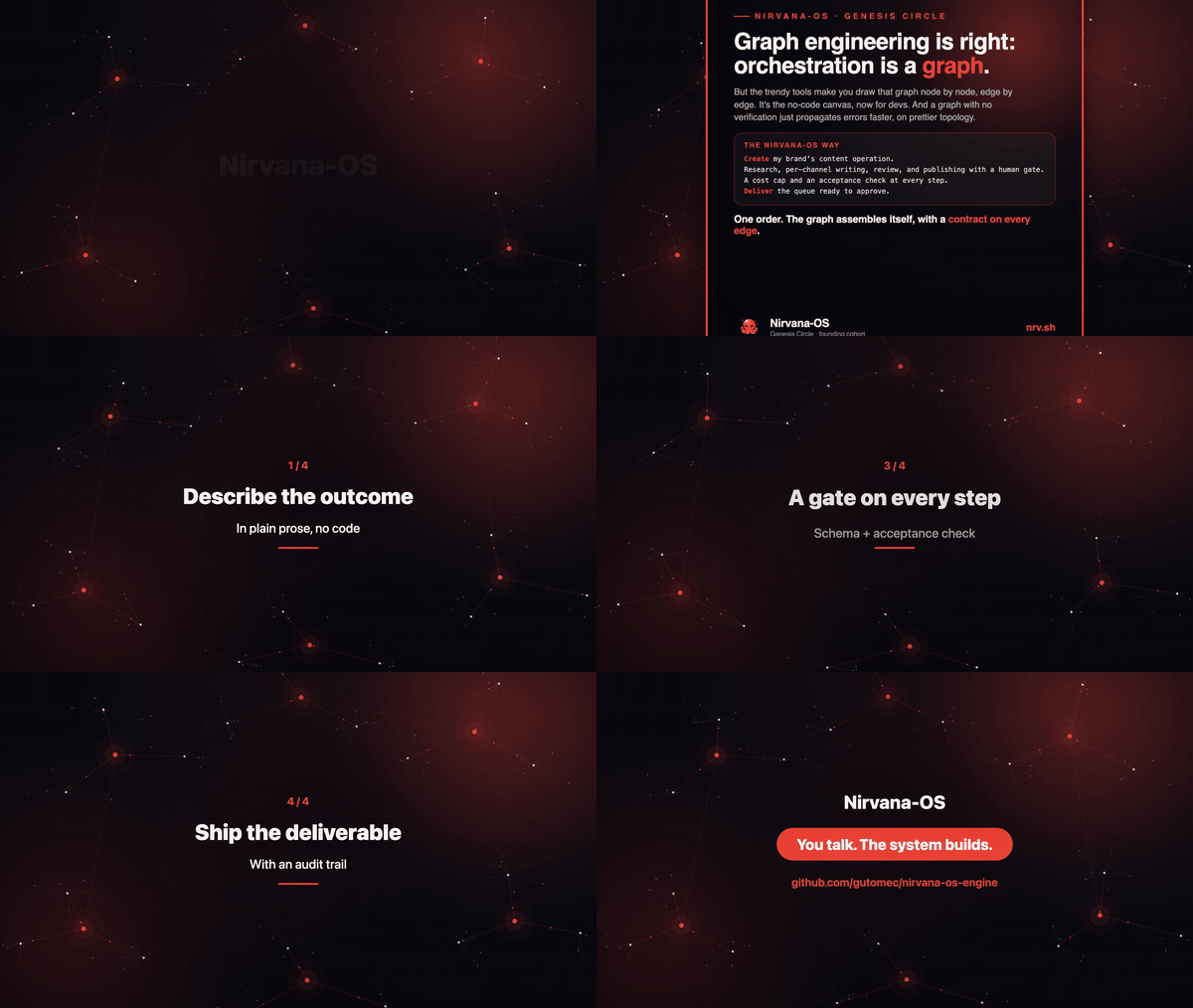
Packs are curated businesses, squads and mind-clones sold on squads.sh. The flagship is Genesis Circle.
Buy the pack on squads.sh and download its zip from your dashboard.
Unzip the whole archive and open a terminal in the folder that holds
setup.sh:- macOS: double-click the zip, type
cdin Terminal, drag the folder onto the window and press Enter; - Windows: right-click the zip, choose Extract All, open the folder, right-click an empty area and choose Open in Terminal;
- Linux and WSL:
cd ~/Downloads && unzip <file>.zip -d <folder> && cd <folder>. On WSL, first copy the zip from/mnt/c/Users/<user>/Downloadsto~/Downloads.
- macOS: double-click the zip, type
Run the setup:
- macOS, Linux and WSL:
bash setup.sh - Windows:
powershell -ExecutionPolicy Bypass -File setup.ps1
Setup installs Bun if needed, installs or updates the engine, copies the content into
~/squads,~/businessesand~/businesses/_library/dna, rebuilds the indexes and stores the pack's license in~/.nirvana-license/packs/<pack>/. It never replaces the engine with an older release, so a beta stays a beta.- macOS, Linux and WSL:
Talk to your agent: "Use Nirvana to list what the Genesis Circle pack gave me", then ask for work by naming a business, a squad or the pack.
Activating squads. A squad's dependencies install on demand the first time it runs, in its own environment under ~/.nirvana/envs/<squad>. To prepare them all up front, ask your agent: "Activate all my Nirvana squads." It runs nrv activate --all, which covers Node and Python packages, system programs, API keys and environment variables, MCP servers and models. The agent gets the list of failures with the exact command that fixes each one, and asks your permission before anything that uses brew, sudo or winget, and for any API key. A first run on a big pack takes several minutes.
Updating a pack. Ask your agent to update it, or run nrv update <pack-slug>, for example nrv update genesis-circle. Components you edited are backed up under ~/.nirvana/backups/packs/<pack>/ before the update replaces them. If the update fails with a license error, download the pack again from squads.sh and run its setup once more; that also refreshes the license.
Updating the engine
Ask your agent to update Nirvana-OS, or run nrv update. It backs up ~/.nirvana/skills first and keeps your settings and content. nrv update --check names the release it would install without changing anything.
An update never moves the engine to an older release. A stable engine moves only to a newer stable, so a 0.14 engine moves to 0.15.1. A beta moves to the newest greater release, beta or stable, so a beta becomes the stable release that follows it. After an engine update, nrv update also checks every installed pack that has a license and says when one has a newer version.
Betas
Betas are GitHub prereleases, and the one-liner at the top never installs one. A beta is installed by pinning its tarball: replace v<version> below with its tag from the release list. The tag has a leading v; without it the download returns 404.
macOS, Linux and WSL:
curl -fsSL https://gutomec.github.io/nirvana-os-engine/install.sh | NIRVANA_ENGINE_URL=https://github.com/gutomec/nirvana-os-engine/releases/download/v<version>/nirvana-os-engine.tar.gz bash
Windows (PowerShell), as one line:
$env:NIRVANA_ENGINE_URL='https://github.com/gutomec/nirvana-os-engine/releases/download/v<version>/nirvana-os-engine.tar.gz'; irm https://gutomec.github.io/nirvana-os-engine/install.ps1 | iex
Then, if the window is still open, run Remove-Item Env:NIRVANA_ENGINE_URL: while the variable is set, nrv update reinstalls the pinned tarball. The Windows commands use single quotes because a double quote lost in a paste leaves PowerShell waiting on >>.
Once on a beta, nrv update and every pack setup keep you on the beta channel: newer betas, then the stable release that follows.
Back to stable. On Windows, open a new PowerShell and run Remove-Item Env:NIRVANA_ENGINE_URL; an error saying it does not exist is fine. Run the plain one-liner from the top of this page. It installs the latest stable over the beta and keeps your content, packs and settings. Check that nrv --version no longer shows beta, then run nrv init . again in each project you used with the beta (details).
Settings
Settings change when you ask. "Put Nirvana in economy mode", "maximum quality" or "what is configured?" are enough; your agent runs nrv config and tells you what changed.
A profile moves several settings at once:
| Profile | Effort | Context ceiling per worker | Review | Visual checks by workers |
|---|---|---|---|---|
max |
xhigh | none (runtime default) | every delivery, up to two rounds | on |
balanced |
high | 400k tokens | when a rule asks for it | off |
economy |
medium | 200k tokens | only on request | off |
A profile never picks the model; your runtime's own configuration does. A setting you change explicitly wins over the profile. nrv config list shows every setting, its value and where it came from. The full reference is docs/configuration.md. Profiles exist only from 0.15 on.
Per project. The orchestrator writes each brief with a brief template. The engine ships four: slim (the default: short labelled lines, the user's words kept in a file), standard (the six sections), detailed (the six plus a suggested structure, the method and one criterion per item) and karpathy, after Andrej Karpathy's post on X and his 2025 Year in Review: slim plus a plain-language summary, a diagram and, when it helps, an HTML explainer, at more tokens per delivery. nrv config set briefing.template detailed --project picks one for a project, and nrv brief templates lists them. To change one or add your own, say juridico, run nrv brief init juridico --from standard --project: the copy in .nirvana/brief-templates/ wins over ~/.nirvana/brief-templates/ and over the engine's. briefing.altitude still works as a deprecated alias. Rules in free text go in the project's CLAUDE.md, AGENTS.md or GEMINI.md, above the Nirvana block that nrv init rewrites; your agent reads them and carries them into the briefs it writes. Asking is enough: "in this project, use detailed briefs", "add to this project's CLAUDE.md: every deliverable in Brazilian Portuguese".
Why "the work is done" means something here
An orchestrator can announce anything in its final message. Nirvana-OS backs each delivery with things you can open on disk.
- Audit trail. Every dispatch, gate verdict and delivery is an append-only event in
~/.harness-logs/<date>/audit.jsonl. Every--execrun also leaves a record in the project's.nirvana/run-kernel.sqlite.nrv audit-view <project>shows the chain. - Checked on disk.
verify-deliverablecompares what the brief promised with the files that exist, and the quality gate runs rubrics per file type, with correction rounds when it fails. A run whose serious failures survive the corrections is withheld, not delivered. - Briefs with criteria. Each brief carries the user's request verbatim and observable "done when" criteria; the ones marked
(blocking)decide whether the delivery passes. - Spend under your control. No cost ceiling is set unless you ask for one ("cap each run at US$ 5" sets
budget.default_max_cost_usd).
Command reference
For agents and power users. nrv help lists everything; nrv <command> --help gives each command's options. Full reference: docs/CLI.md.
| Command | What it does |
|---|---|
nrv doctor |
Health check: runtimes, hooks, skills links, dependencies, registries, licenses |
nrv init <dir> |
Make a folder a Nirvana project (--orchestrators=always, --scope=project|merge|global) |
nrv list-businesses / list-squads / list-clones |
Browse the three registries |
nrv find "<need>" / nrv search "<topic>" |
Ranked candidates for a request / keyword search across the libraries |
nrv brief template|templates|check|decide|init |
The brief the orchestrator writes for one business, from a brief template |
nrv dispatch <business> --brief-file <file> --exec |
Run a business on a brief; --squad <slug>[:<capability>], --agent-x or --auto name other targets. Refuses without --exec |
nrv run-track status|stop <run> |
Read a run's state, or stop it cleanly |
nrv revise <project> "<change>" |
Change a delivery in the same runtime session |
nrv audit-view <project> |
The audit chain of a run |
nrv activate <squad>|--all |
Prepare a squad's environment in ~/.nirvana/envs/<squad> ahead of time |
nrv config list|get|set|unset|explain |
Settings, with --global or --project |
nrv update [--check] / nrv update <pack> |
Update the engine / a pack |
nrv validate <squad|business|clone> <slug> [--fix] |
Admission gate for one entity |
nrv glance |
Web cockpit (--read-only to browse only) |
nrv uninstall --engine |
Remove the engine and keep your content |
FAQ
Do I need to know how to code? No. You describe outcomes in plain language; your agent runs Nirvana, and the businesses and squads write, check and deliver.
Does it replace my agent? No. It runs on top of it. Dispatched work runs on the runtime of your session unless you name another: Claude Code, Codex, Antigravity, Pi, Kimi, Grok, Qwen Code or OpenCode.
Where does my work live? On your machine: content in ~/businesses, ~/squads and ~/businesses/_library/dna, deliverables in each project's outputs/. There is no Nirvana cloud in the loop.
What if nothing in my library fits? The request still runs, on agent-x, the generalist. You can also ask your agent to create the business or squad that is missing.
Windows? Native, through Bun, with no WSL needed. If you prefer WSL, install everything inside Ubuntu, your agent included.
Troubleshooting
- PowerShell shows
>>and waits. A quote was left open in the paste. Press Ctrl+C or open a new window, then paste the single line again. - macOS prints "Saving session… [Processo concluído]" after you close Terminal. That is Terminal closing the shell, not an error.
- The install returns 404. The tag is missing its leading
v, or that release does not exist. - A pack update fails with a license error. Download the pack again from squads.sh and run its setup.
- Anything else.
nrv doctorchecks the whole install andnrv install --checkchecks the hooks and the PATH. More in INSTALL.md.
License, authorship, and status
Author: Luiz Gustavo Vieira Rodrigues (gutomec / Prospecteezy). No co-authors.
License: the Nirvana-OS Sustainable Use License (SUL) v1.0. The source is published and openly readable, and the engine is free to use. It is source-available, not an OSI-approved open-source license, and certain commercial uses require a separate commercial license. Read LICENSE before relying on any summary, including this one.
Status: beta (0.x, currently 0.15.1). The engine works today and installs in minutes. Expect the surface to keep moving until 1.0.