
gug007/lpm has 148 GitHub stars and 11 forks. GitHot measured 0 stars in 24 hours and -4 in 7 days. Last checked 2026-11-09 22:03 UTC. Last push 2026-11-03.
Start, stop, and duplicate dev projects with one click. The best workspace for running Claude Code, Codex, and other AI agents alongside your services.
Measured star growth
- in 24h
- 0
- in 7 days
- -4
- in 15 days
- Update delayed
- in 1 month
- Update delayed
Net star changes over overlapping periods, not daily totals. Missing measurements are left blank. Stars measure attention, not software quality.
README.md
Originallpm — Switch between projects and terminals in seconds
Start, stop, and duplicate your dev projects in one click. Run Claude Code, Codex, and other AI agents side by side on the same codebase.


Download lpm for macOS, Windows, and Linux
lpm is a free desktop app that runs your dev servers and AI coding agents in one window, so you stop juggling terminals.
- Start every service in a project with one click
- Run Claude Code, Codex, and other agents in the built-in terminal
- Give each agent its own copy of the project, so agents don't get in each other's way
- See which agent needs you
- Switch projects without stopping what's running
- Check on your agents from your iPhone with lpm Link
Install
Download lpm from lpm.cx:
- macOS (Apple Silicon and Intel): open the
.dmgand drag lpm to Applications - Windows 11 (x64, beta): run the installer. Needs Git for Windows
- Linux (x86-64, beta):
.deb,.rpm, or AppImage. Needs Ubuntu 22.04 or newer, or another distro with glibc 2.35+
On your iPhone, get lpm Link from the App Store.
See it in action
Add a project — pick a folder or clone a repo, and lpm finds its services
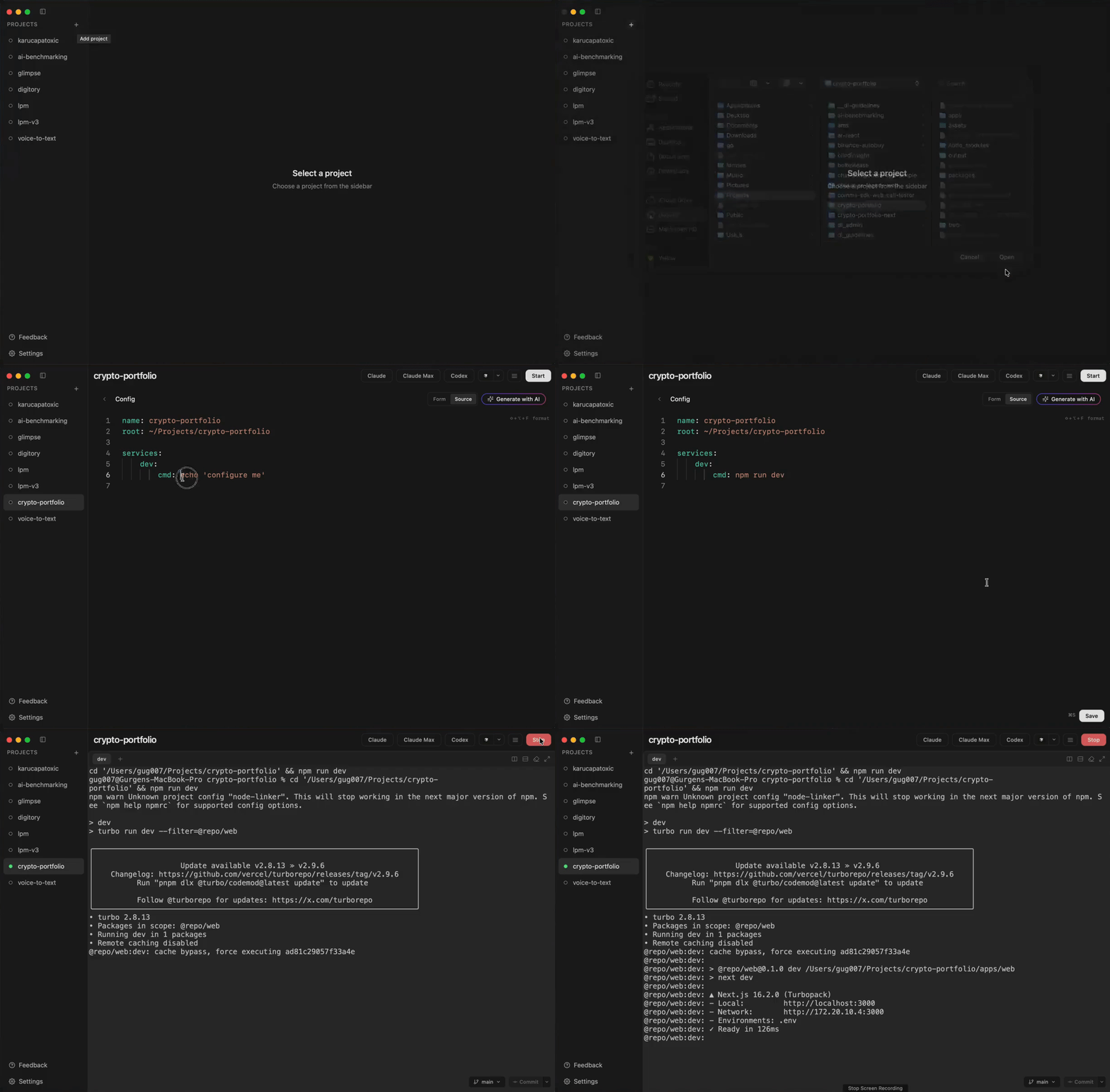
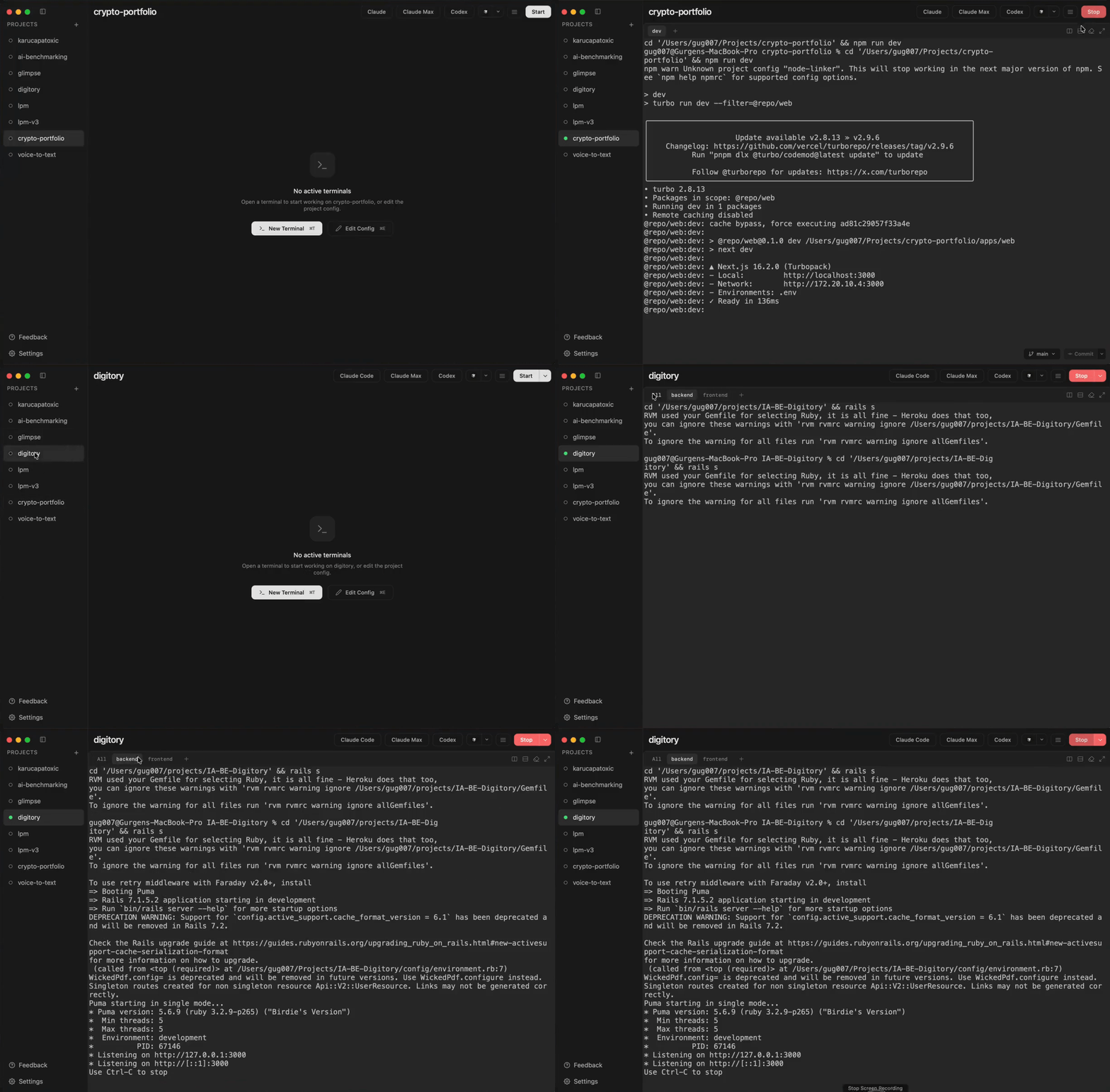
Start a project — one click, live terminal output for every service
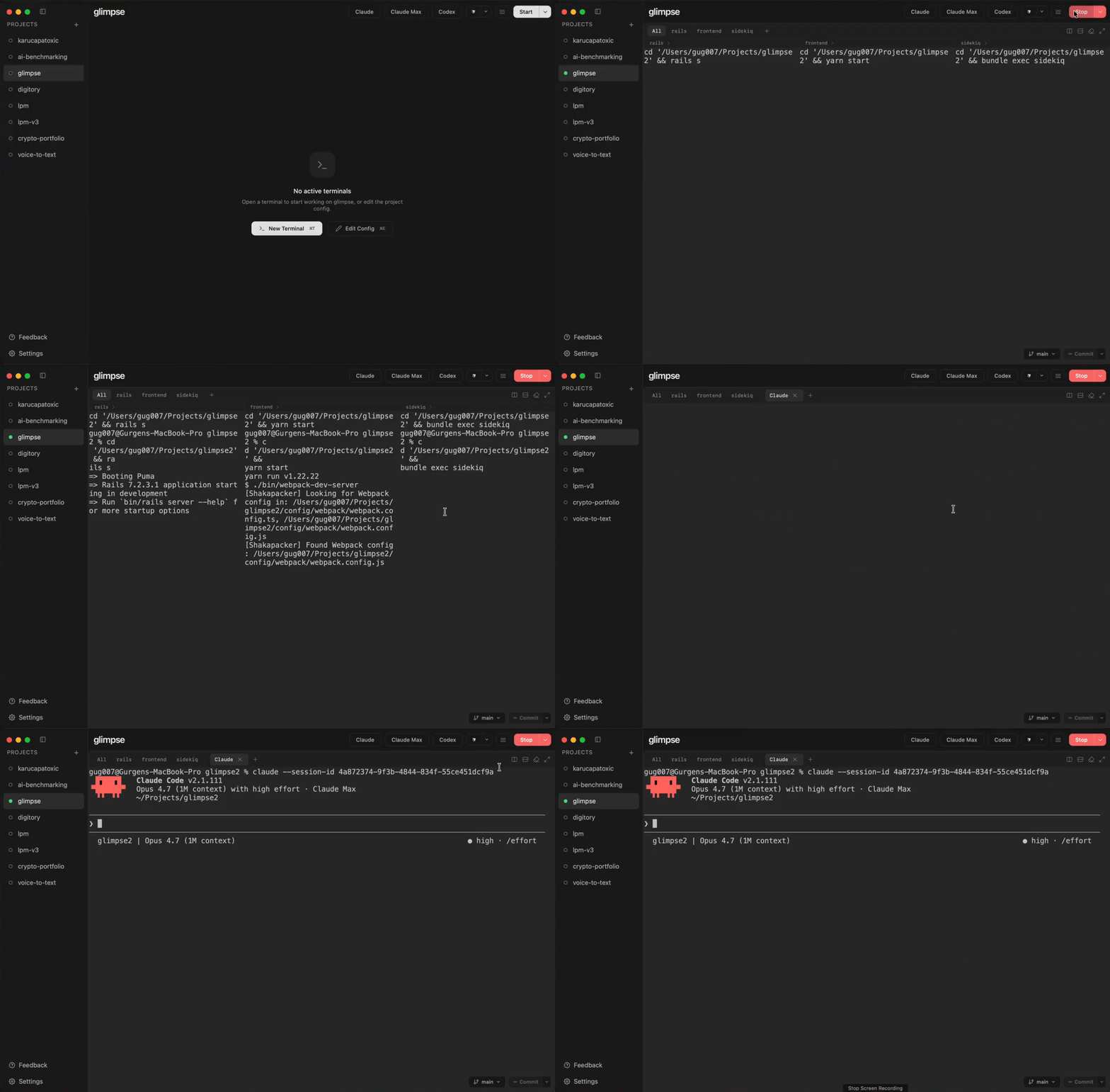
Run AI agents alongside your services — Claude Code, Codex, or any agent in the same workspace
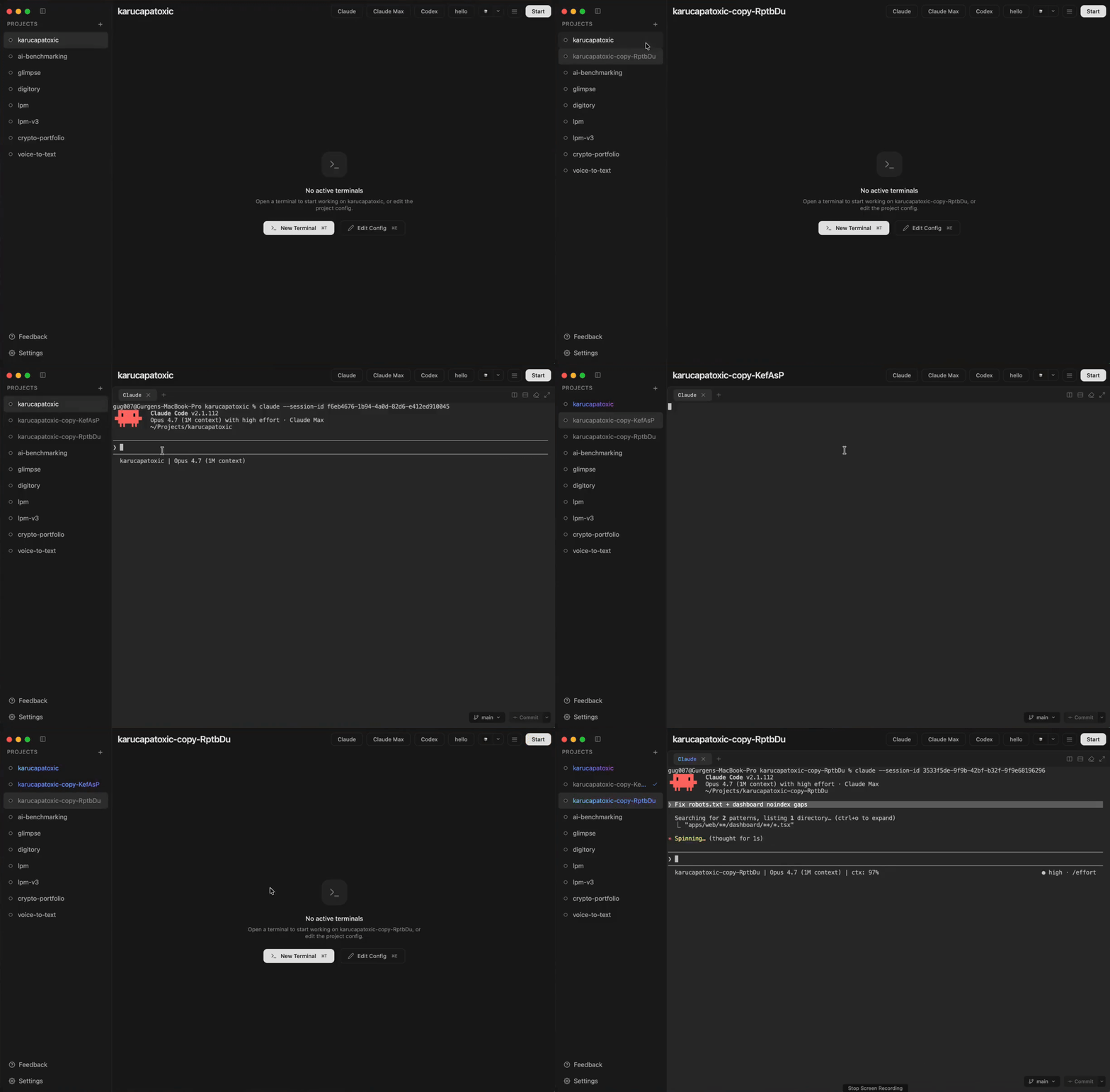
Duplicate a project — run an agent in each copy, in parallel, no conflicts
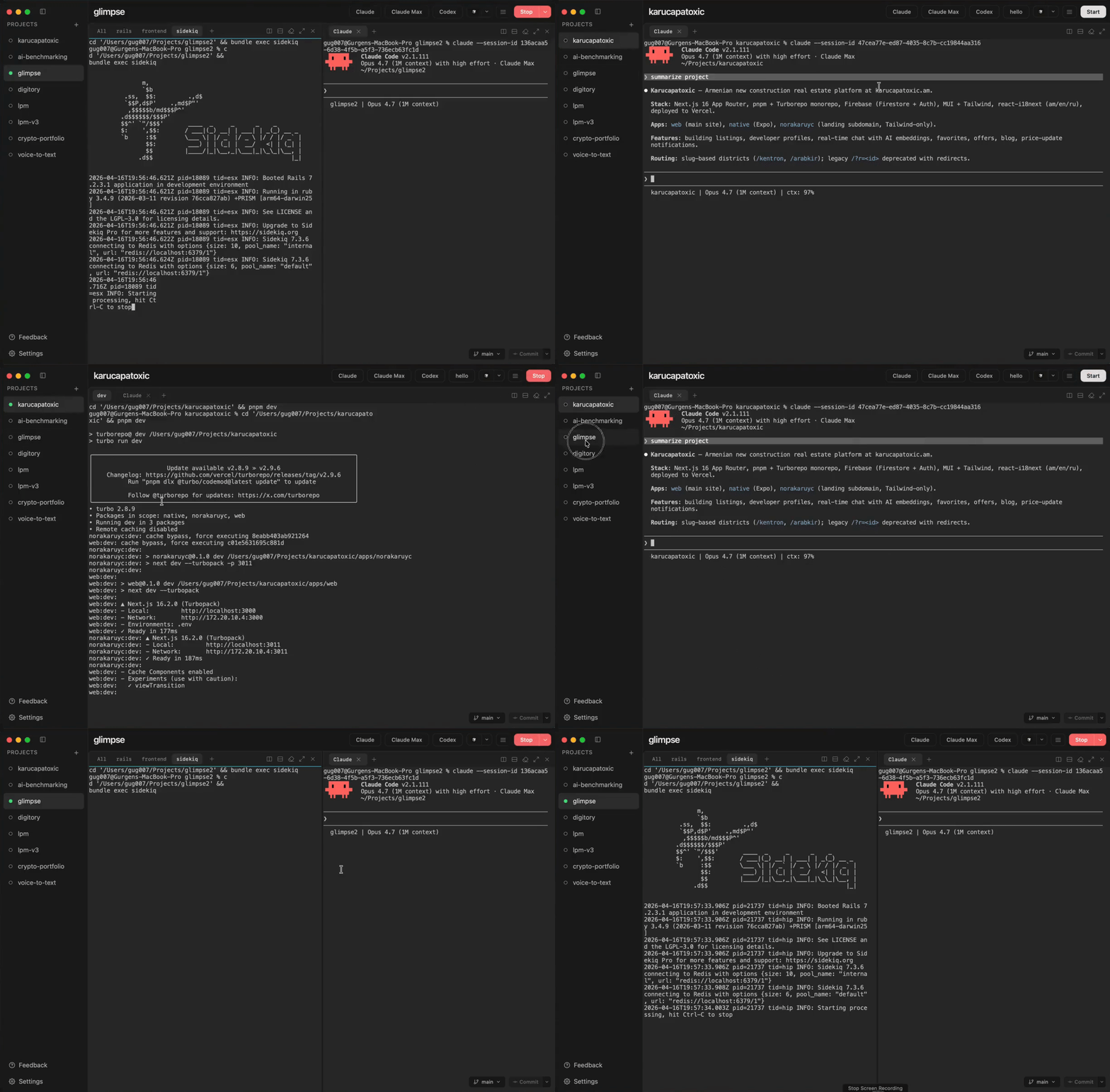
Fast switching — start, stop, and jump between projects in seconds
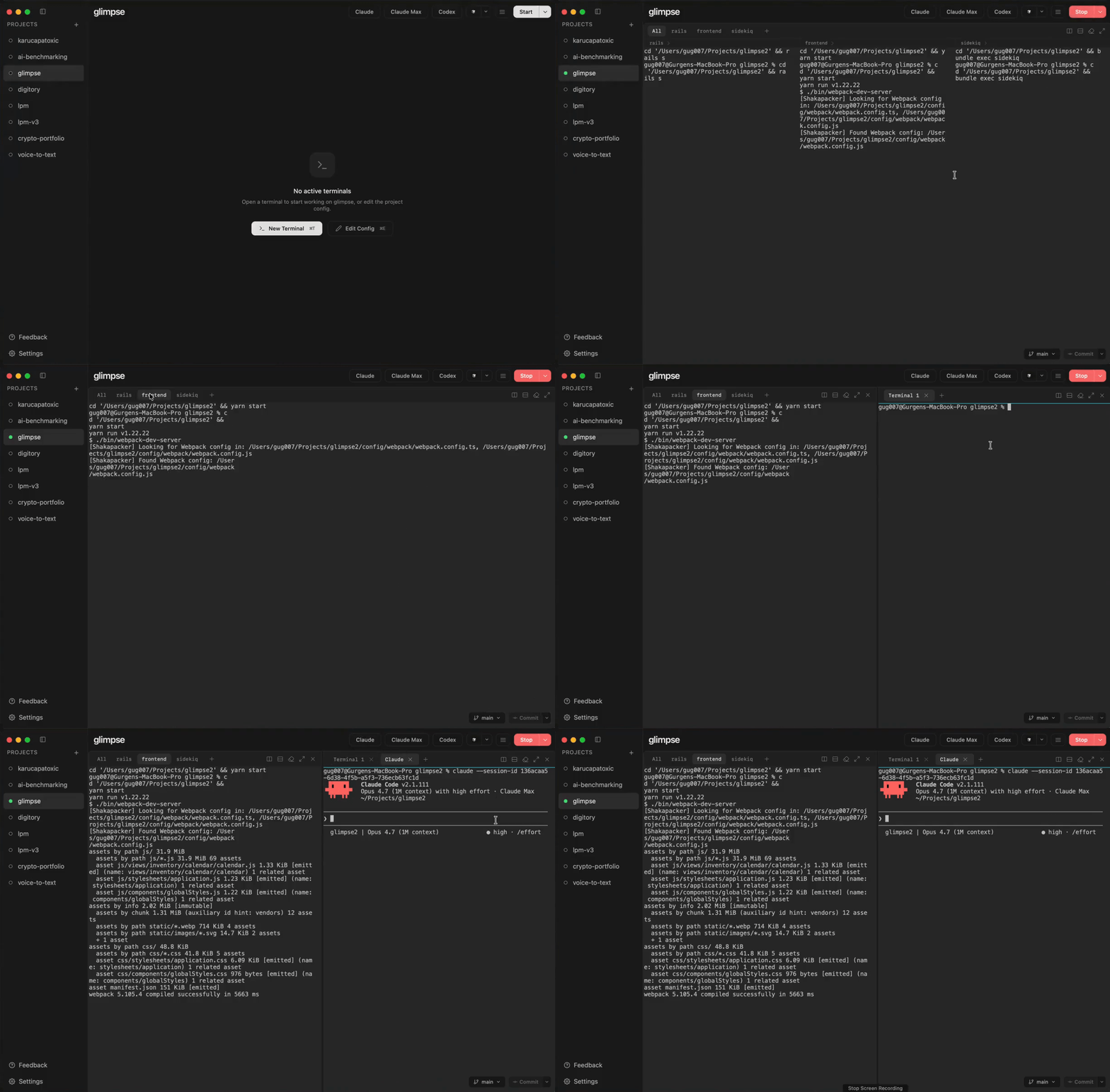
Split terminals — arrange services and agents side-by-side
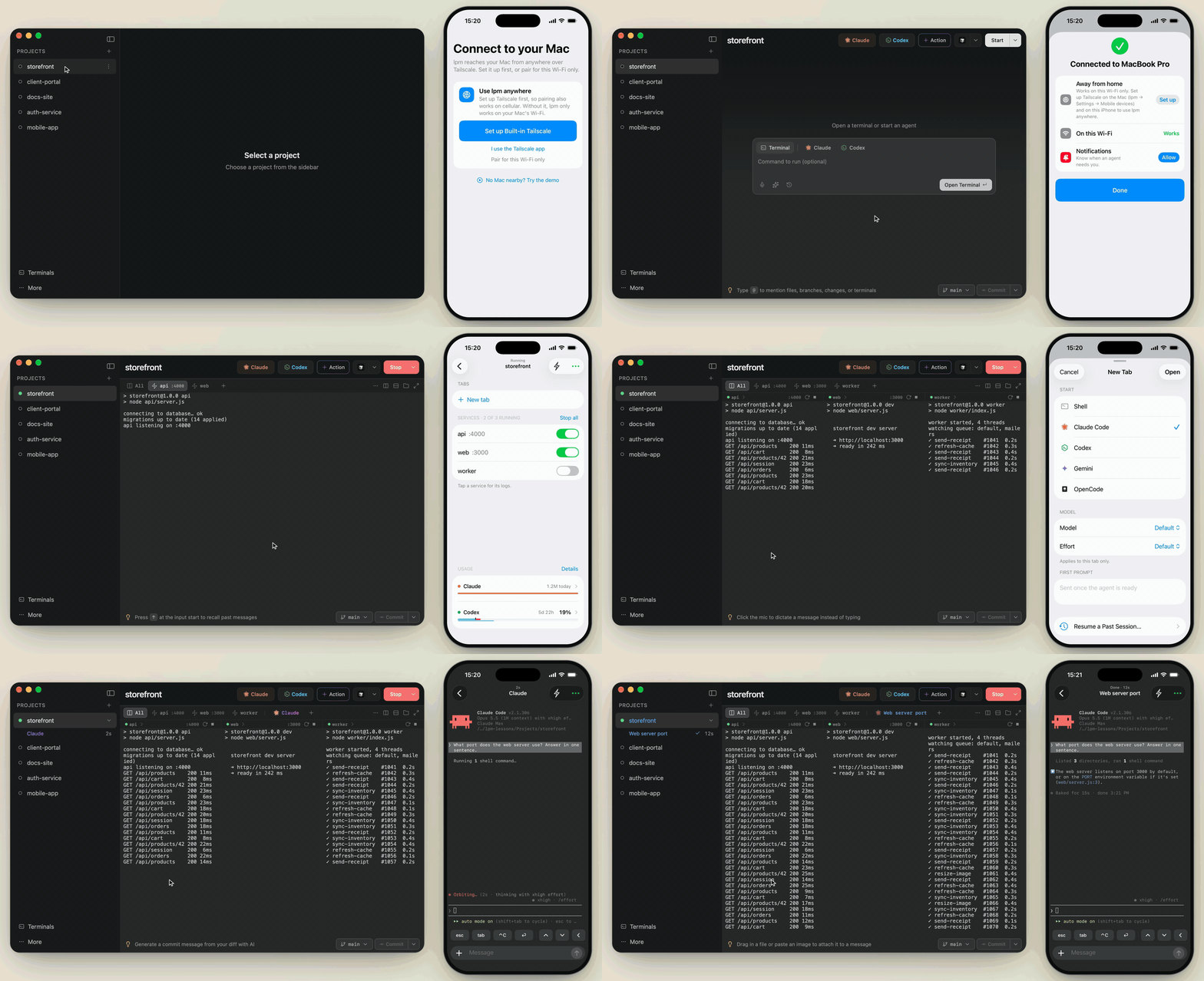
Control it from your iPhone — pair lpm Link, then start services and talk to agents on your Mac
Why lpm?
- Finds your services for you: Node, Python, Ruby, Go, Rust, PHP, Java, .NET, Docker Compose, and more
- No Docker required: your services run natively
- Actions: one-click buttons for tests, migrations, and deploys
- Profiles: start only the services you need
- Works with any stack: if it runs in a terminal, lpm can run it
AI agent skills
Let your AI agent set up and control lpm for you:
npx skills add gug007/lpm
Then tell your agent "set up lpm for this project".
lpm-configwrites and edits project configlpm-clistarts and stops projects, reads logs, and makes copies (uses thelpmcommand, which you install from the app's Settings)lpm-memorysaves work notes, so another agent can pick up where the last one left off
Feedback and contributing
- Bugs: open an issue
- Ideas and questions: start a discussion
- Code: see CONTRIBUTING.md
In the app, lpm menu → Help Improve lpm… does this for you.
License
Explore related projects
codecrafters-io/build-your-own-x
Master programming by recreating your favorite technologies from scratch.
561,622 starspublic-apis/public-apis
A collective list of free APIs
497,963 starsmorluto/rea
Reverse engineer anything with agents, from app behavior down to native binaries.
450,165 starsopenclaw/openclaw
The AI that really does things. Any OS. Any Platform. The lobster way. 🦞
394,303 stars