
gtanner/qrcode-terminal
gtanner/qrcode-terminal has 1,352 GitHub stars and 112 forks. GitHot measured 0 stars in 24 hours. Last checked 2026-11-07 07:27 UTC. Last push 2022-01-28.
QRCodes in your terminal, cause thats hot.
Measured star growth
- in 24h
- 0
- in 7 days
- Collecting history
- in 15 days
- Collecting history
- in 1 month
- Collecting history
Net star changes over overlapping periods, not daily totals. Missing measurements are left blank. Stars measure attention, not software quality.
README.md
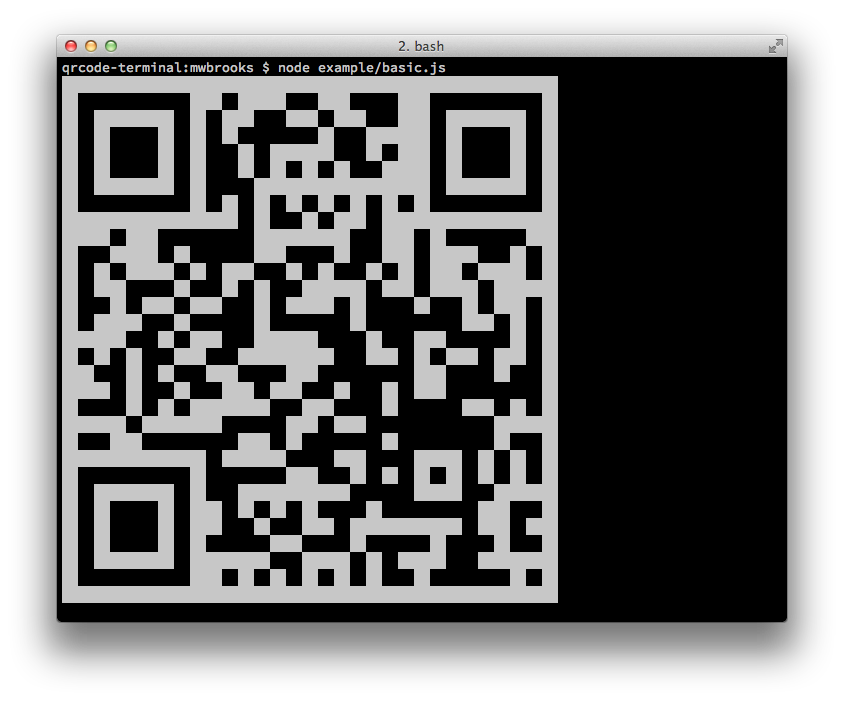
OriginalQRCode Terminal Edition 
Going where no QRCode has gone before.
Node Library
Install
Can be installed with:
$ npm install qrcode-terminal
and used:
var qrcode = require('qrcode-terminal');
Usage
To display some data to the terminal just call:
qrcode.generate('This will be a QRCode, eh!');
You can even specify the error level (default is 'L'):
qrcode.setErrorLevel('Q');
qrcode.generate('This will be a QRCode with error level Q!');
If you don't want to display to the terminal but just want to string you can provide a callback:
qrcode.generate('http://github.com', function (qrcode) {
    console.log(qrcode);
});
If you want to display small output, provide opts with small:
qrcode.generate('This will be a small QRCode, eh!', {small: true});

qrcode.generate('This will be a small QRCode, eh!', {small: true}, function (qrcode) {
    console.log(qrcode)
});
Command-Line
Install
$ npm install -g qrcode-terminal
Usage
$ qrcode-terminal --help
$ qrcode-terminal 'http://github.com'
$ echo 'http://github.com' | qrcode-terminal
Support
- OS X
- Linux
- Windows
Server-side
node-qrcode is a popular server-side QRCode generator that
renders to a canvas object.
Developing
To setup the development envrionment run npm install
To run tests run npm test
Contributers
Gord Tanner <[email protected]>
Micheal Brooks <[email protected]>
Explore related projects
codecrafters-io/build-your-own-x
Master programming by recreating your favorite technologies from scratch.
560,619 starspublic-apis/public-apis
A collective list of free APIs
496,873 starsmorluto/rea
Reverse engineer anything with agents, from app behavior down to native binaries.
439,555 starsopenclaw/openclaw
The AI that really does things. Any OS. Any Platform. The lobster way. 🦞
394,105 stars