
genex-games/genex-desktop
genex-games/genex-desktop has 810 GitHub stars and 100 forks. GitHot measured 0 stars in 24 hours. Last checked 2026-11-09 14:48 UTC. Last push 2026-11-04.
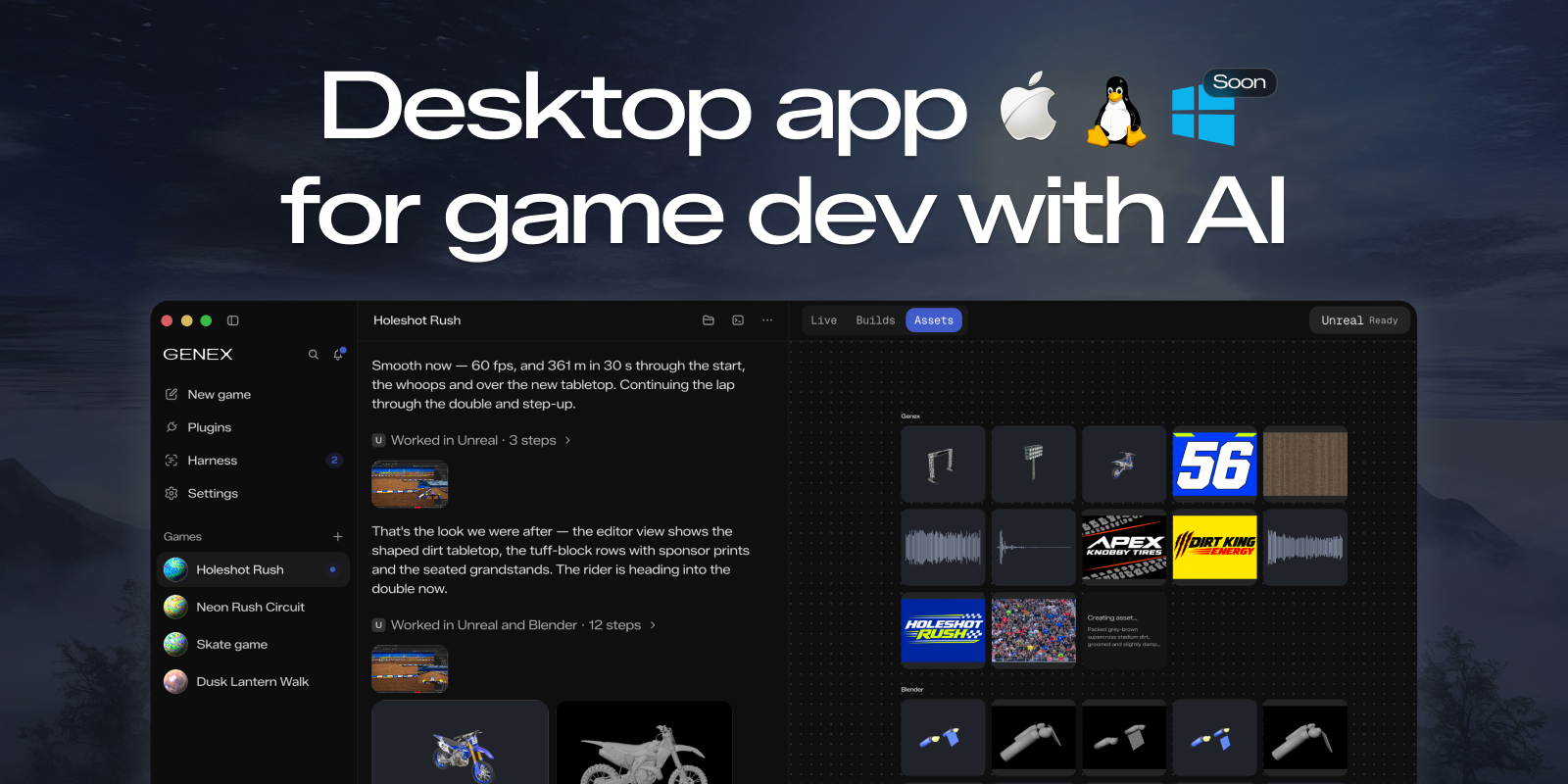
Desktop app for game dev with AI: make games in Unreal Engine, Unity, Godot or the browser. The agent sets up the engine, builds your game and play-tests it by itself.
Measured star growth
- in 24h
- 0
- in 7 days
- Update delayed
- in 15 days
- Update delayed
- in 1 month
- Update delayed
Net star changes over overlapping periods, not daily totals. Missing measurements are left blank. Stars measure attention, not software quality.
README.md
Original

Desktop app for game dev with AI: make games in Unreal Engine, Unity, Godot or the browser.
The agent sets up the engine, builds your game and play-tests it by itself.


Download
| Platform | Download |
|---|---|
| macOS (Apple Silicon) | Genex.dmg |
| Linux (x64) | .deb, .rpm or .zip from the latest release. The .deb and .rpm add the Genex package repository, so your system's updates (Software Updater, apt, dnf) bring every later version |
| Windows (x64), preview | Genex-Setup.exe. Not signed yet: if Windows warns, choose More info, then Run anyway |
Genex is early: expect rough edges, and tell us about them in issues.
What it does
→ Use your Claude Code or ChatGPT subscription
→ Or run local models
→ Multi-agent game dev: mix Opus and GPT models across the main agent, workers and reviewers
→ Make 3D assets locally with the Blender plugin
→ Meshy, Tripo, ElevenLabs and more through the Genex tools router
→ Export anywhere, or publish to the web
→ Build in Unreal Engine, Unity, Godot or Roblox Studio: the agent sets up the engine and play-tests the game
→ Native C++ games soon
[!TIP] Have a tool your games need? Build a plugin and put it in the Genex Marketplace for everyone.
Contributing
You need macOS on Apple Silicon, Git and Node 24.
git clone https://github.com/genex-games/genex-desktop.git
cd genex-desktop
nvm install && nvm use   # Node 24, from .nvmrc
npm ci
npm run studio:dev -- start --profile first-run --fixture app-basics
The fixture runs the app with scripted models and sample games, so it needs no account. Read CONTRIBUTING.md before you open a pull request; coding agents start at AGENTS.md.
Build a plugin
Plugins give Genex's agents new tools: an asset generator, an engine bridge, a service your game talks to. The Blender and Genex tools that ship with the app are plugins too. From a Genex checkout:
npm run plugin:new -- my-plugin --out ~/studio-plugins   # scaffold it from the example
npm run plugin:doctor -- ~/studio-plugins/my-plugin      # check it the way Genex will
- Try it: in the app, Plugins → Add → Load local plugin… and pick the folder.
- Share it: push it to a public GitHub repository and publish a release for each version. Anyone can install it from there with Plugins → Add → Install from GitHub….
- List it: open a pull request to genex-plugins. A maintainer reviews it, and it appears in every Genex app's Marketplace.
The plugin guide covers tools, panels, settings and accounts.
Documentation
- Product overview: what the app does, with a page per feature
- Developer field guide: run commands and where data lives
- Release operations: packaging, signing and publishing a release
Code signing policy
Free code signing provided by SignPath.io, certificate by SignPath Foundation.
Windows builds are signed only when GitHub Actions builds them from this repository's source,
and a maintainer approves each release before it is signed.
Until that signing is in place, Windows builds ship unsigned as a preview; every release lists
each file's SHA-256 in SHA256SUMS.
- Committers and reviewers: members of genex-games
- Approvers: owners of genex-games
Privacy: what Genex stores and sends is in its privacy policy; connected providers, plugins and services have their own policies.
Privacy · Security · Code signing policy ·
MIT license, copyright genex.games · Third-party notices
Explore related projects
codecrafters-io/build-your-own-x
Master programming by recreating your favorite technologies from scratch.
561,398 starspublic-apis/public-apis
A collective list of free APIs
497,679 starsmorluto/rea
Reverse engineer anything with agents, from app behavior down to native binaries.
447,495 starsopenclaw/openclaw
The AI that really does things. Any OS. Any Platform. The lobster way. 🦞
394,261 stars