
fransr/postMessage-tracker
fransr/postMessage-tracker has 1,336 GitHub stars and 189 forks. GitHot measured 0 stars in 24 hours. Last checked 2026-11-08 06:38 UTC. Last push 2024-01-26.
A Chrome Extension to track postMessage usage (url, domain and stack) both by logging using CORS and also visually as an extension-icon
What you can do
- Supports Raven, New Relic, Rollbar, Bugsnag and jQuery wrappers and "unpacks" them to show you the real listener.
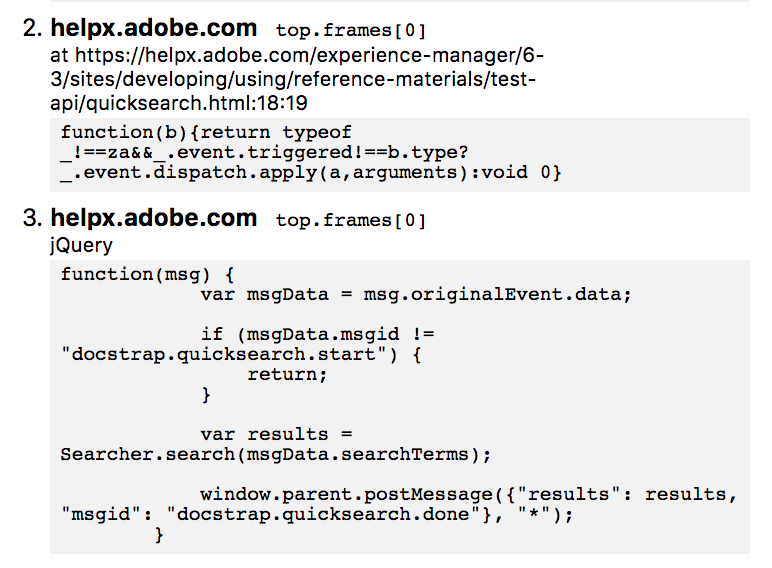
- Tries to bypass and reroute wrappers so the Devtools console will show the proper listeners:
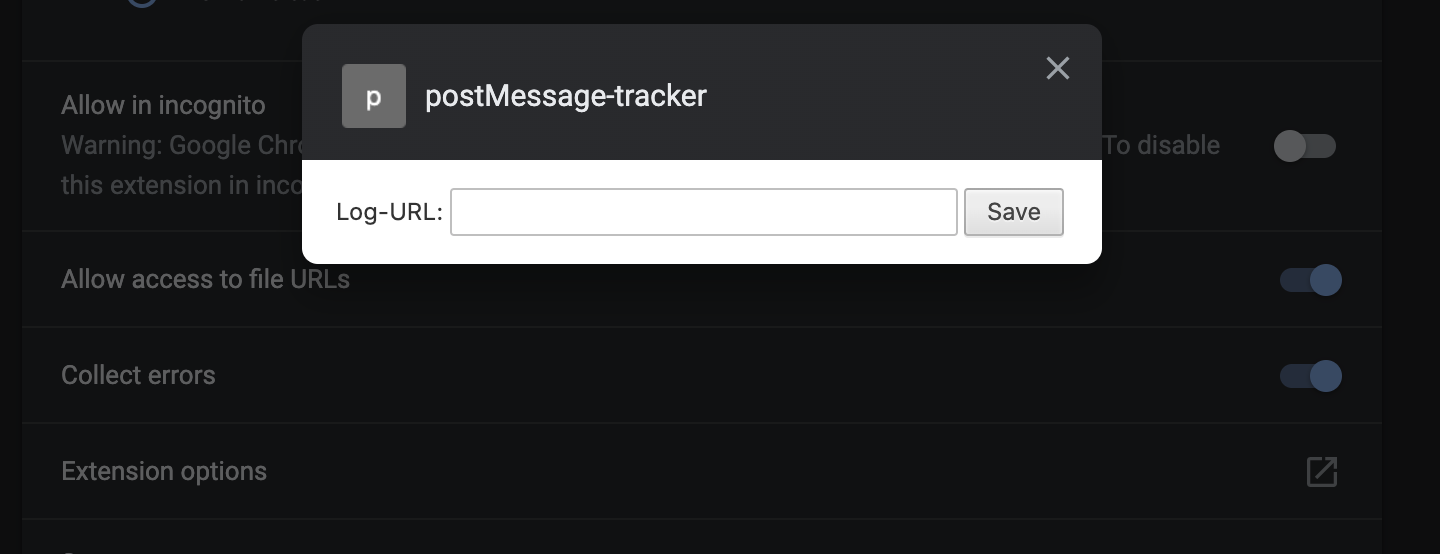
- Allows you to set a Log URL inside the extension options to allow you to log all information about each listener to an endpoint by submitting the listener and the function (to be able to look through all listeners later). You can find the options in the Extension Options when clicking the extension in chrome://extensions-page:
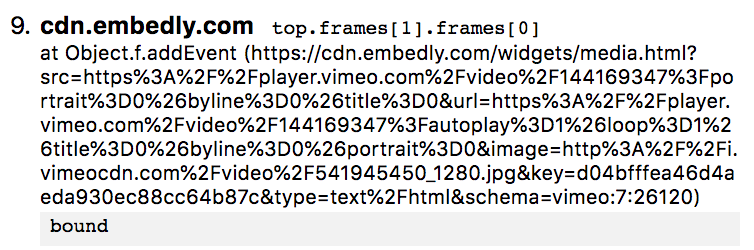
- Supports anonymous functions. Chrome does not support to stringify an anonymous function, in the cases of anonymous functions, you will see the bound-string as the listener:
Measured star growth
- in 24h
- 0
- in 7 days
- Collecting history
- in 15 days
- Collecting history
- in 1 month
- Collecting history
Net star changes over overlapping periods, not daily totals. Missing measurements are left blank. Stars measure attention, not software quality.
README.md
OriginalpostMessage-tracker
Made by Frans Rosén. Presented during the "Attacking modern web technologies"-talk (Slides) at OWASP AppSec Europe back in 2018, but finally released in May 2020.
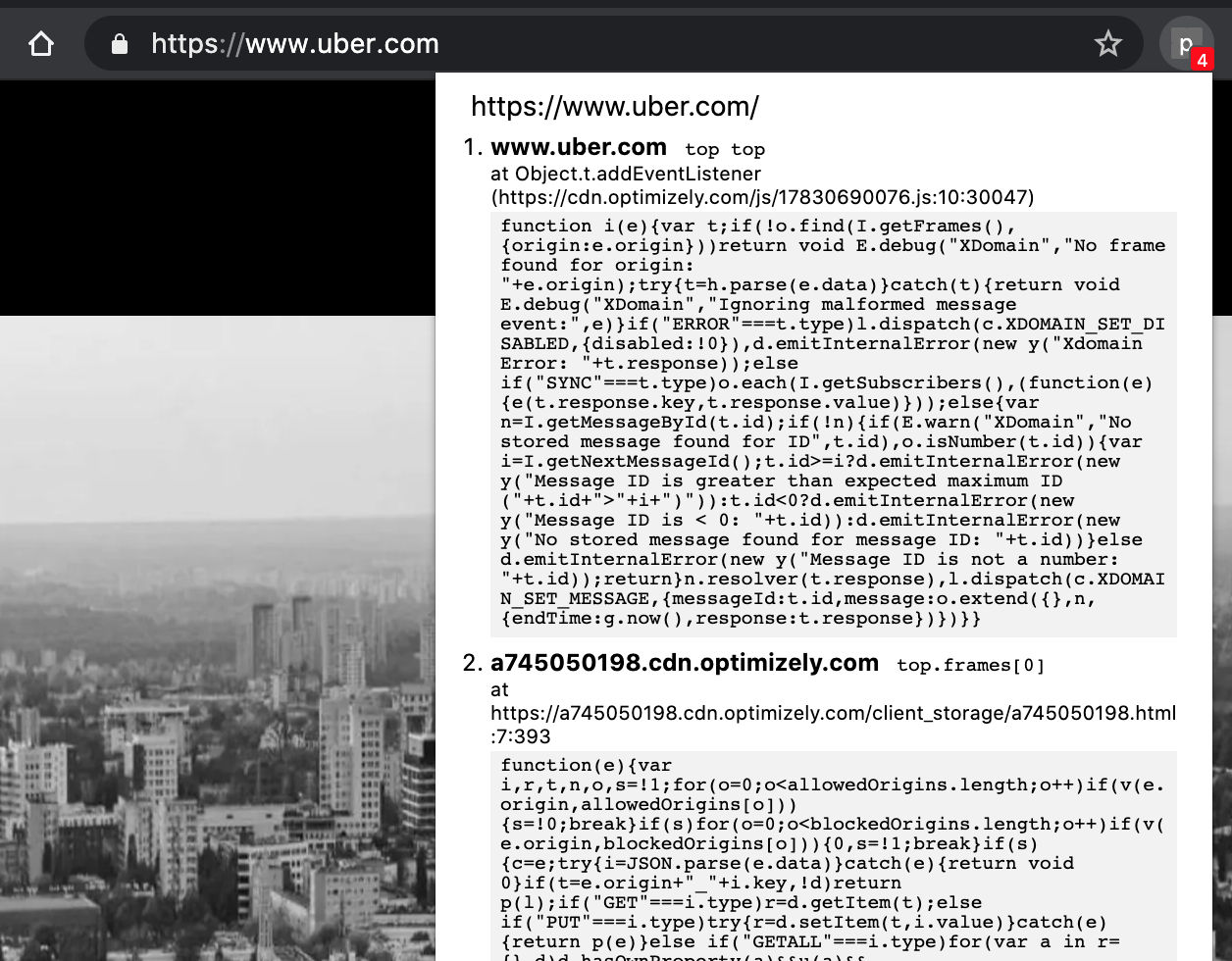
This Chrome extension monitors postMessage-listeners by showing you an indicator about the amount of listeners in the current window.
It supports tracking listeners in all subframes of the window. It also keeps track of short-lived listeners and listeners enabled upon interactions. You can also log the listener functions and locations to look them through them at a later stage by using the Log URL-option in the extension. This enables you to find hidden listeners that are only enabled for a short time inside an iframe.
It also shows you the interaction between windows inside the console and will specify the windows using a path you can use yourself to replay the message:
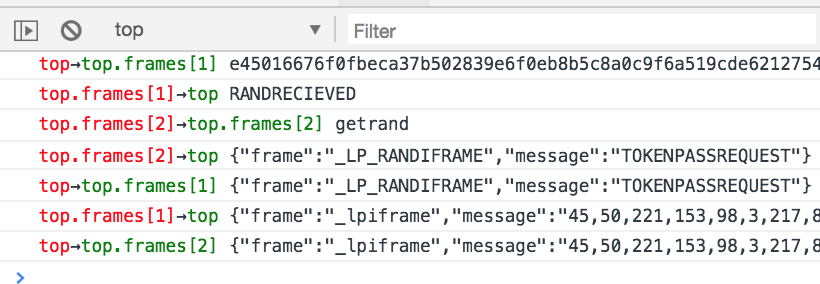
It also supports tracking communication happening between different windows, using diffwin as sender or receiver in the console.
Features
Supports Raven, New Relic, Rollbar, Bugsnag and jQuery wrappers and "unpacks" them to show you the real listener.
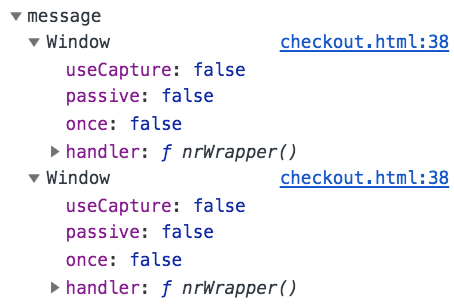
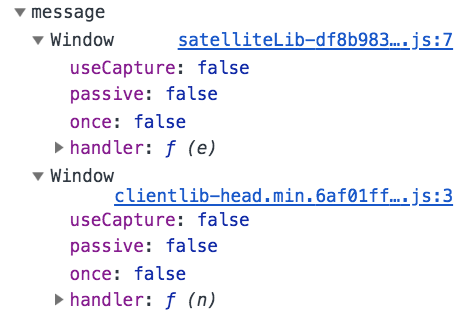
Tries to bypass and reroute wrappers so the Devtools console will show the proper listeners:
Using New Relic:
After, with postMessage-tracker:
Using jQuery:
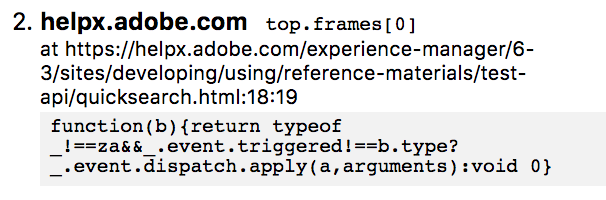
After, with postMessage-tracker:
- Allows you to set a Log URL inside the extension options to allow you to log all information about each listener to an endpoint by submitting the listener and the function (to be able to look through all listeners later). You can find the options in the Extension Options when clicking the extension in
chrome://extensions-page:
- Supports anonymous functions. Chrome does not support to stringify an anonymous function, in the cases of anonymous functions, you will see the
bound-string as the listener:
Known issues
Since some websites could be served as XML with a XHTML-namespace, it will also attach itself to plain XML-files and will be rendered in the top of the XML. This might confuse you if you look at XML-files in the browser, as the complete injected script is in the DOM of the XML. I haven't found a way to hide it from real XML-files, but still support it for XHTML-namespaces. The content script is not added to the DOM if the document.contentType is application/xml which happens when Chrome renders XML-files.
Explore related projects
codecrafters-io/build-your-own-x
Master programming by recreating your favorite technologies from scratch.
560,963 starspublic-apis/public-apis
A collective list of free APIs
497,225 starsmorluto/rea
Reverse engineer anything with agents, from app behavior down to native binaries.
442,786 starsopenclaw/openclaw
The AI that really does things. Any OS. Any Platform. The lobster way. 🦞
394,185 stars