
findyourexit/excise
findyourexit/excise has 96 GitHub stars and 4 forks. GitHot measured 0 stars in 24 hours. Last checked 2026-11-15 16:28 UTC. Last push 2026-11-13.
What you can do
- Interactive Storage Map Browse folders during an active scan. Completed folders expose concrete direct children, filtering, zoom controls, and an overflow summary when the viewport cannot draw every entry.
Measured star growth
- in 24h
- 0
- in 7 days
- Update delayed
- in 15 days
- Update delayed
- in 1 month
- Update delayed
Net star changes over overlapping periods, not daily totals. Missing measurements are left blank. Stars measure attention, not software quality.
About
Surgical terminal storage navigator
Developer ToolsREADME.md
Original

Excise





A tool for understanding and surgically removing exactly the files and folders you choose.
Excise combines an interactive storage map with careful space accounting, clear resource limits, safe handling of unusual file names, and a deliberate review before permanent deletion.
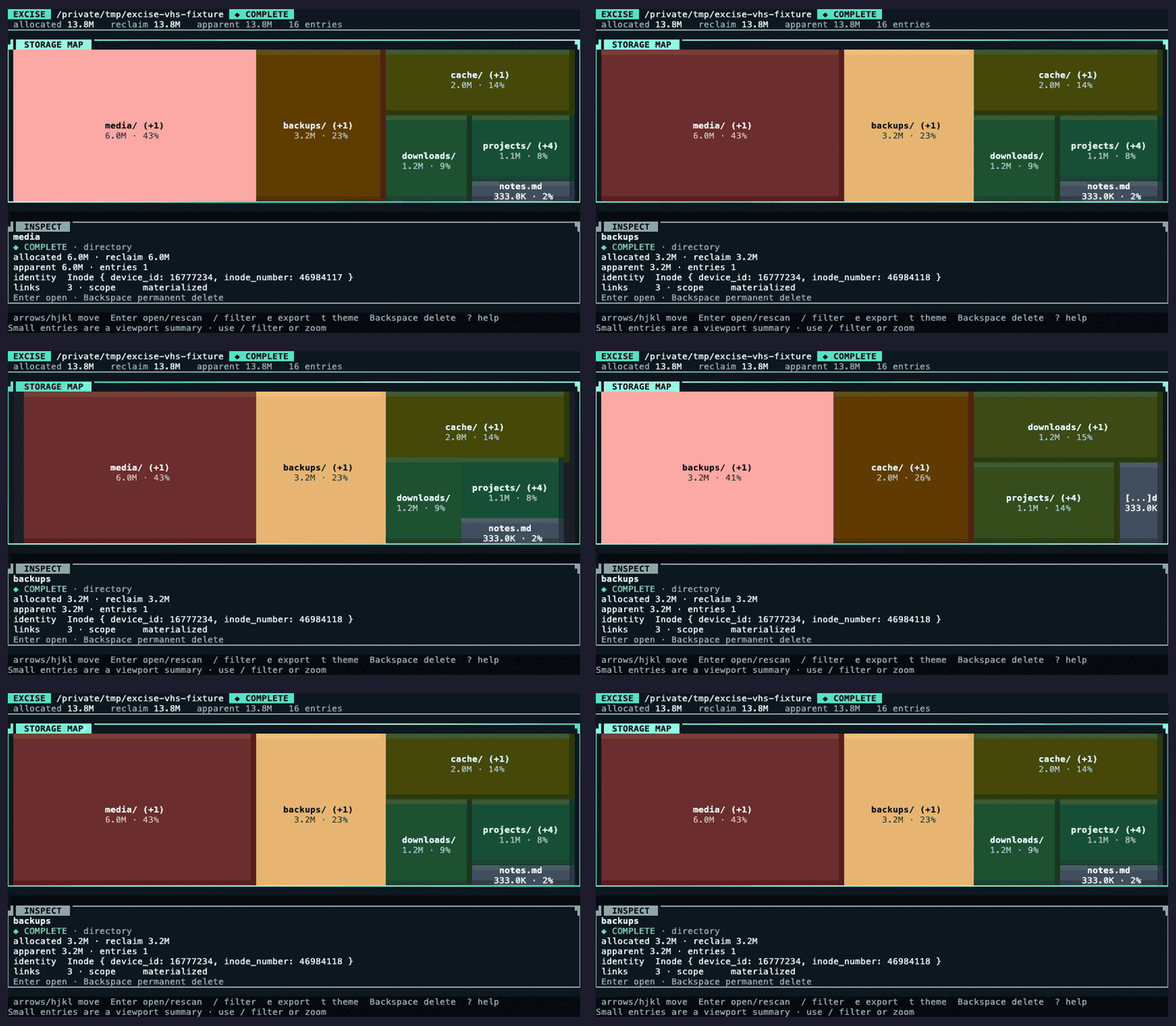
Quick Start
Install
Homebrew (macOS)
brew tap findyourexit/tap
brew install findyourexit/tap/excise
excise --version  # excise 1.4.1
crates.io
cargo install excise --version 1.4.1 --locked
excise --version  # excise 1.4.1
X-CMD
Install using X-CMD:
x eget use findyourexit/excise
[!NOTE] X-CMD downloads the pre-built binary from GitHub Releases.
Pre-built Binaries
Download the v1.4.1 release for macOS, Linux, and Windows, across Apple Silicon, Intel, or ARM systems.
Full support is limited to x86_64 Linux, AArch64 macOS, and x86_64 Windows binaries at present. Each of these are built and tested.
Other binaries are also available, but they're build-only, and so support is considered "best-effort".
[!TIP] See the Support Policy for more details.
Build From Source
git clone --branch v1.4.1 --depth 1 https://github.com/findyourexit/excise.git
cd excise
cargo install --path . --locked
excise --version
Nix users can run the tagged release without changing its lock file:
nix run github:findyourexit/excise/v1.4.1 -- --format table /path/to/inspect
Usage
Start the Terminal Interface
Run Excise without arguments to open the interface in the current folder:
excise
Other Ways to Use Excise
# Start the TUI from a specific directory
excise /path/to/inspect

# Readable output for humans
excise --format table /path/to/inspect

# Machine-readable JSON report for clankers
excise --format json --output scan.json /path/to/inspect

# Keep the scan on one filesystem and skip build output
excise --exclude target/ --exclude .git/ /path/to/inspect
Configuration
Excise offers a degree of configuration to tailor your persisted tool preferences.
Configurations are honoured in the following order (highest priority, to lowest):
- Command line
- Environment
- Versioned TOML file
- Defaults
[!TIP] See Configuration for more details on configuring Excise.
Features
Interactive Storage MapBrowse folders during an active scan. Completed folders expose concrete direct children, filtering, zoom controls, and an overflow summary when the viewport cannot draw every entry. |
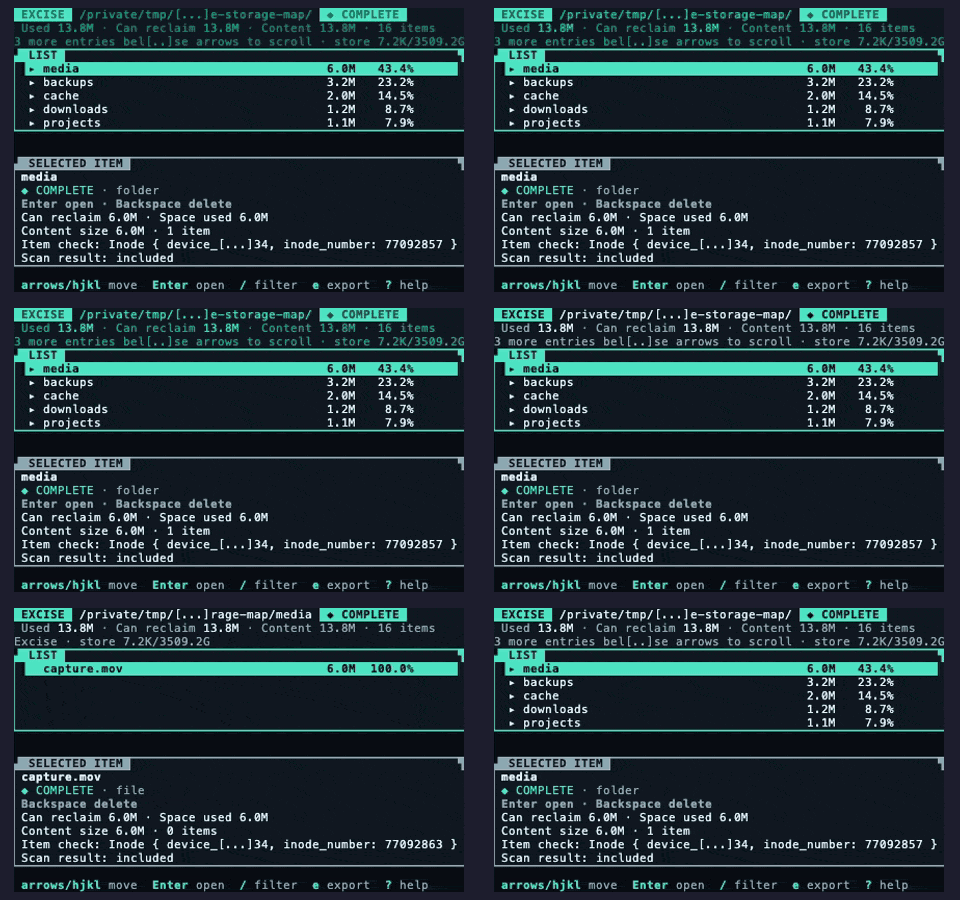
|
Accurate Space AccountingShow allocated space by default or apparent size with |
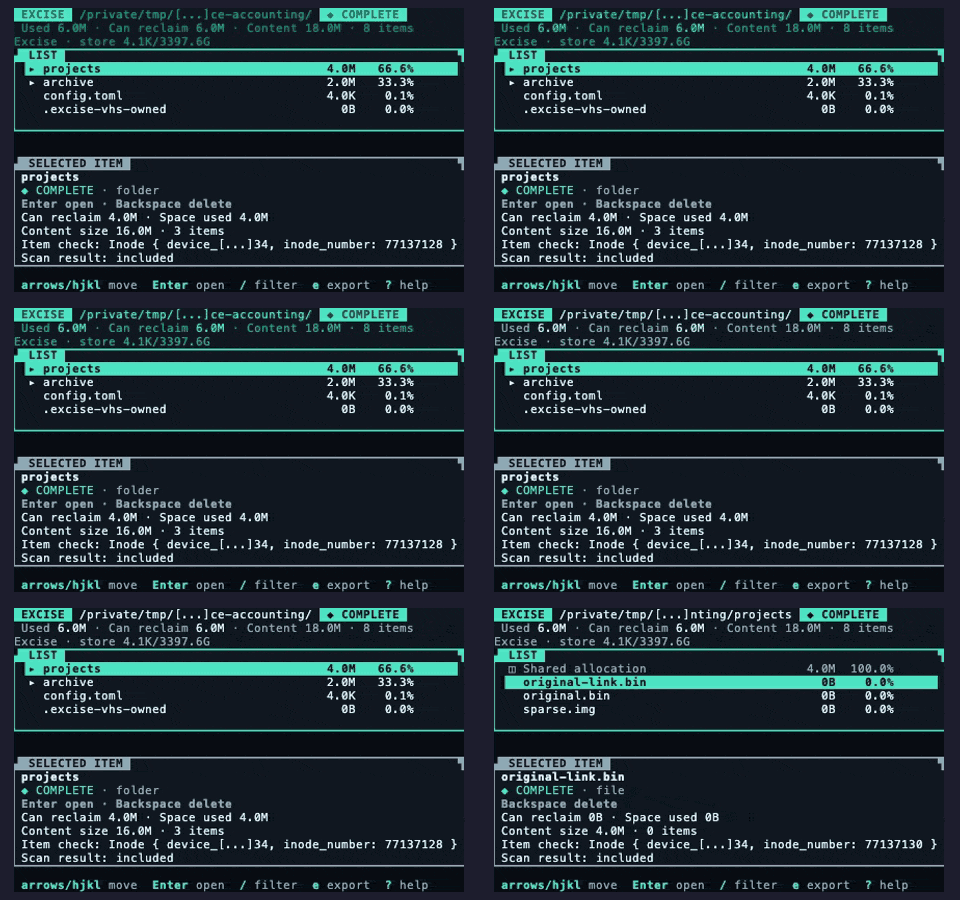
|
Scoped, Bounded ScanningHonor exclusions and file-system boundaries, never traverse link targets, and keep worker queues, memory, session storage, reports, history, and deletion work within fixed limits. |
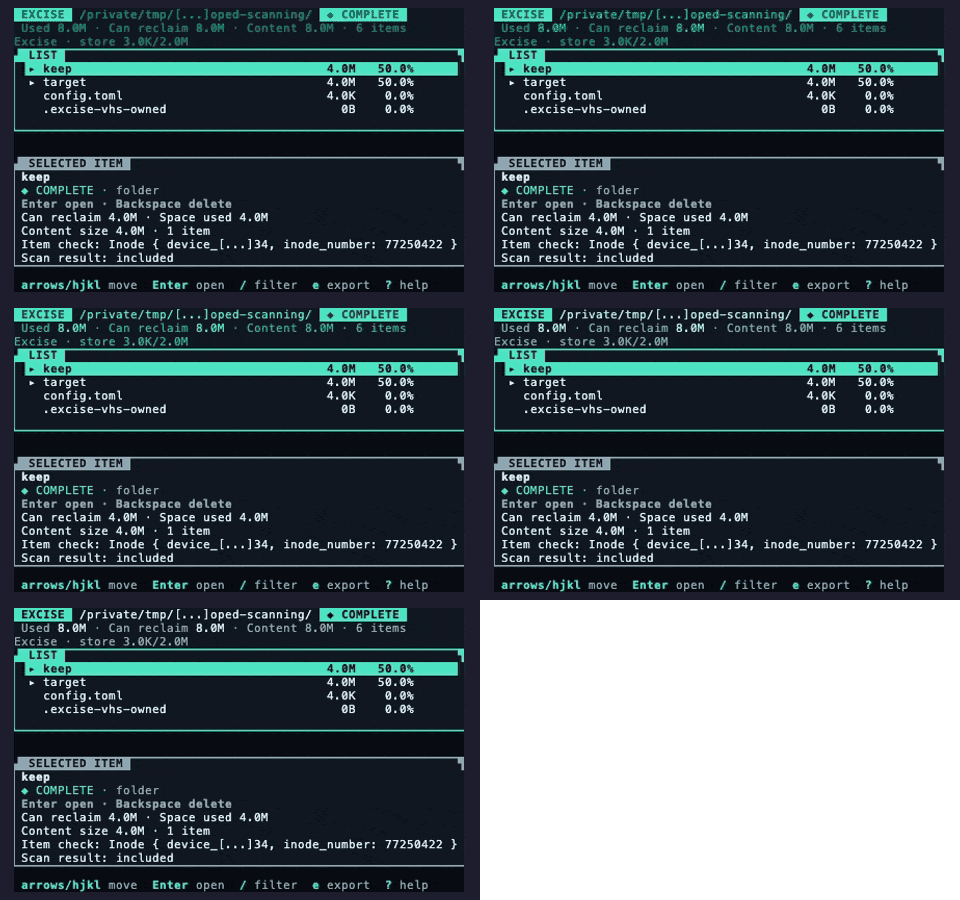
|
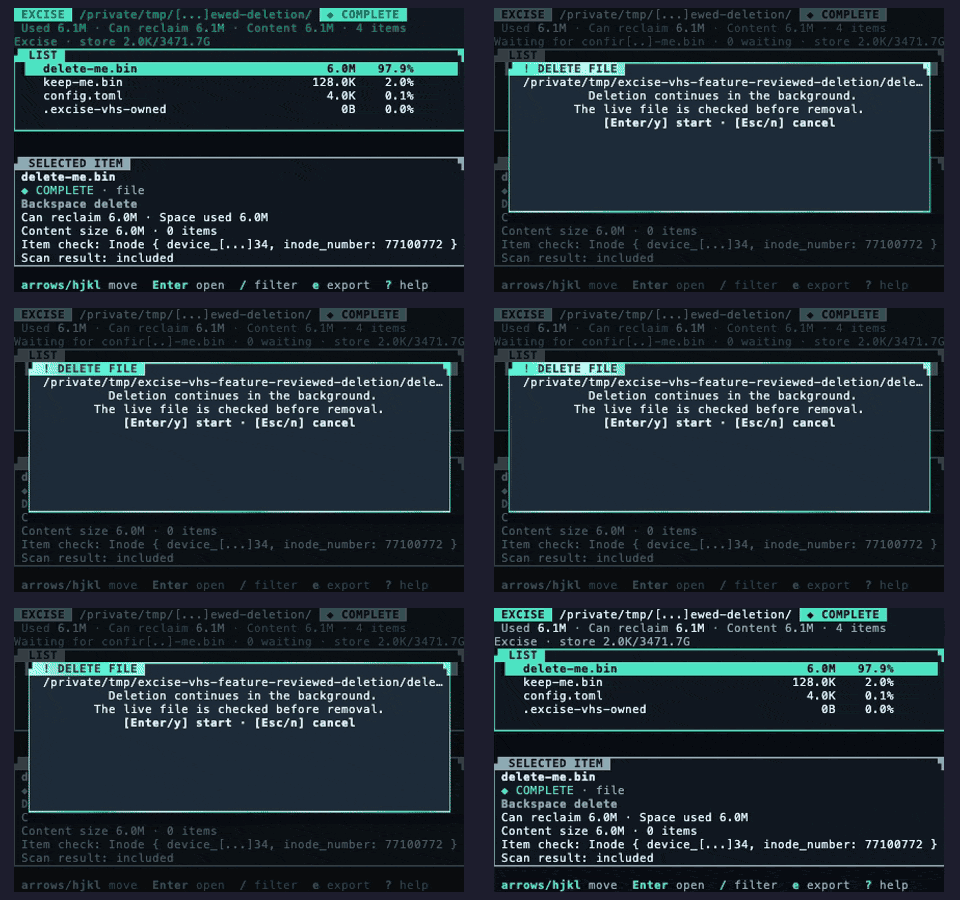
Reviewed Permanent DeletionBuild a fresh deletion plan from the live file system without following links. Confirm intent, recheck every planned entry before removal, and skip entries that no longer pass live identity and metadata checks. There is no trash or undo. |
|
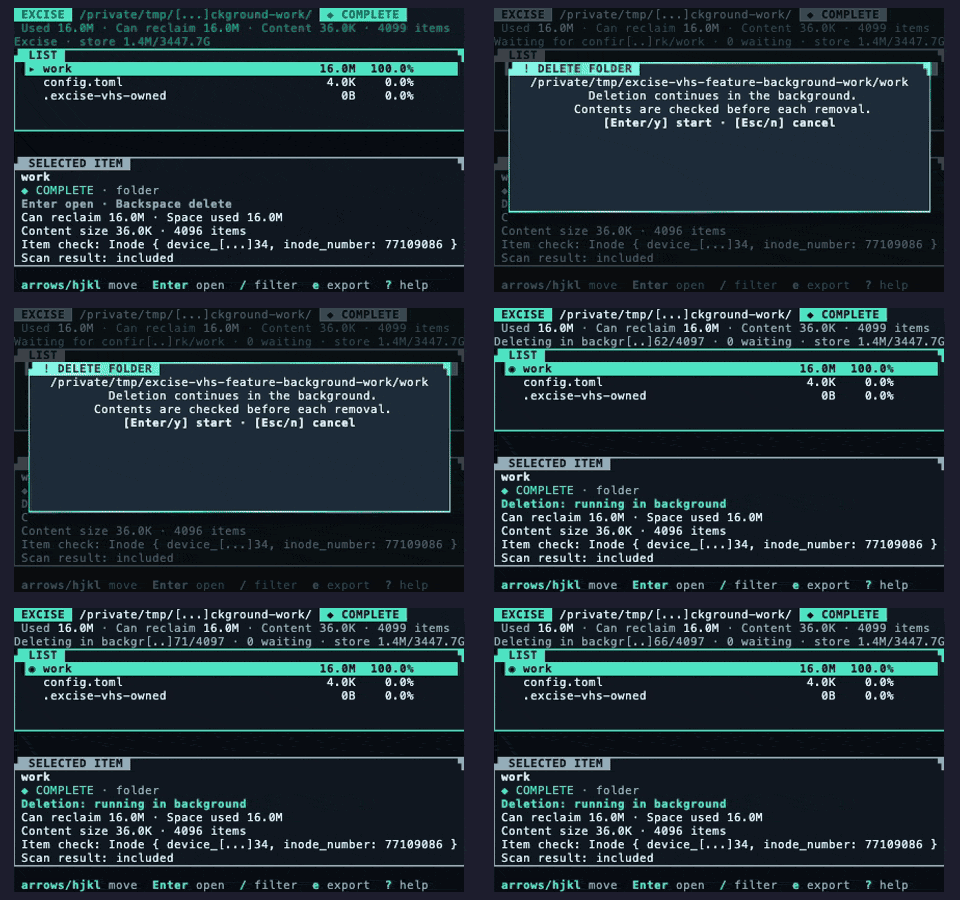
Responsive Background WorkKeep the map available while planning, deletion, and rescans run. Show their state, cancel pending work, or wait for an active operation to reach an entry boundary. |
|
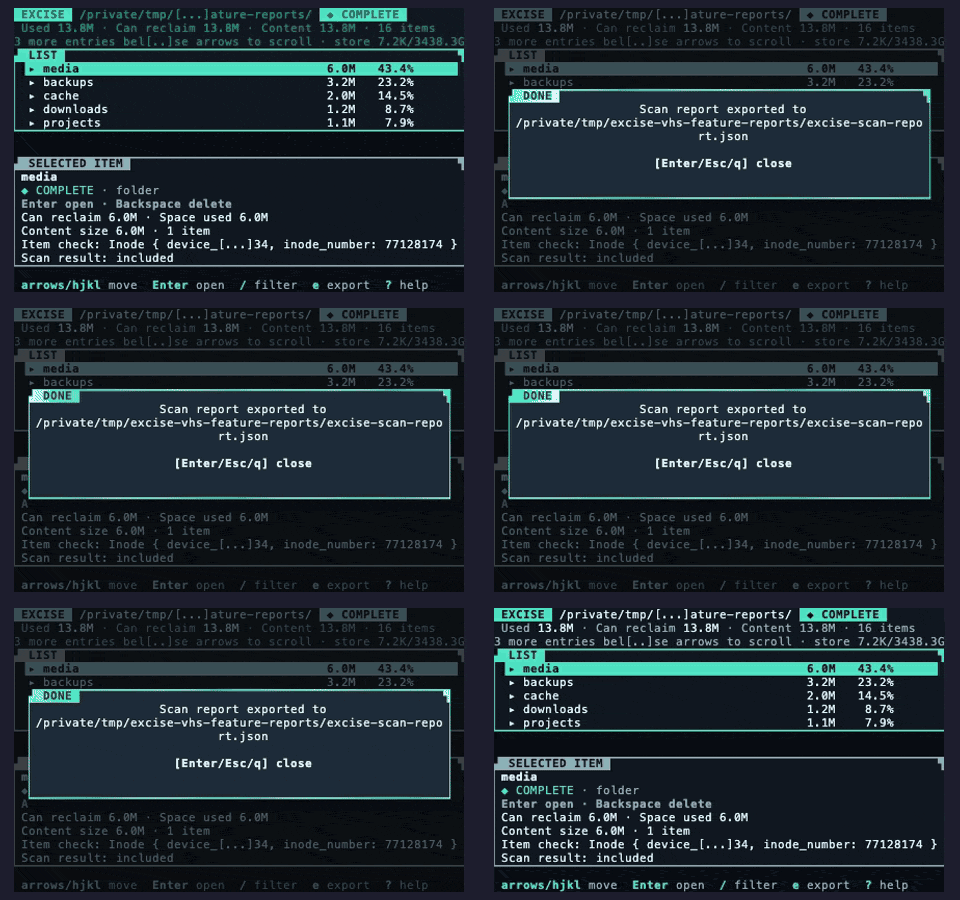
Human & Machine ReportsUse readable table output or stable, versioned JSON scan and deletion reports. Table and JSON modes work without a terminal. Display paths are escaped, and JSON retains native path data without loss. |
|
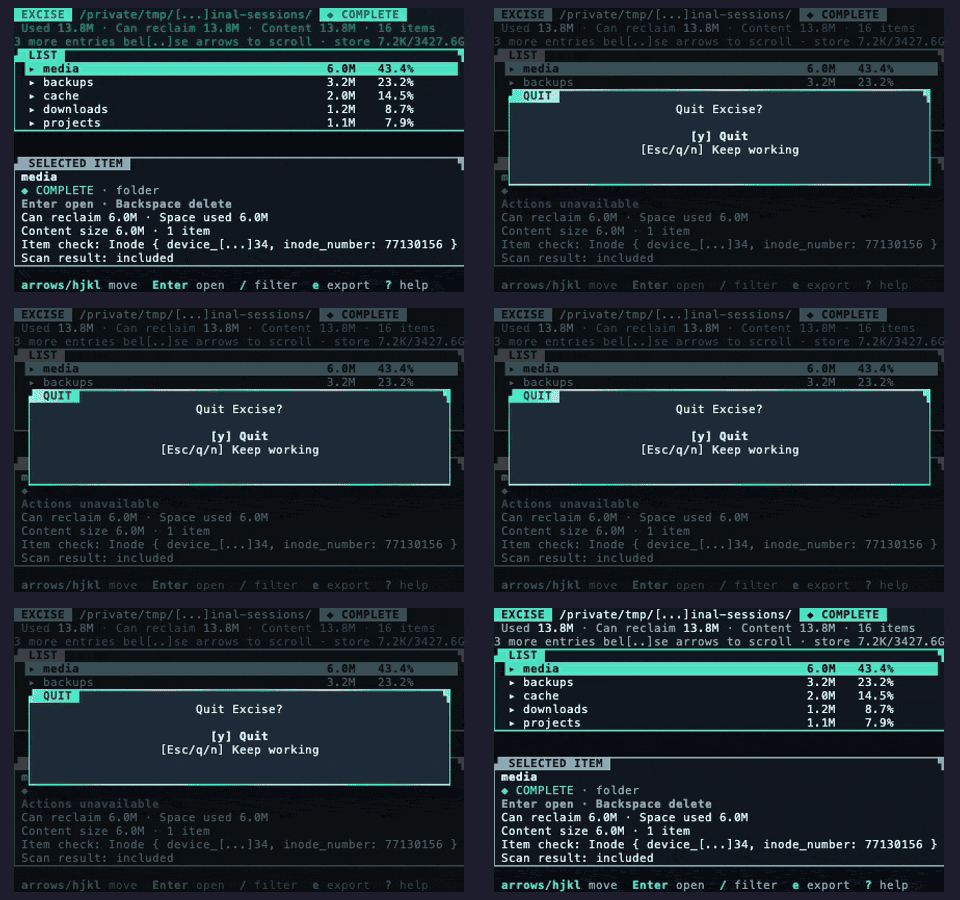
Robust Terminal SessionsRestore the terminal after normal exits, errors, panics, and safe cancellation. |
|
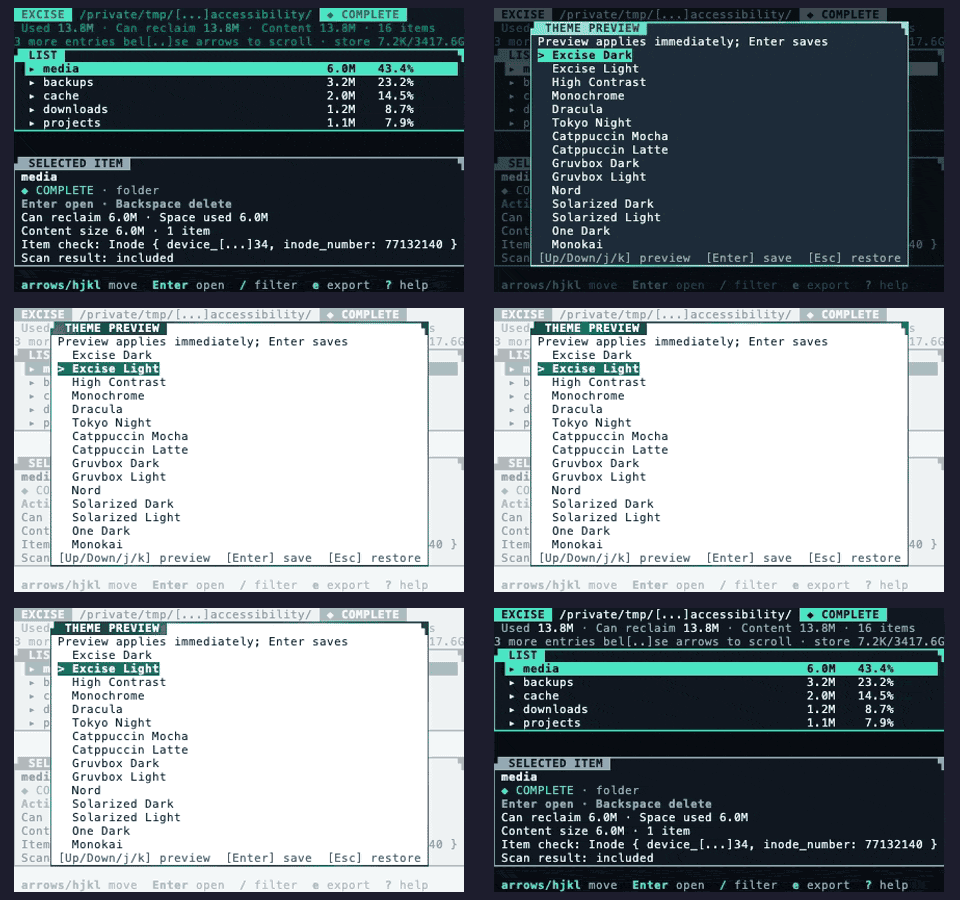
Accessible, Configurable InteractionUse keyboard navigation, optional mouse selection, themes, reduced motion, ASCII and monochrome rendering, custom keymaps, and narrow-terminal layouts. |
|
Terminal Controls
| Key | Action |
|---|---|
| ← ↓ ↑ → | Move the selection |
| h j k l | Move the selection, Vim style |
| return / enter | Move into the selected directory |
| esc | Move out of the current directory or cancel the current action |
| / | Filter the current view |
| +, -, 0 | Zoom in, zoom out, or reset zoom |
| e | Export the current scan report |
| E | Export bounded deletion history |
| t | Preview and choose a theme |
| ? | Open the built-in help |
| backspace | Begin a permanent deletion plan |
| q, ctrl-c | Exit |
The interactive interface needs standard input and output connected to a terminal, terminal color and control support, a separate screen for the interface, and a window at least 32 x 8. Use table or JSON mode for redirection, pipelines, continuous integration, and terminals without those capabilities. --output FILE works only with table or JSON mode.
Support Policy
| Target | Support Status | Details |
|---|---|---|
x86_64 Linux (x86_64-unknown-linux-gnu) |
✅ Supported | Testing on Linux, terminal testing, and release archive |
AArch64 macOS (aarch64-apple-darwin) |
✅ Supported | Testing on macOS, terminal testing, and release archive |
x86_64 Windows (x86_64-pc-windows-msvc) |
✅ Supported | Testing on Windows, terminal testing, and release archive |
x86_64 macOS (x86_64-apple-darwin) |
🟡 Best effort | Release compilation and archive only |
AArch64 Linux (aarch64-unknown-linux-gnu) |
🟡 Best effort | Release compilation and archive only |
AArch64 Windows (aarch64-pc-windows-msvc) |
🟡 Best effort | Release compilation and archive only |
Only the first three targets have full platform support. The remaining archives are published for people who want to experiment, but a successful download or build does not prove that the program runs correctly on that target.
Behavior can vary with file system types, access rules, network file systems, files that share storage with copies, compression, and shared physical storage. These cases remain best effort unless they have separate evidence. Unknown allocated space remains explicit. See SUPPORT.md for limitations and troubleshooting.
Development
Excise requires Rust 1.98 or later and uses the 2024 edition. Rust 1.98.0 is the pinned toolchain and the lowest compiler version tested in CI. Run the complete local verification gate with:
cargo verify
This checks formatting, workflows, dependency rules, documentation links, compilation, supported builds, Rust lint checks, unit and snapshot tests, terminal behavior, package contents, limited fuzz testing, benchmarks, generated files, JSON formats, distribution templates, and release binary size.
The current main demonstration is generated with cargo demo. See Development before refreshing the VHS recording. The committed assets/demo-main.gif is the current demonstration. The Demo recording workflow uploads a review artifact but does not change the repository.
Documentation
- Documentation website
- Getting Started
- Configuration
- Reports and JSON Formats
- Permanent Deletion Contract
- Space Accounting Contract
- Architecture
- Threat Model
- Development
- Release Process
- Support Policy
- Security Policy
- Governance
Provenance
Excise is an independent fork and spiritual successor to Diskonaut.
While the Diskonaut history and release tags remain preserved in this repository, Excise has become quite a different beast. That said, both tools are centred around a similar tree-map visualisation of your local storage.
Community & License
Contributions are welcome. Read CONTRIBUTING.md, use GitHub Discussions for questions, and follow SECURITY.md for private vulnerability or data-loss reports.
MIT. See LICENSE.