
felixpalmer/procedural-gl-js
felixpalmer/procedural-gl-js has 1,348 GitHub stars and 90 forks. GitHot measured +2 in 7 days. Last checked 2026-11-10 19:10 UTC. Last push 2021-05-11.
Mobile-first 3D mapping engine with emphasis on user experience
What you can do
- Novel GPU powered level-of-detail system gives butter-smooth rendering, including on mobile
- Stream in standard raster imagery tiles. Supports map tiles from a variety of providers
- Easily include elevation data for 3D terrain
- Powerful overlay capabilities. Draw crisp markers and lines
Measured star growth
- in 24h
- Update delayed
- in 7 days
- +2
- in 15 days
- Update delayed
- in 1 month
- Update delayed
Net star changes over overlapping periods, not daily totals. Missing measurements are left blank. Stars measure attention, not software quality.
README.md
Originalprocedural-gl.js
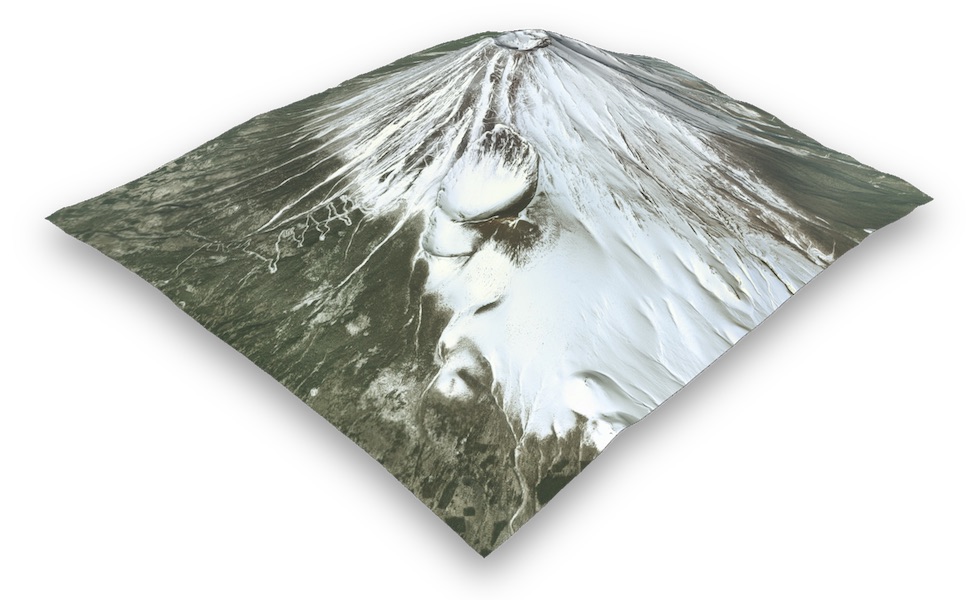
Procedural GL JS is a library for creating 3D map experiences on the web, written in JavaScript and WebGL. It is built on top of THREE.js.
It provides an easy-to-use, but powerful framework to allow beautiful landscapes of the outdoors to be embedded into web pages. It loads super-fast and is optimized for mobile devices.
Demo | Docs | Overlay playground | Elevation data | Source
Key features
- Novel GPU powered level-of-detail system gives butter-smooth rendering, including on mobile
- Stream in standard raster imagery tiles. Supports map tiles from a variety of providers
- Easily include elevation data for 3D terrain
- Powerful overlay capabilities. Draw crisp markers and lines
- Well-thought-out API, complex applications can be built without needing to deal with 3D concepts
- Great UX and intuitive controls, mouse-based on desktop & touch-based on mobile
- Tiny filesize means library is parsed fast. Package size is less than THREE.js thanks to code stripping
Screenshots
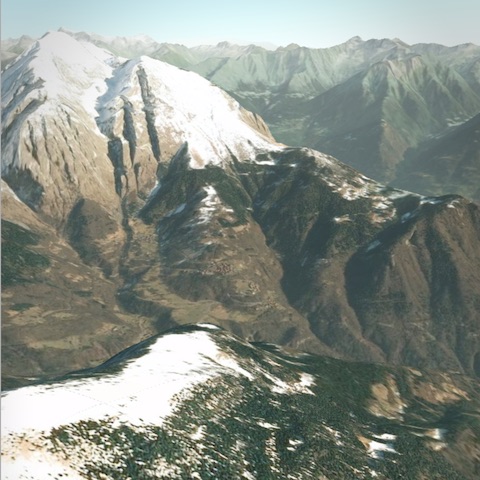
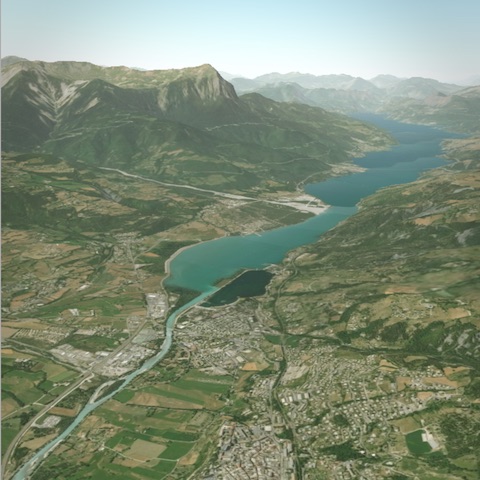
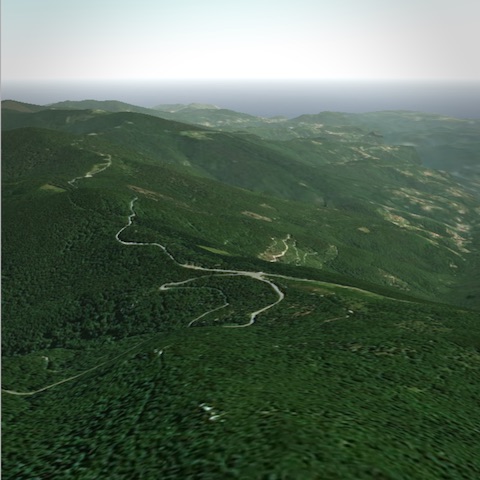
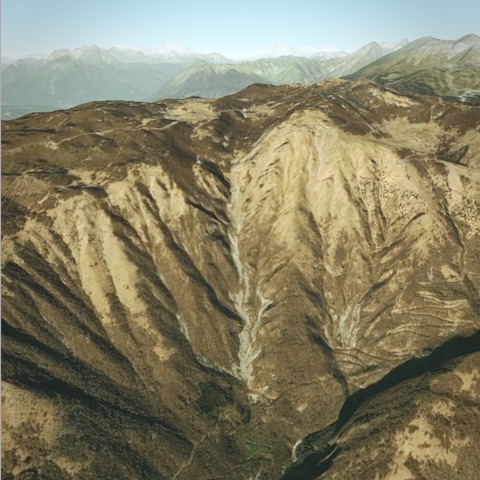
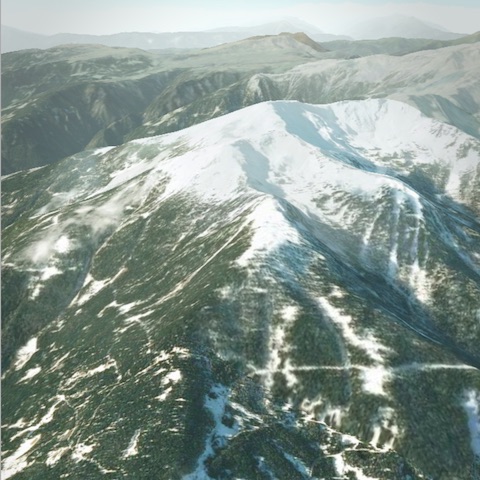
Install
npm install procedural-gl
Usage
import Procedural from 'procedural-gl';

// Choose a DOM element into which the library should render
const container = document.getElementById( 'container' );

// Configure datasources
const datasource = {
  provider: 'maptiler',
  // To get a free key, use https://cloud.maptiler.com/account/?ref=procedural
  apiKey: 'GET_AN_API_KEY_FROM_MAPTILER'
};

// Initialize library and optionally add UI controls
Procedural.init( { container, datasource } );
Procedural.setRotationControlVisible( true );

// Load real-world location
const montBlanc = { latitude: 45.8326364, longitude: 6.8564201 };
Procedural.displayLocation( montBlanc );
Connecting to a datasource
To actually load data using a library you will need to connect to a source of data. The quickest way to get setup is to register for a free account with MapTiler and then use the API key as shown above.
For detailed instructions for setting up the datasource, see this page in the wiki
Examples
Sponsor
If this library is useful to you, please consider sponsoring the project.
Blog posts / Guides
- Quickstart setup of datasources for Procedural GL JS
- Build New Zealand in an afternoon
- RGB Elevation Creation for 3D Online Mapping
License
Procedural GL JS is licensed under the Mozilla Public License Version 2.0.
Explore related projects
ytdl-org/youtube-dl
Command-line program to download videos from YouTube.com and other video sites
141,527 starsexcalidraw/excalidraw
Virtual whiteboard for sketching hand-drawn like diagrams
135,492 starsgodotengine/godot
Godot Engine – Multi-platform 2D and 3D game engine
119,942 starsmrdoob/three.js
JavaScript 3D Library.
118,122 stars