
fcreme/TerminalStyles
fcreme/TerminalStyles has 28 GitHub stars and 6 forks. GitHot measured 0 stars in 24 hours. Last checked 2026-11-15 08:06 UTC. Last push 2026-11-08.
Measured star growth
- in 24h
- 0
- in 7 days
- Collecting history
- in 15 days
- Collecting history
- in 1 month
- Collecting history
Net star changes over overlapping periods, not daily totals. Missing measurements are left blank. Stars measure attention, not software quality.
About
Live terminal theme switcher with themes, instant previews, and support for Windows, macOS & Linux.
Developer ToolsREADME.md
Original
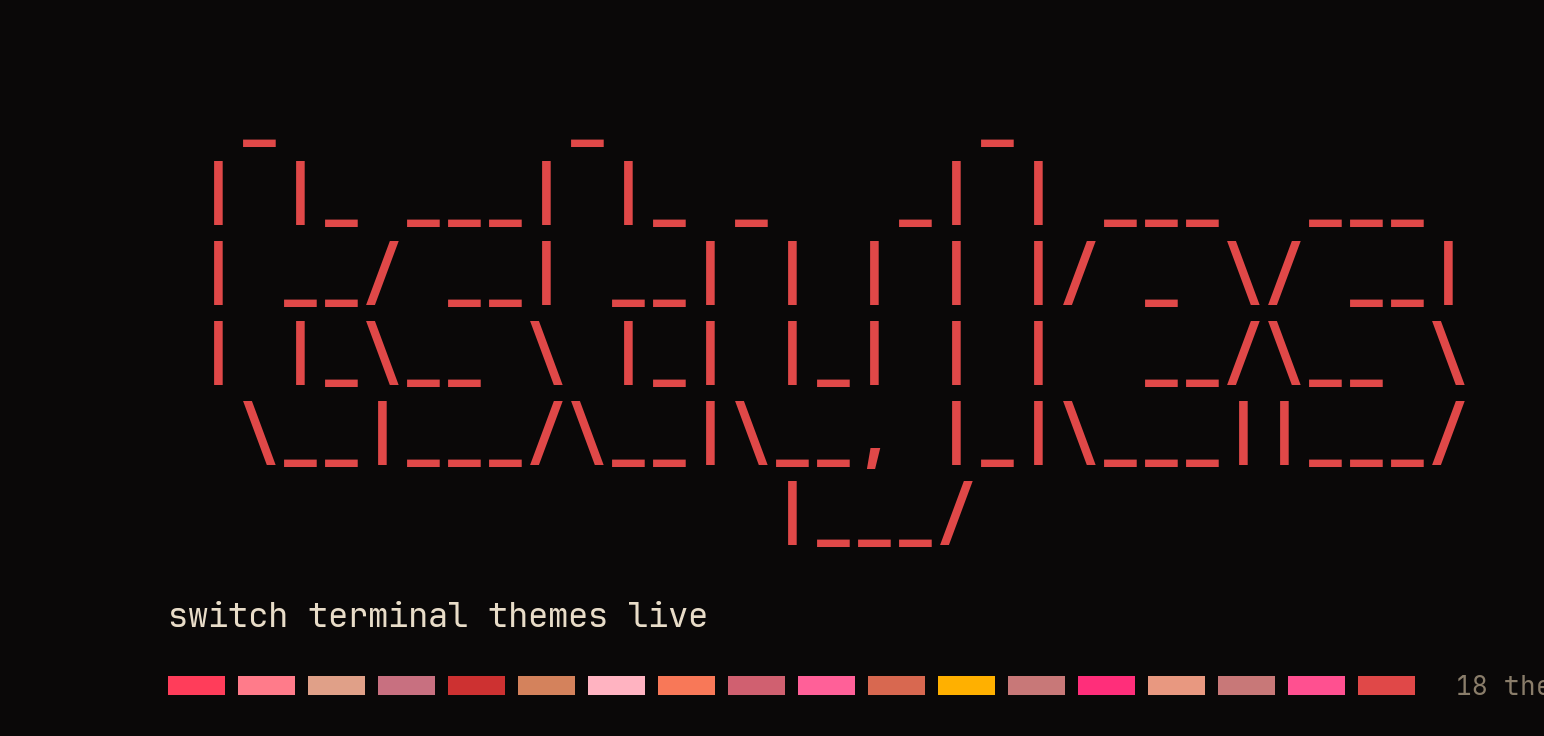



Switch terminal themes live. Run tstyles, arrow through 18 themes
previewing each one in your current tab — Enter keeps it, Esc reverts to
exactly how it looked before. The palette, the cursor color and the prompt
repaint instantly on any terminal that speaks OSC; on Windows Terminal and
WezTerm the font, opacity and animated background come with them. All in one
command, all non-destructive.
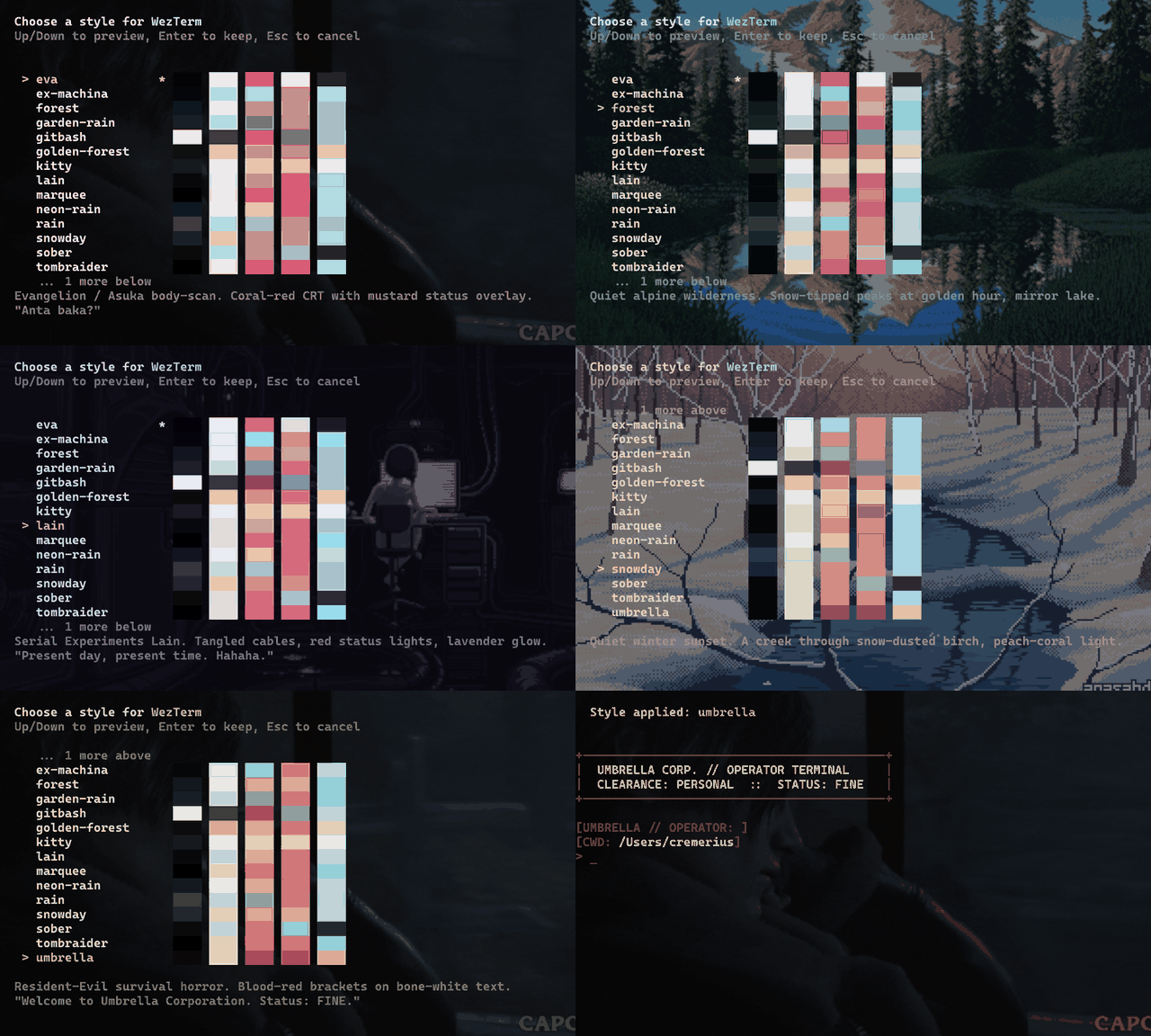
Works on Windows Terminal, macOS Terminal.app, iTerm2, and any
terminal that speaks OSC color sequences — and in zsh and bash, not just
PowerShell. Runs on PowerShell 7 and Windows PowerShell 5.1. Keep your own prompt
(Oh My Posh / Starship) with tstyles <name> -KeepPrompt.
Install
Install-PSResource -Name TerminalStyles
Import-Module TerminalStyles -DisableNameChecking
On macOS and Linux this needs PowerShell first — brew install powershell,
or see Requirements. On Windows it is already there.
Add the Import-Module line to your $PROFILE so it loads on every
new shell tab — or run tstyles register once and it does that for
you, with a confirm prompt first. It writes to the $PROFILE of each
PowerShell engine it finds on your PATH — on Windows that is pwsh 7 and
Windows PowerShell 5.1; on macOS and Linux, pwsh and pwsh-preview —
skips one that isn't installed, and writes once where two of them share
one file. The prompt names each file first. Then:
tstyles
Arrow keys preview each style live, Enter keeps it, Esc cancels.
Prefer a one-line installer, or on a shell without PSResourceGet? See the bootstrap installer.
umbrella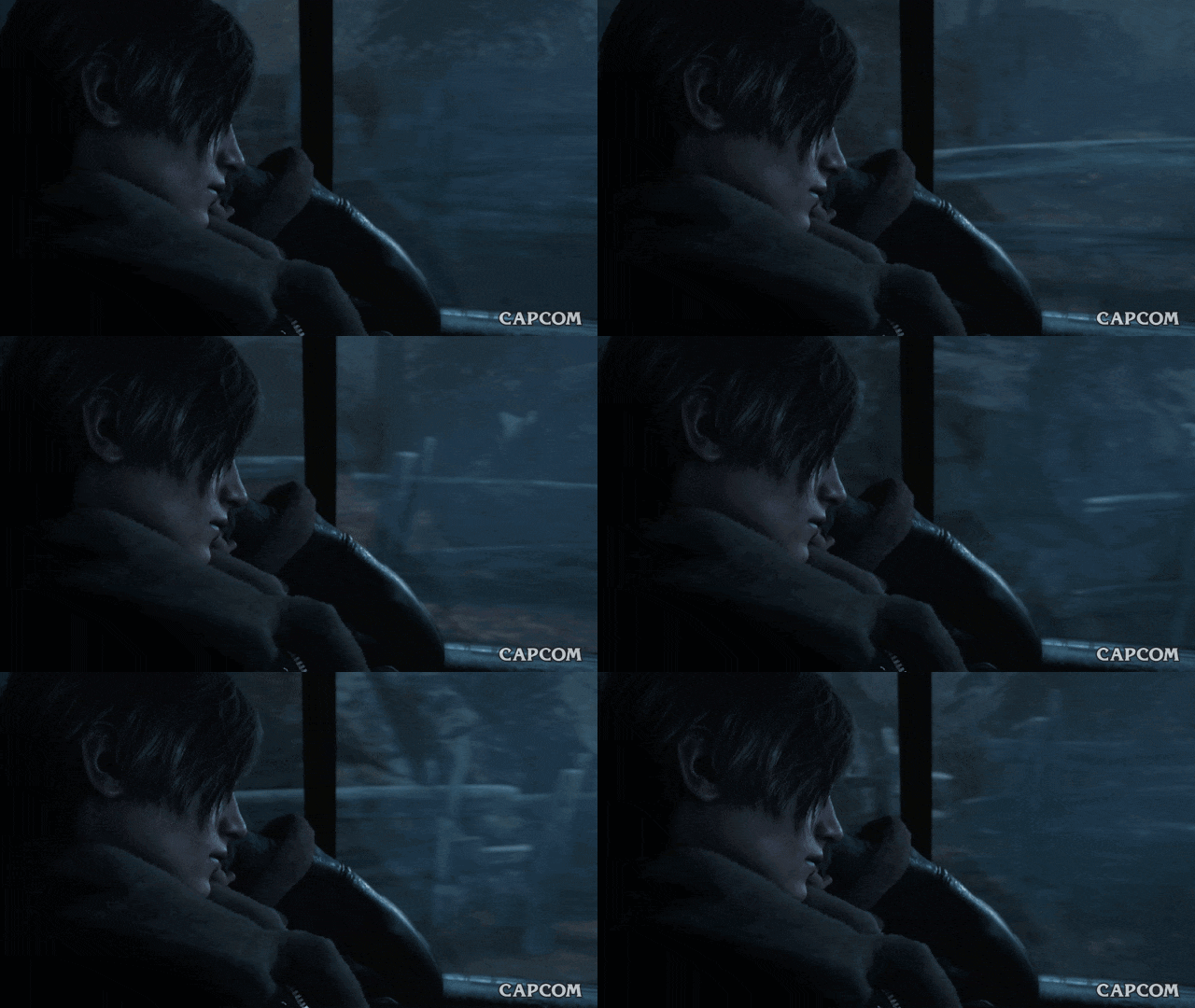 |
eva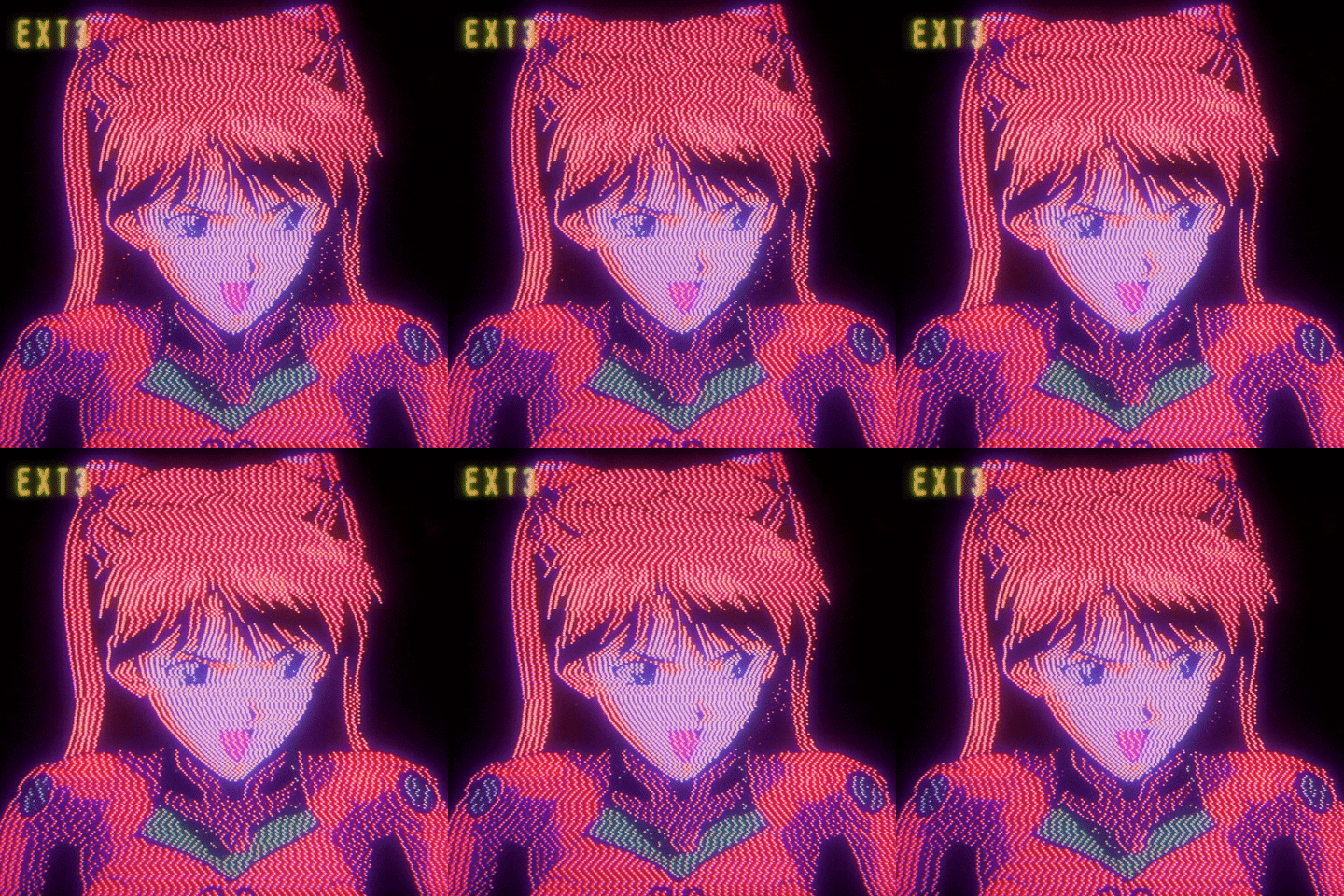 |
ex-machina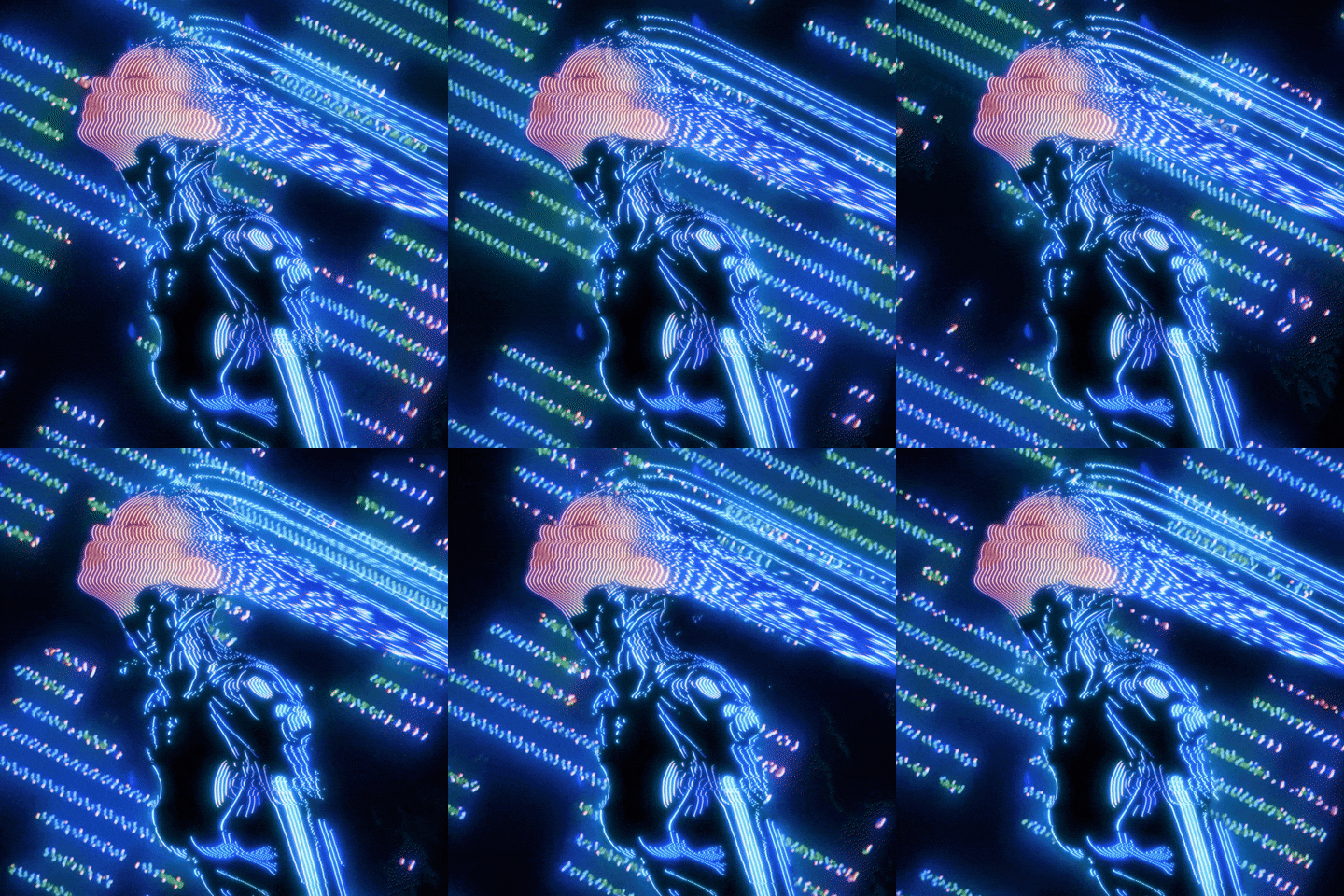 |
forest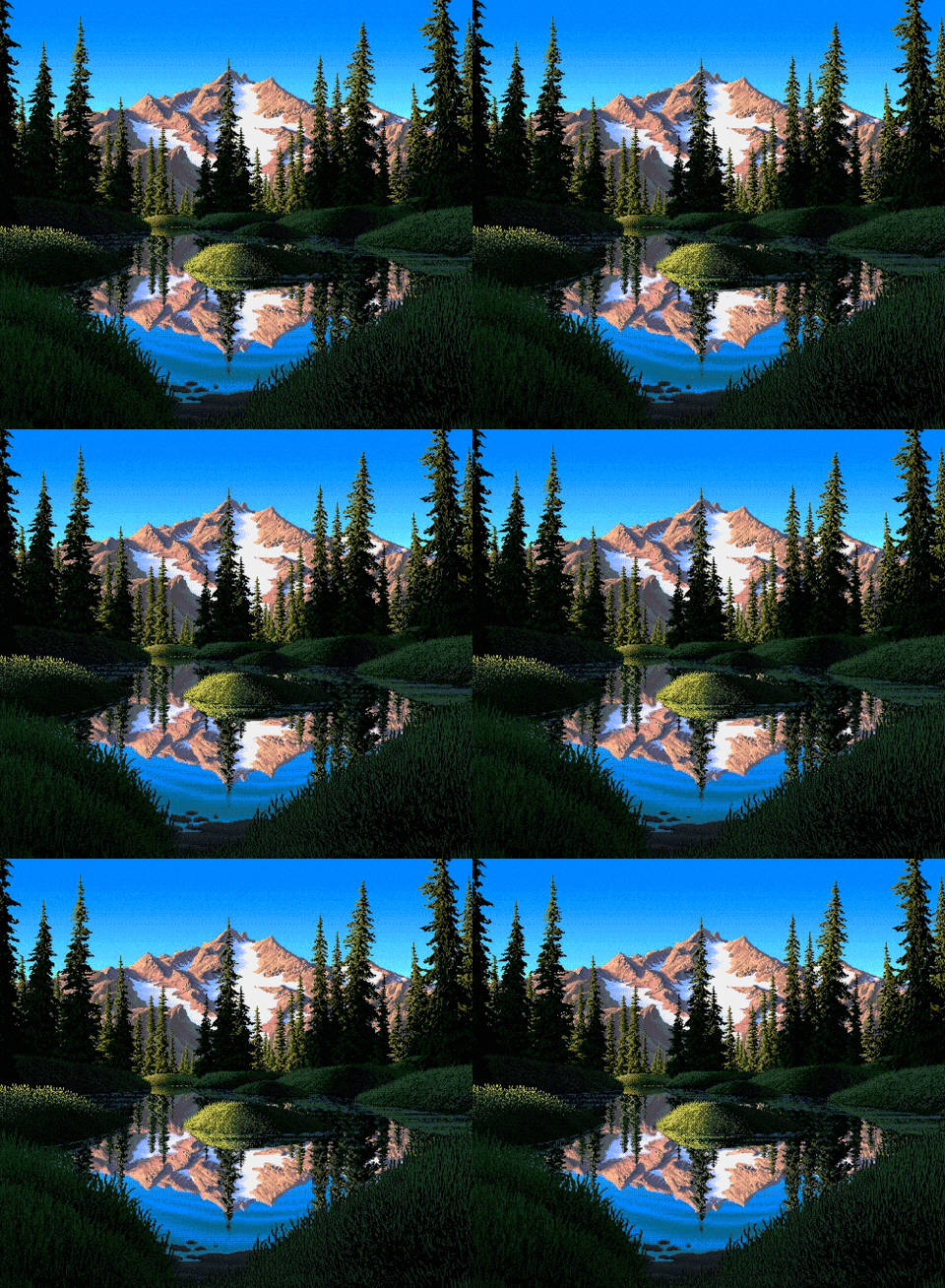 |
||
garden-rain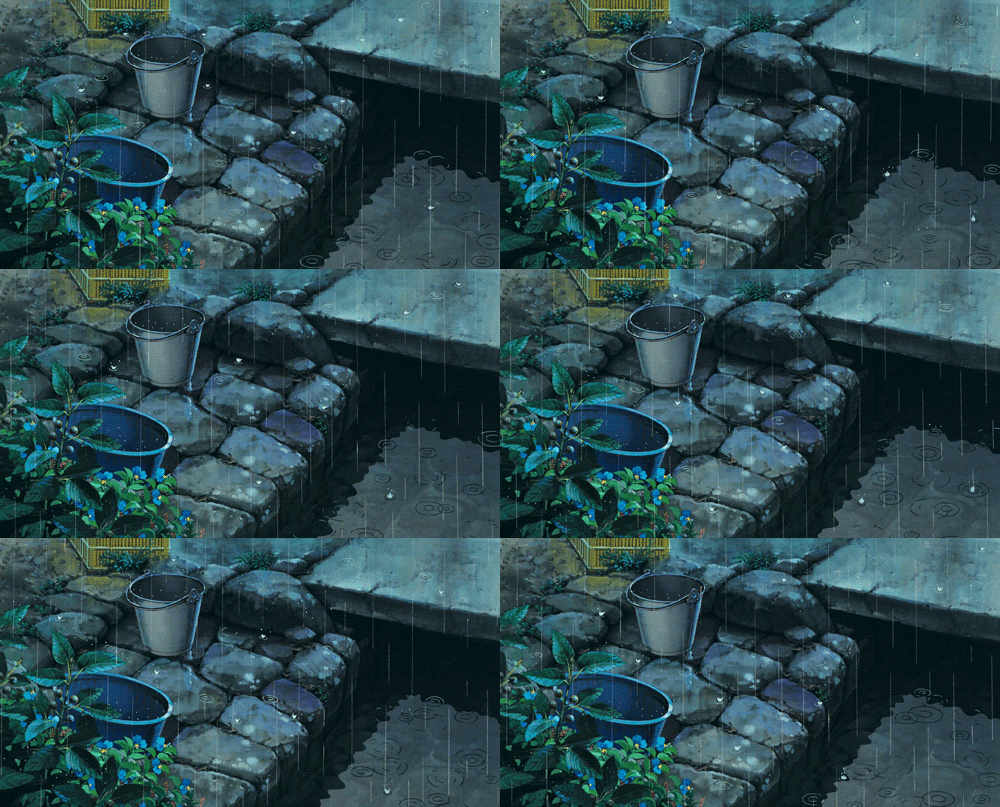 |
gitbash |
golden-forest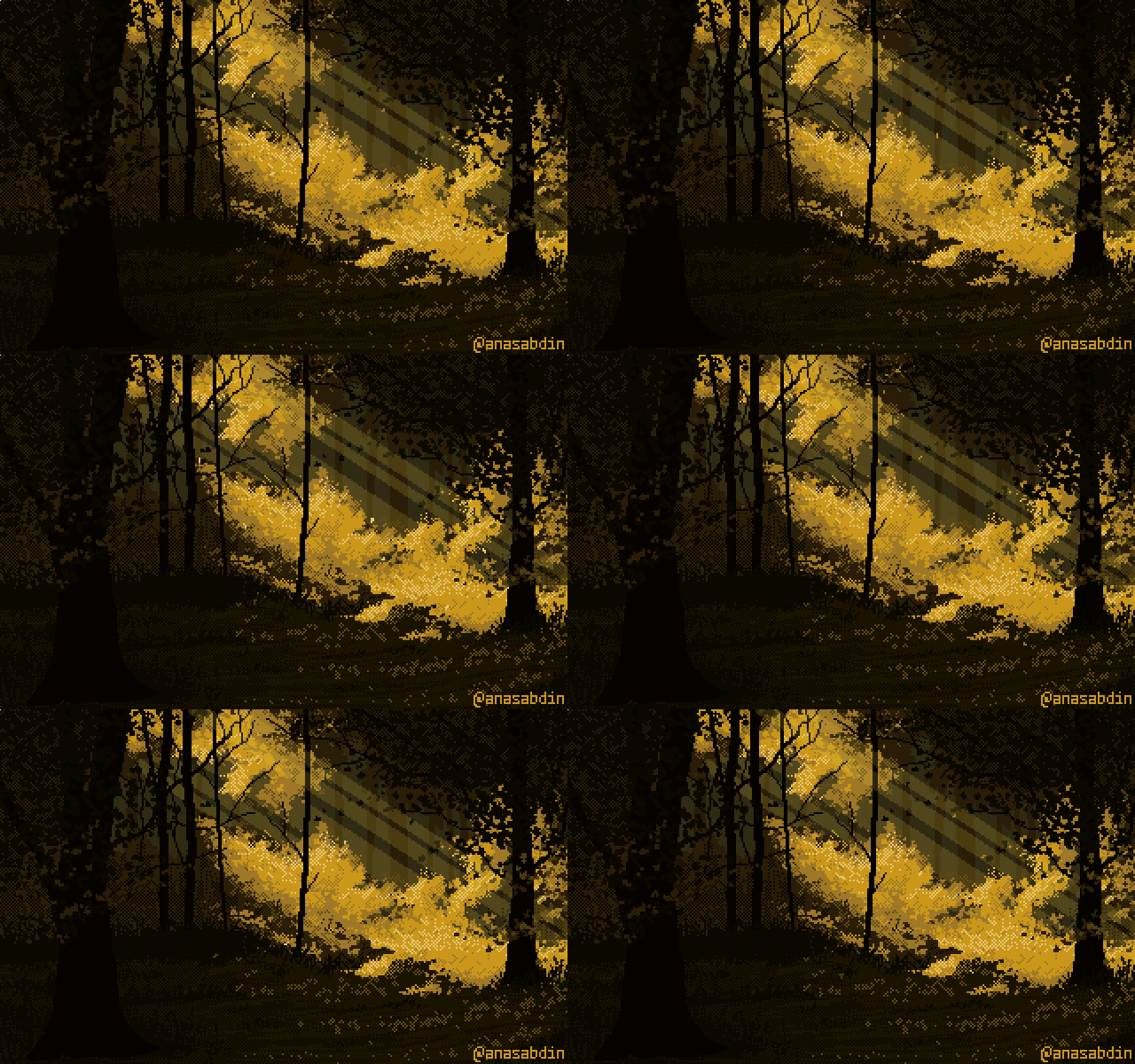 |
kitty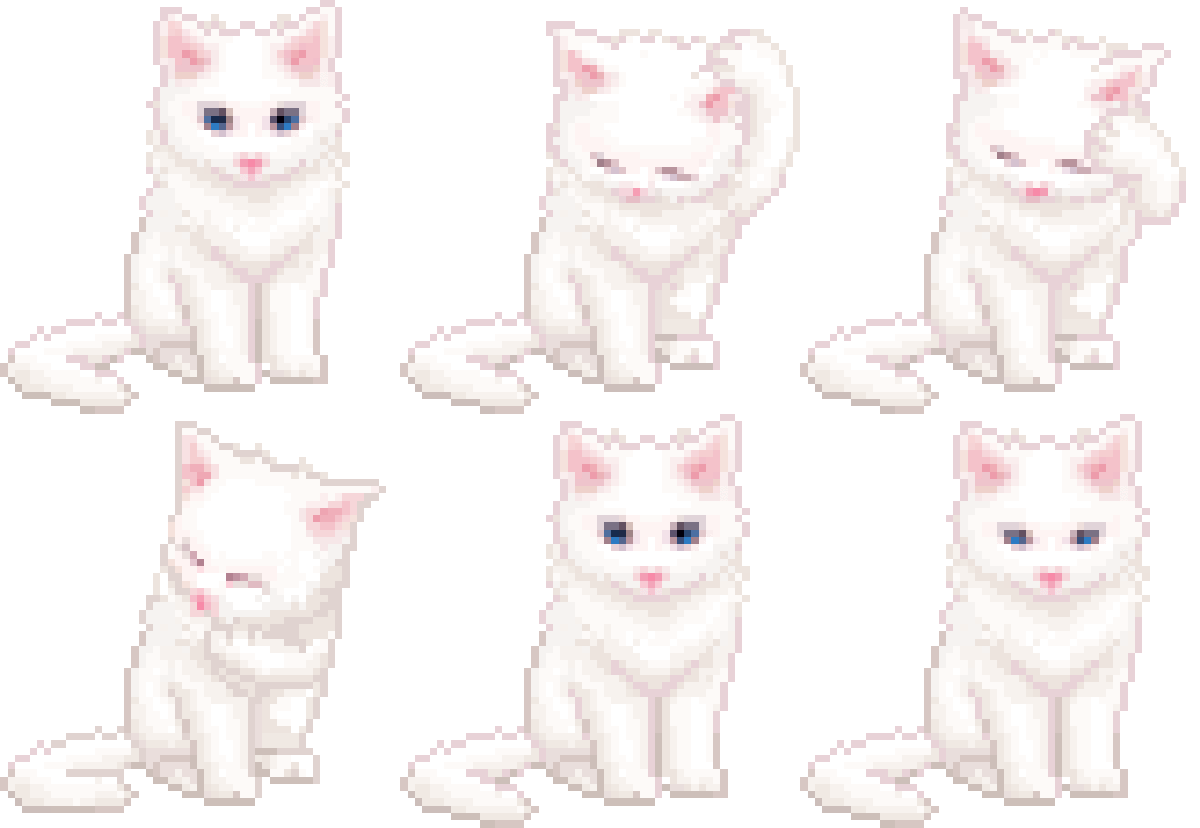 |
||
lain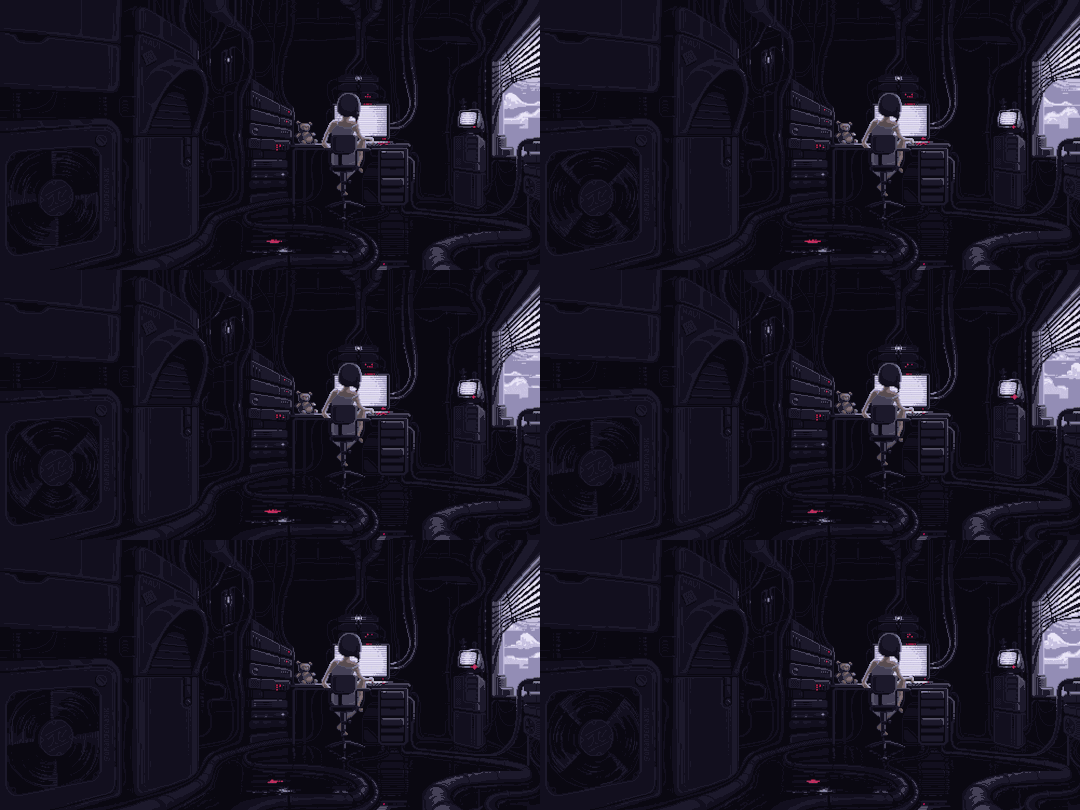 |
marquee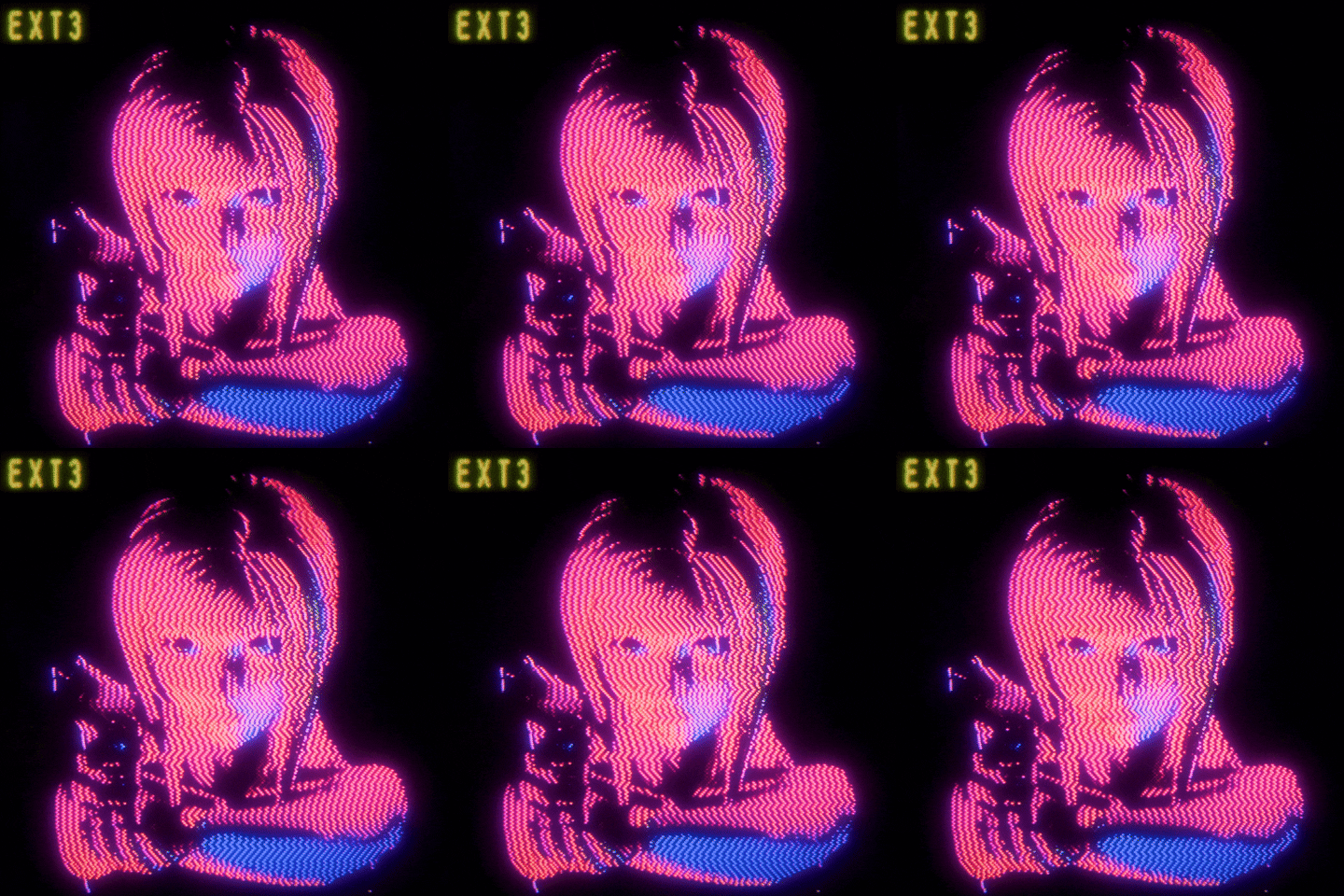 |
neon-rain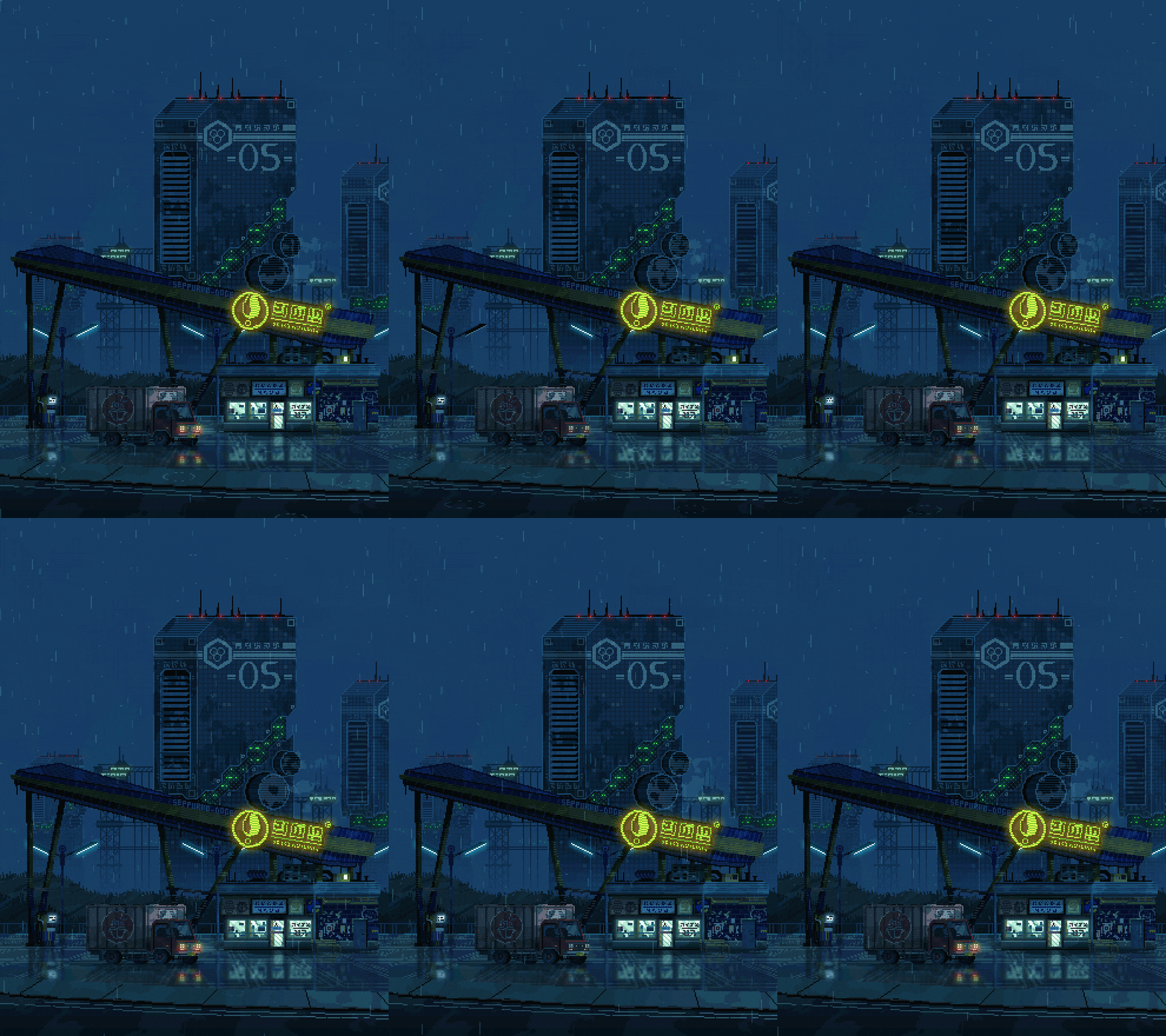 |
rain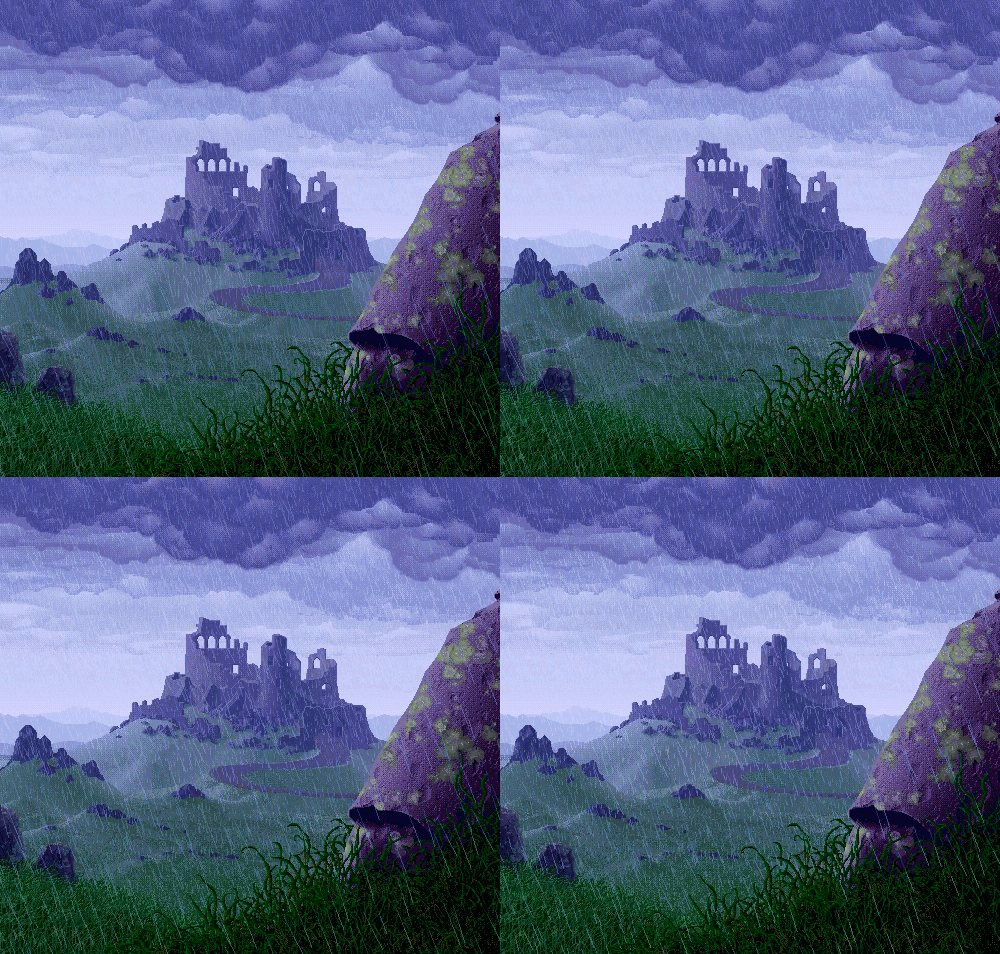 |
||
snowday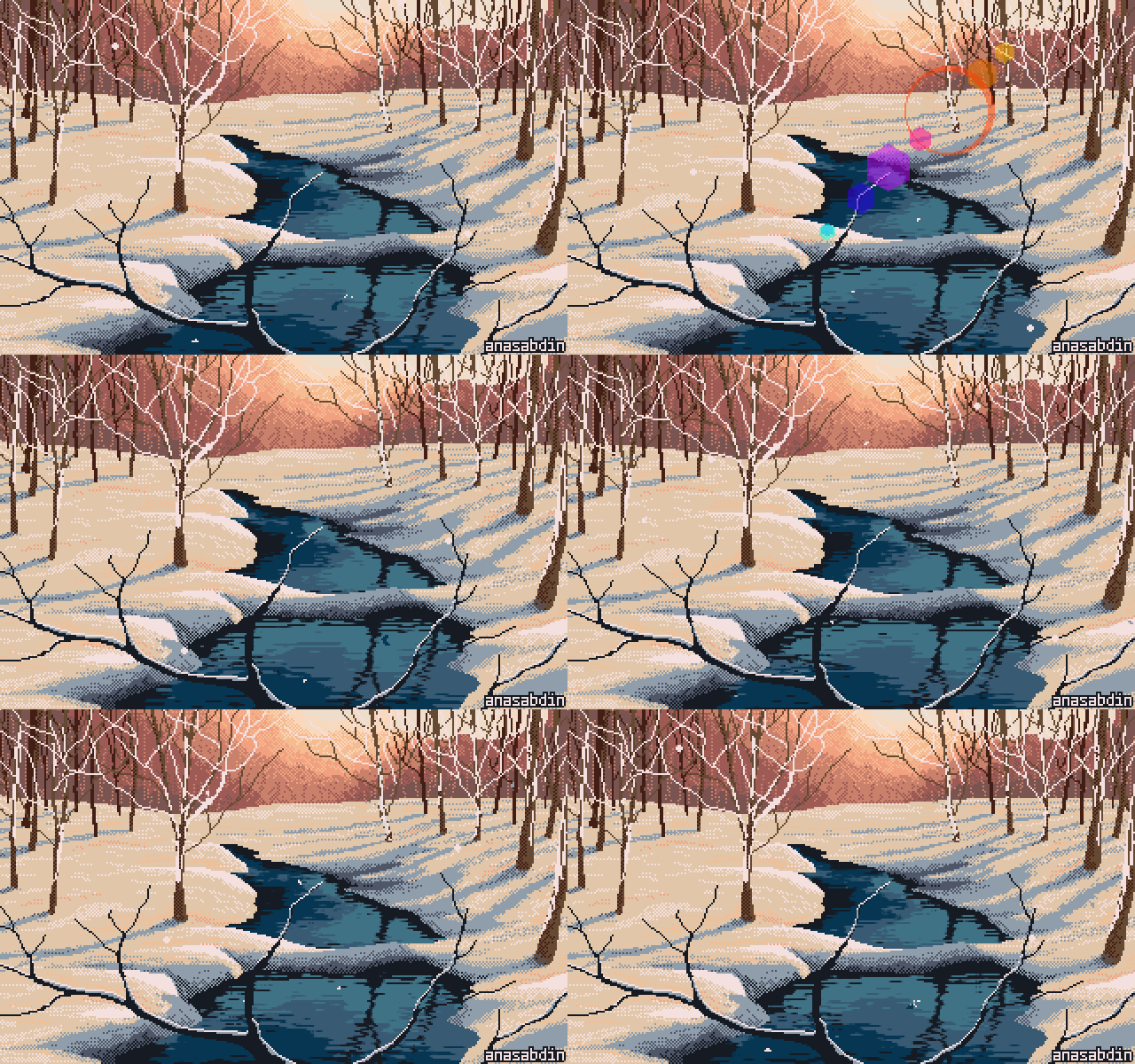 |
sober |
tombraider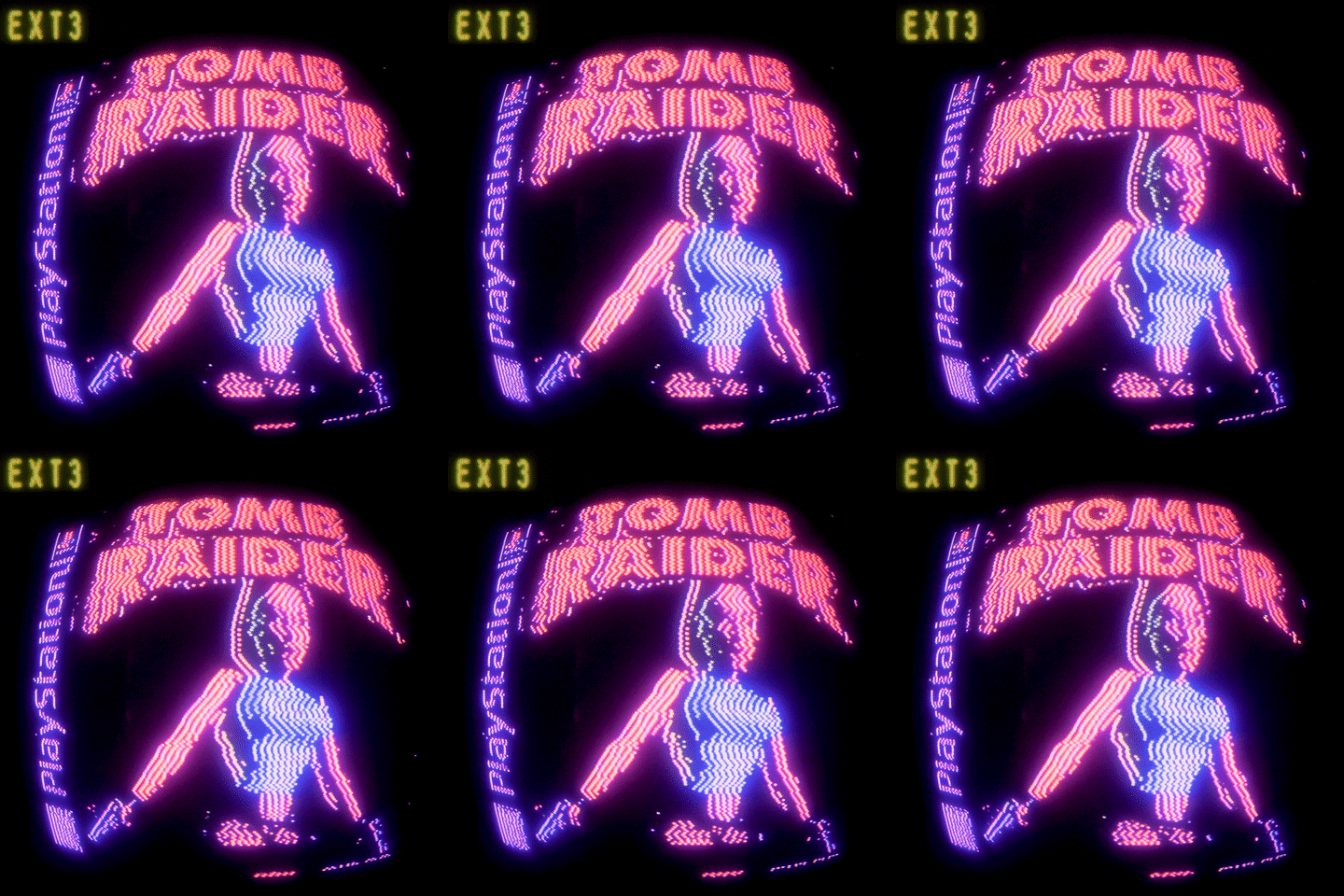 |
koholint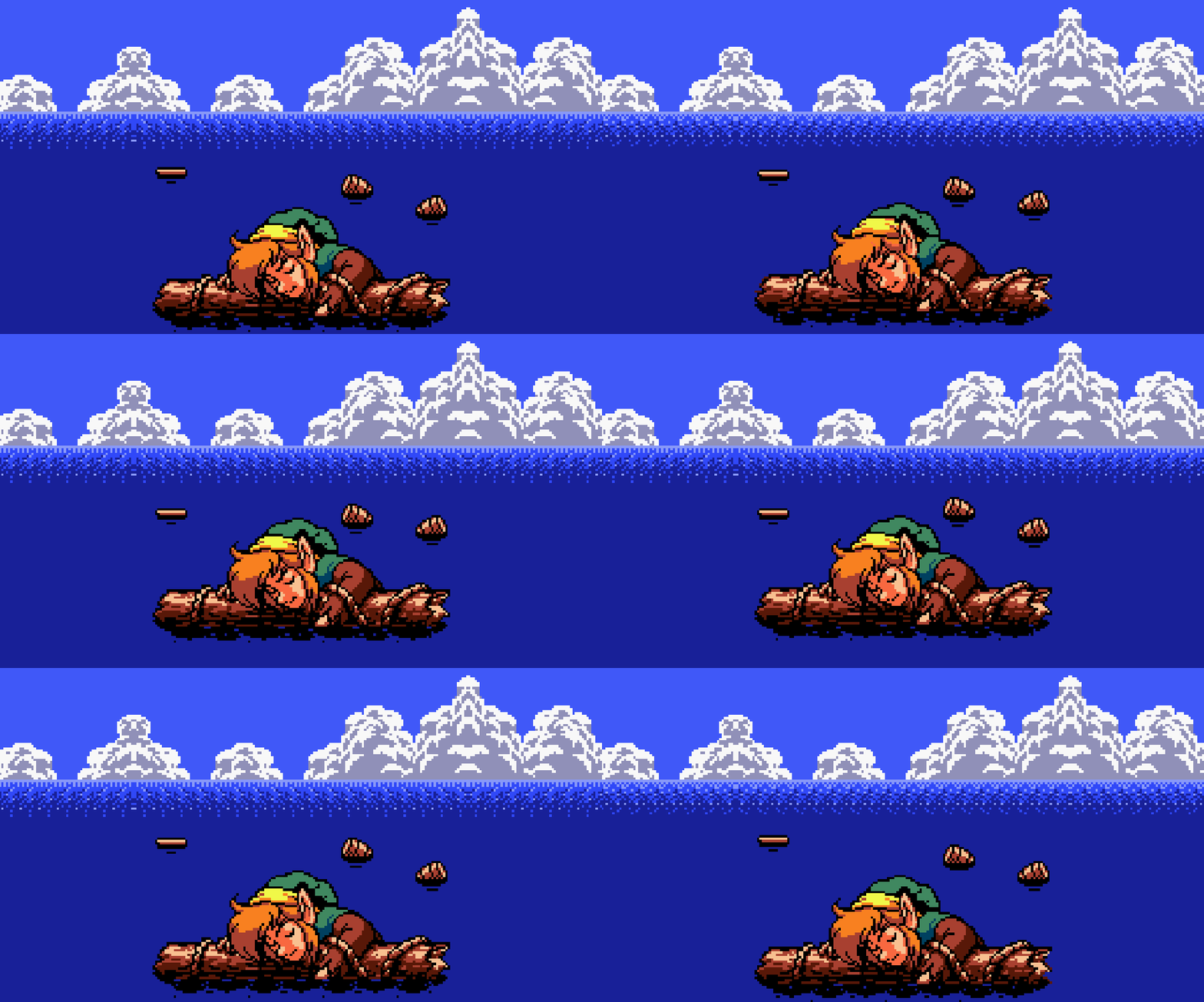 |
skyline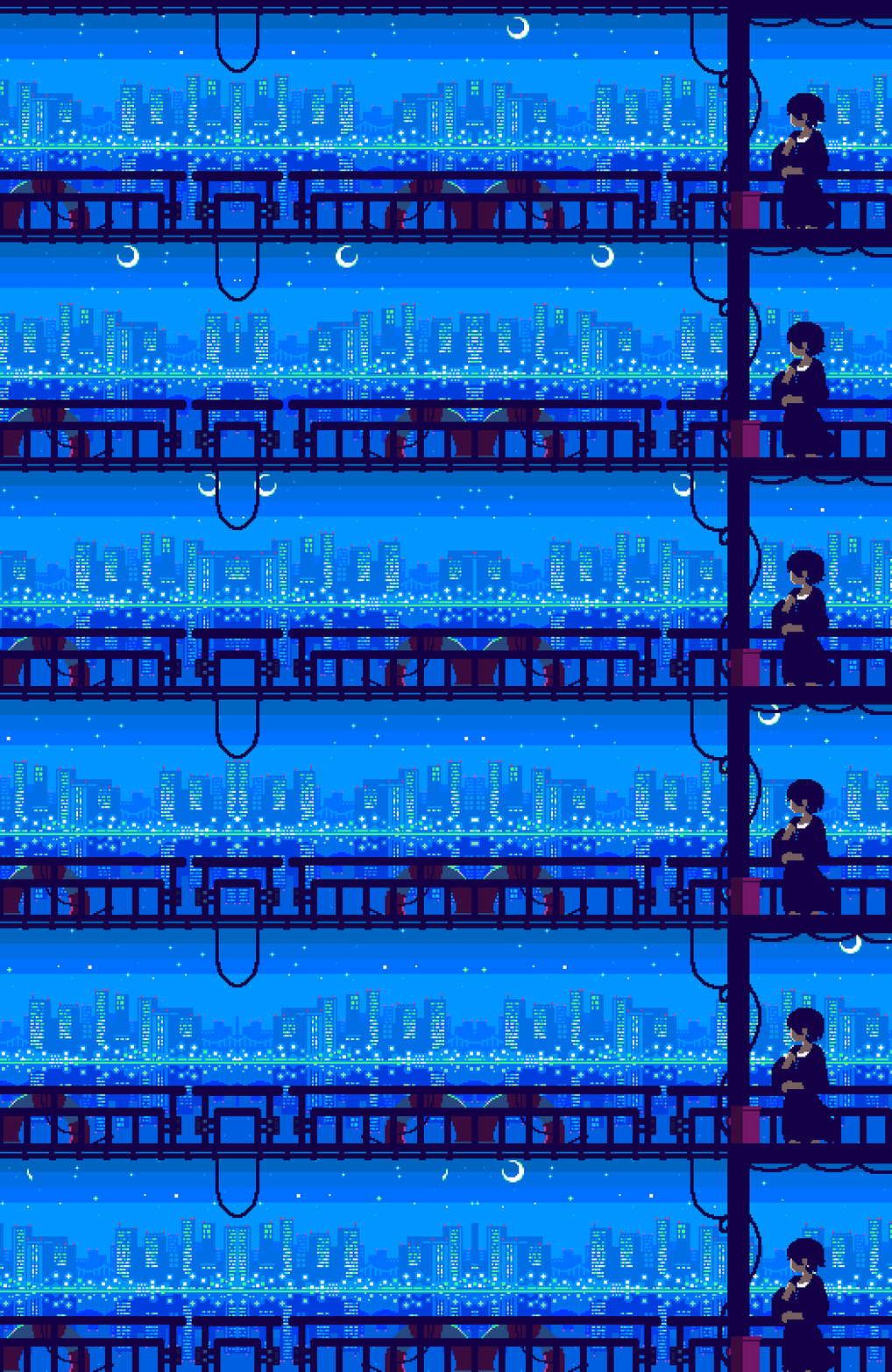 |
phosphor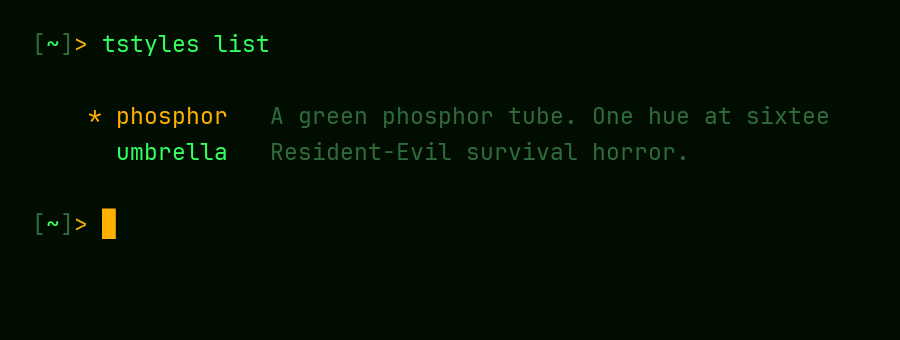 |
Documentation
The full guide is in the wiki:
- Install: PSGallery and bootstrap installs, requirements, execution policy
- Using tstyles: the picker, every subcommand, tuning, fonts,
-KeepPrompt,-Target, reset - Styles: the bundled catalog, with screenshots
- Terminals and Shells: macOS, Linux, zsh and bash, what each terminal can show, WezTerm, Terminal.app, VS Code and its forks
- Background Images
- Scripting and Recovery:
apply.ps1, and gettingsettings.jsonback - Updating and Uninstalling
- Creating a Style
- Known Limitations
- FAQ and Troubleshooting
The wiki is generated from docs/wiki/, so changes to it go
through a pull request like any other.
Contributing
Bug reports, feature ideas, and new themes are all welcome — see
CONTRIBUTING.md. Themes are the easiest way in:
pitch one with a theme idea issue,
or grab a good first issue.
License
MIT — see LICENSE.