ericjenott/Evertop
ericjenott/Evertop has 715 GitHub stars and 29 forks. GitHot measured -1 stars in 24 hours. Last checked 2026-11-15 18:45 UTC. Last push 2025-01-28.
Measured star growth
- in 24h
- -1
- in 7 days
- Collecting history
- in 15 days
- Collecting history
- in 1 month
- Collecting history
Net star changes over overlapping periods, not daily totals. Missing measurements are left blank. Stars measure attention, not software quality.
About
E-ink IBM XT clone with solar power, ultra low power consumption, and ultra long battery life.
Developer ToolsREADME.md
OriginalEvertop: an ultra lower power, ultra long battery solar PC
Overview
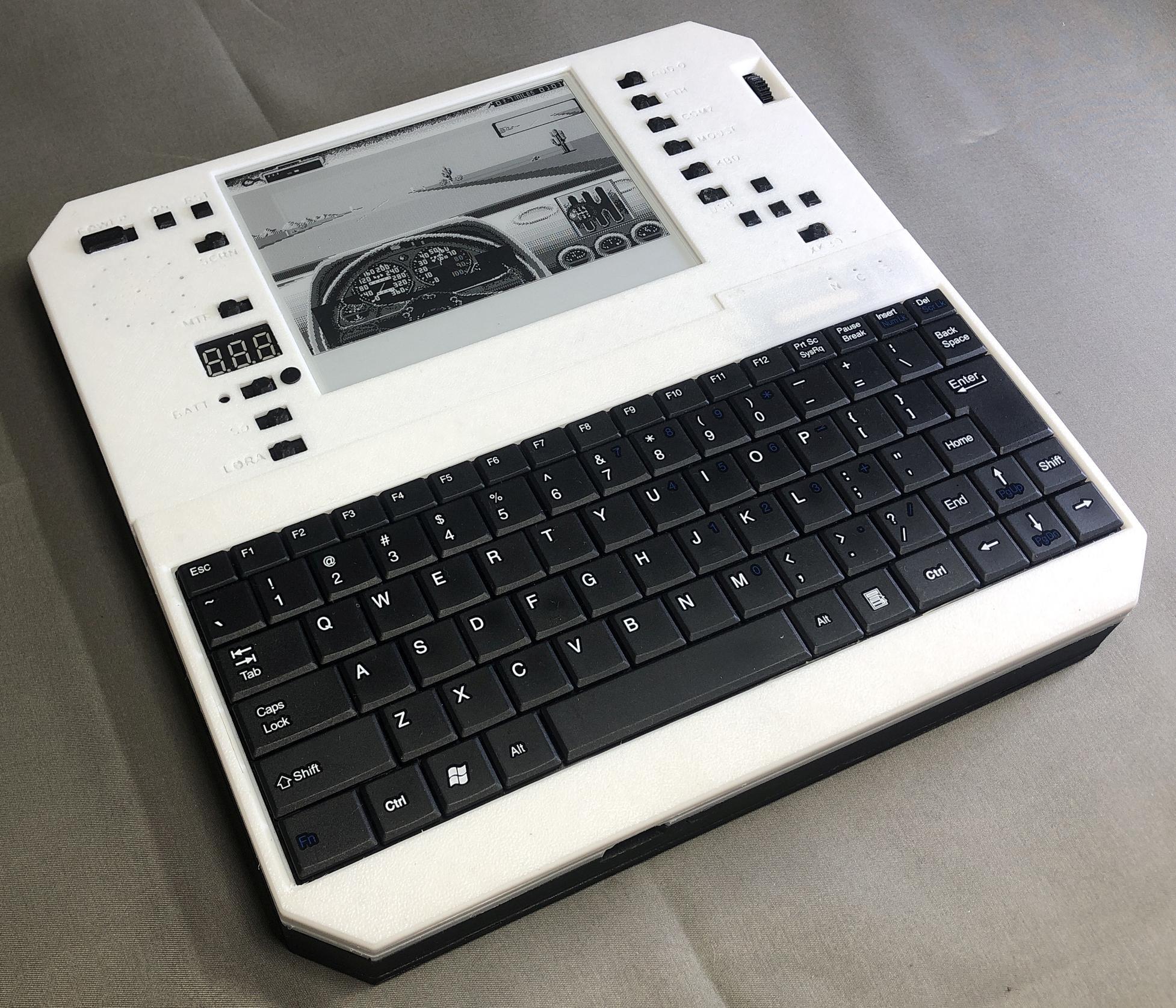
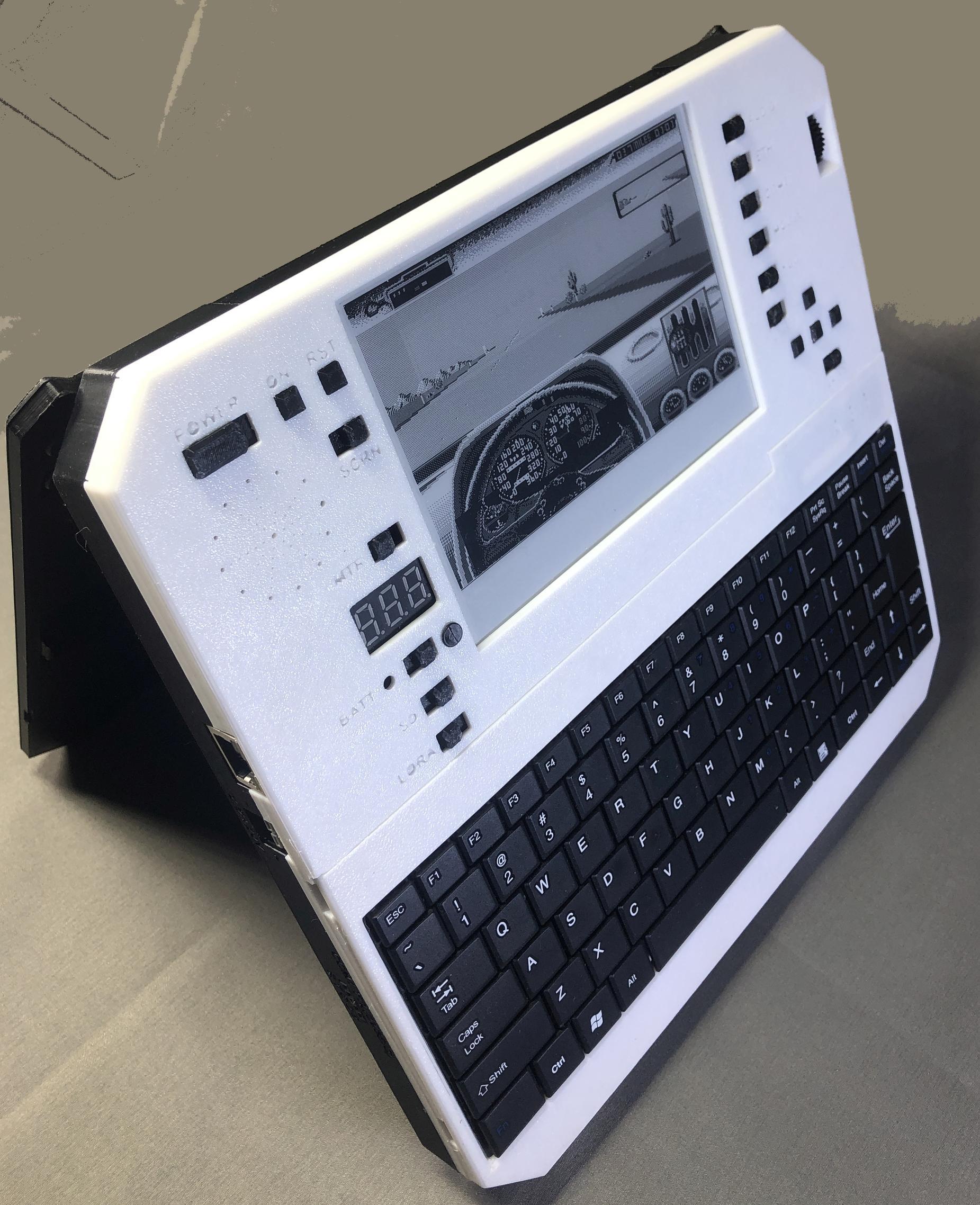
Evertop is a portable PC that emulates an IBM XT with an 80186 processor and 1MB RAM. It can run DOS, Minix, and some other old 1980s operating systems. It also runs Windows up to version 3.0. Because it's based on a powerful yet very low power microcontroller, uses an e-ink display, packs two 10,000mAh batteries, and implements extreme power saving measures, it can run for hundreds or even thousands of hours on a single charge. Combine that with its built in solar panel, and you should be able to use it indefinitely off grid without ever having to worry about battery life.
Loaded with built-in peripherals
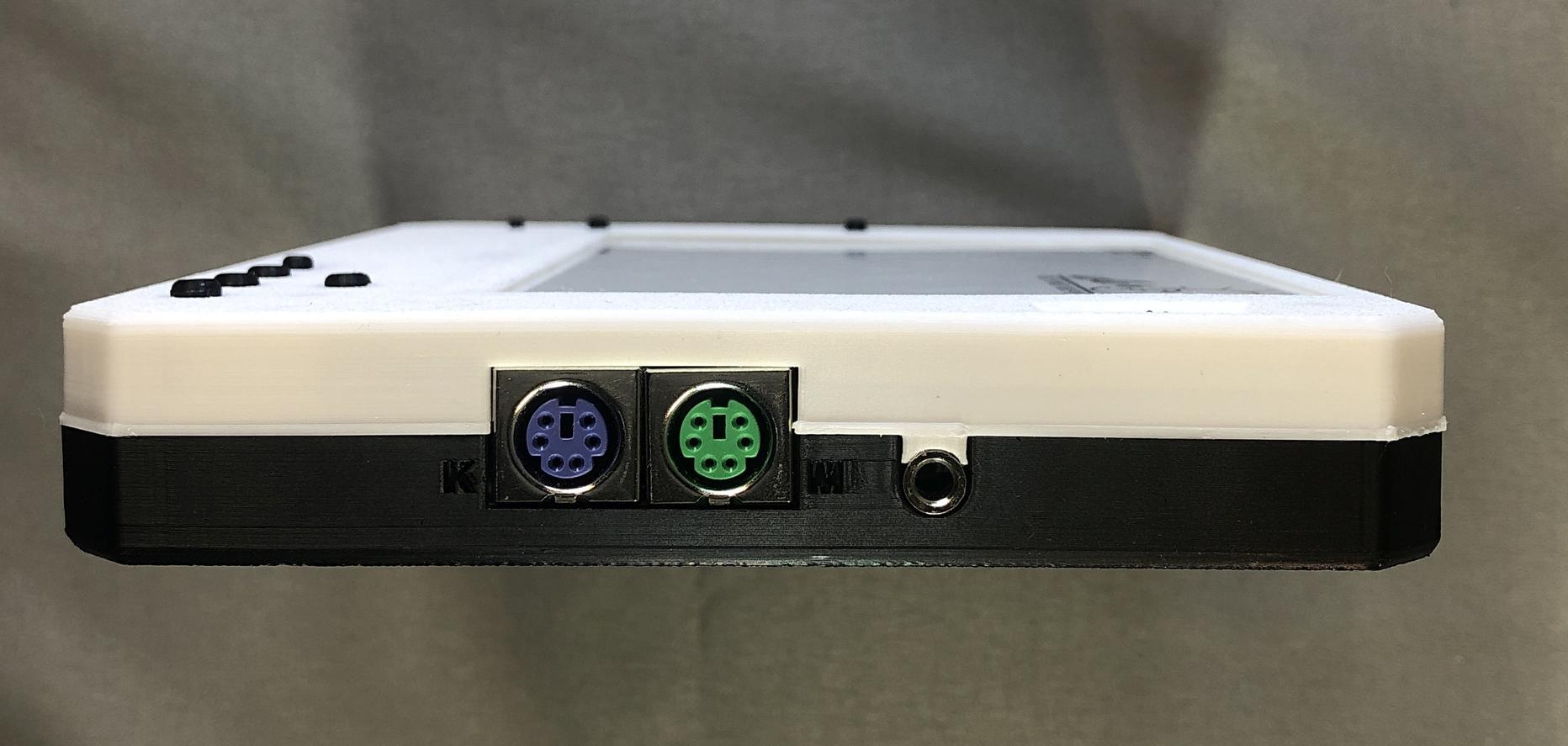
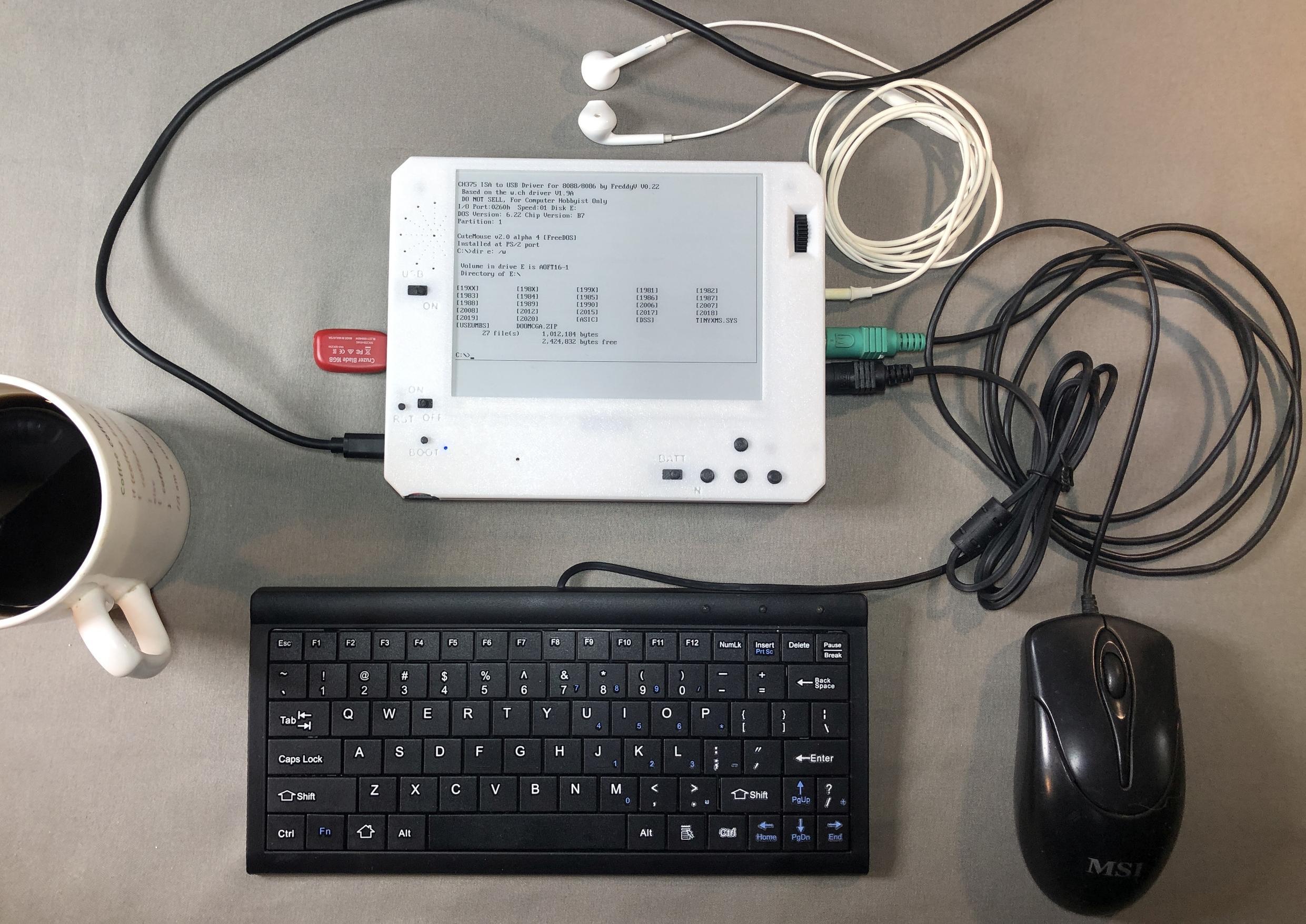
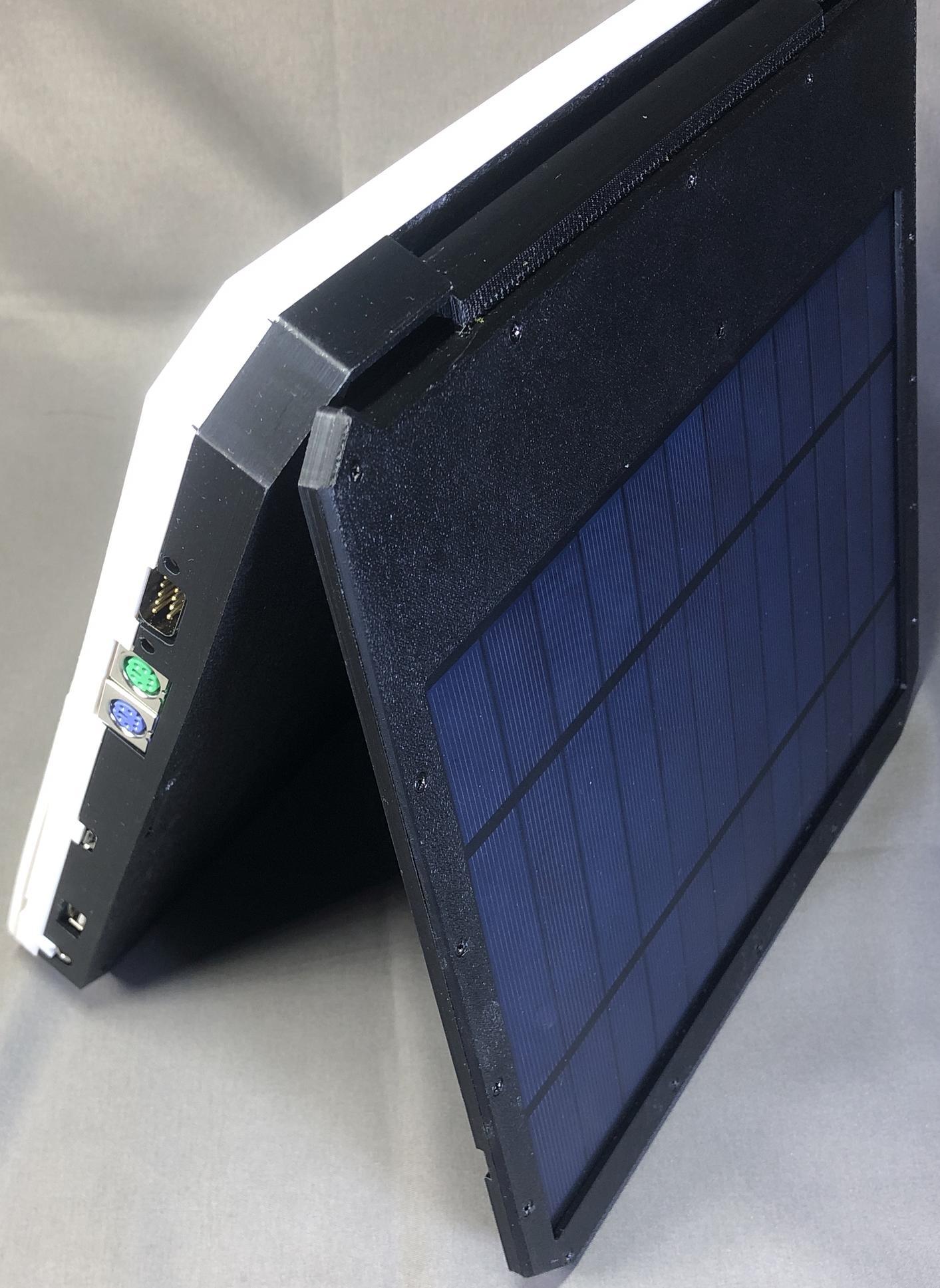
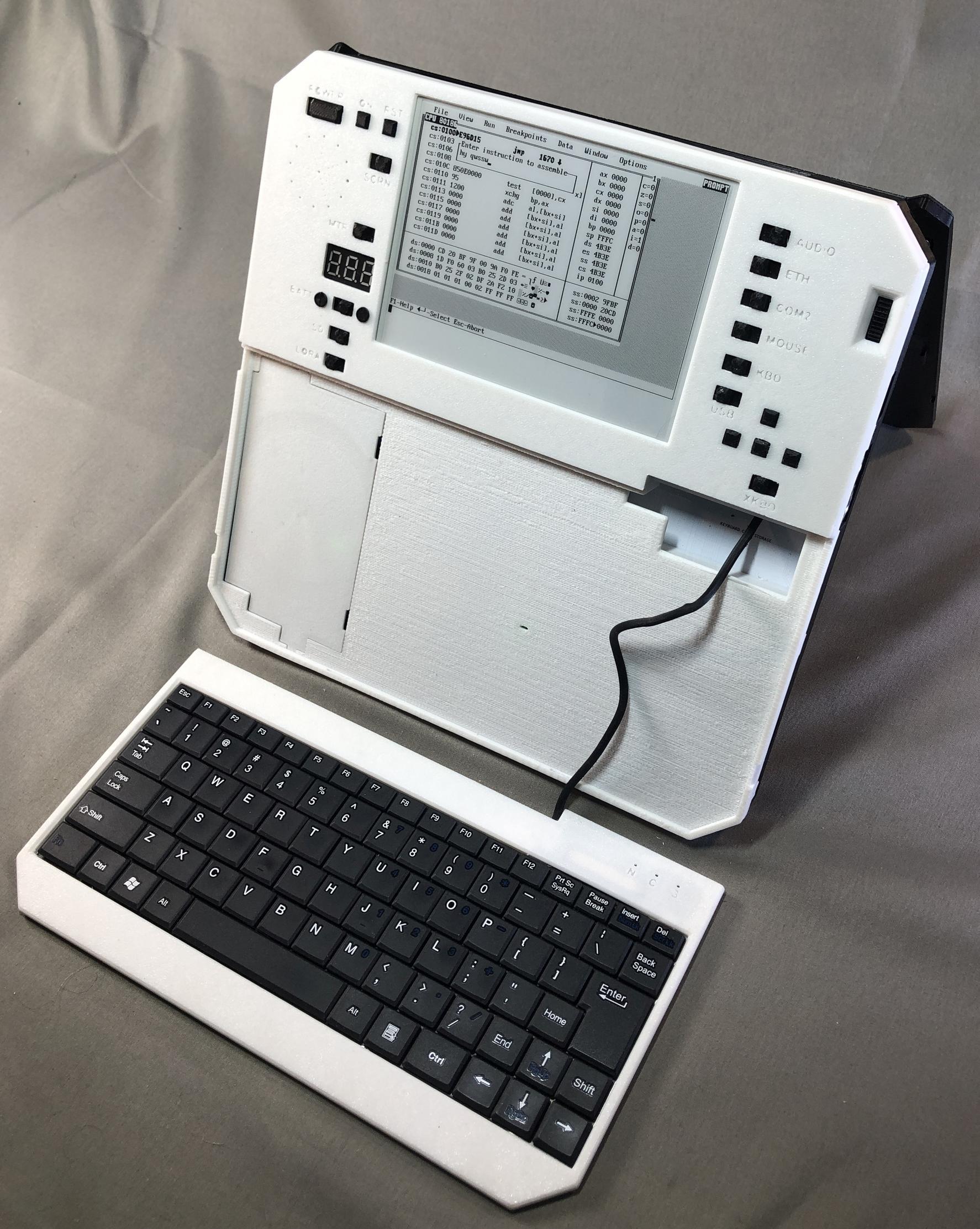
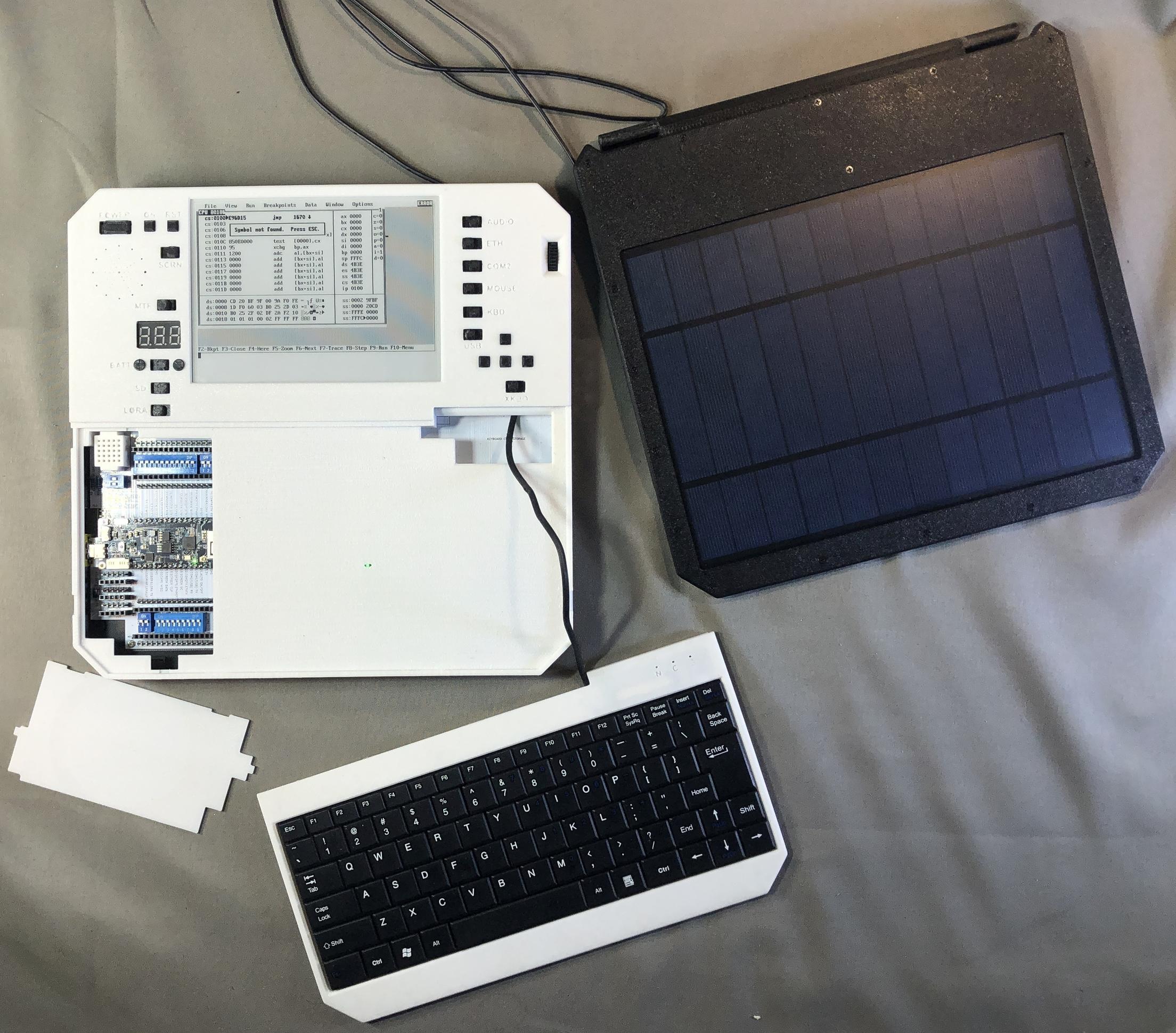
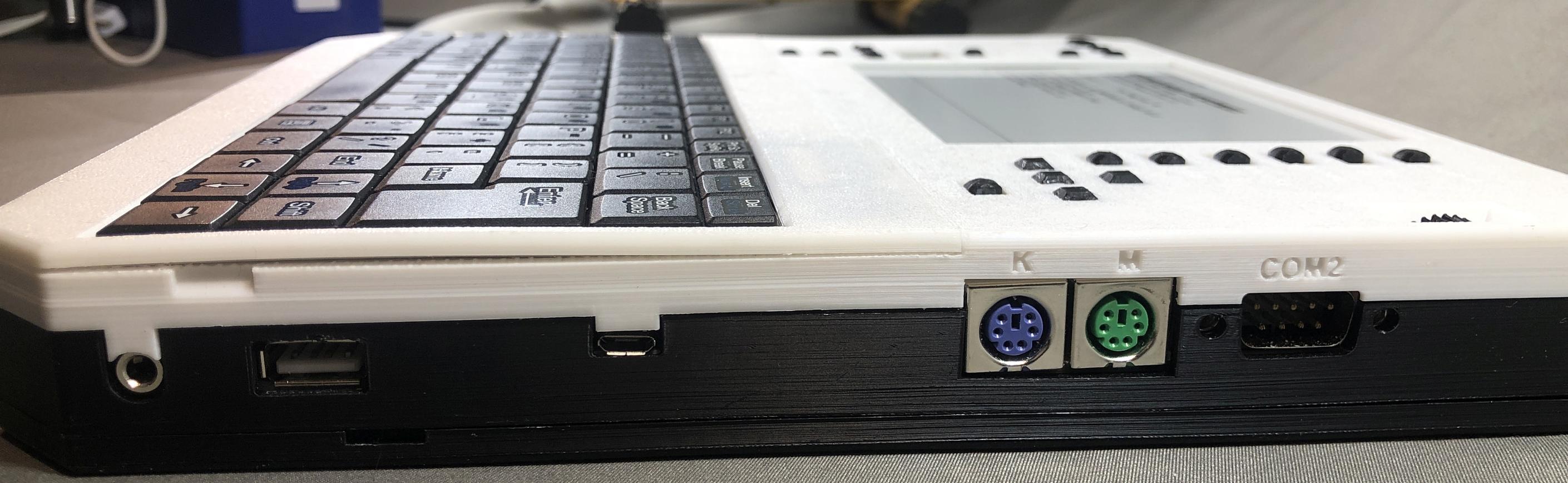
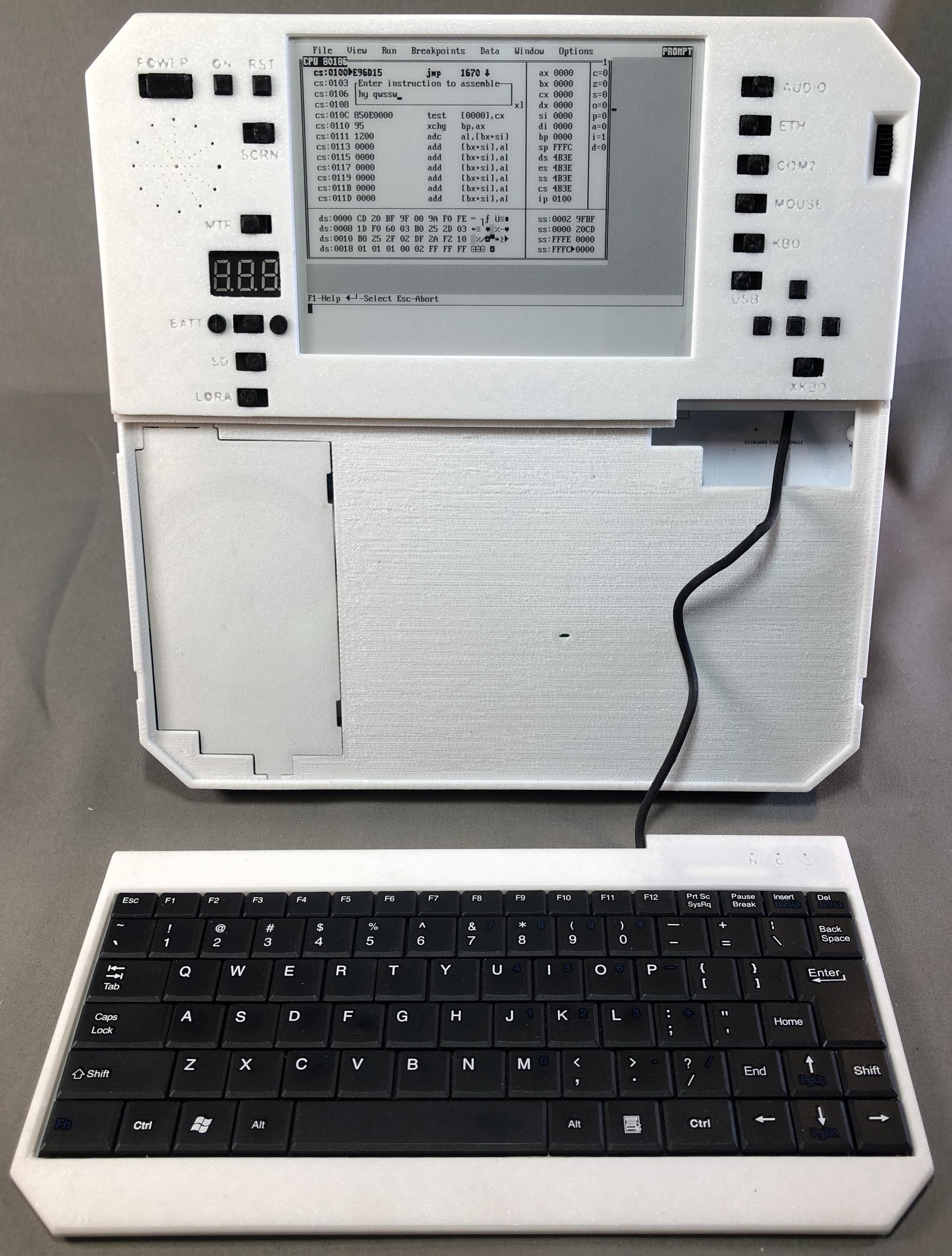
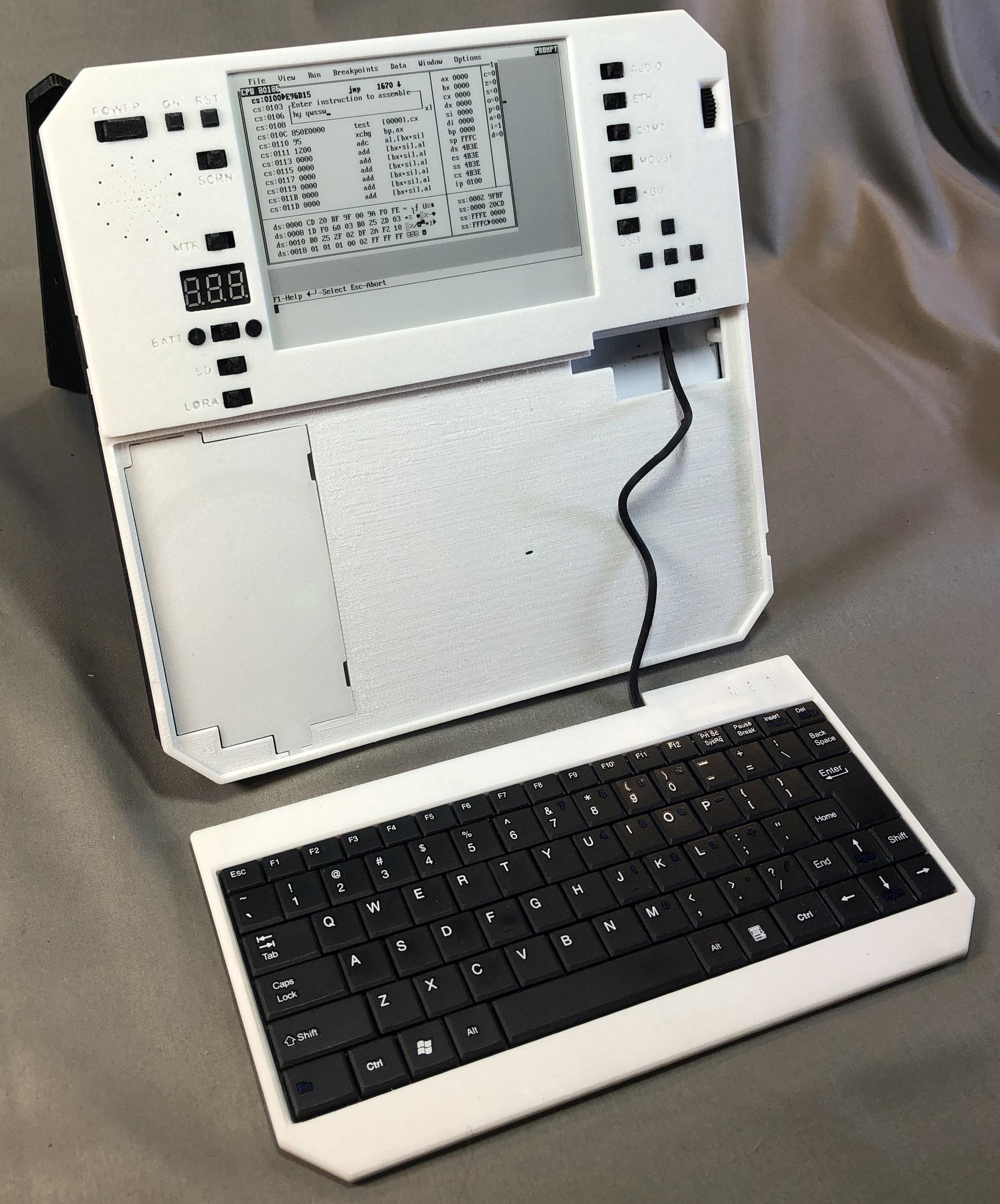
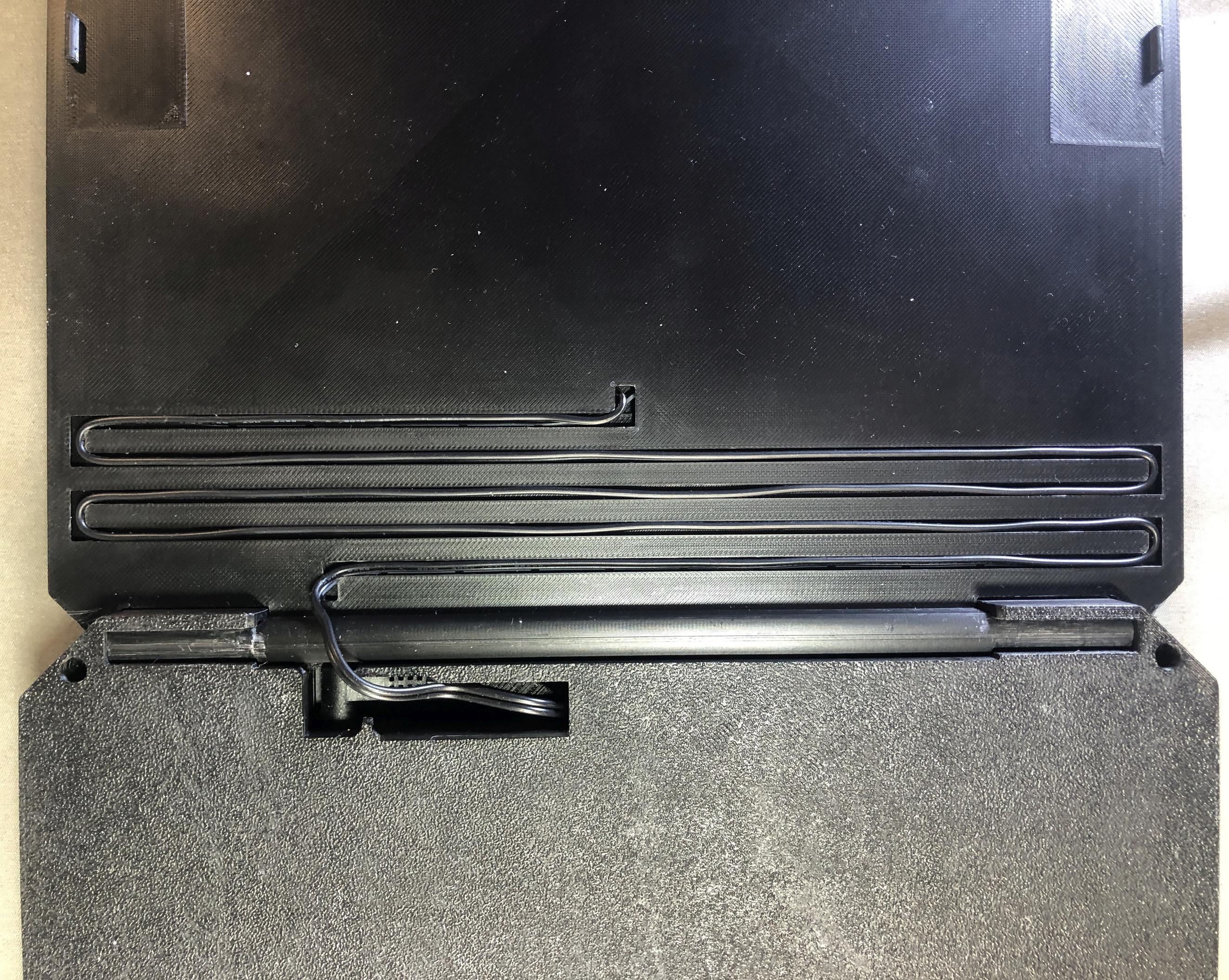
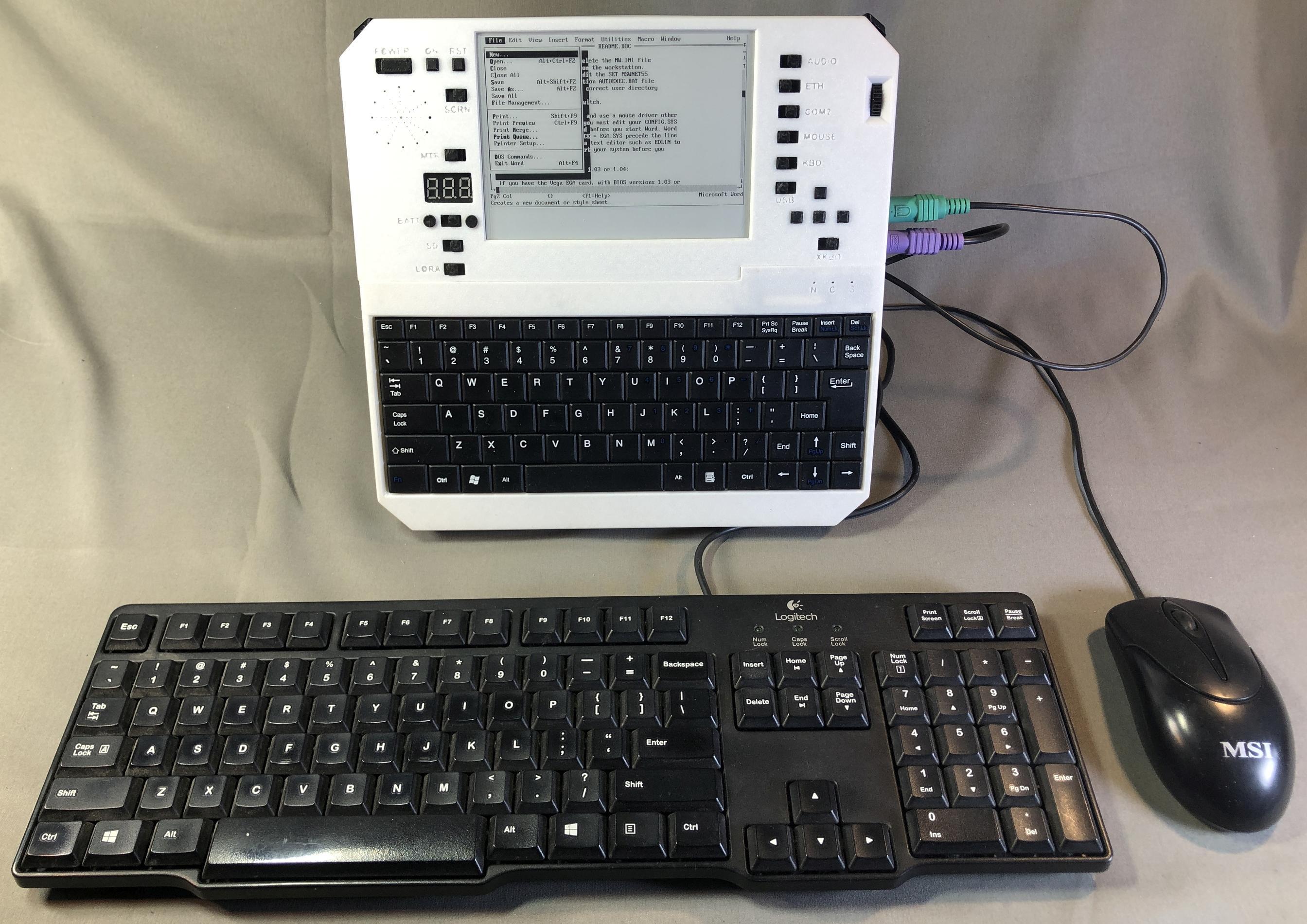
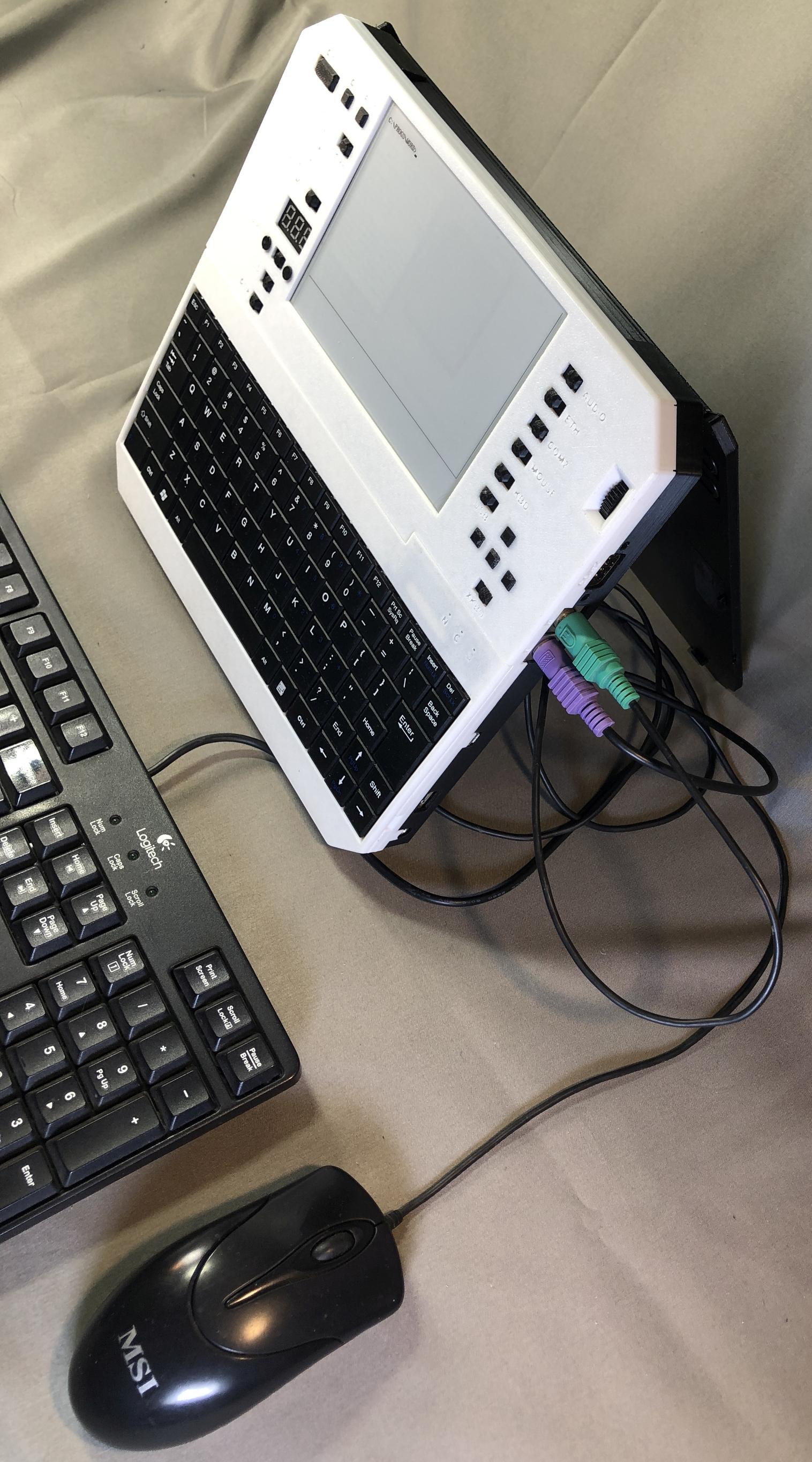
It features a built in keyboard, external PS/2 keyboard and mouse ports, full CGA, Hercules, and MCGA graphics support, partial EGA and VGA support, PC speaker, Adlib, Covox, and Disney Sound Source audio output, built in speaker and headphone jack with volume control wheel, one DB9 RS232 serial port, one TTL serial port, dual keyboard and mouse PS/2 ports, USB flash drive port for convenient file transfer, an RJ45 ethernet port, wifi, and LoRA radio (I wrote a LoRA realtime chat client in QBASIC in about 15 minutes). Bluetooth hardware is present but I have not yet implemented it in any features, though I plan to add support for BT keyboard and mouse, and maybe serial over BT, IP over BT, audio over BT, and BT file transfer. The keyboard can be easily detached on a short tether to make it convenient to prop up the device at an angle while placing the keyboard on a flat surface. Or you can just plug in your own to the PS/2 port, as sometimes it's nice to be able to use a full sized keyboard, though the one I built into this device is big enough for normal typing.
Charging options for every scenario
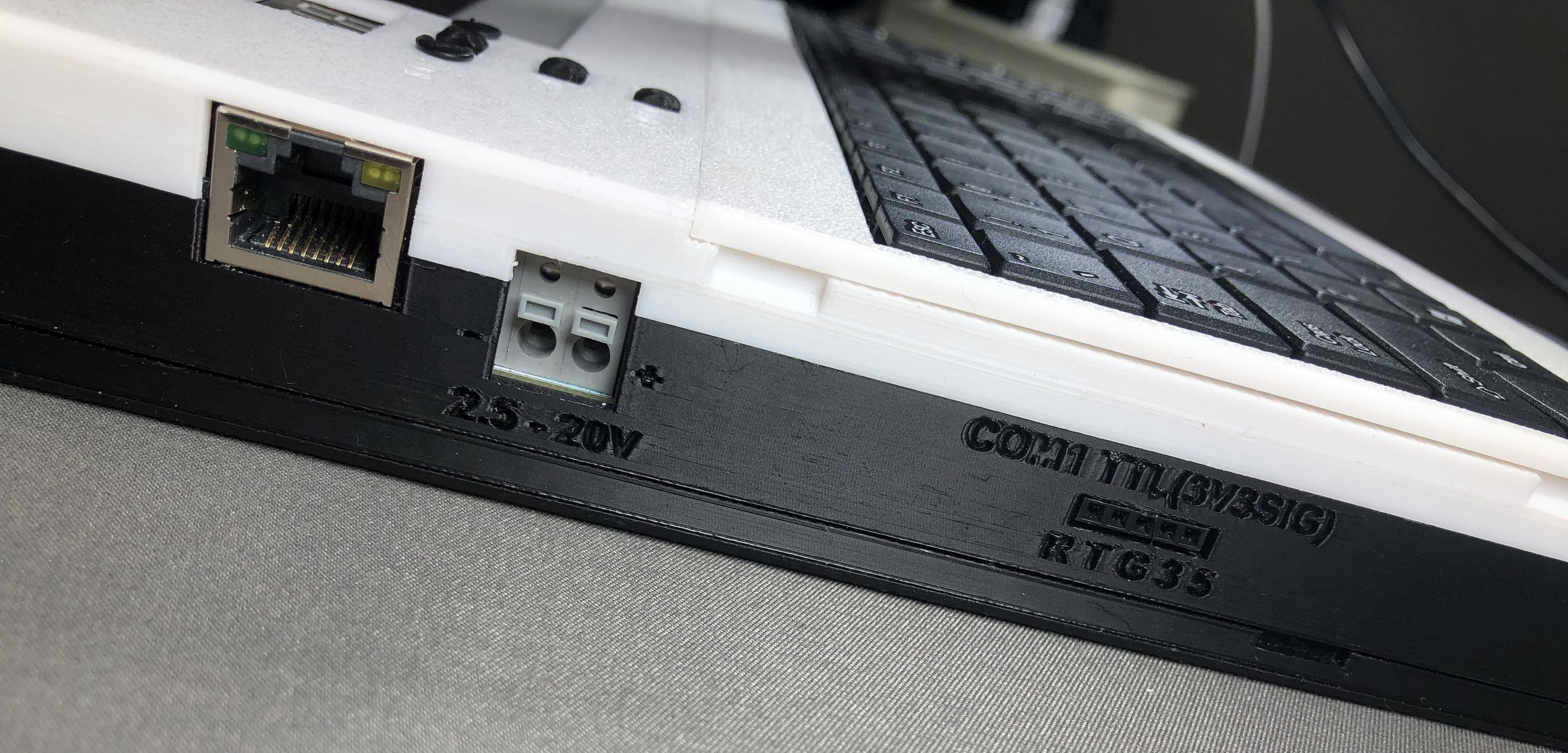
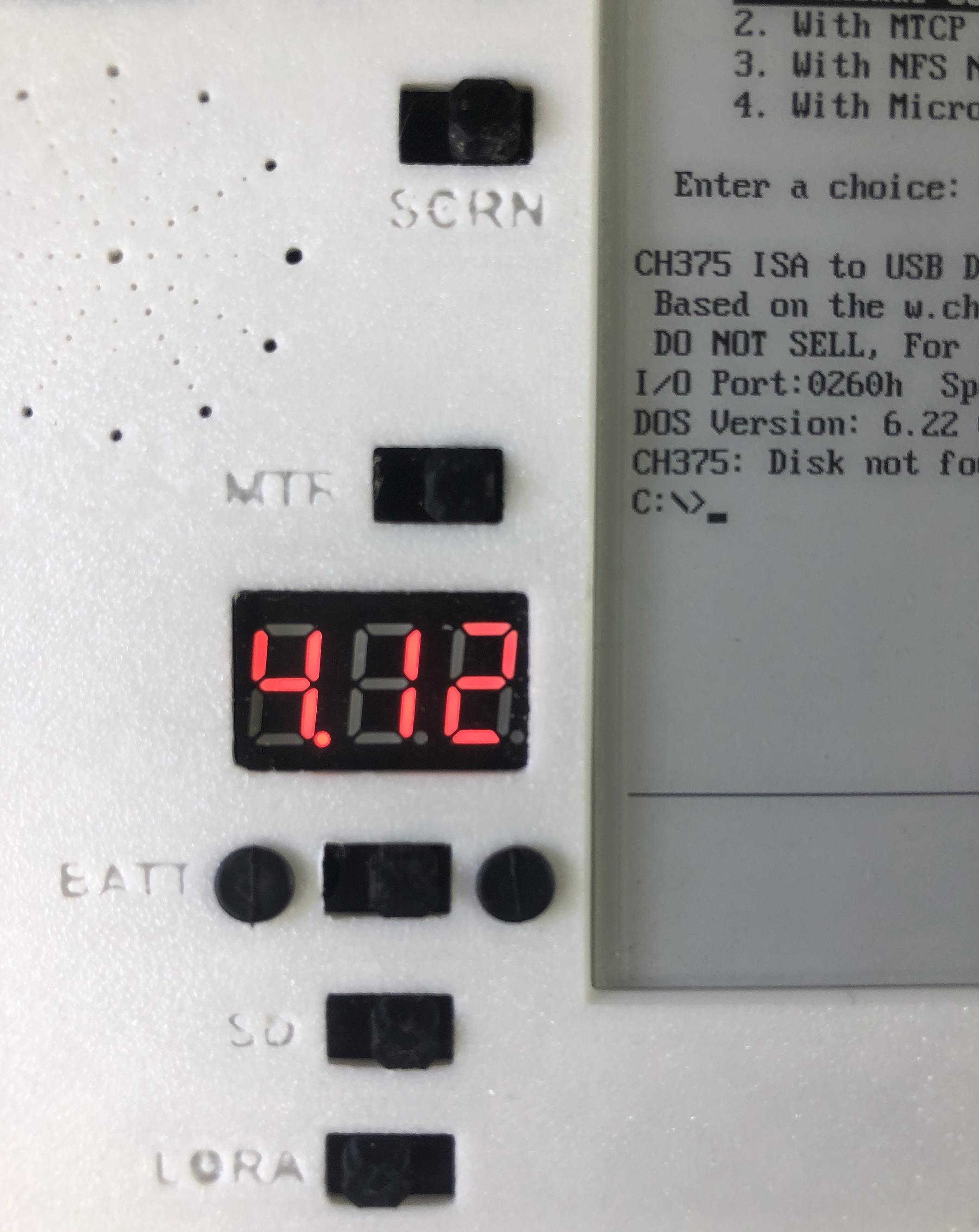
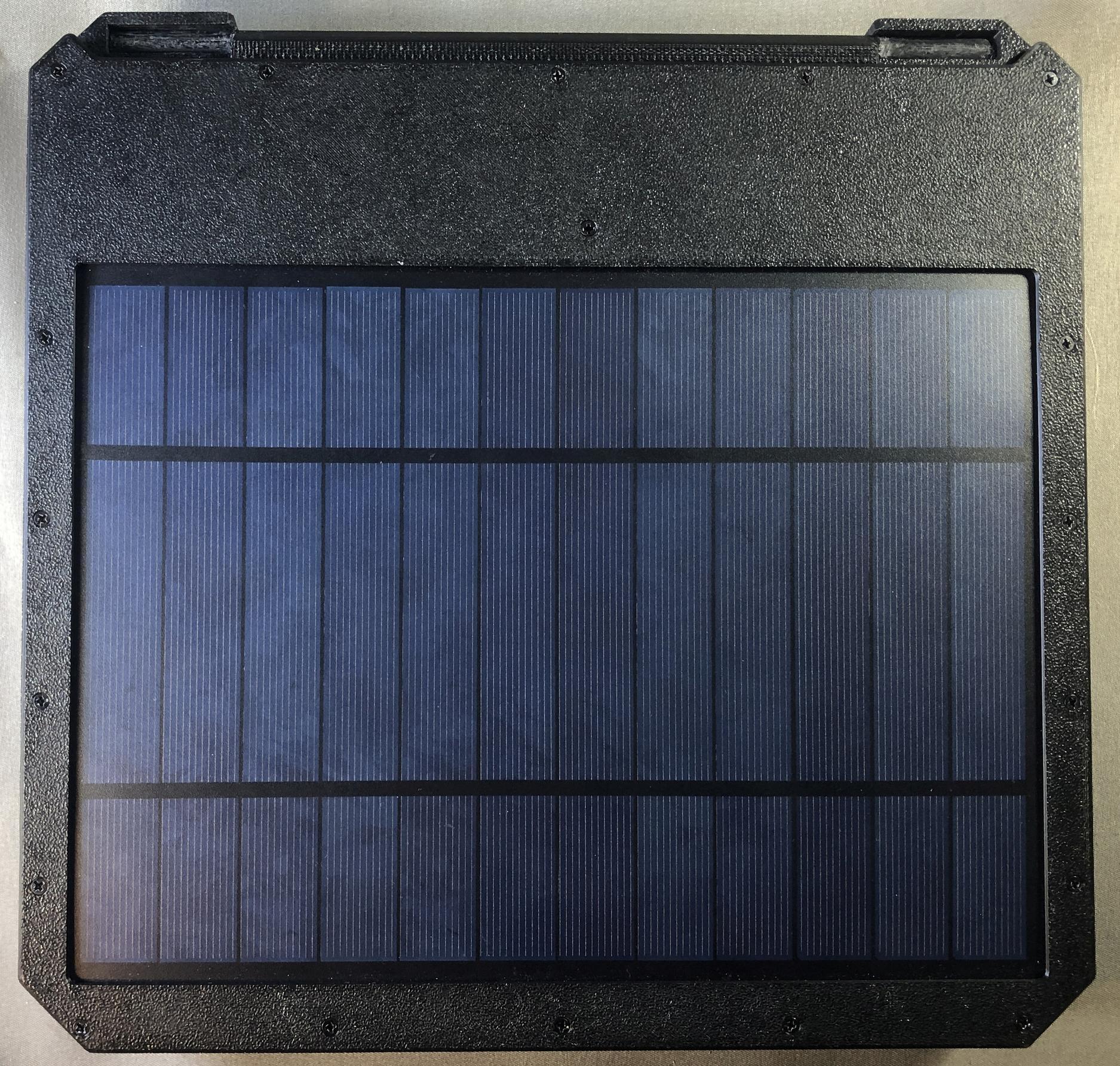
There are three ways you can power and charge this compputer: 1.) built in detachable solar panel, 2.) 2.5 - 20V DC input via an internal buck/boost circuit, or 3.) micro USB connector. It can charge from all three sources simultaneously, and of course charge in every way while in use. I also added a built in voltmeter to facilitate easy battery level and charge voltage monitoring.
Hundreds to thousands of hours on a single charge
In power saving mode it can run between 200 hours on the low side and 500 hours or in some cases even much longer of constant interactive use, not standby. That should afford ample opportunity to find some sunny weather and recharge the batteries long before they start getting low. I'm also going to port over a simple native (non-emulated) text editor / word processor and e-reader that I made several years ago for a similar pocket device. I'm hoping I can get over 1000 hours of constant use on a single charge with those, maybe even 5000-10000 hours on the e-reader app. Evertop also features optional user initiated or automatic hibernate to disk and automatic total power shutoff via an IO controlled dual MOSFET circuit, so you can set it to hibernate and it will completely shut off power when idle, then when you power back on you can resume right where yo left off. Internal peripherals can be shut off when not in use via physical switches on the front panel to ensure no power is being wasted. The solar panel is rated at 6V and 6W, so theoretically it should be able to produce 1 amp with full sunlight. The most I've ever seen it do is 700mA, but even that's enough to provide ten to fifty hours of constant use from each hour of sunlight. And even on the dimmest cloudy days it still gets around 70-100mA, which at least gives can give one to five hours of use per hour of charge.
Storage
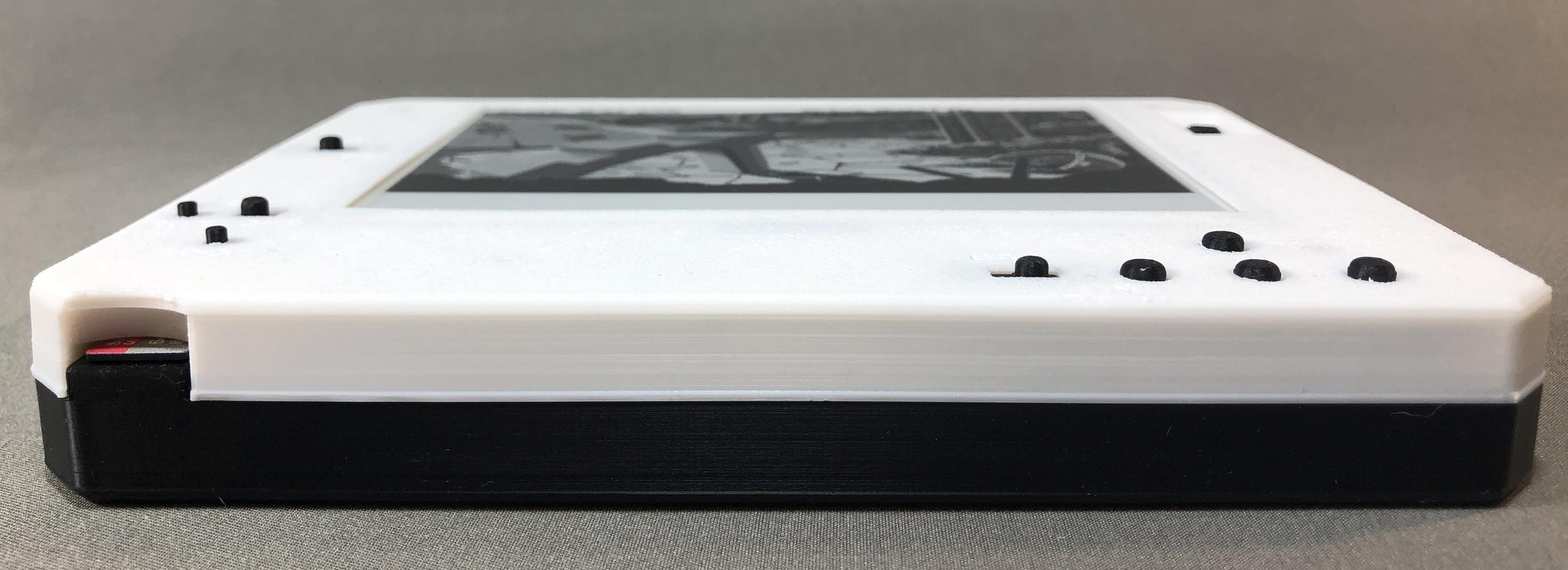
I've been using a 256G SD card to store floppy and hard disk images, larger cards might work but I haven't tested one yet. Hard drive images can be up to 4G each. Emulated systems can mount two floppies and two hard drives for a total of 8G per emulated system. You can set up multiple emulated systems and choose which one to boot at startup, or just default to the previous choice.
Technology
Under the hood it's powered by an Espressif ESP32 microcontroller. The display is a 5.83 inch 648x480 (yes, 648 with the 8) "fast refresh" model from good-display.com which uses no power when not refreshing. I started out using Fabrizio Di Vittorio's amazing and excellent PCEmulator demo for his FabGL library and have been adding, cutting, changing, fixing, and generally tampering for two years to turn this into what it is today. Enclosure is 3d printed matte PETG plastic.
Compatibility
Runs almost all IBM PC/XT compatible DOS software from the 1980s and early 90s.
New minimal version: "Evertop Min"
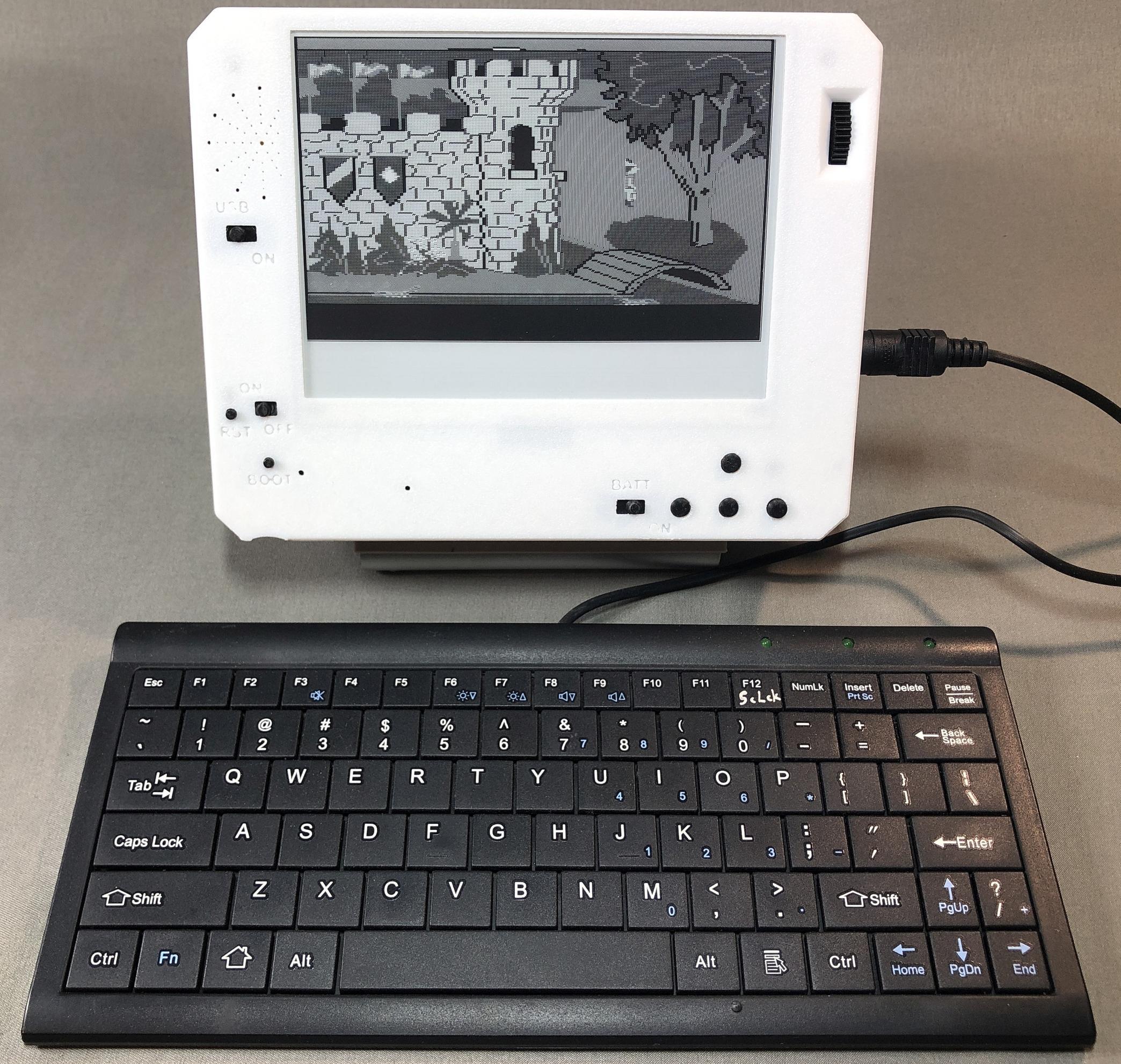
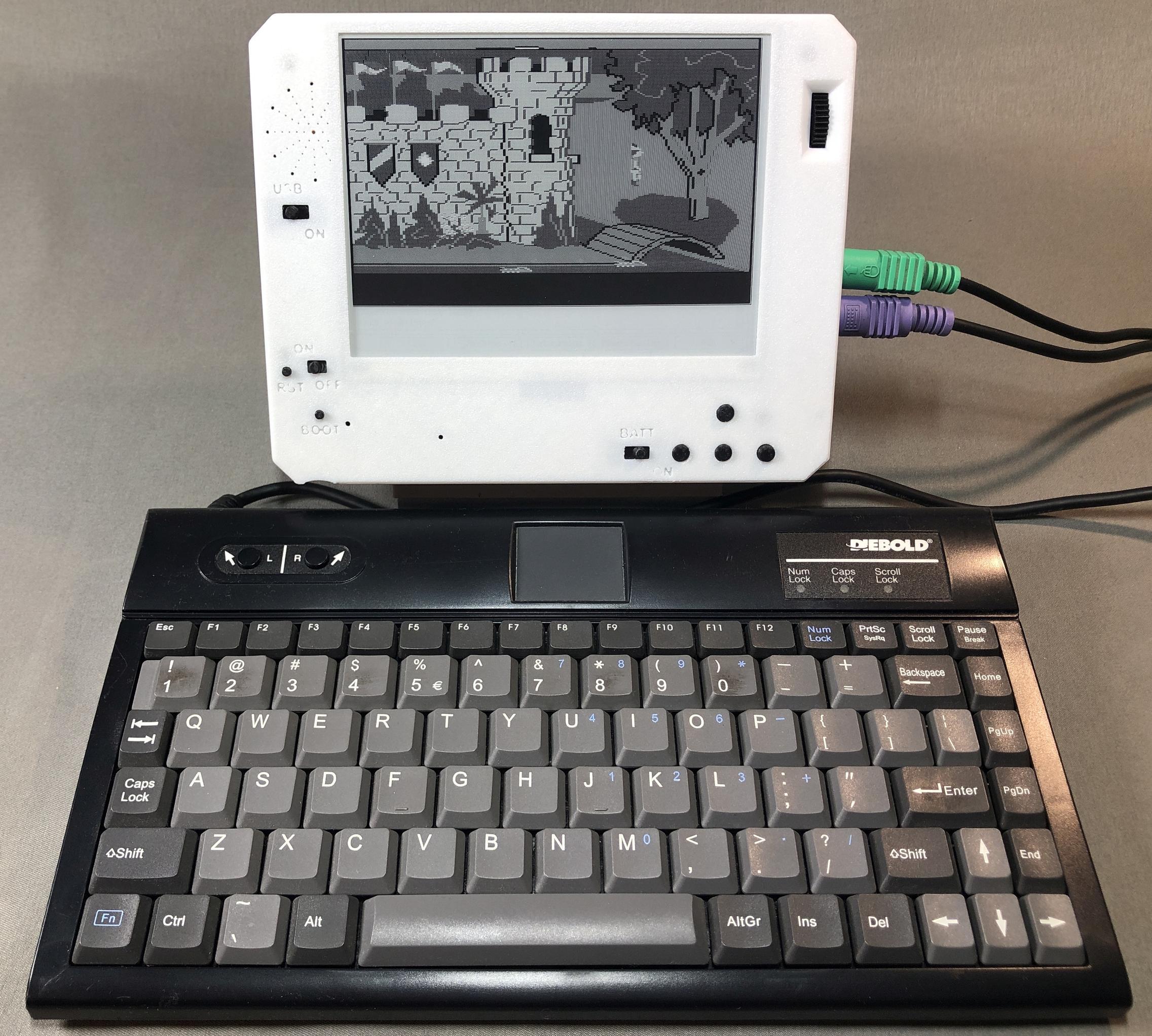
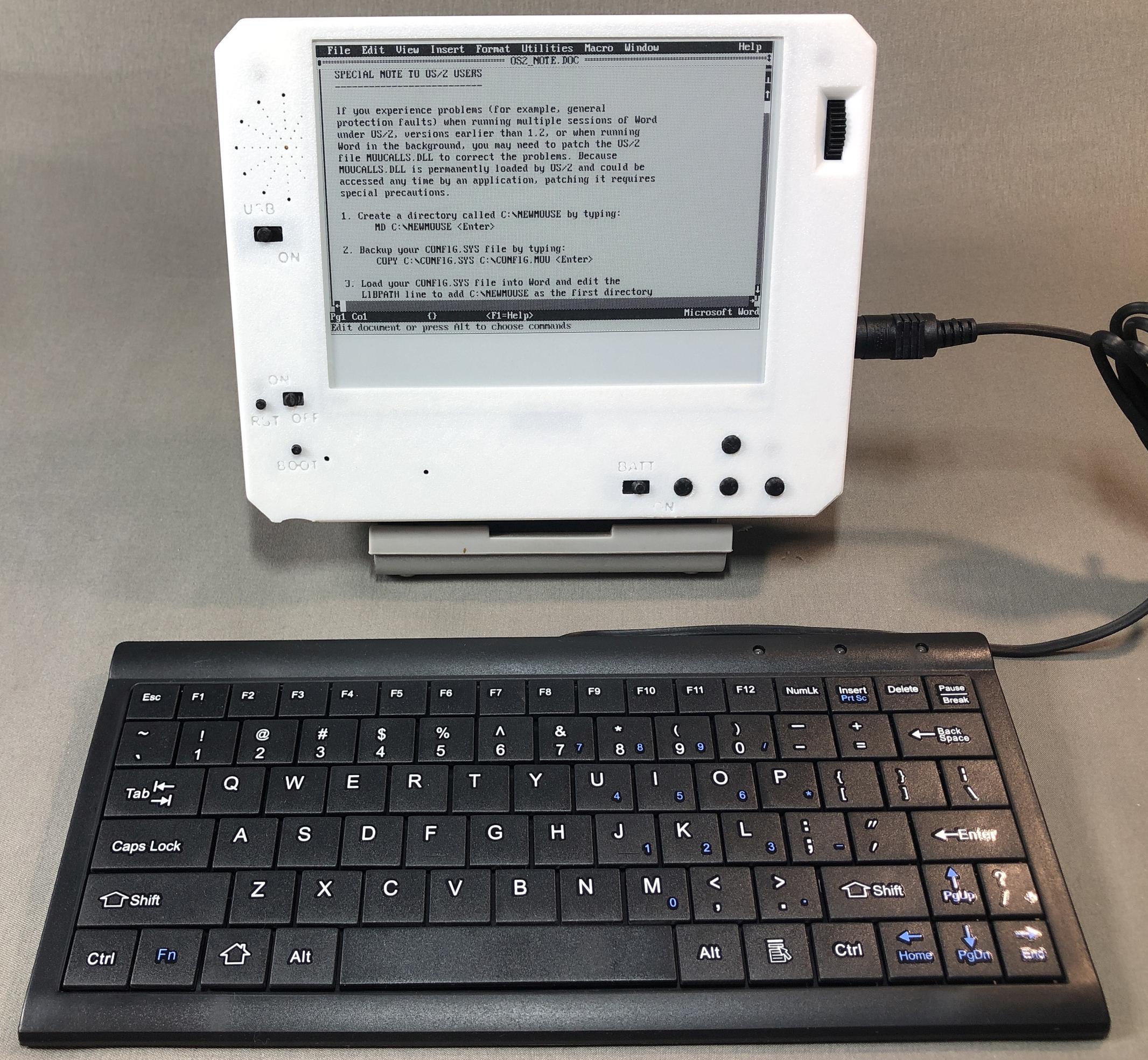
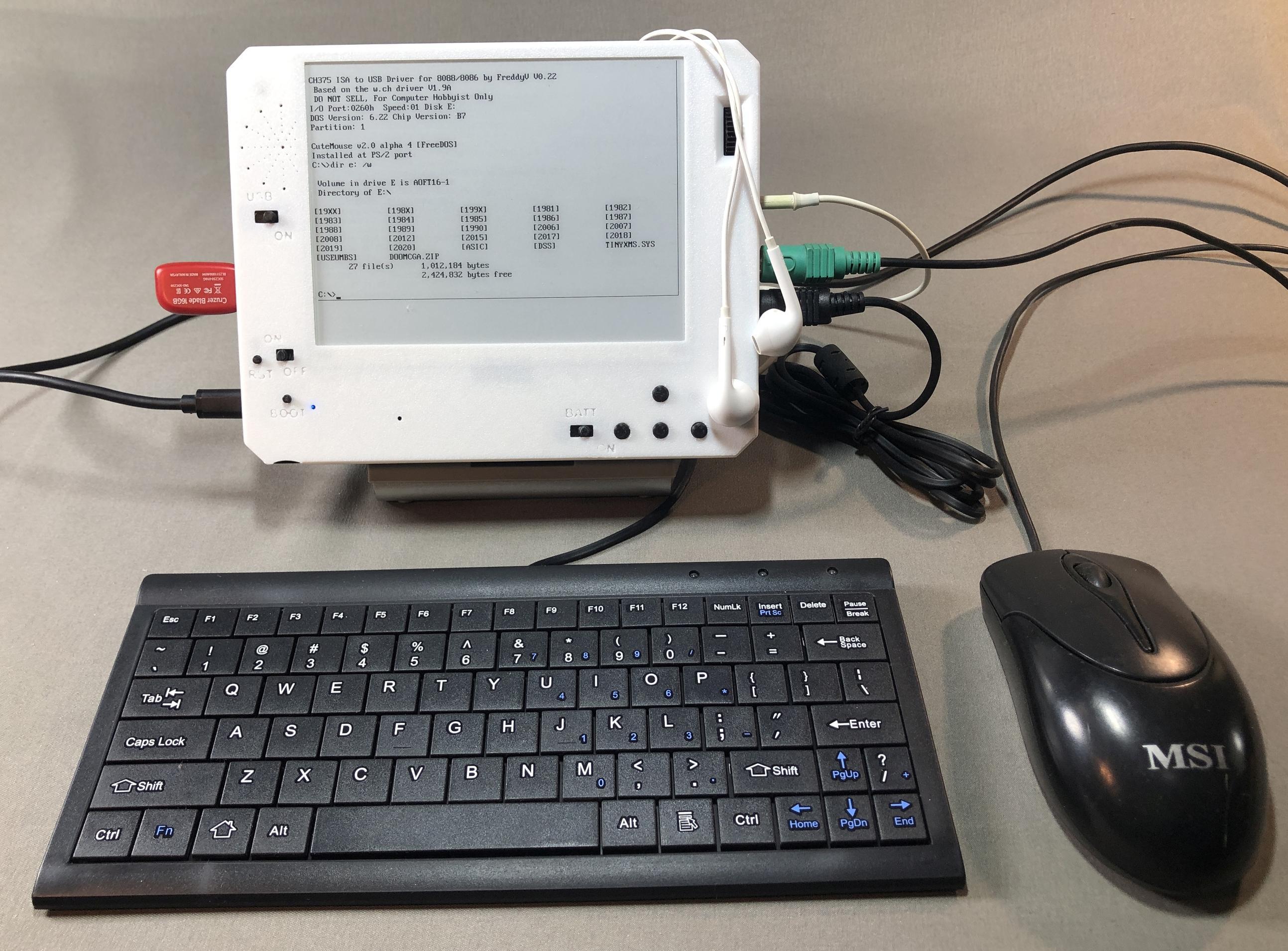
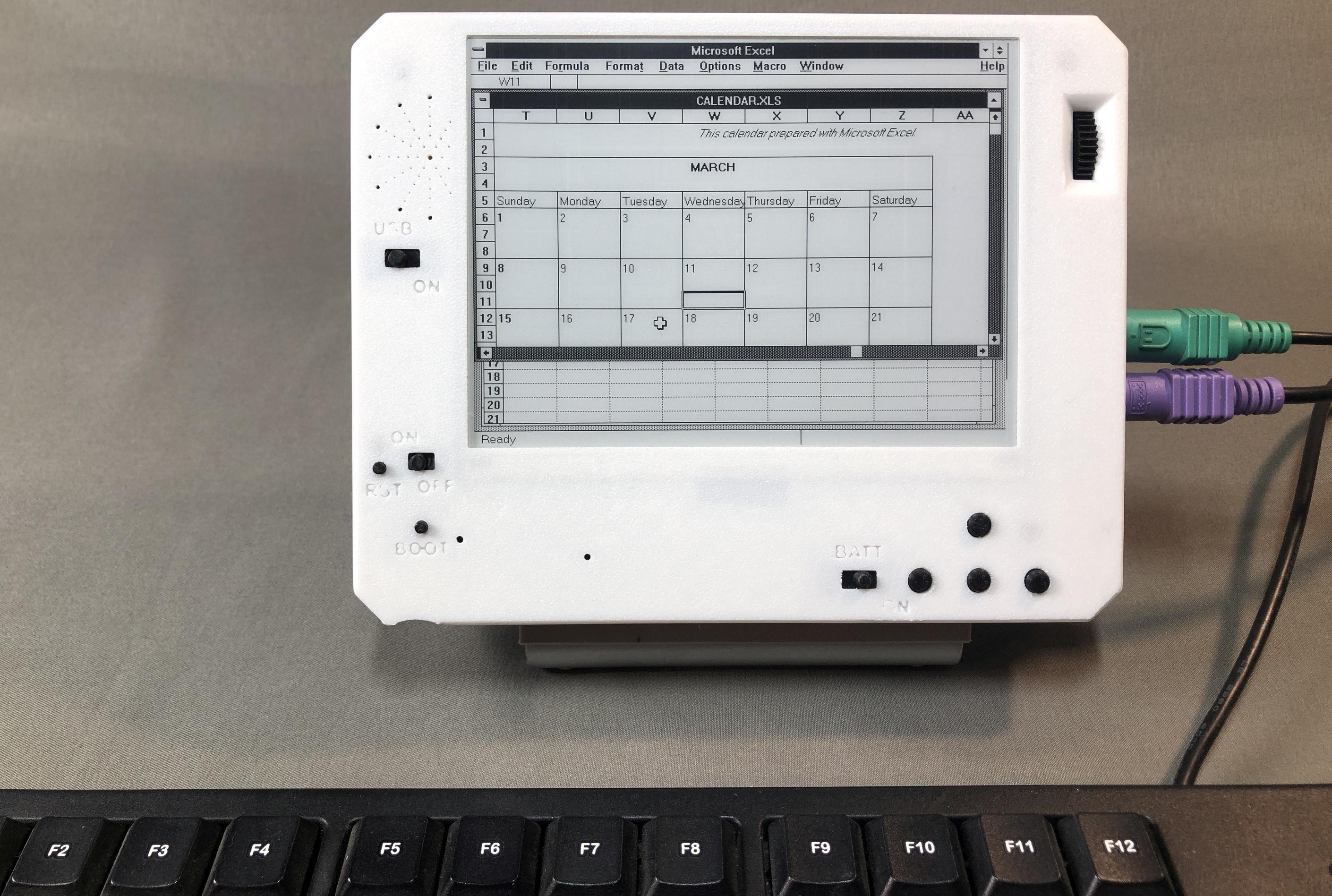
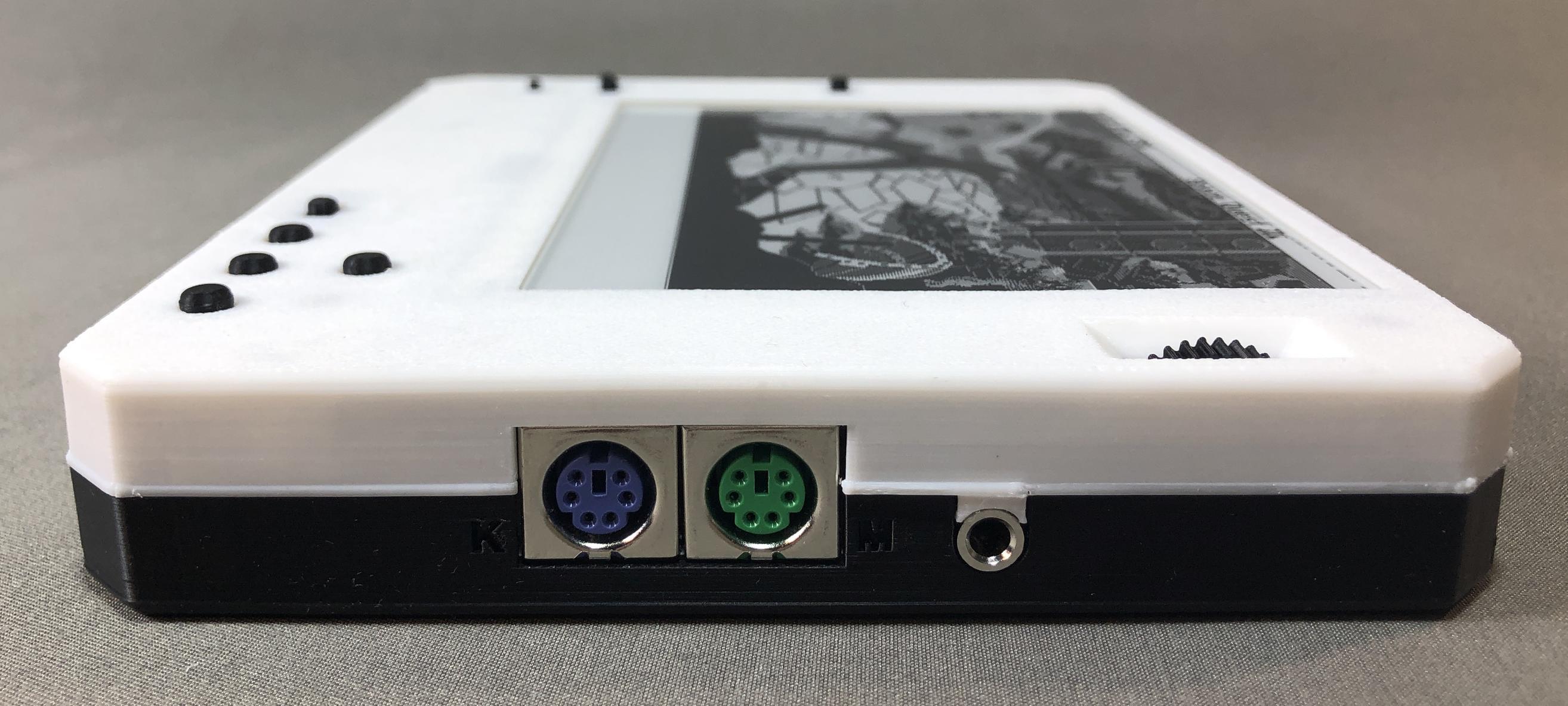
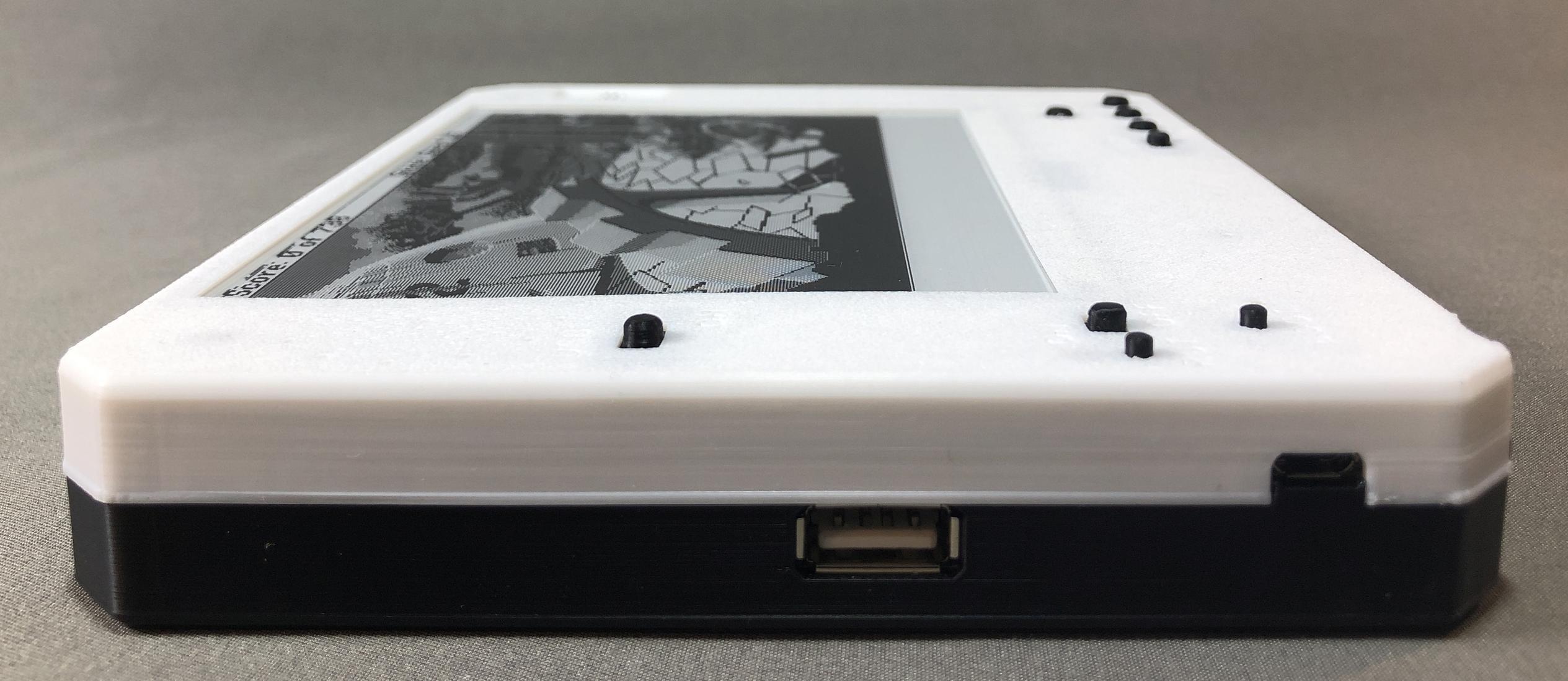
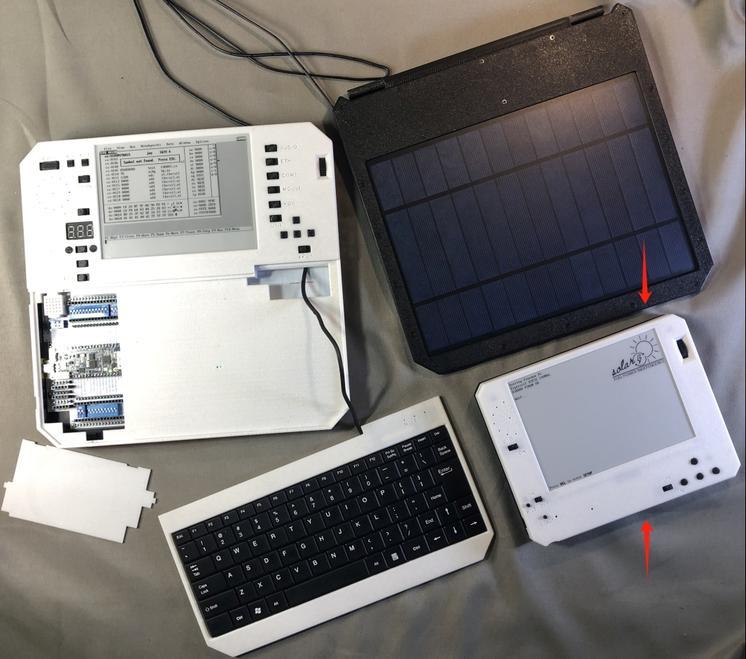
For this version, I removed the built-in keyboard, variable voltage charging, solar panel, RJ45 ethernet, DB9 serial port, LoRA radio, volt meter and half the battery capacity to reduce weight, material, and costs of parts and assembly. It still has the same e-ink display, dual keyboard/mouse PS/2 ports, built in speaker, headphone jack, volume control wheel, USB flash drive port, wifi networking, bluetooth, TTL serial port, sd card slot, and micro USB charging port. And it runs the same firmware as its larger sibling. Add your own PS/2 keyboard and an external solar panel and you're still good to go for basic long lasting off grid computing without the weight, bulk, and expense of all those wonderful bells and whistles.
Sample Videos
Note: if some videos won't play in Firefox, please try using Chrome.
Or watch the hi-res full length versions on my Youtube playlist here.
QBASIC "hello world"
https://github.com/user-attachments/assets/7936a16b-e707-4298-a39a-2964b3c653aa
Space Quest 3 with Adlib sound and music
https://github.com/user-attachments/assets/2b20a7d1-0362-4848-8348-c91b98728131
Minesweeper on Windows
https://github.com/user-attachments/assets/540fa992-51f2-4d51-8aa3-3e9dba048924
Adlib Jukebox
https://github.com/user-attachments/assets/f23e2479-c99c-4e64-bbf9-22223a75d402
Using a USB flash drive
https://github.com/user-attachments/assets/77839a7c-f4f0-4fe8-b198-c7e36b9bc334
Networking: Ping and FTP
https://github.com/user-attachments/assets/5f67eb18-9b9b-4c4f-b5dd-cf022fadc6d1
Networking: Web browsing
https://github.com/user-attachments/assets/8a99601b-c7f9-49f3-8a99-dfec2aed2d76
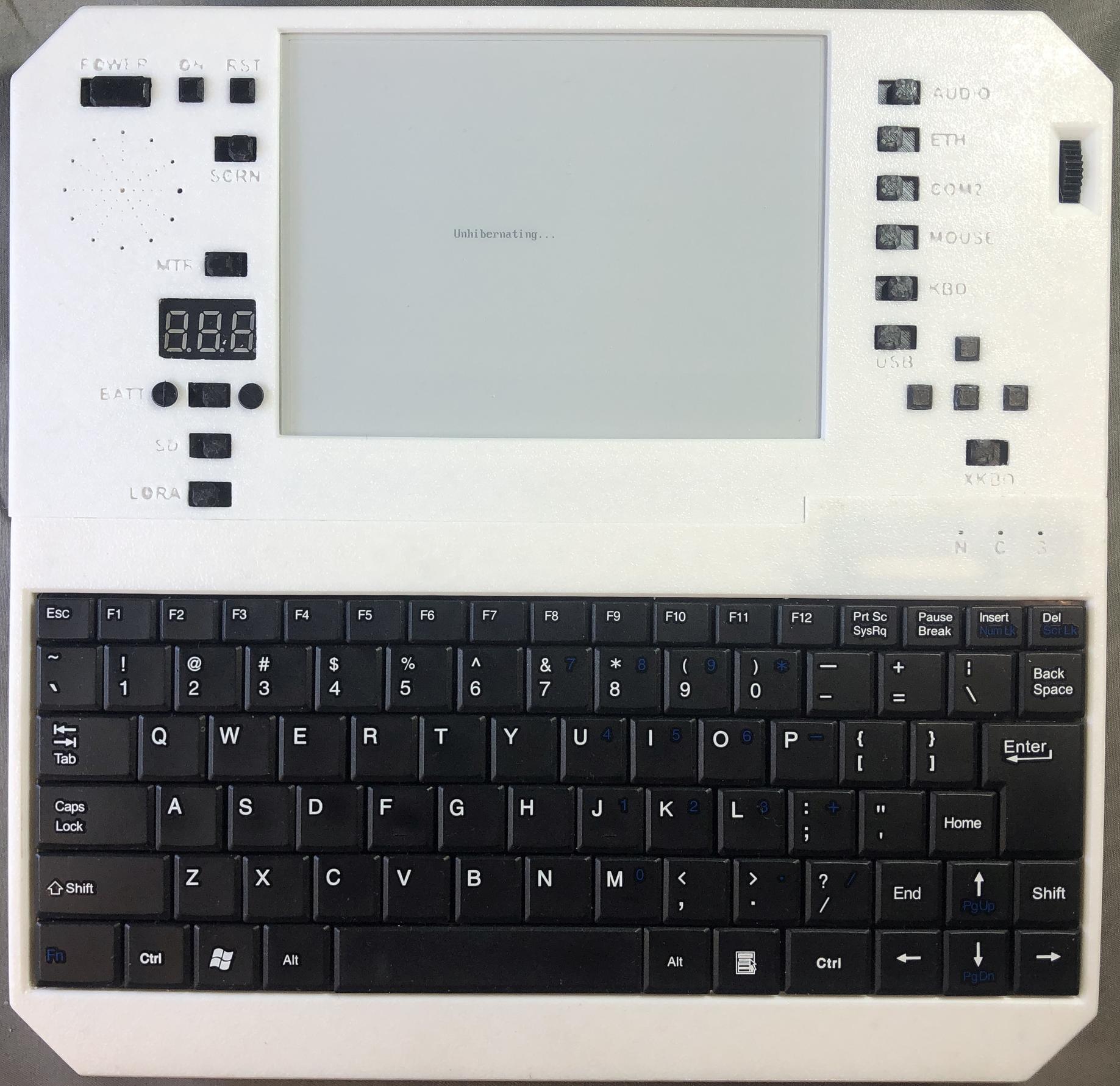
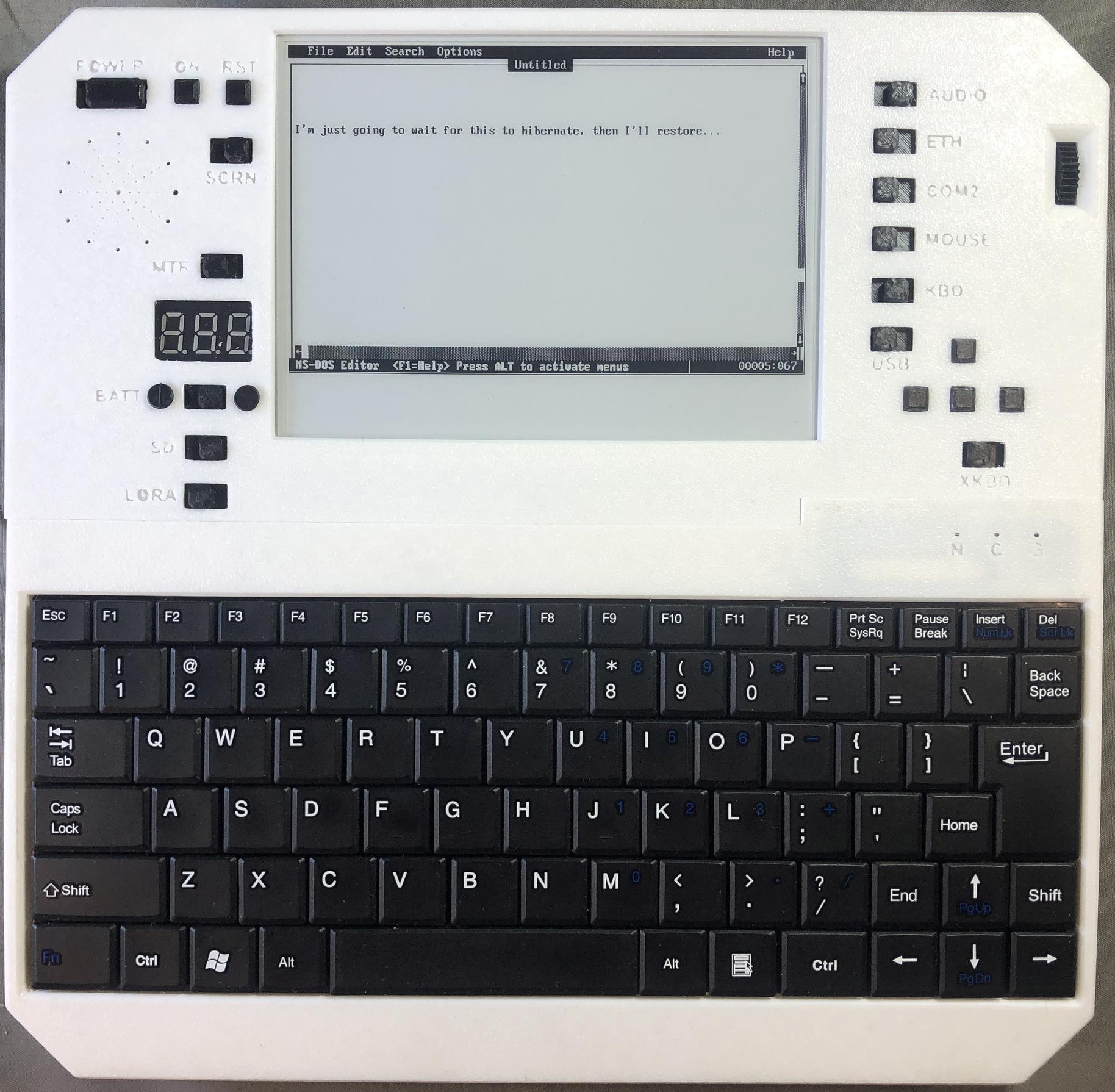
Hibernating and resuming
https://github.com/user-attachments/assets/c9758c15-9f8d-4058-a61f-c34481873b1e
Solar panel detaching and re-attaching
https://github.com/user-attachments/assets/3ee362a7-36d7-4355-b31c-2d30c2af94da
System startup and color inversion
https://github.com/user-attachments/assets/8807fc27-6829-4491-978f-2921a8d432fe
King's Quest 1
https://github.com/user-attachments/assets/46d44474-fa79-49ea-9949-d85c53864d76
QEdit editing autoexec.bat
https://github.com/user-attachments/assets/c6fe3bd9-1a23-458f-8ec3-6ddc4d6cbe65
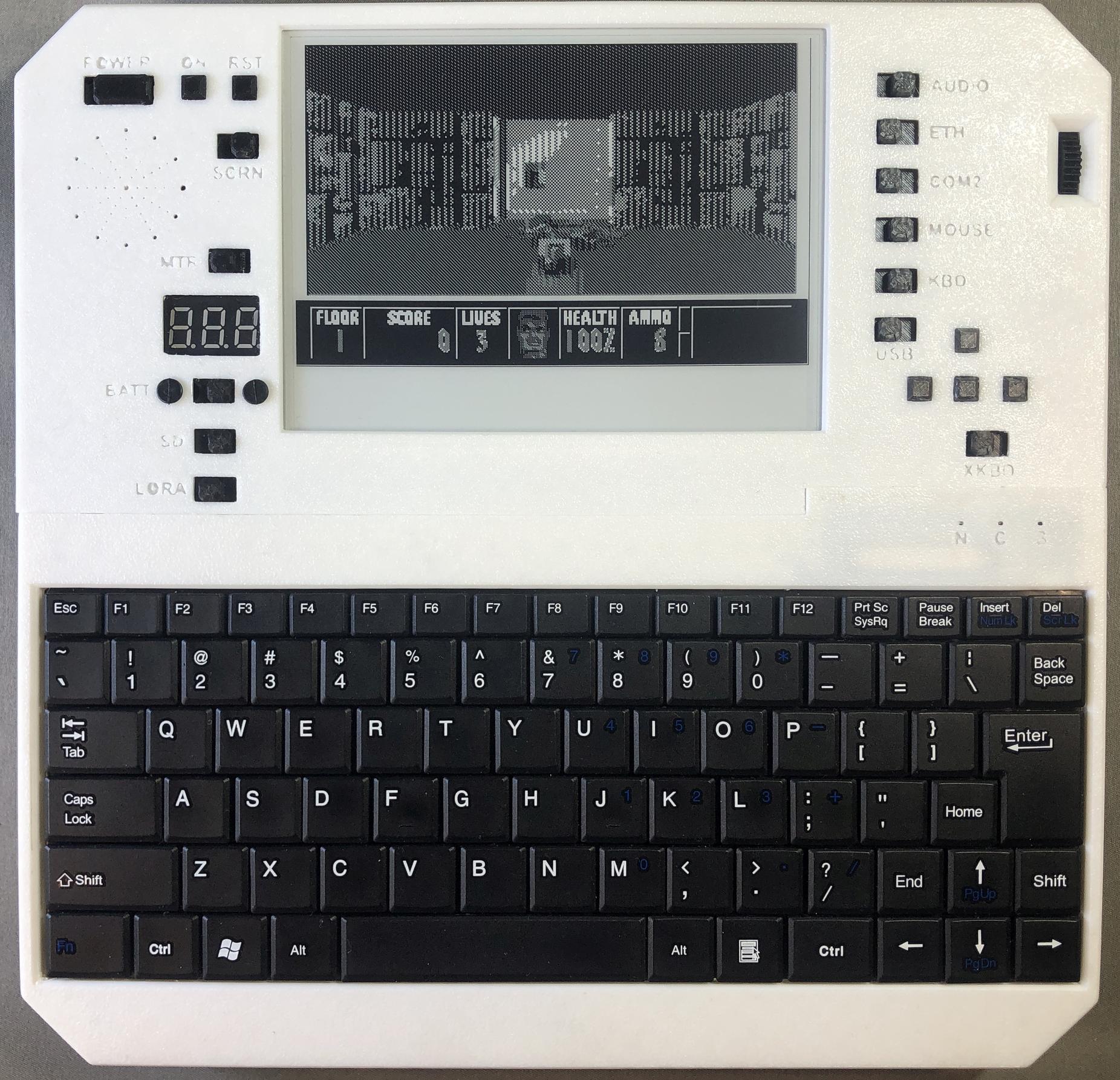
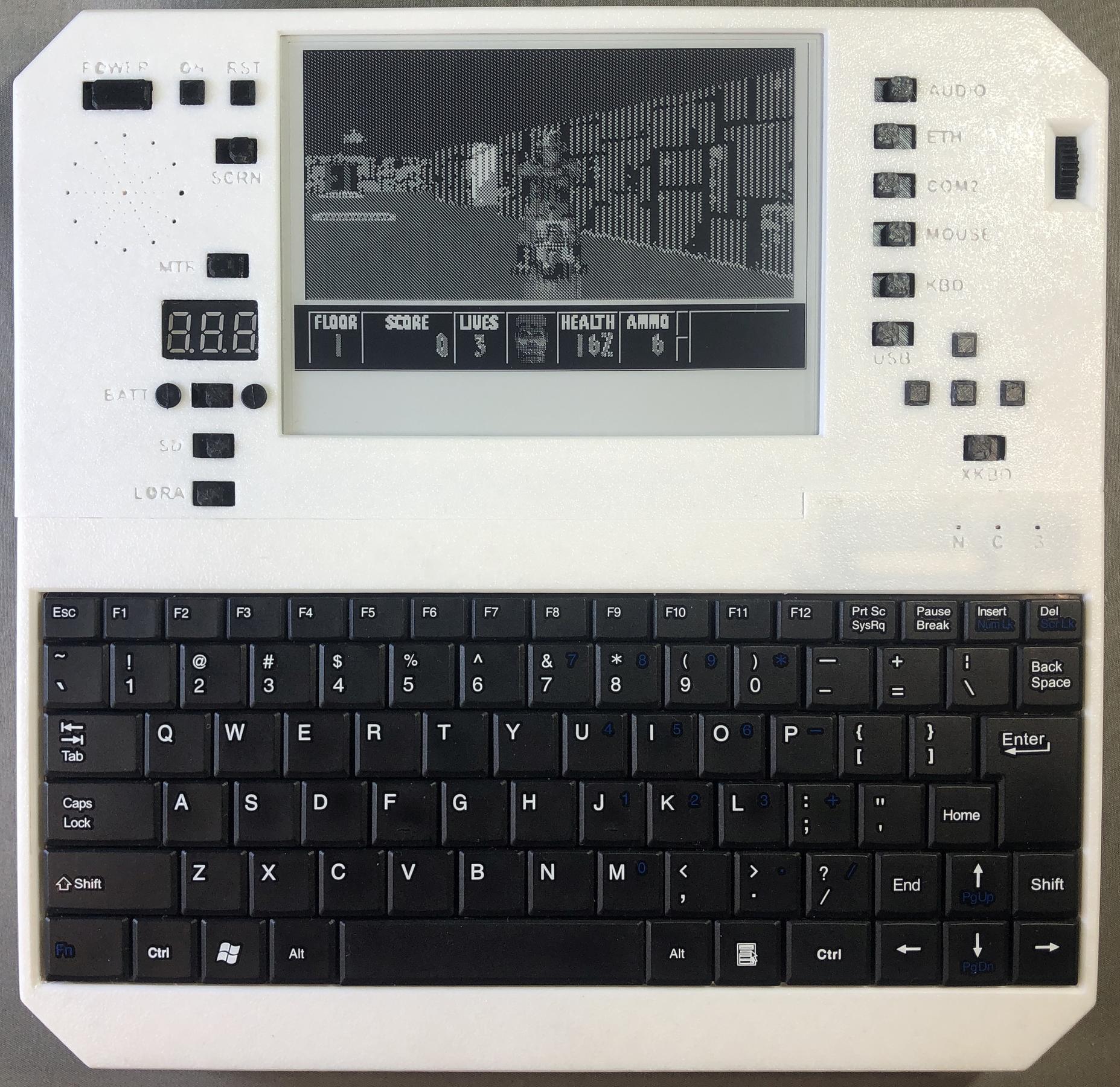
Wolfenstein 3D
https://github.com/user-attachments/assets/e295904c-3d49-4982-8d65-b21779e48726
Doom
https://github.com/user-attachments/assets/fc9ec4e4-5f15-47cf-980f-c31522a4abcc
CP/M-86 with Turbo Pascal
https://github.com/user-attachments/assets/1cd02330-907e-408f-8e0b-55a8b3c6f605
When and why to use "Color Emulation"
https://github.com/user-attachments/assets/255e8f95-449a-4774-9168-92bb78608fd5
Planet X3 in Hercules graphics and VGA modes
https://github.com/user-attachments/assets/d3770d11-64d8-491e-b530-e117e26e44bb
ZZT version of King's Quest
https://github.com/user-attachments/assets/27d068f2-91de-4887-bba5-bcdd4b63fbf2
Scott Adams's Pirate Adventure
https://github.com/user-attachments/assets/f46fa540-cb63-4454-81f6-fe7e84447212
SimCity
https://github.com/user-attachments/assets/a8b7a0c0-d77a-4ccb-a051-0ceed19d8957
Zork
https://github.com/user-attachments/assets/8c195b5b-e7e3-49f2-b16d-81d6f7fbcded
Minix with Colossal Cave Adventure
https://github.com/user-attachments/assets/d3a6b4d2-5469-4d94-b6e4-5f47aeae23ec
Sample Images
Games
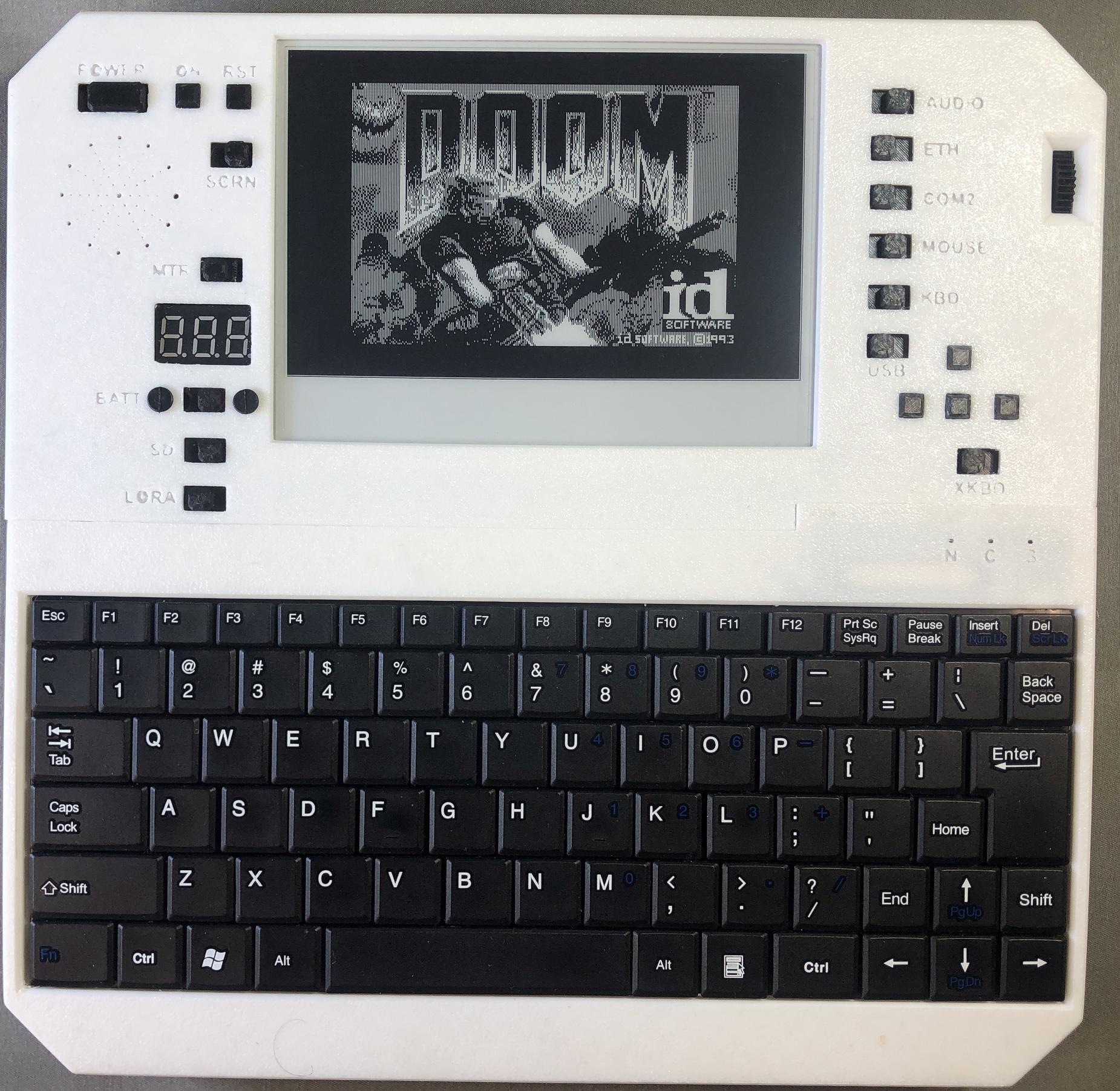
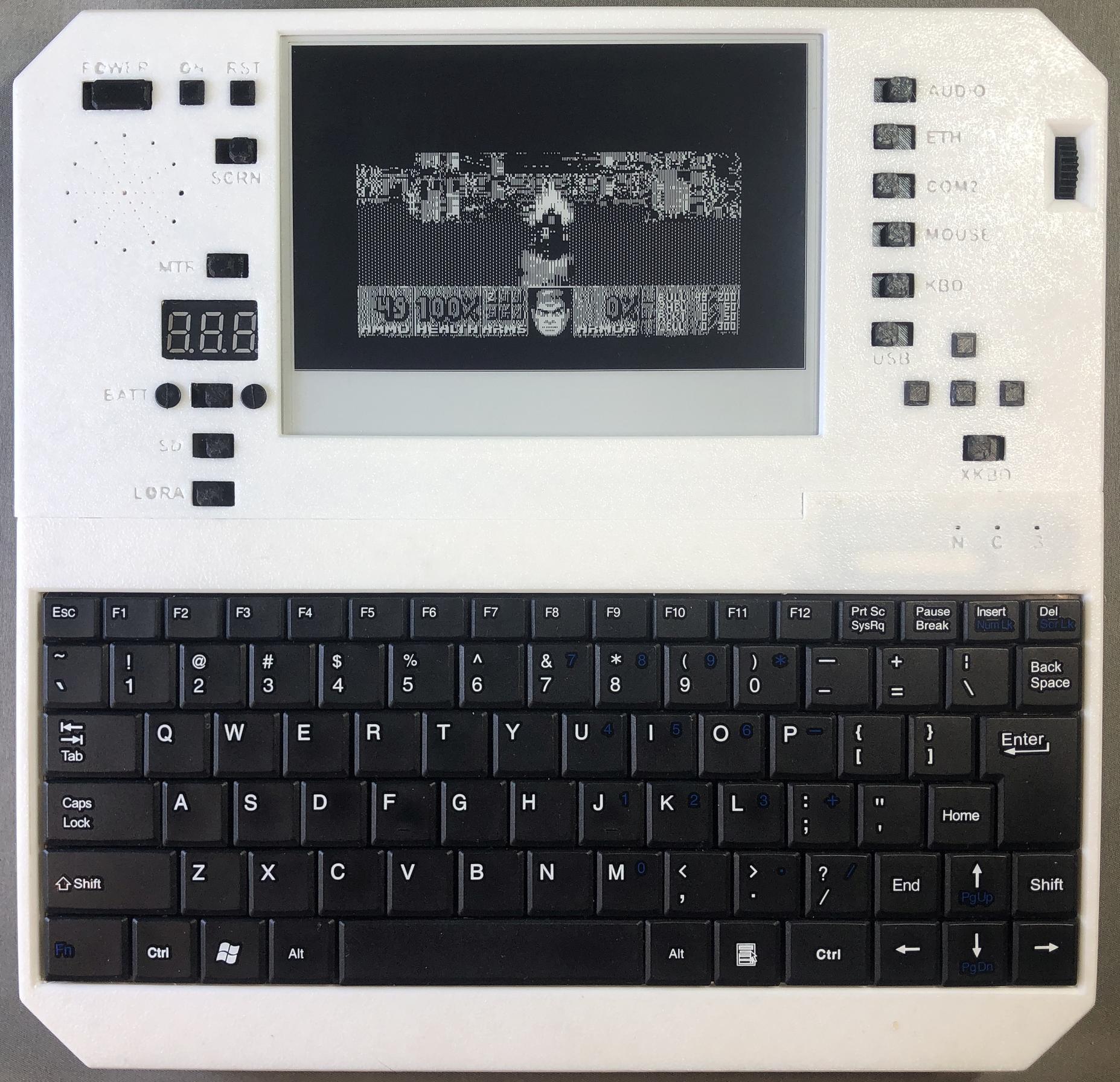
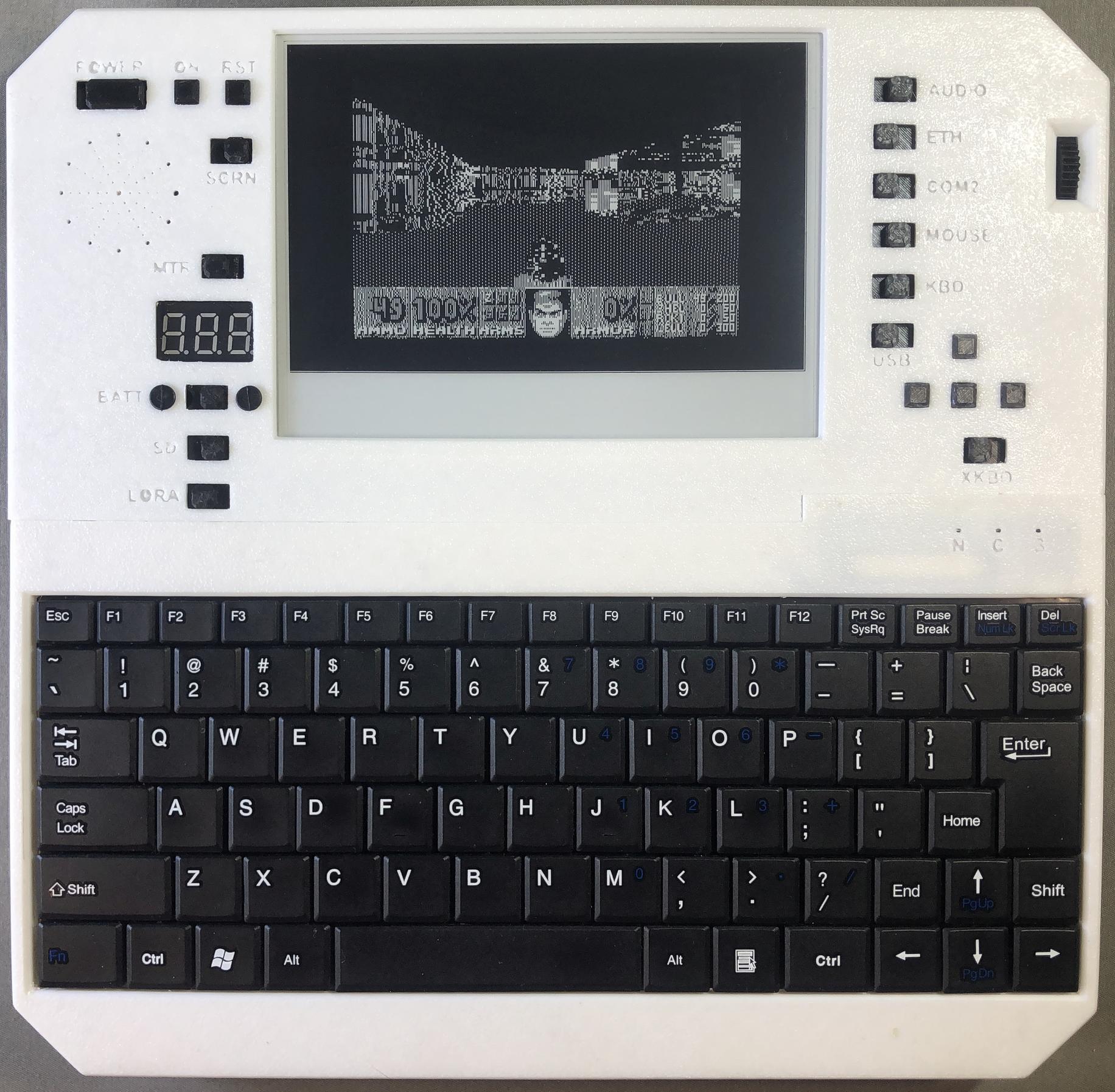
Doom
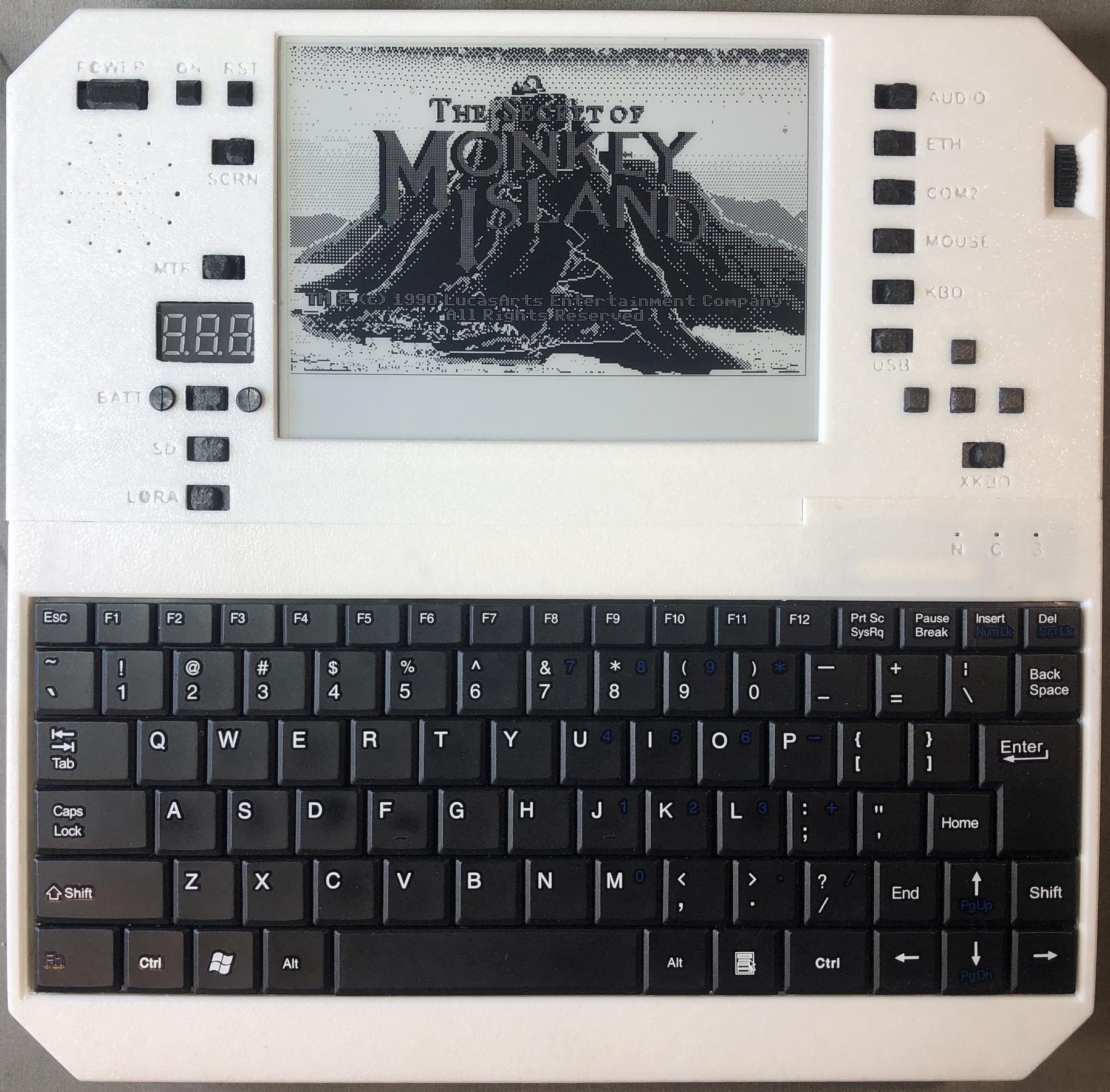
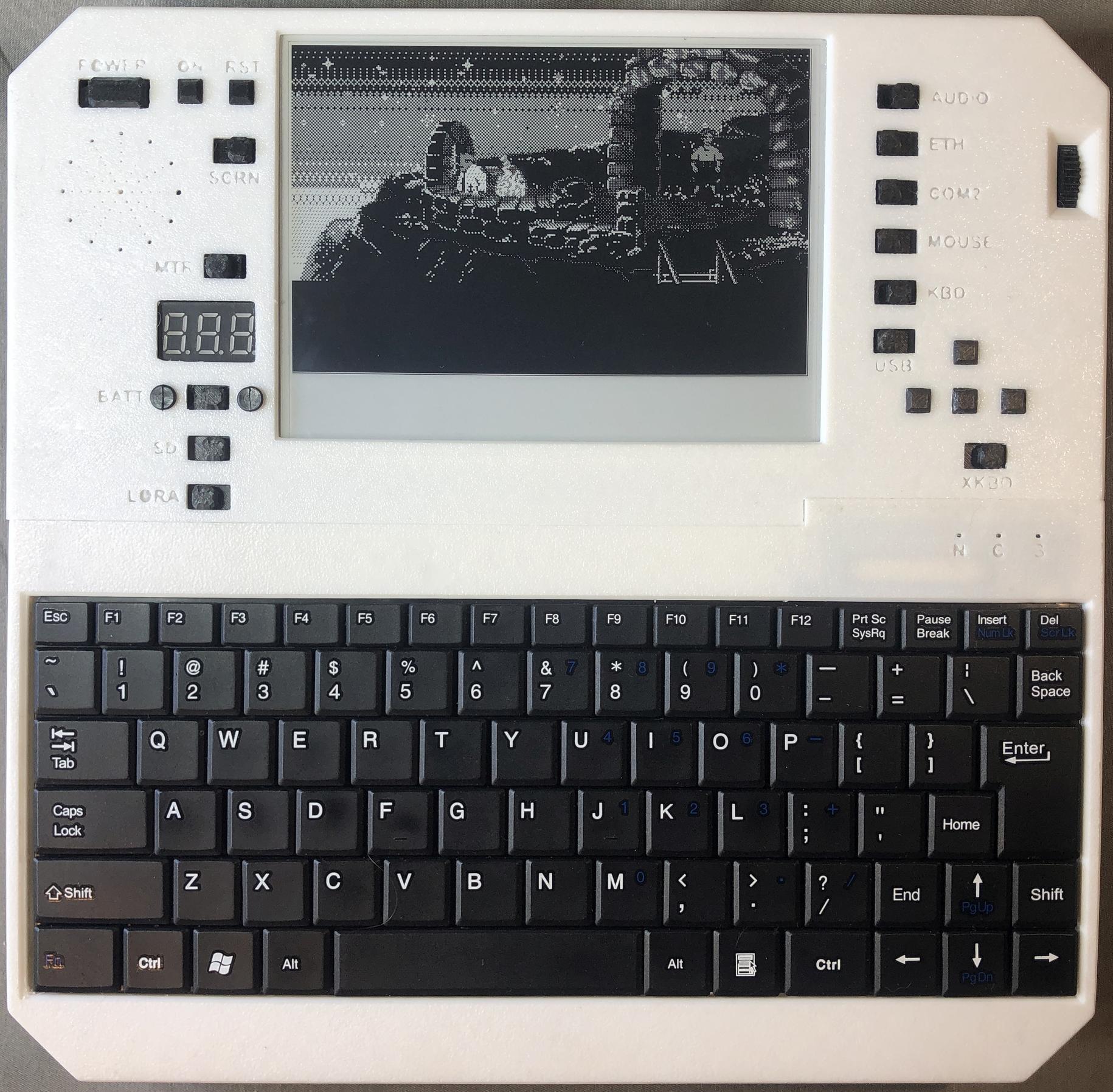
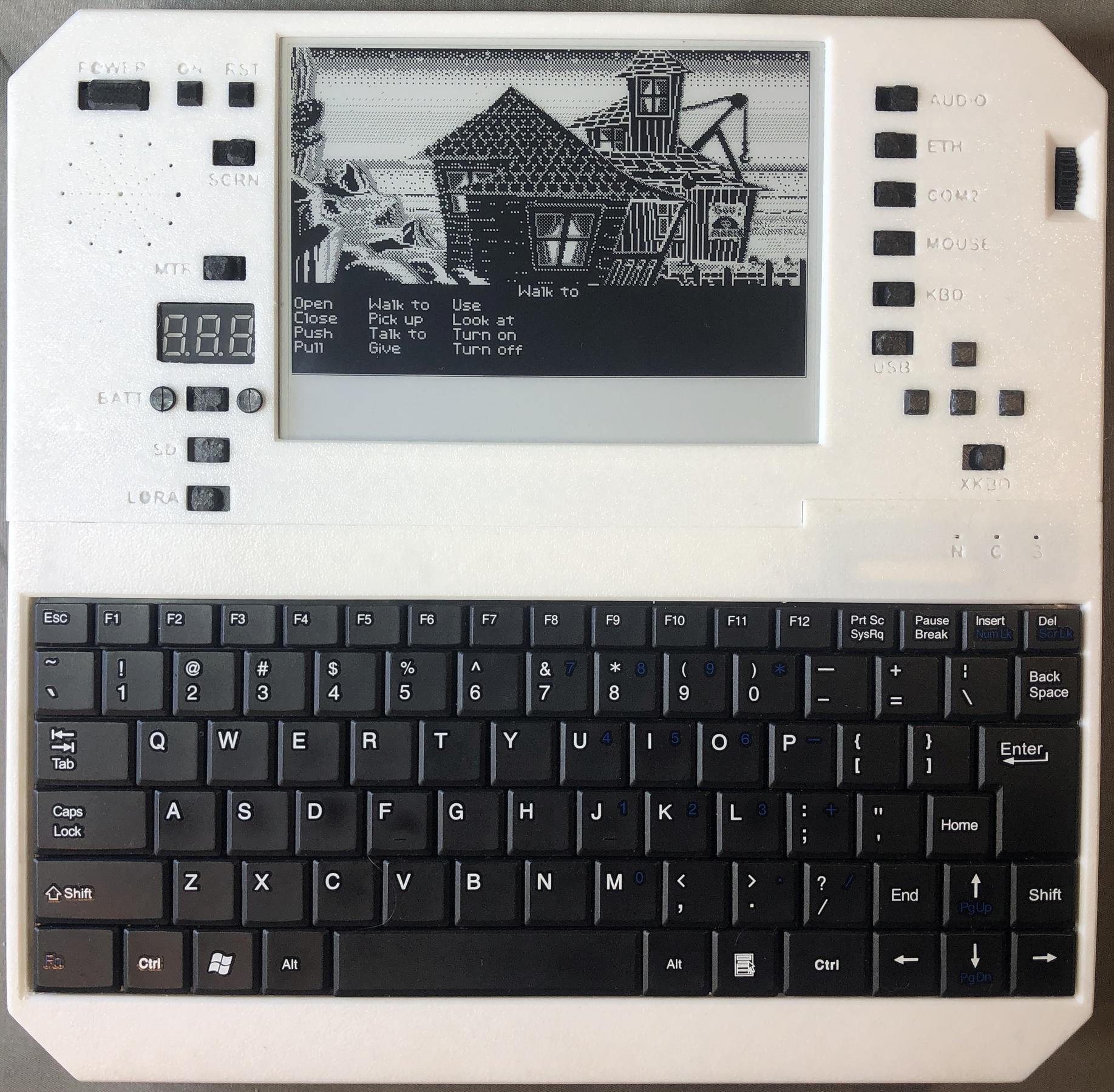
Monkey Island
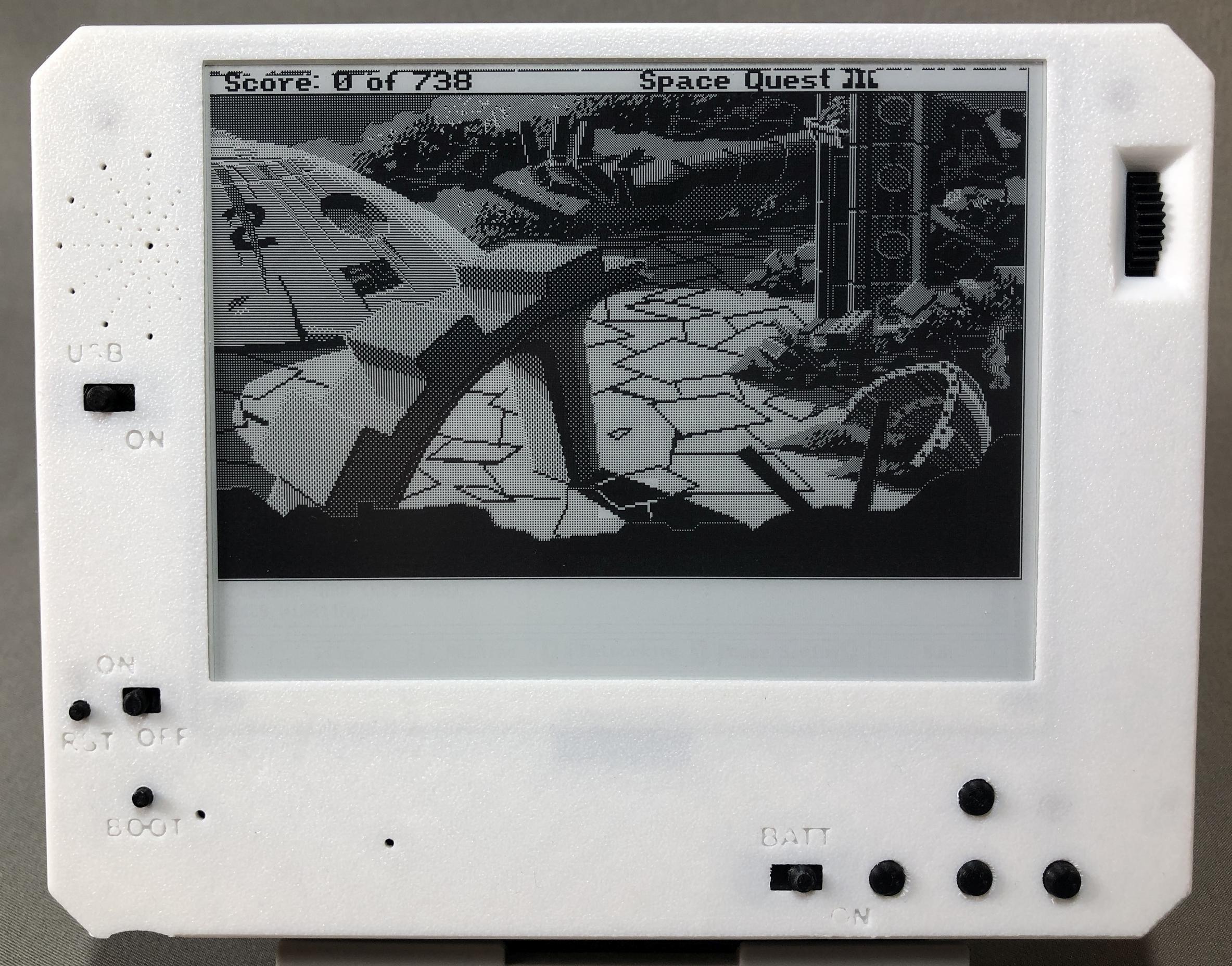
Space Quest 1
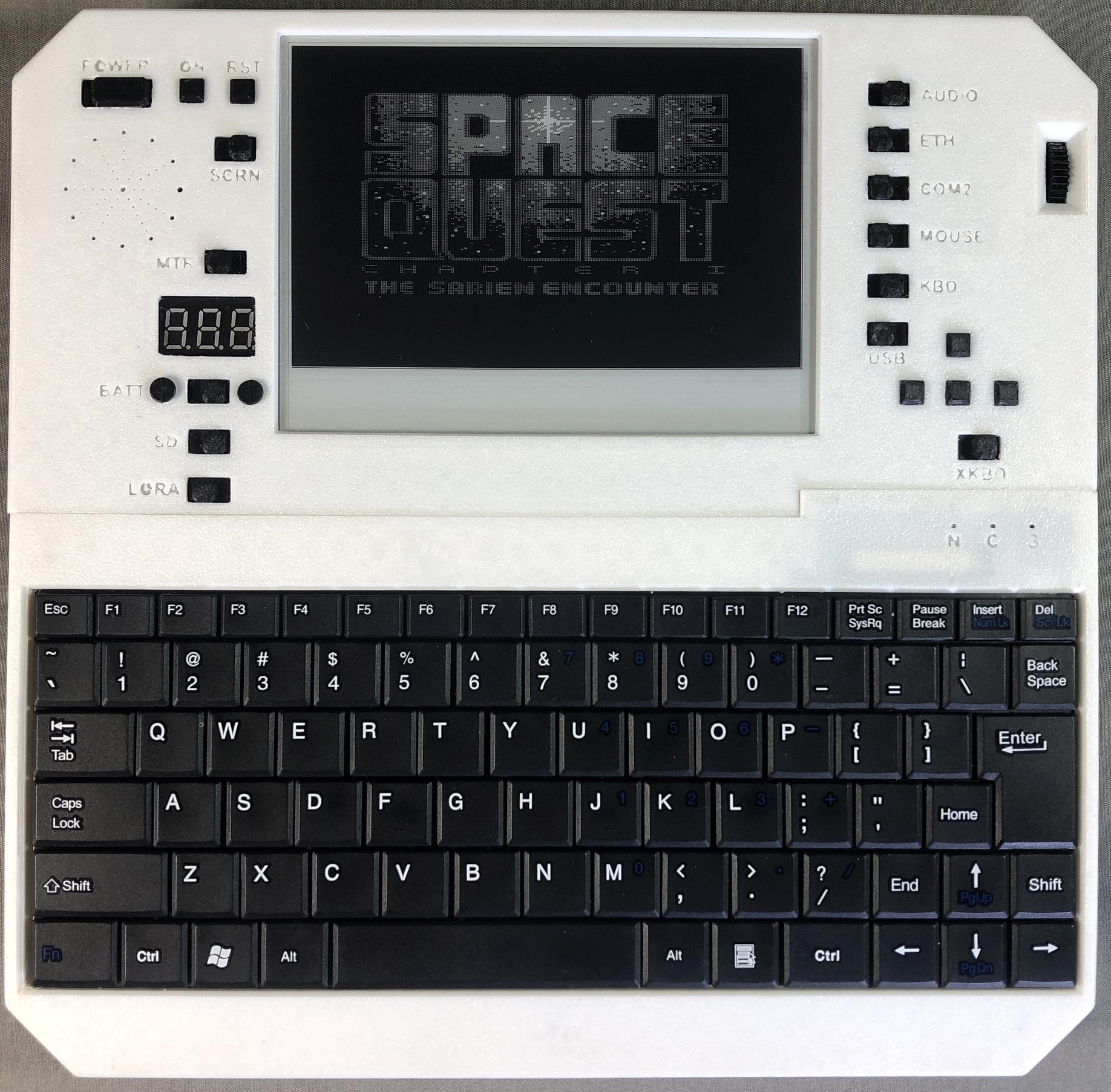
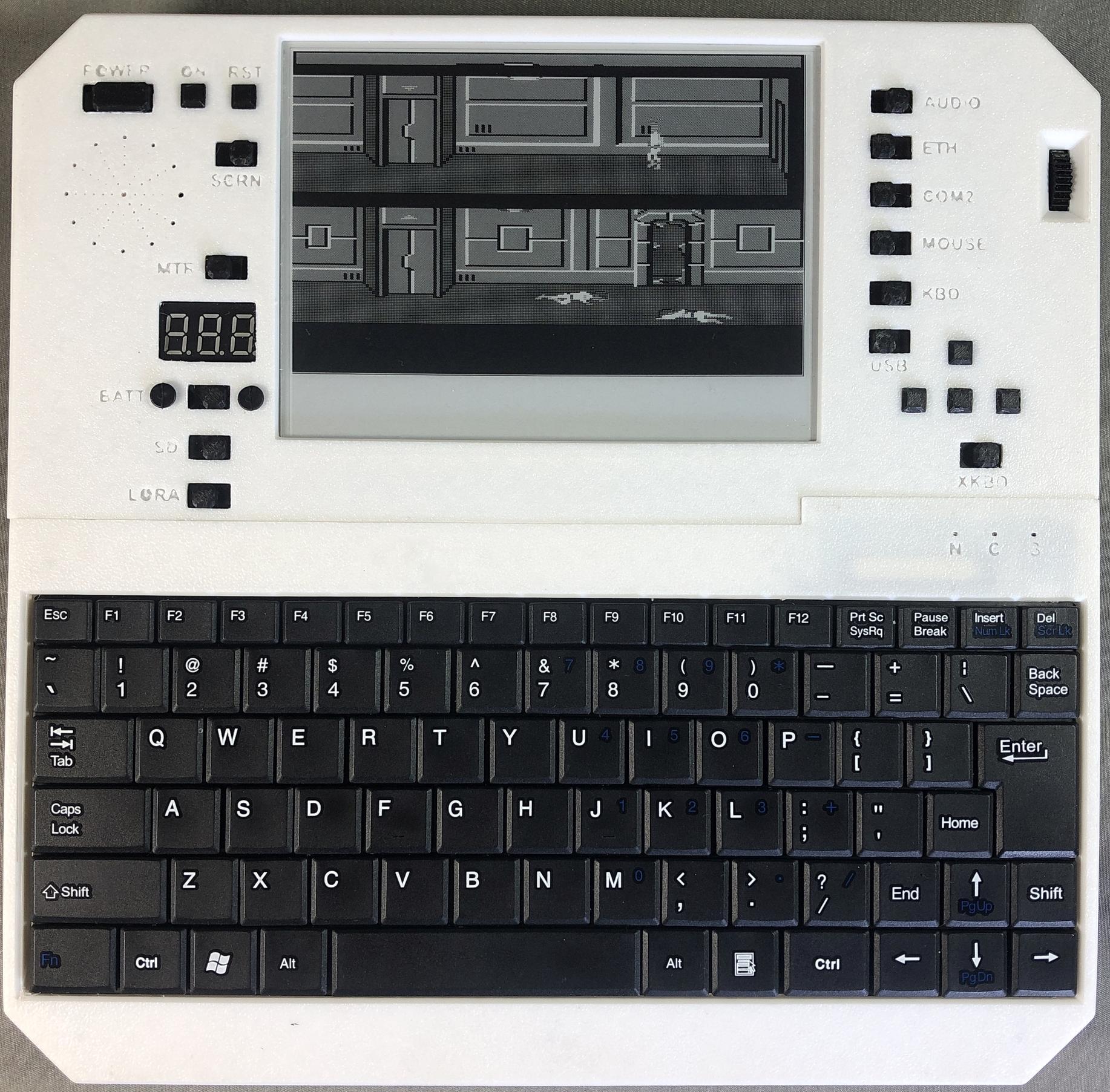
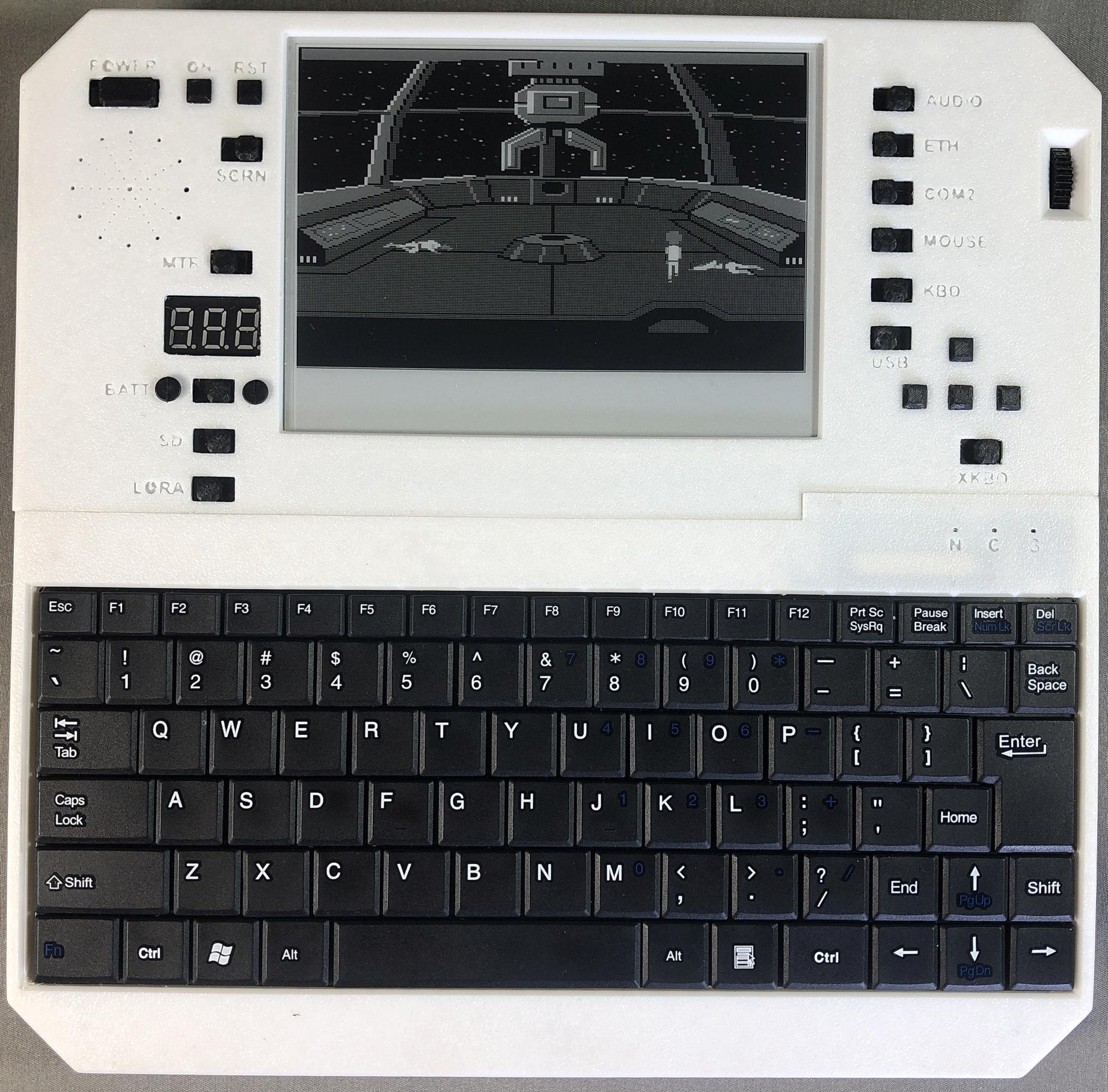
Space Quest 3
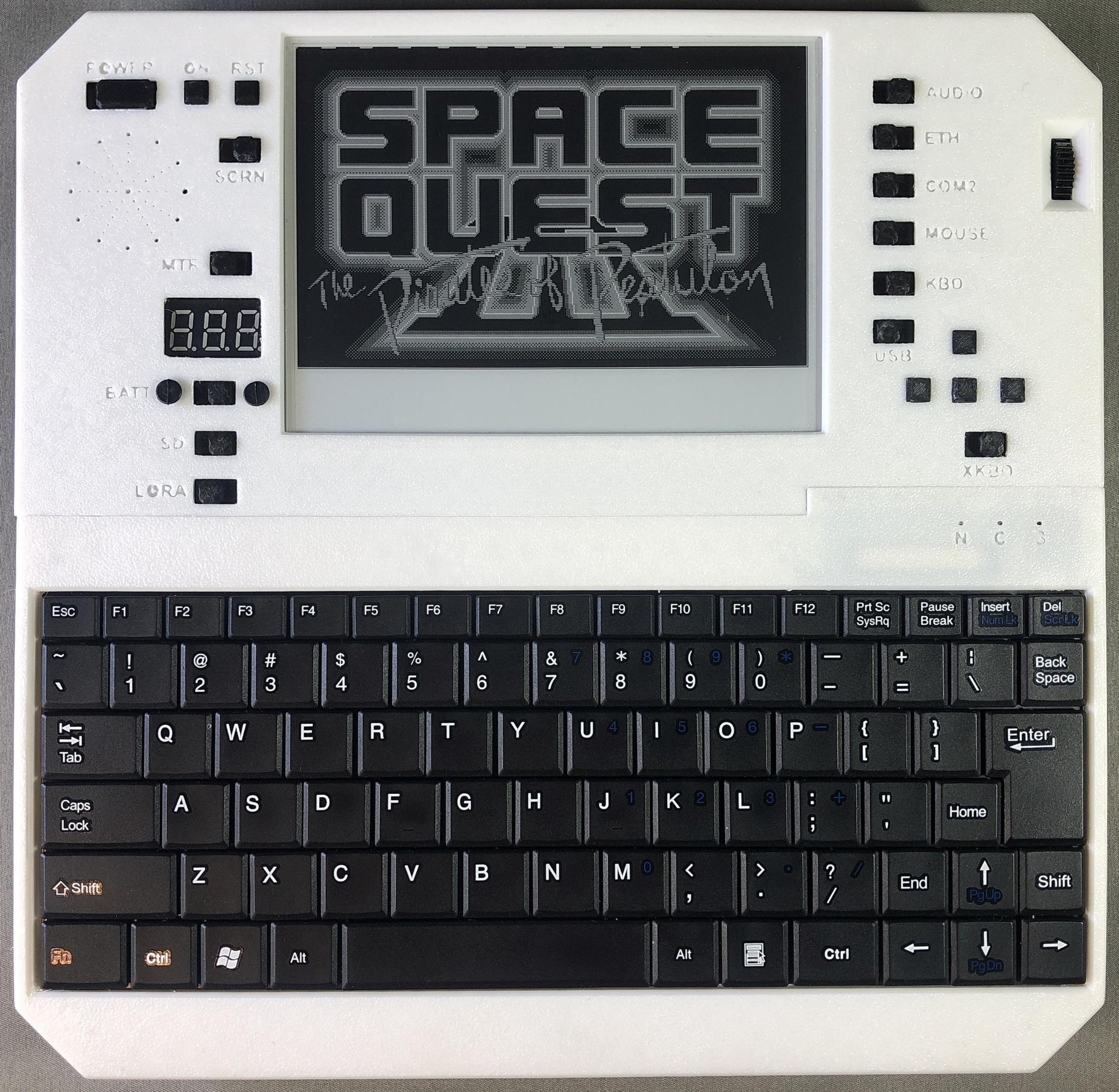
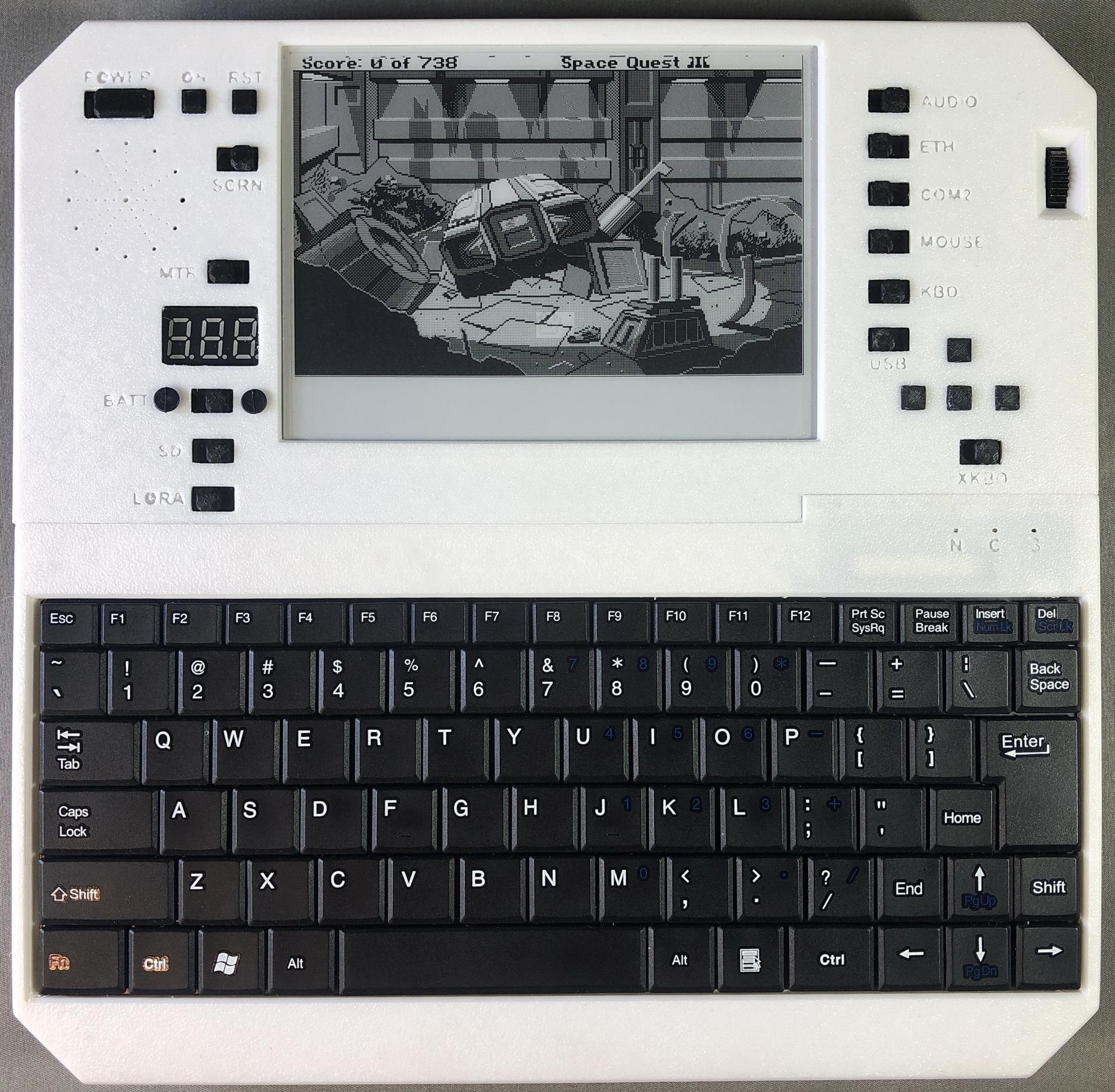
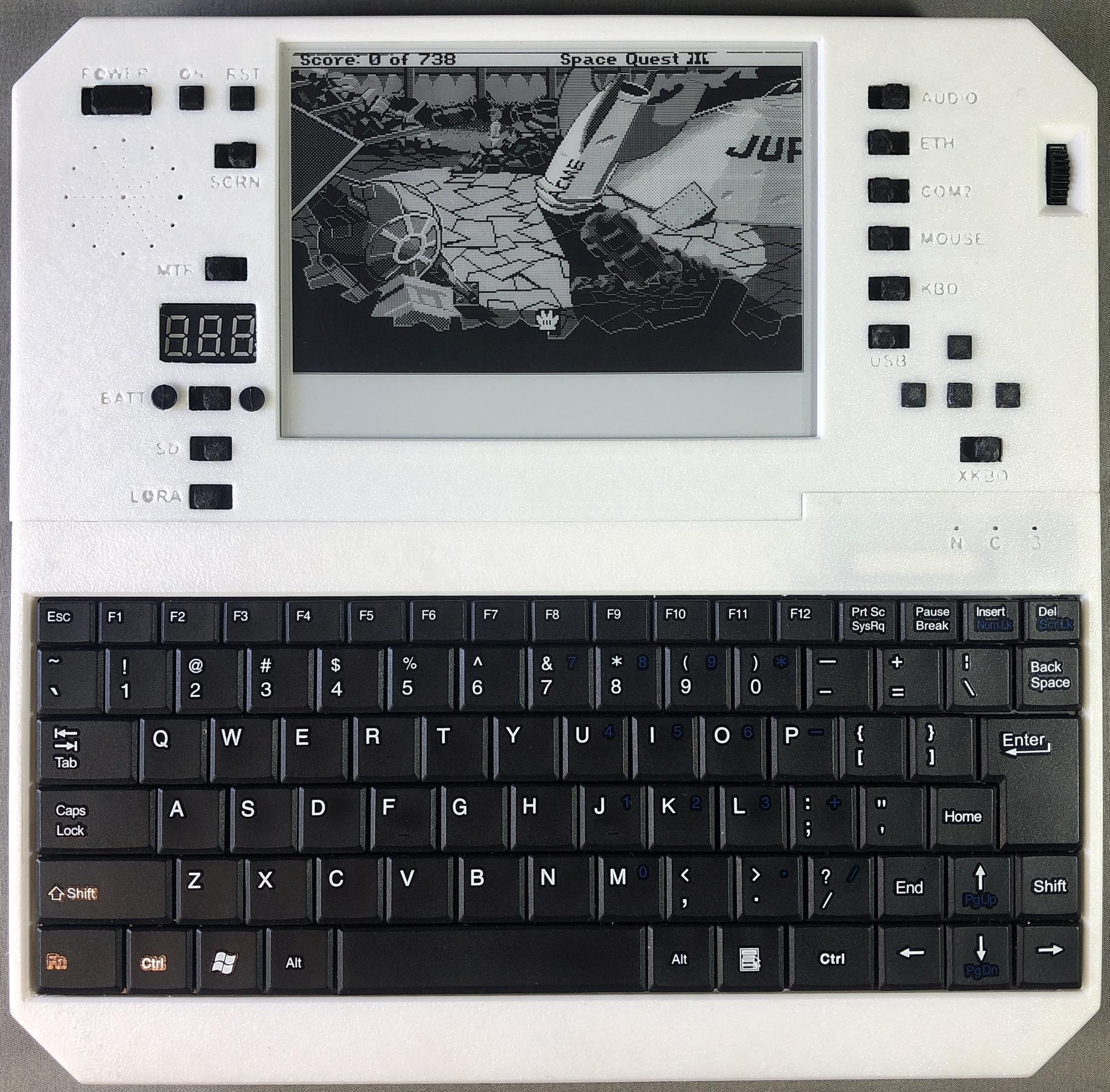
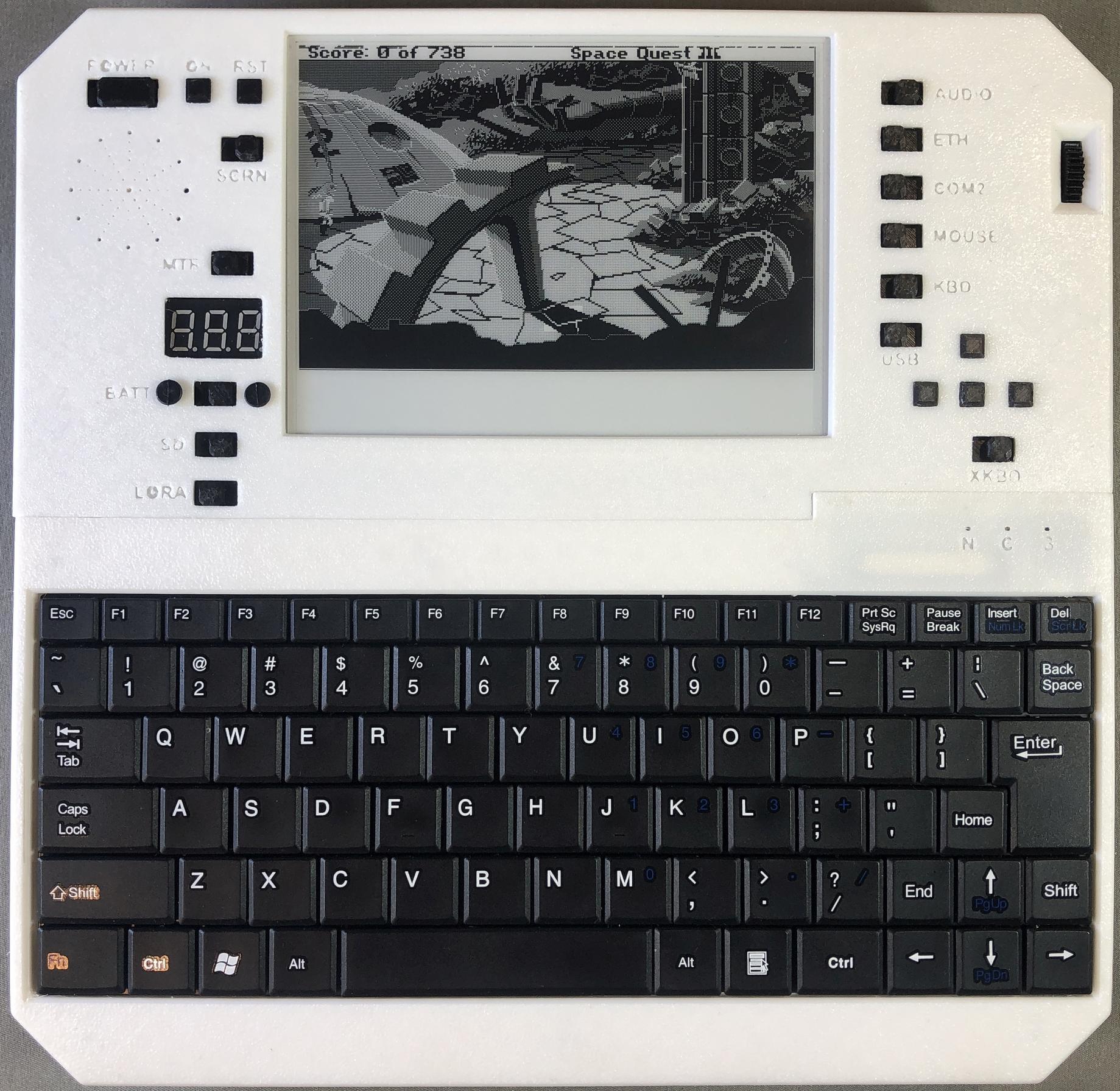
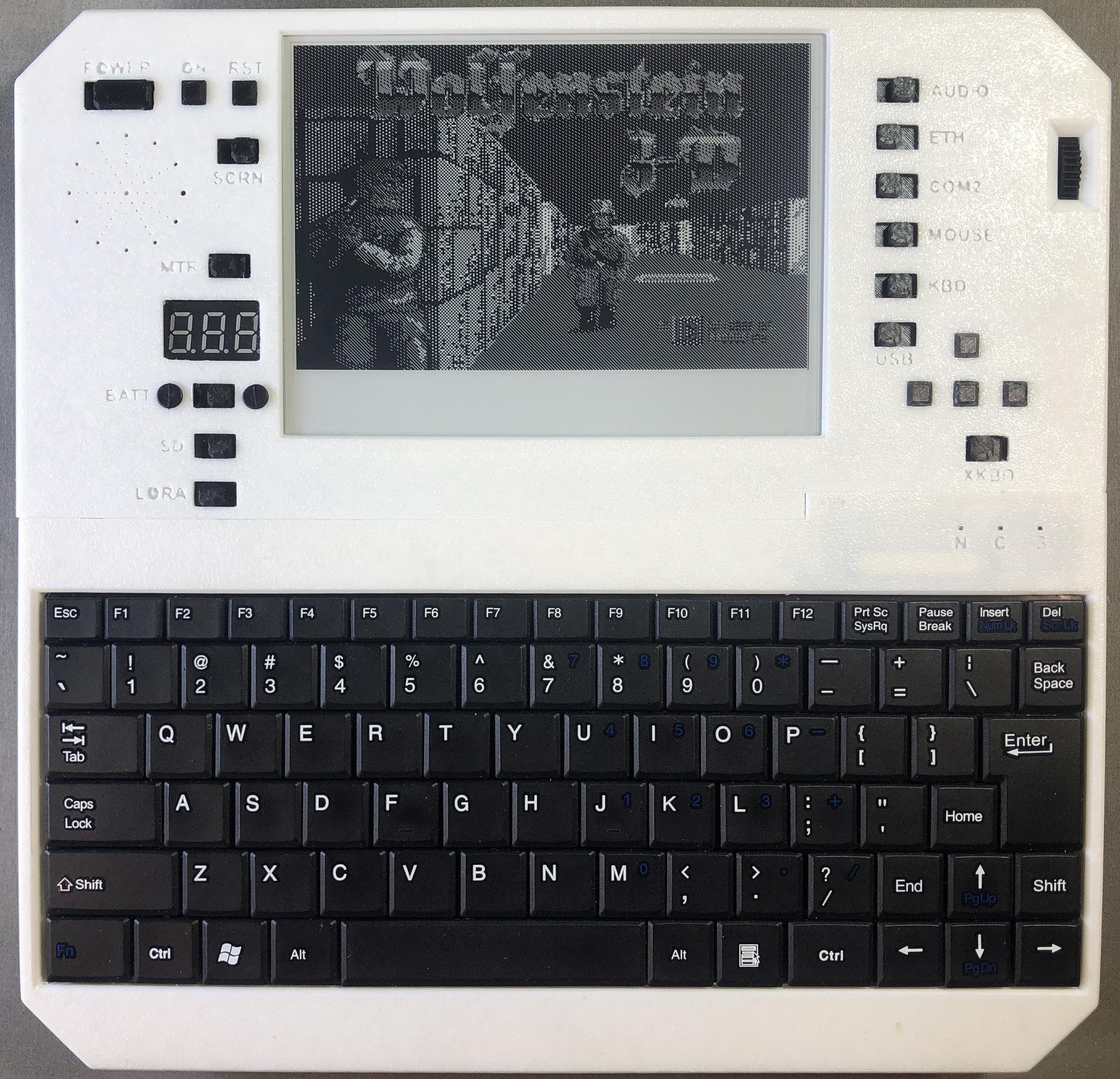
Wolfenstein 3D
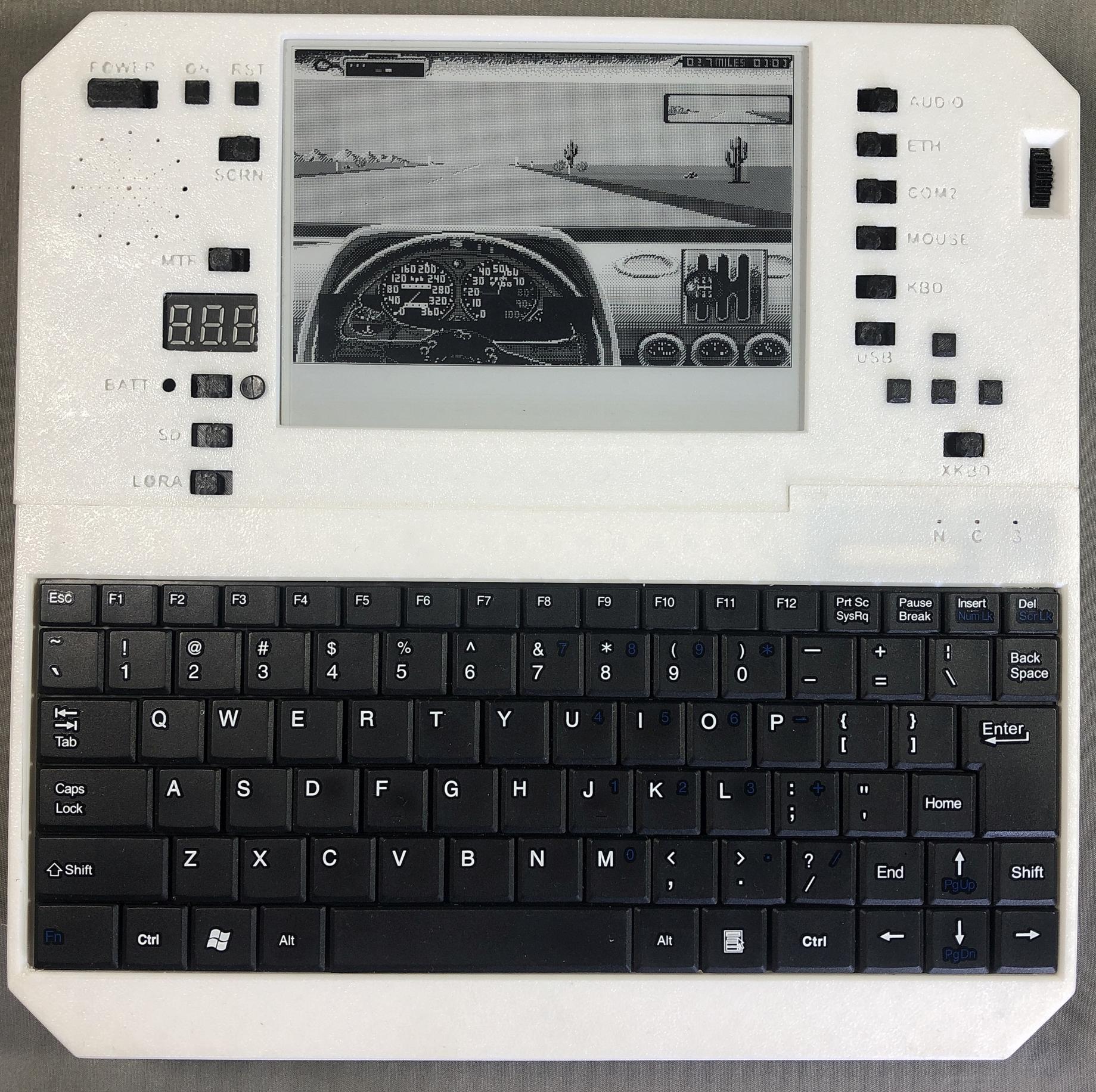
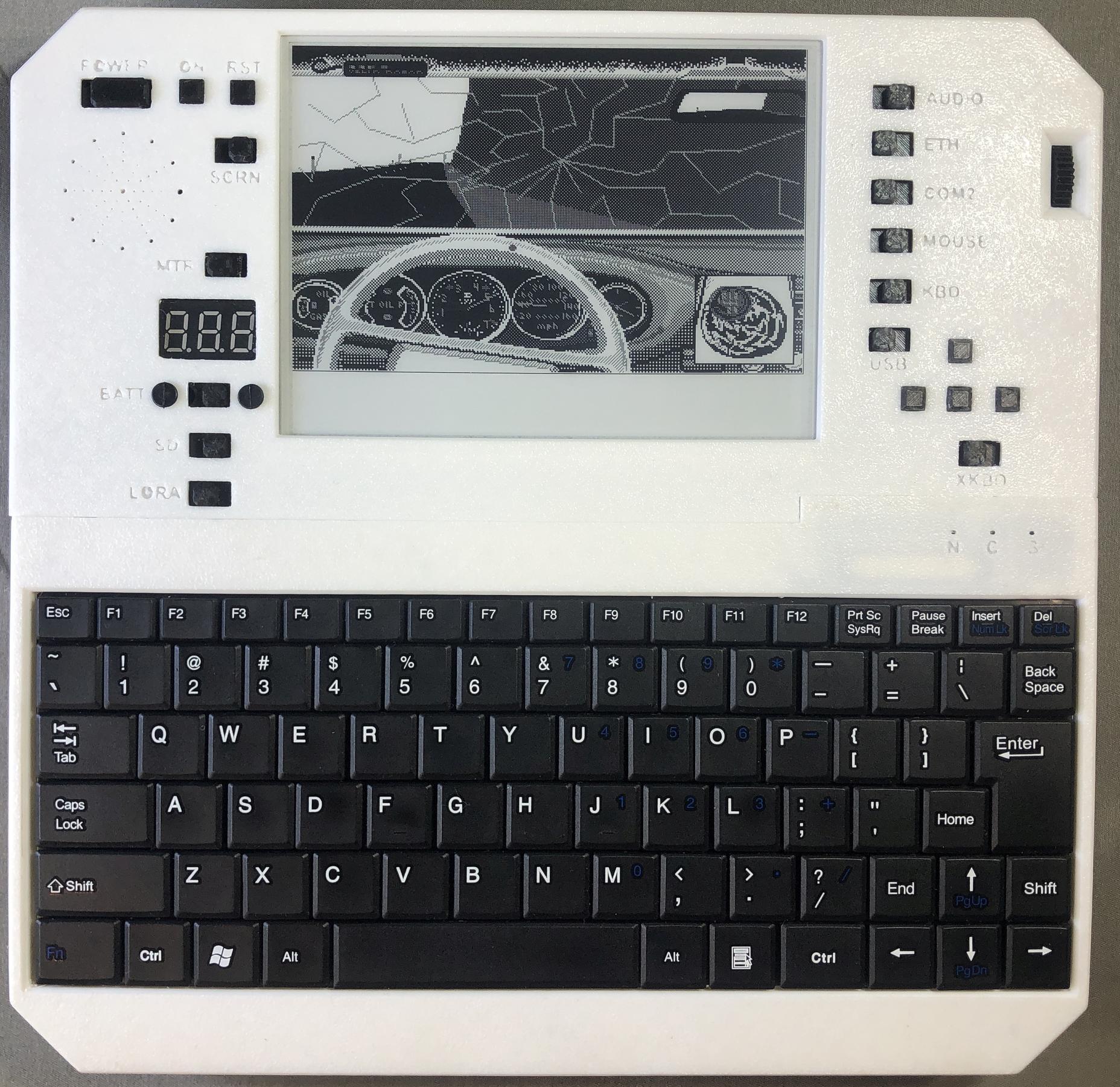
Test Drive
Prince of Persia
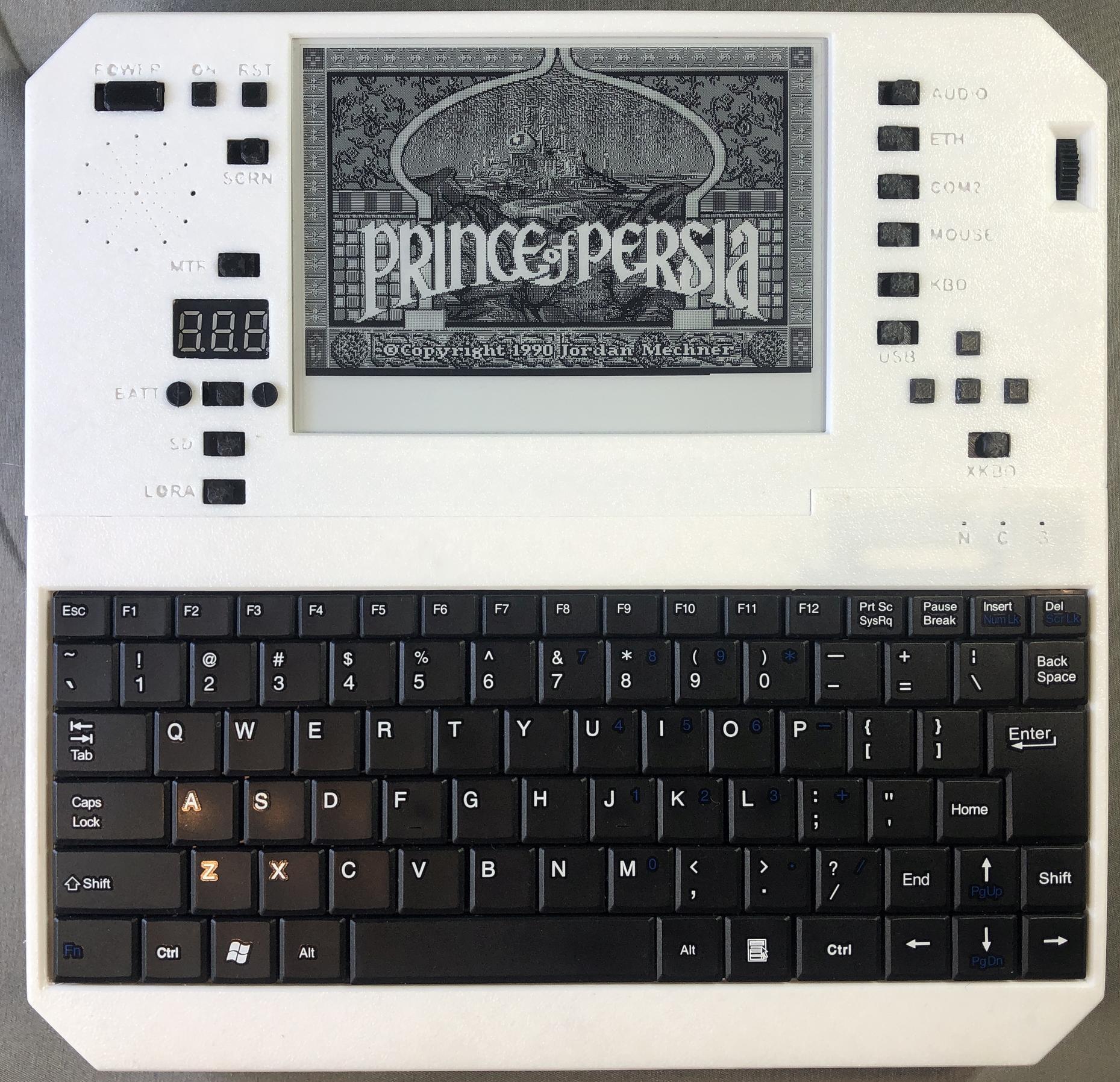
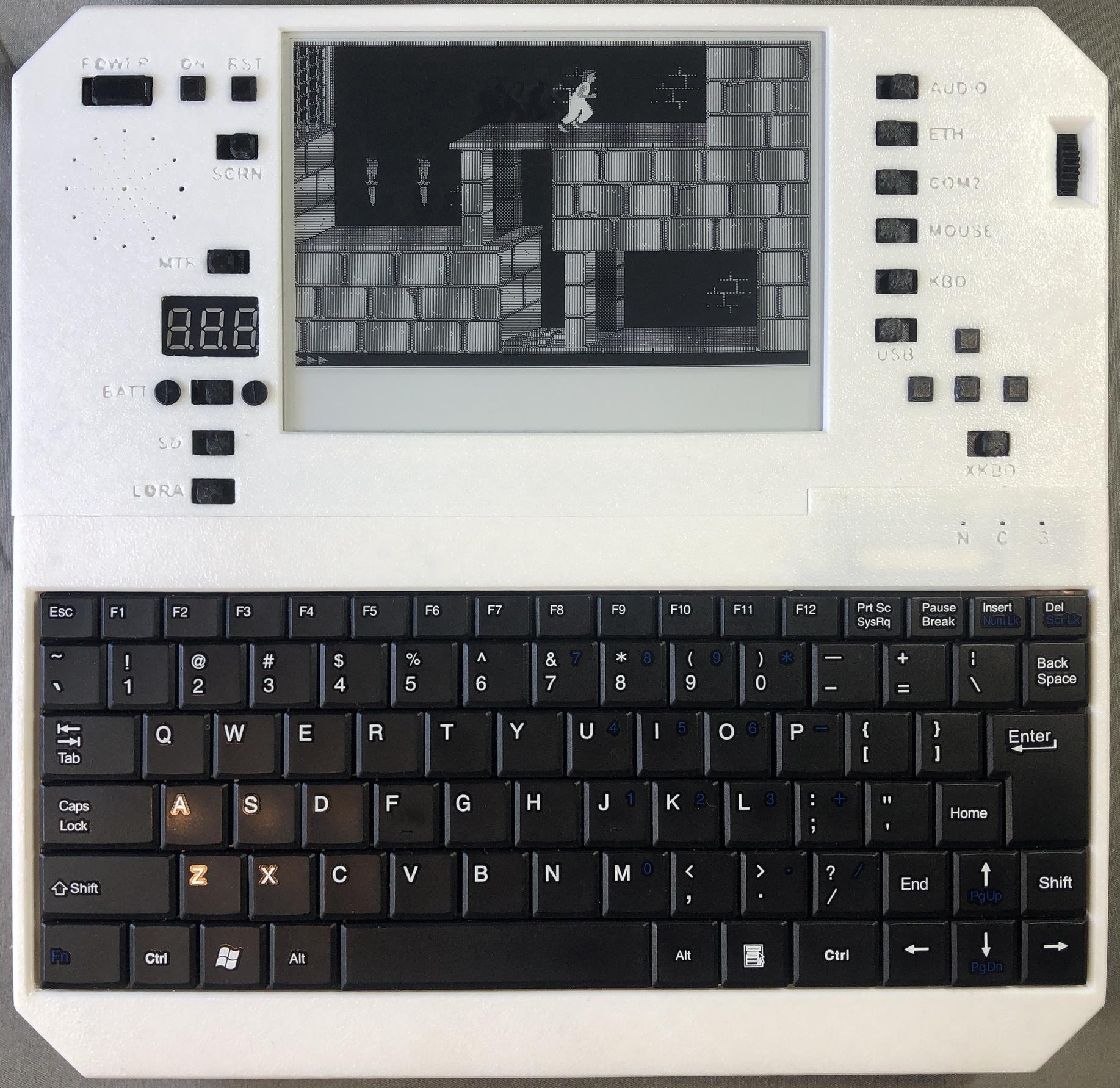
SimCity
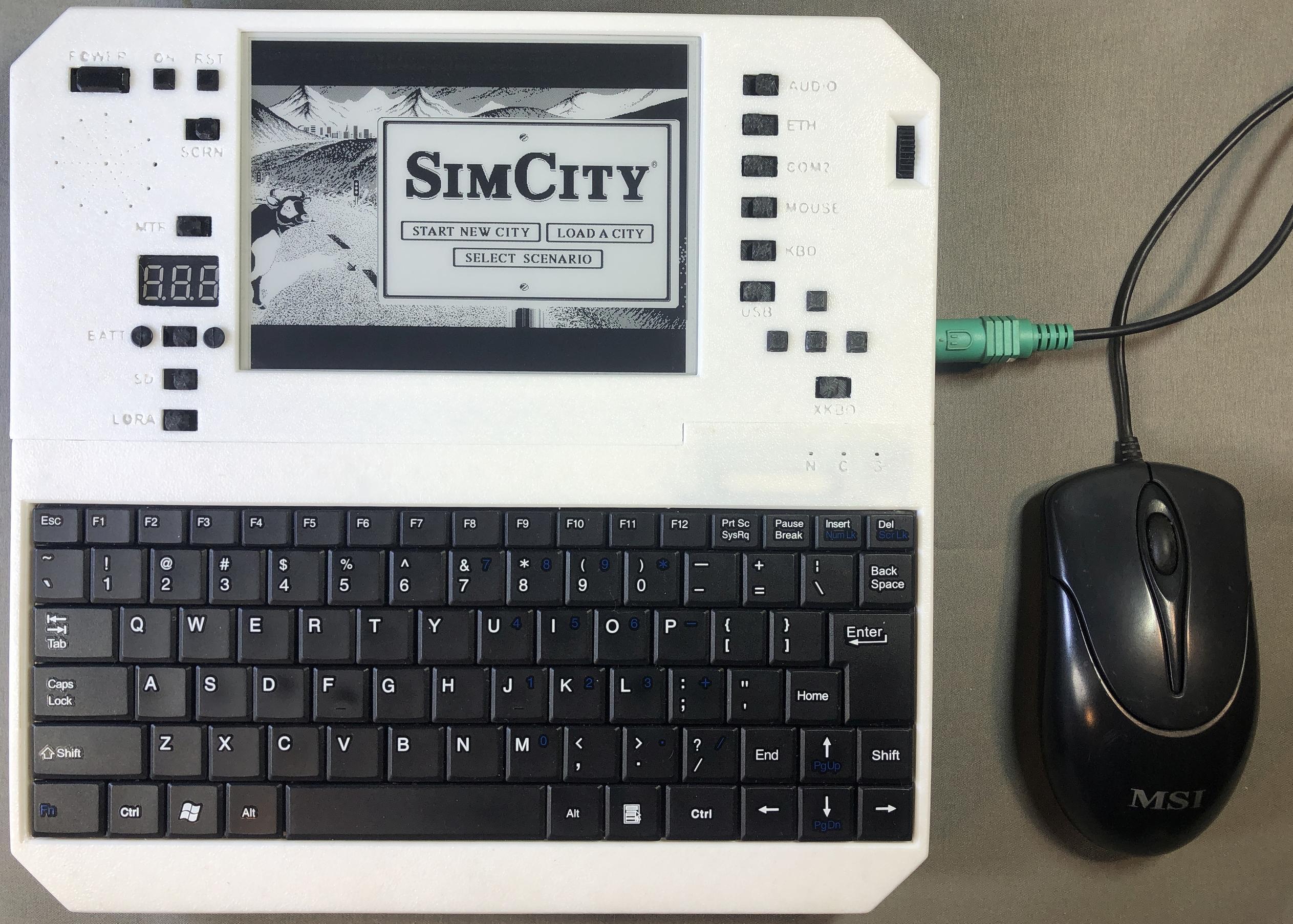
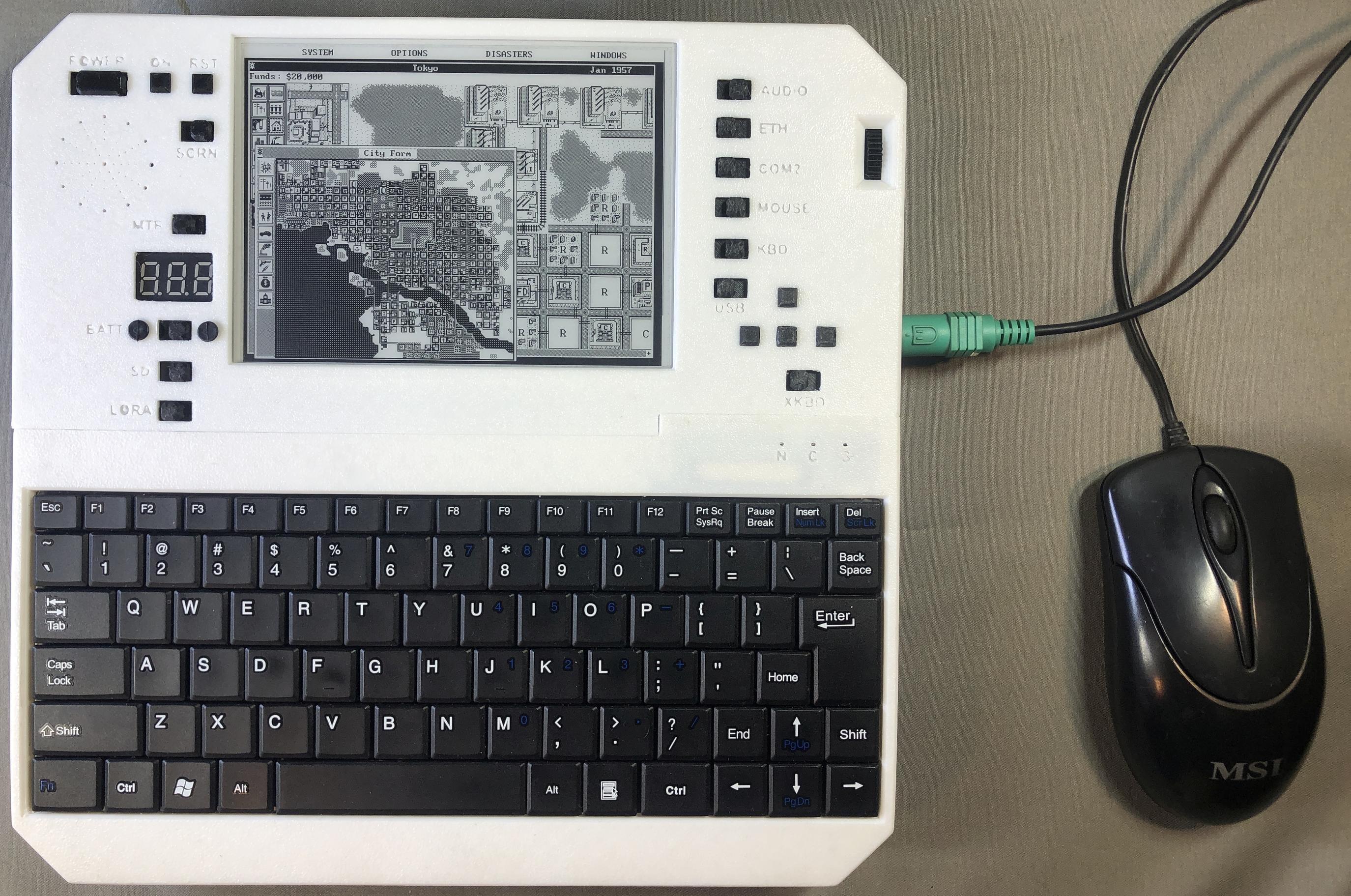
The Black Cauldron
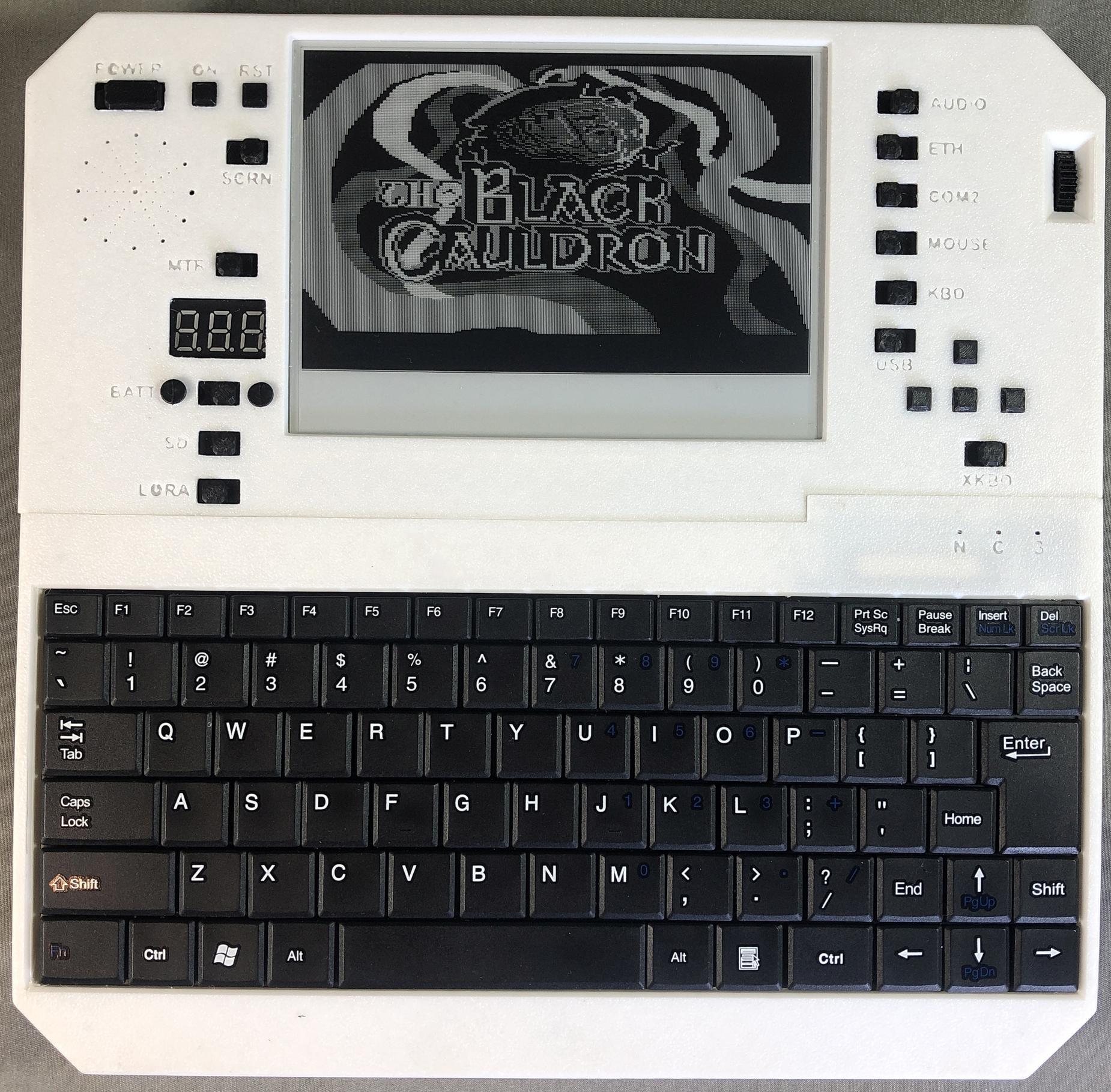
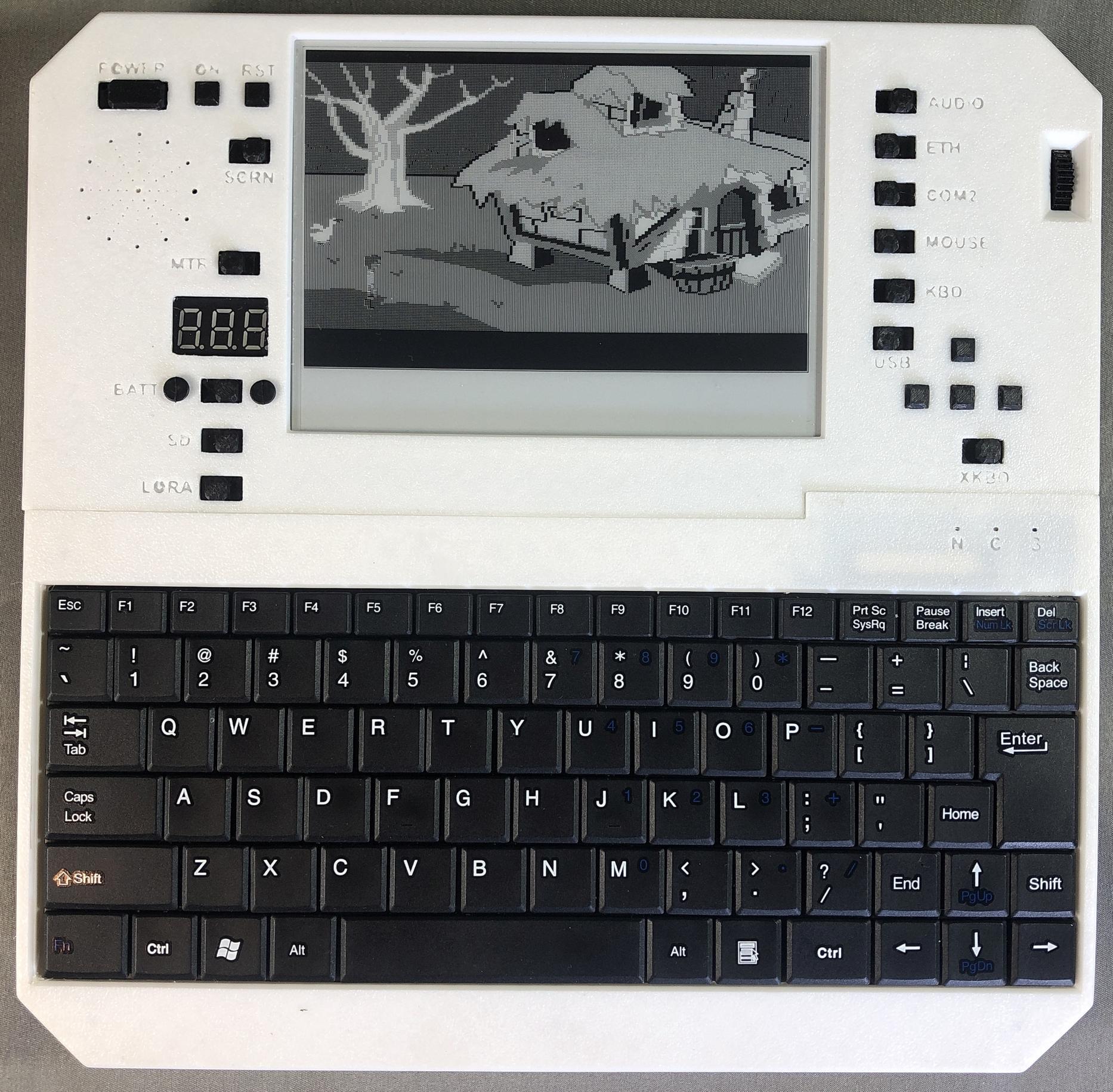
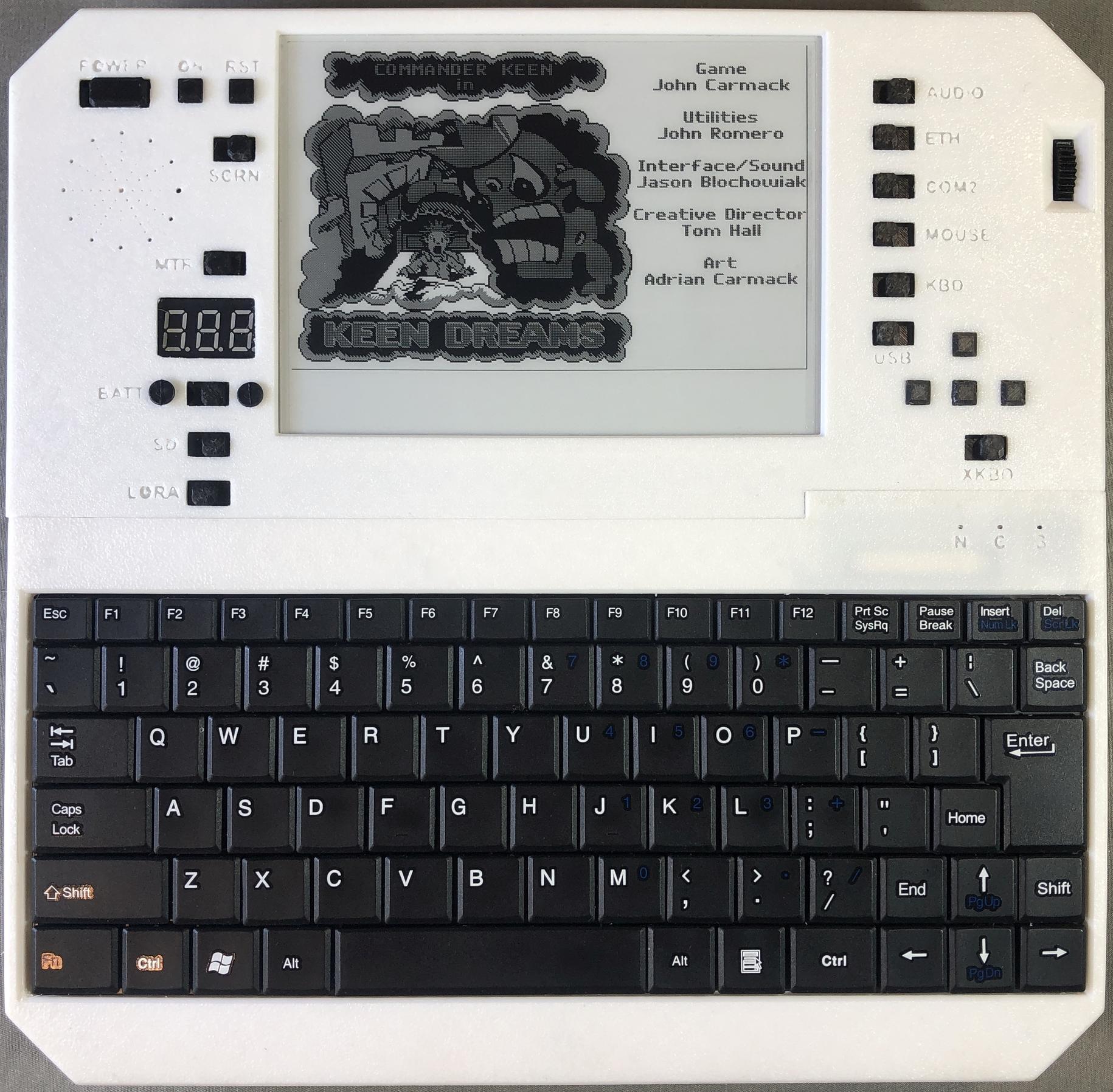
Commander Keen: Keen Dreams
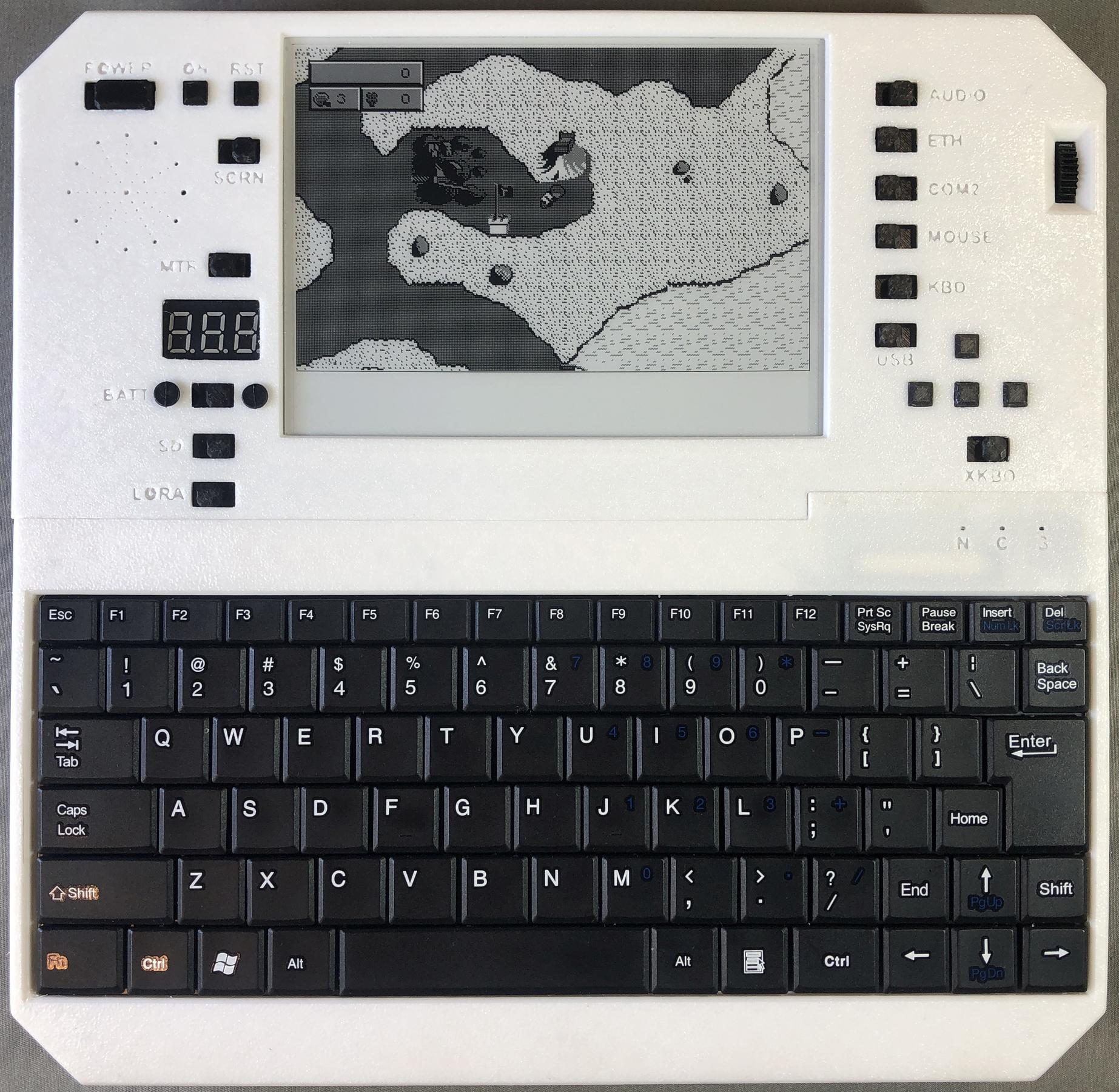
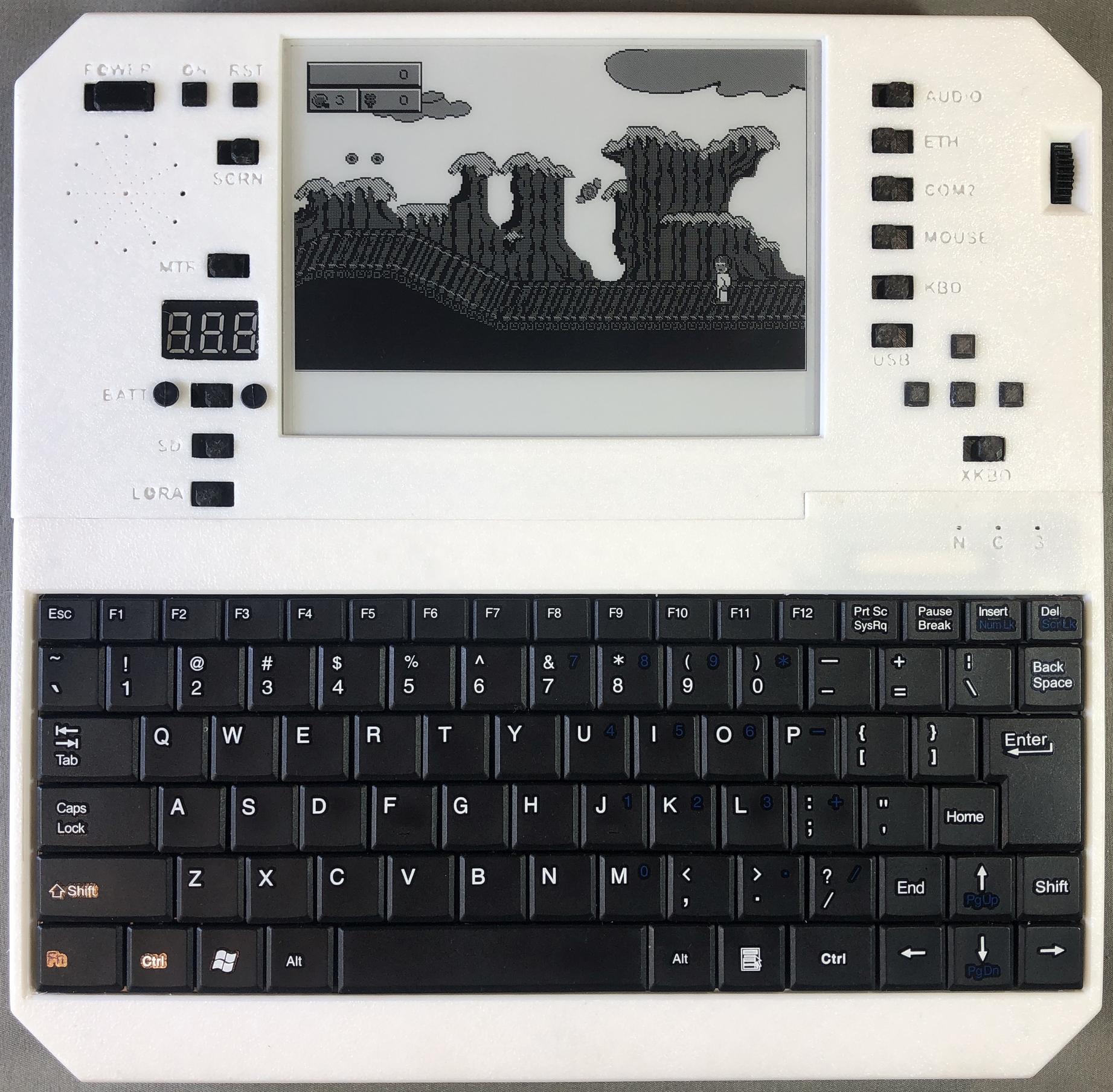
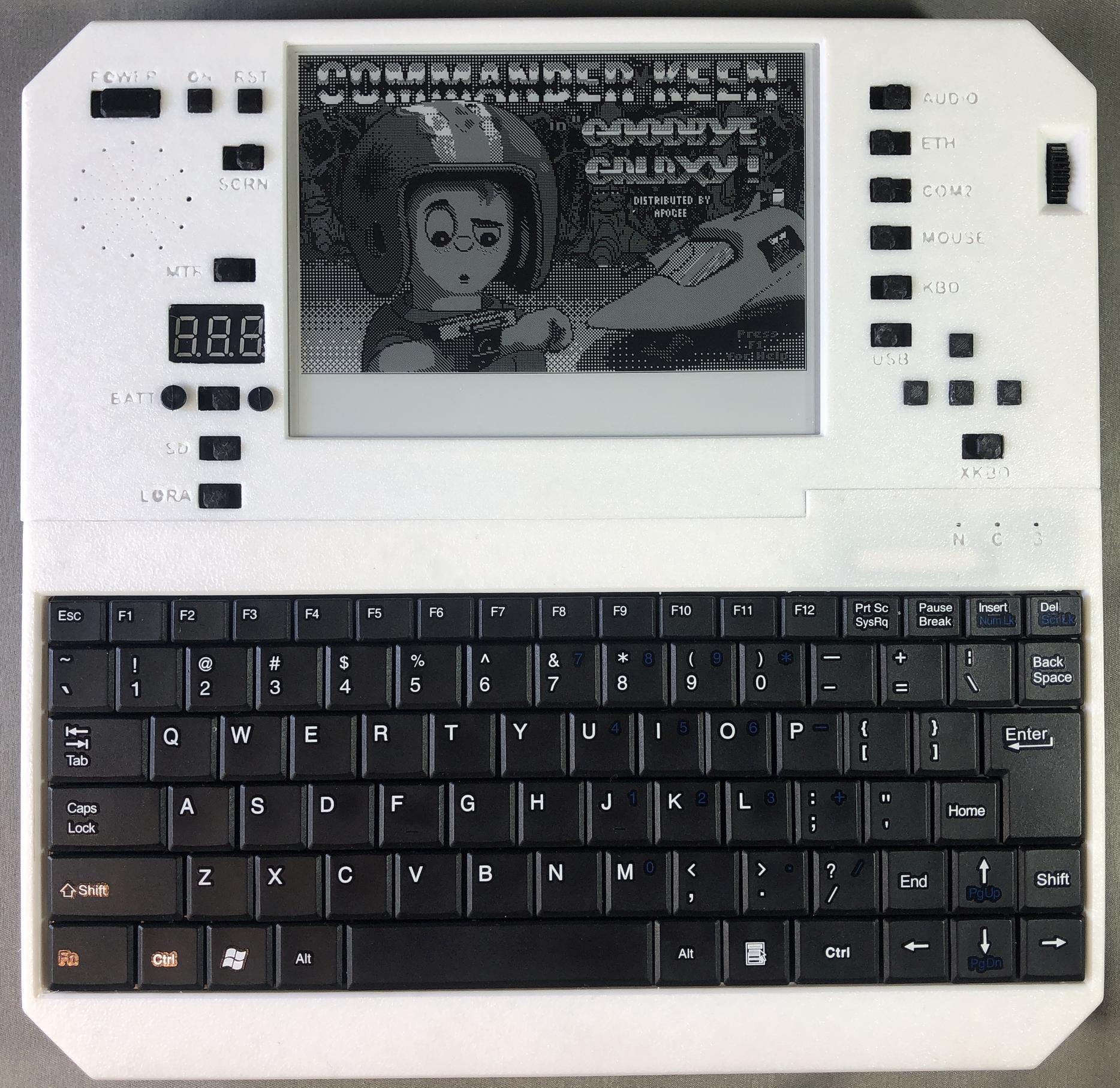
Commander Keen: Goodbye Galaxy!
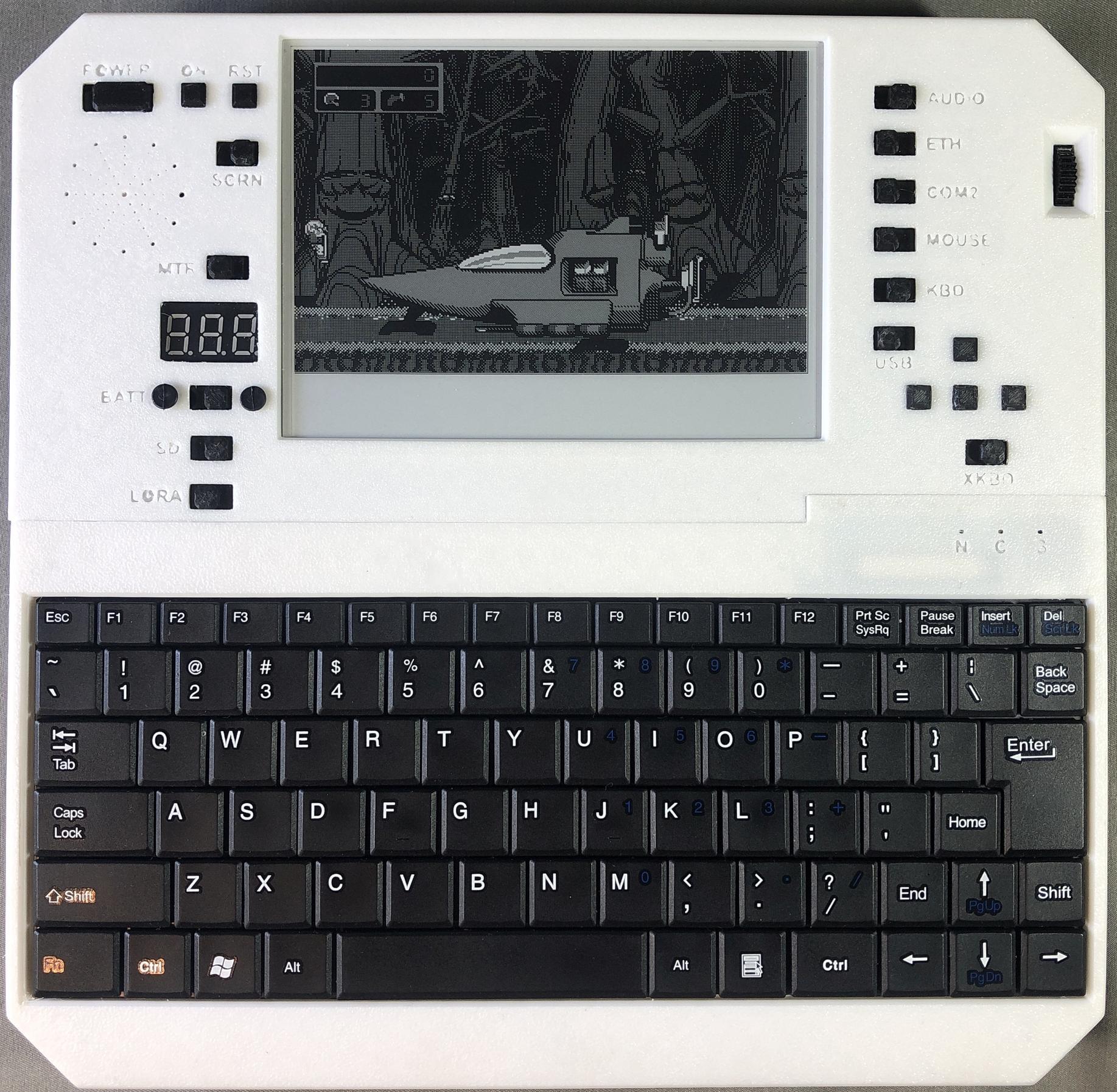
King's Quest 1
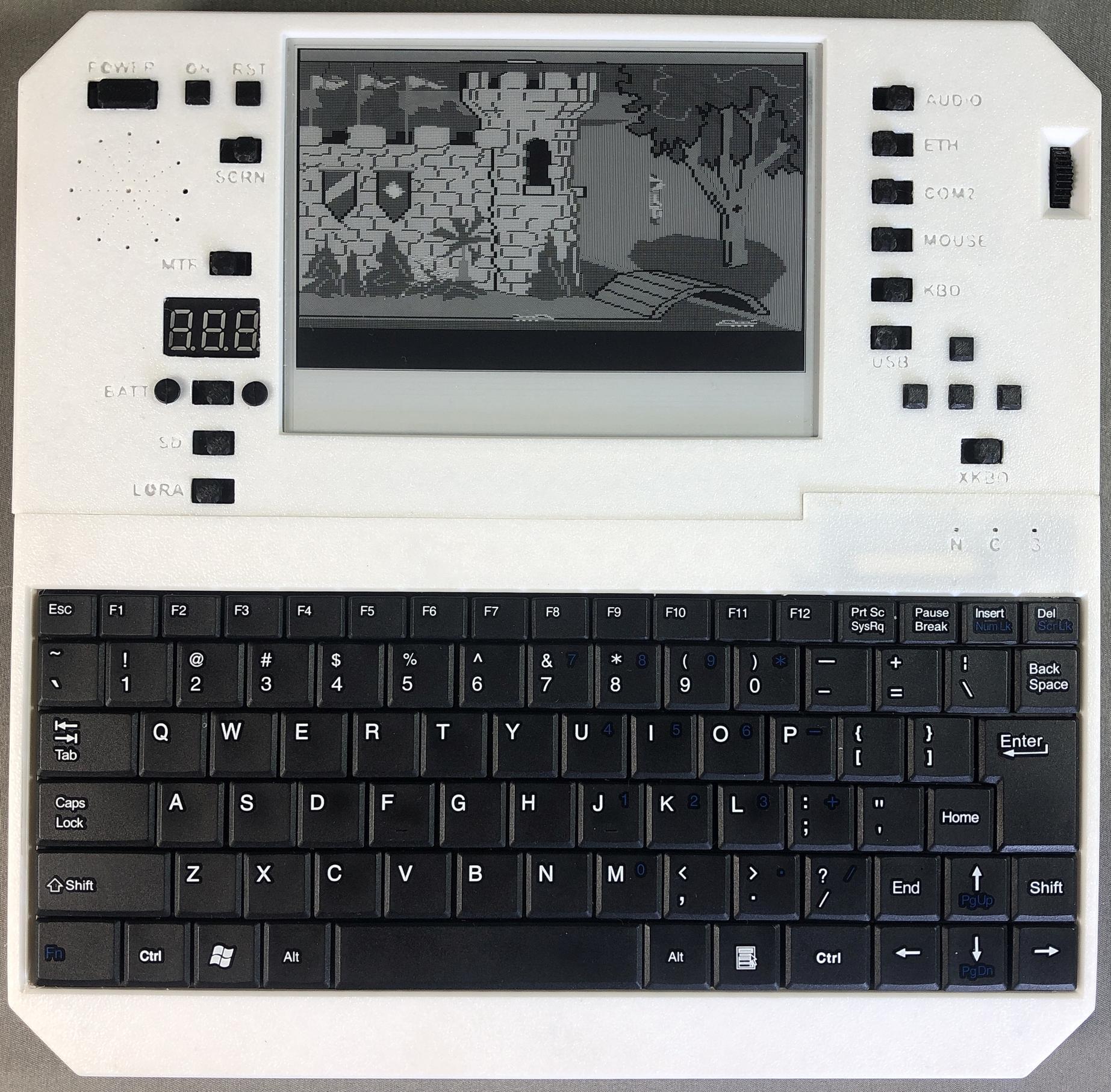
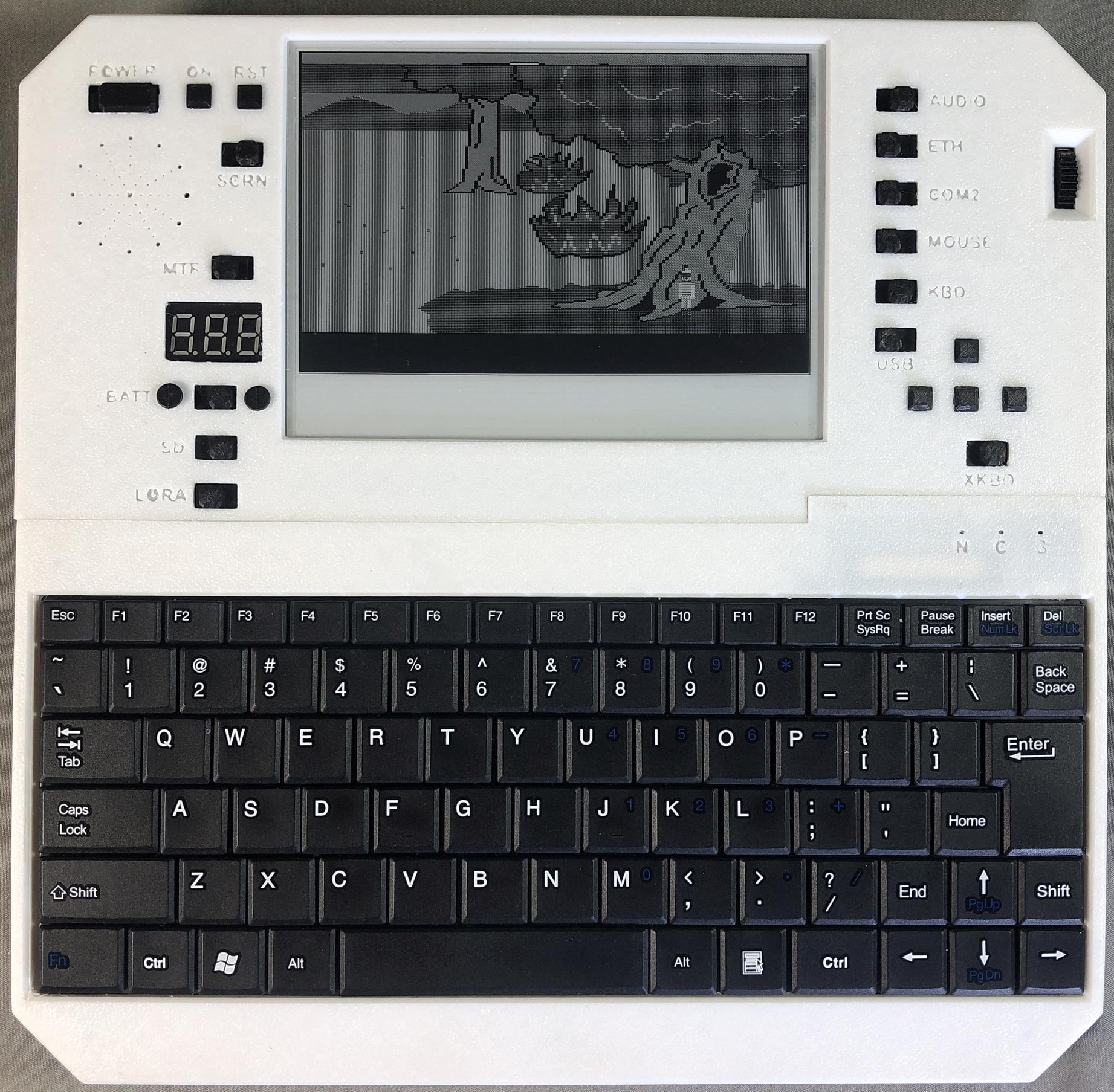
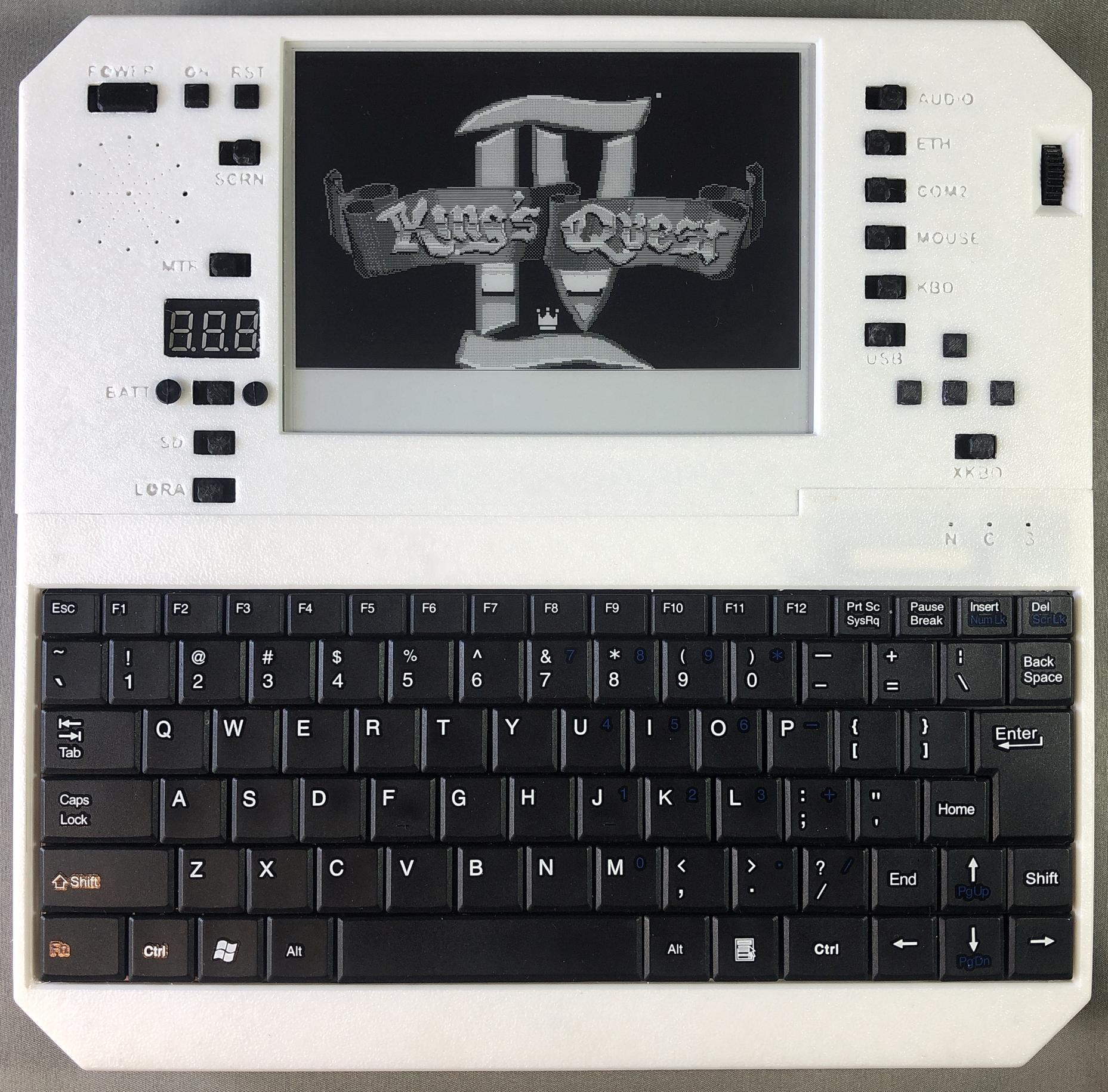
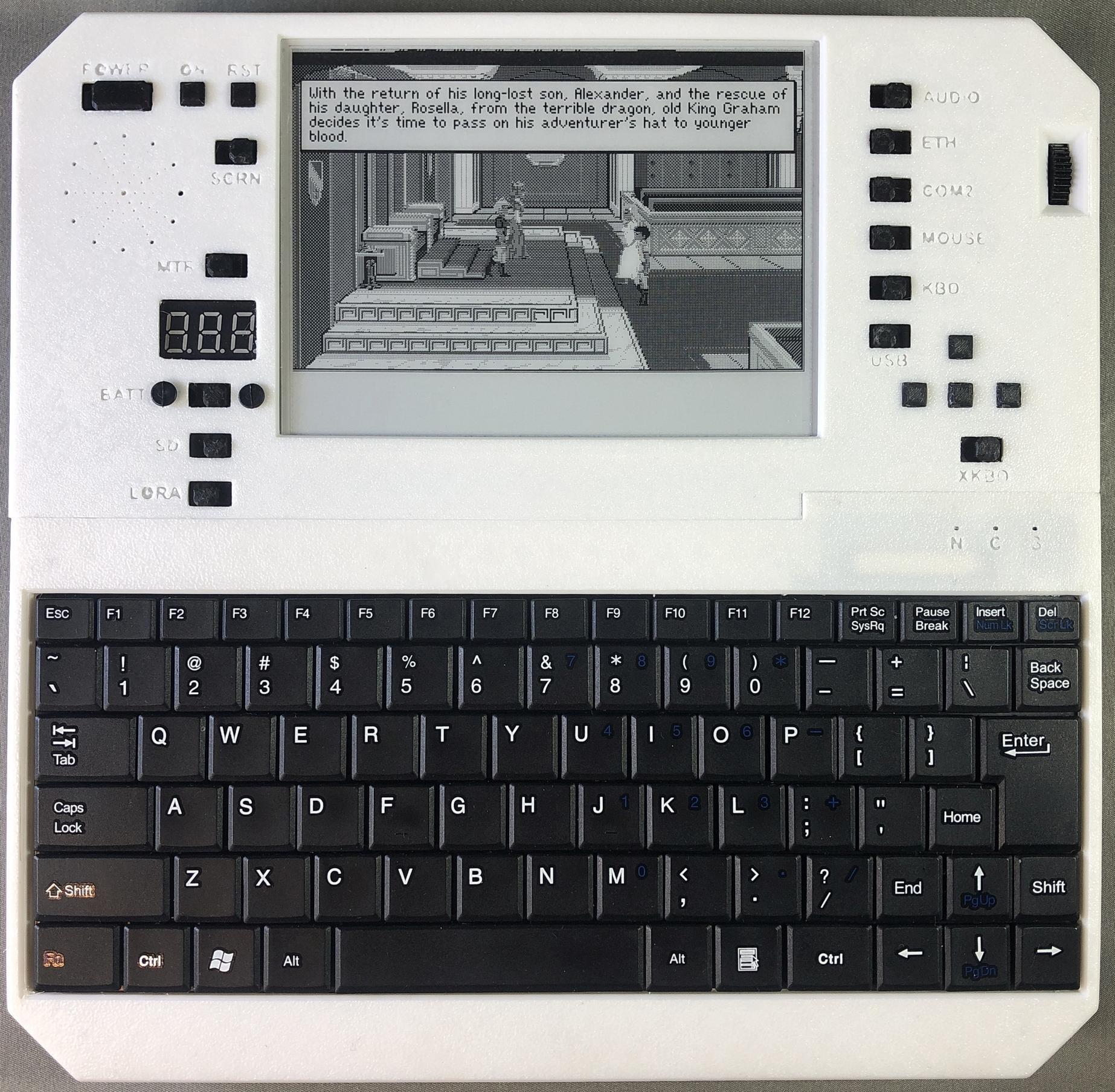
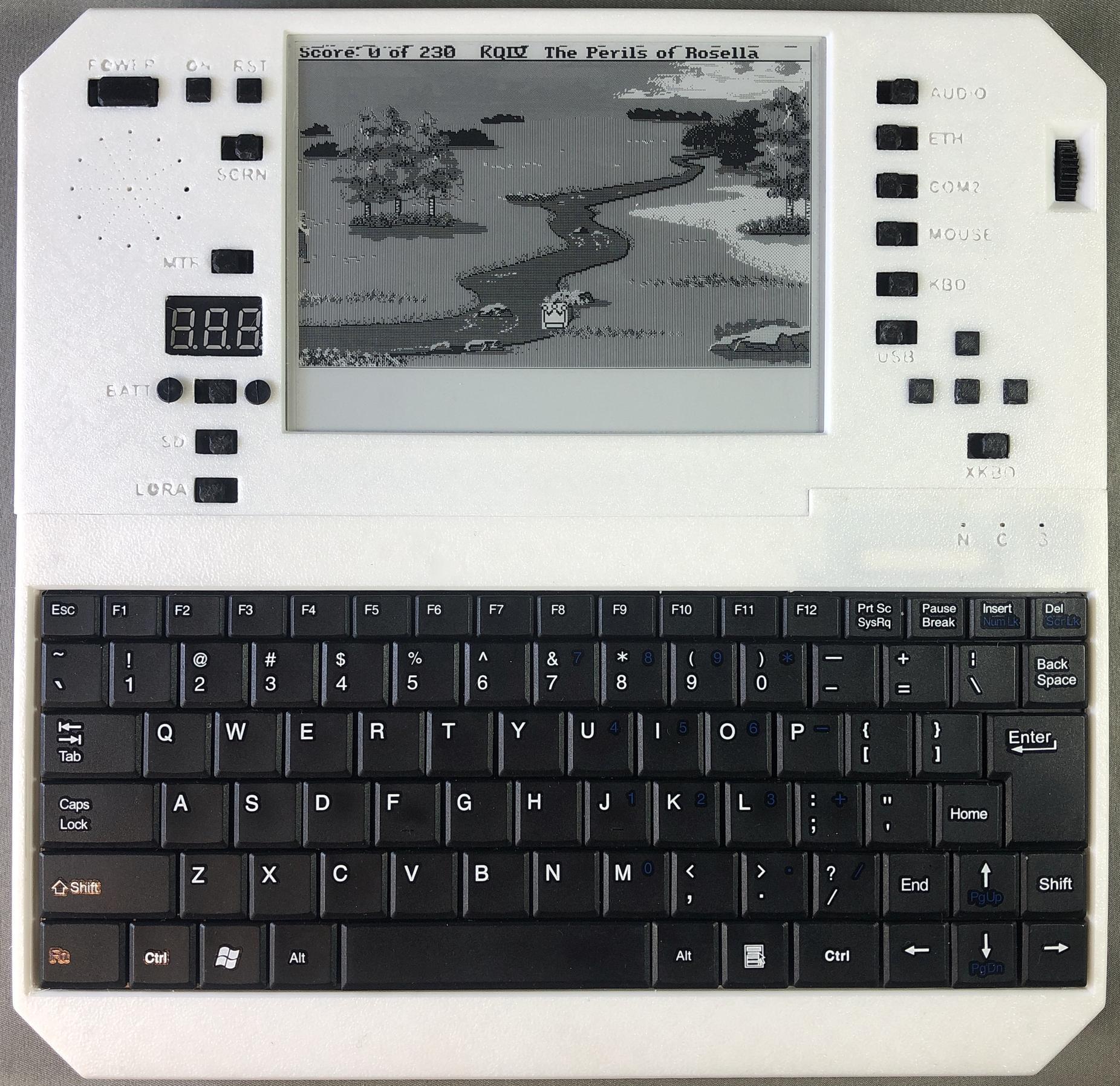
King's Quest 4
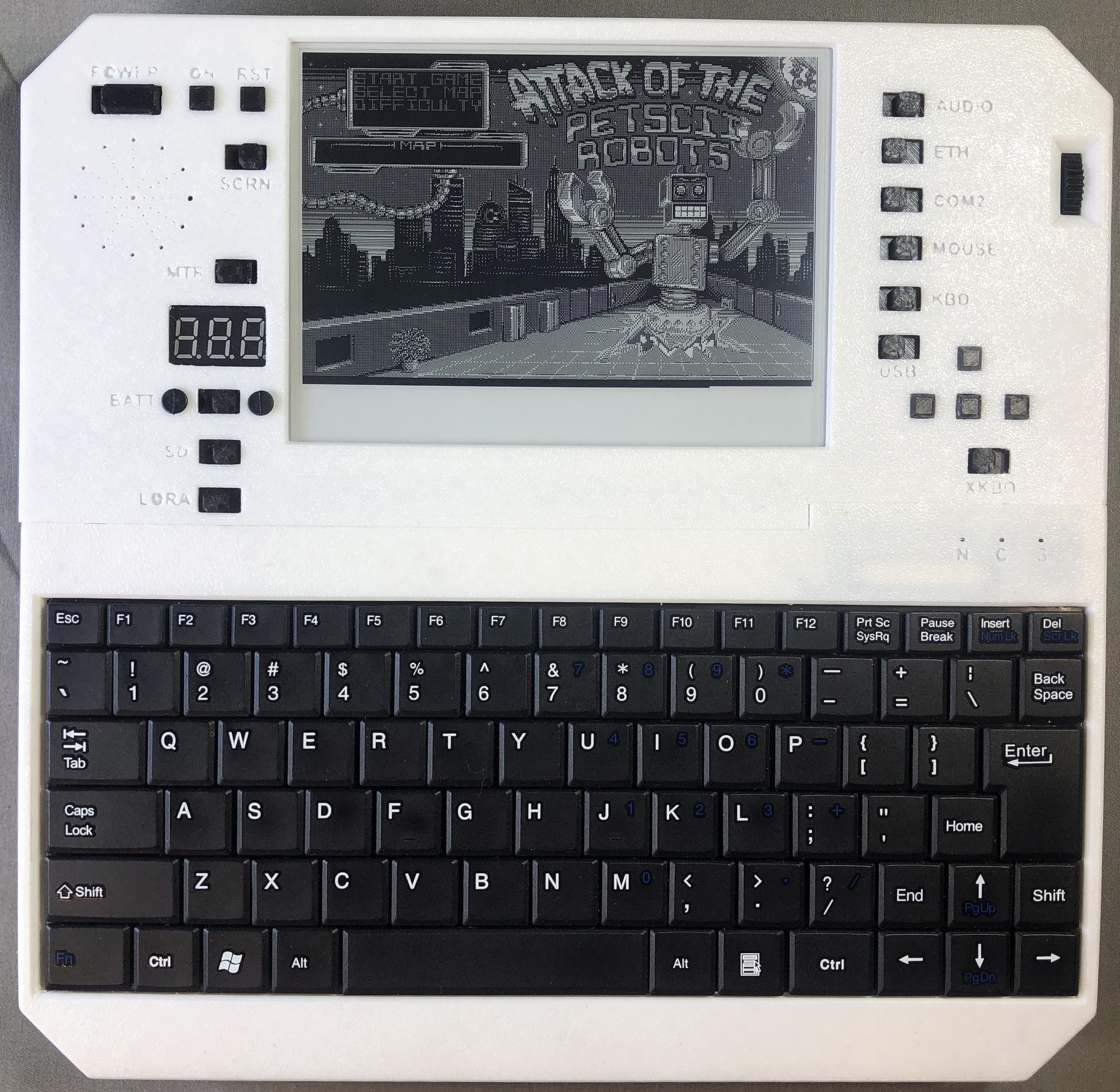
Attack of the Petscii Robots
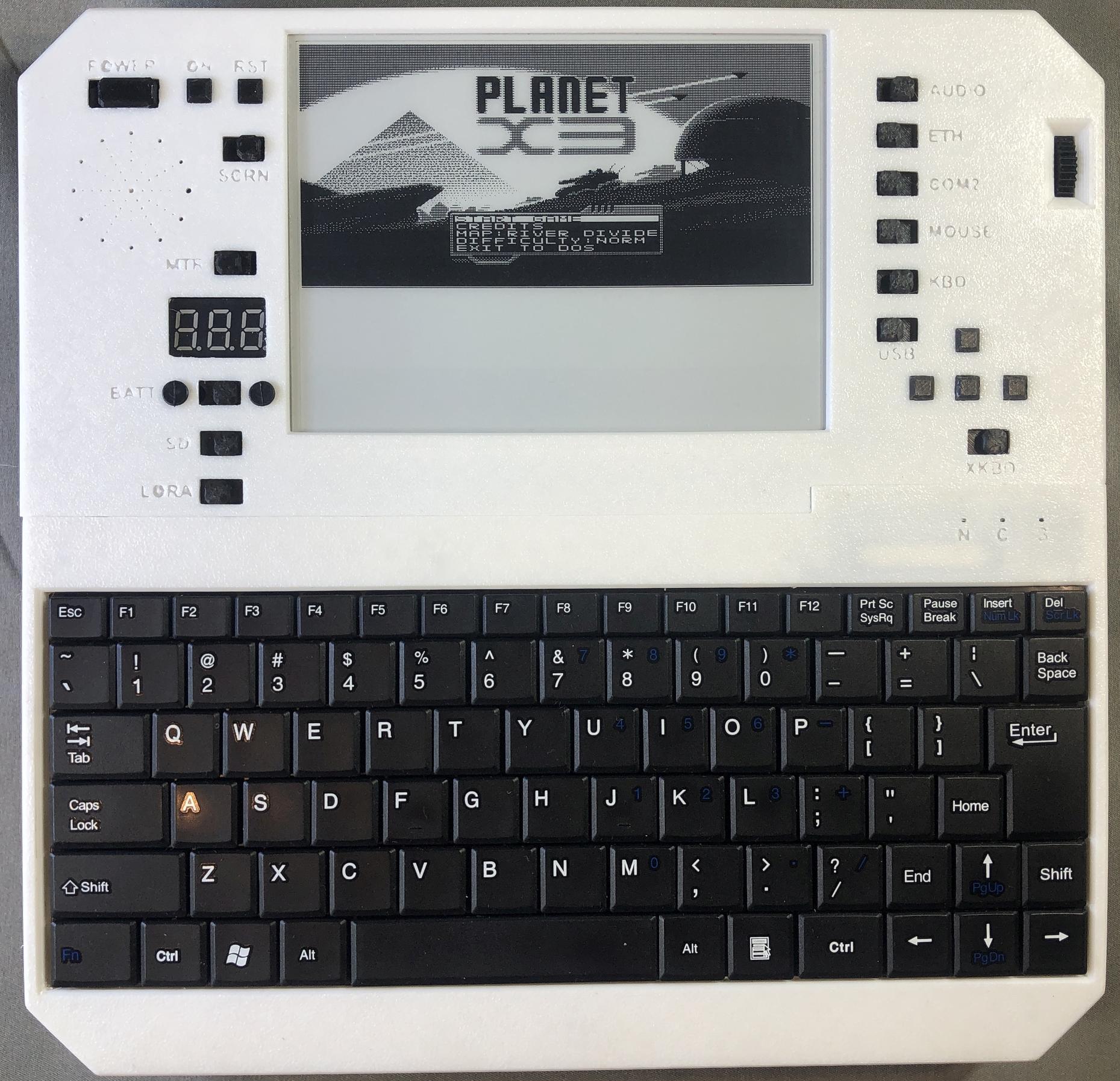
Planet X3
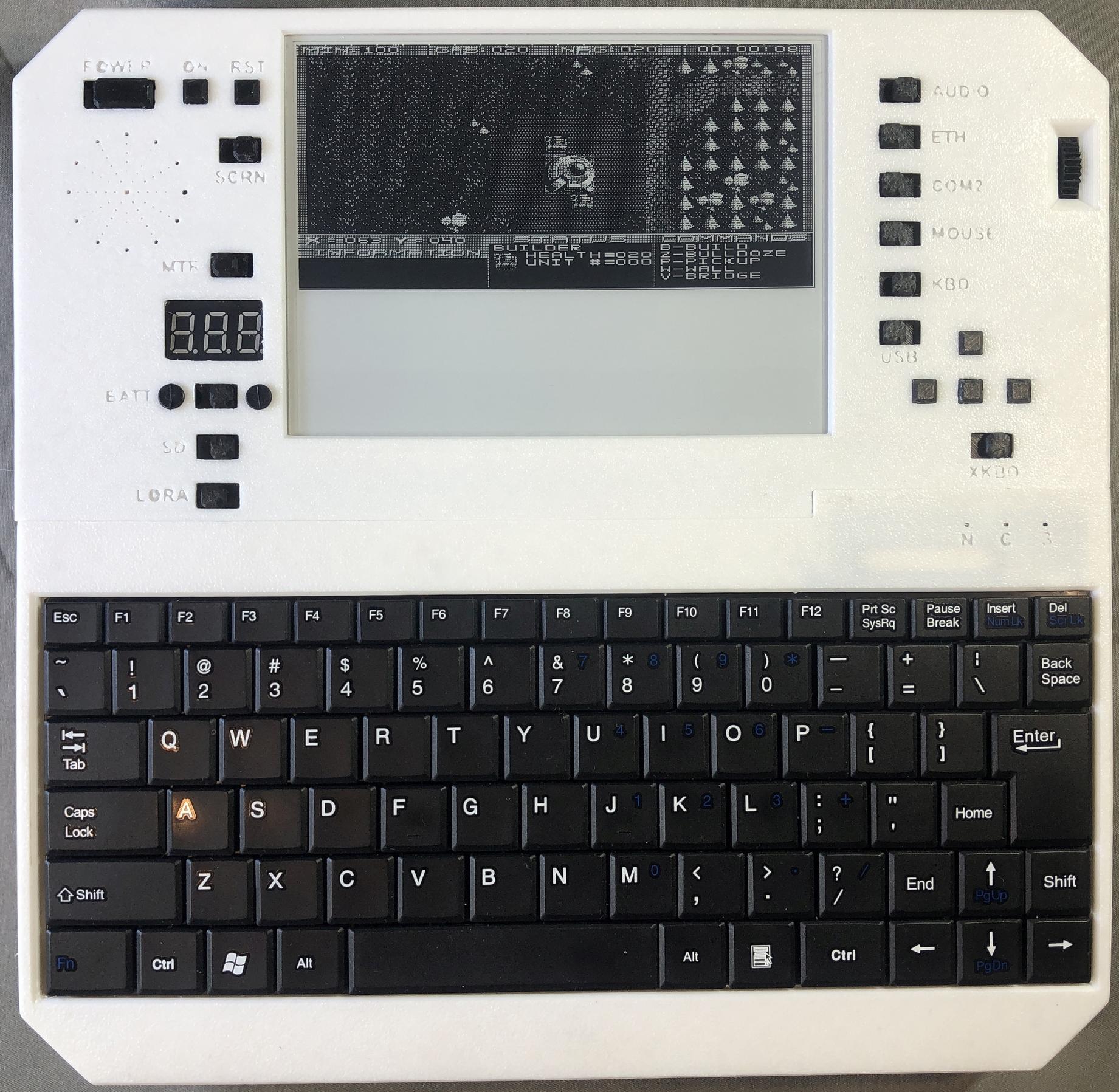
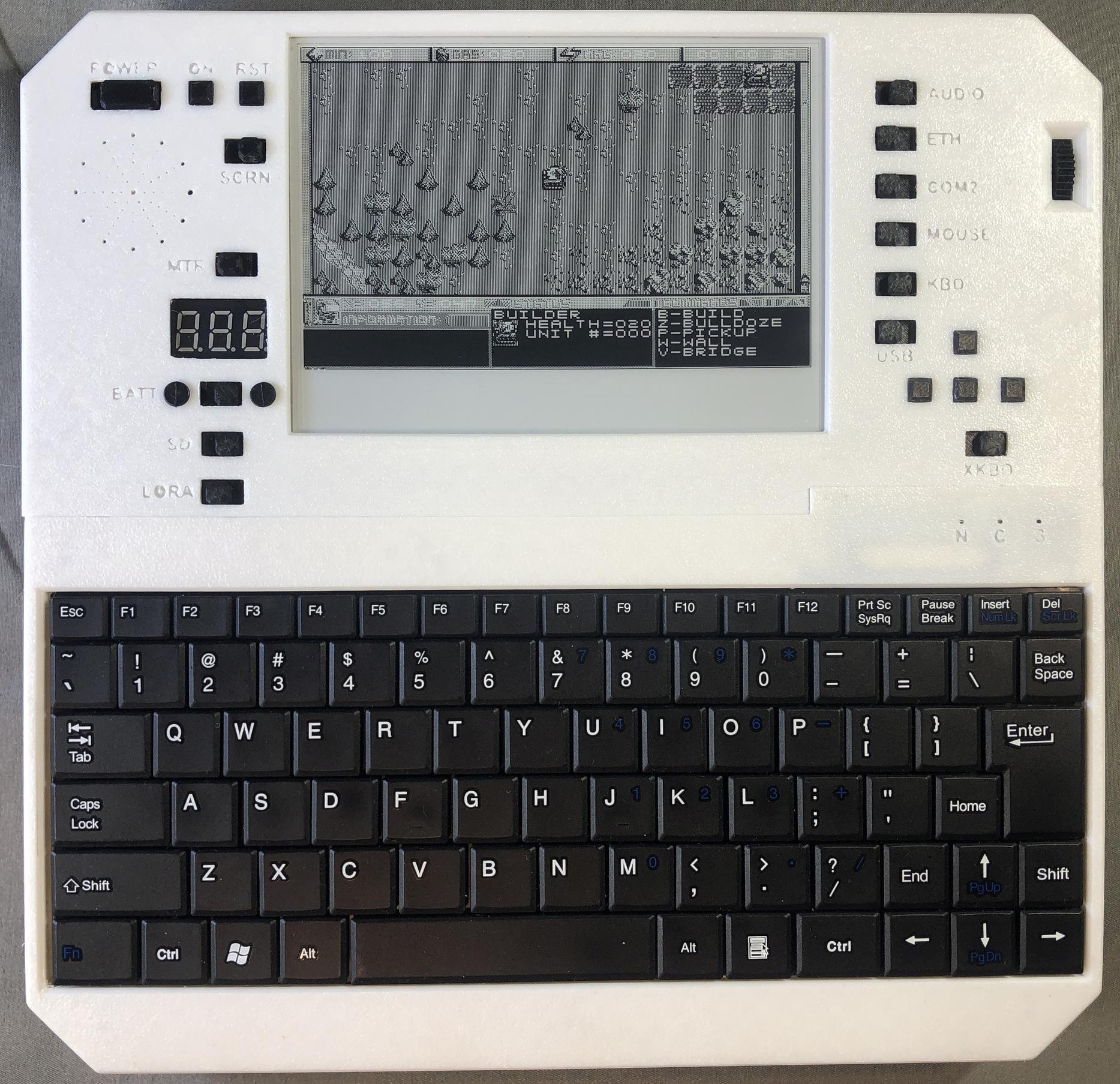
Police Quest 1
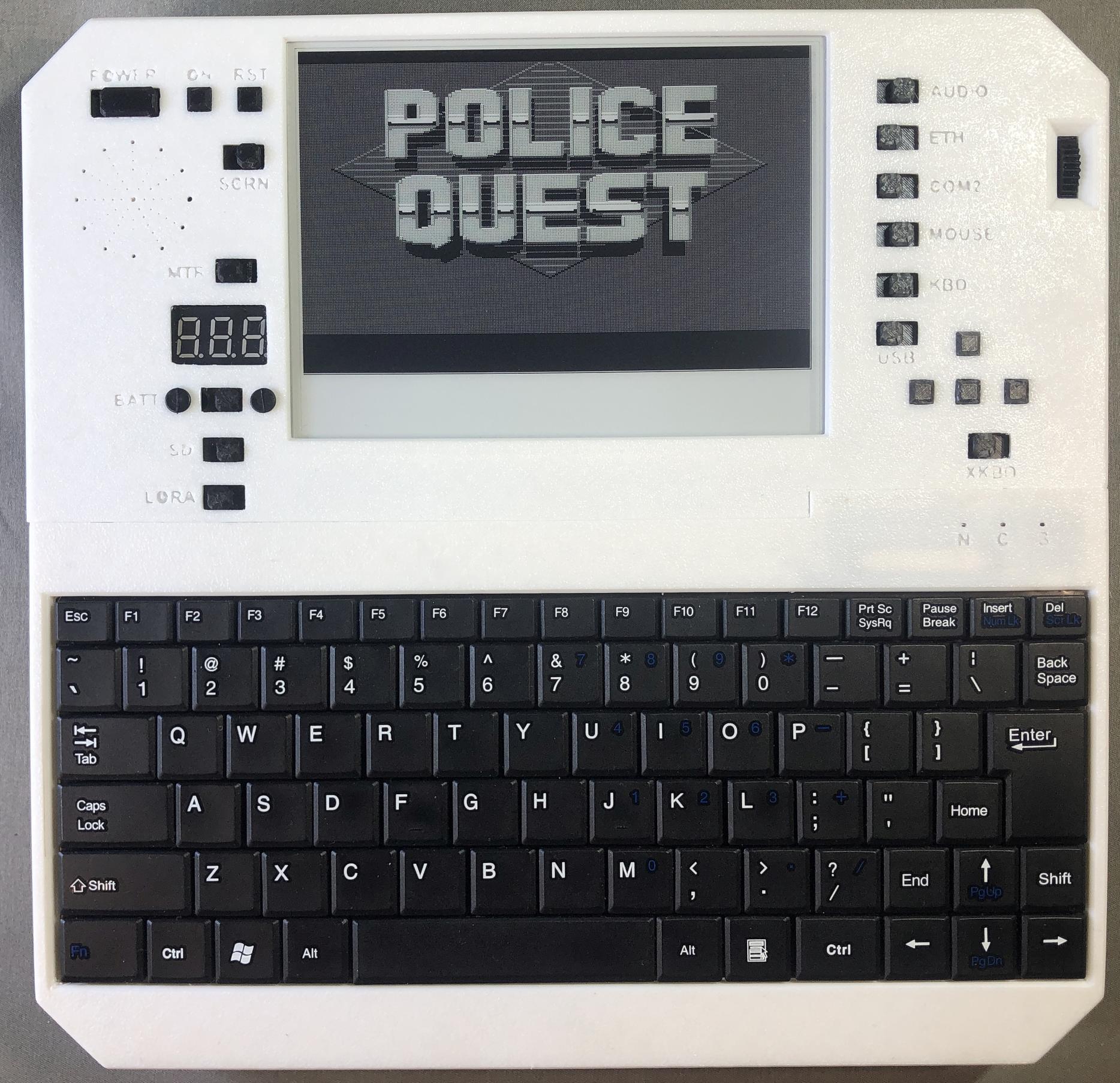
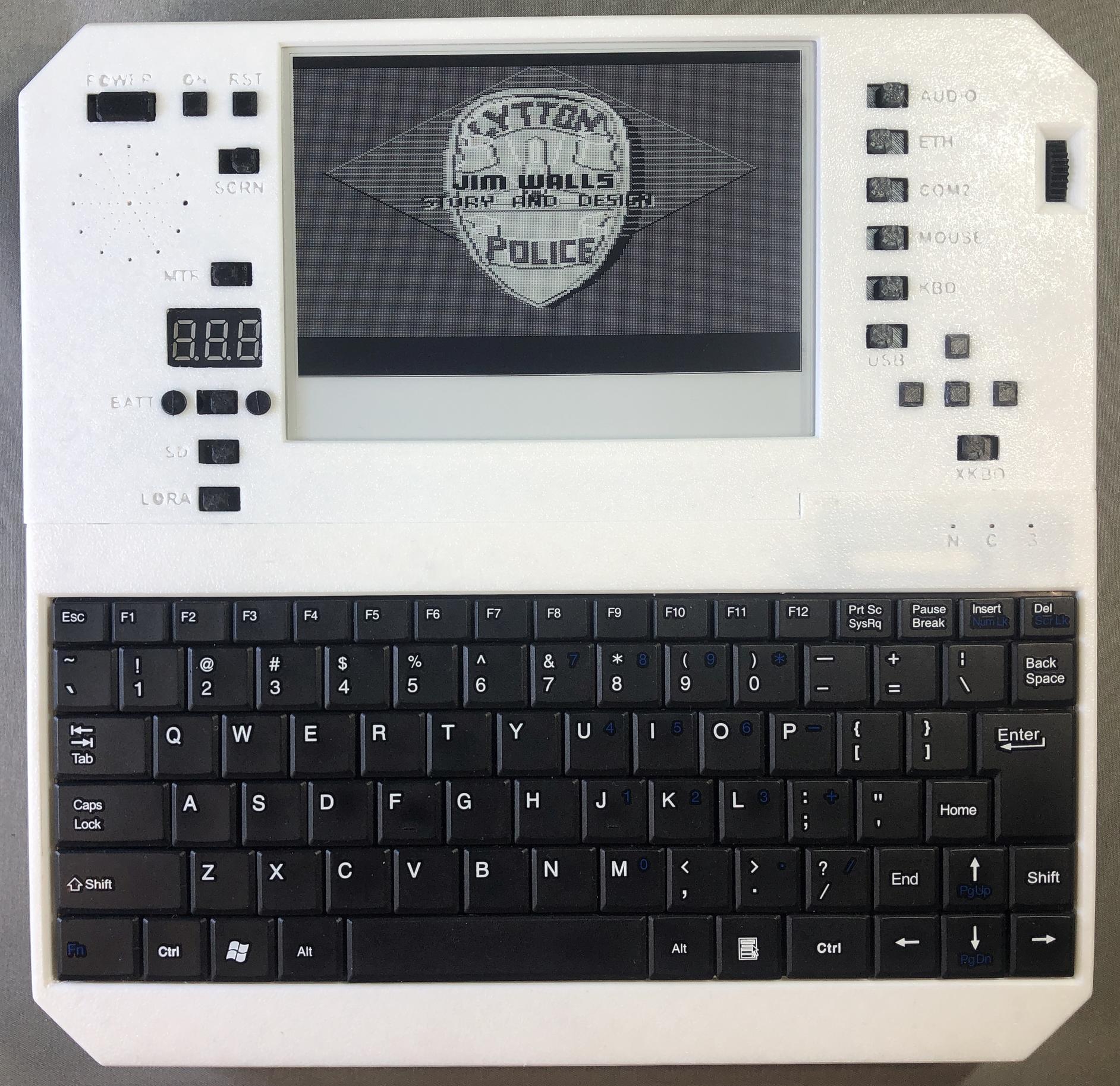
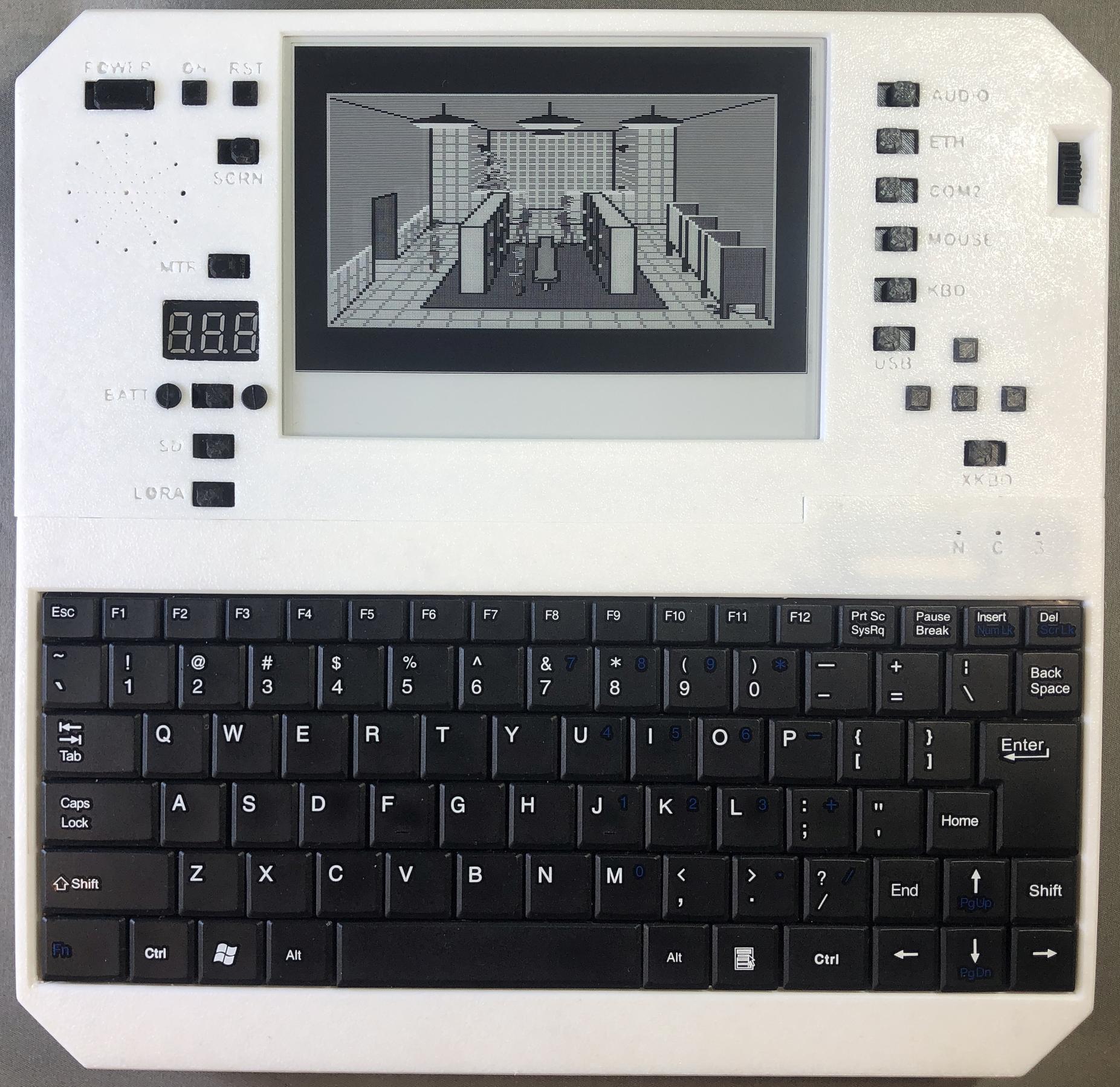
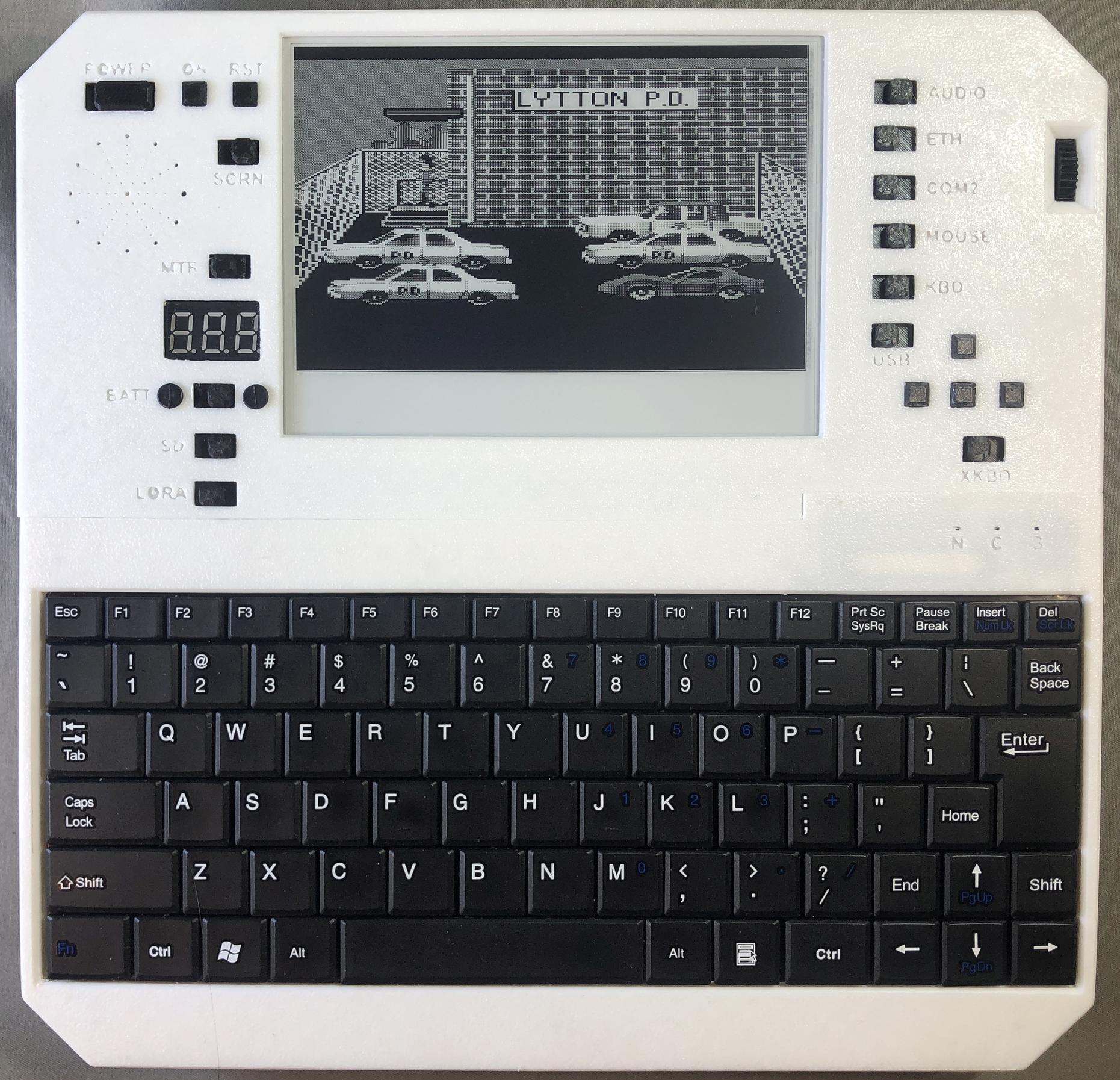
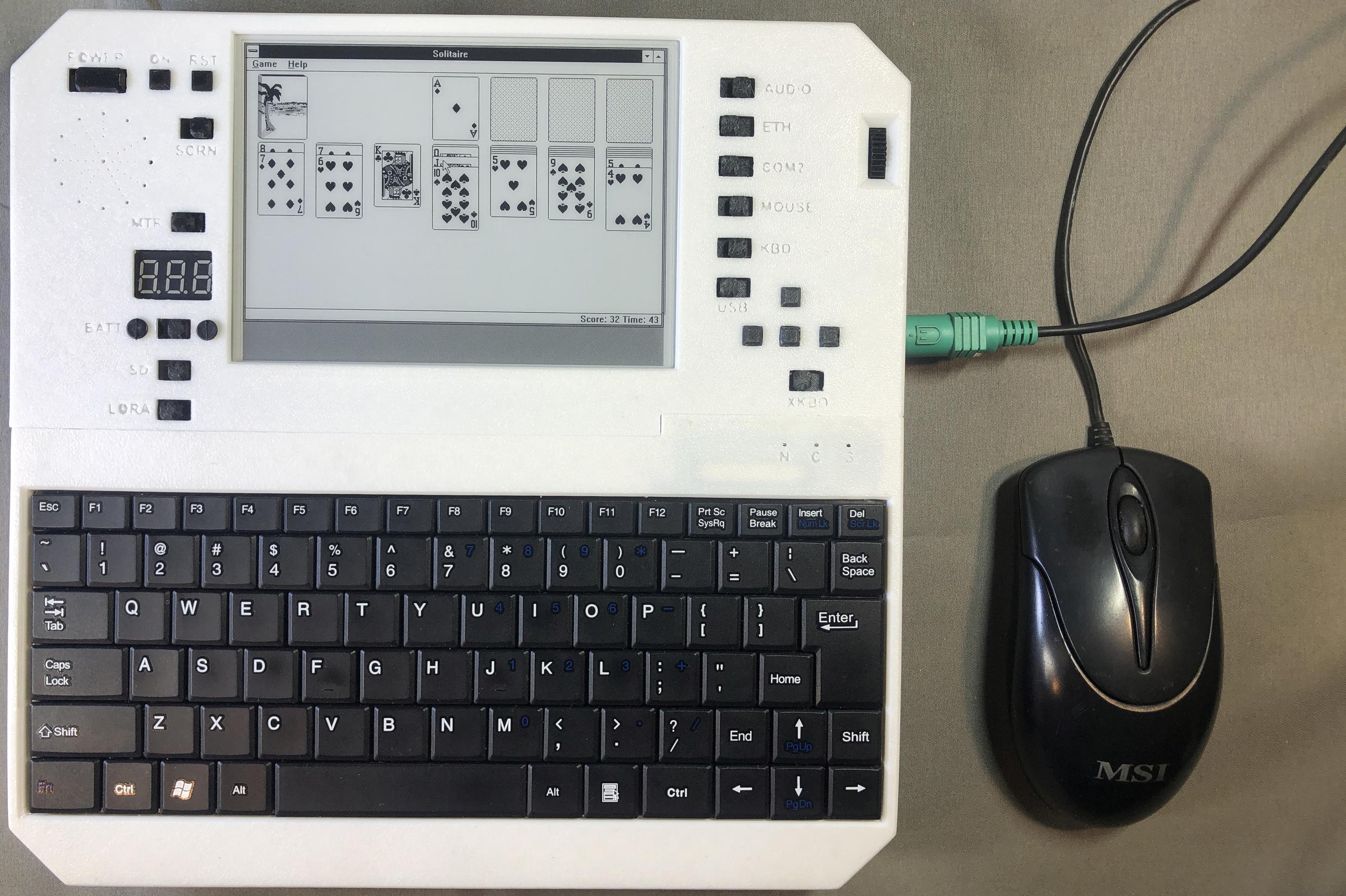
Windows Solitaire
Applications
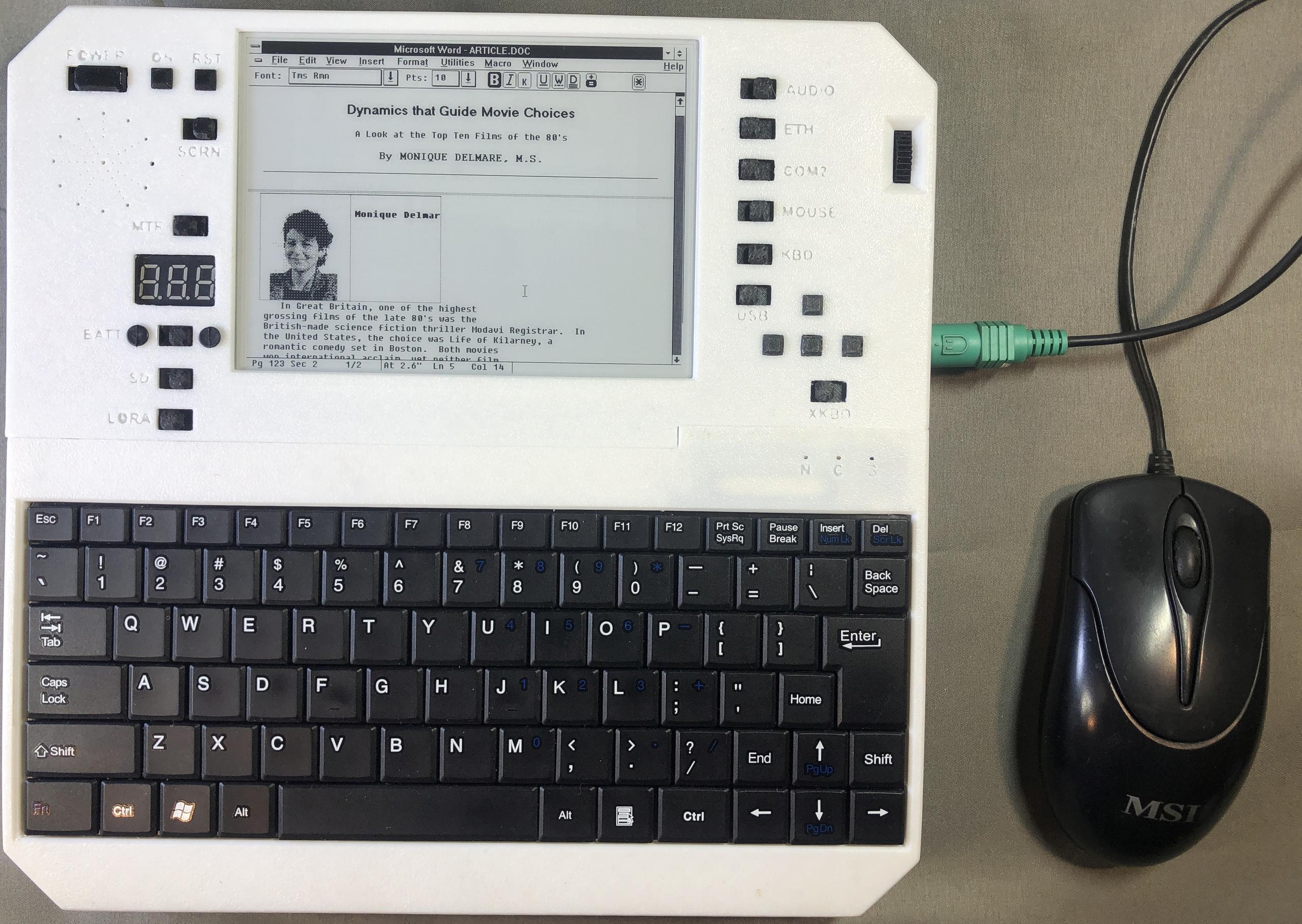
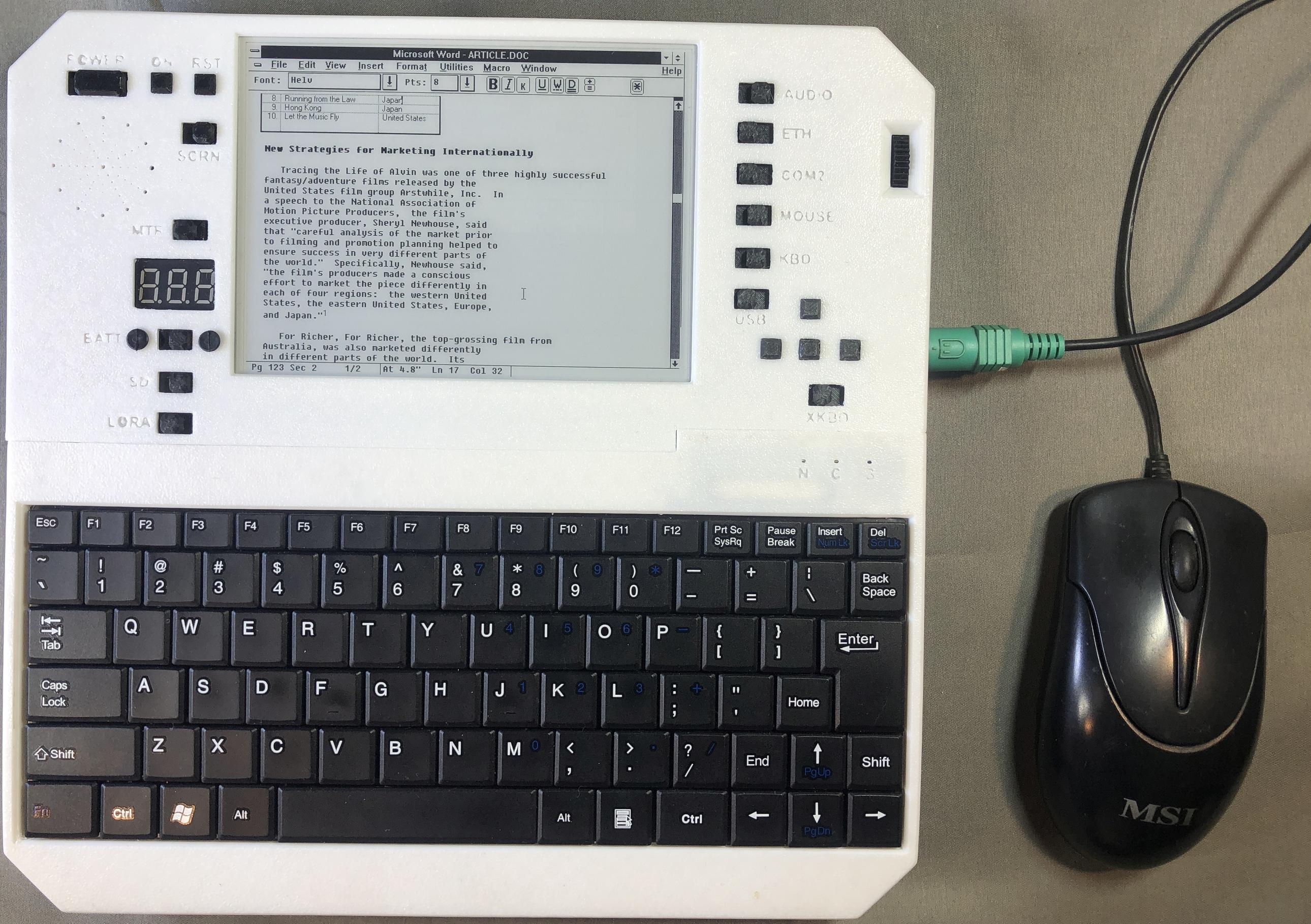
Word for Windows
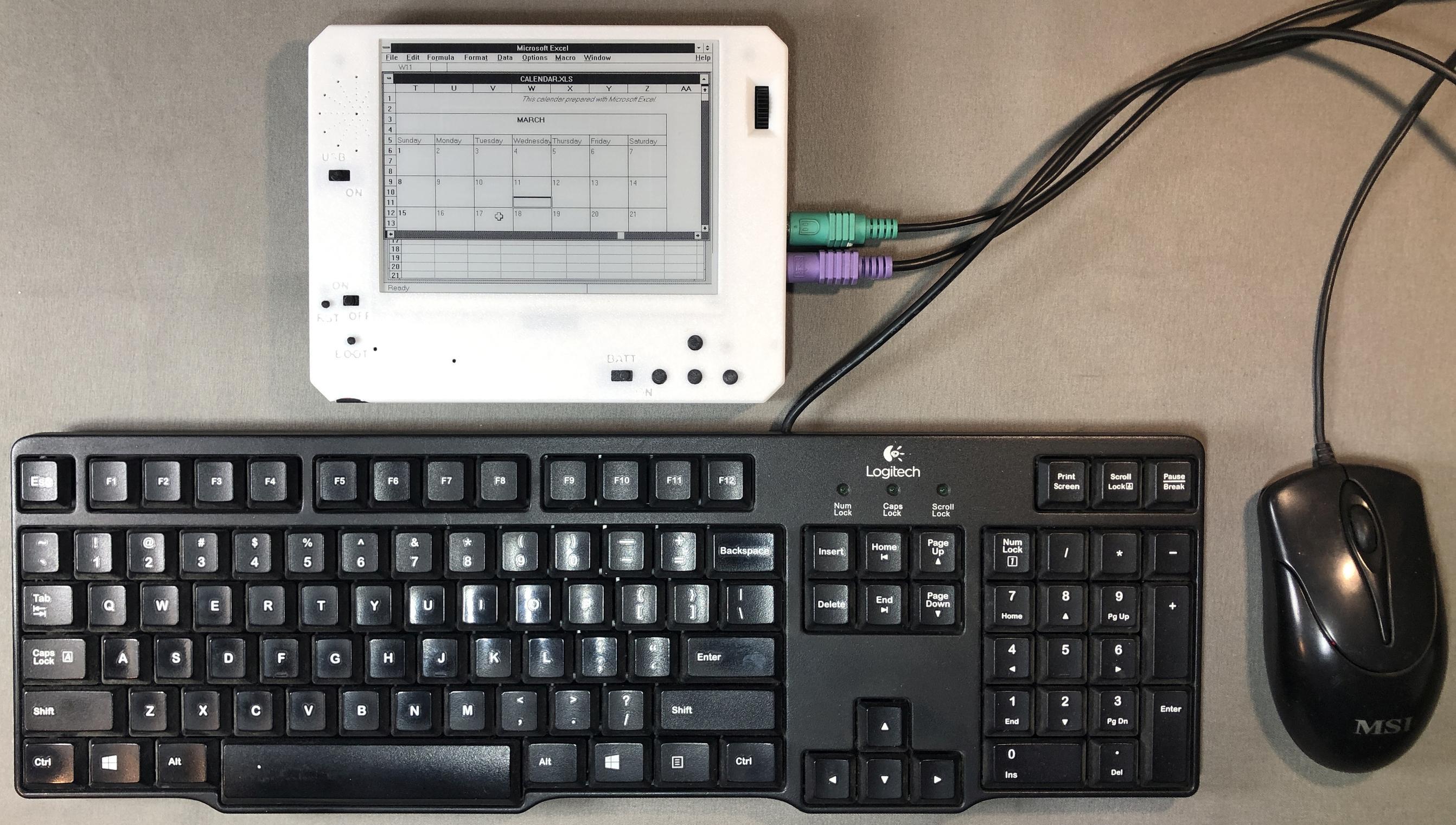
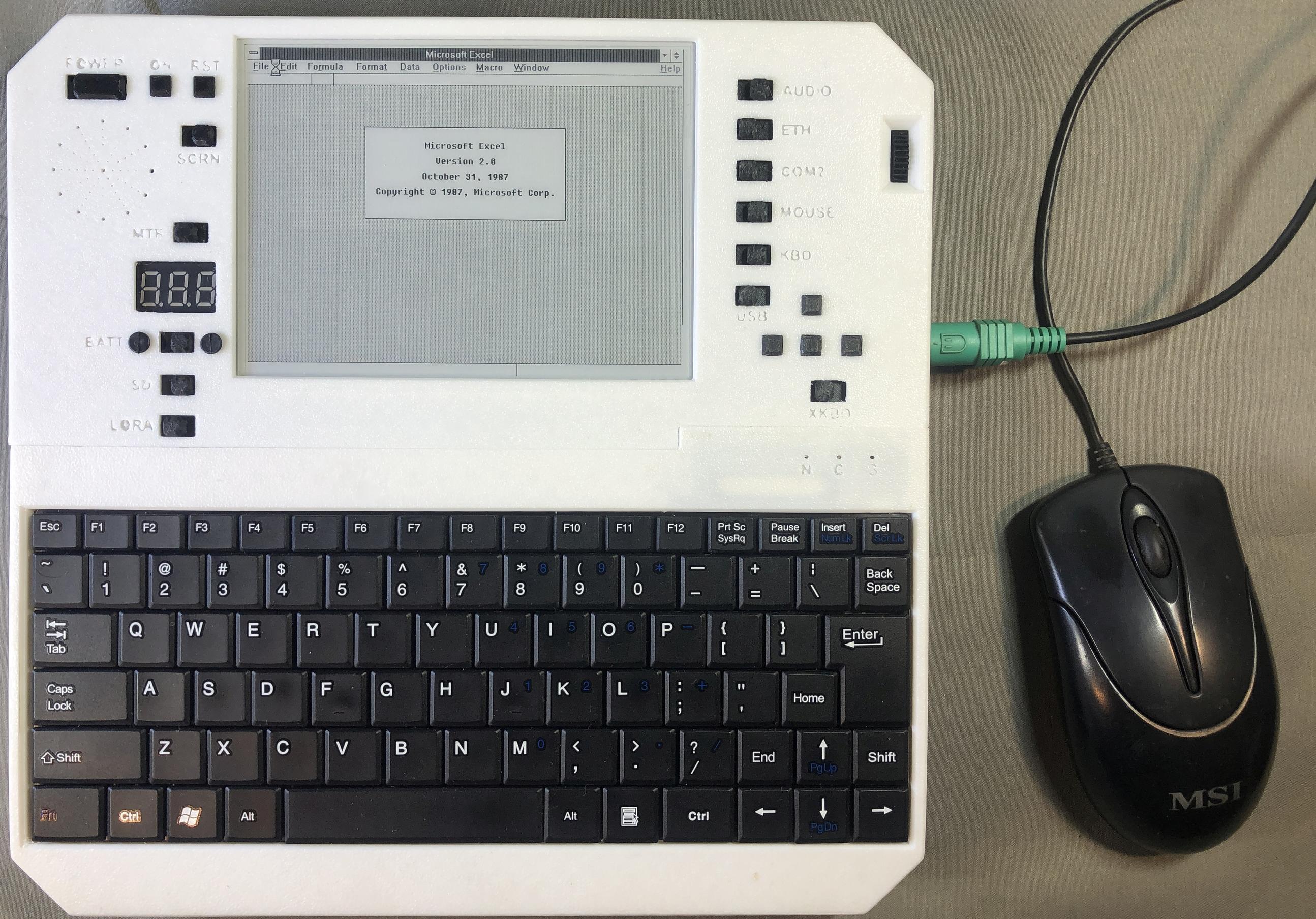
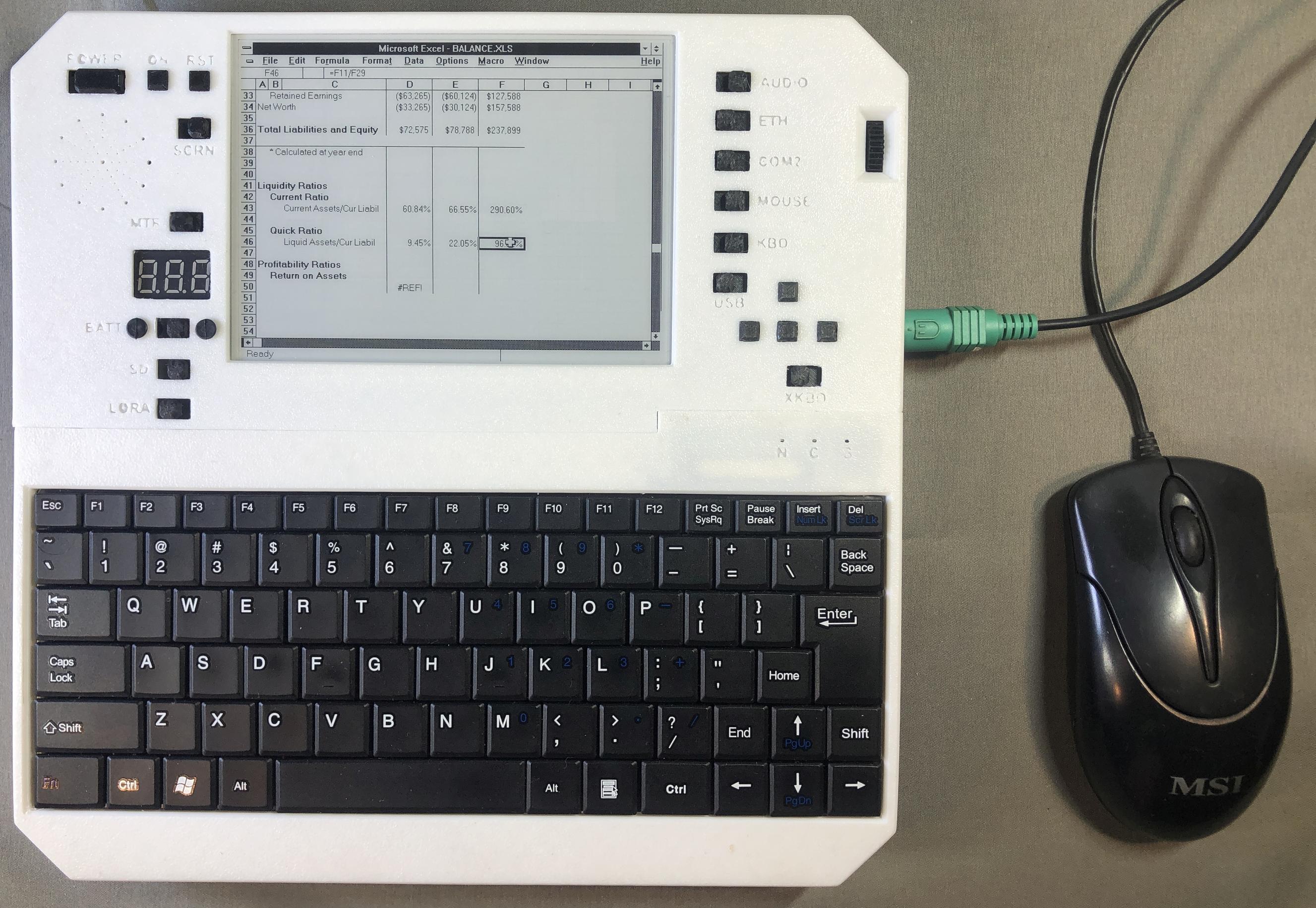
Excel
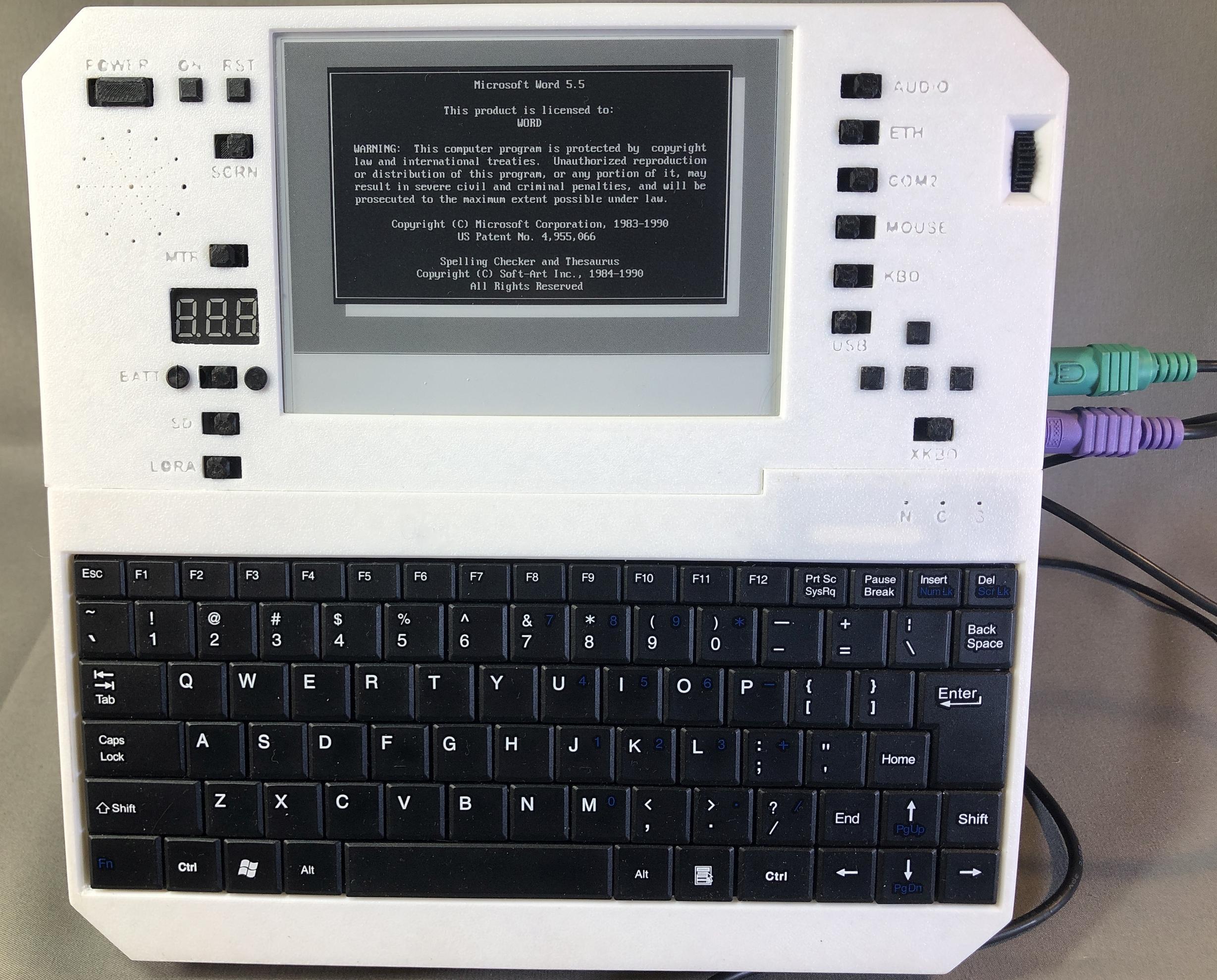
Word 5.5
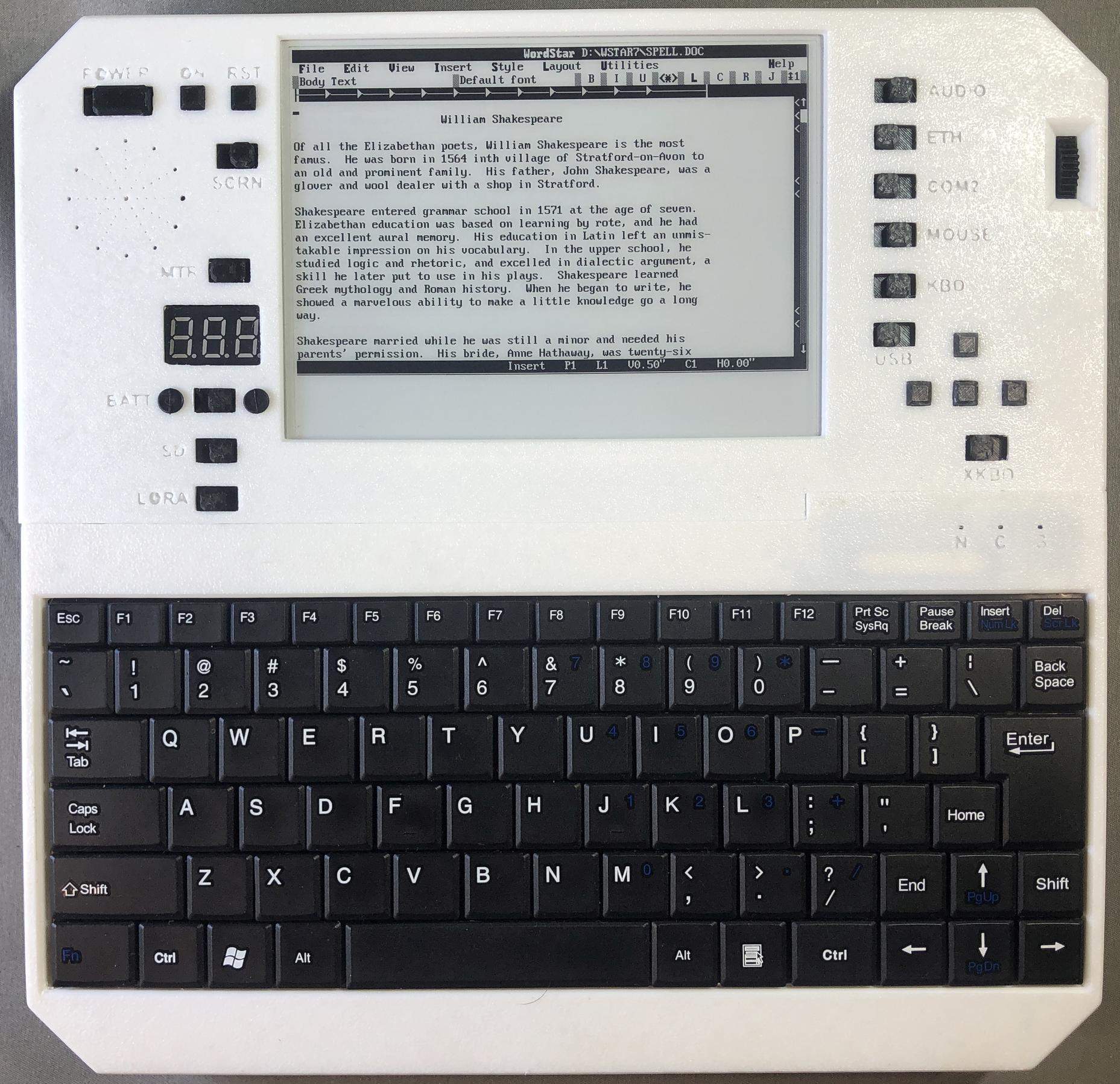
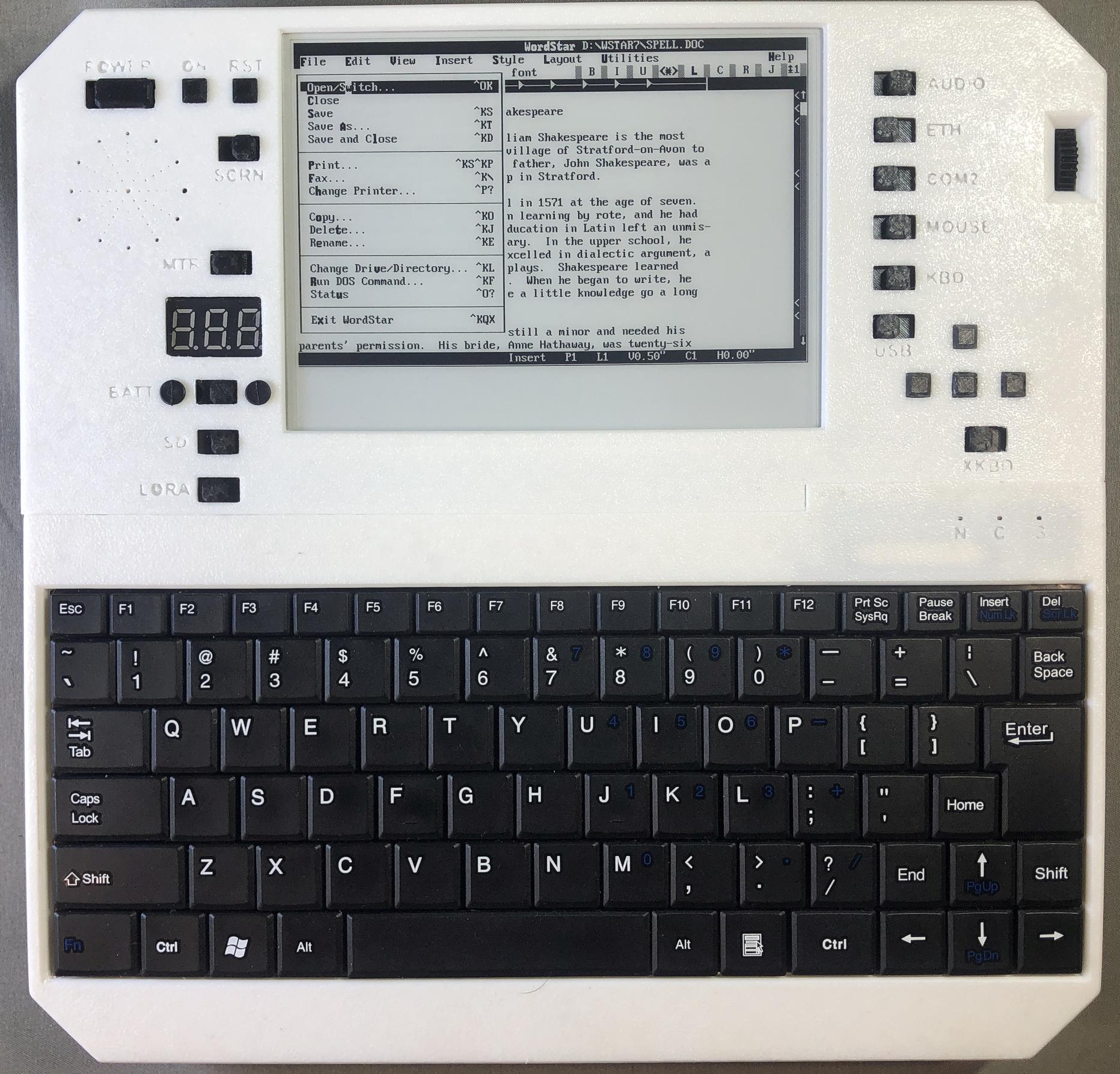
Wordstar 7
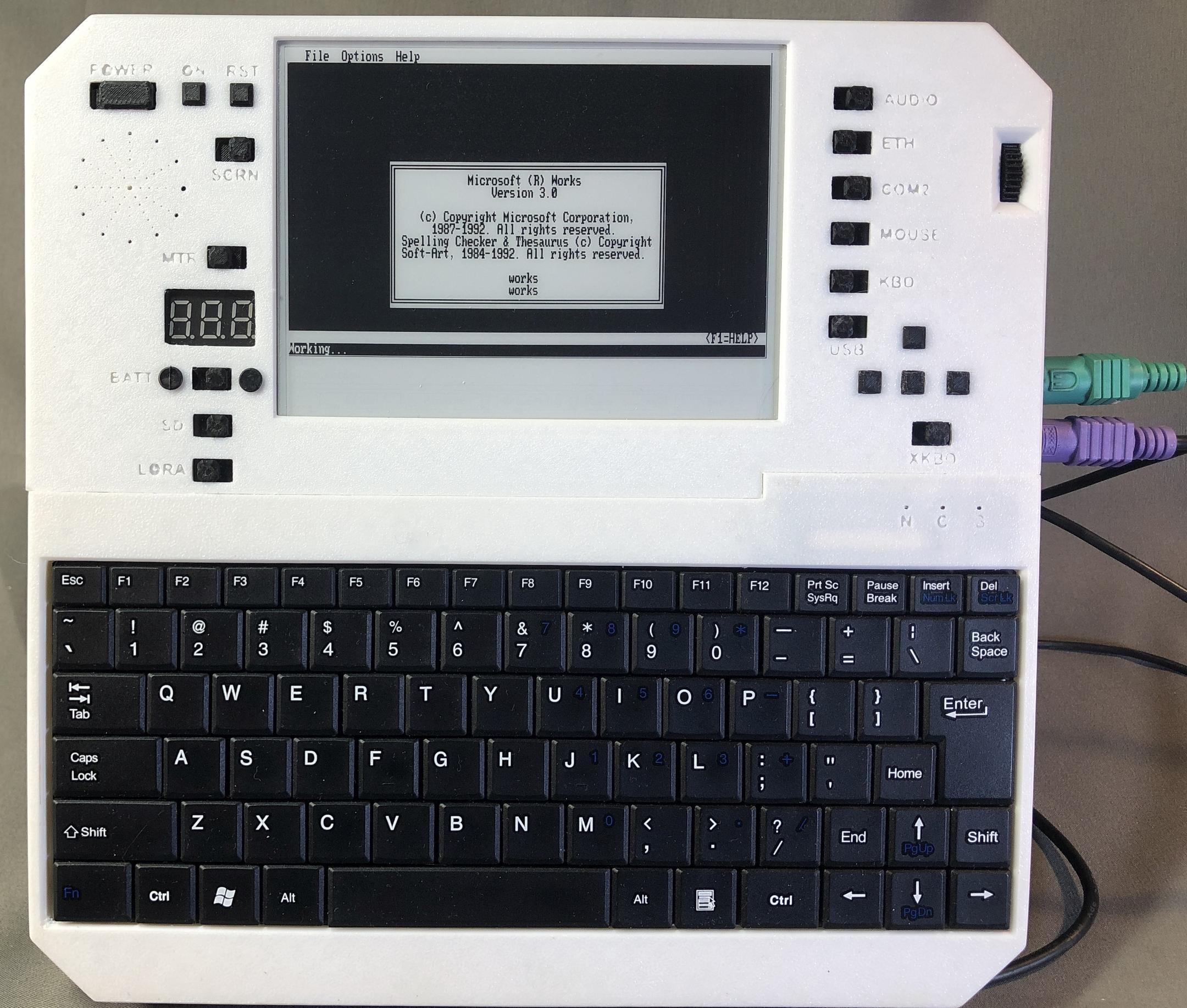
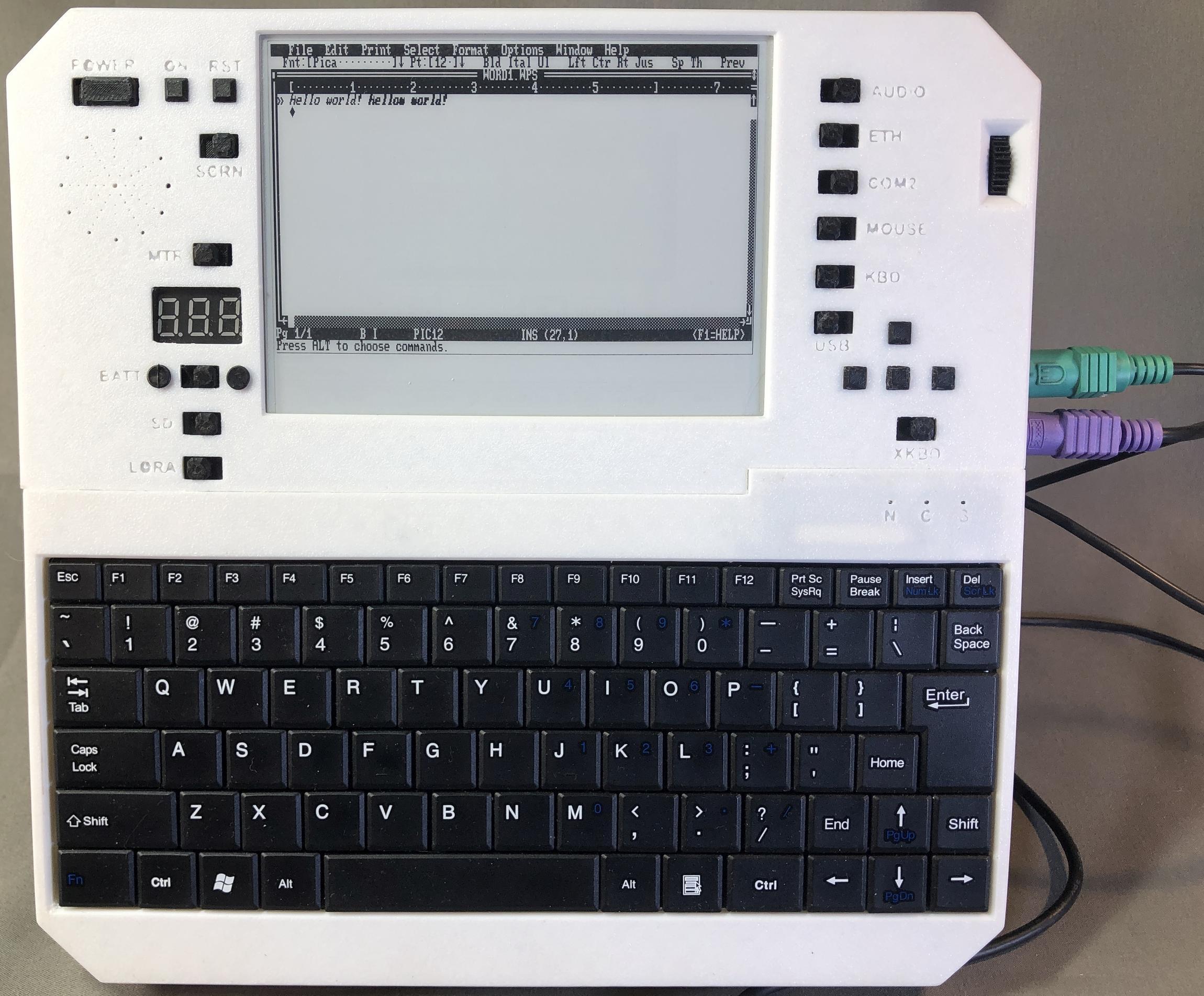
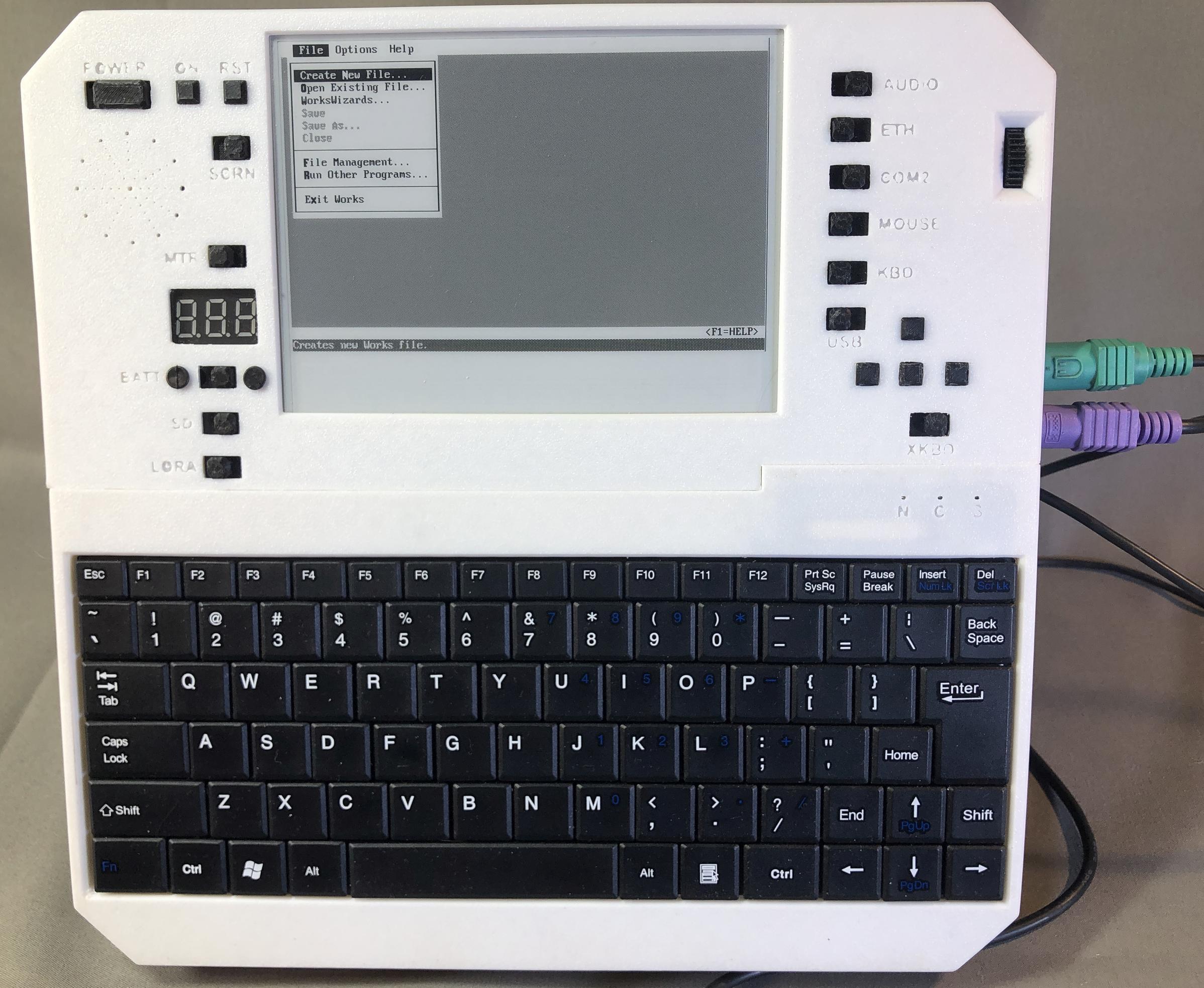
MS Works
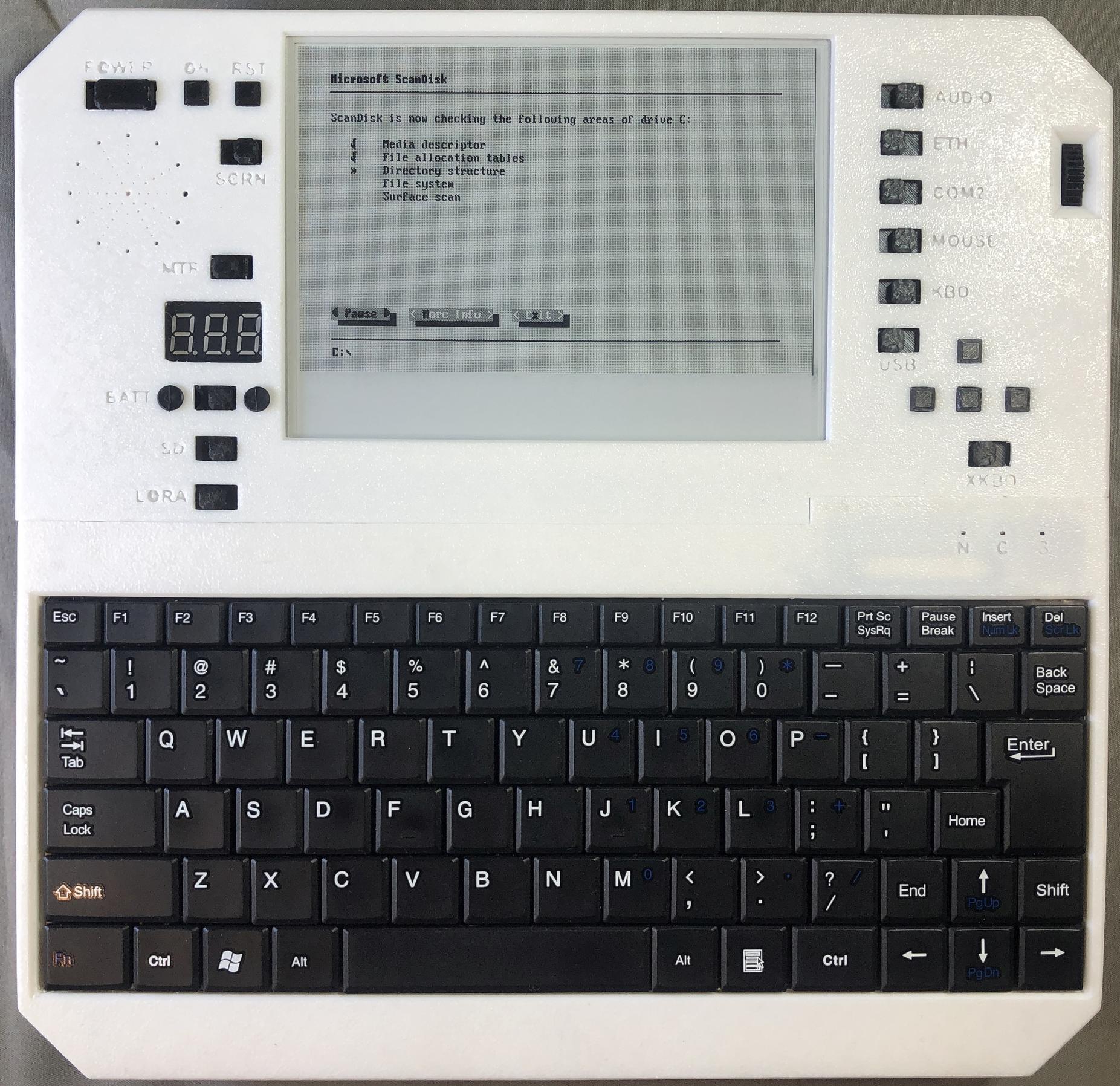
Scandisk
Adlib Jukebox
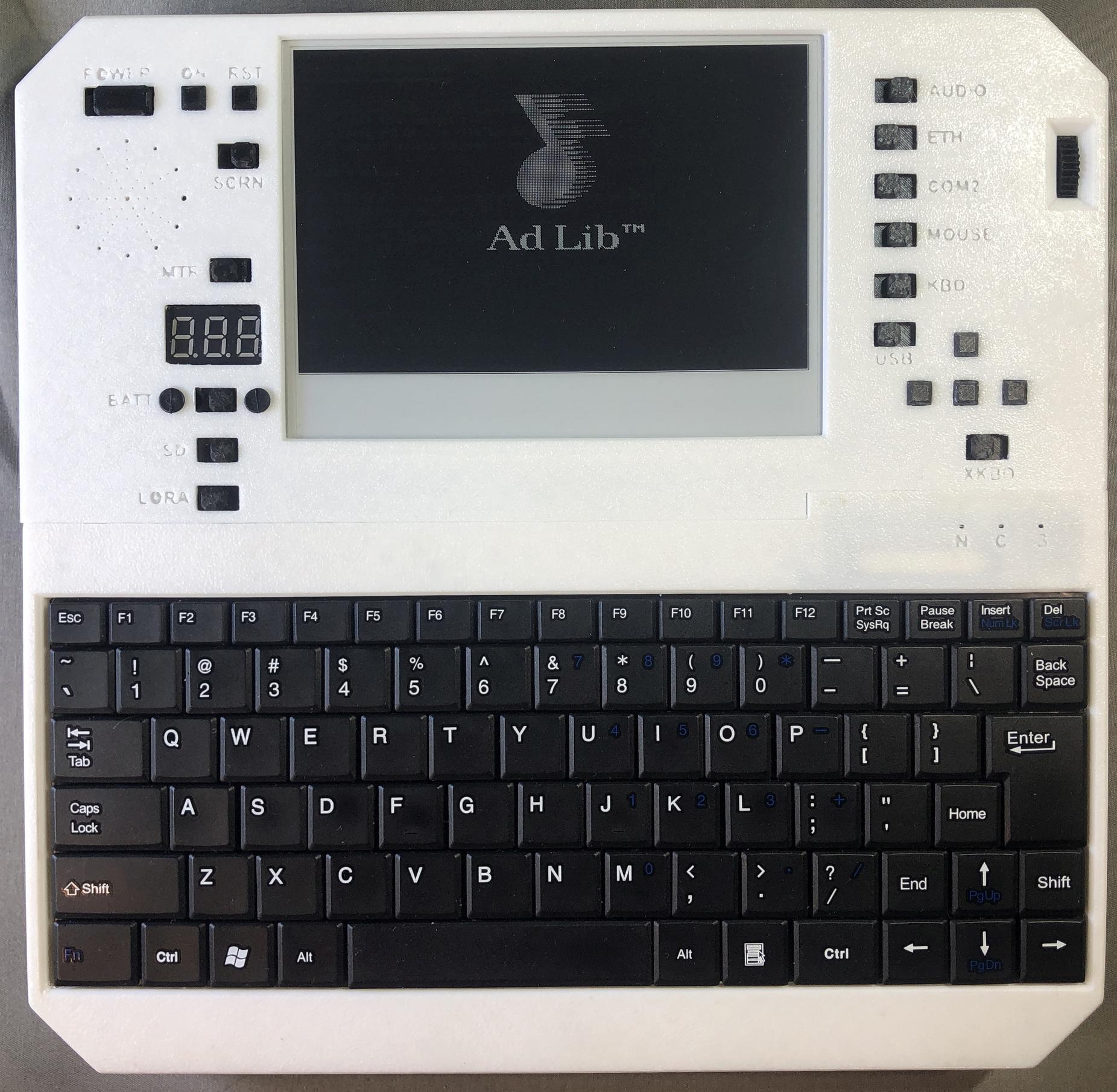
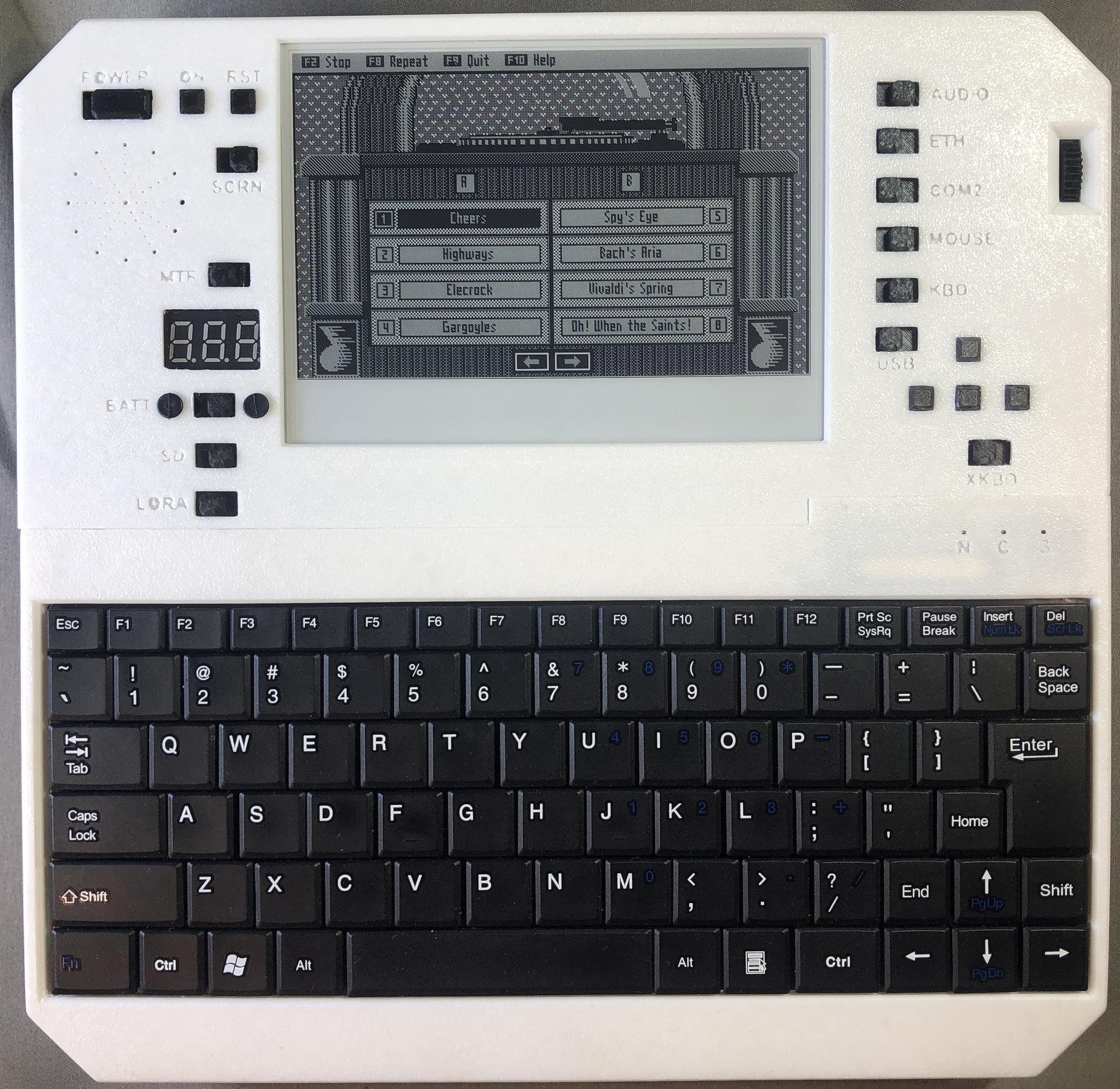
Networking
Wifi Setup
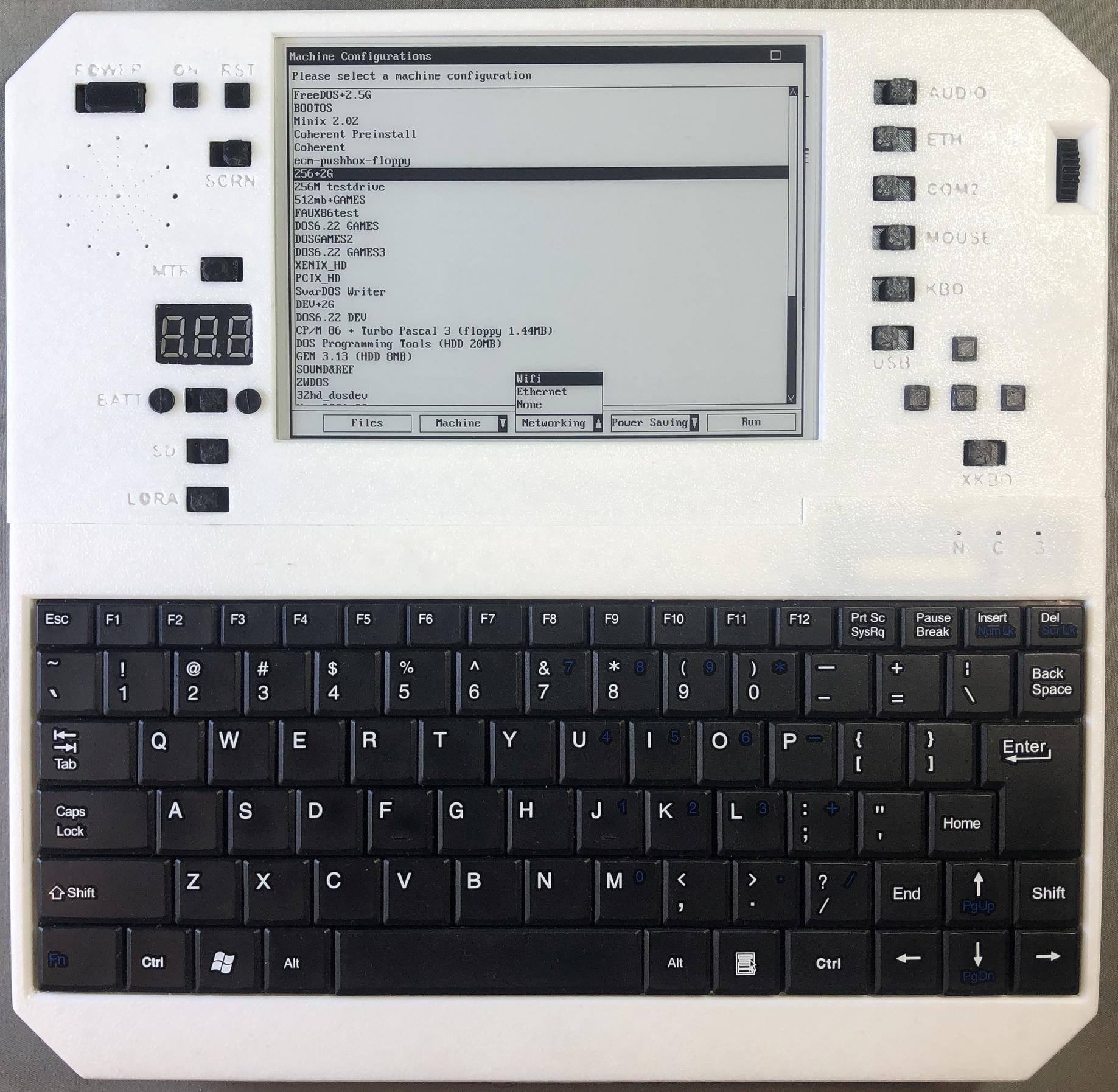
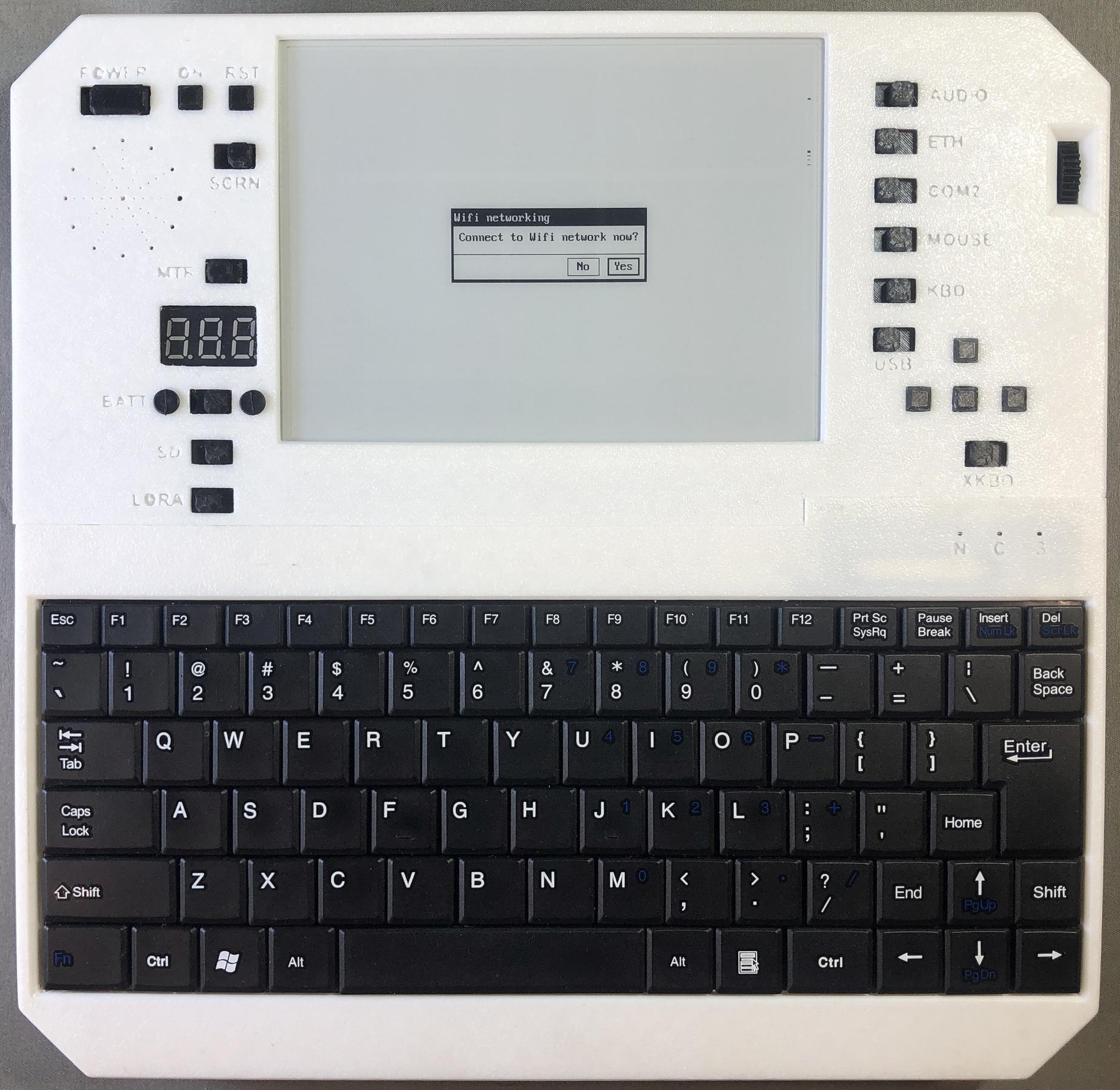
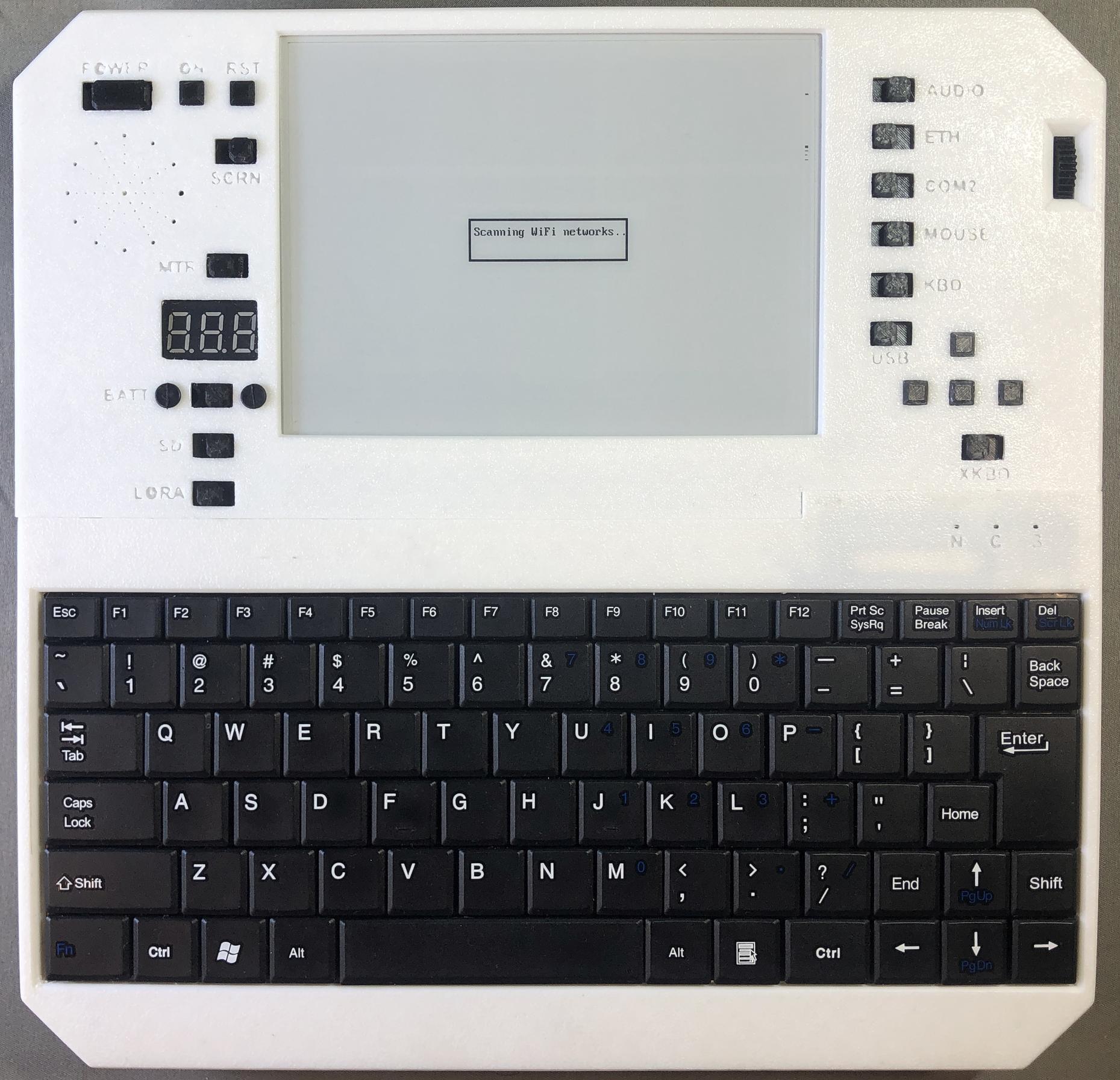
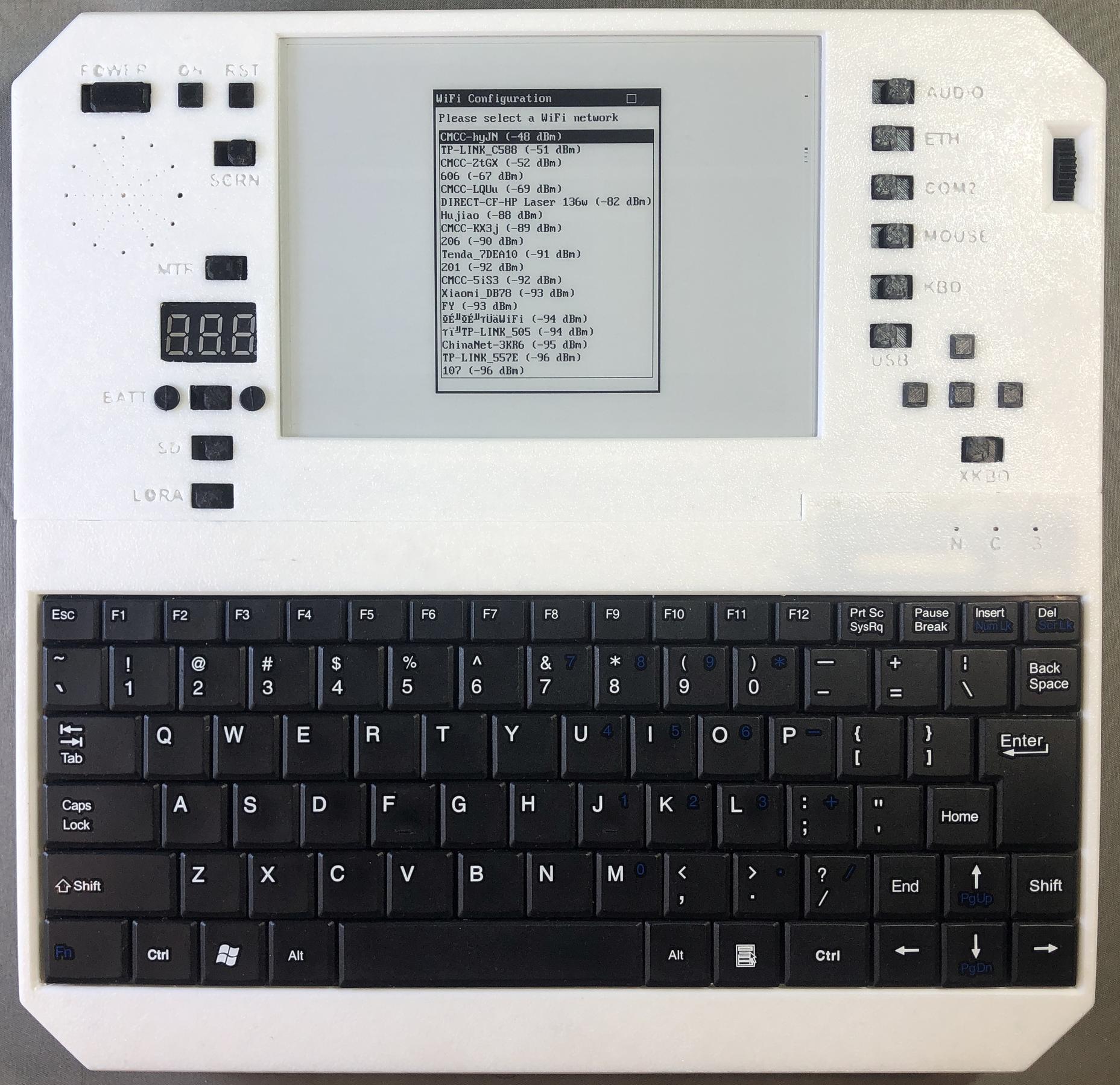
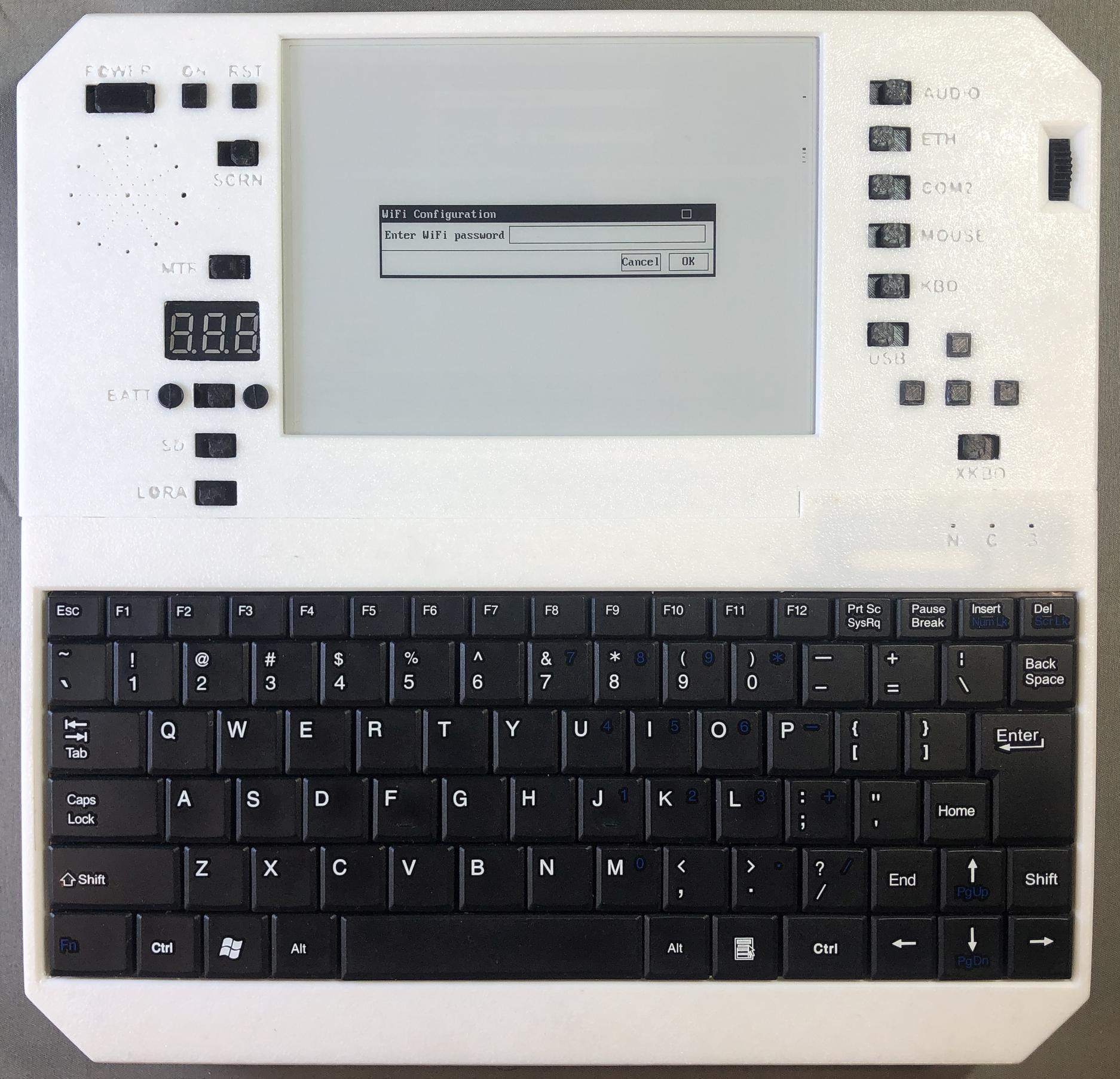
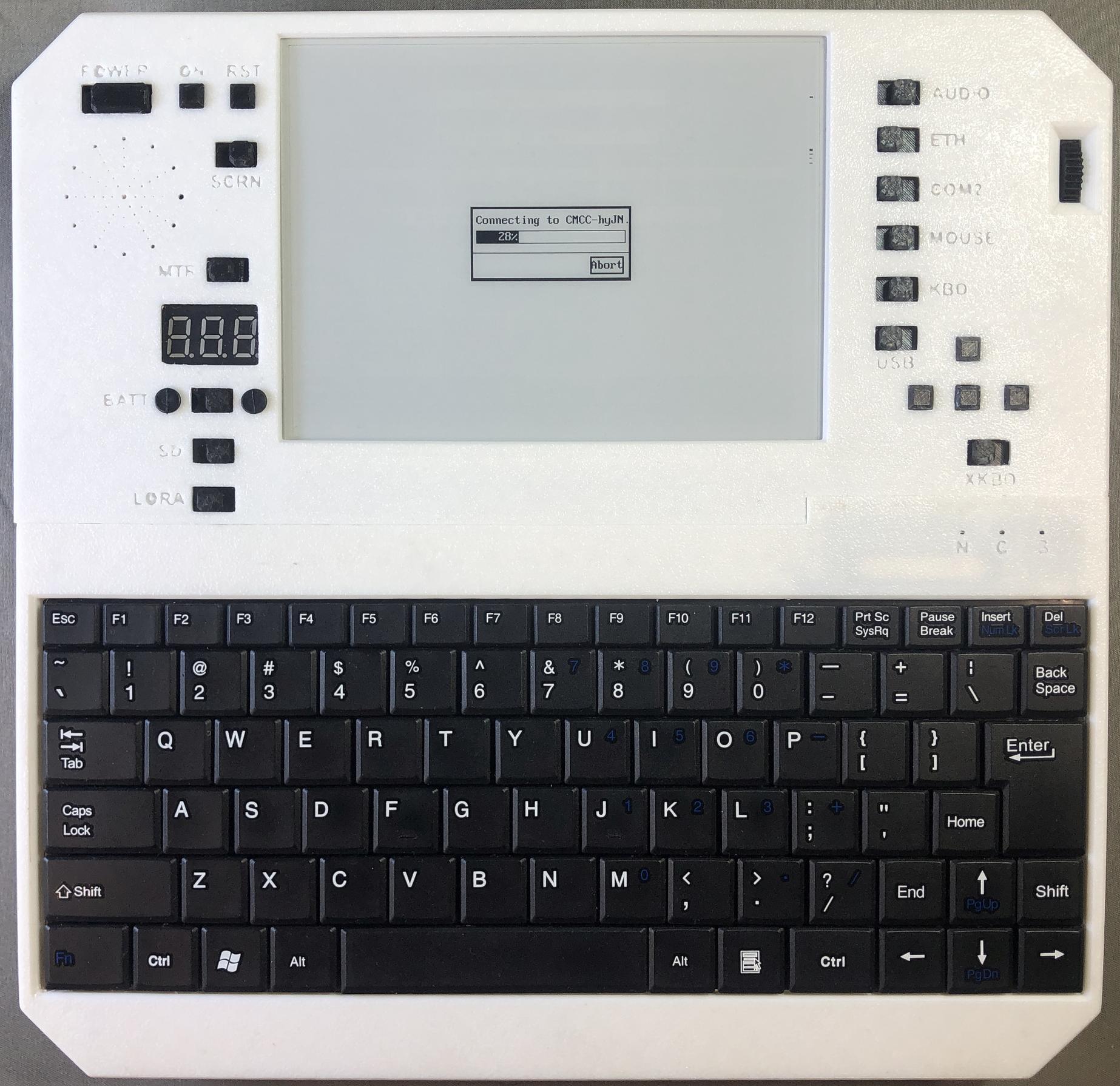
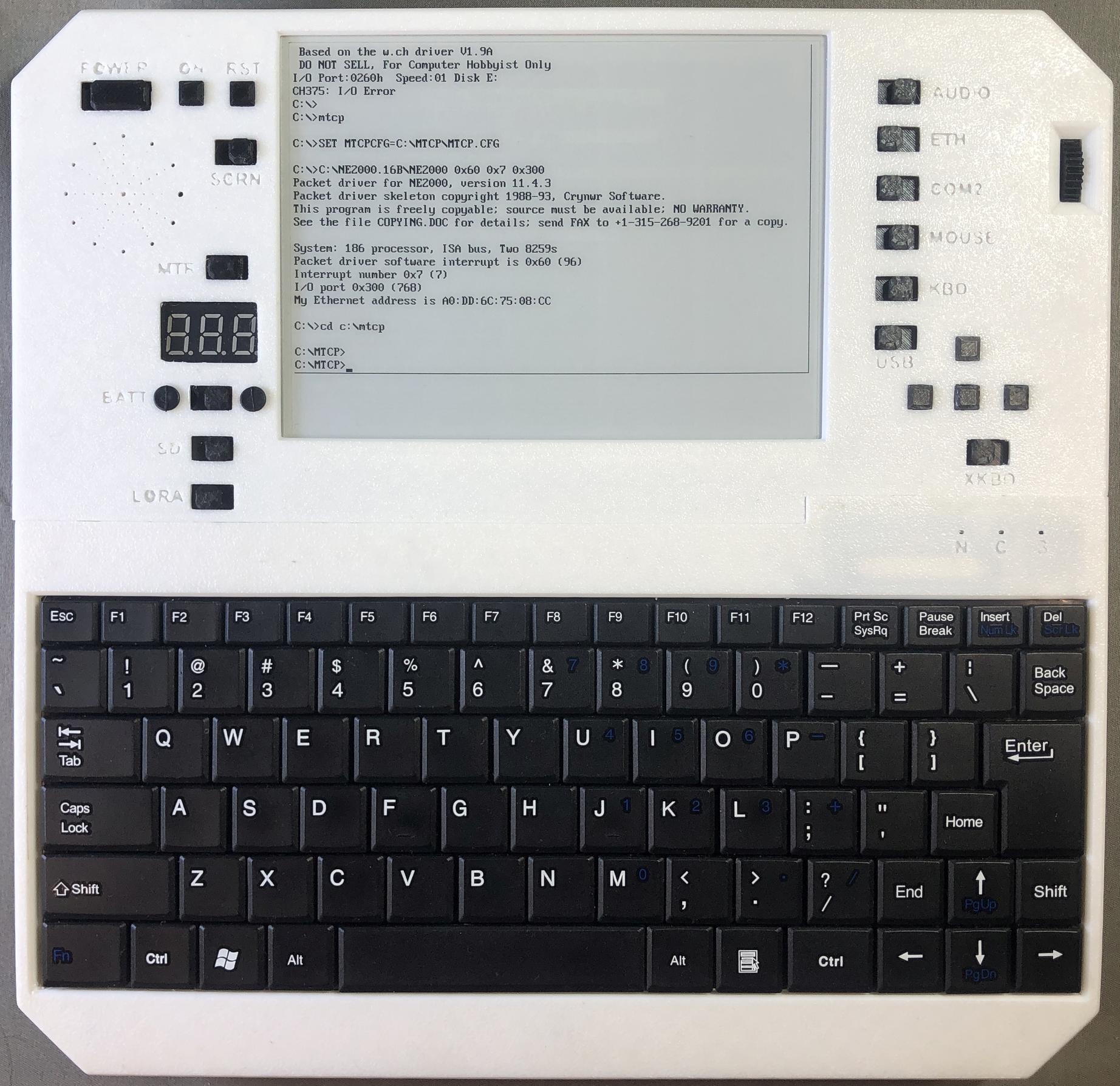
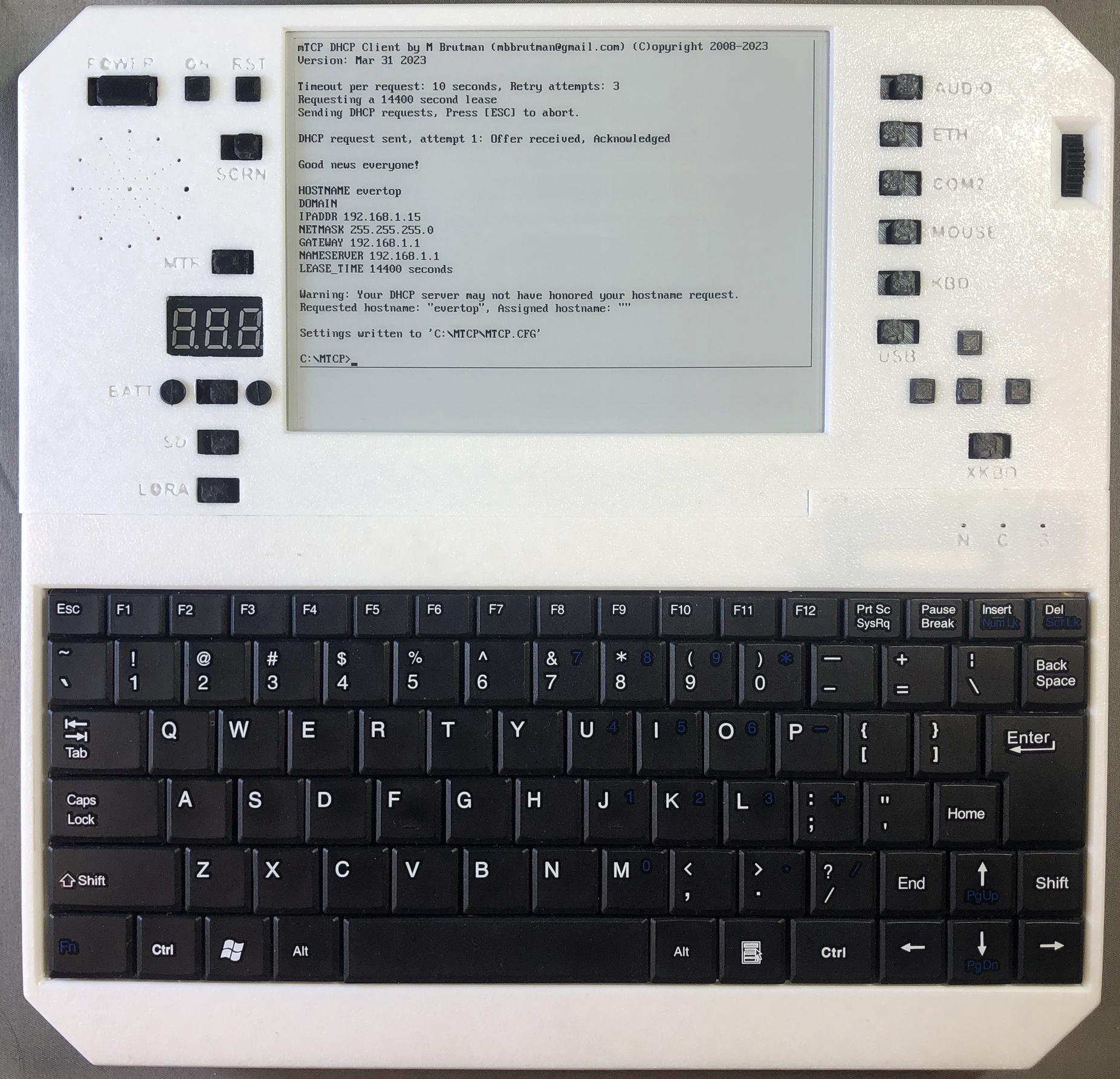
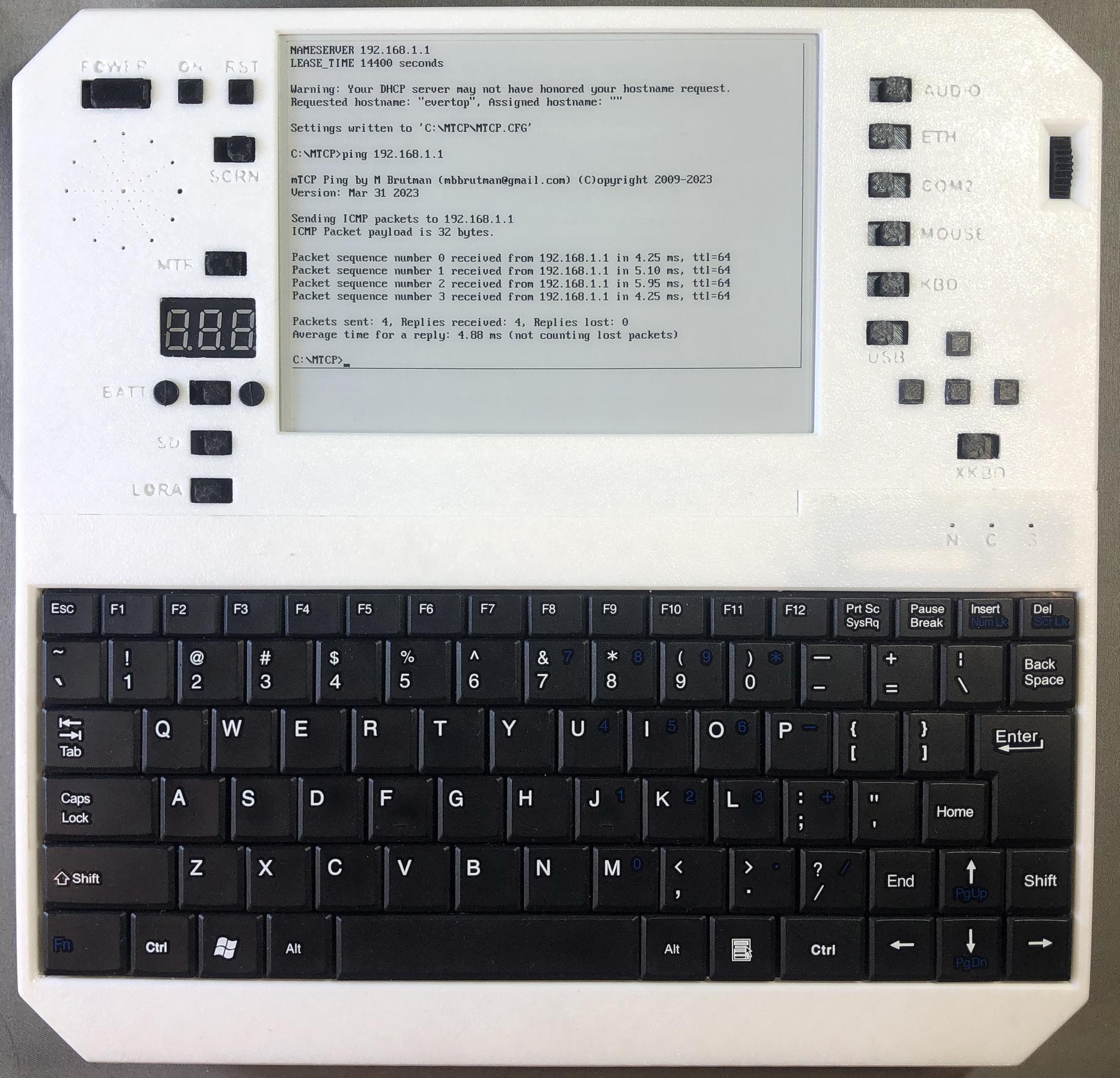
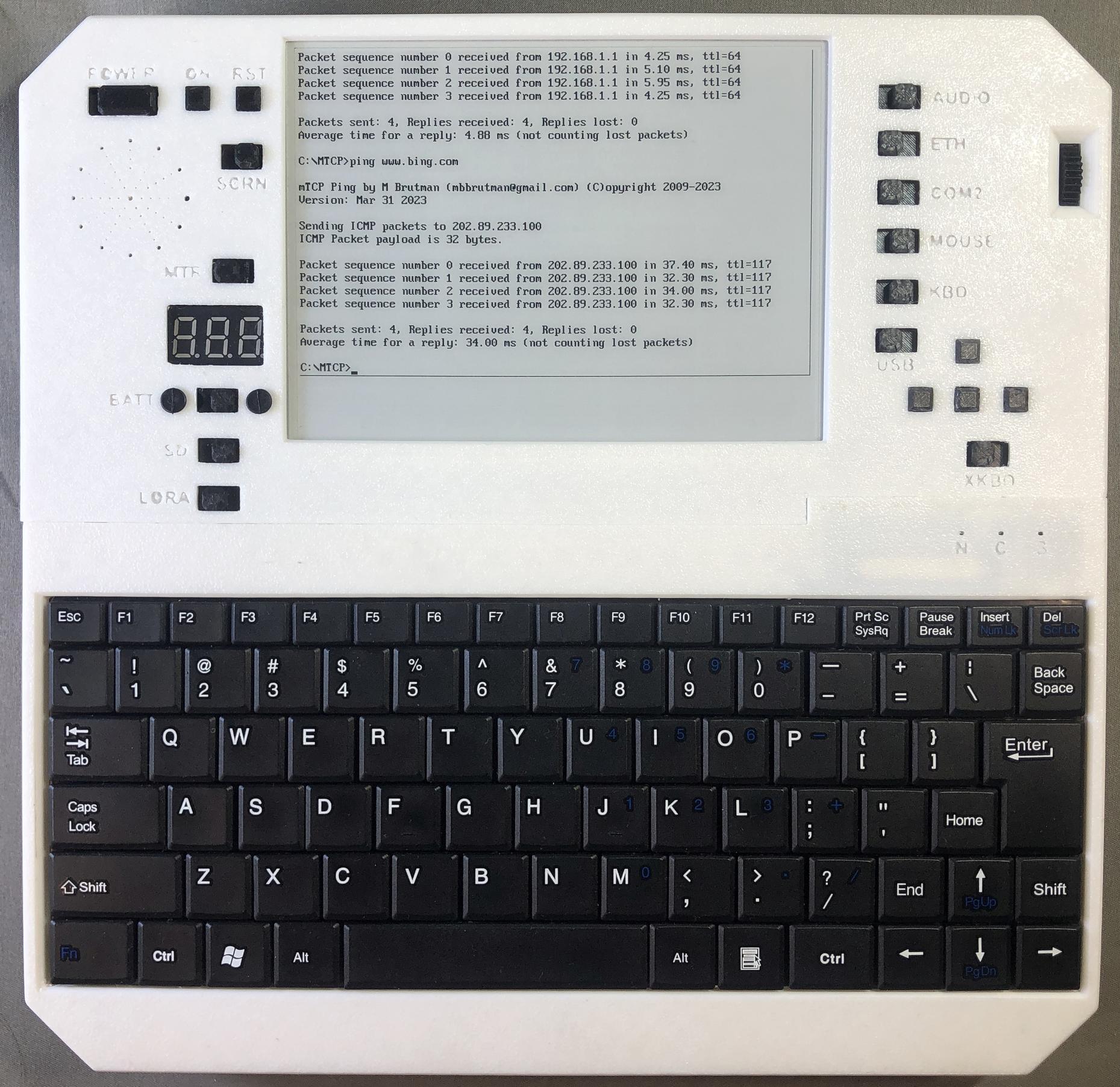
NE2000 driver -- DHCP client -- ping
Web browsing
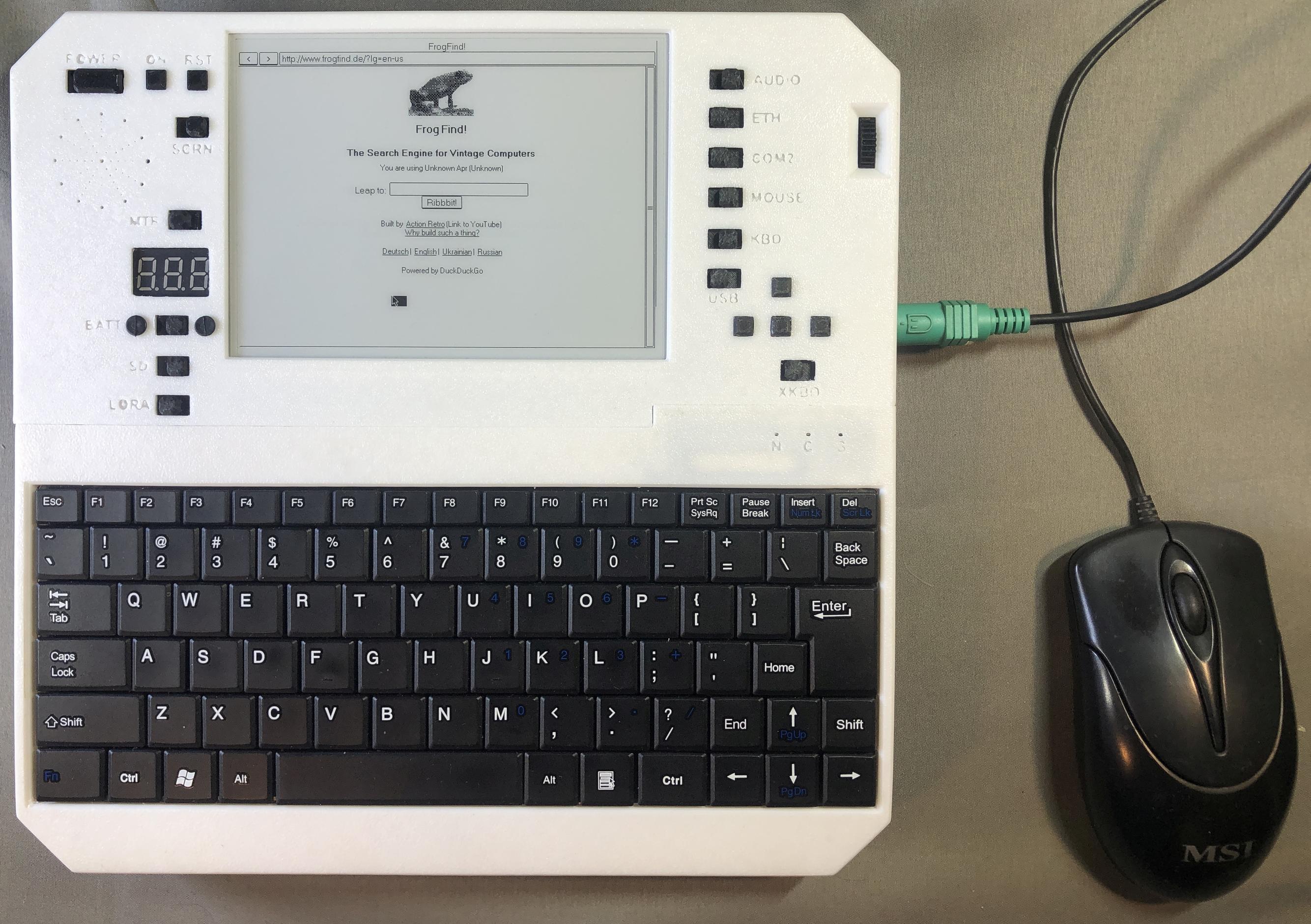
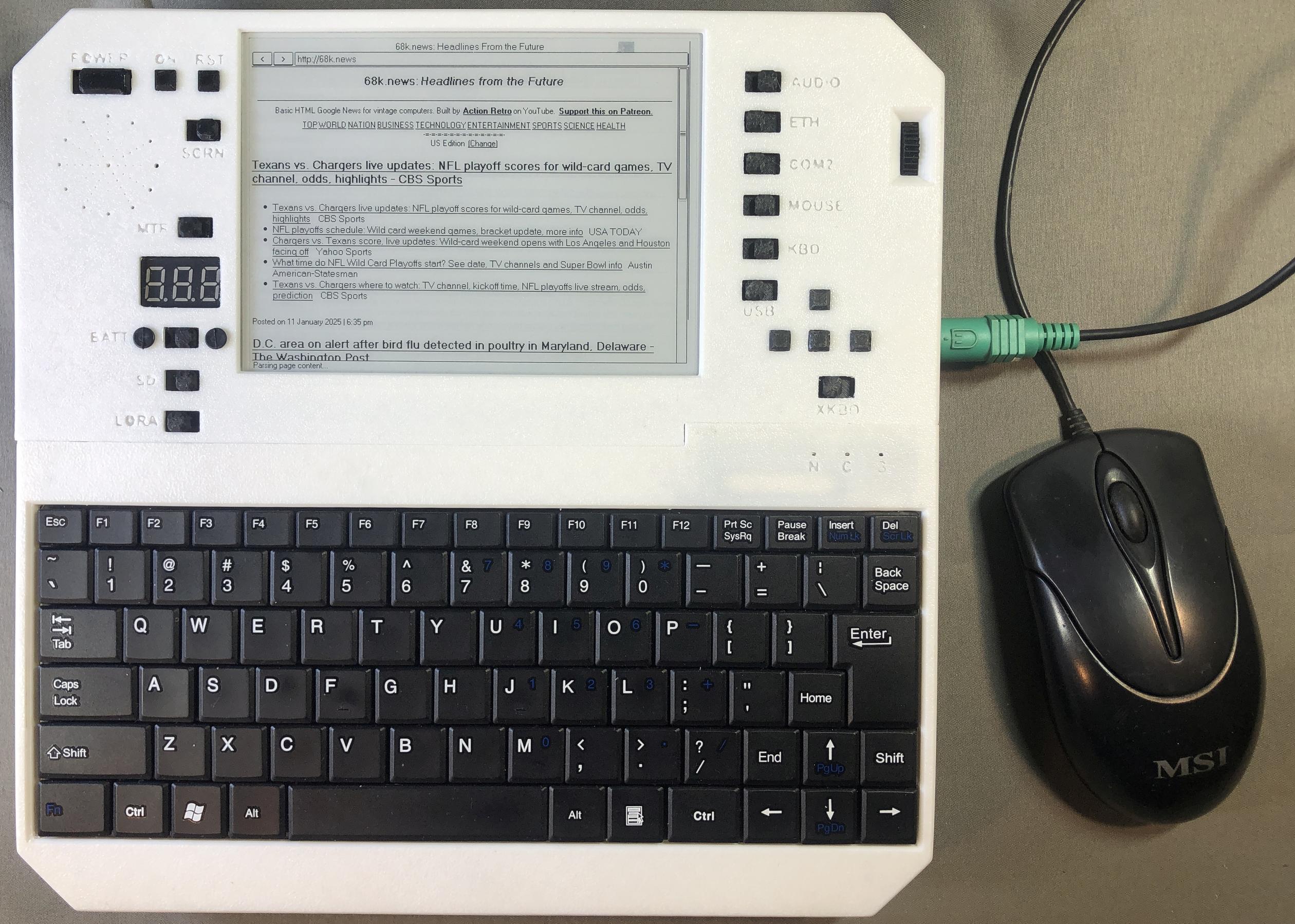
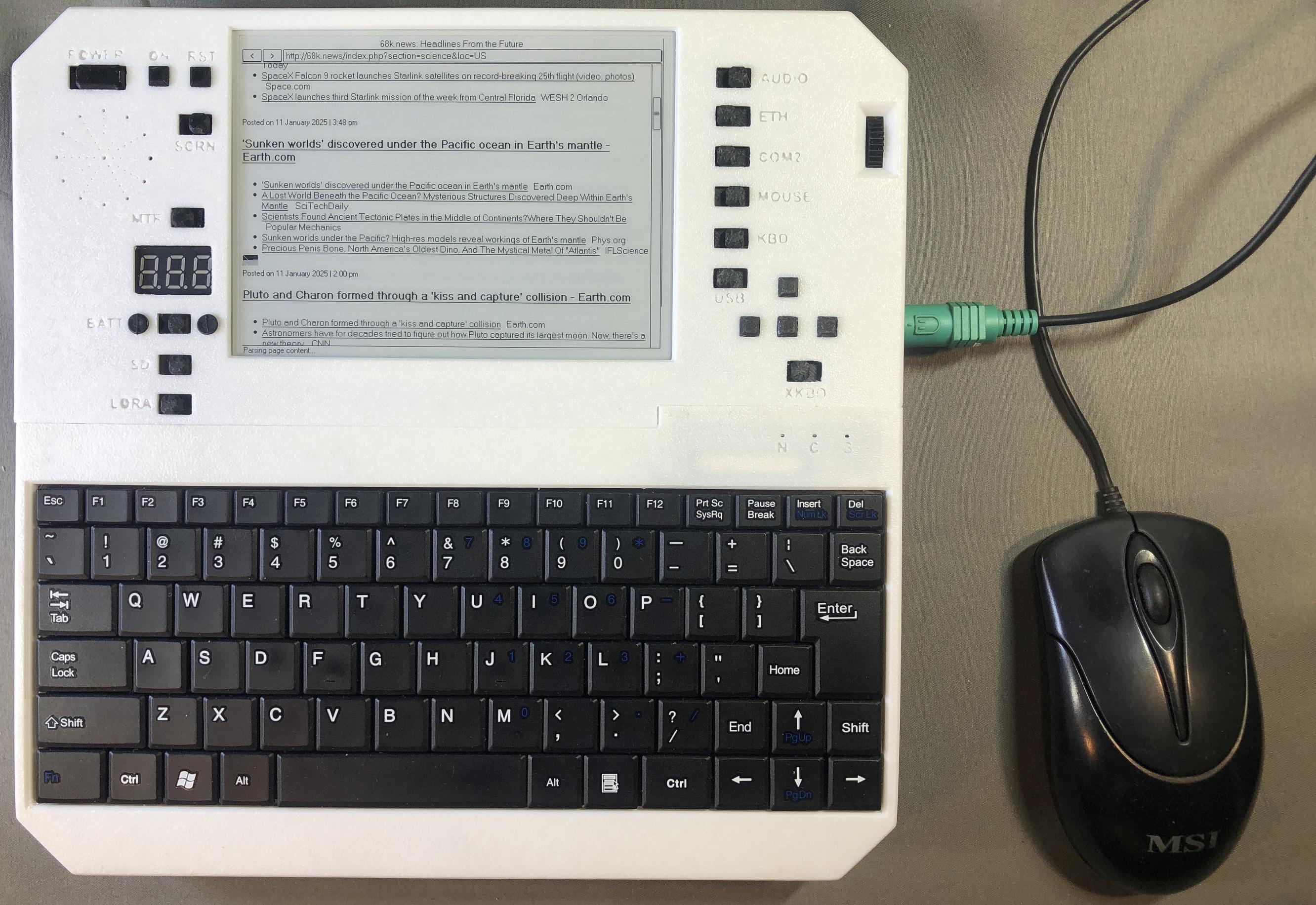
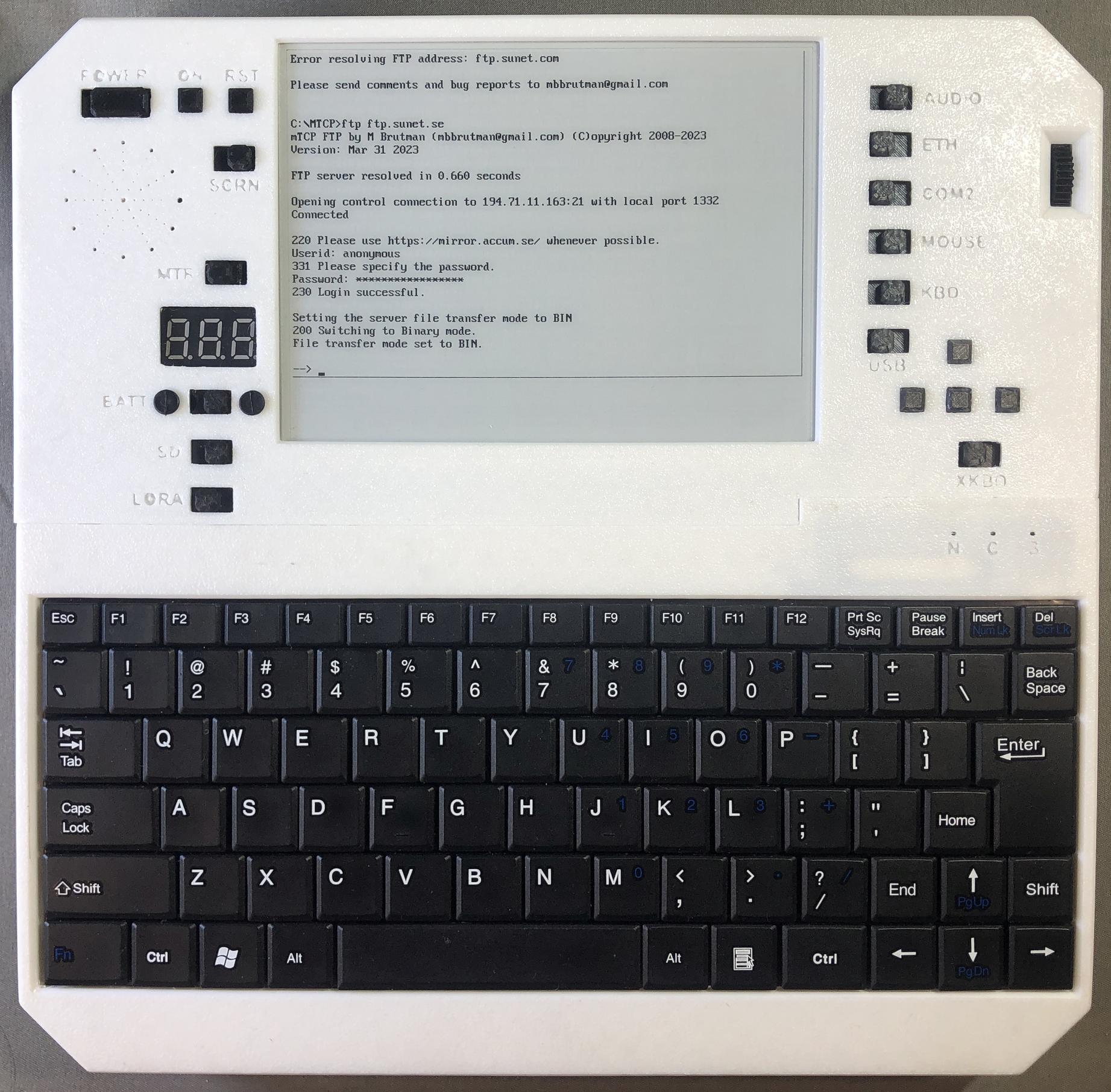
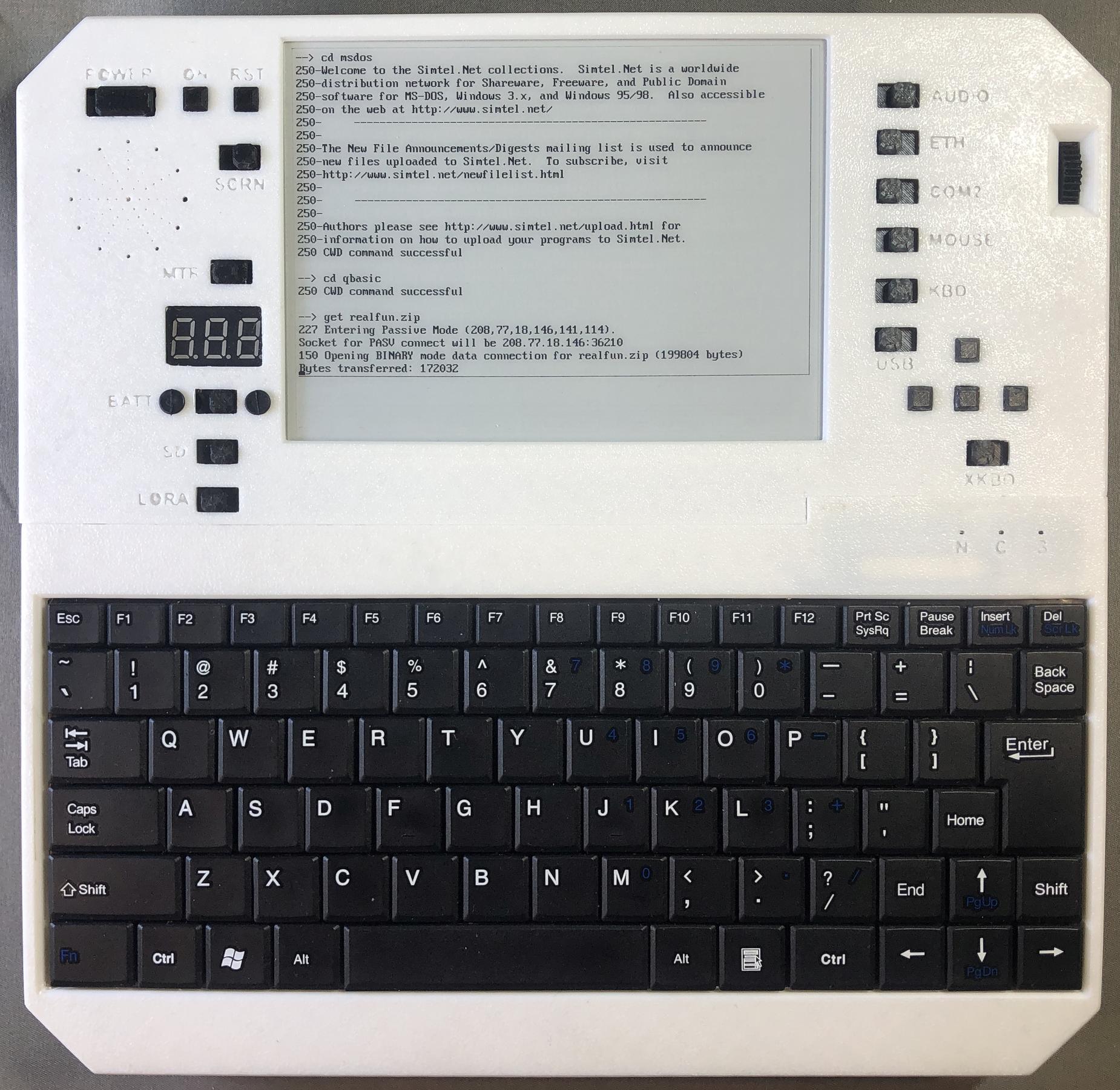
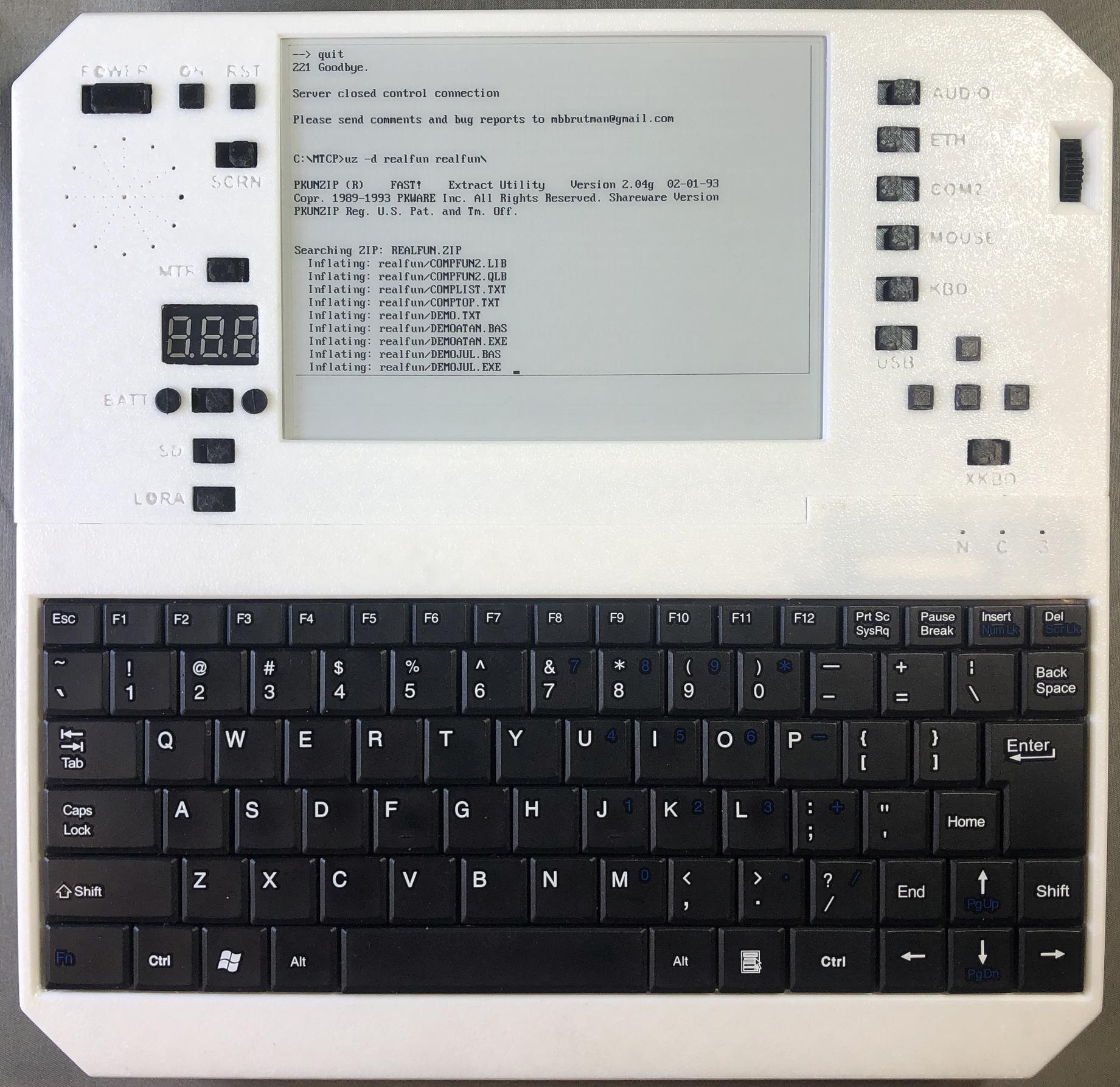
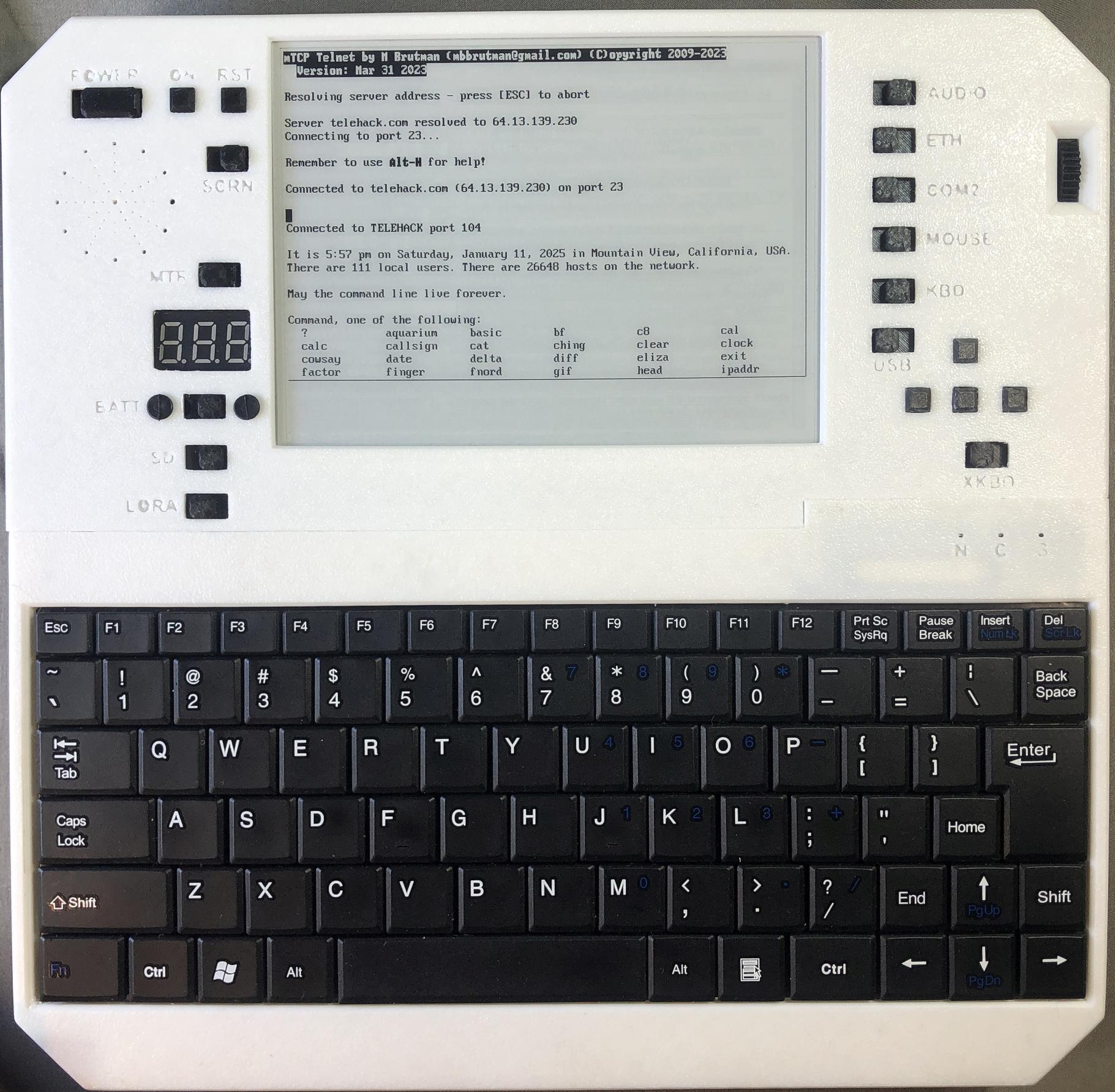
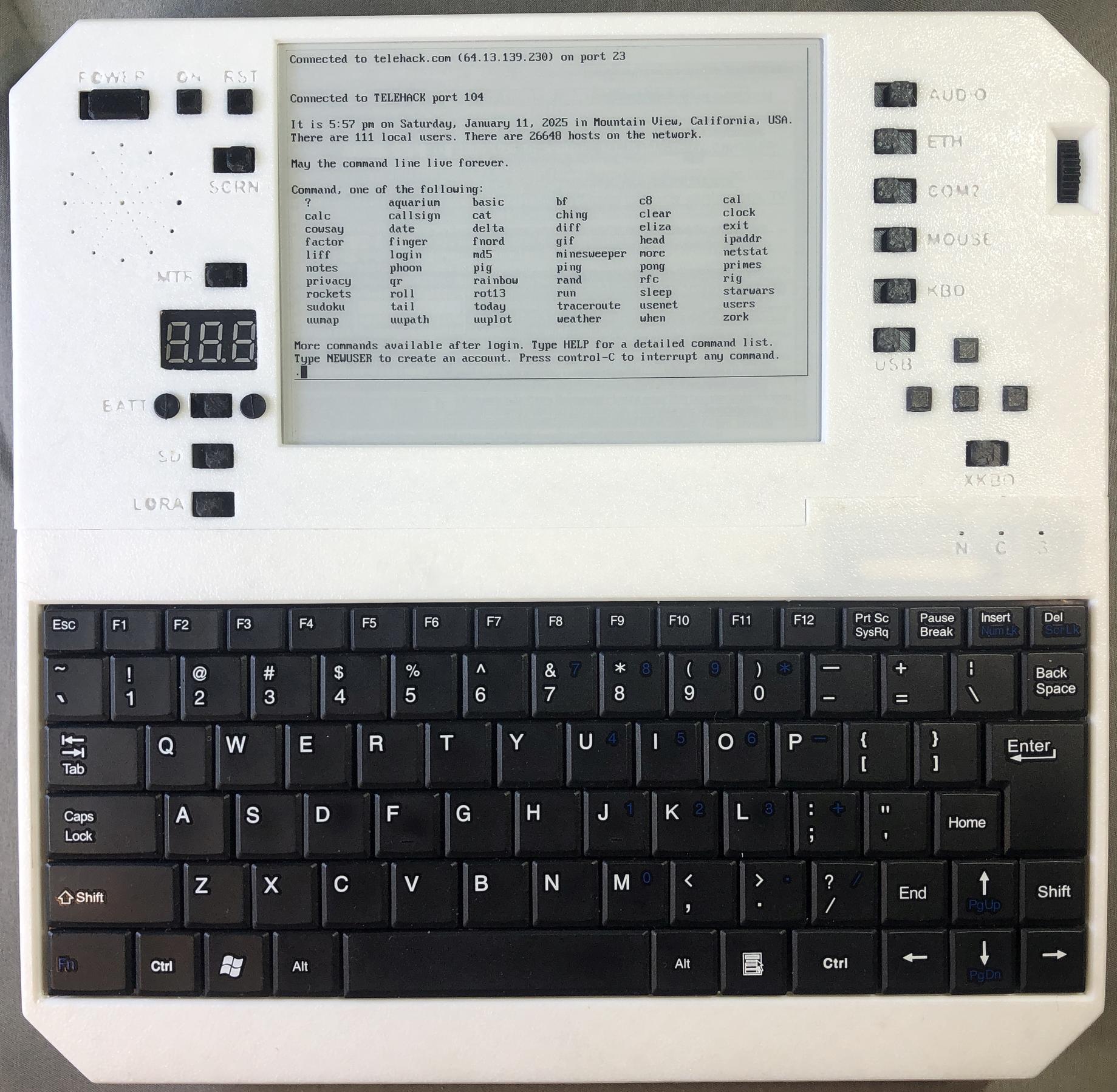
FTP and telnet
System
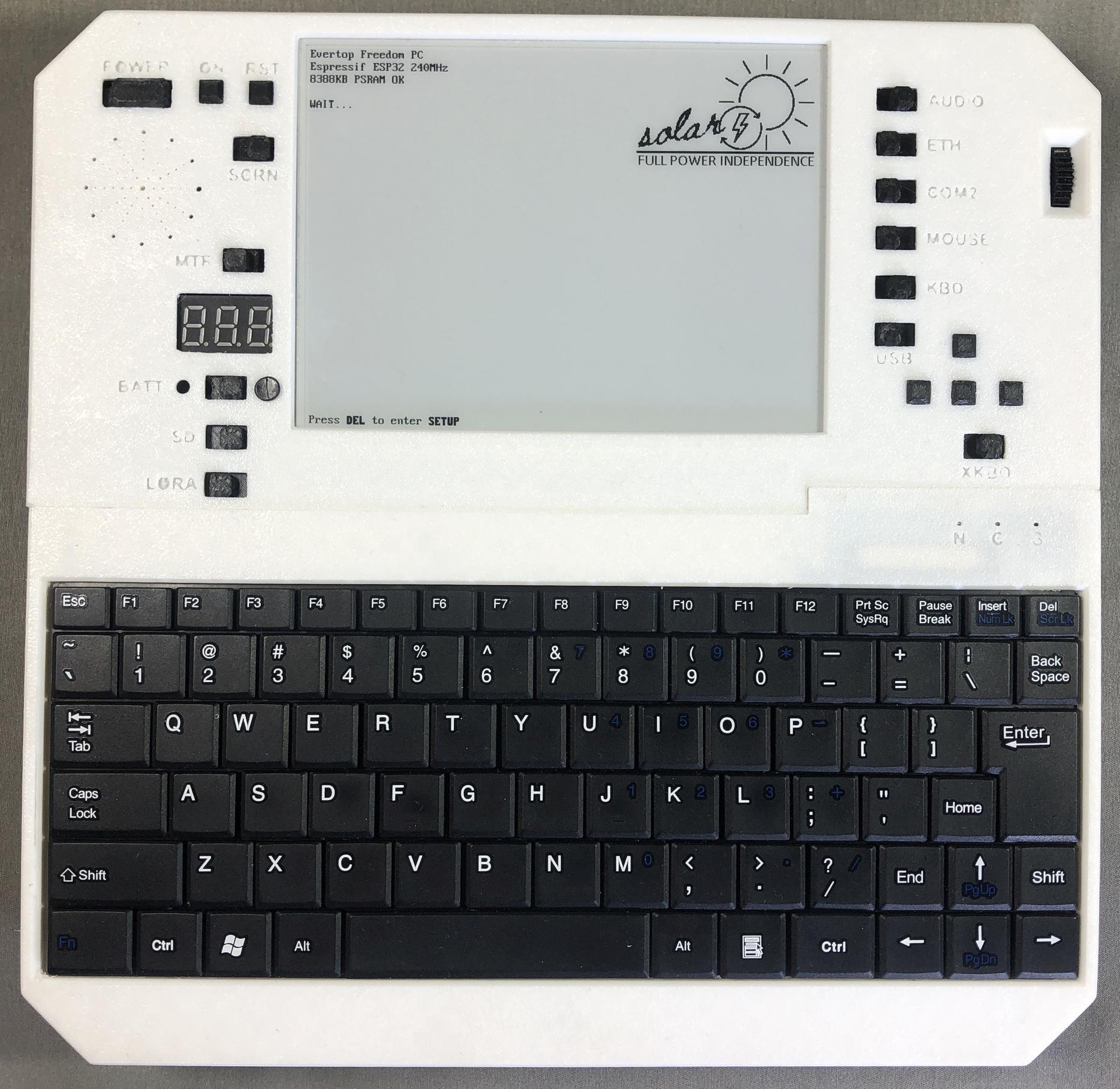
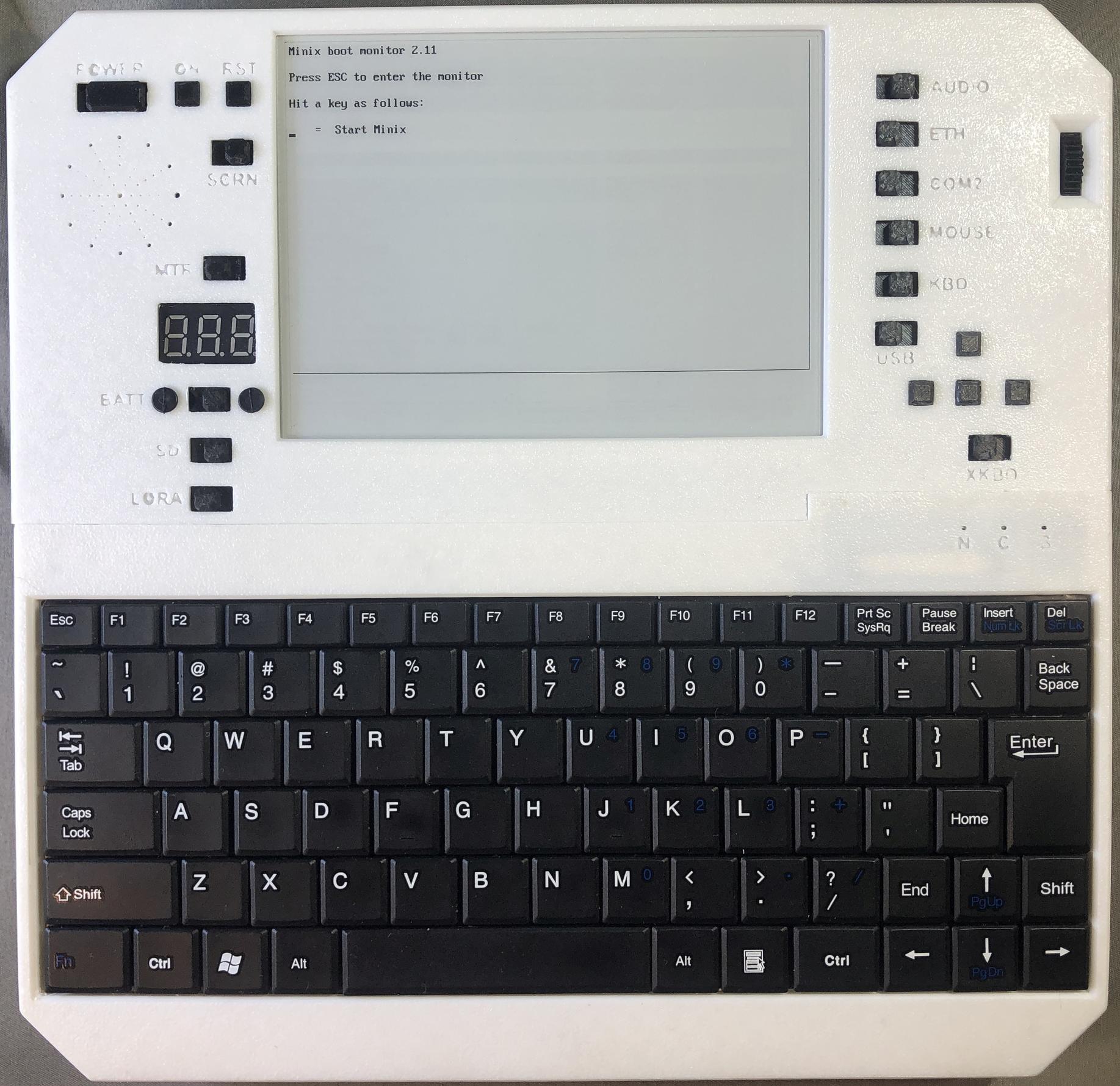
Startup Screen
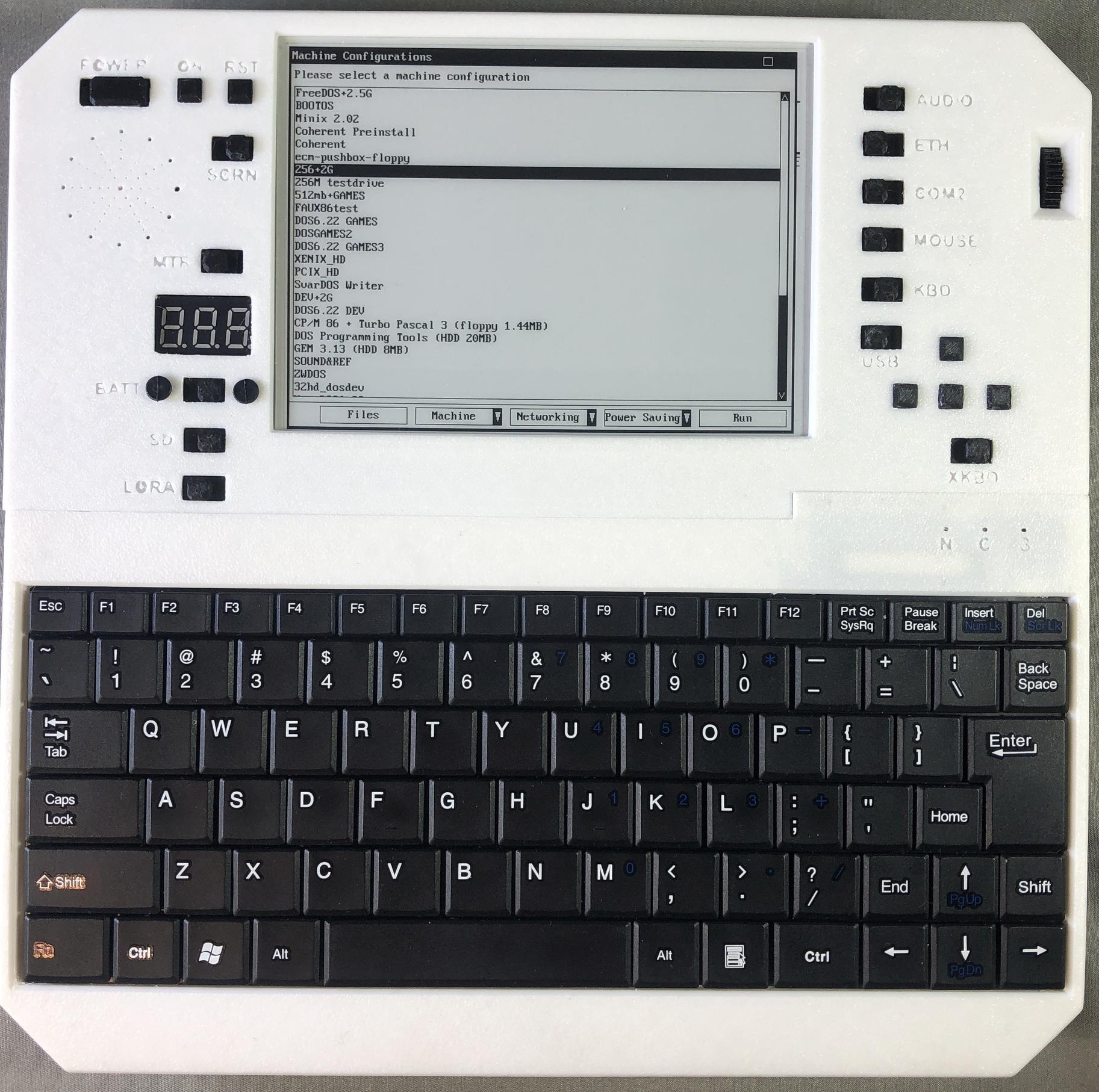
Machine Selection
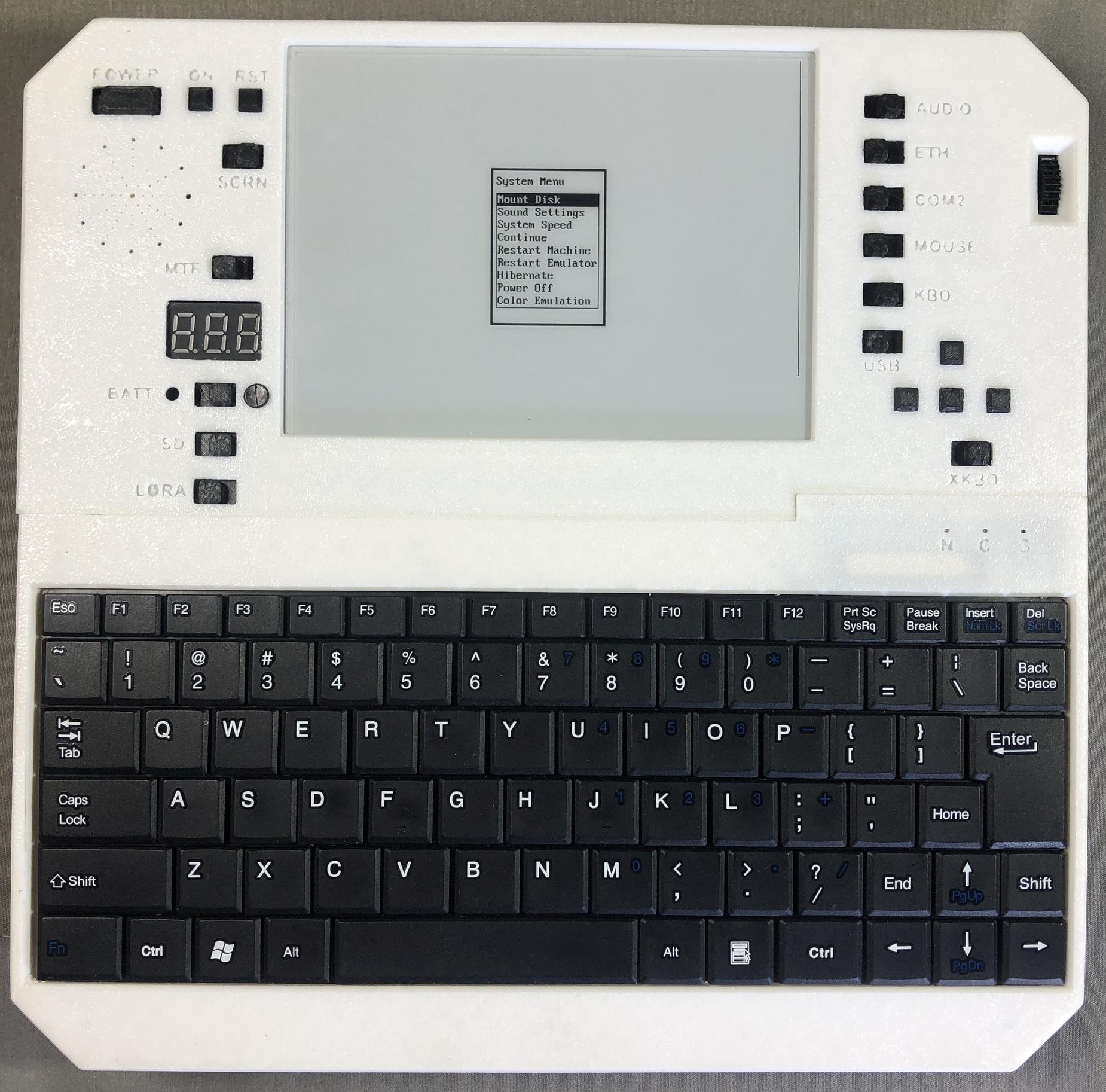
Popup Menu: you can open it any time with a hotkey
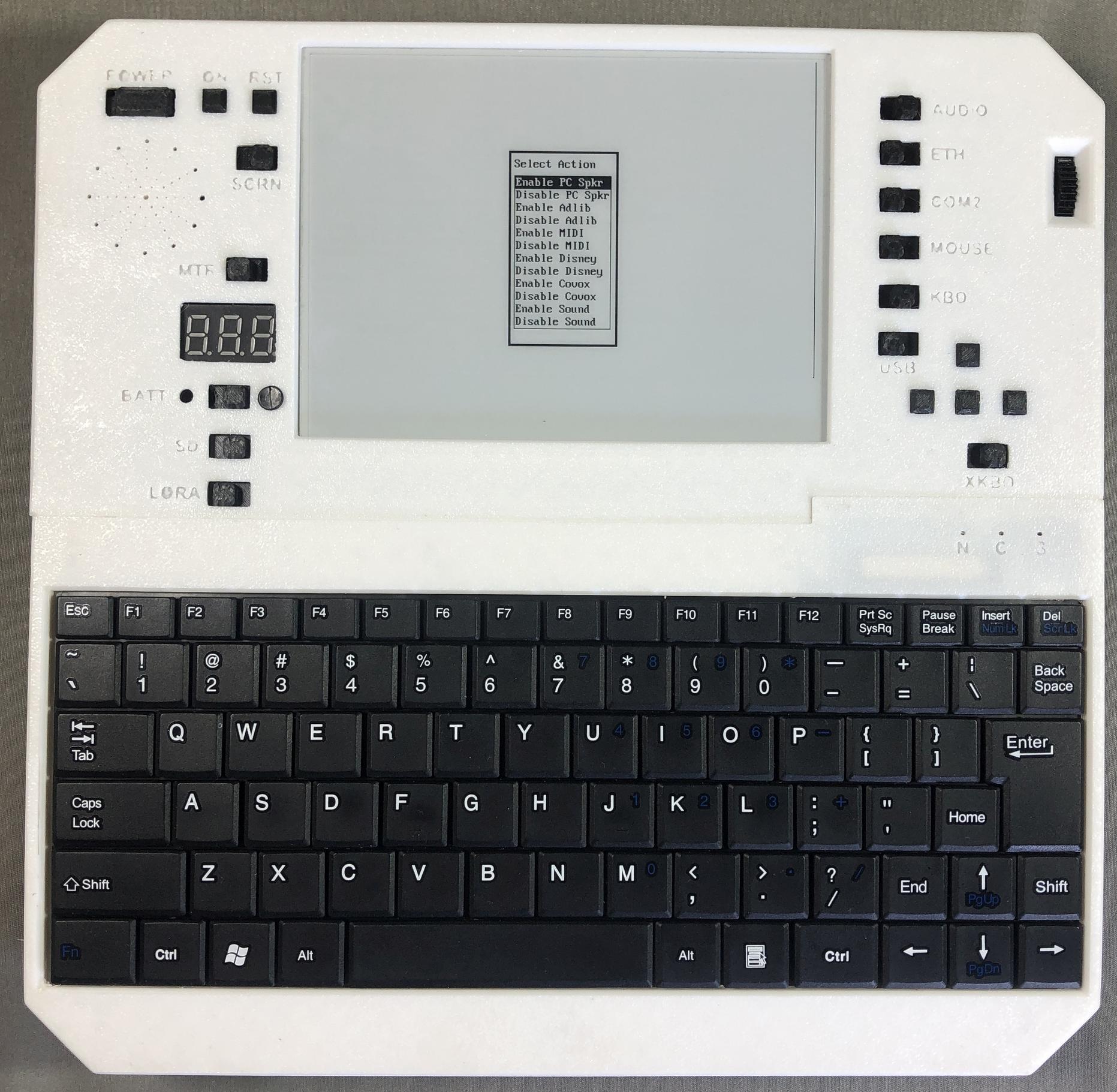
Audio Settings
Using a USB flash drive
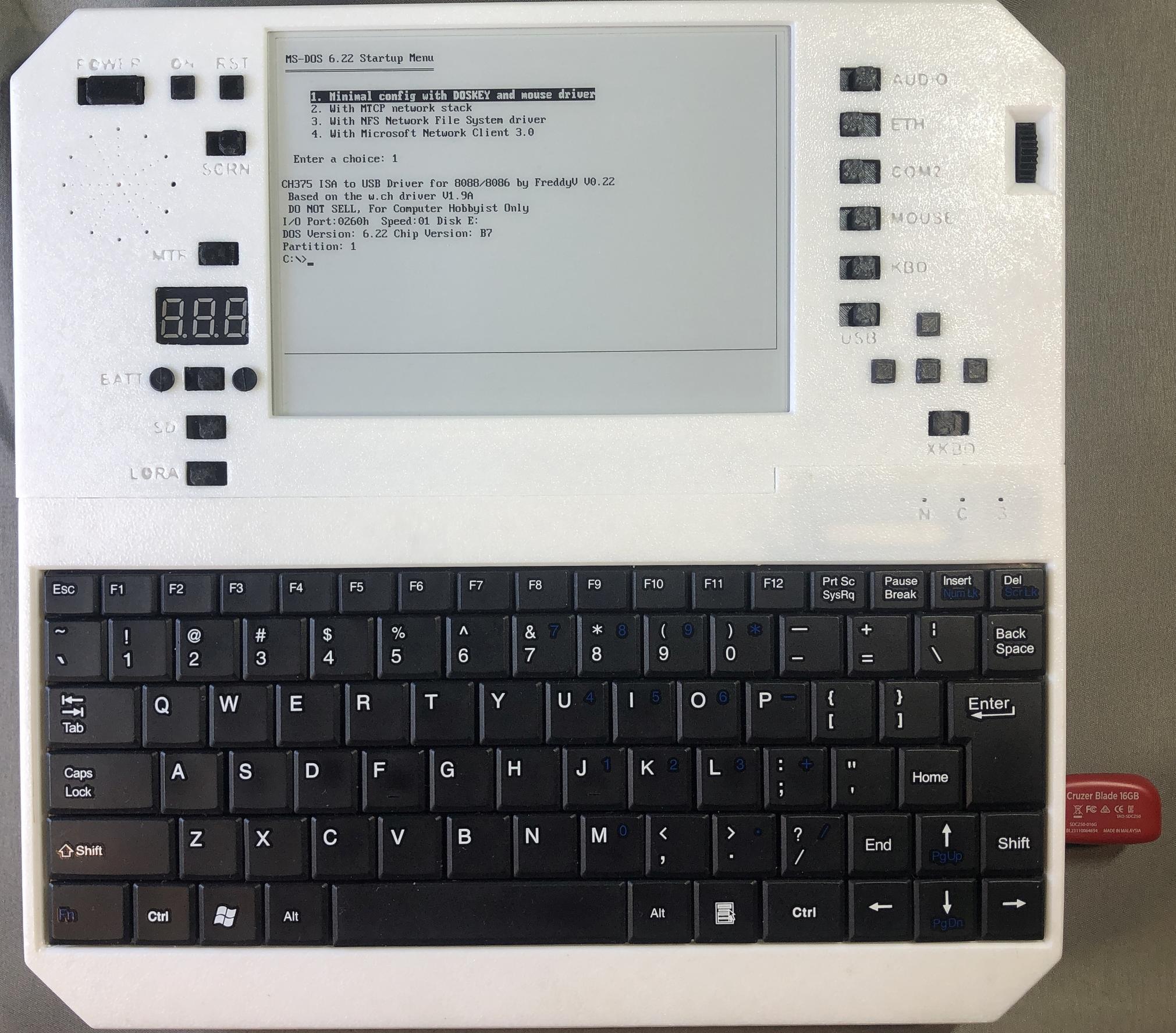
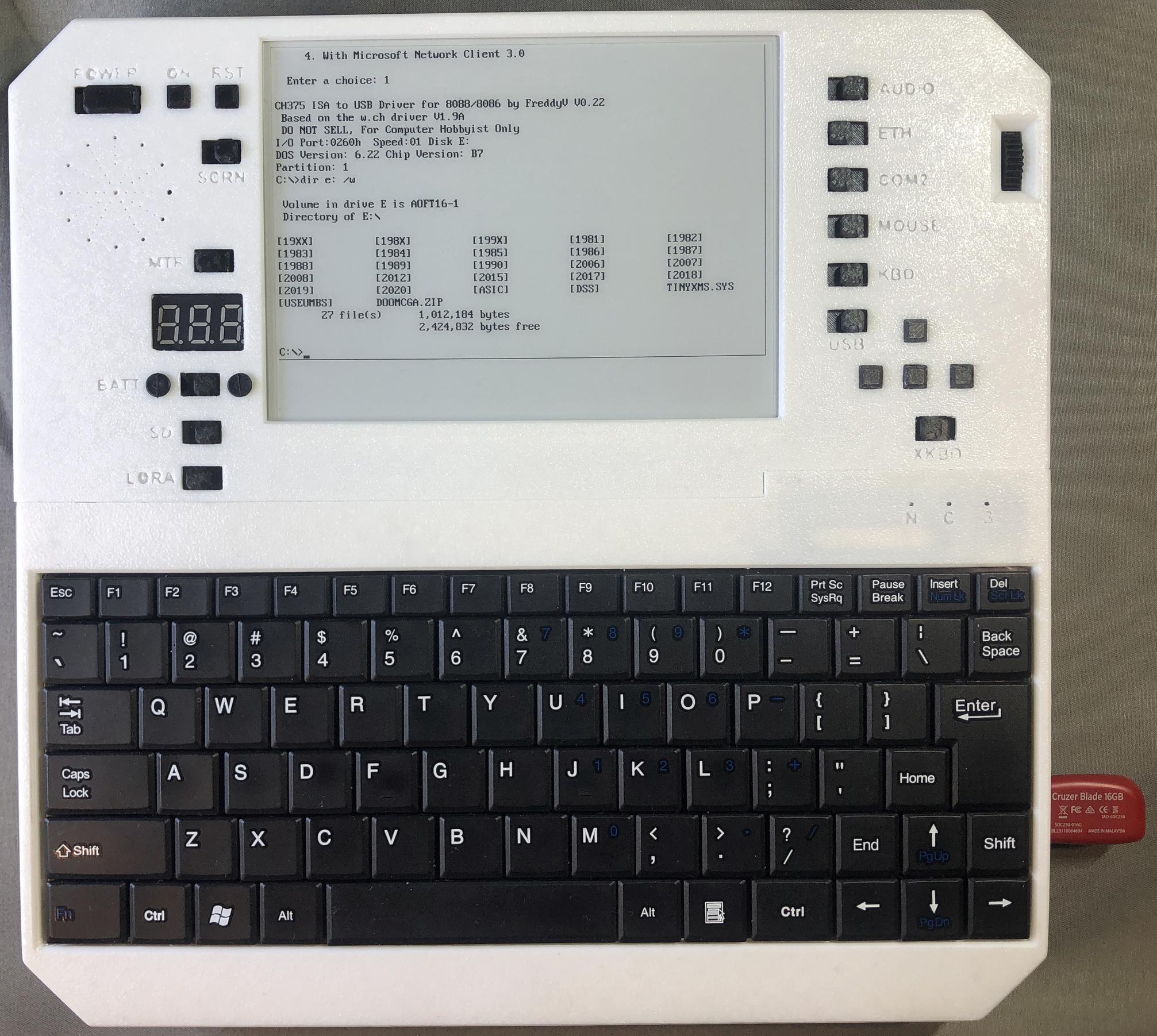
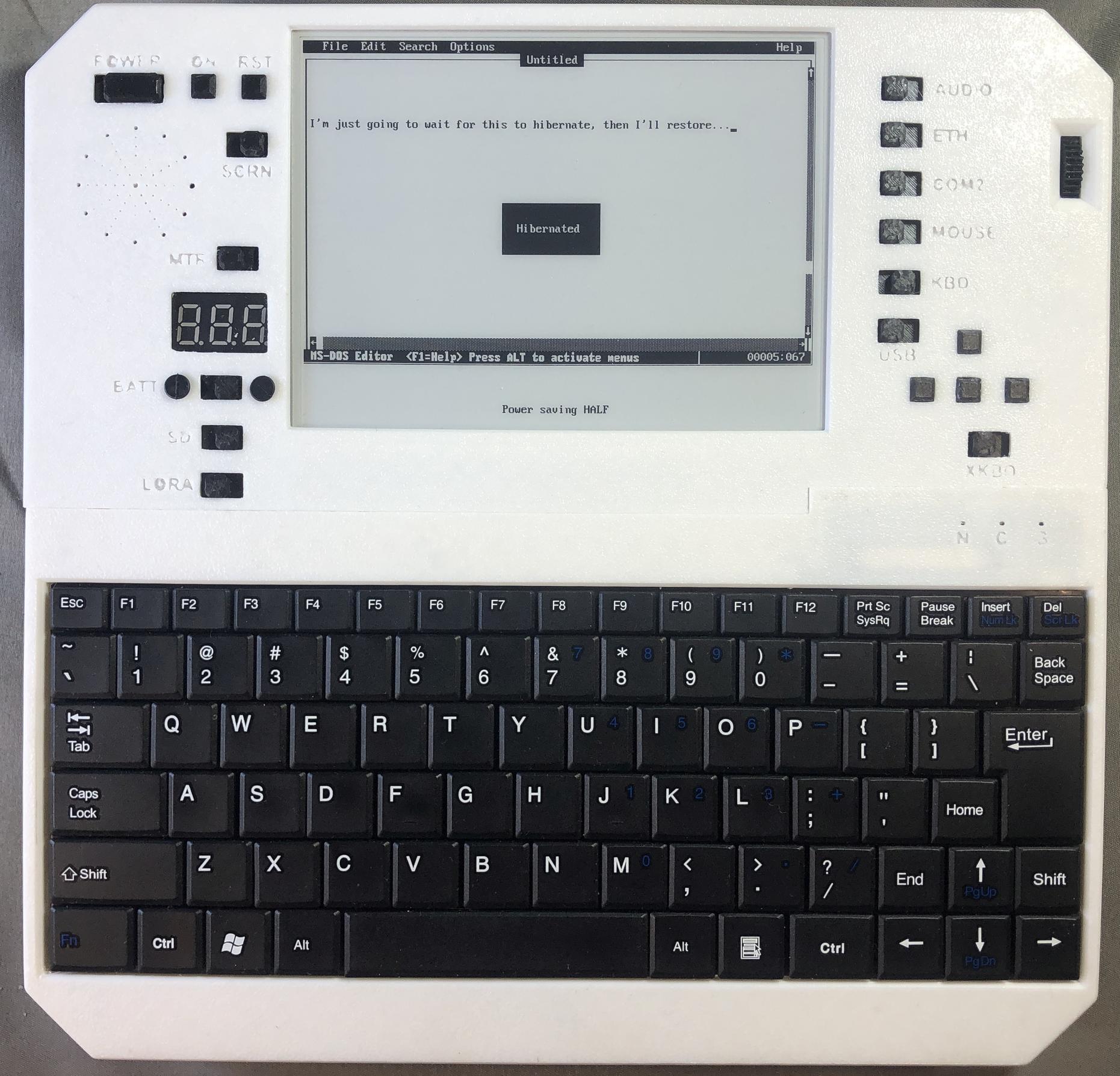
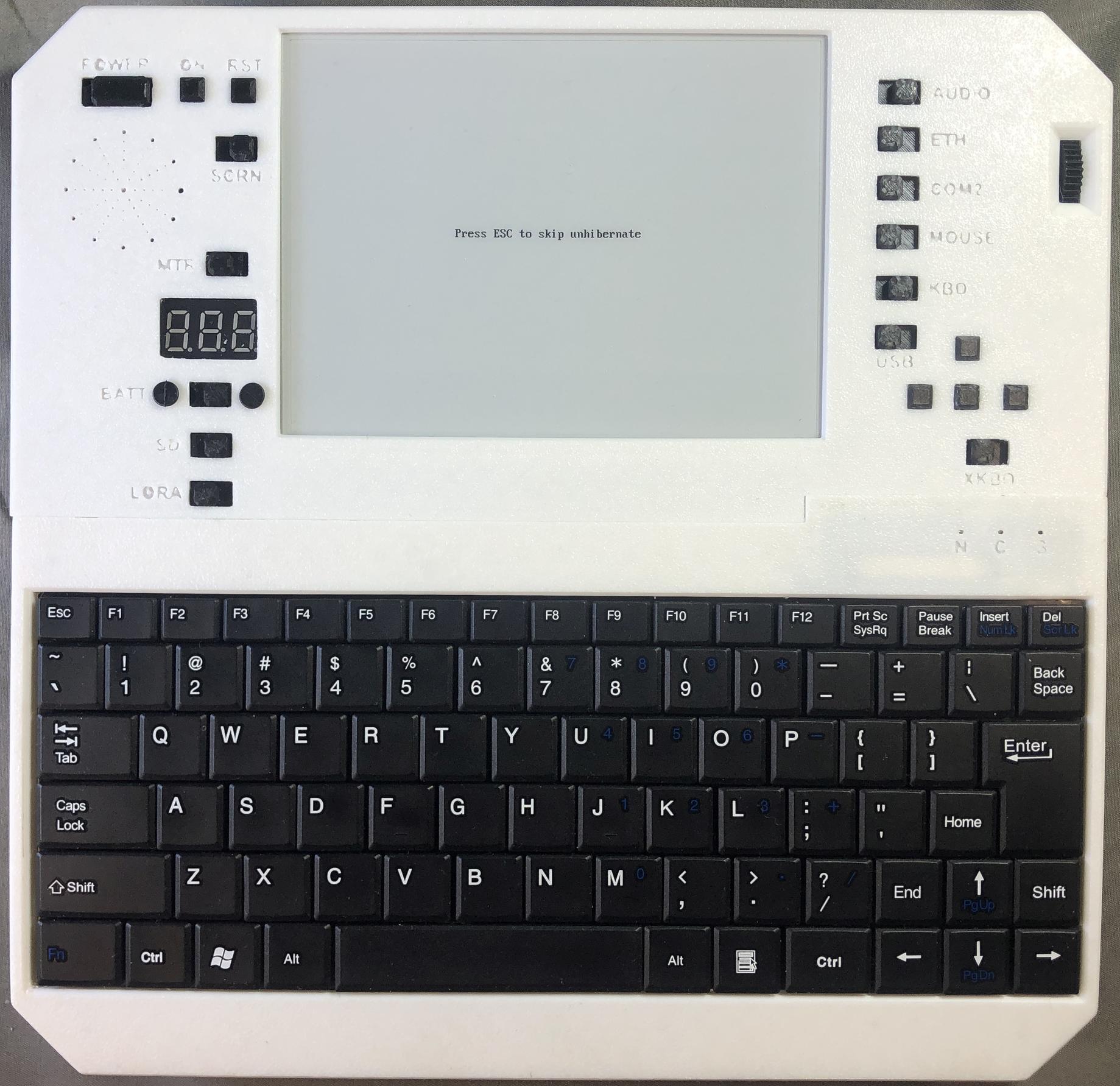
Hibernate and resume
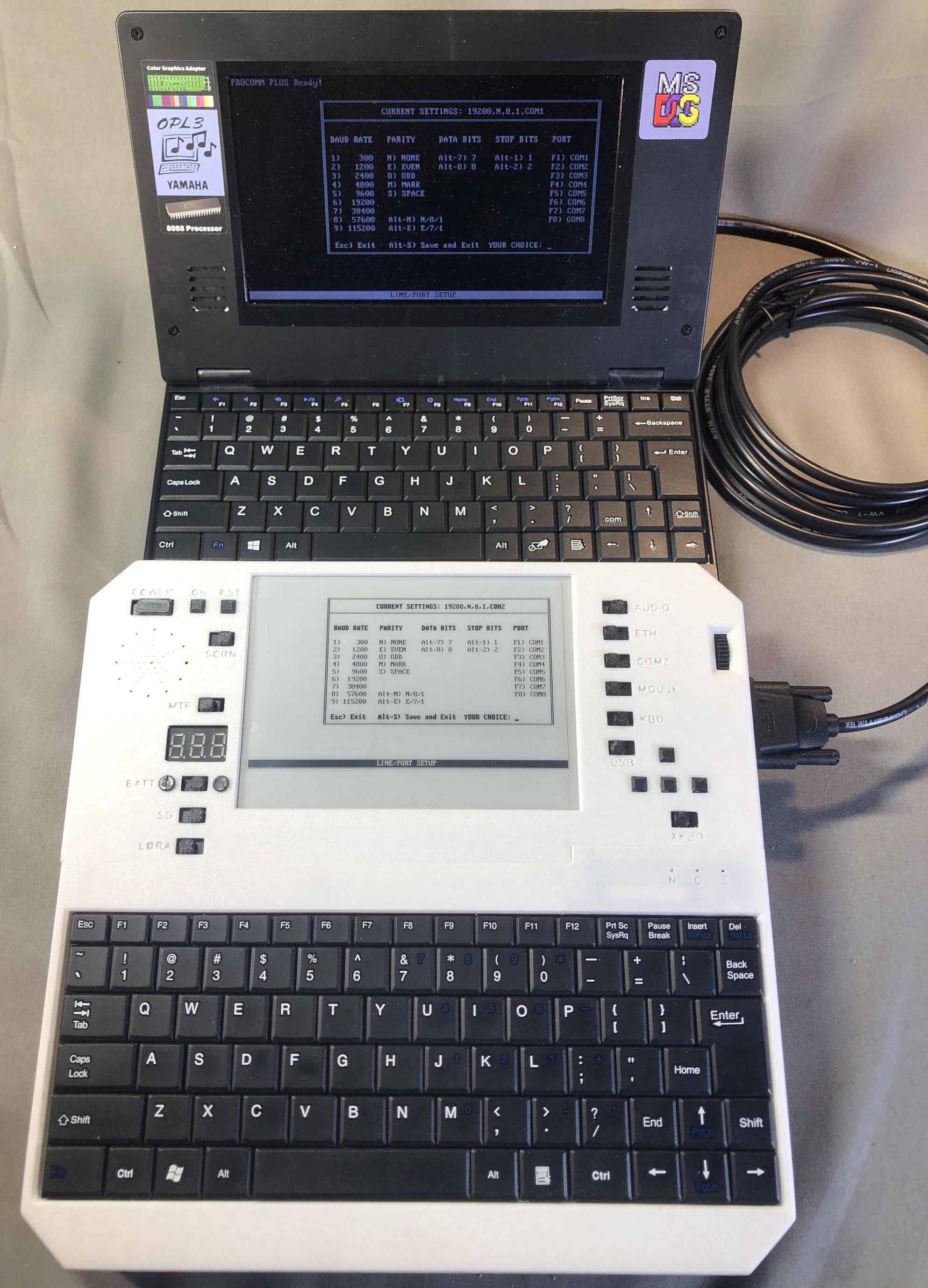
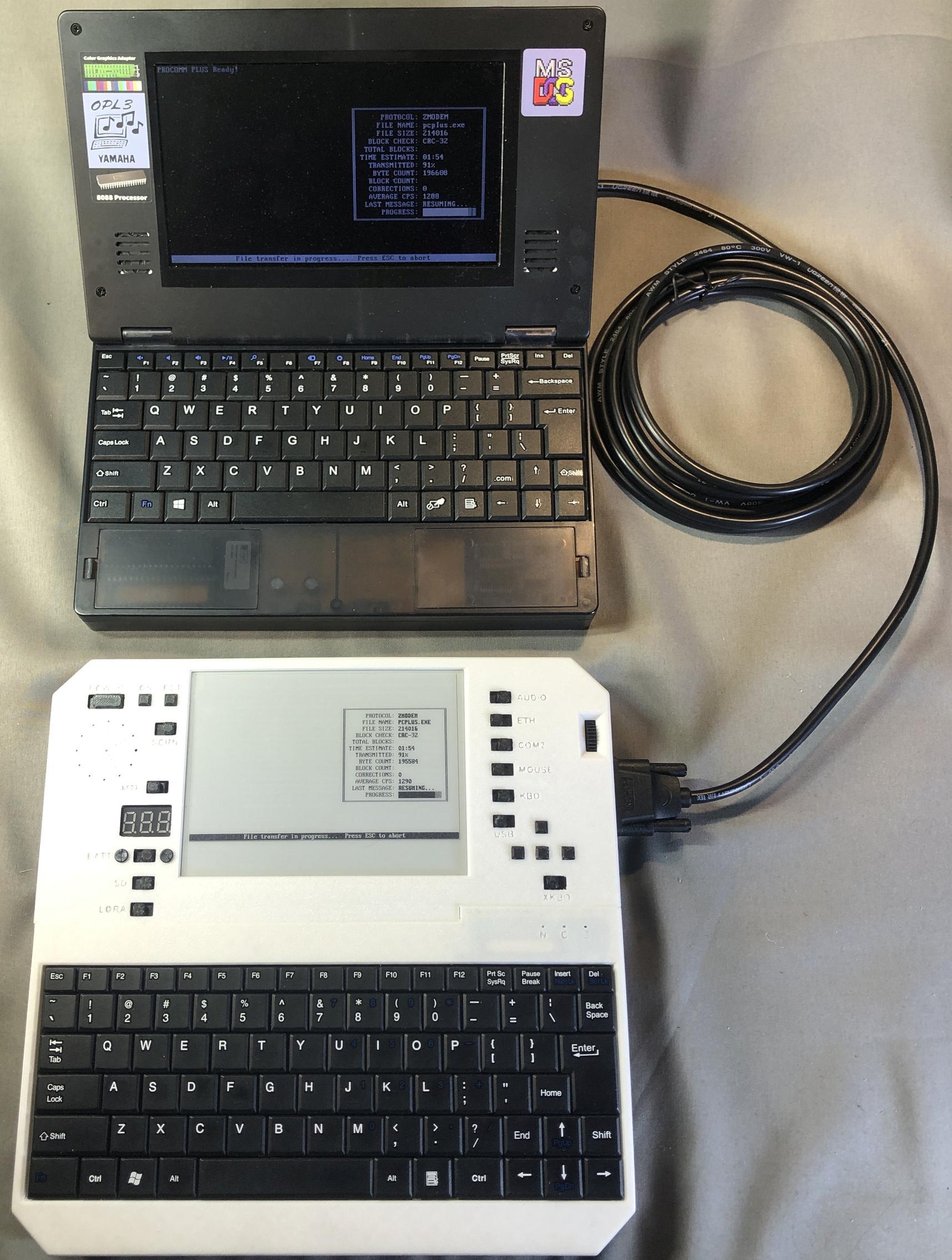
Transferring a file between Evertop and Book 8088 via RS232 serial connection with Procomm Plus
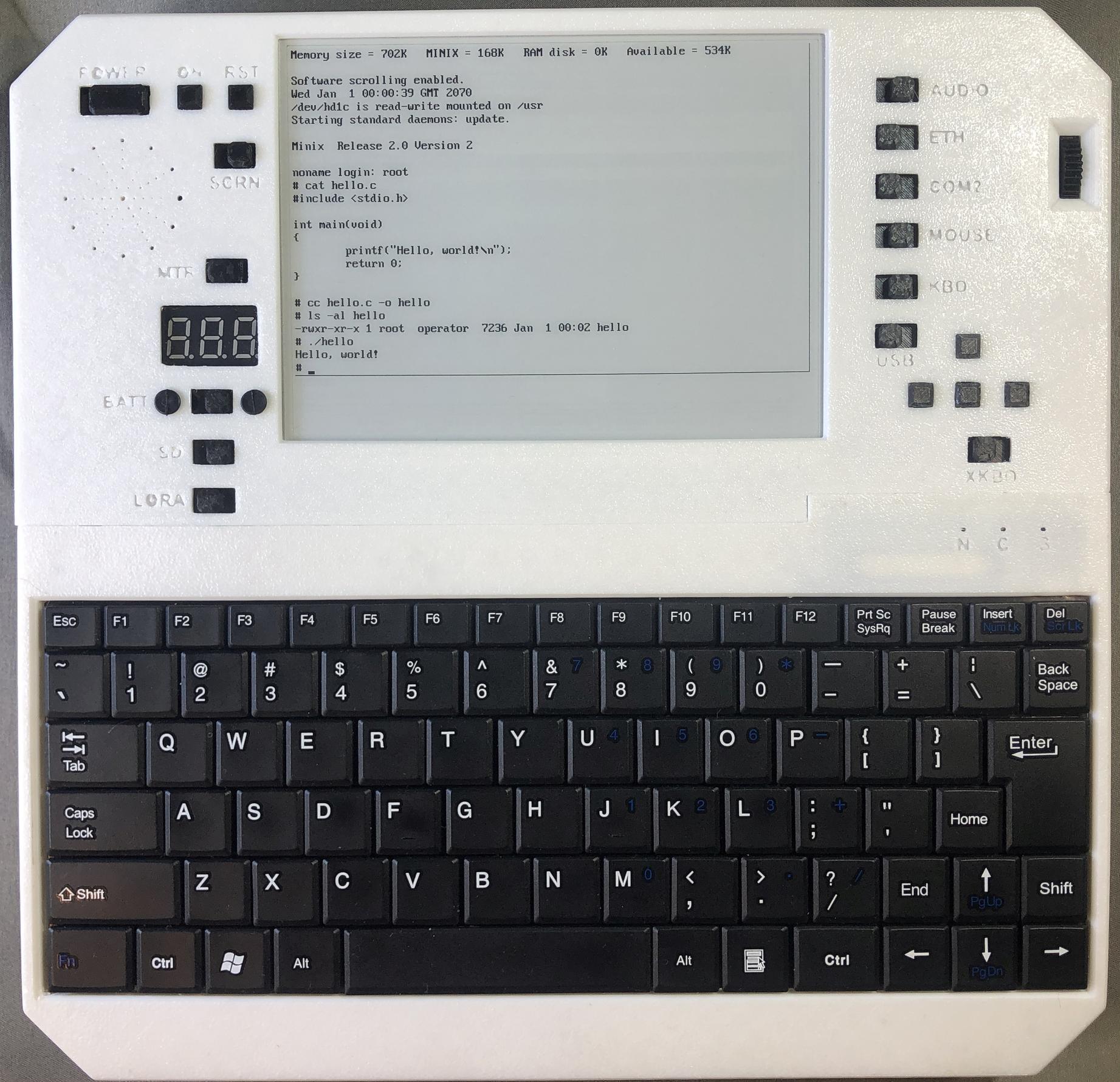
Minix and its C compiler
Exterior Views
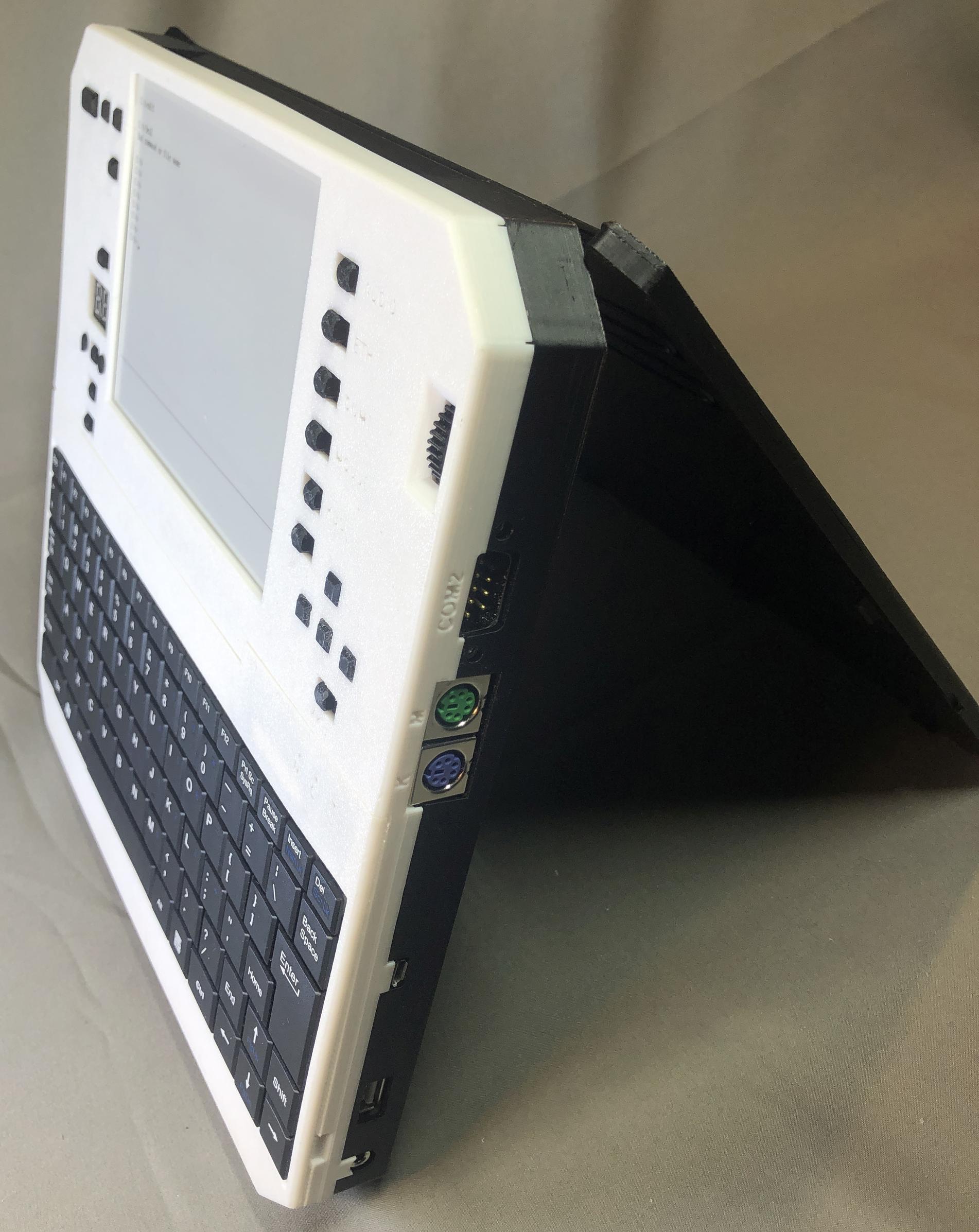
Right side showing earphone jack, USB flash drive, micro USB, PS/2, and DB9 RS232 serial ports
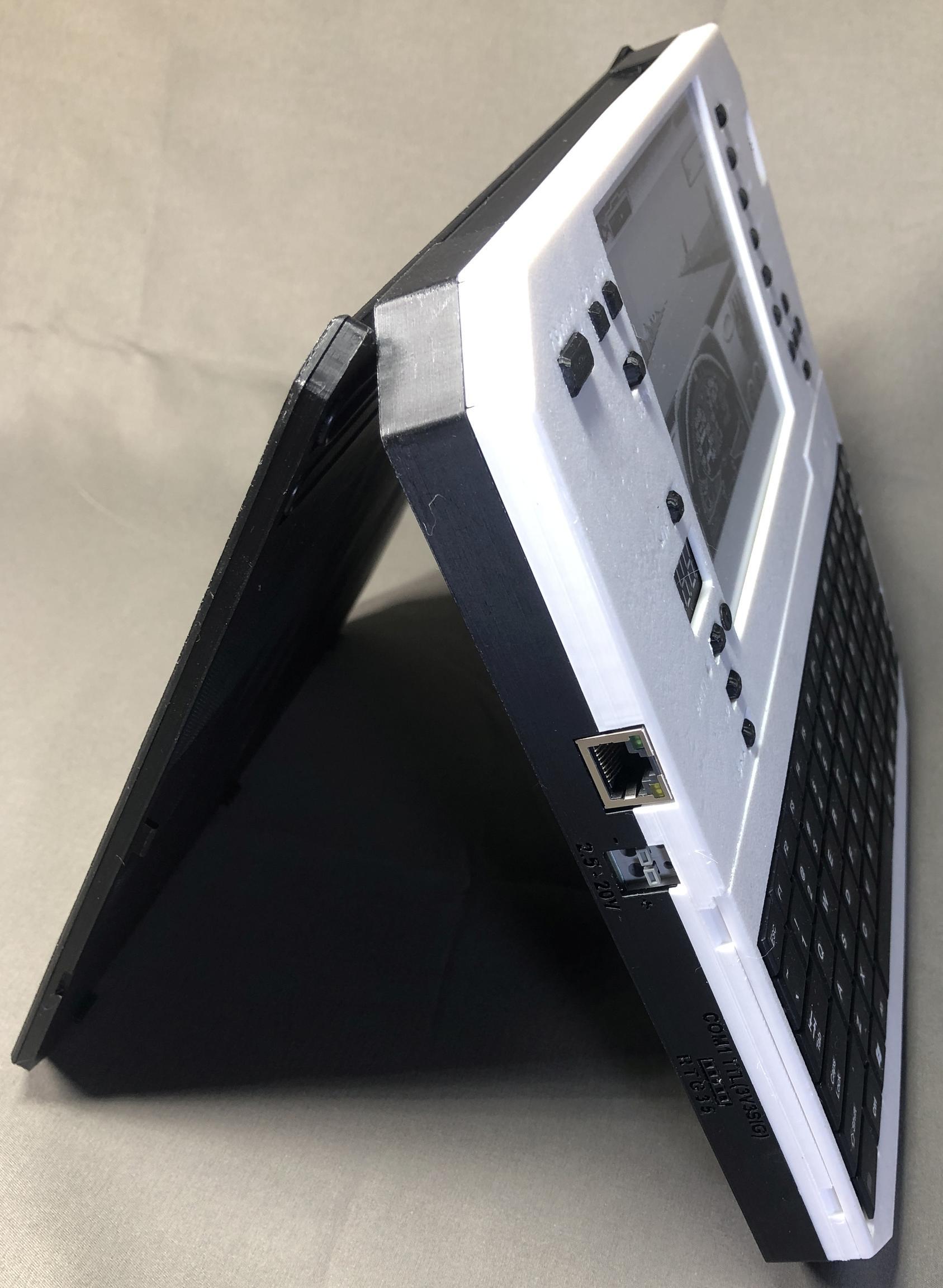
Left side showing ethernet, variable voltage input, and TTL serial ports
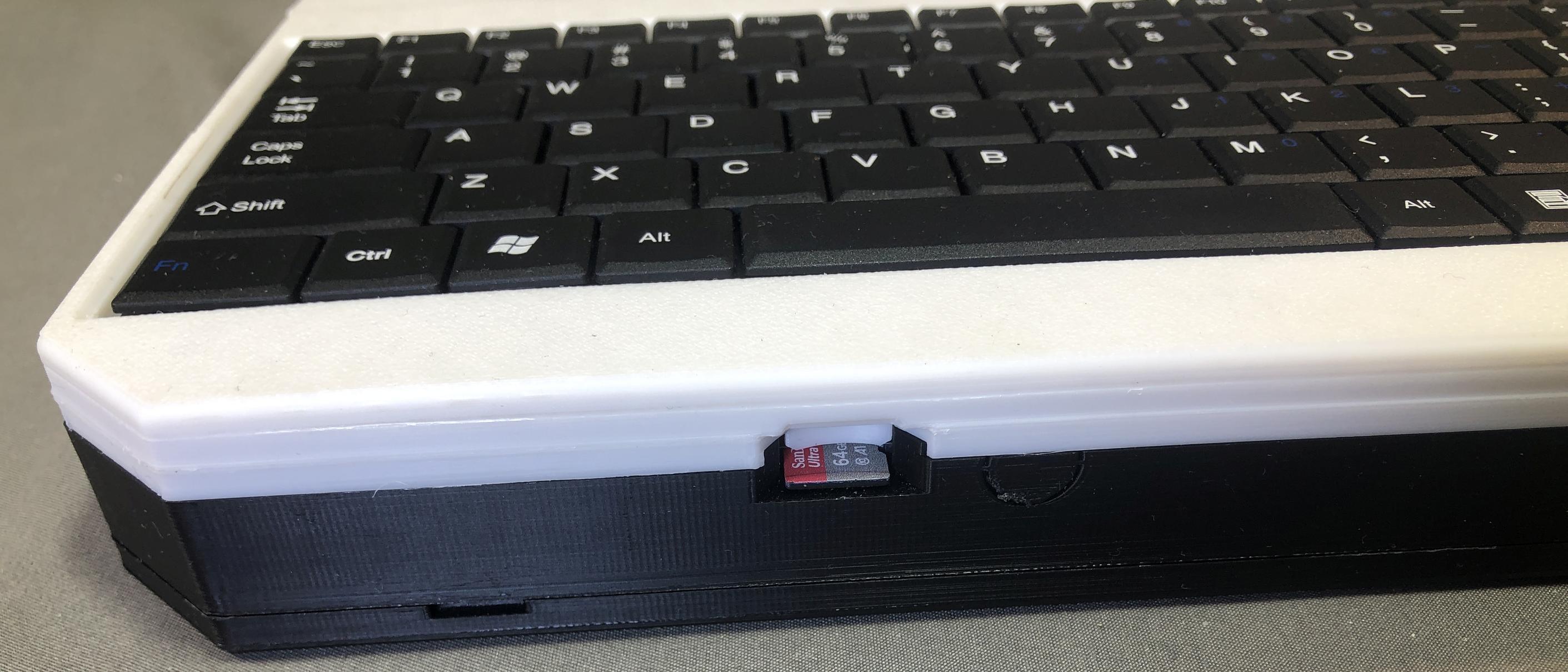
SD card slot
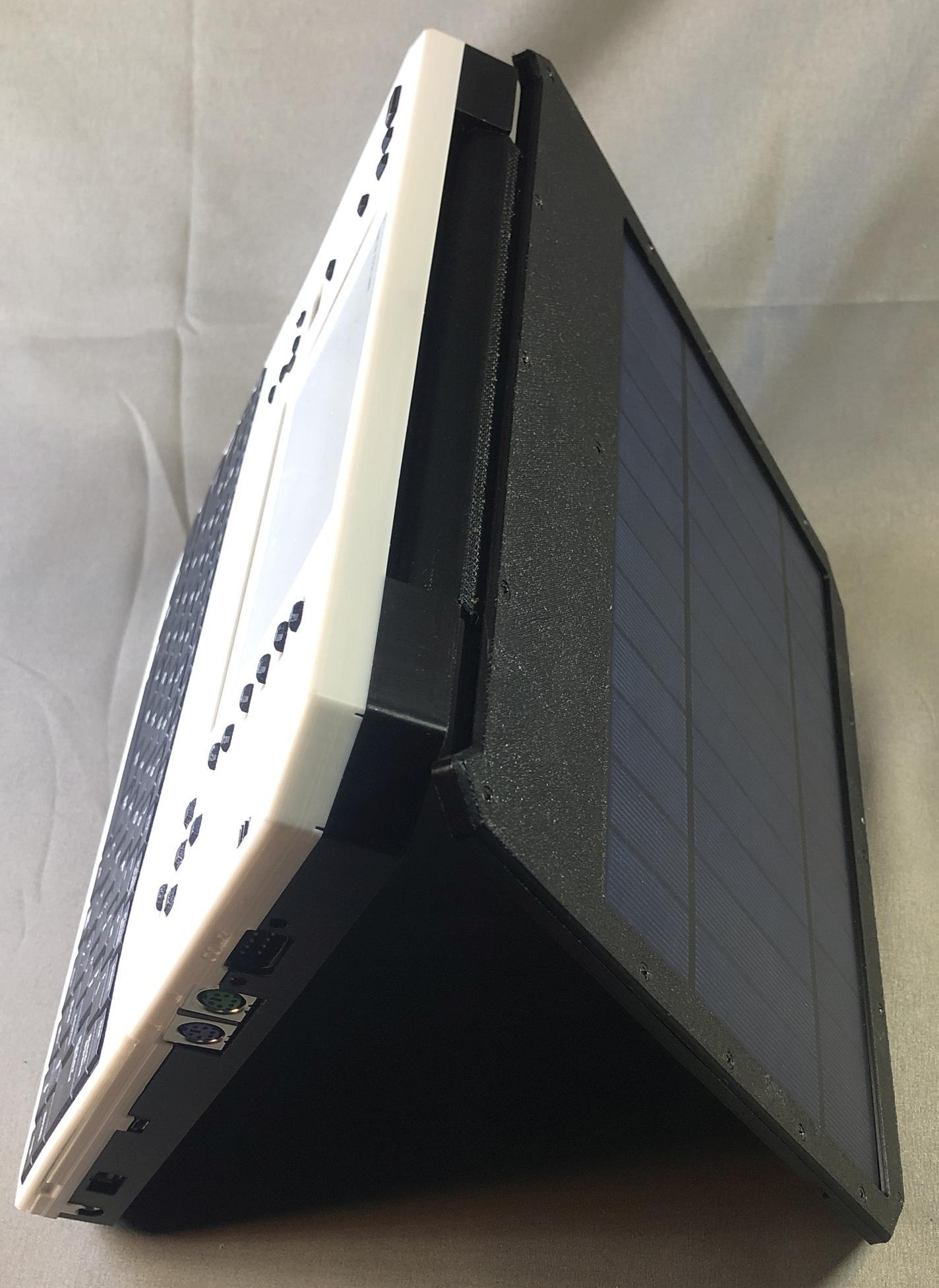
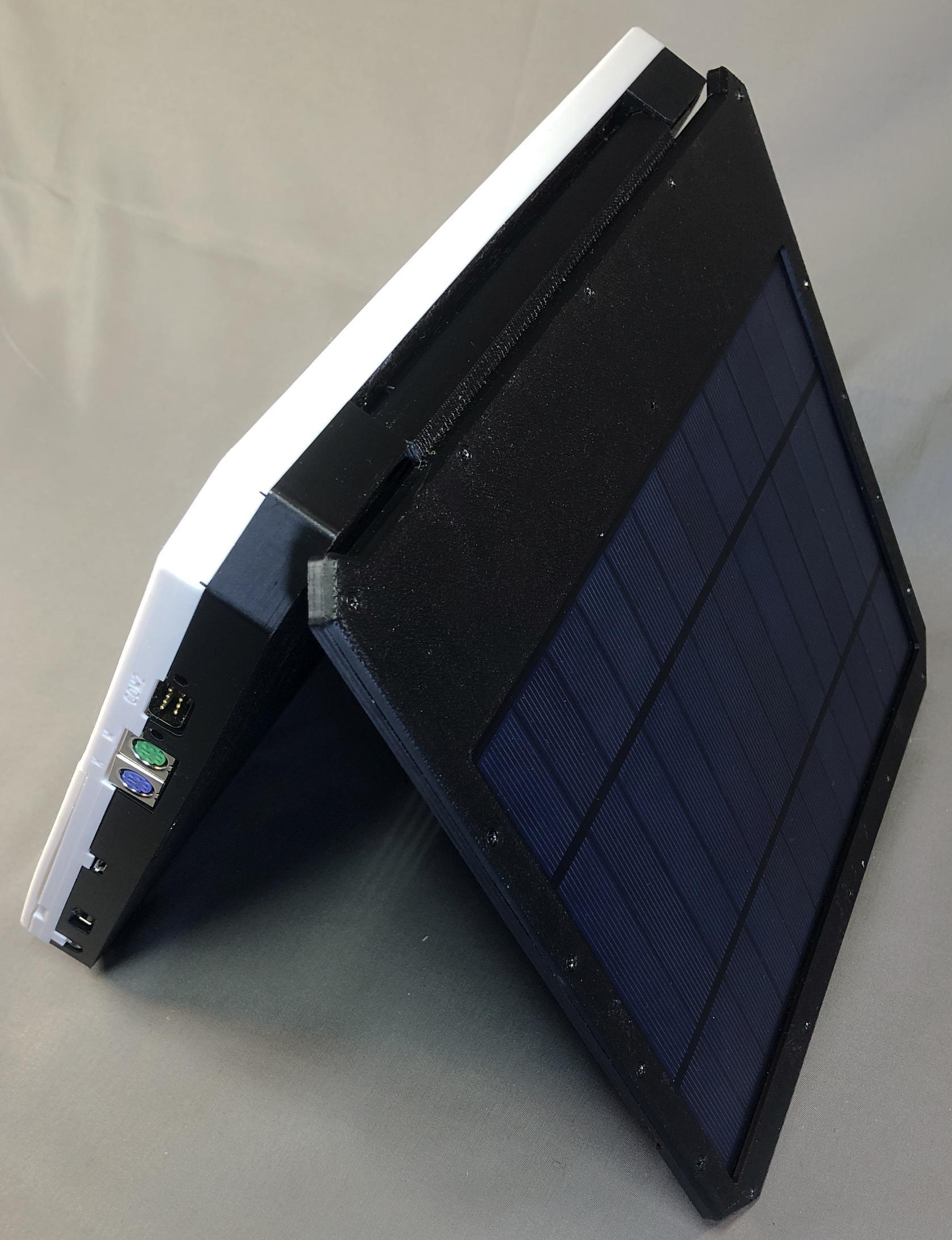
Standing up
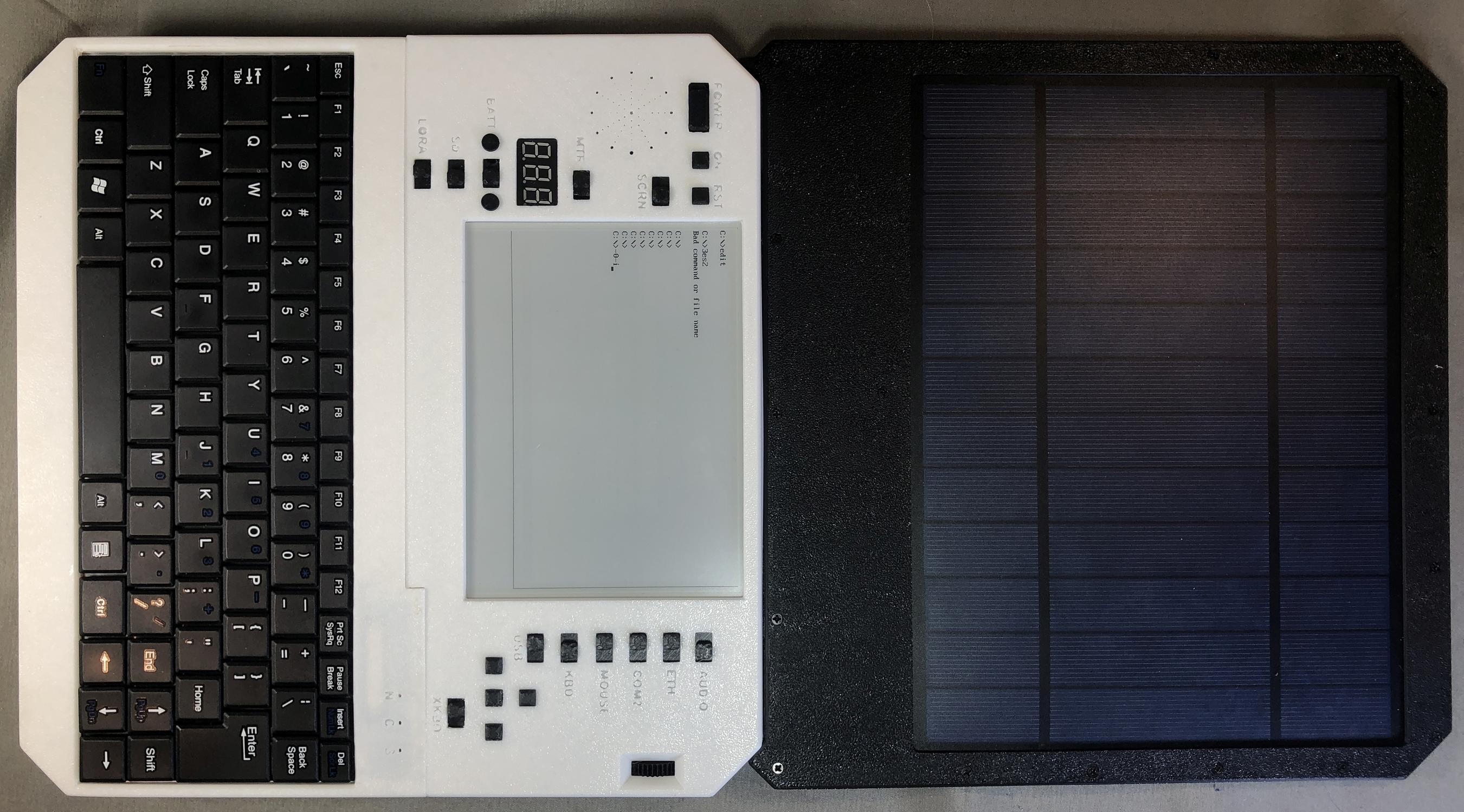
Unfolded
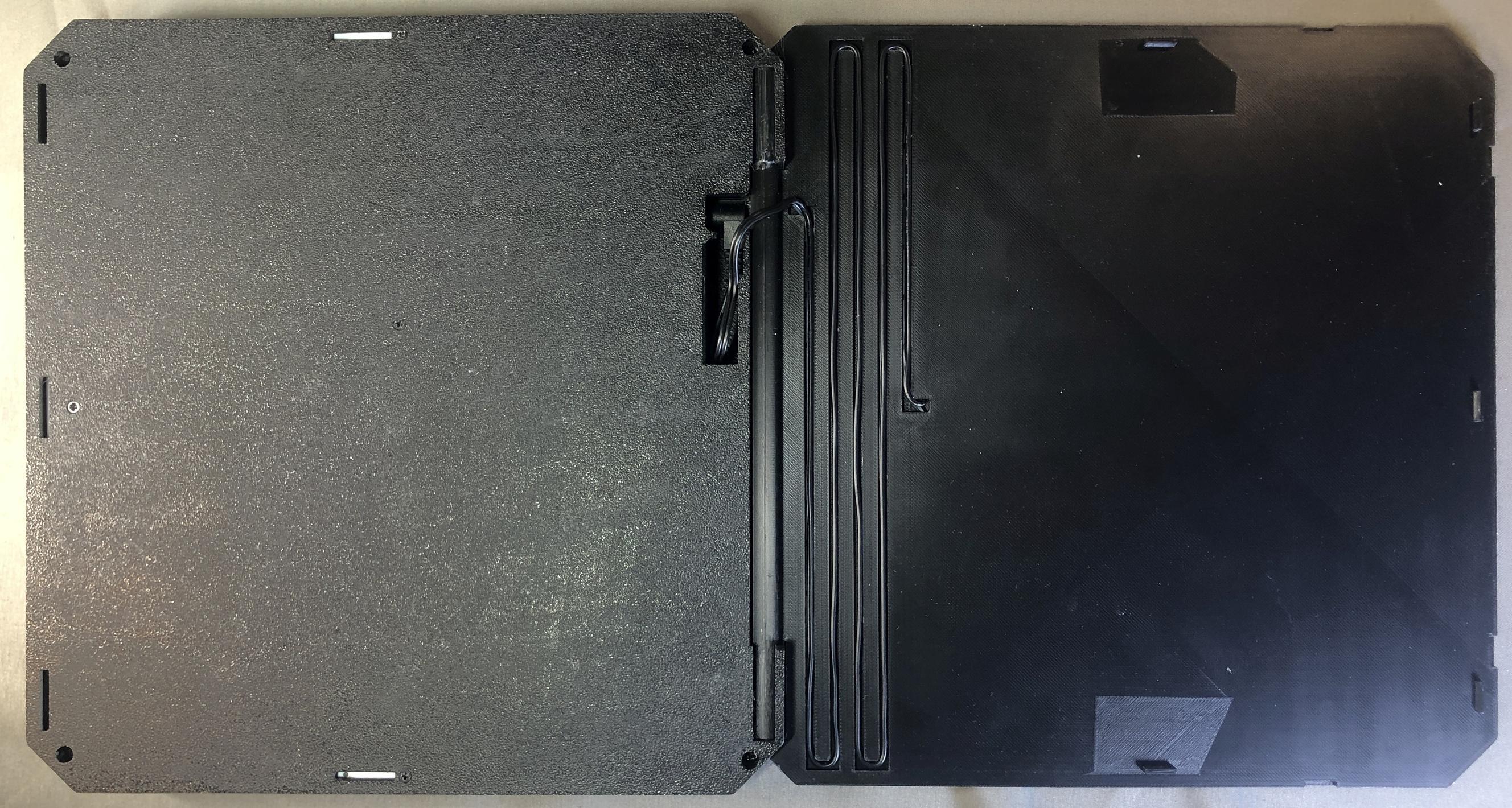
Volt meter
Variable voltage charging: 3V, 9V, 13V, 19V
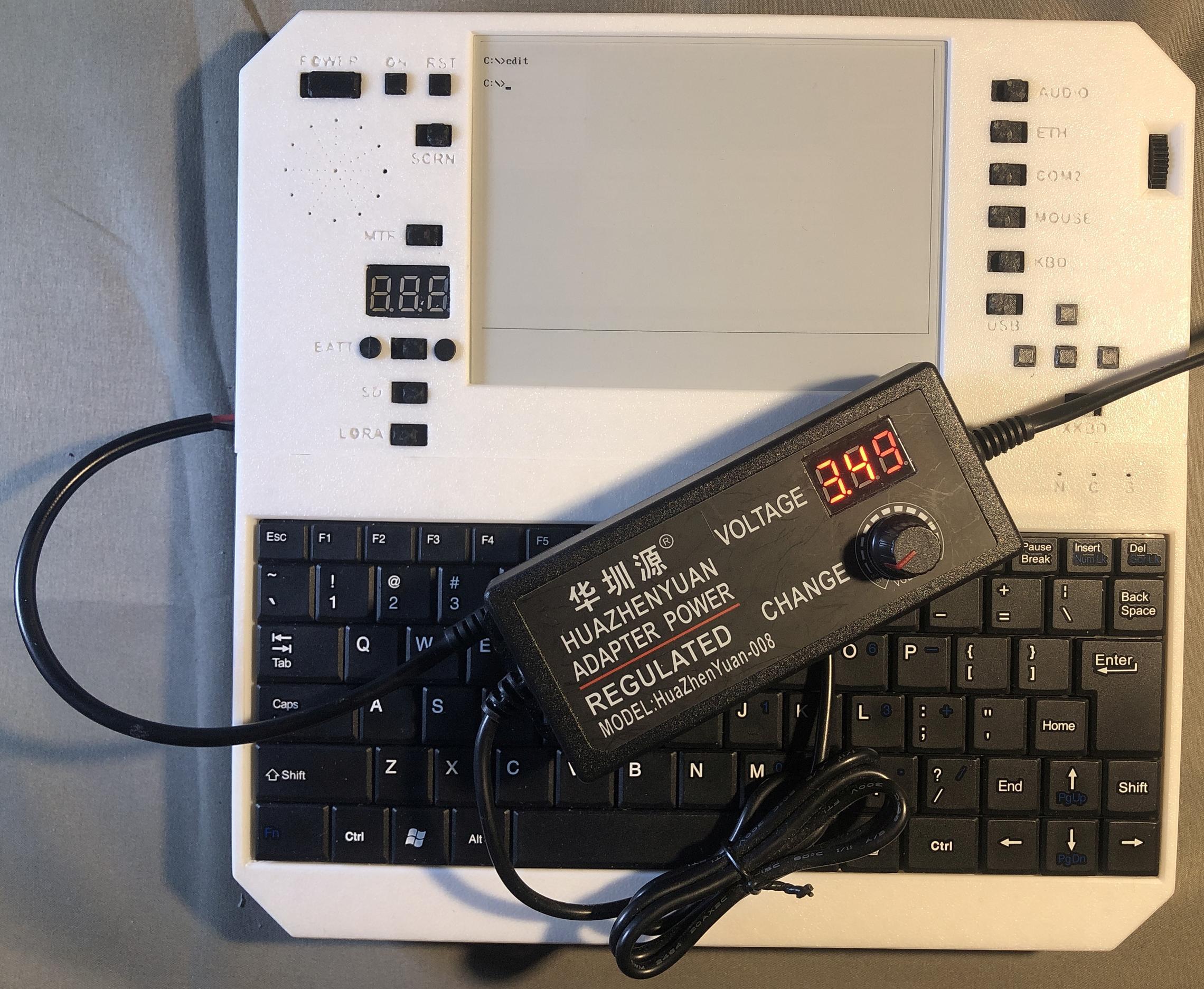
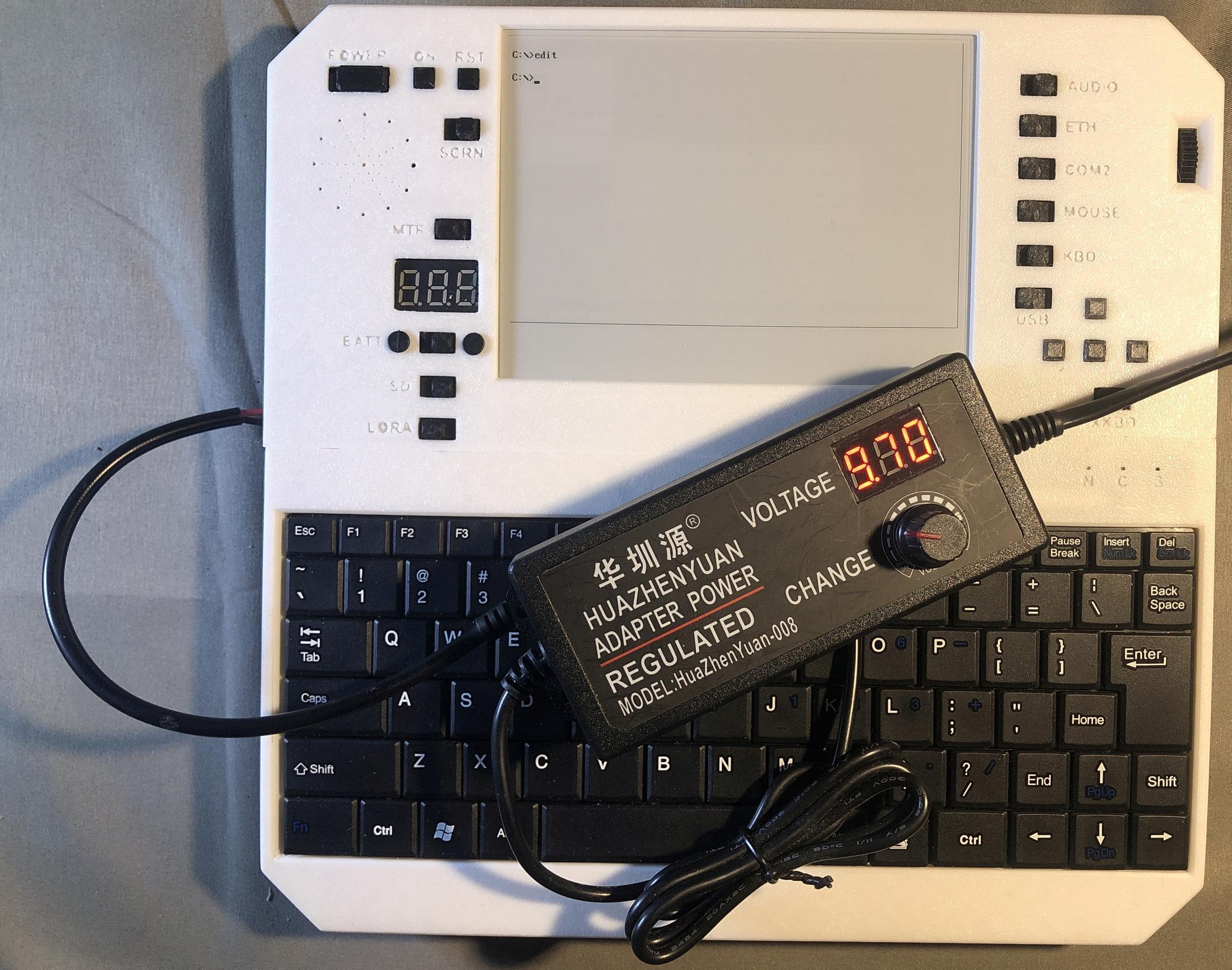
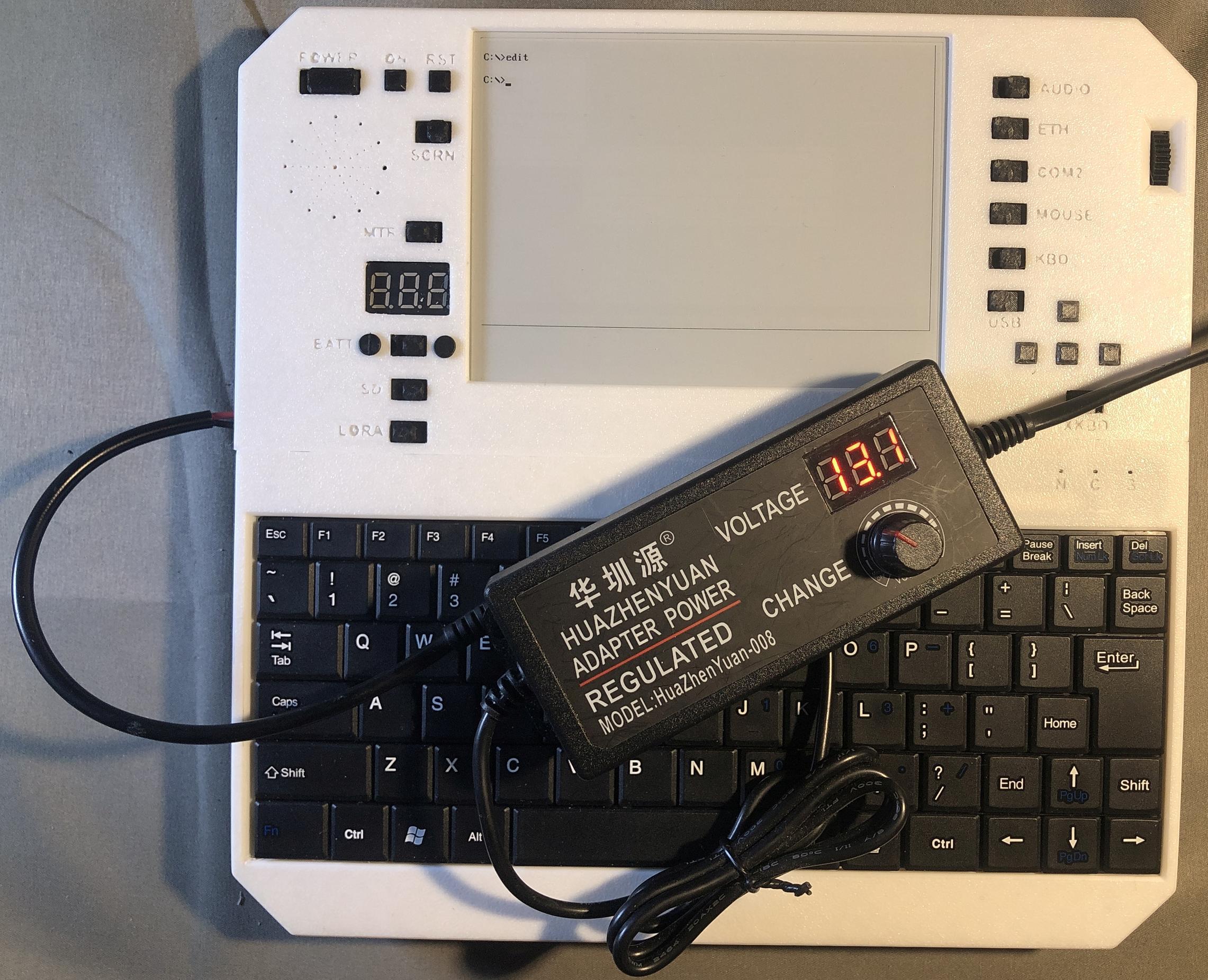
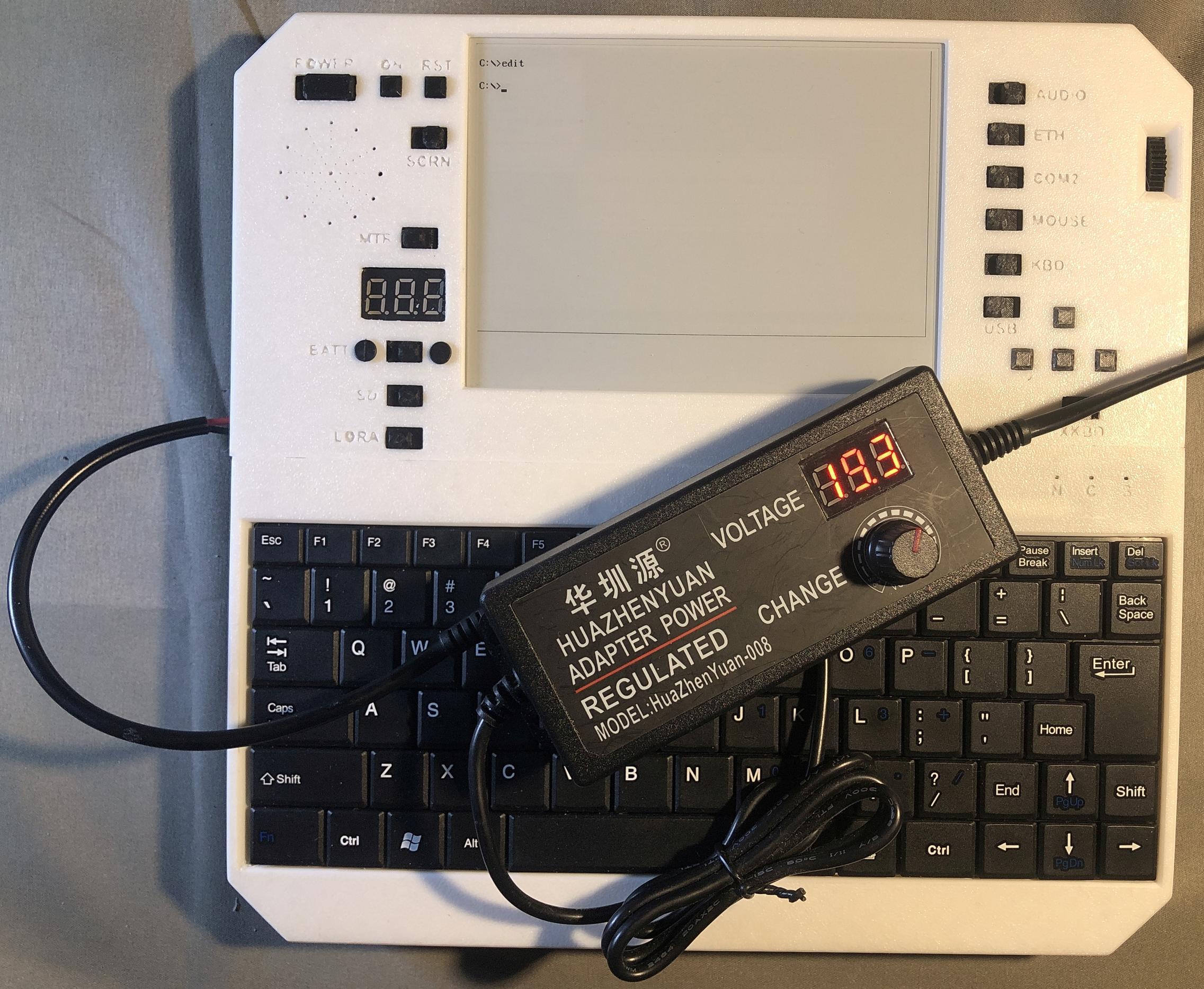
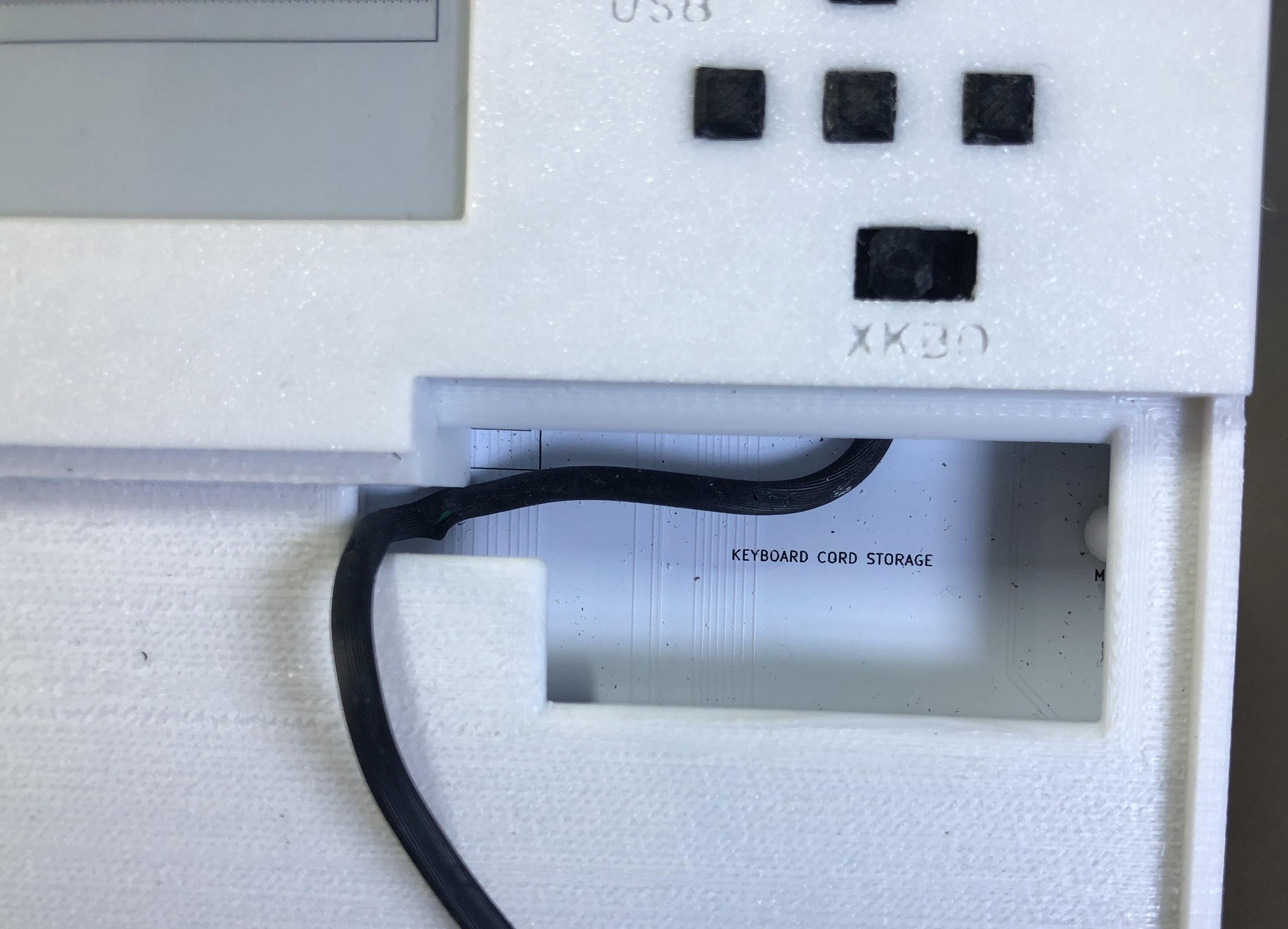
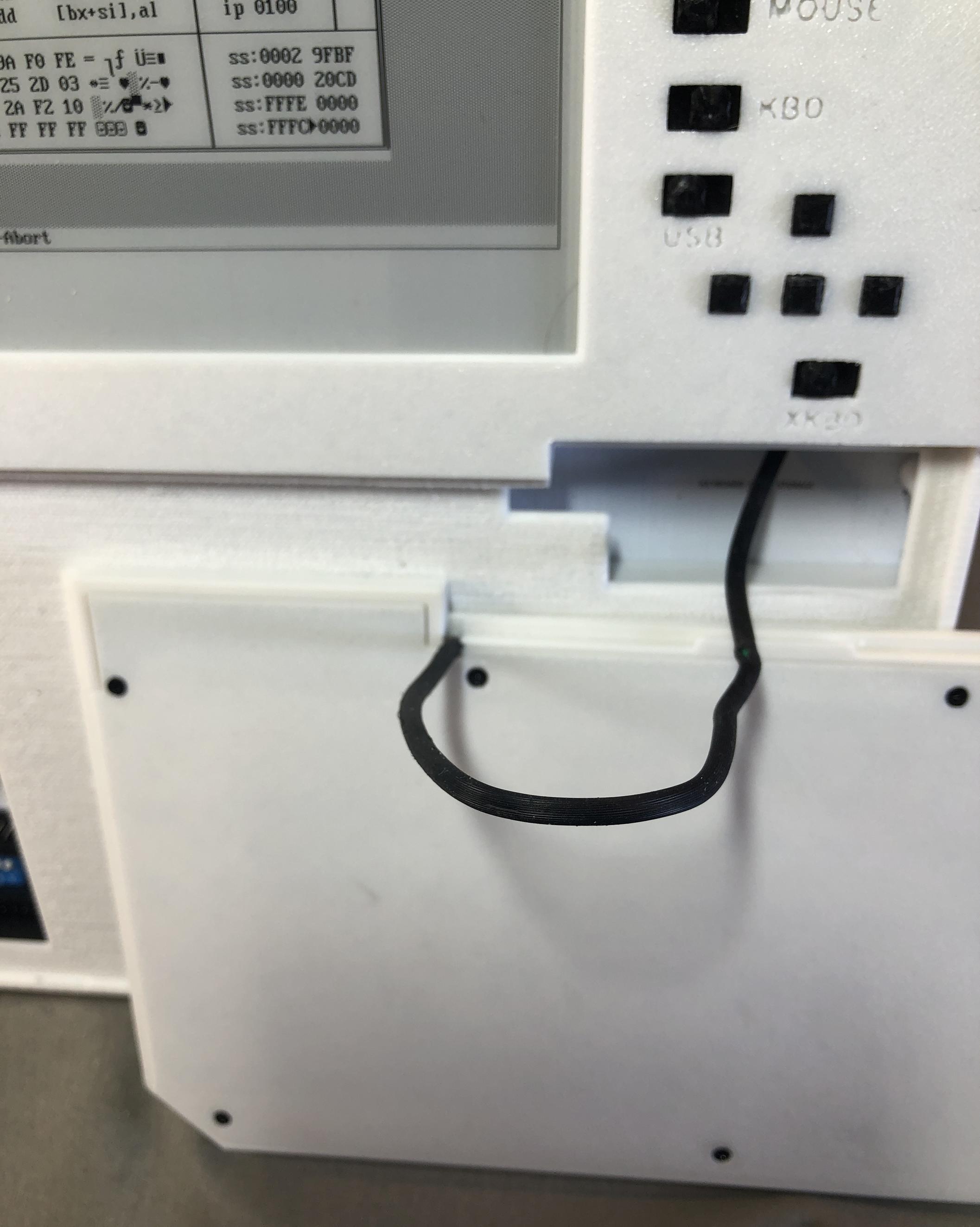
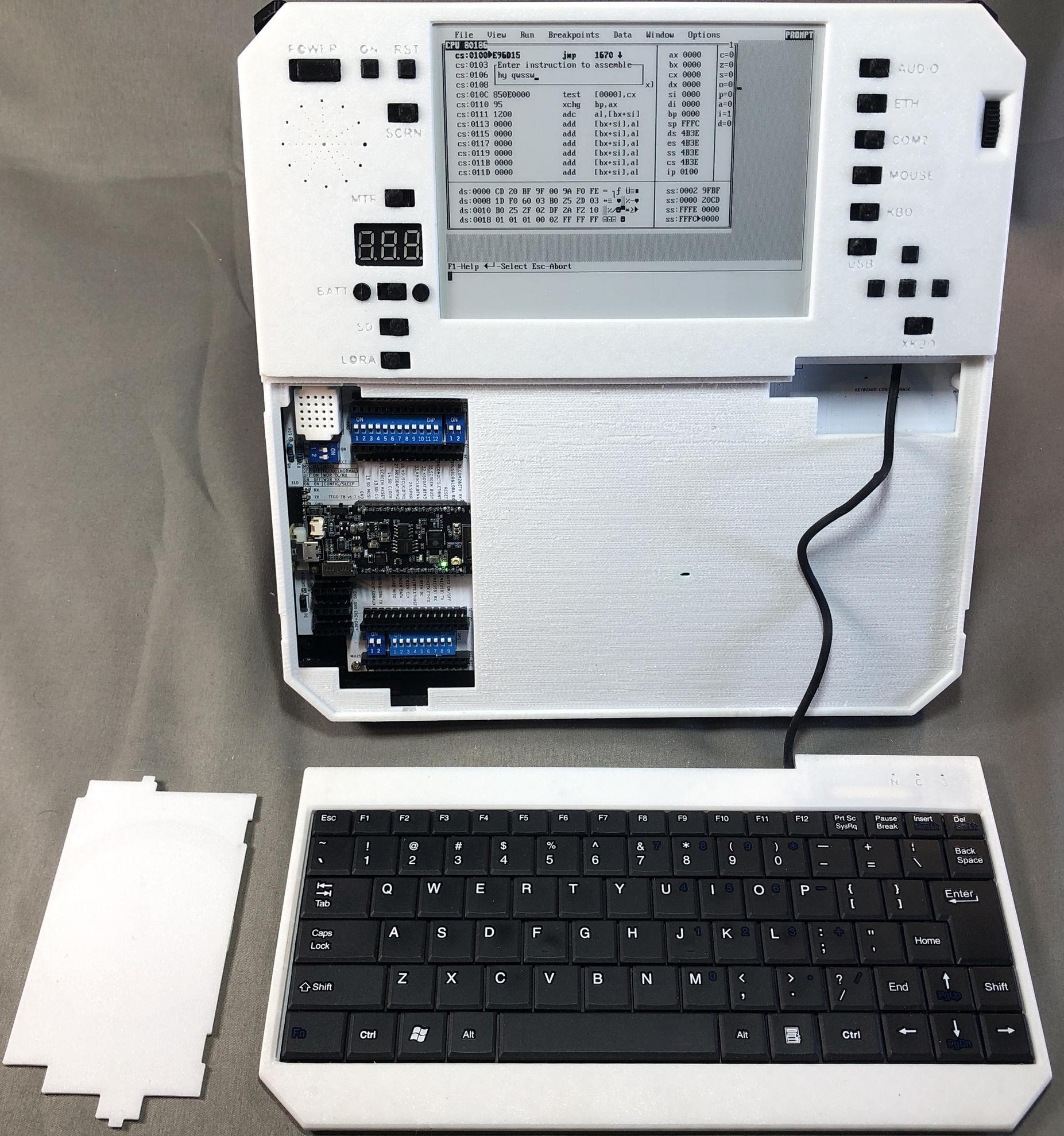
Keyboard removed and keyboard cord storage
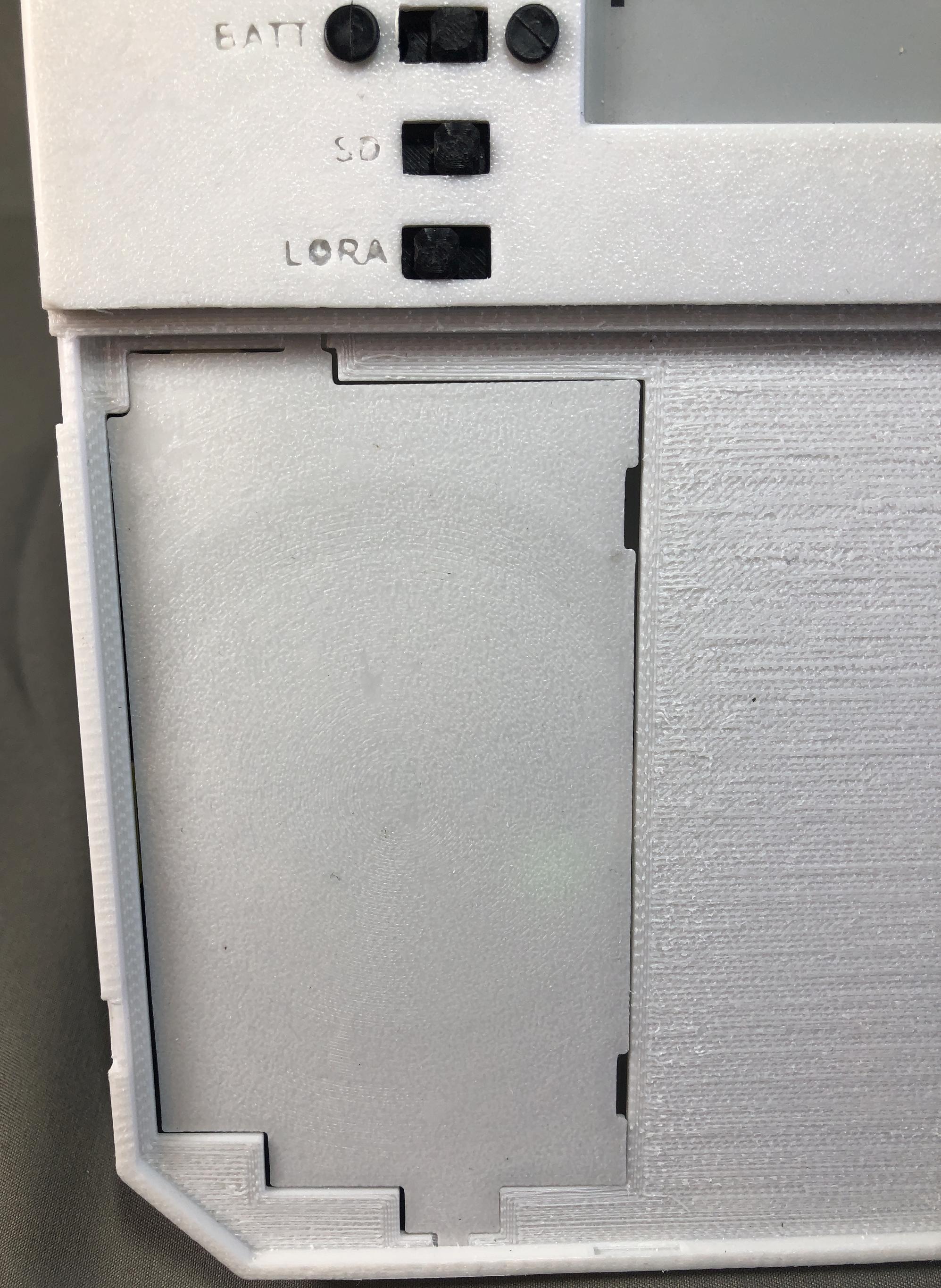
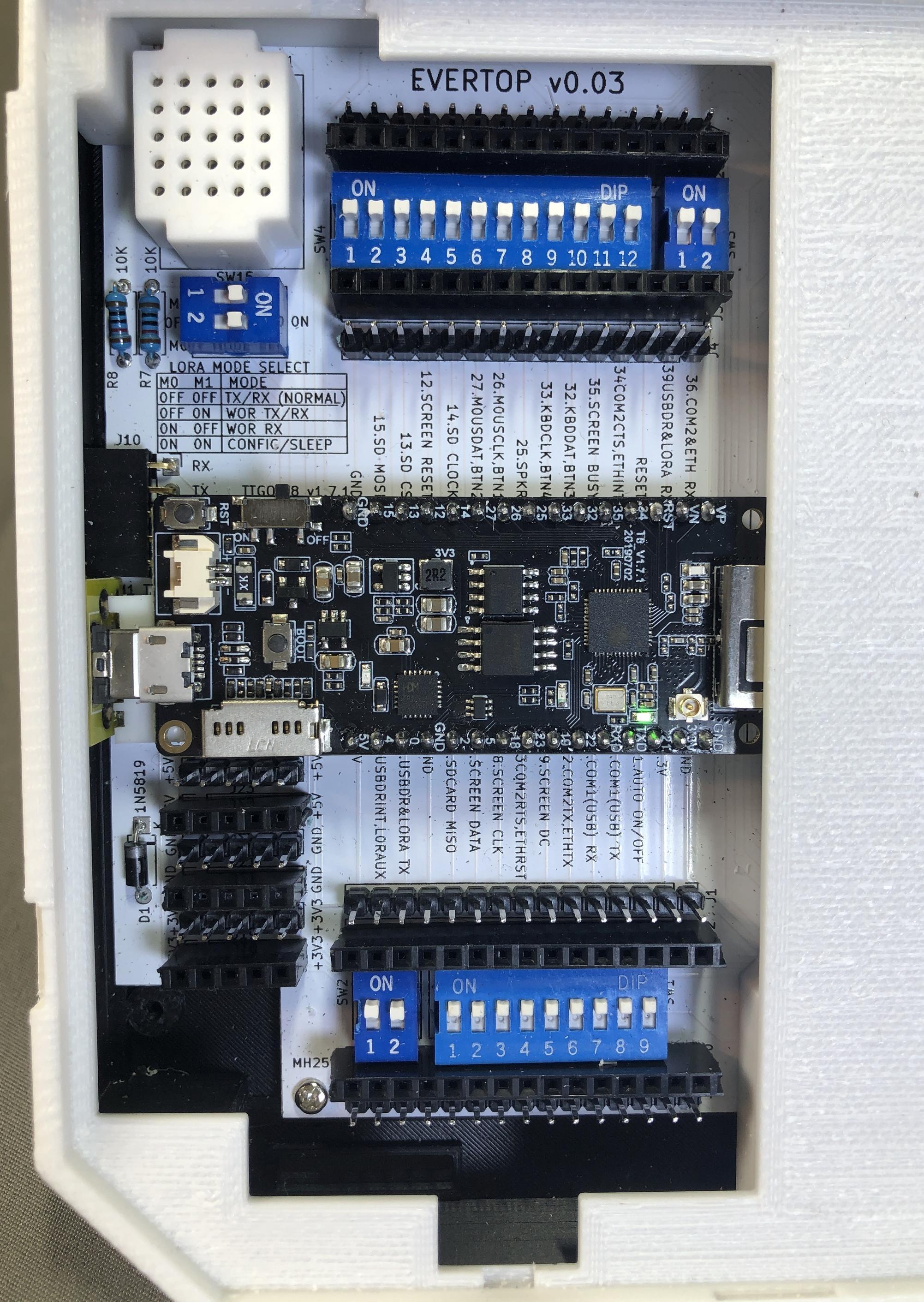
Hacker friendly motherboard access
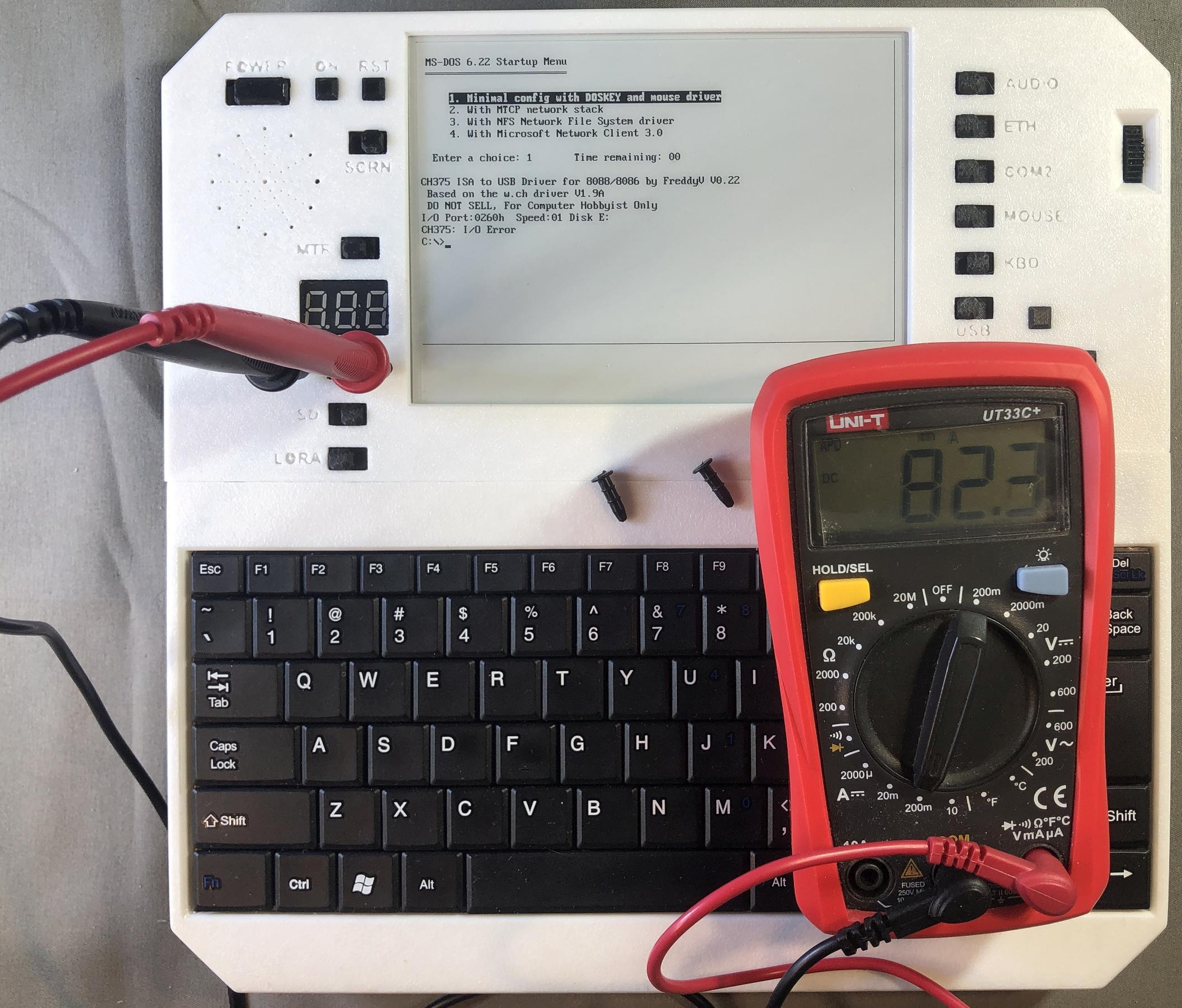
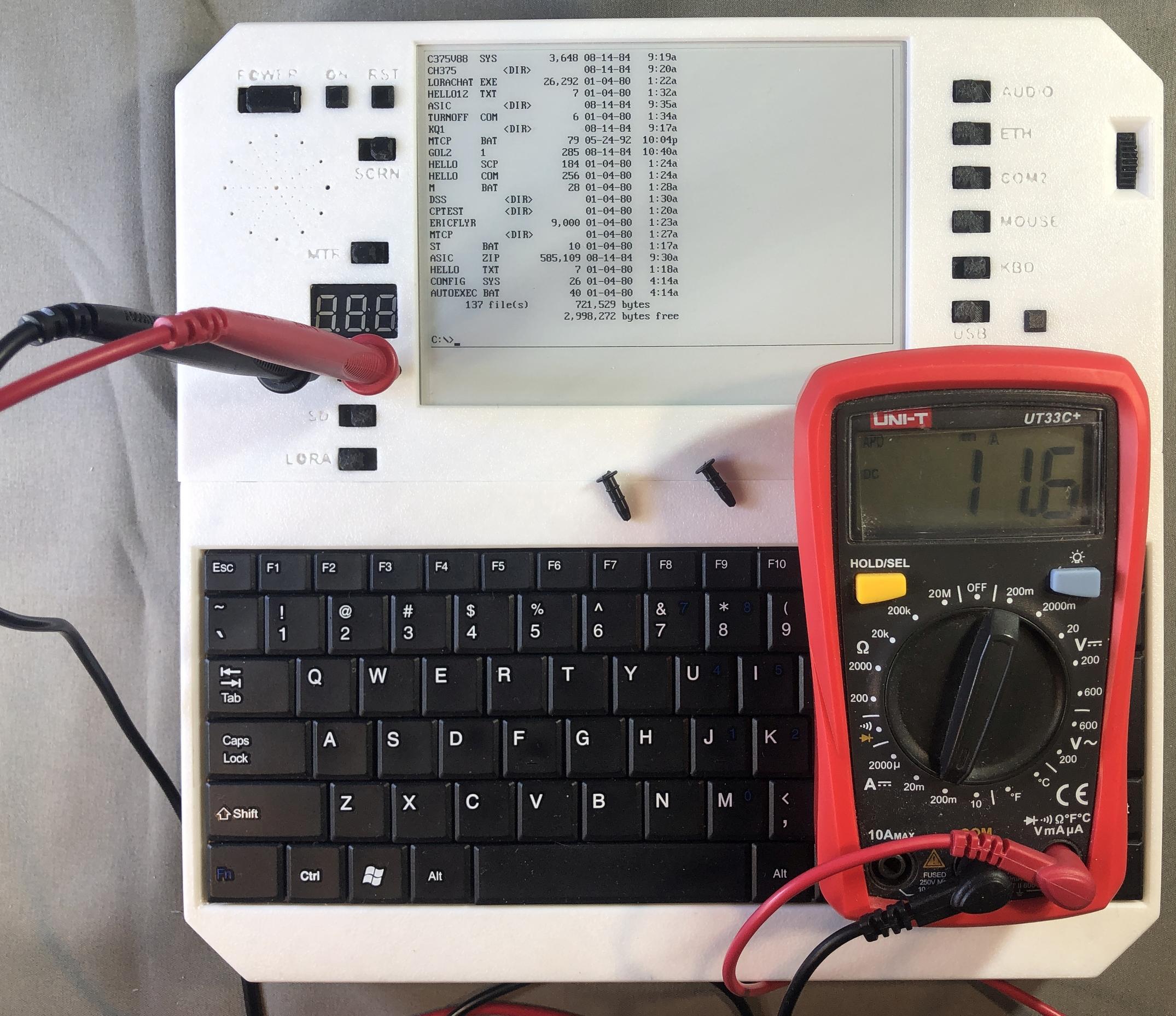
Current test points measurment in normal and power saving modes
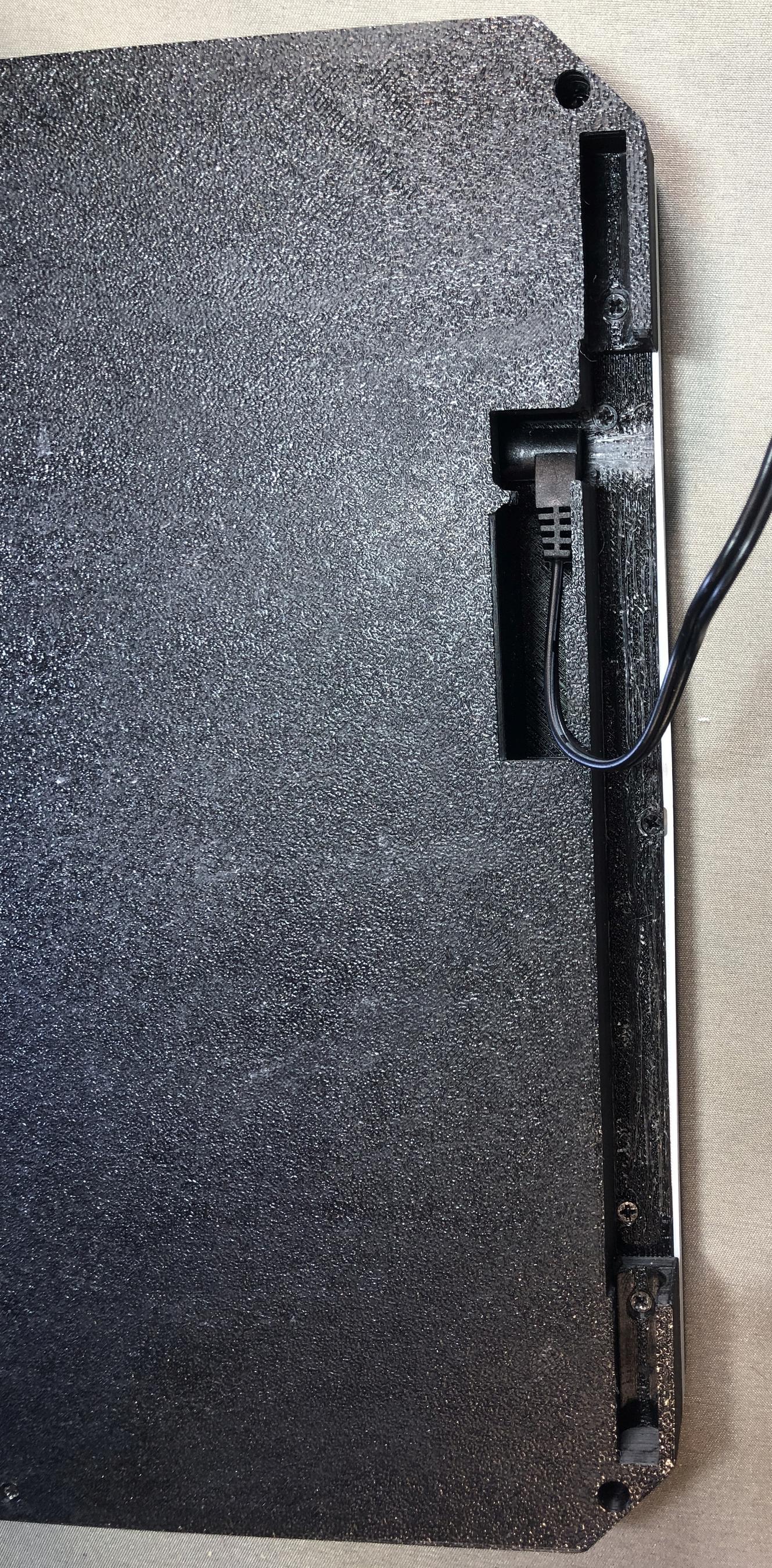
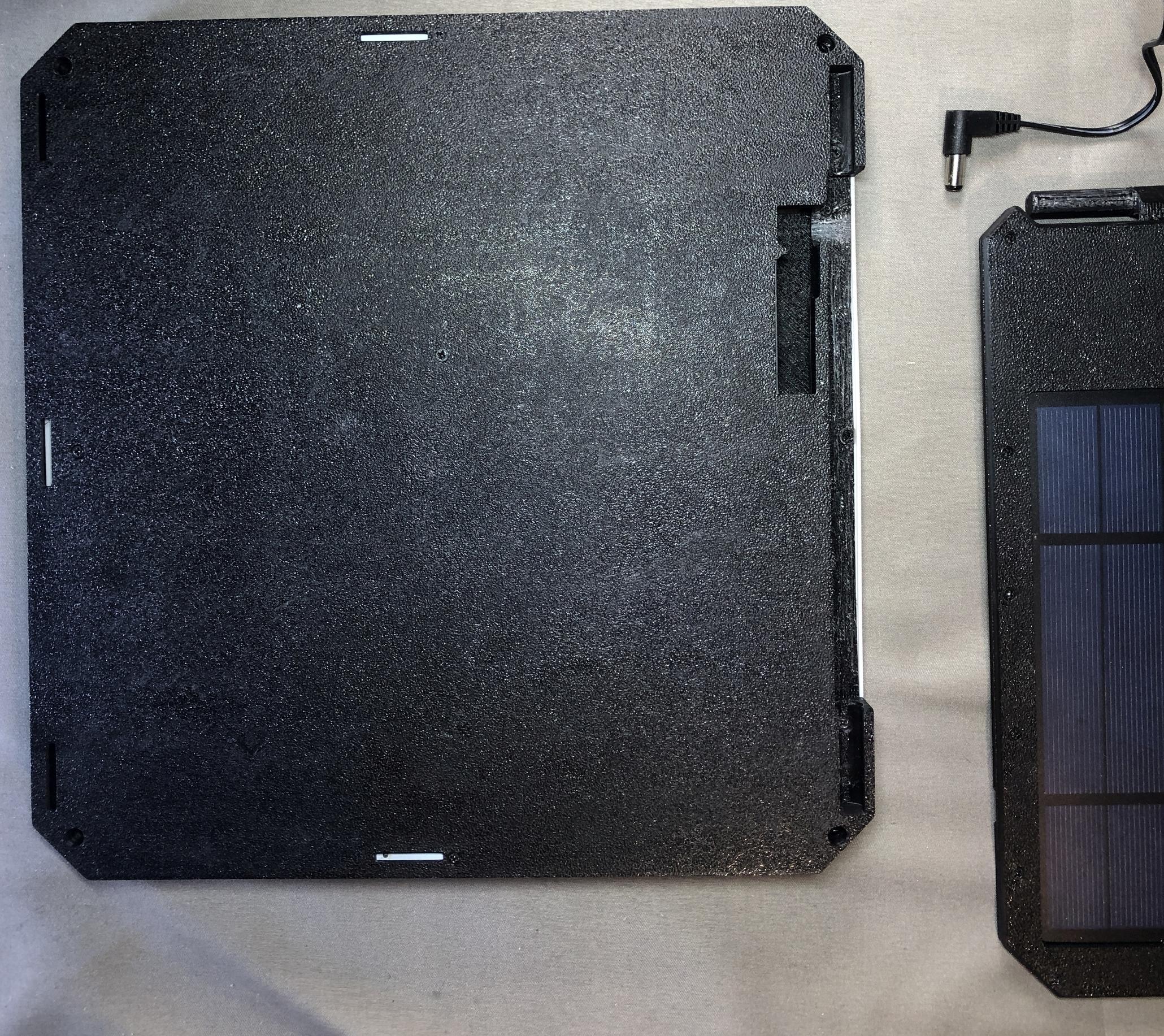
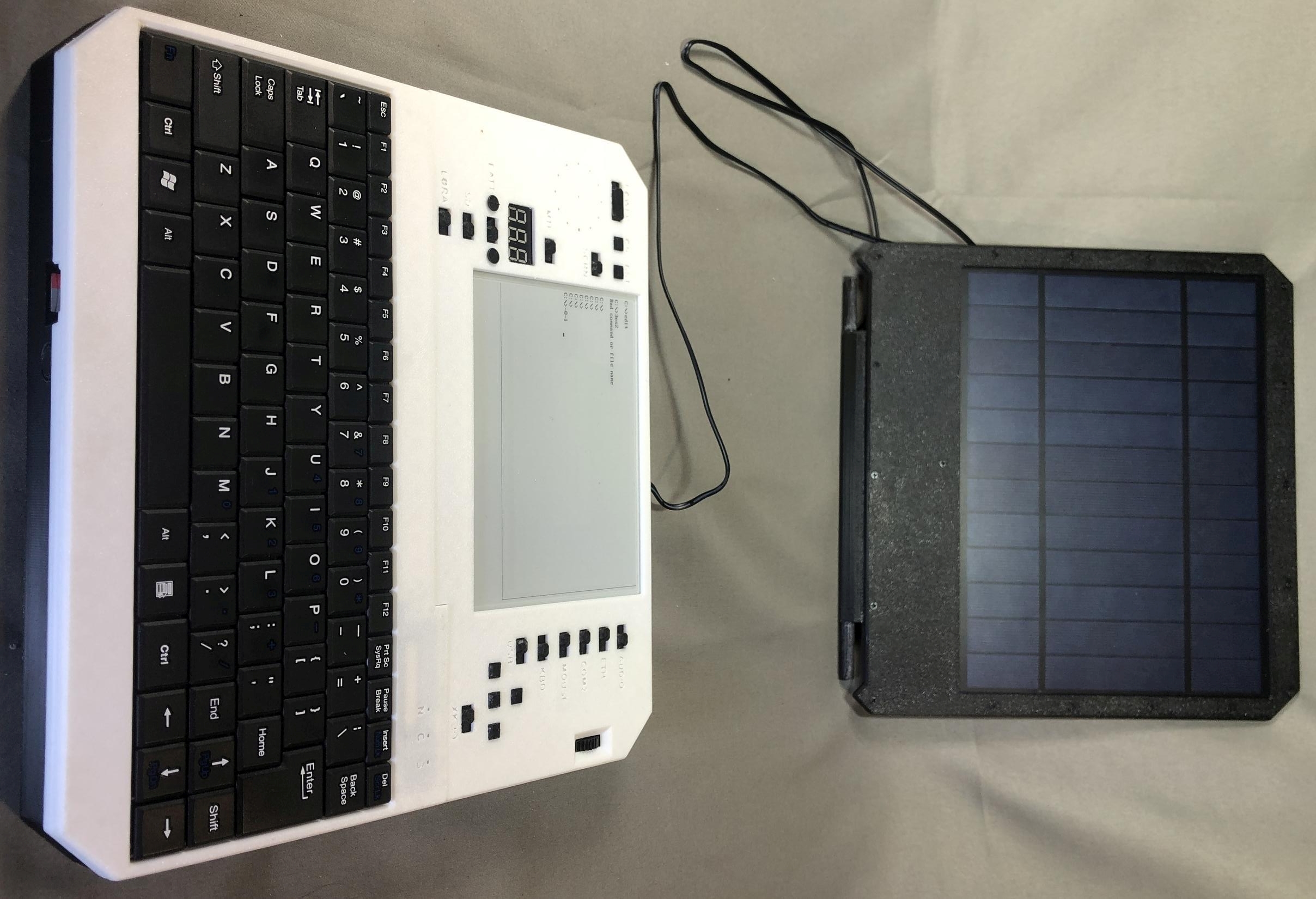
Solar panel and removal
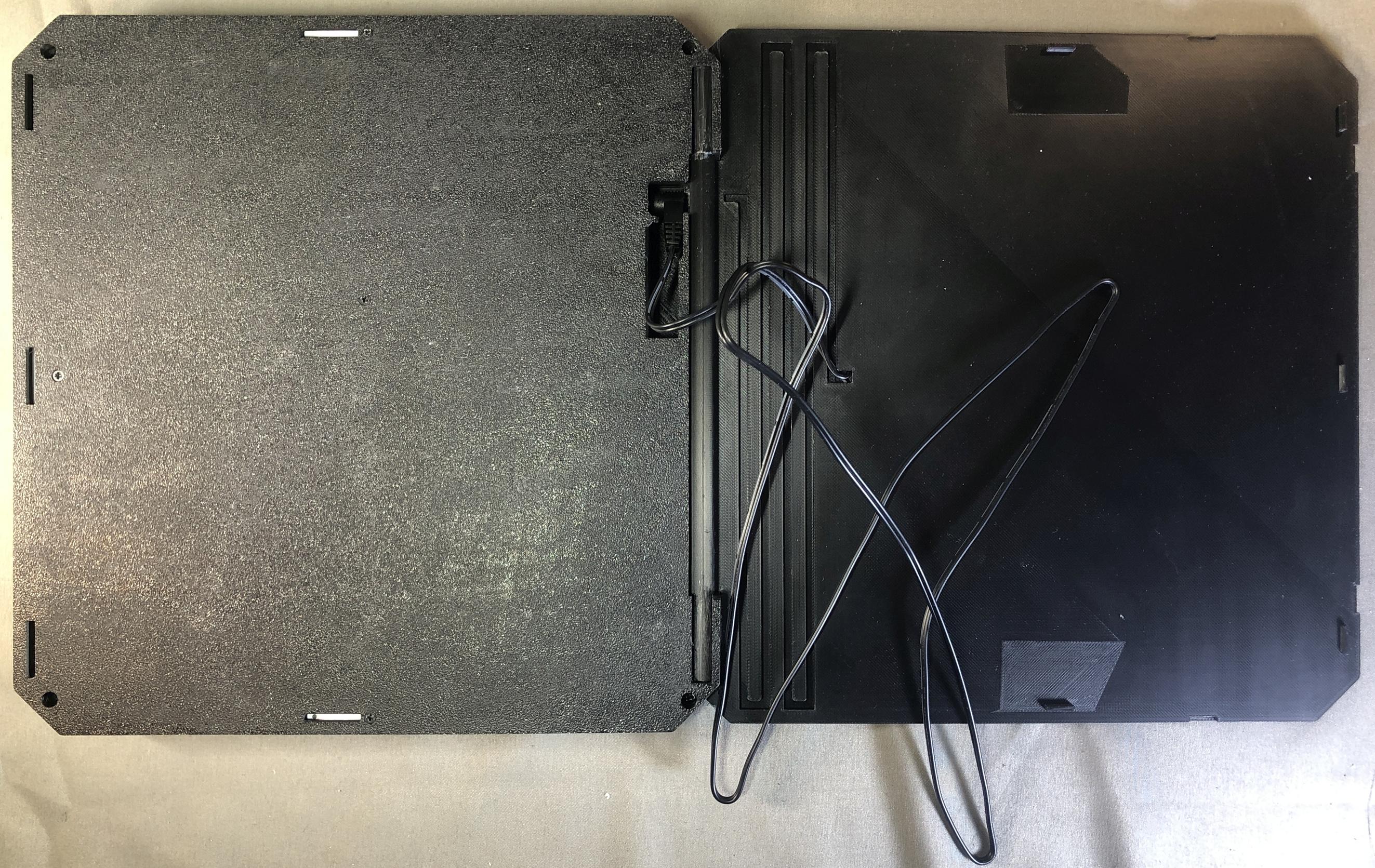
Using external keyboard and mouse
All together and all apart: side by side comparison
Evertop Min - The same system, but minimized