
elysia395/dsh-wallpaper-engine
elysia395/dsh-wallpaper-engine has 6,364 GitHub stars and 108 forks. GitHot measured +172 stars in 24 hours and +1,670 in 7 days. Last checked 2026-11-10 23:03 UTC. Last push 2026-11-09.
把本机 Wallpaper Engine 的壁纸搬进 DSH 网页界面:场景壁纸由内置 MIT 开源引擎 WebWallGL 实时 WebGL 渲染(粒子 / puppet 骨骼 / SceneScript / 音频反应 / 鼠标交互),失败自动降级内嵌 MP4 与场景静态帧;Web 壁纸严格沙箱 + WE API;iOS 风格液态玻璃 UI 高度自定义,遮挡暂停省电、ffmpeg 帧率上限转码、系统音频频谱与 Now Playing、自定义上传与自动轮播;设置存宿主端,对 agent 零 token 开销。Windows / macOS / Linux 三平台原生(同一个包、同一条命令)。
Measured star growth
- in 24h
- +172
- in 7 days
- +1,670
- in 15 days
- Update delayed
- in 1 month
- Update delayed
Net star changes over overlapping periods, not daily totals. Missing measurements are left blank. Stars measure attention, not software quality.
README.en.md
Original








Intro
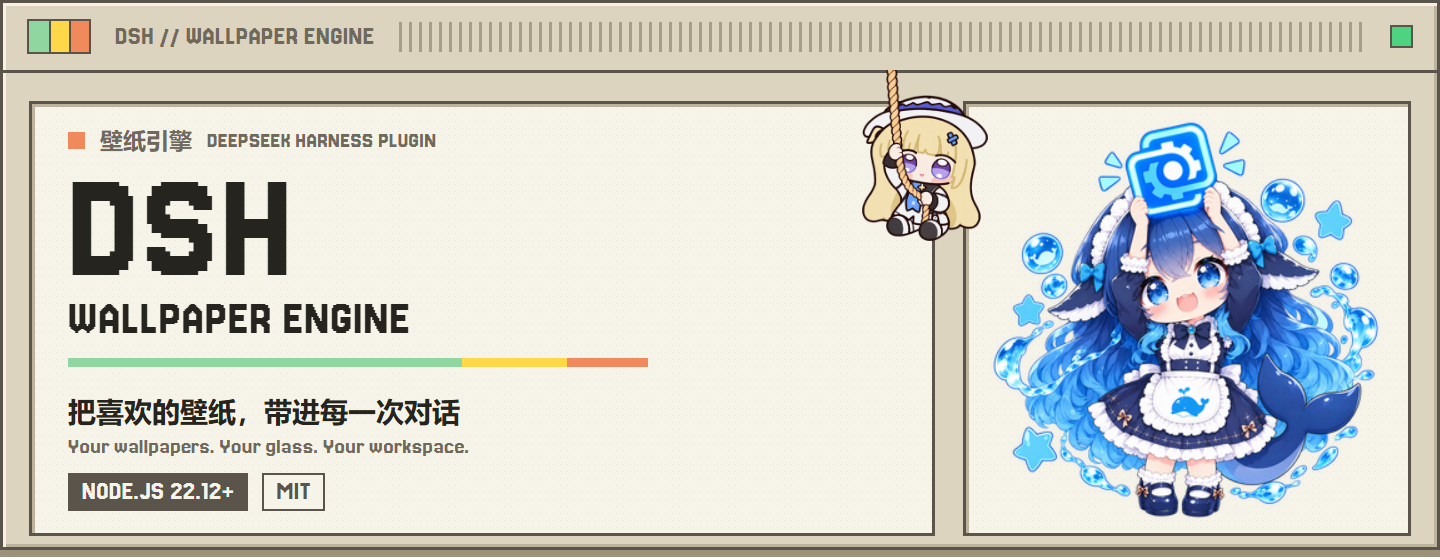
Bring local Wallpaper Engine Scene, Web and Video wallpapers into DSH, with liquid glass, typography, mascots and shareable appearance presets. The plugin registers no agent tools or prompt text, so it adds no model token overhead.

Real interface demo; historical captures may differ slightly from the installed build.
Contents

|

Sponsor QR code The project is open source; donations are entirely optional and never affect installation, usage or issue support. |
Features
- Wallpapers: live Scene / Web rendering, video playback, local image / video uploads and WE project directories.
- Appearance: liquid glass for settings, conversation and sidebar; colors, transparency, blur, borders and fonts.
- Glass subpackage: liquid glass is a standalone subpackage row,
wallpaper-engine-glass, which can be disabled on its own in the plugin manager; with it disabled the host — except for the wallpaper shown in the content area — returns to its native look, while wallpapers, fonts and mascots keep working. - Extensions: mascots, conversation avatars, click / pointer-trail effects, 3D parallax and optional desktop-pet integration with dsh-pet-dshwe (a full fork of dsh-pet), installable in one click from the settings card and falling back to the native mascot when it is missing, disabled or too old.
- Library: filters, hide / restore, rotation lists and whole-configuration preset import / export.
Supported wallpapers
| Type | How it works in DSH | Support |
|---|---|---|
| Scene | Built-in WebWallGL live rendering, with fallback chain | Supported; no WE process required |
| Web | Web page mounting, WE API shim and sandboxing | Supported; depends on the page and browser |
| Video | Browser playback with transcoding, fps cap and pause control | Supported |
| Picture | Reads the image folder of a WE preset project and crossfades locally at the interval set in WE |
Supported; images are never uploaded |
| Custom image / video | Upload local JPG / PNG / MP4 | Supported; files stay local |
Application wallpapers require launching third-party executables and are not supported; they never enter the library or rotation candidates.
Quick start
Requires Node.js >= 22.12.0, a DSH 0.2 kernel (including 0.2.0-rc.1/rc.2) and pnpm. Close DSH completely before installing.
npm (recommended)
dsh plugin --profile web add dsh-plugin-wallpaper-engine
Use desktop instead of web for the desktop host.
The repository ships a multi-package release set: installing the main package resolves the same-version subpackages (current package/tarball counts and publishOrder live in RELEASING; per-version changes in CHANGELOG).
From source
node scripts/install-source.mjs --profile desktop --dsh-home "<DSH data directory>" --app-closed
Keep the source directory in place after installation. See upgrading and contributing; see the beginner guide if you are new to the command line.
Usage
- Open Settings → Wallpaper Engine → Library, or pull the mascot cord above the chat.
- Pick a thumbnail in the in-panel library and adjust playback / appearance; changes apply immediately and persist on the host.
- Pause / play controls only the current playback; clearing the current wallpaper never deletes the source file.


Compatibility
- Windows, macOS and Linux share the same source. macOS has no Wallpaper Engine client: upload images / videos or point custom-wallpaper storage at WE project directories.
- Scene rendering depends on browser WebGL and drivers; complex workshop projects may differ. Failures degrade gracefully.
- Occlusion pause, focus-loss pause and audio loopback are platform-adapted.
- When running with other skins / plugins, read Coexistence first.

Development
Bug reports, platform feedback, documentation fixes and feature PRs are welcome. Include host / plugin versions, OS, wallpaper type, reproduction steps and sanitized logs.
- How it works · Troubleshooting · Upgrading
- Changelog · Coexistence · Code structure
- Contributing · Release process
Community


Star history
Special Thanks
Special thanks to all contributors for their contributions to this project ❤️
Code is released under the MIT License. Wallpaper, character and font assets may use different licenses; check asset sources before redistribution or commercial use.
Explore related projects
freeCodeCamp/freeCodeCamp
freeCodeCamp.org's open-source codebase and curriculum. Learn math, programming, and computer science for free.
458,997 starsdonnemartin/system-design-primer
Learn how to design large-scale systems. Prep for the system design interview. Includes Anki flashcards.
377,606 starsreact/react
The library for web and native user interfaces.
252,520 starsvuejs/vue
This is the repo for Vue 2. For Vue 3, go to https://github.com/vuejs/core
212,534 stars