
dockette/adminer
dockette/adminer has 94 GitHub stars and 33 forks. Star changes are not measured yet. Last checked 2026-11-10 01:07 UTC. Last push 2026-11-09.
🐳 Tiny Adminer — MySQL, PostgreSQL, SQLite, Mongo, Oracle
What you can do
- Variants: full (mysql, pgsql, sqlite, mongo), mysql, pgsql, mongo, mssql, oracle-11 / oracle-12 / oracle-19 (each only), dg (custom)
- Alpine Linux (full, editor, dg, mongo, mysql, postgres)
- Debian Bookworm (mssql, oracle-11, oracle-12, oracle-19)
- PHP 8 (concurrency via PHP cli workers)
Measured star growth
- in 24h
- Update delayed
- in 7 days
- Update delayed
- in 15 days
- Update delayed
- in 1 month
- Update delayed
Net star changes over overlapping periods, not daily totals. Missing measurements are left blank. Stars measure attention, not software quality.
README.md
OriginalDockette / Adminer
🎁 Tiniest boxed dockerized Adminer (MySQL, PostgreSQL, SQLite, Mongo, Oracle, MSSQL) Dockerfiles. Database management in a single PHP file.
🕹 f3l1x.io | 💻 f3l1x | 🐦 @xf3l1x




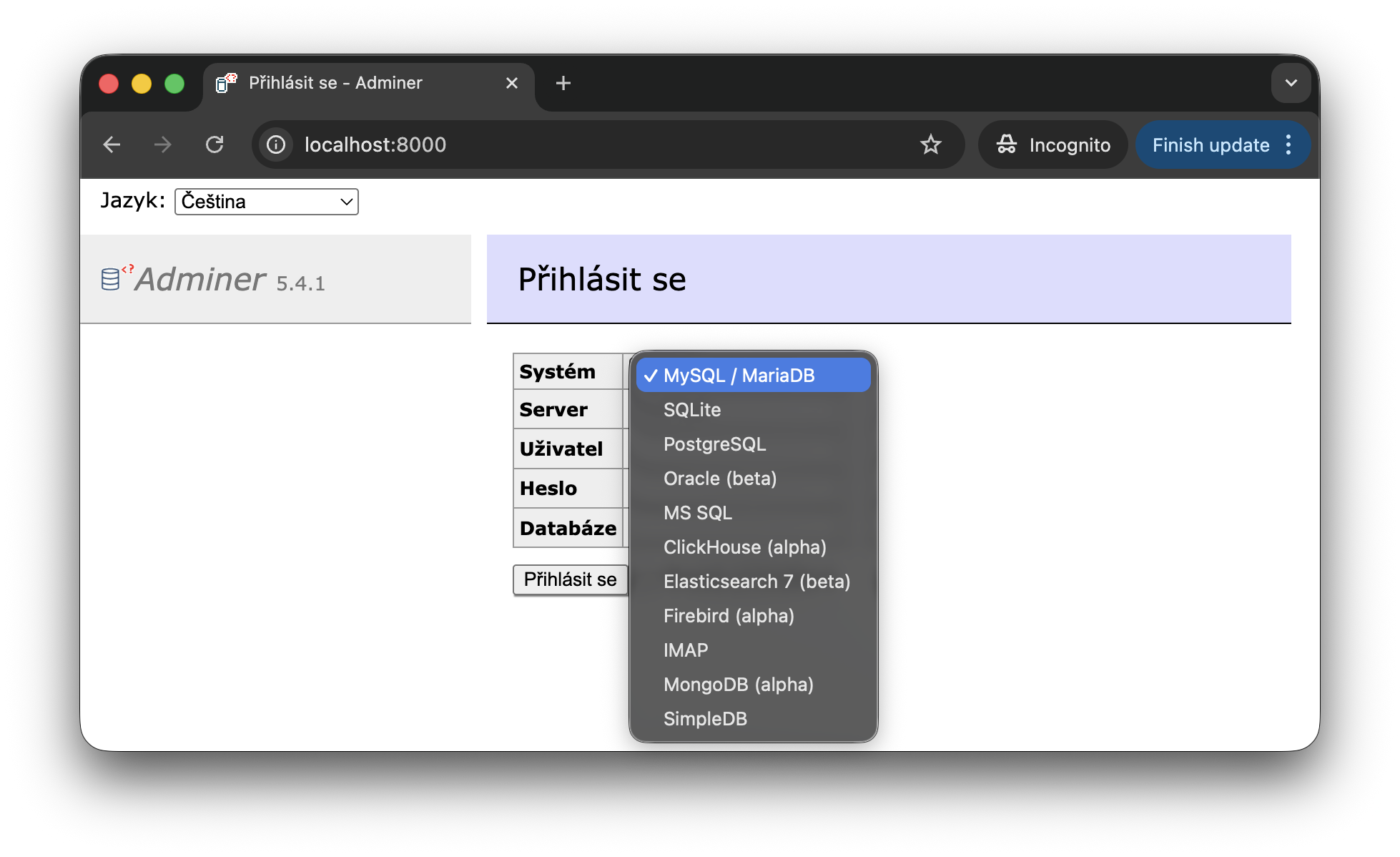
Adminer is a database management tool in a single PHP file. These are the tiniest boxed Dockerfiles for it: one image per database family (MySQL, PostgreSQL, SQLite, Mongo, Oracle, MSSQL).
Features
- Variants: full (mysql, pgsql, sqlite, mongo), mysql, pgsql, mongo, mssql, oracle-11 / oracle-12 / oracle-19 (each only), dg (custom)
- Alpine Linux (full, editor, dg, mongo, mysql, postgres)
- Debian Bookworm (mssql, oracle-11, oracle-12, oracle-19)
- PHP 8 (concurrency via PHP cli workers)
Usage
docker run --rm -p 8000:80 dockette/adminer:dg

# Override the defaults with environment variables
docker run --rm -p 8000:8080 -e MEMORY=512M -e UPLOAD=4096M -e PORT=8080 dockette/adminer:dg

# Apply a theme
docker run --rm -p 8000:80 -e ADMINER_THEME=dracula dockette/adminer:full
Configuration
The container runs with these settings by default. Override them with environment variables.
MEMORY=256M(memory_limit)UPLOAD=2048M(upload_max_filesize, post_max_size)PORT=80(PHP server listening port)WORKERS=4(concurrency)ADMINER_THEME(theme name, see Themes; an unknown name lists all available themes)
Images
| Image | Technologies | Size | Docker Hub |
|---|---|---|---|
| dockette/adminer | MySQL / PostgreSQL / MongoDB / Sqlite | 12mb | link |
| dockette/adminer:full | MySQL / PostgreSQL / MongoDB / Sqlite | 12mb | link |
| dockette/adminer:mysql | MySQL | 9mb | link |
| dockette/adminer:postgres | PostgreSQL | 8mb | link |
| dockette/adminer:mongo | MongoDB | 9mb | link |
| dockette/adminer:mssql | MS SQL Server | - | link |
| dockette/adminer:dg | MySQL / PostgreSQL / MongoDB / Sqlite | 16mb | link |
dockette/adminer:mssql
Debian-based image with Microsoft ODBC Driver 18 and PHP sqlsrv / pdo_sqlsrv extensions.
docker run \
    --rm \
    -p 8080:80 \
    dockette/adminer:mssql
By default, TrustServerCertificate is set to yes so the image works out of the box with self-signed certificates (common in development). You can control encryption behavior via environment variables:
| Variable | Description | Default |
|---|---|---|
ADMINER_PLUGIN_MSSQL_ENCRYPT |
Set to 0 to disable the encryption plugin |
enabled |
ADMINER_MSSQL_ENCRYPT |
yes, no, or strict |
not set |
ADMINER_MSSQL_TRUST_CERT |
yes or no |
yes |
dockette/adminer:dg
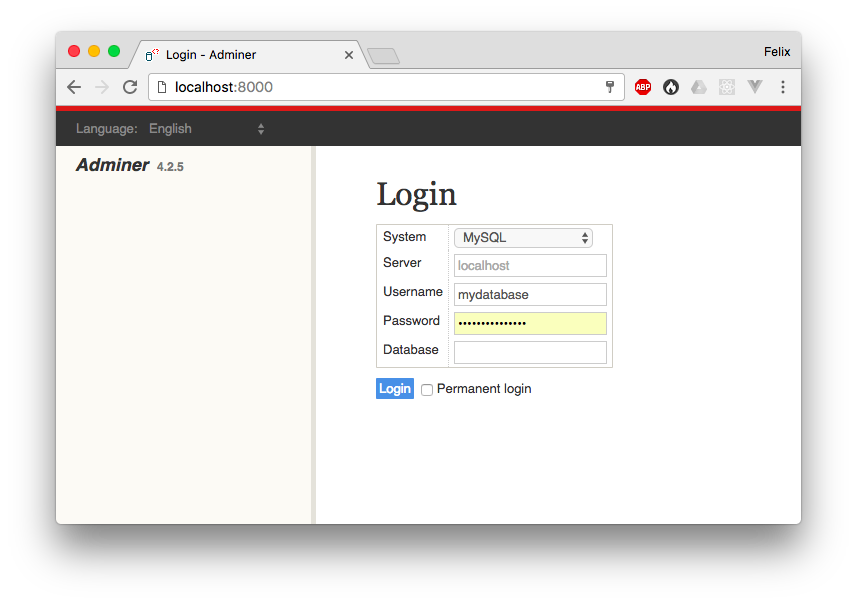
Customization for the best database management tool written in PHP, Adminer
You should take a look to the official github profile (https://github.com/dg/adminer-custom).
Plugins
Adminer plugins can be enabled via environment variables. All plugins are disabled by default. Available for all image variants except dg.
Autologin
Skips the login form and connects directly to a database server.
| Variable | Description |
|---|---|
ADMINER_PLUGIN_AUTOLOGIN=1 |
Enable the autologin plugin |
ADMINER_AUTOLOGIN_SERVER |
DSN connection string |
DSN format: driver://username:password@host:port/database
docker run \
    --rm \
    -p 8080:80 \
    -e ADMINER_PLUGIN_AUTOLOGIN=1 \
    -e ADMINER_AUTOLOGIN_SERVER=server://root:secret@mysql:3306/mydb \
    dockette/adminer:full
Supported drivers: server (MySQL/MariaDB), pgsql, sqlite, mongo, oracle, elastic.
Server List
Displays a dropdown of pre-configured database servers with an Auto Sign-In button. Credentials are handled server-side and never exposed to the browser.
| Variable | Description |
|---|---|
ADMINER_PLUGIN_SERVER_LIST=1 |
Enable the server list plugin |
ADMINER_SERVERS_<Name> |
DSN for each server (suffix becomes the display name) |
docker run \
    --rm \
    -p 8080:80 \
    -e ADMINER_PLUGIN_SERVER_LIST=1 \
    -e ADMINER_SERVERS_MySQL=server://root:secret@mysql:3306/mydb \
    -e ADMINER_SERVERS_PostgreSQL=pgsql://postgres:pwd@pg:5432/app \
    -e ADMINER_SERVERS_DevDB=server://dev@devhost:3306 \
    dockette/adminer:full
Servers without credentials in the DSN (e.g. server://devhost:3306) appear in the dropdown but require manual login. The Auto Sign-In button only appears for servers with stored credentials.
Note: Autologin takes precedence over Server List. If both plugins are enabled, only Autologin is activated.
Themes
Set the ADMINER_THEME environment variable to apply a theme, see Usage. If the specified theme
is not found, the container lists all available themes.
Available Themes
default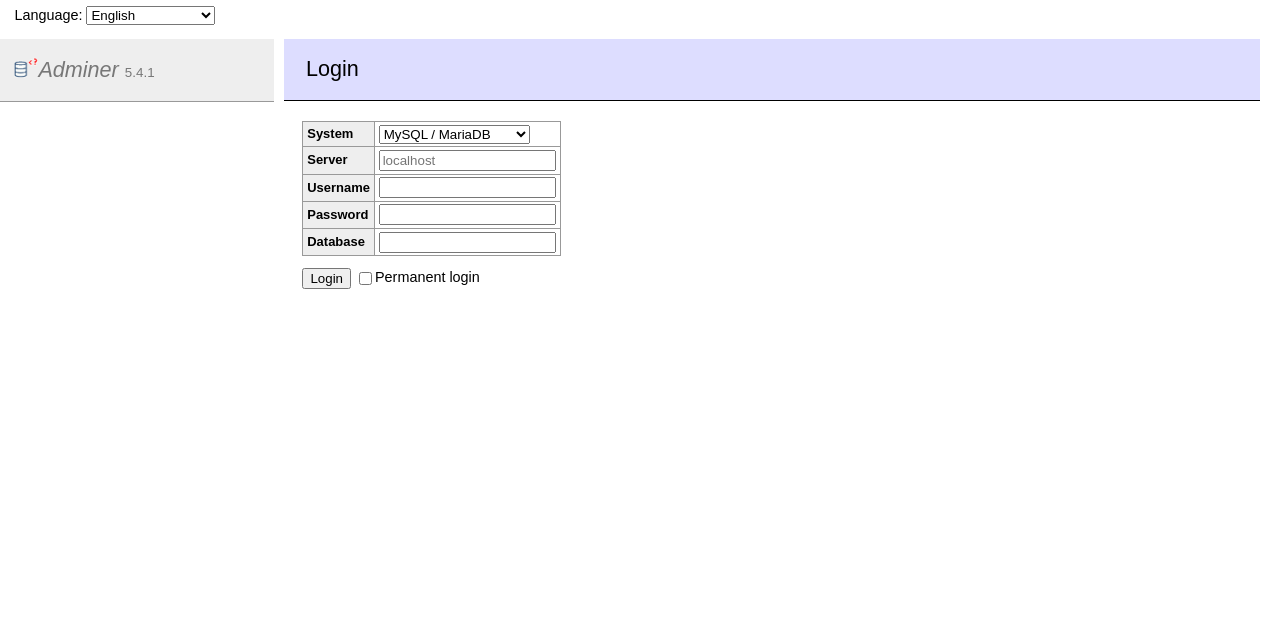 |
adminer-dark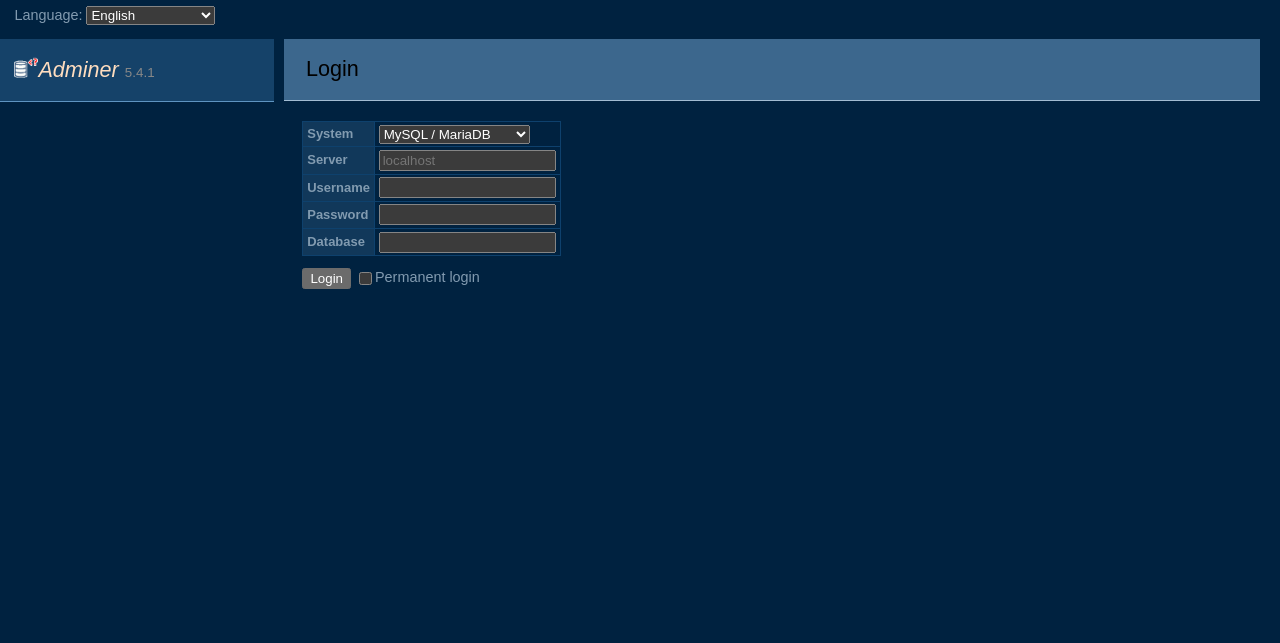 |
brade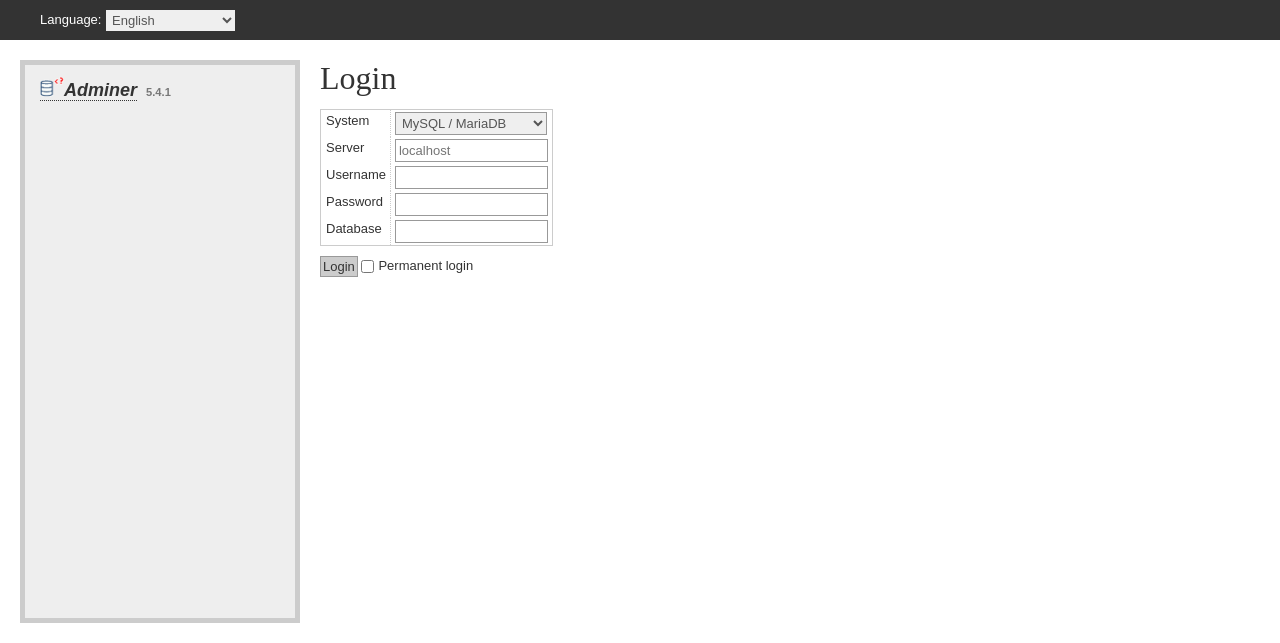 |
bueltge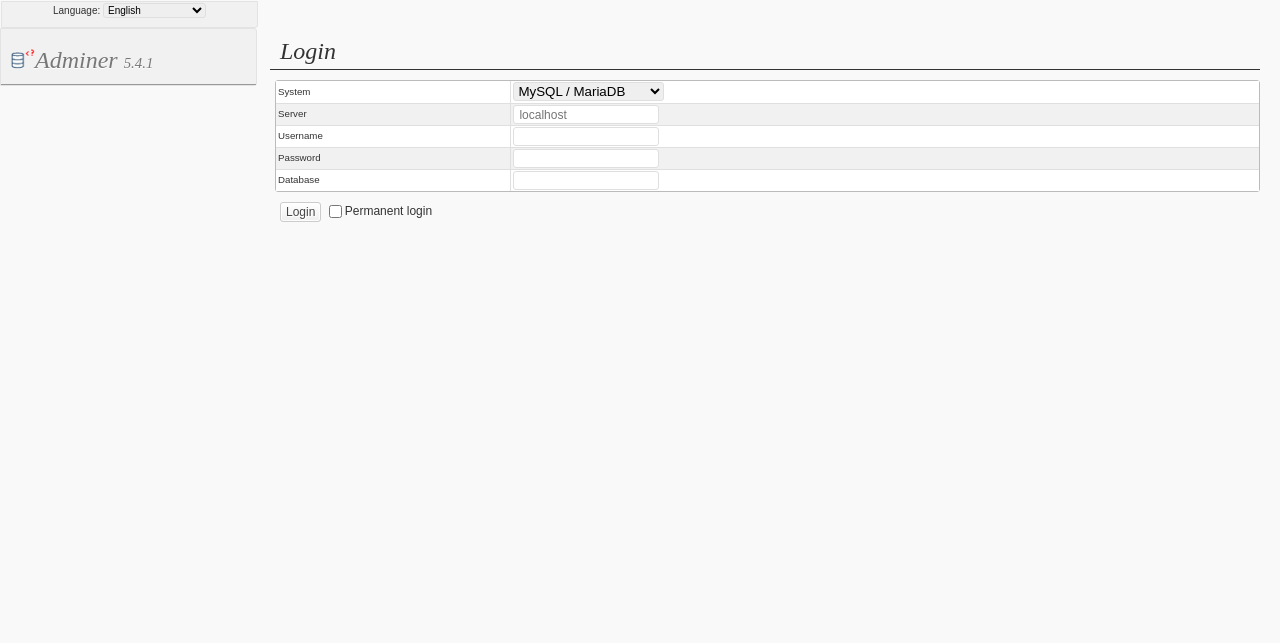 |
dracula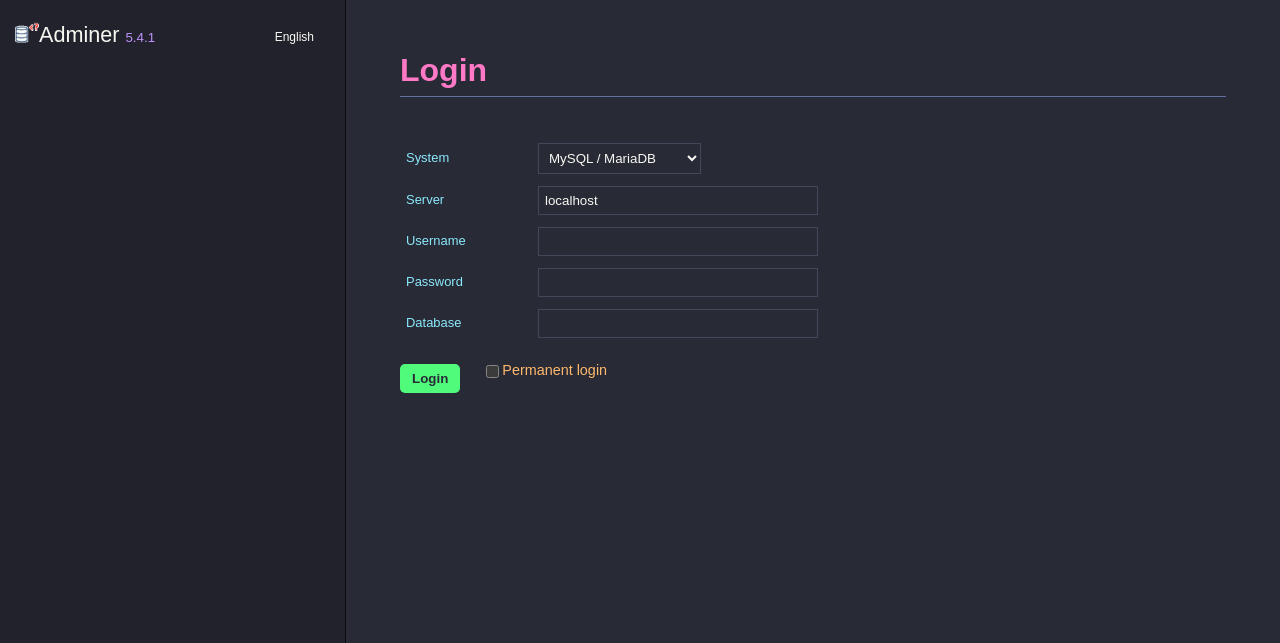 |
esterka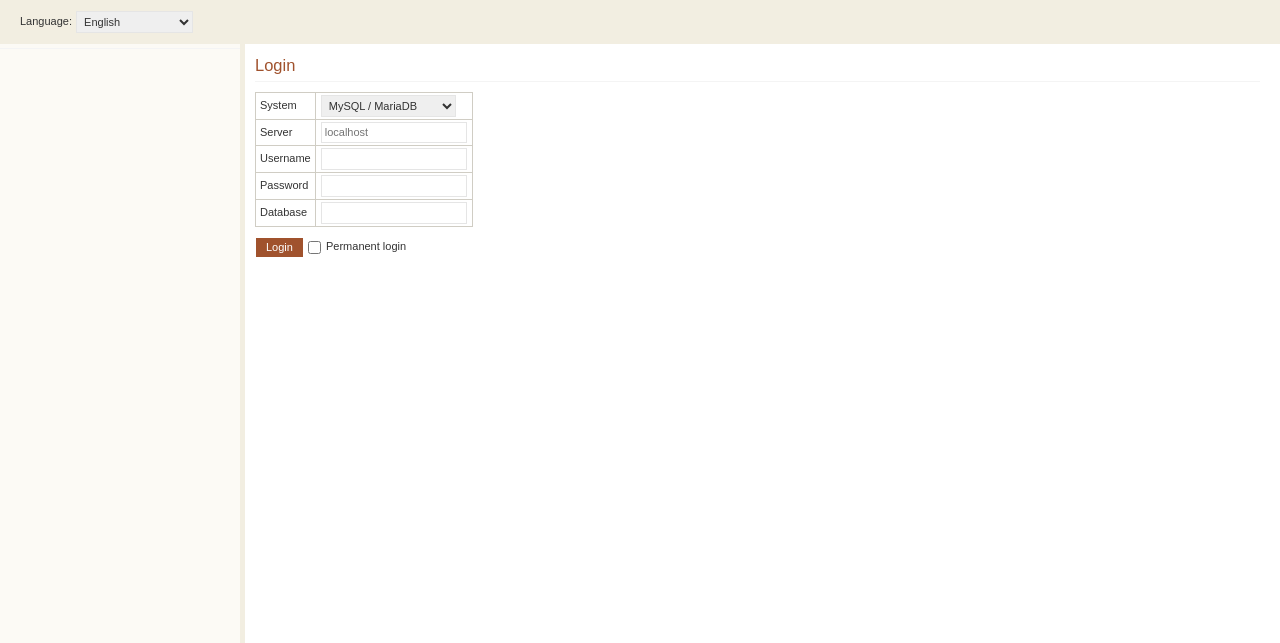 |
flat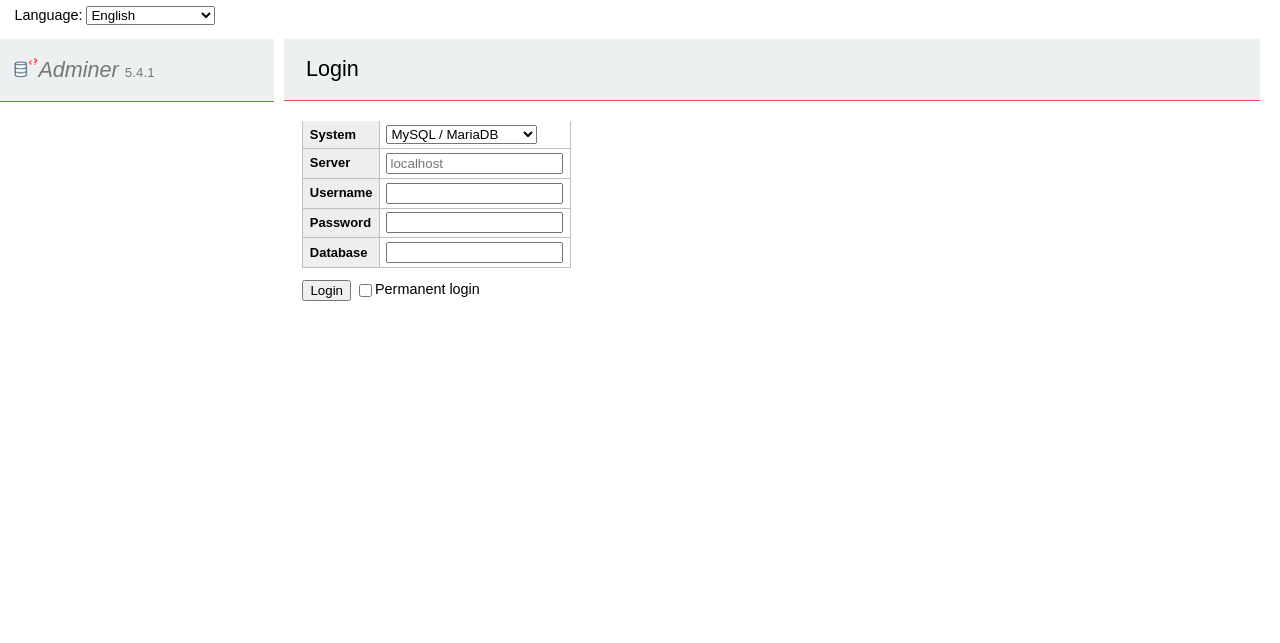 |
galkaev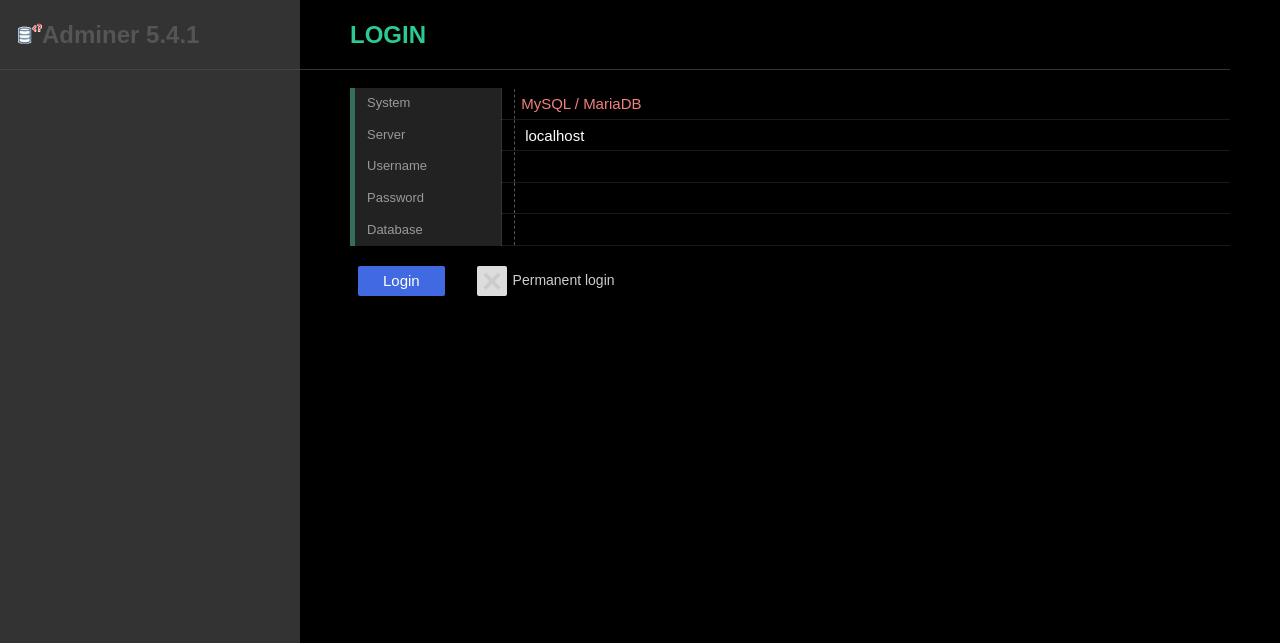 |
haeckel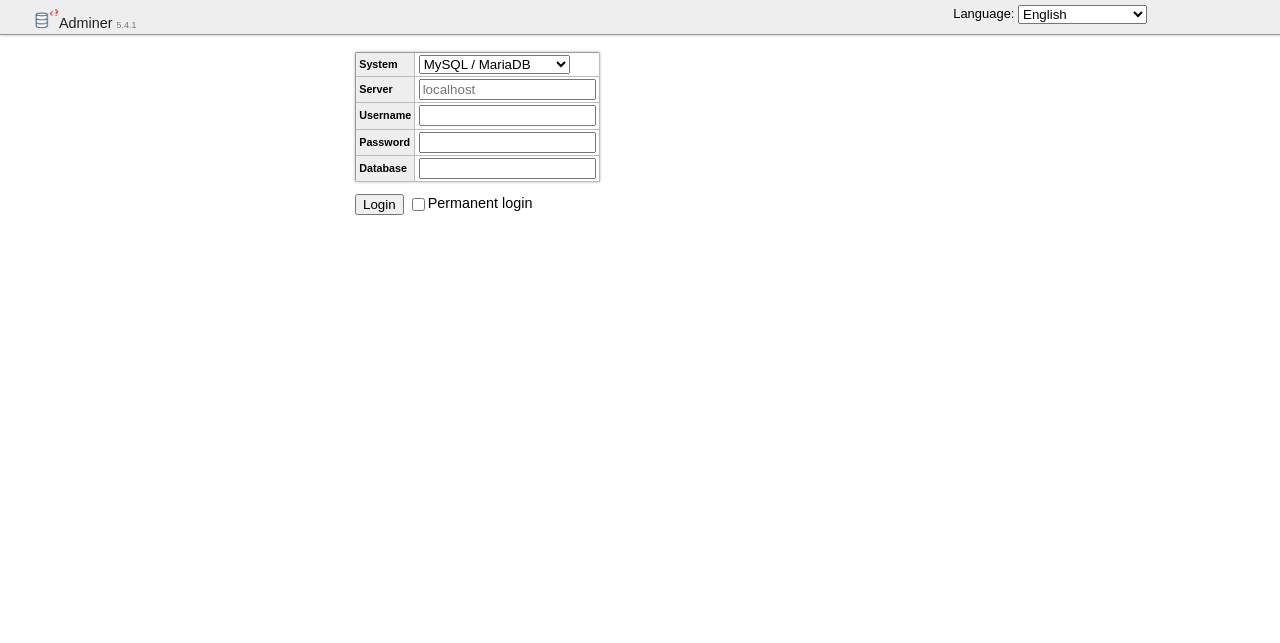 |
hever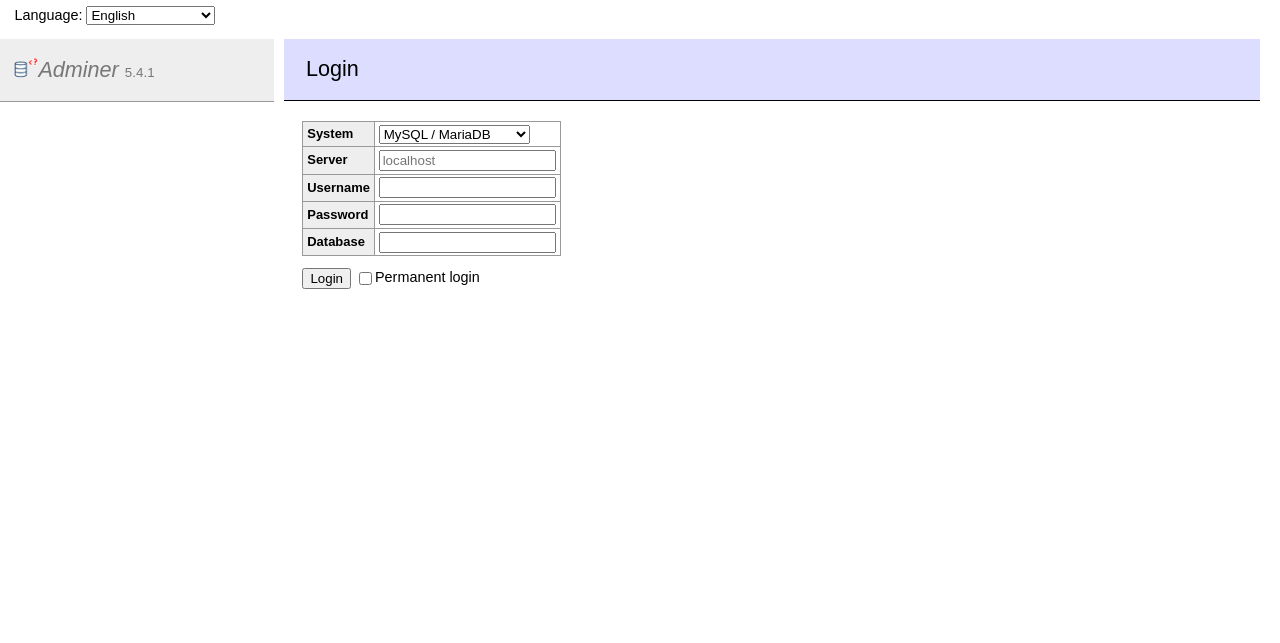 |
konya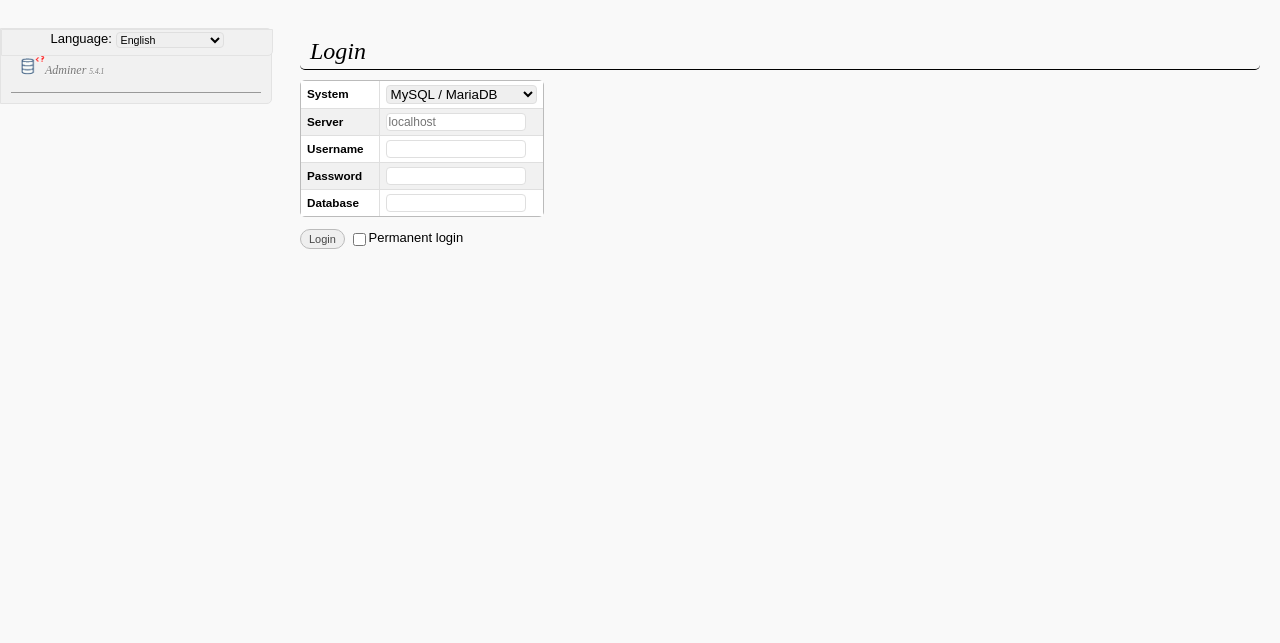 |
lavender-light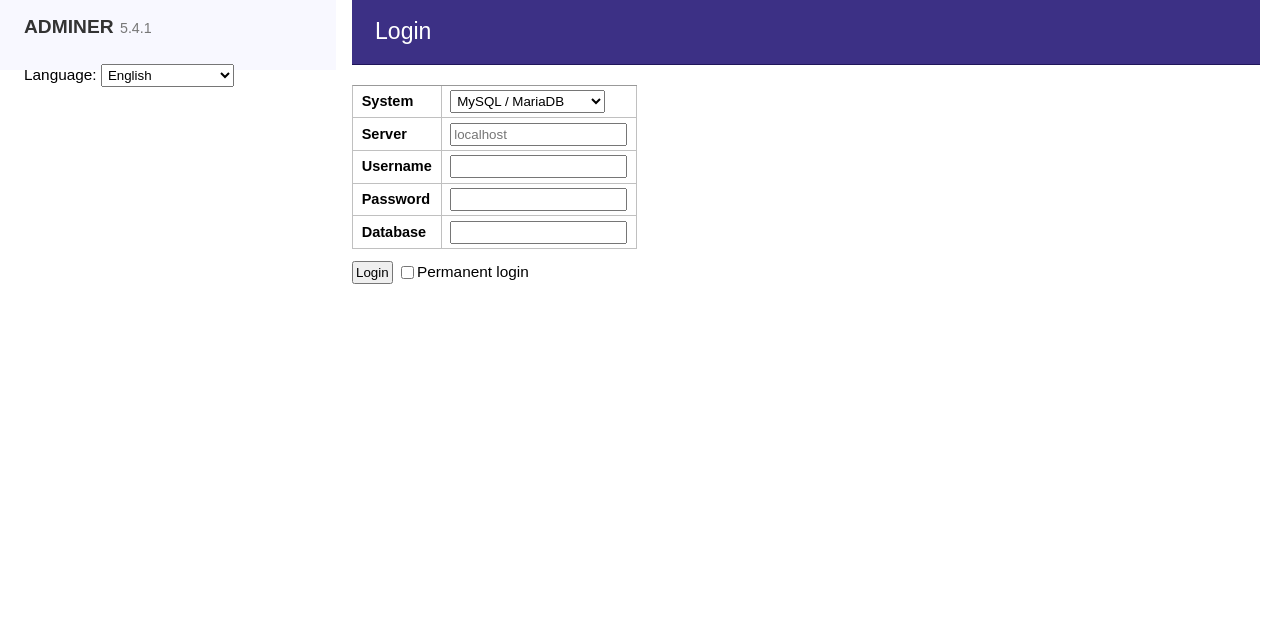 |
lucas-sandery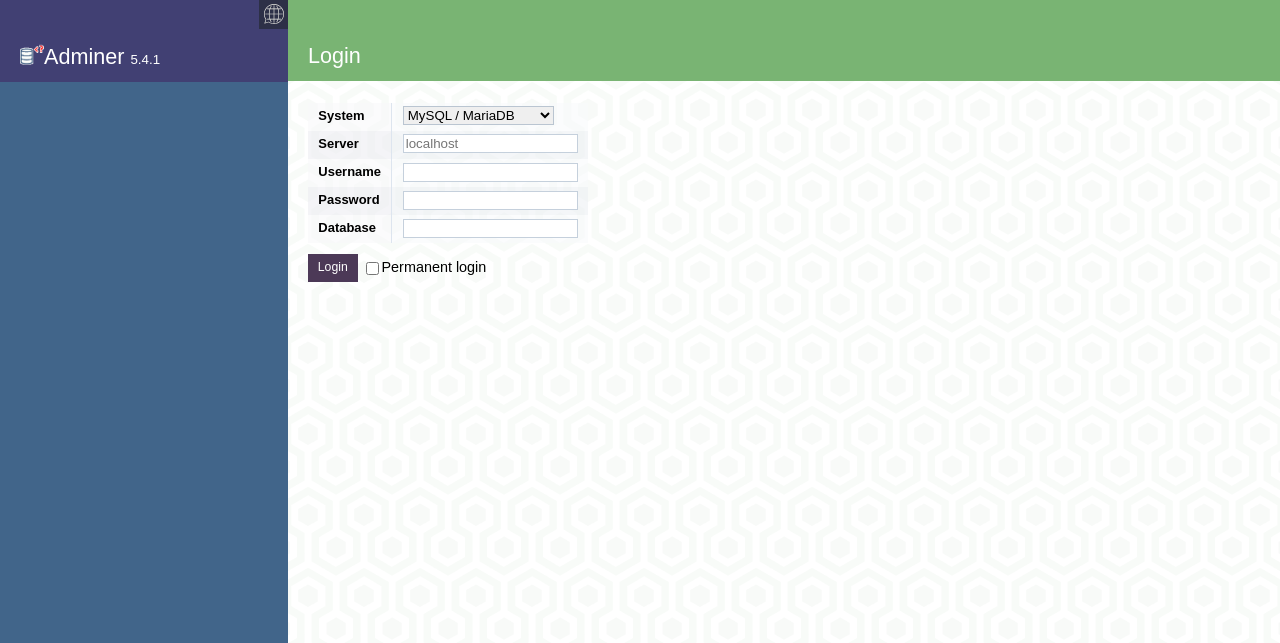 |
mancave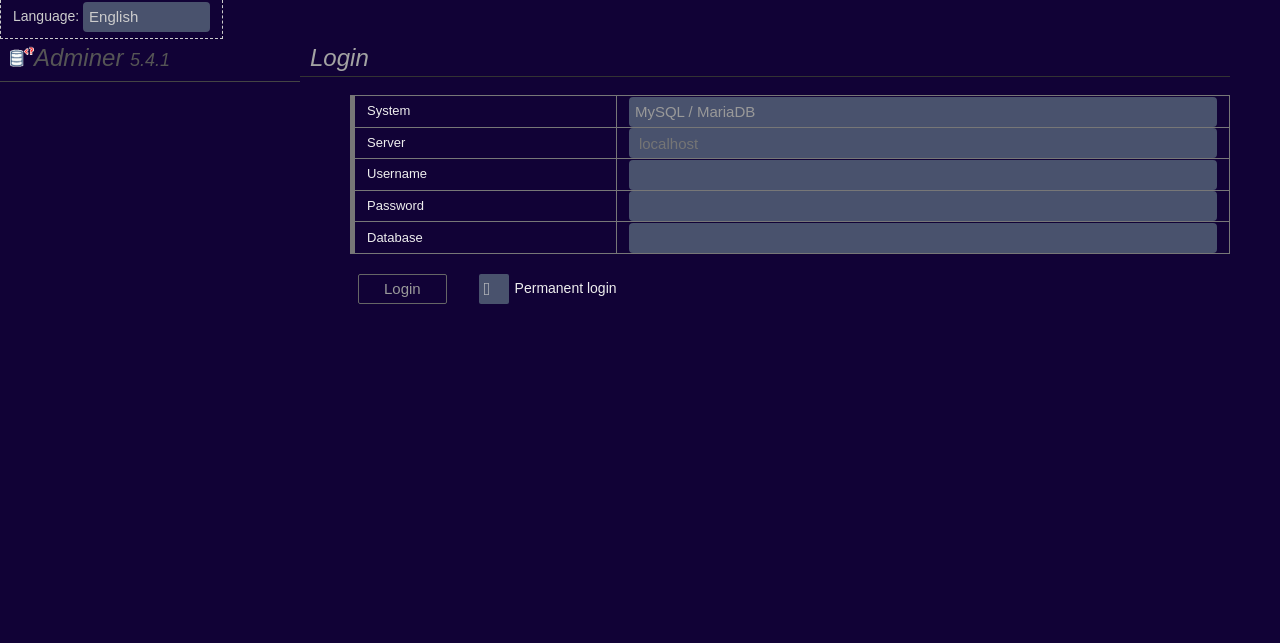 |
mvt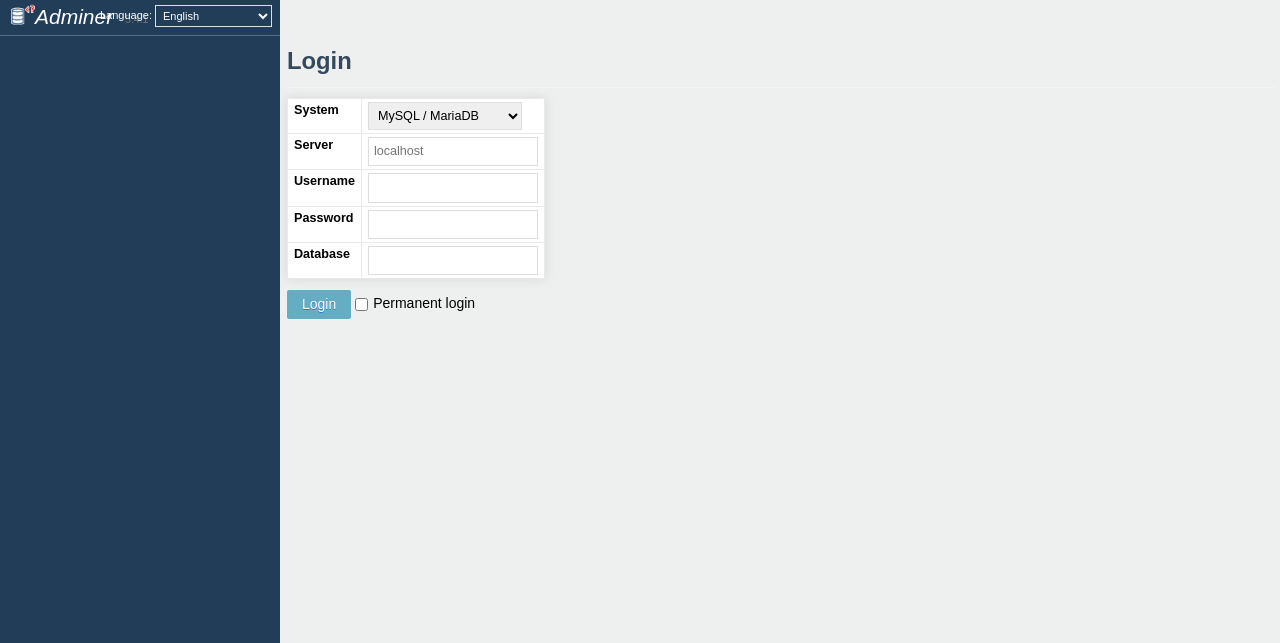 |
nette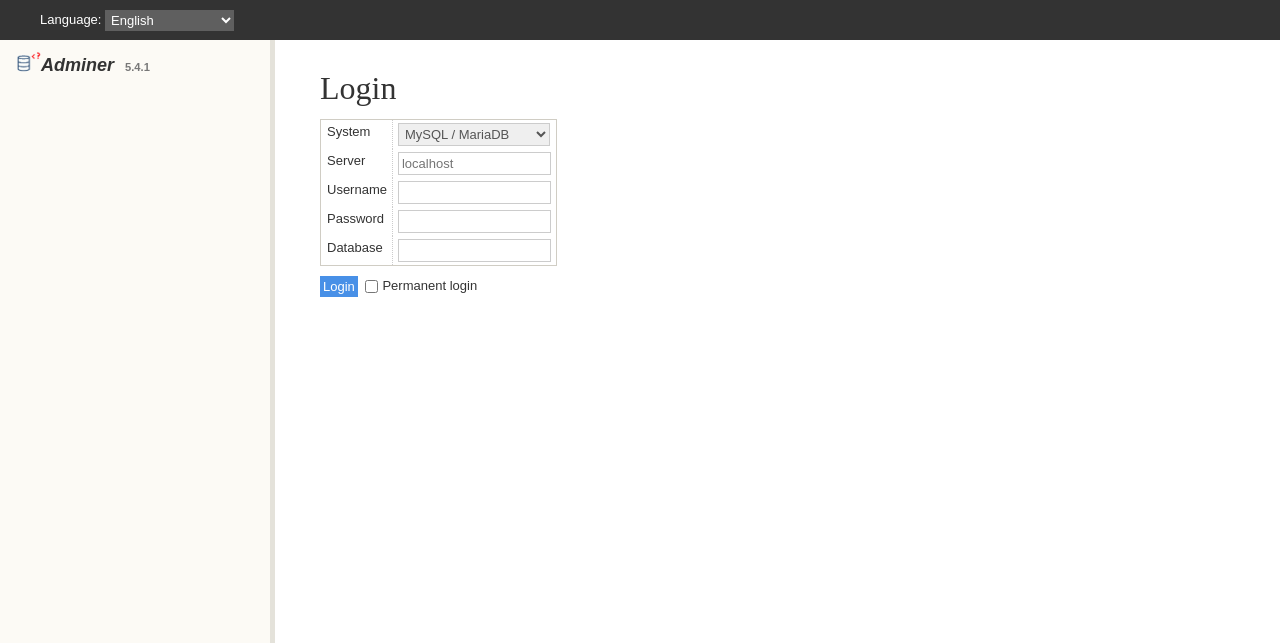 |
ng9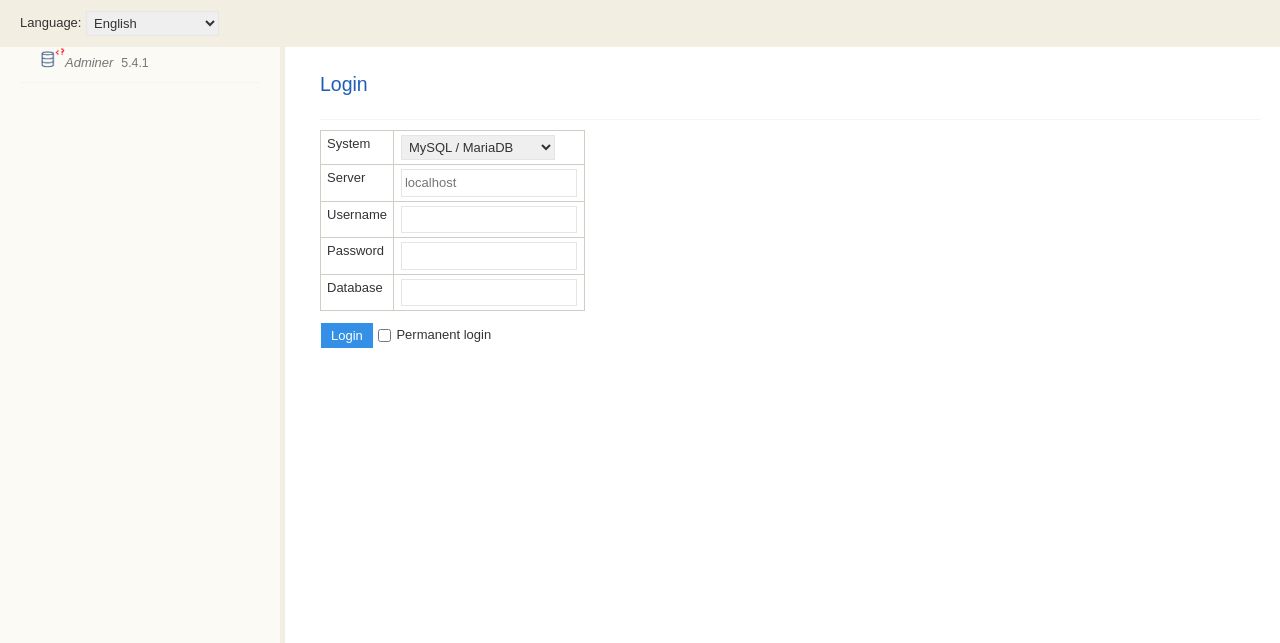 |
nicu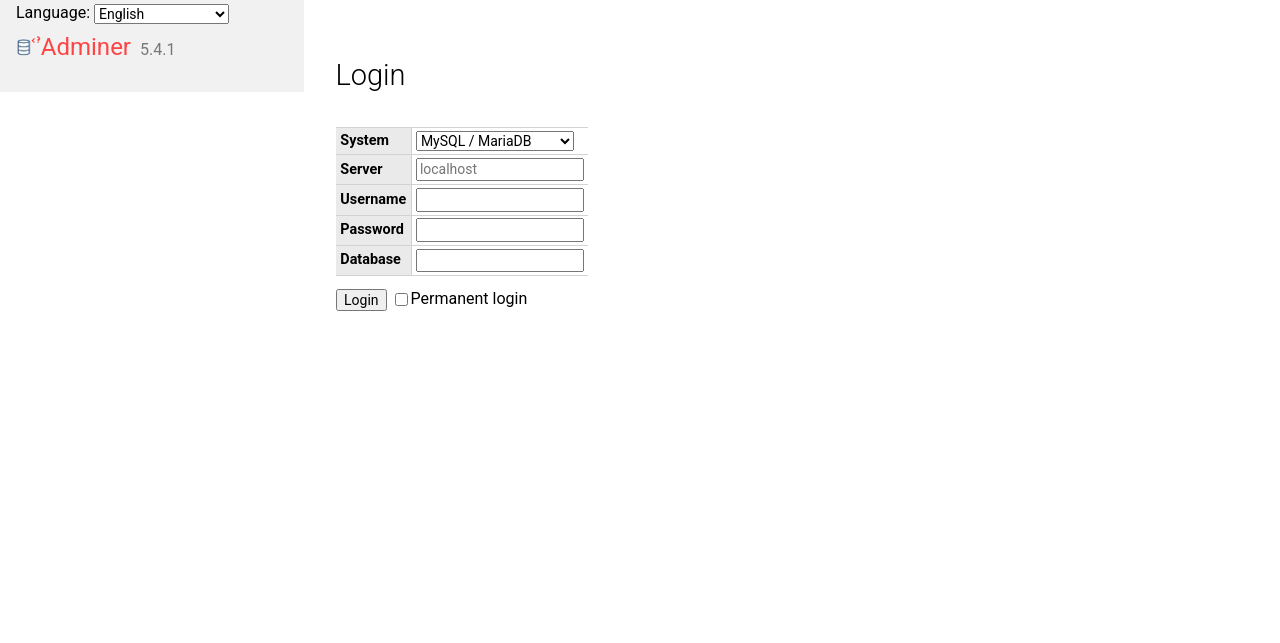 |
pappu687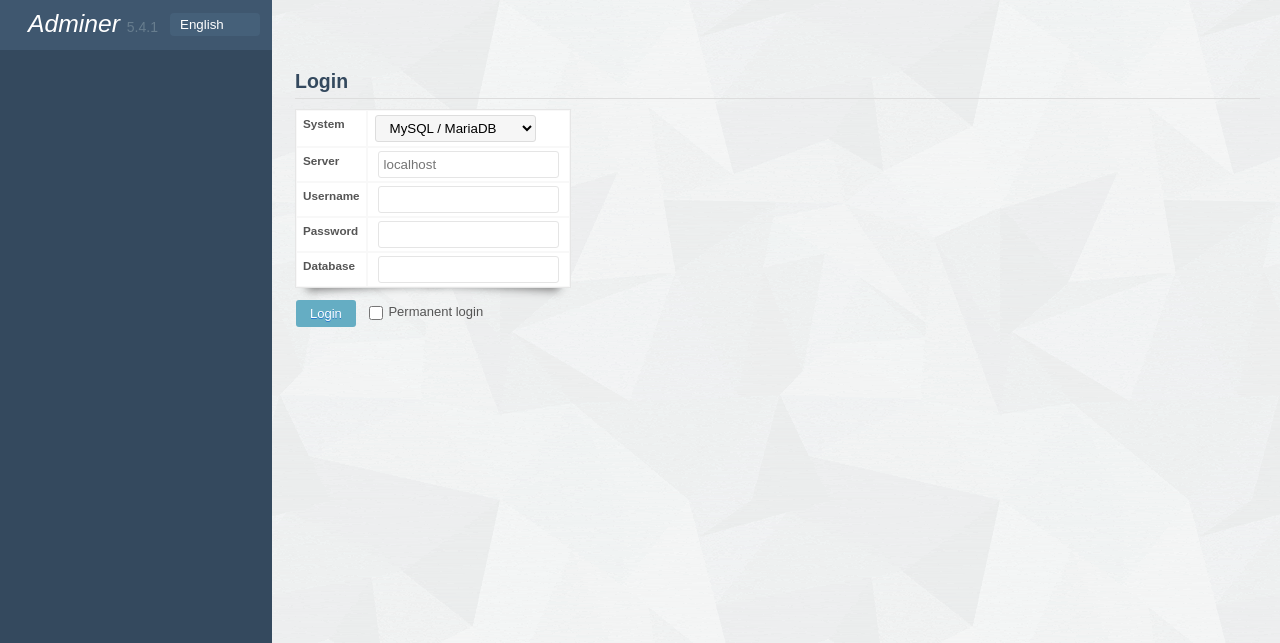 |
paranoiq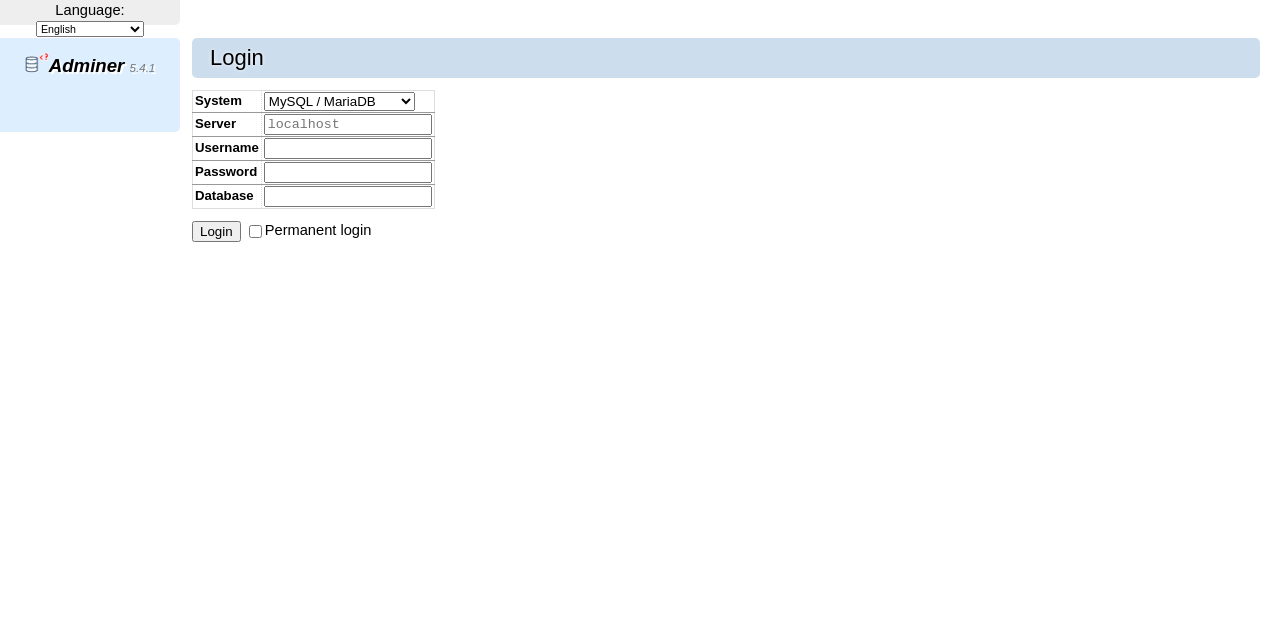 |
pepa-linha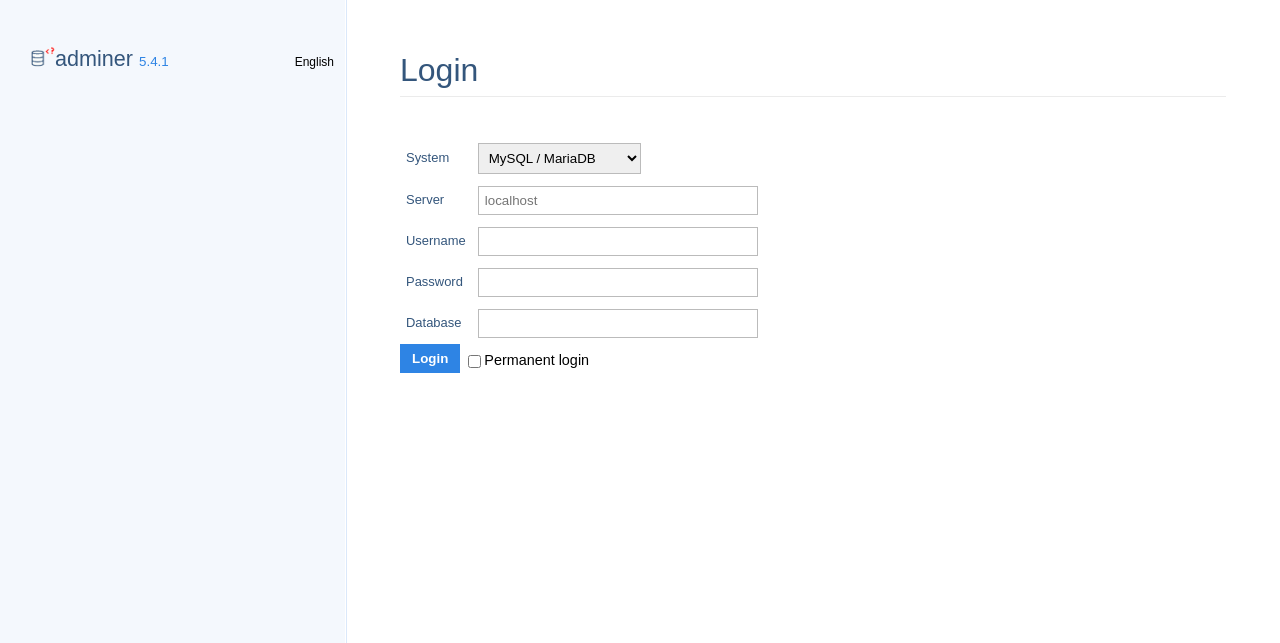 |
pokorny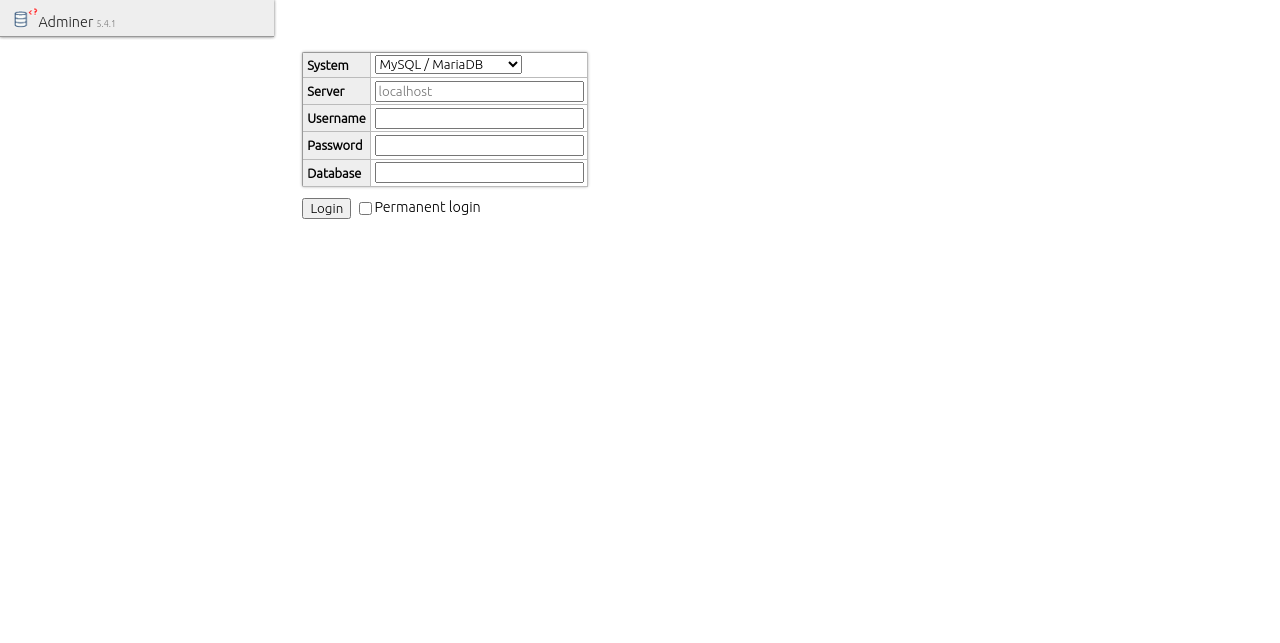 |
price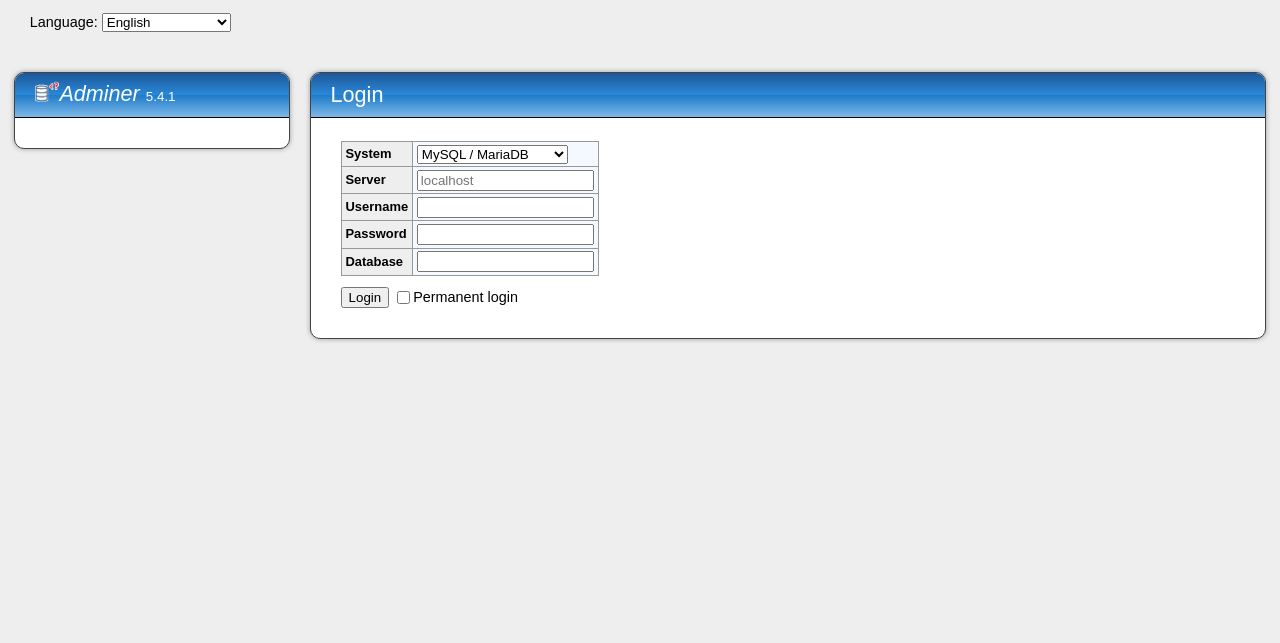 |
rmsoft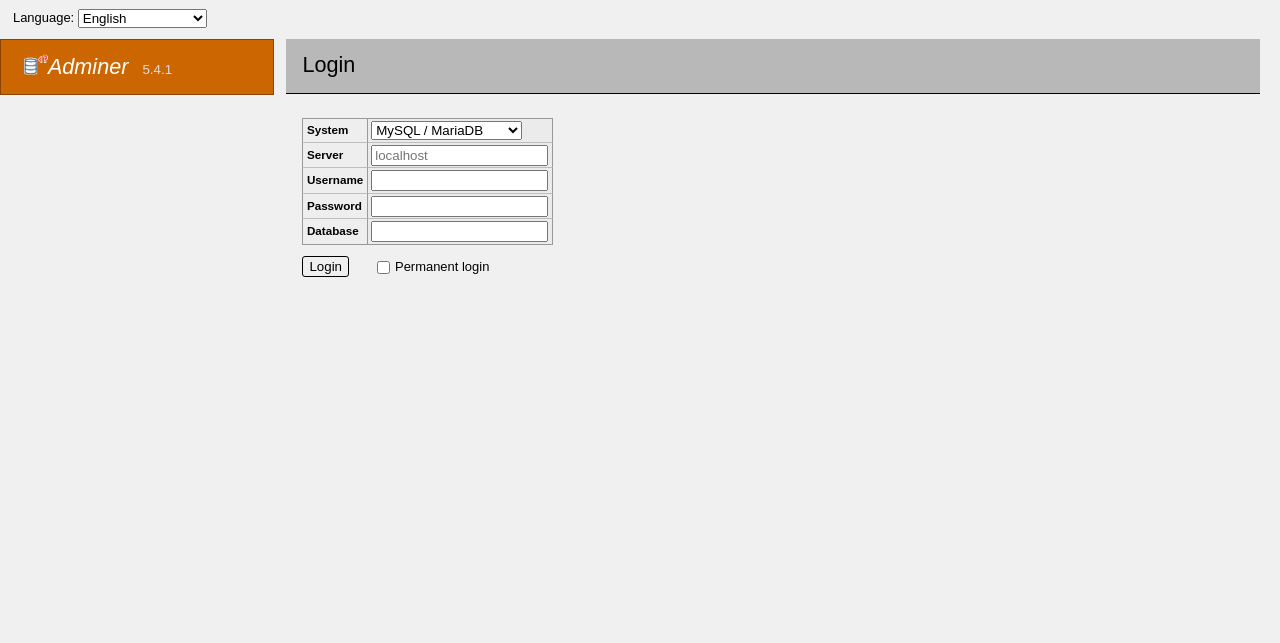 |
rmsoft_blue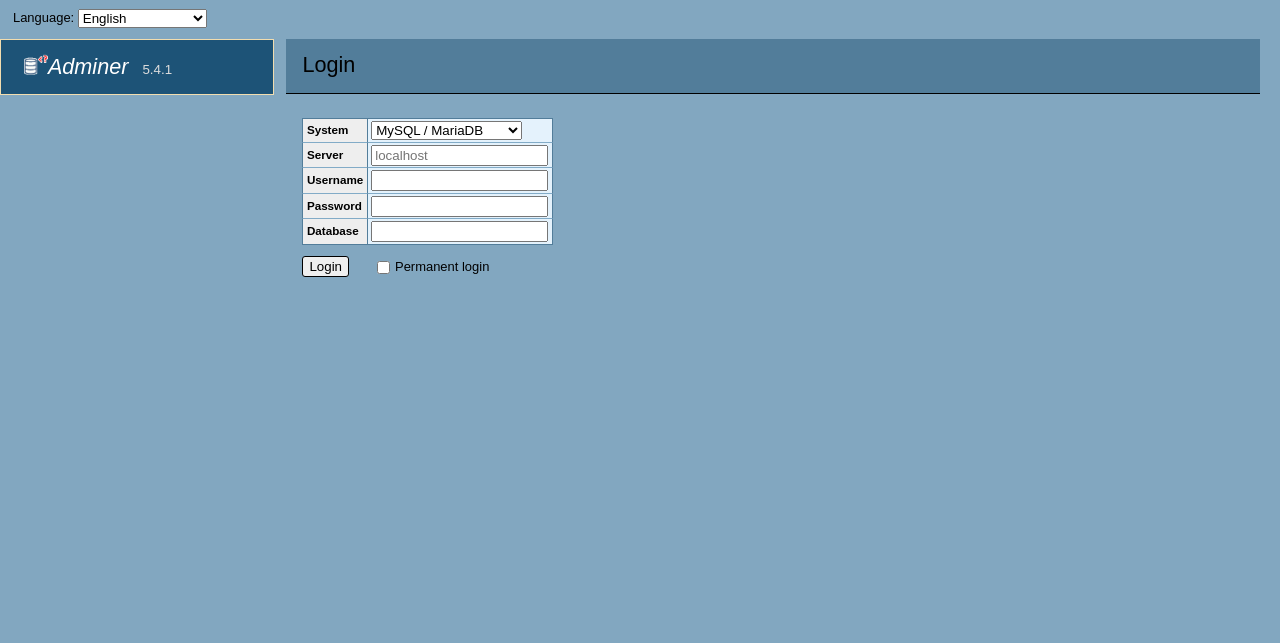 |
rmsoft_blue-dark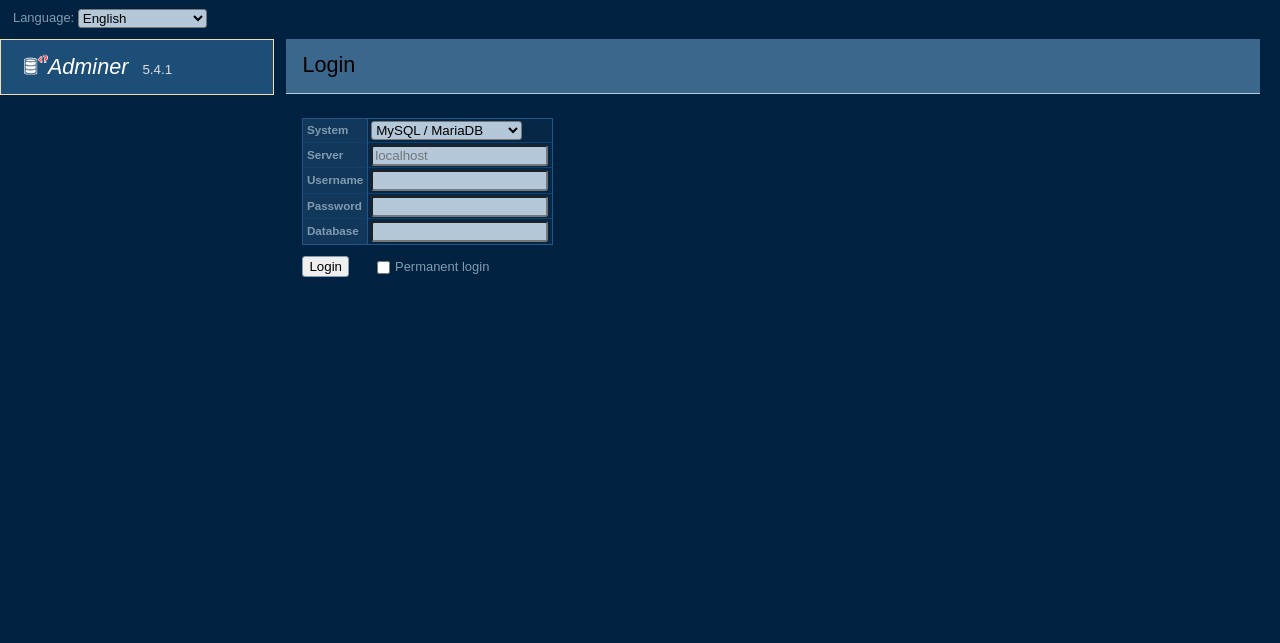 |
win98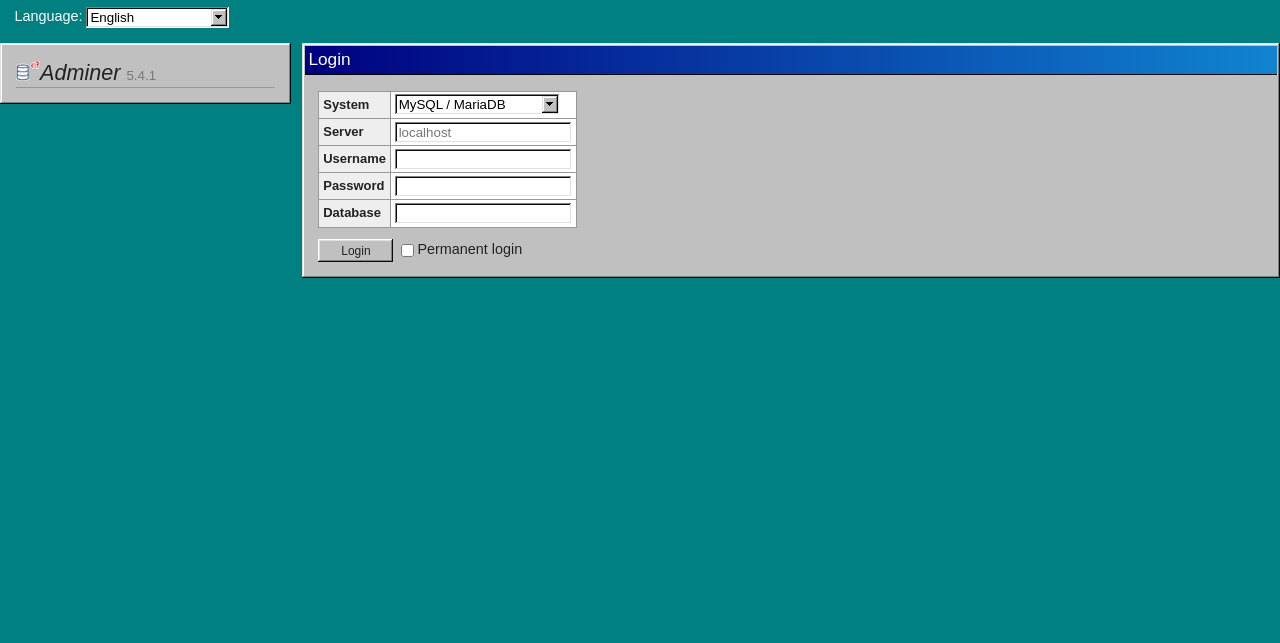 |
Versions
| Version | Release |
|---|---|
dockette/adminer:6.1.1-YYYY.MM.DD |
release YYYY.MM.DD |
dockette/adminer:6.1.1 |
latest release |
dockette/adminer:YYYY.MM.DD |
release YYYY.MM.DD |
dockette/adminer:latest |
latest build of master (same as full) |
dockette/adminer:<variant> |
latest build of master for the variant, see Images |
All versions build on Adminer 6.1.1, pinned by ADMINER_VERSION in VERSION. Releases are
listed on GitHub.
Development
make build                                     # build all images
make build-<variant>                           # build one image, e.g. build-mysql
make test                                      # run php --version in all images
make run                                       # run the full image on port 8000
make update-versions ADMINER_VERSION=X.Y.Z     # set the Adminer (and Editor) version in VERSION and the Dockerfiles
make version                                   # print VERSION
make release                                   # set today's date in VERSION
Maintenance
See how to contribute to this package. Consider to support f3l1x. Thank you for using this package.
Explore related projects
Asabeneh/30-Days-Of-Python
The 30 Days of Python programming challenge is a step-by-step guide to learn the Python programming language in 30 days. This challenge may take more than 100 days. Follow your own pace. These videos may help too: https://www.youtube.com/channel/UC7PNRuno1rzYPb1xLa4yktw
78,560 starsgrafana/grafana
The open and composable observability and data visualization platform. Visualize metrics, logs, and traces from multiple sources like Prometheus, Loki, Elasticsearch, InfluxDB, Postgres and many more.
77,830 starsredis/redis
For developers, who are building real-time data-driven applications, Redis is the preferred, fastest, and most feature-rich cache, data structure server, and document and vector query engine.
77,395 starsapache/superset
Apache Superset is a Data Visualization and Data Exploration Platform
75,473 stars