
divamgupta/diffusionbee-stable-diffusion-ui
divamgupta/diffusionbee-stable-diffusion-ui has 13,590 GitHub stars and 728 forks. Star changes are not measured yet. Last checked 2026-11-05 00:00 UTC. Last push 2024-10-30.
Diffusion Bee is the easiest way to run Stable Diffusion locally on your M1 Mac. Comes with a one-click installer. No dependencies or technical knowledge needed.
What you can do
- Full data privacy - nothing is sent to the cloud ( unless you chose to upload an image )
- Clean and easy to use UI with one-click installer
- Supported models : - SD 1.x, SD 2.x, SD XL, Inpainting, ControlNet, LoRA
- Download models from the app
Measured star growth
- in 24h
- Update delayed
- in 7 days
- Update delayed
- in 15 days
- Update delayed
- in 1 month
- Update delayed
Net star changes over overlapping periods, not daily totals. Missing measurements are left blank. Stars measure attention, not software quality.
README.md
OriginalDiffusion Bee - Stable Diffusion GUI App for MacOS

Diffusion Bee is the easiest way to run Stable Diffusion locally on your Intel / M1 Mac. Comes with a one-click installer. No dependencies or technical knowledge needed.
- Runs locally on your computer no data is sent to the cloud ( other than request to download the weights or unless you chose to upload an image ).
- If you like Diffusion Bee, consider checking https://Liner.ai , a one-click tool to train machine learning models

Download at https://diffusionbee.com/
For prompt ideas visit https://arthub.ai
Join discord server : https://discord.gg/t6rC5RaJQn
Features
- Full data privacy - nothing is sent to the cloud ( unless you chose to upload an image )
- Clean and easy to use UI with one-click installer
- Image to image
- Supported models : - SD 1.x, SD 2.x, SD XL, Inpainting, ControlNet, LoRA
- Download models from the app
- In-painting
- Out-painting
- Generation history
- Upscaling images
- Multiple image sizes
- Optimized for M1/M2 Chips
- Runs locally on your computer
- Negative prompts
- Advanced prompt options
- ControlNet
How to use
- Download and start the application

- Enter a prompt and click generate
Text to image:
Image to image:
Multiple Apps:
Image to image with mask:

Inpainting:

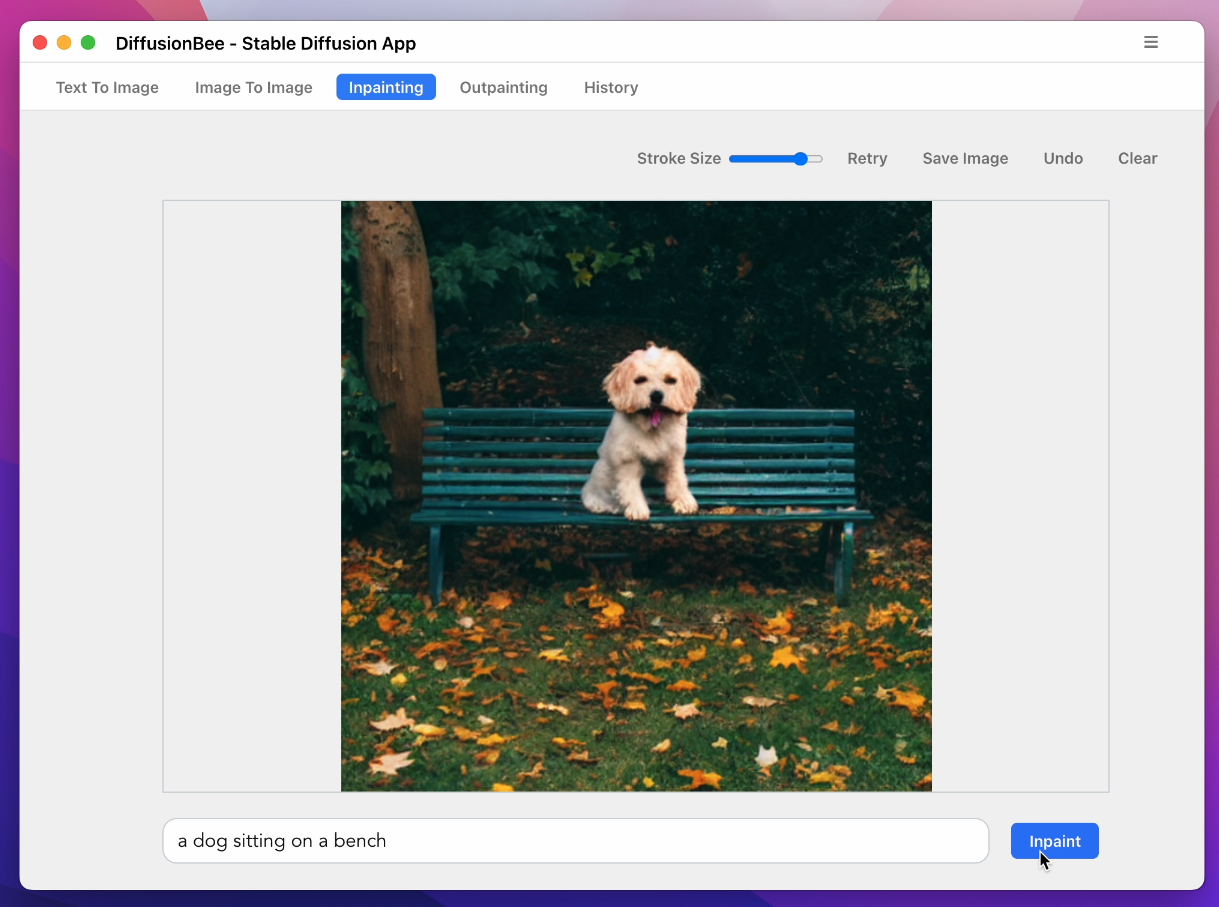
Advanced AI Canvas:

ControlNet:
Download Models:
History:
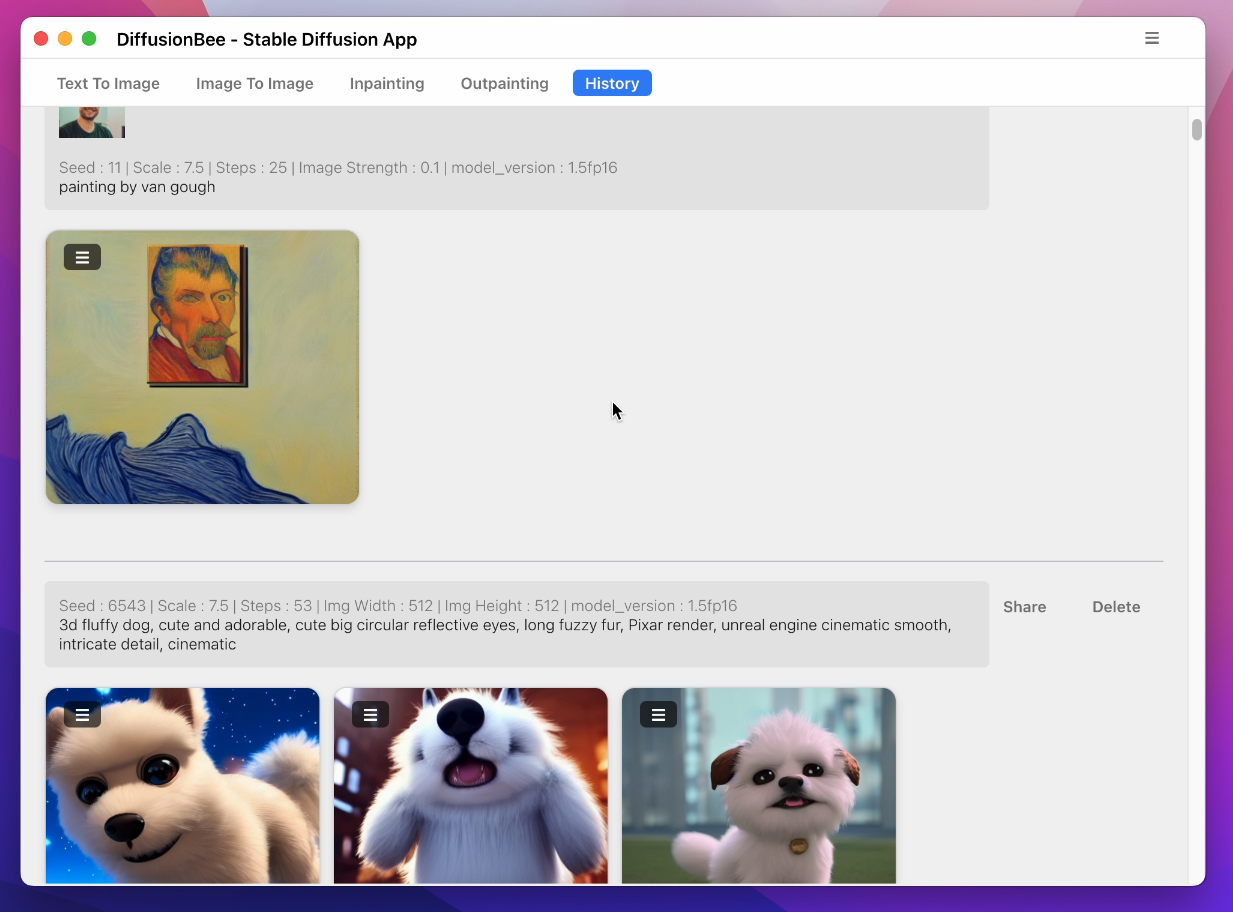
To learn more, visit the documentation.
Requirements
- Mac with Intel or M1/M2 CPU
- For Intel : MacOS 12.3.1 or later
- For M1/M2 : MacOS 11.0.0 or later
License : Stable Diffusion is released under the CreativeML OpenRAIL M license : https://github.com/CompVis/stable-diffusion/blob/main/LICENSE Diffusion Bee is just a GUI wrapper on top of Stable Diffusion, so all the term of Stable Diffusion are applied on the outputs.
References
Explore related projects
codecrafters-io/build-your-own-x
Master programming by recreating your favorite technologies from scratch.
560,104 starspublic-apis/public-apis
A collective list of free APIs
496,379 starsmorluto/rea
Reverse engineer anything with agents, from app behavior down to native binaries.
433,881 starsopenclaw/openclaw
The AI that really does things. Any OS. Any Platform. The lobster way. 🦞
393,982 stars