
developmentseed/gl-director
developmentseed/gl-director has 26 GitHub stars and 7 forks. GitHot measured 0 stars in 24 hours. Last checked 2026-11-15 01:03 UTC. Last push 2026-04-03.
Measured star growth
- in 24h
- 0
- in 7 days
- Collecting history
- in 15 days
- Collecting history
- in 1 month
- Collecting history
Net star changes over overlapping periods, not daily totals. Missing measurements are left blank. Stars measure attention, not software quality.
About
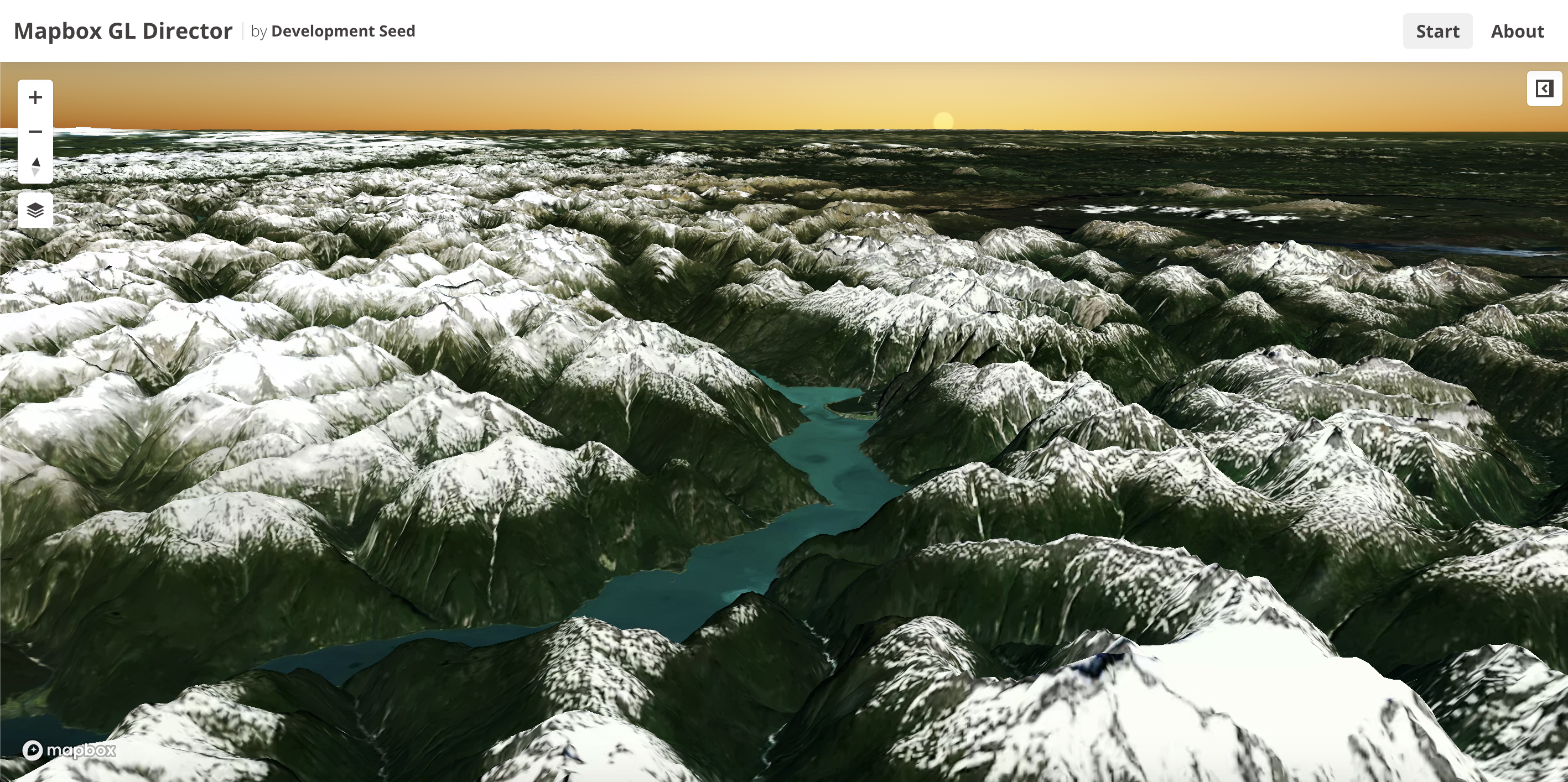
GL Director, an interface to easily generate terrain flyovers for your app using Mapbox GL JS
Creative & MediaREADME.md
OriginalMapbox GL Director
An interface to easily generate terrain flyovers for your app using Mapbox GL JS
Installation and Usage
The steps below will walk you through setting up your own instance of the project.
Install Project Dependencies
To set up the development environment for this website, you'll need to install the following on your system:
Install Application Dependencies
If you use nvm, activate the desired Node version:
nvm install
Install Node modules:
yarn install
Usage
Config files
All the config files can be found in app/assets/scripts/config.
After installing the projects there will be 3 main files:
local.js- Used only for local development. On production this file should not exist or be empty.staging.jsproduction.js
The production.js file serves as base and the other 2 will override it as needed:
staging.jswill be loaded whenever the env variableDS_ENVis set to staging.local.jswill be loaded if it exists.
The following options must be set: (The used file will depend on the context):
value- Description
Example:
module.exports = {
  value: 'some-value'
};
Starting the app
yarn serve
Compiles the javascript and launches the server making the site available at http://localhost:9000/
The system will watch files and execute tasks whenever one of them changes.
The site will automatically refresh since it is bundled with livereload.
Deployment
To prepare the app for deployment run:
yarn build
or
yarn stage
This will package the app and place all the contents in the dist directory.
The app can then be run by any web server.