
dani3l0/librusik
dani3l0/librusik has 52 GitHub stars and 11 forks. GitHot measured 0 stars in 24 hours, 0 in 7 days, and 0 in 15 days. Last checked 2026-11-16 03:46 UTC. Last push 2026-10-28.
Measured star growth
- in 24h
- 0
- in 7 days
- 0
- in 15 days
- 0
- in 1 month
- Collecting history
Net star changes over overlapping periods, not daily totals. Missing measurements are left blank. Stars measure attention, not software quality.
About
Fancy, self-hosted Librus Synergia web client with many cool features. Those include independent average calculation, countdowns, messages, attendances %% calculation and many more.
LearningREADME.md
Original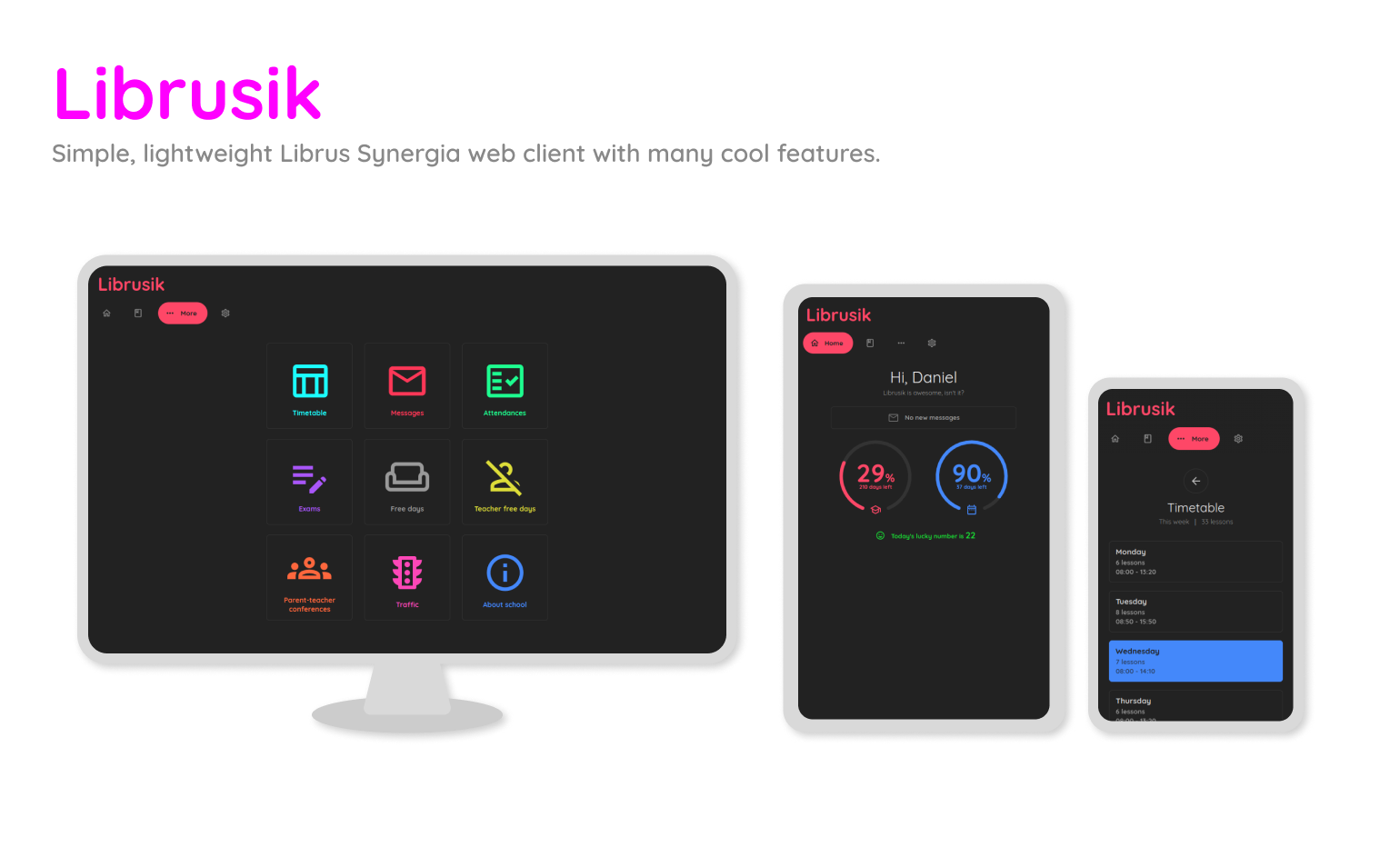
Check out the wiki for more detailed information!
Features
The coolest ones:
📋 Grades with independent average calculation - works even if school has disabled it
✉️ Messages with downloading attachments
✅ Attendances with per-semester per-subject frequency %% calculation
🏠 School free days with countdown to next holiday
🍪 Cookies - you won't be logged out each time you close the browser
🧹 Grades cleanup - removes subjects without grades from Grades page
⌛ Cool countdown gauges on home screen
🌙 Dark theme
🎉 Confetti
Installation
1. Clone the repo:
git clone https://github.com/dani3l0/librusik && cd librusik
2. Install required dependencies:
pip install -r requirements.txt
3. And, finally run it:
python3 librusik.py
Done! Librusik is now running at localhost:7777.
Configuration
Go to localhost:7777/panel to manage your Librusik instance. Default user is admin and password is admin.
Interface is friendly enough to painlessly configure your Librusik instance.
Installation (Docker) 🐳
If you prefer using Docker to keep your system clean, you can build and run Librusik using the included Dockerfile.
1. Build the image:
docker build -t librusik .
2. Run the container: The default port is 7777. You need to map it to your host machine.
docker run -d -p 7777:7777 --name librusik librusik
Note: If you want to persist your data (config & database) so it survives container restarts, mount the /app/data volume:
docker run -d -p 7777:7777 -v $(pwd)/data:/app/data --name librusik librusik
Docker Compose
Alternatively, you can use docker-compose. Create a docker-compose.yml file in the project directory:
services:
  librusik:
    image: librusik:latest
    container_name: librusik
    ports:
      - "7777:7777"
    volumes:
        - ./data:/app/data
    #   - librusik-data:/app/data
    restart: unless-stopped

# volumes:
#   librusik-data:
Then simply run:
docker compose up -d
Librusik is now running at localhost:7777.
Reporting a bug
Feel free to open new issues when something doesn't work or you want to ask for new features/improvements.
If you encounter a bug, remember to attach some logs (exception traceback or just a detailed description).
Also, ping me somewhere so we can test whether fixes work as intended as I have no access to Librus anymore.
Some other words
Because this was my first app written in Python, code is a terrible mess. Don't expect it to be super readable and flexible.
It just works (It actually worked since 2019 xD)