
crazyykhllc-bit/CyberPPT
crazyykhllc-bit/CyberPPT has 1,864 GitHub stars and 186 forks. GitHot measured +1 stars in 24 hours and +16 in 7 days. Last checked 2026-11-09 00:18 UTC. Last push 2026-07-20.
一个用于生成高密度、可编辑、咨询风格 PowerPoint 的 Codex Skill,支持 SCR 叙事、风格确认和 PPTX 质量检查。
Measured star growth
- in 24h
- +1
- in 7 days
- +16
- in 15 days
- Update delayed
- in 1 month
- Update delayed
Net star changes over overlapping periods, not daily totals. Missing measurements are left blank. Stars measure attention, not software quality.
README.en.md
OriginalCyberPPT
简体中文 | 繁體中文 | English | 日本語 | 한국어 | Français | Português | Español | العربية
CyberPPT is a Codex Skill for turning documents, research materials, and business data into high-density, editable, consulting-style PowerPoint presentations.
Best for consulting-style decks with high information density: industry research, consumer analysis, brand strategy, e-commerce analysis, user research, executive briefings, board materials, client proposals, and project retrospectives.
Not for text-light, low-density decks such as speeches, personal expression, narrative sharing, or opinion-only presentations.
CyberPPT is not a template wrapper. It turns source materials into an auditable evidence chain, then uses SCR logic, page density planning, visual blueprints, and strict gates to produce editable and high-fidelity consulting decks.
How to Use (Must Read!)
Installation: Give Codex the project URL and ask it to install the Skill.
Creating a PPT properly involves three stages:
1. Analyze the source materials.
Upload your source documents and explicitly tell Codex: “Use the CyberPPT skill in the XX folder to create a PPT based on the uploaded documents/materials,” together with any additional requirements. At this stage, it will analyze the materials and produce an evidence brief.
Note: CyberPPT will automatically analyze the materials and determine the number of slides. You can also specify the slide count if needed.
2. Choose a style and create the blueprints.
- CyberPPT will present 8 built-in styles. Once you choose one, it enters the blueprint stage and generates blueprints for all slides in one pass. The blueprints are not editable at this point.
3. Generate the editable PPT.
- At this stage, CyberPPT recreates the blueprints one slide at a time. AI attention can drift, so if it starts recreating all slides at once, stop it immediately and say: “Strictly follow the Skill and recreate the slides one by one.” Otherwise, it may cut corners and produce only skeletal layouts. If a recreated slide deviates from the blueprint, point out the problem when it appears (screenshots annotated with arrows work best). The first and second slides usually take longer and are more prone to errors. This initial calibration is unavoidable, but once the workflow is tuned, CyberPPT will become faster and produce better results.
Final notes
- All three stages are mandatory. Following them allows the Skill to reproduce roughly 90% of the blueprints. Curved charts are the hardest to recreate; if one goes off track, provide a screenshot and ask Codex to refine it. AI can also choose the wrong small icons, so point out any mistakes and ask it to regenerate them. You can manually adjust remaining line breaks and font-size issues. Avoid insisting that AI reproduce everything with 100% accuracy: it is possible, but results are somewhat random—sometimes it works in one pass, and sometimes it needs several attempts. Reaching 100% through AI alone requires substantially more debugging and tokens. The practical recommendation is: let AI handle 90% and finish the remaining 10% yourself; otherwise, you can use the blueprints directly.
Core Capabilities
- Extract evidence, facts, numbers, claims, recommendations, and caveats from DOCX, PDF, TXT, XLSX, research reports, business materials, and raw data.
- Build an MBB-style evidence table before storyline brainstorming, SCR convergence, and page planning.
- Provide 8 fixed CyberPPT visual styles, each with a standalone 16:9 sample image.
- Generate page-by-page ImageGen blueprints to lock composition, hierarchy, density, palette, and chart language.
- Produce PPTX files with a hybrid strategy: complex visual fidelity plus editable core information.
- Run structural QA, visual QA, editability QA, overflow QA, spatial registration QA, and curve tracing QA.
Required Workflow
- Analysis: build an MBB evidence table, record conflicts and caveats, brainstorm 2-3 storylines, converge into SCR, and produce the page outline, chart plan, density target, and component inventory.
- Blueprint: show the 8 fixed visual styles; after selection, lock the style number, palette, grid, typography hierarchy, chart language, and page density, then generate ImageGen blueprints for all pages.
- Reconstruction: rebuild PPTX from the blueprint by separating complex visual assets from the editable information layer, using native text, shapes, tables, charts, SVG paths, or custom geometry.
- Delivery: provide the PPTX, rendered previews,
slide_manifest.json,visual_qa_gate.json, and strict QA results. Any failed hard gate blocks delivery.
8 Visual Styles
| Option | Name | Sample |
|---|---|---|
| 01 | Classic Deep Red Consulting | 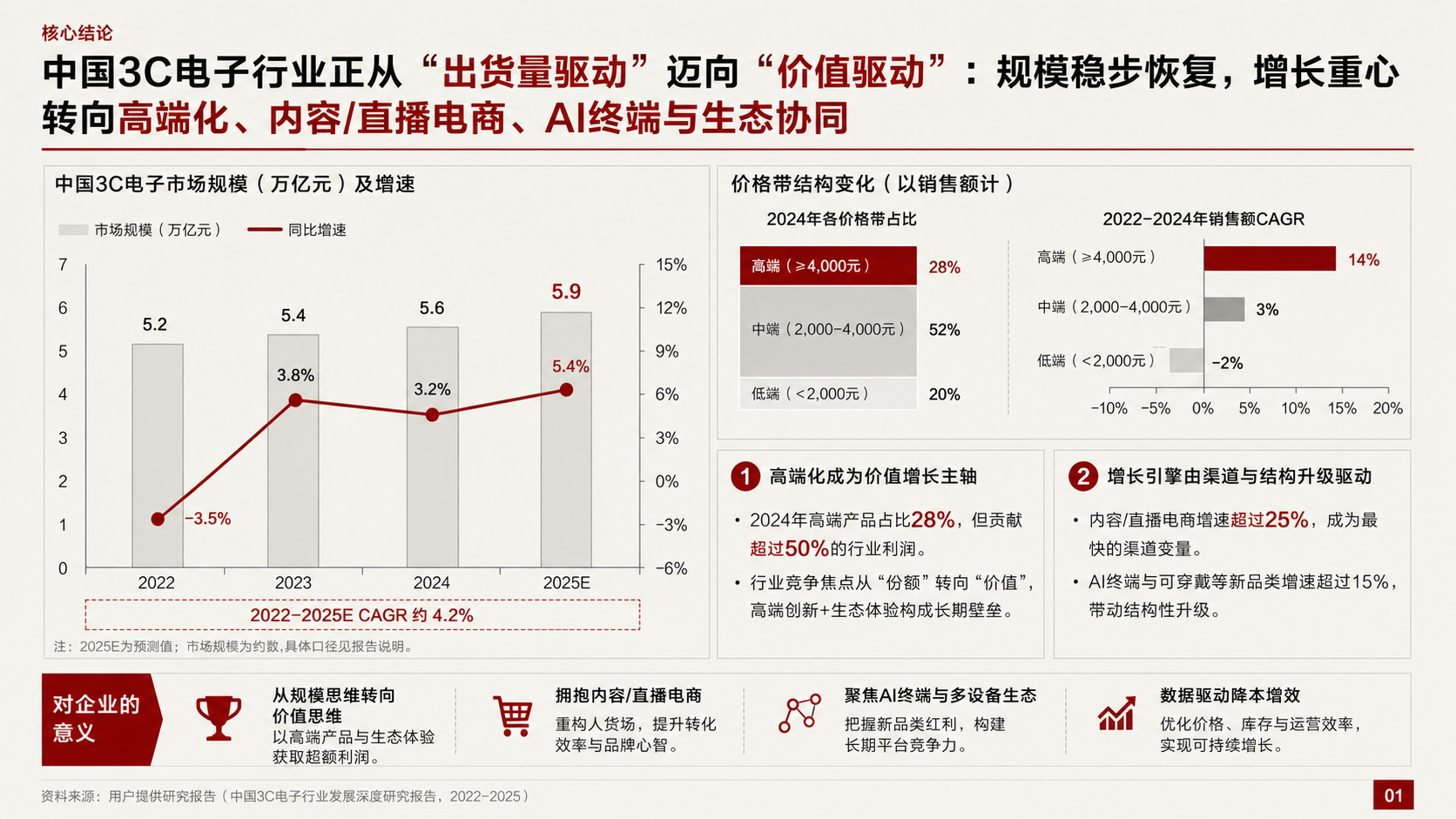 |
| 02 | Cool Gray + Burgundy | 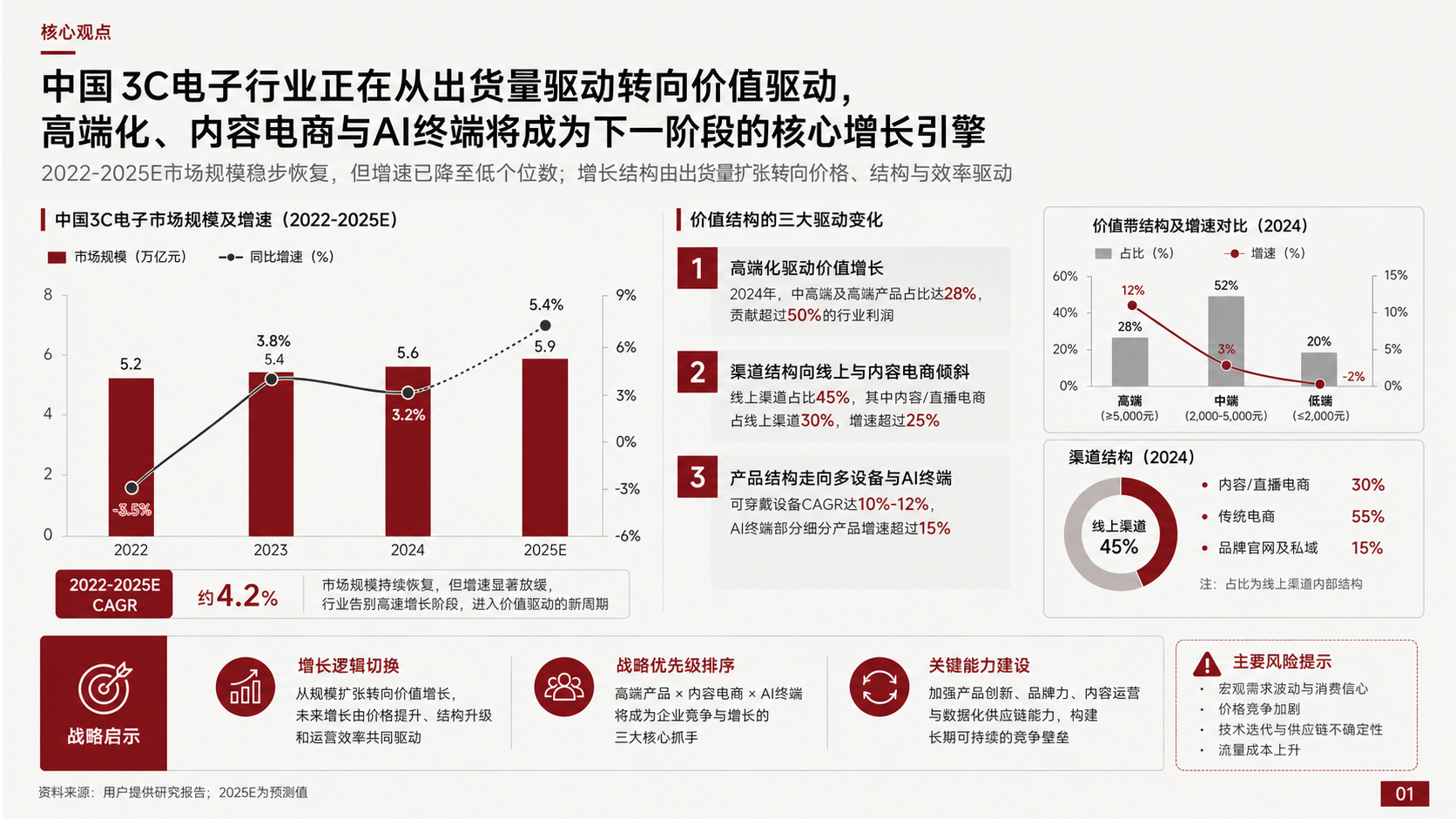 |
| 03 | Warm Ivory + Dark Wine | 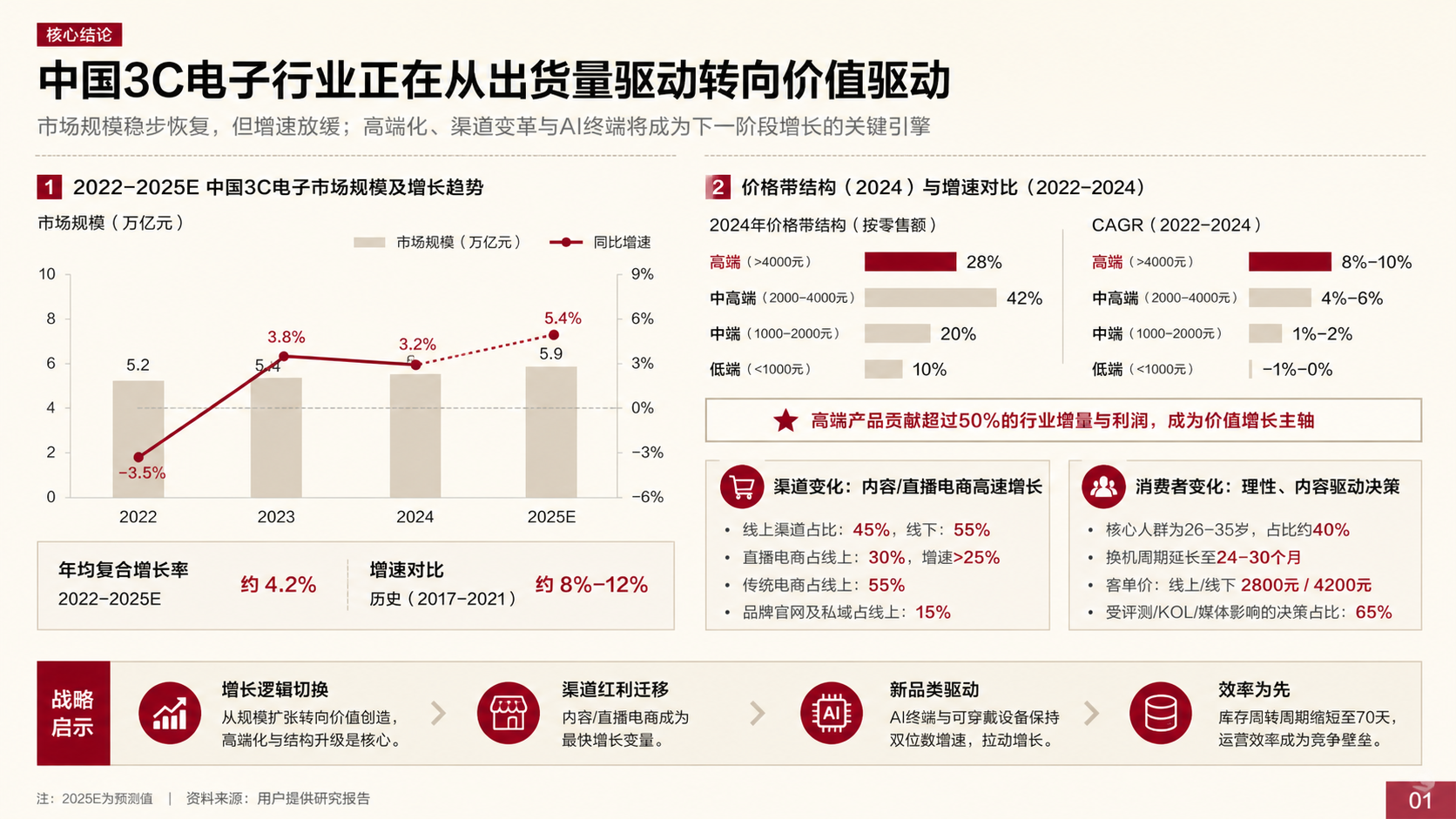 |
| 04 | Ivory + Deep Blue Accent | 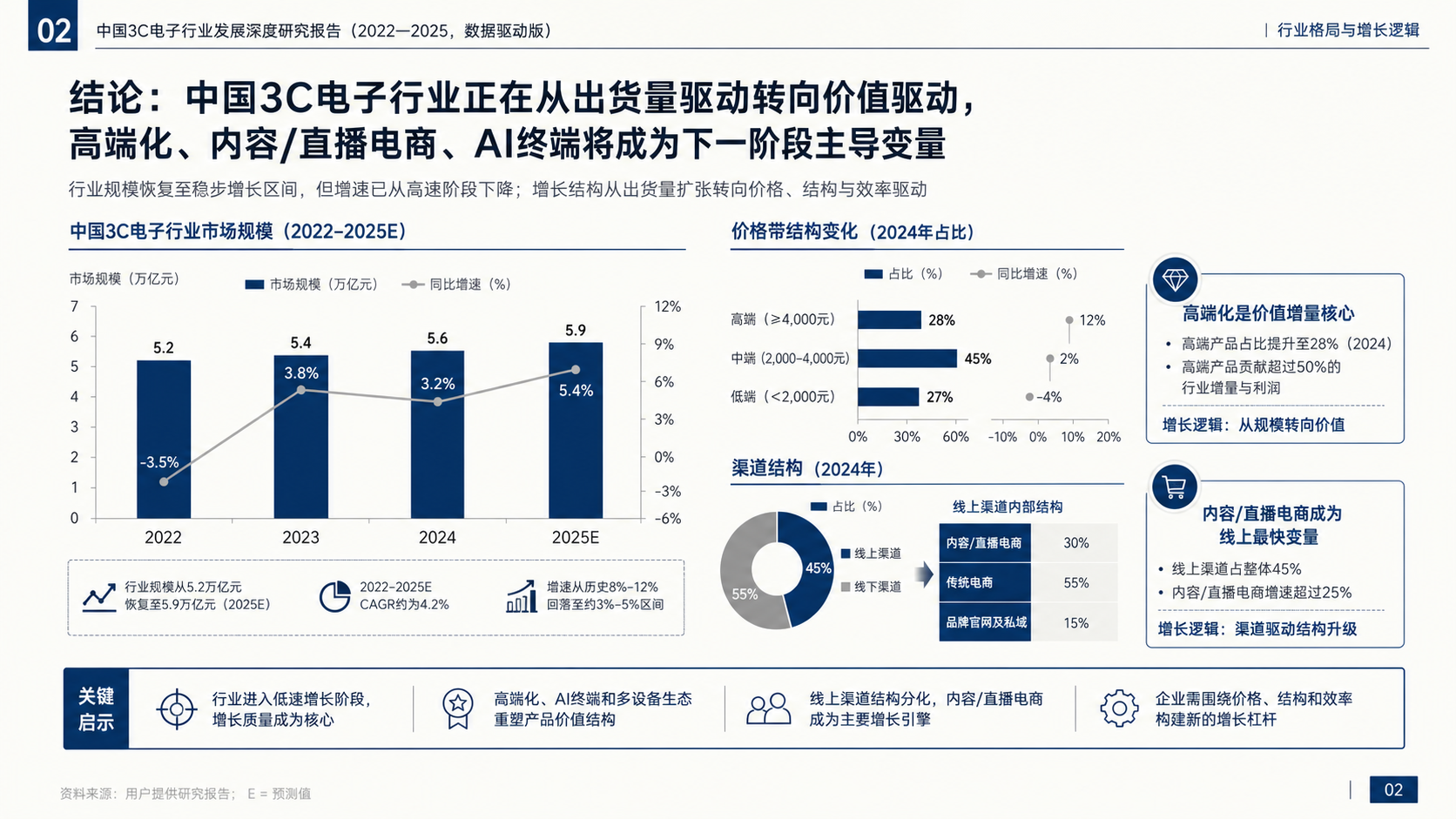 |
| 05 | Light Gray White + Ink Green | 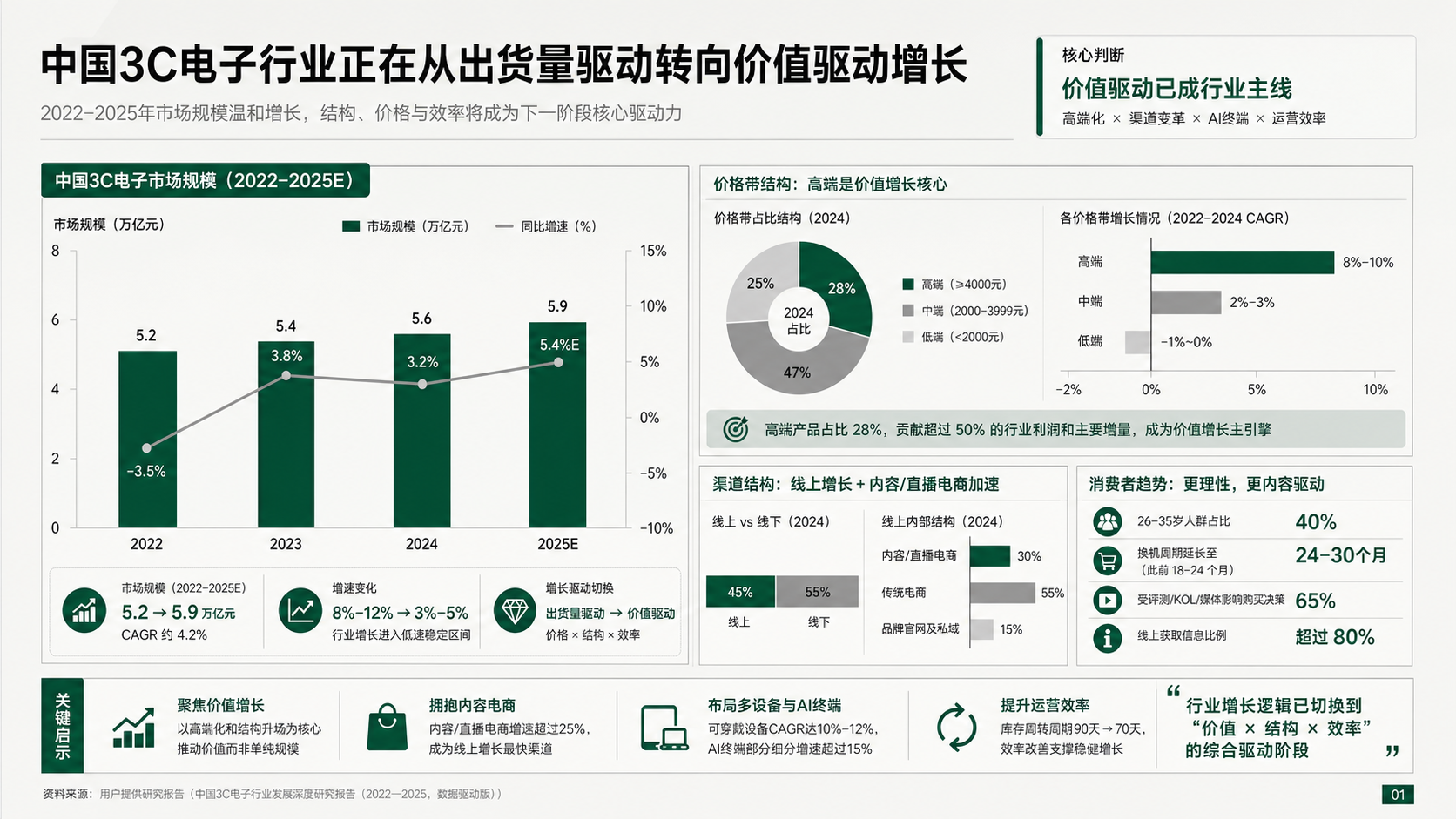 |
| 06 | Paper Beige + Copper Brown | 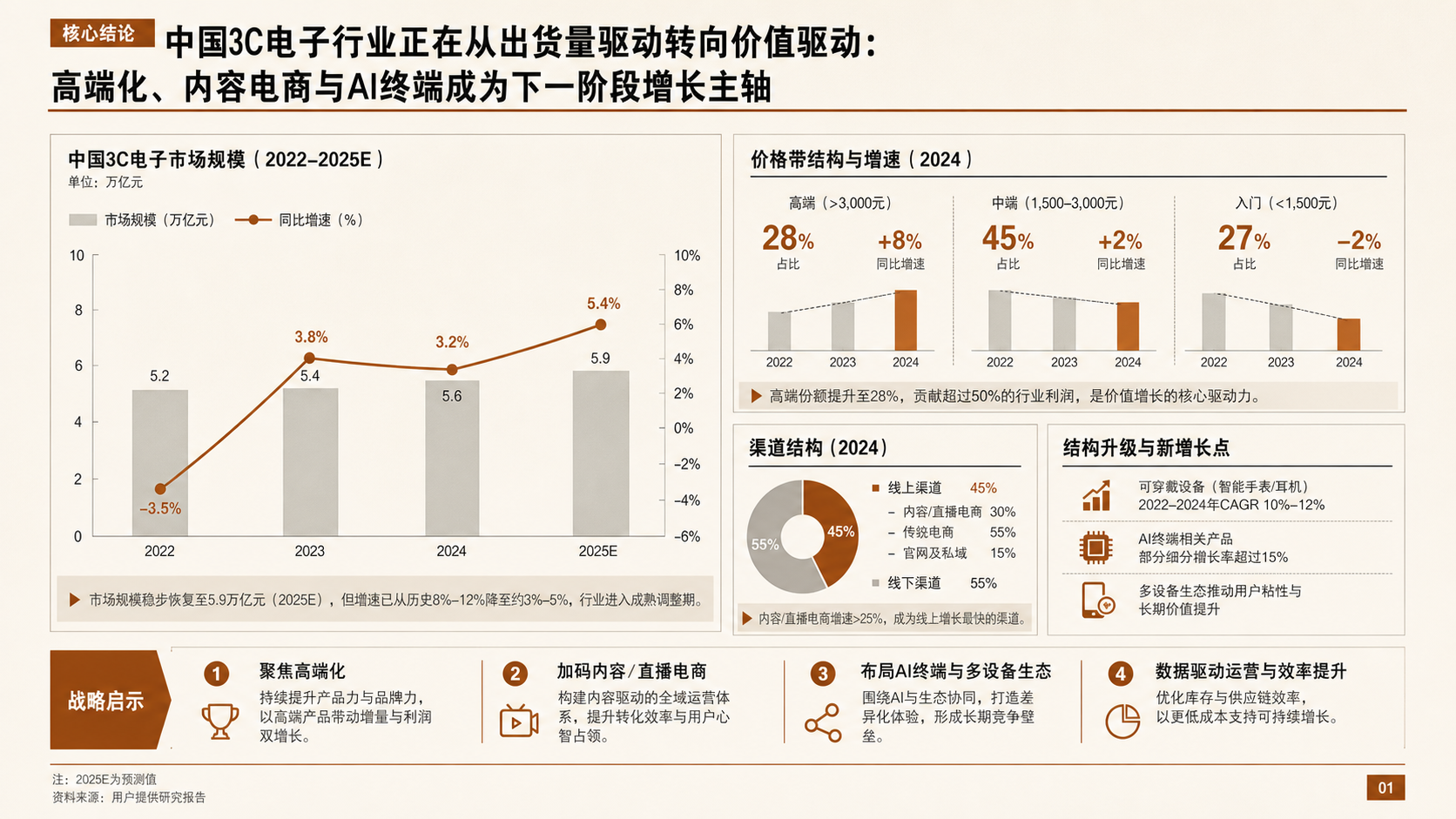 |
| 07 | Clean Light Gray + Black Gold | 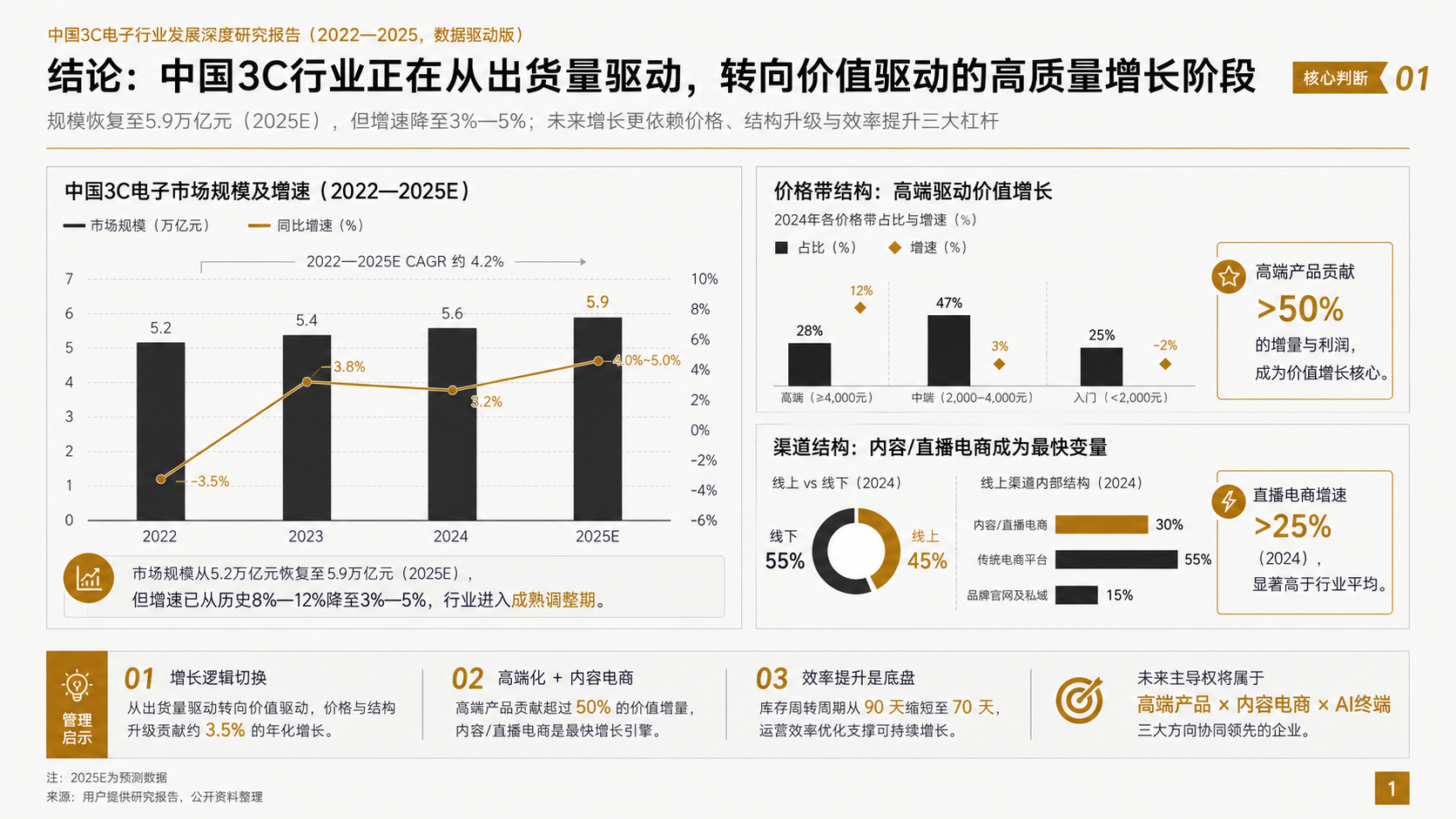 |
| 08 | Cool White Gray + Deep Purple | 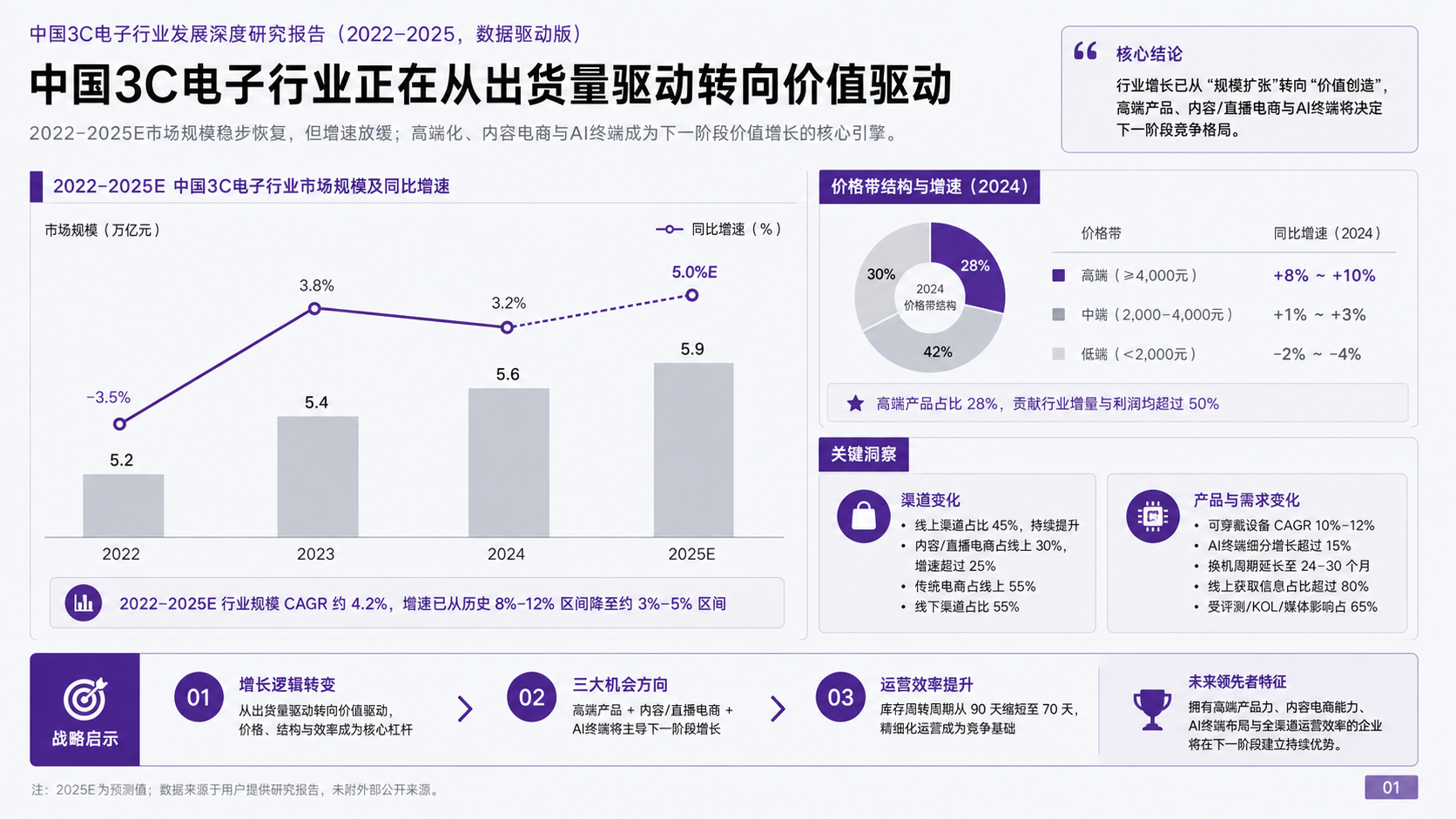 |
Gate System
CyberPPT includes multiple hard gates to prevent decks that look finished but fail on evidence, density, editability, or visual fidelity.
| Gate | What It Checks | If It Fails |
|---|---|---|
| Reference Gate | Required reference files are read before each stage | The stage cannot start |
| Evidence Gate | Every fact, number, claim, and recommendation traces back to source material | Missing evidence must be marked or fixed |
| Storyline Gate | 2-3 storylines are brainstormed, compared, and converged into SCR | A single outline is not enough |
| Density Gate | Each page has a density target, component inventory, chart plan, and SO WHAT | Low-density pages must be redesigned |
| Style Gate | 8 standalone 16:9 visual samples are shown and one style is locked | Text-only style descriptions are not enough |
| Blueprint Gate | All pages have ImageGen blueprints | PPTX production cannot start |
| Asset Admission Gate | Every image asset has source, necessity, and editability impact | Unjustified images must be rebuilt natively |
| Editable Layer Gate | Core text, numbers, labels, footers, and SO WHAT are editable | Rasterized core information fails |
| Visual Semantics Gate | Chart semantics, curves, panels, surfaces, hierarchy, and visual weight match the blueprint | Editability cannot excuse visual downgrade |
| Curve Trace Gate | Ribbons, Sankey flows, arcs, and irregular boundaries are precisely traced | Rough rectangles or sparse polylines fail |
| Spatial Registration Gate | Icons, nodes, labels, arrows, and curves align to their anchors | No overlap does not mean aligned |
| Container Overflow Gate | Text stays inside cards, cells, conclusion bars, SO WHAT, and chart areas | Container overflow fails |
| Typography Gate | Font sizes follow the fixed C0/T1-T14 scale | Unlimited shrinking is not allowed |
| Render QA Gate | Every page is rendered and compared against the blueprint | File generation is not completion |
| Strict QA Gate | validate_pptx.py --strict passes with manifest and visual QA |
Any error requires rework |
Key principle: editability and visual fidelity are equal hard requirements. Passing strict QA does not replace rendered visual inspection. ImageGen blueprints are references, not PPT backgrounds.
Installation
Use Git to install CyberPPT into the Codex skills directory and keep the installed folder name as cyber-ppt. The root folder must contain SKILL.md.
git clone https://github.com/crazyykhllc-bit/CyberPPT.git "$env:USERPROFILE\.codex\skills\cyber-ppt"
Update
cd "$env:USERPROFILE\.codex\skills\cyber-ppt"
git pull
PPTX Validation
python scripts/validate_pptx.py path/to/deck.pptx --manifest path/to/slide_manifest.json --visual-qa path/to/visual_qa_gate.json --strict --json-out path/to/report.json
License
MIT. See LICENSE.
Acknowledgments
SVG Repo · Tabler Icons · Simple Icons · Phosphor Icons · Robin Williams (CRAP principles)
Explore related projects
codecrafters-io/build-your-own-x
Master programming by recreating your favorite technologies from scratch.
561,258 starspublic-apis/public-apis
A collective list of free APIs
497,518 starsmorluto/rea
Reverse engineer anything with agents, from app behavior down to native binaries.
445,901 starsopenclaw/openclaw
The AI that really does things. Any OS. Any Platform. The lobster way. 🦞
394,230 stars