
cometchat/calls-sdk-ios
cometchat/calls-sdk-ios has 31 GitHub stars and 10 forks. GitHot measured 0 stars in 24 hours and 0 in 7 days. Last checked 2026-11-15 02:29 UTC. Last push 2026-10-28.
Measured star growth
- in 24h
- 0
- in 7 days
- 0
- in 15 days
- Collecting history
- in 1 month
- Collecting history
Net star changes over overlapping periods, not daily totals. Missing measurements are left blank. Stars measure attention, not software quality.
About
Voice & Video Calling SDK for iOS
Creative & MediaREADME.md
Original

CometChat iOS Calls SDK
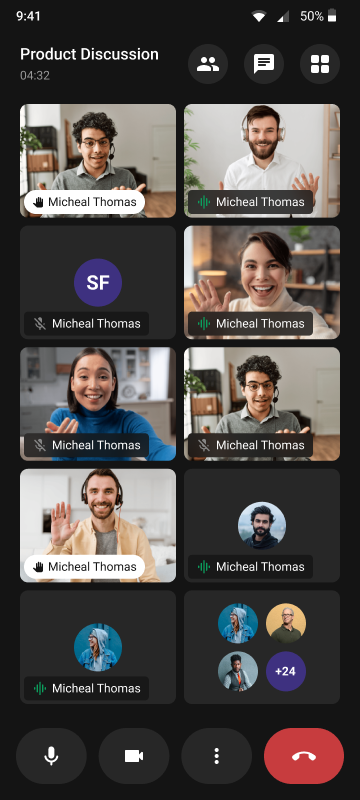
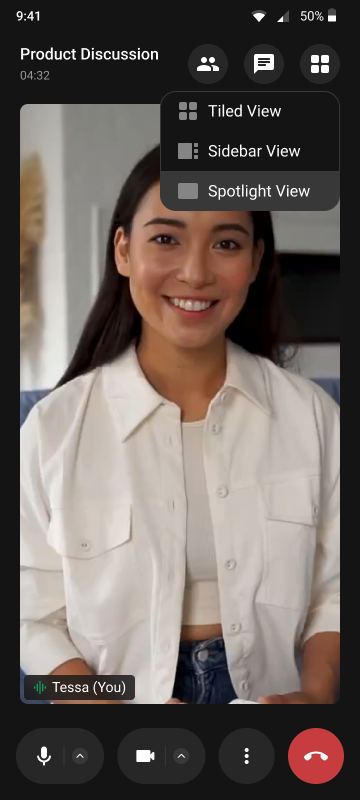
The CometChat Calls SDK enables real-time voice and video calling capabilities in your iOS application. Built on top of WebRTC, it provides a complete calling solution with built-in UI components and extensive customization options.

Getting Started
To set up the CometChat Calls SDK and utilize CometChat for your calling functionality, you'll need to follow these steps:
- Registration: Go to the CometChat Dashboard and sign up for an account.
- After registering, log into your CometChat account and create a new app. Once created, CometChat will generate an Auth Key and App ID for you. Keep these credentials secure as you'll need them later.
- Check the Key Concepts to understand the basic components of CometChat.
📦 Installation
Swift Package Manager
In Xcode, go to File > Add Package Dependencies and enter:
https://github.com/cometchat/calls-sdk-ios.git
For the complete setup guide, refer to our official documentation.
🚀 Explore the Sample Apps
Dive straight into our sample apps to see the CometChat Calls SDK in action.
| Sample App | Description |
|---|---|
| Standalone Calling | Join or start meetings with a session ID — Calls SDK only |
| Ringing | 1:1 and group calls that ring through CallKit in every app state, with call history — Calls SDK 5.1 + Push Notifications SDK 2.0 |
🤖 Agent Skills
This repository includes agent skills in skills/ for AI-assisted development. See the skills README for the full list.
Help and Support
For issues running the project or integrating with our UI Kits, consult our documentation or create a support ticket or seek real-time support via the CometChat Dashboard.