
cocopuff2u/MacOS_Admin_Scripts
cocopuff2u/MacOS_Admin_Scripts has 26 GitHub stars and 5 forks. GitHot measured 0 stars in 24 hours. Last checked 2026-11-15 01:49 UTC. Last push 2026-11-13.
Measured star growth
- in 24h
- 0
- in 7 days
- Collecting history
- in 15 days
- Collecting history
- in 1 month
- Collecting history
Net star changes over overlapping periods, not daily totals. Missing measurements are left blank. Stars measure attention, not software quality.
About
macOS Admin Script/Tool Collection
SecurityREADME.md
Original MacOS Admin Scripts
Welcome to a collection of valuable scripts designed for Mac administrators. These scripts assist in performing a variety of tasks on macOS machines. Created with deployment in mind, they work seamlessly with Mobile Device Management (MDM) solutions like Intune, Jamf, and Kandji. Most scripts are adaptable for both local and remote execution via SSH. Some may require pre-existing software such as SwiftDialog, JamfHelper, Xcode, or AppleScript, and can be customized to fit specific needs.
Sharing tools and scripts is essential in the Mac admin community. Many of these scripts are adaptations or combinations of existing ones, and others are original creations. Feel free to modify, request, or contribute your own scripts. After all, it’s all about collaboration and community support.
Featured Scripts
App Uninstaller
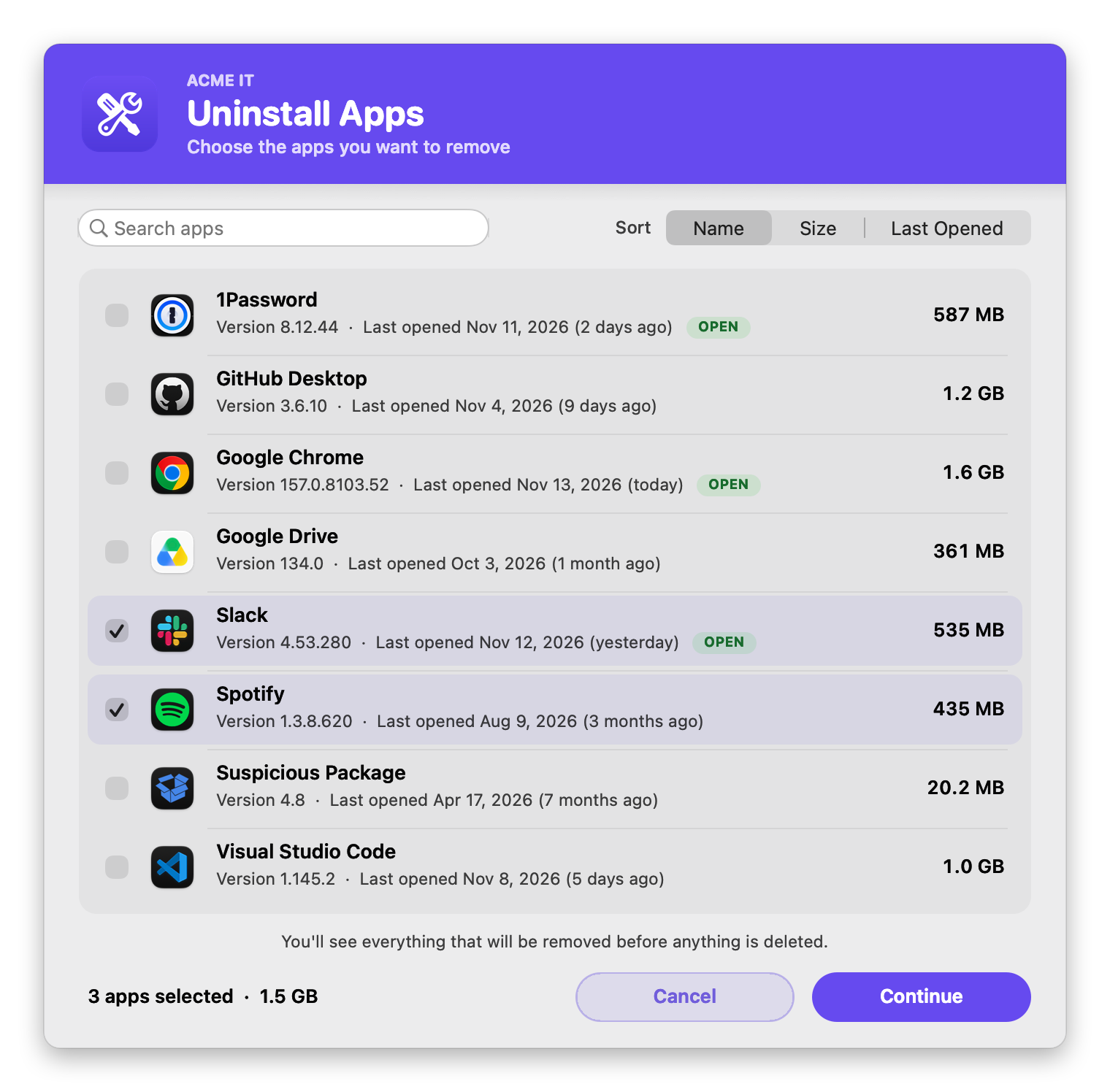
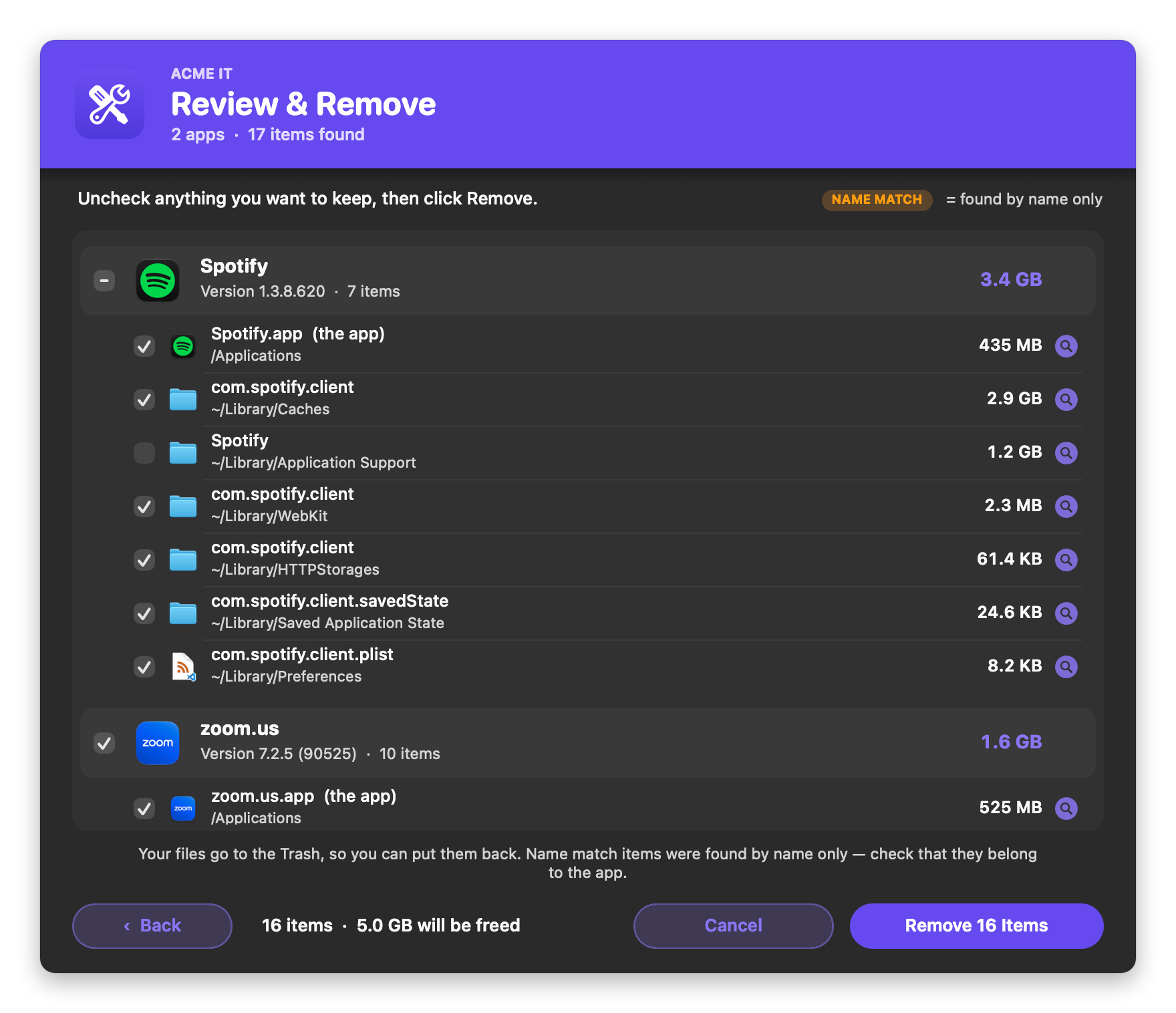
Completely uninstalls apps and all the leftover files they leave behind. The user picks one or more apps (search, sort by size or last opened), reviews every file that will be removed with its size, and confirms. Nothing is deleted without their OK, and their files go to the Trash.
Disk Usage
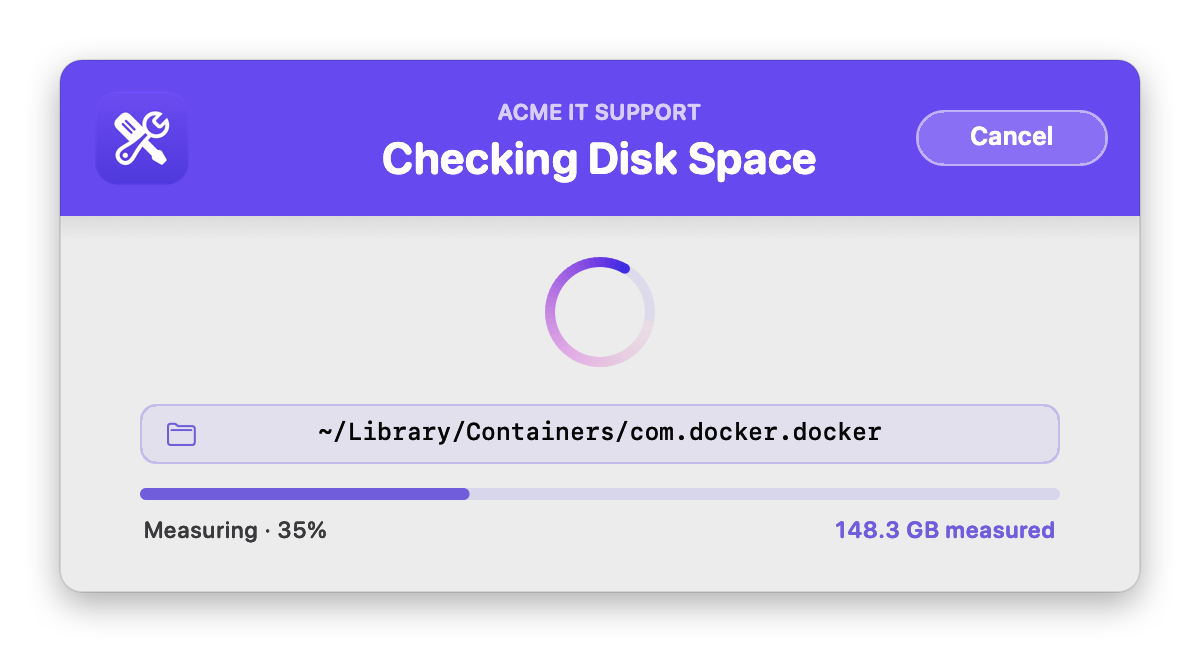
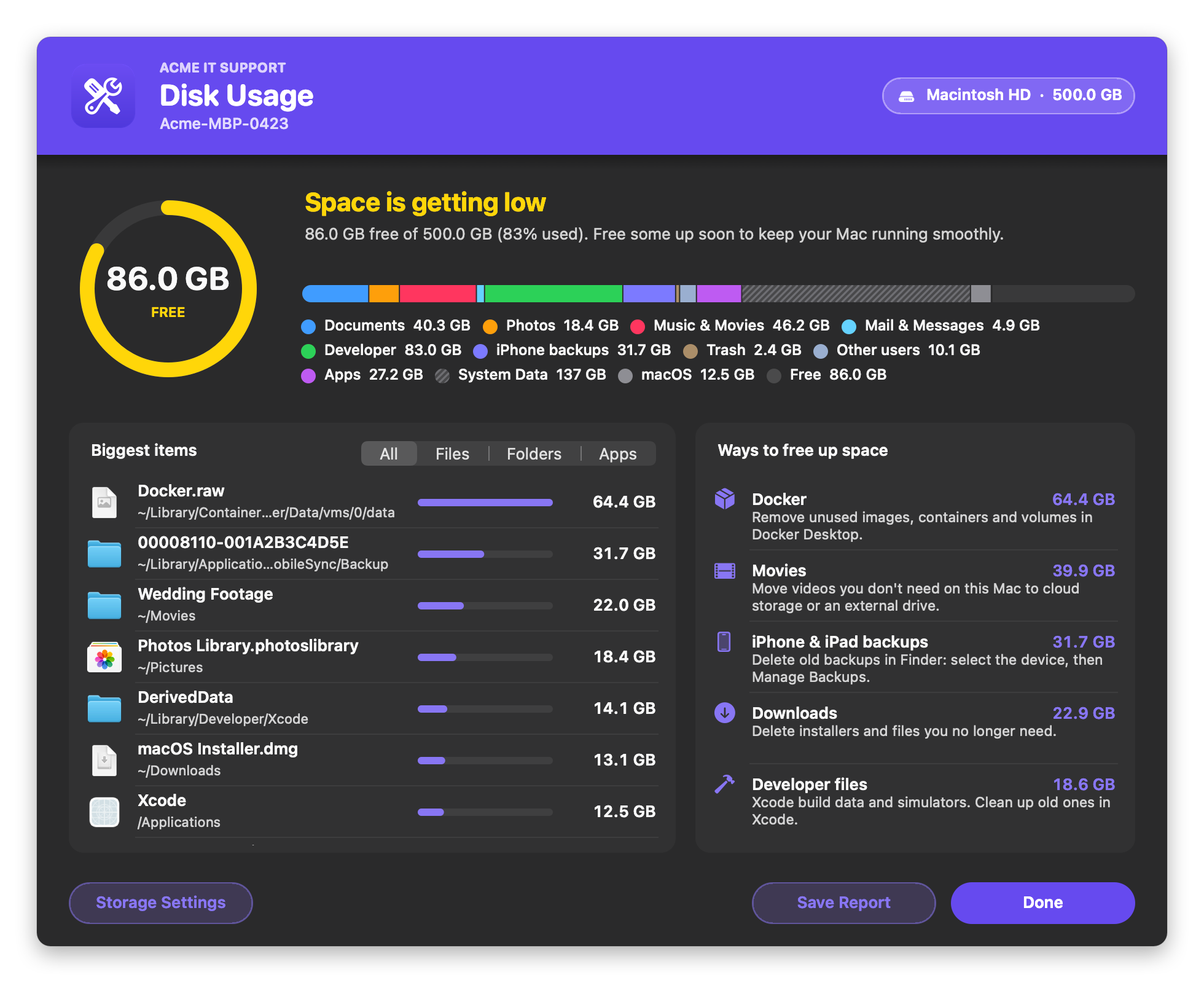
Shows the user and IT what's filling up the Mac's disk. It measures the whole disk in one pass with live progress, then shows how full the disk is, what's using the space (home folder, apps, other users, macOS and system), the biggest items (click one to show it in Finder), and ways to free up space. It saves a full report for the ticket, and supports your logo and colors in light and dark mode.
Network Health Check
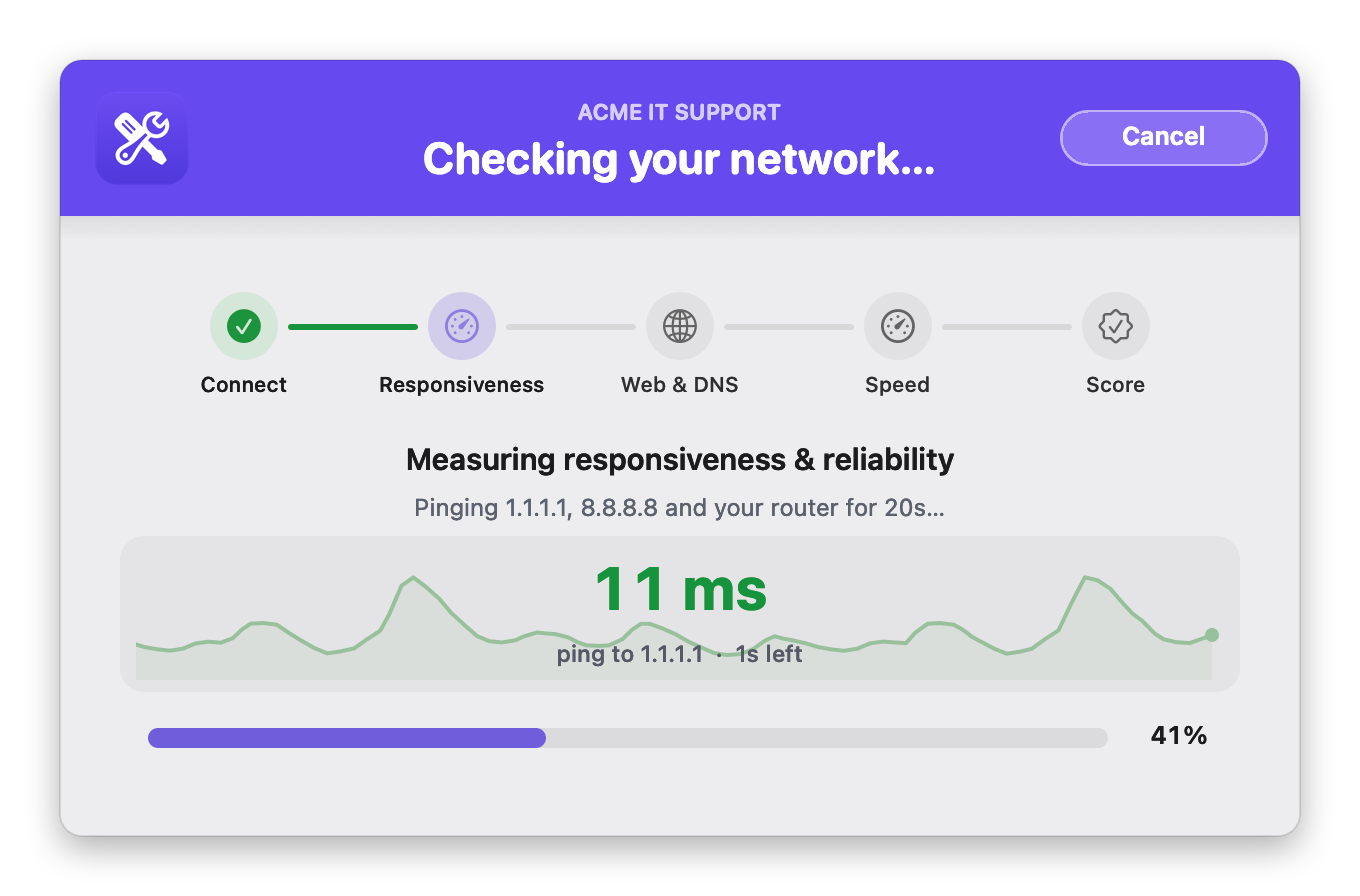
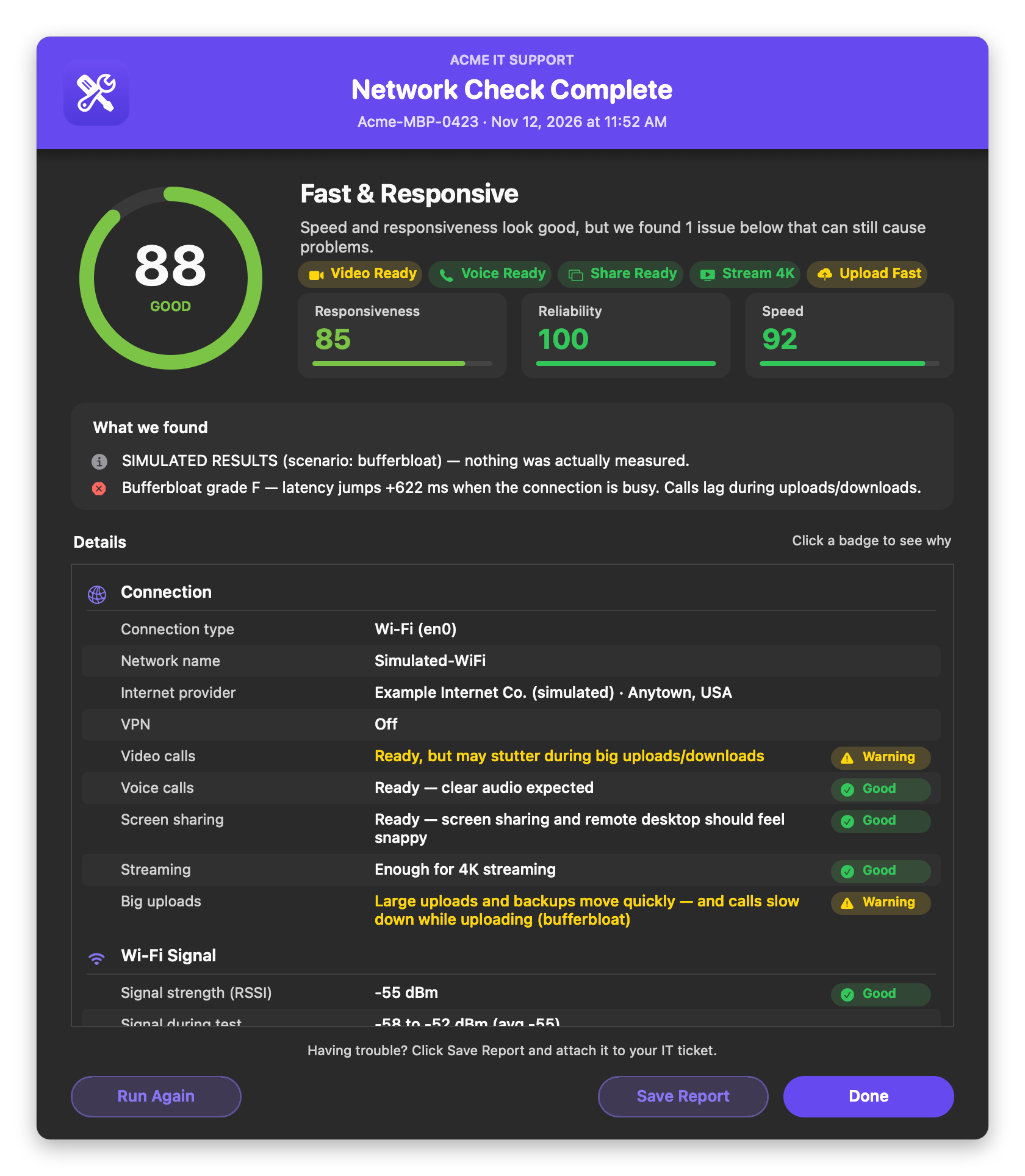
Tests the Mac's network and shows a 0–100 Network Score, plain-English verdicts for video and voice calls, screen sharing, streaming and big uploads, and findings that say what's wrong. Below that is a For IT section covering Wi-Fi, DNS, VPN, MDM and more. It separates "your Wi-Fi or router" from "your internet provider", supports your logo and colors in light and dark mode, and saves a report for the ticket.
Collect User Logs
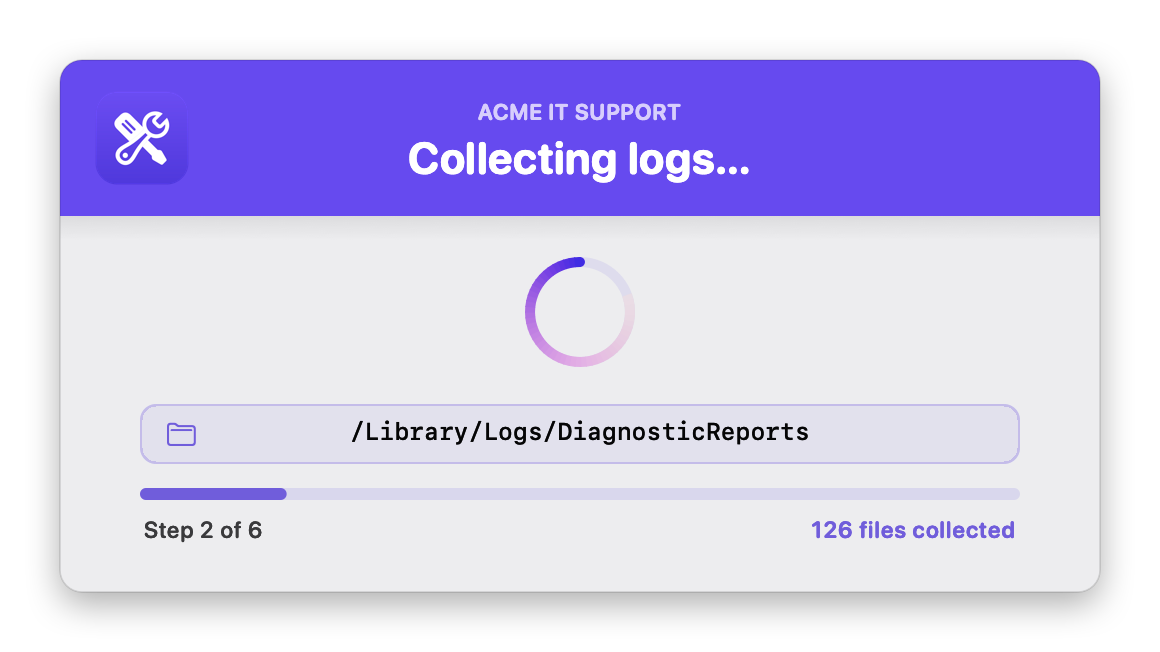
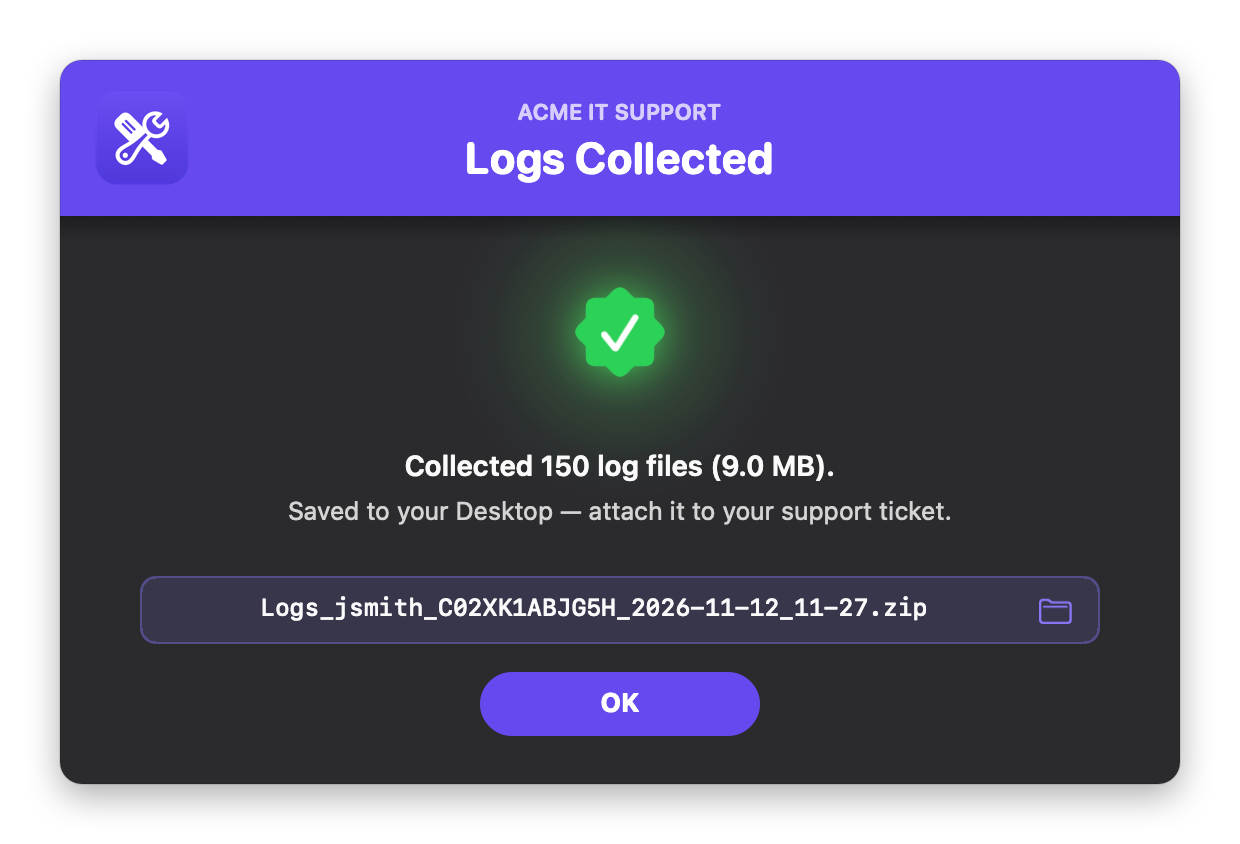
Gathers logs from across the Mac, including Jamf, App Auto-Patch, Installomator and sandboxed app logs, plus device, security and network details and install history. It zips them up and drops the archive on the user's Desktop, ready to attach to a support ticket. It supports your logo and colors (including your Jamf Self Service branding) in light and dark mode.
Delete Expired Certificates
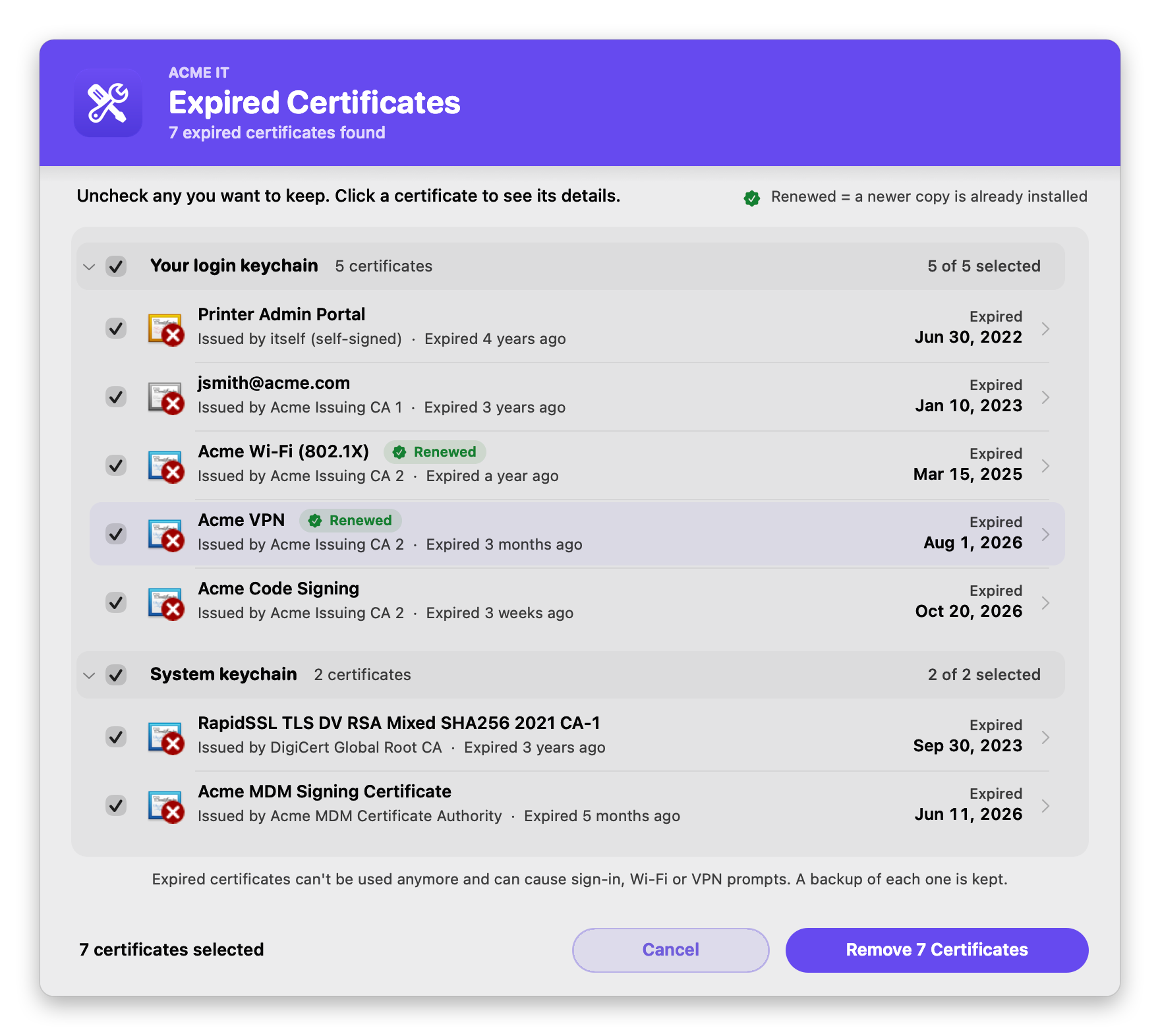
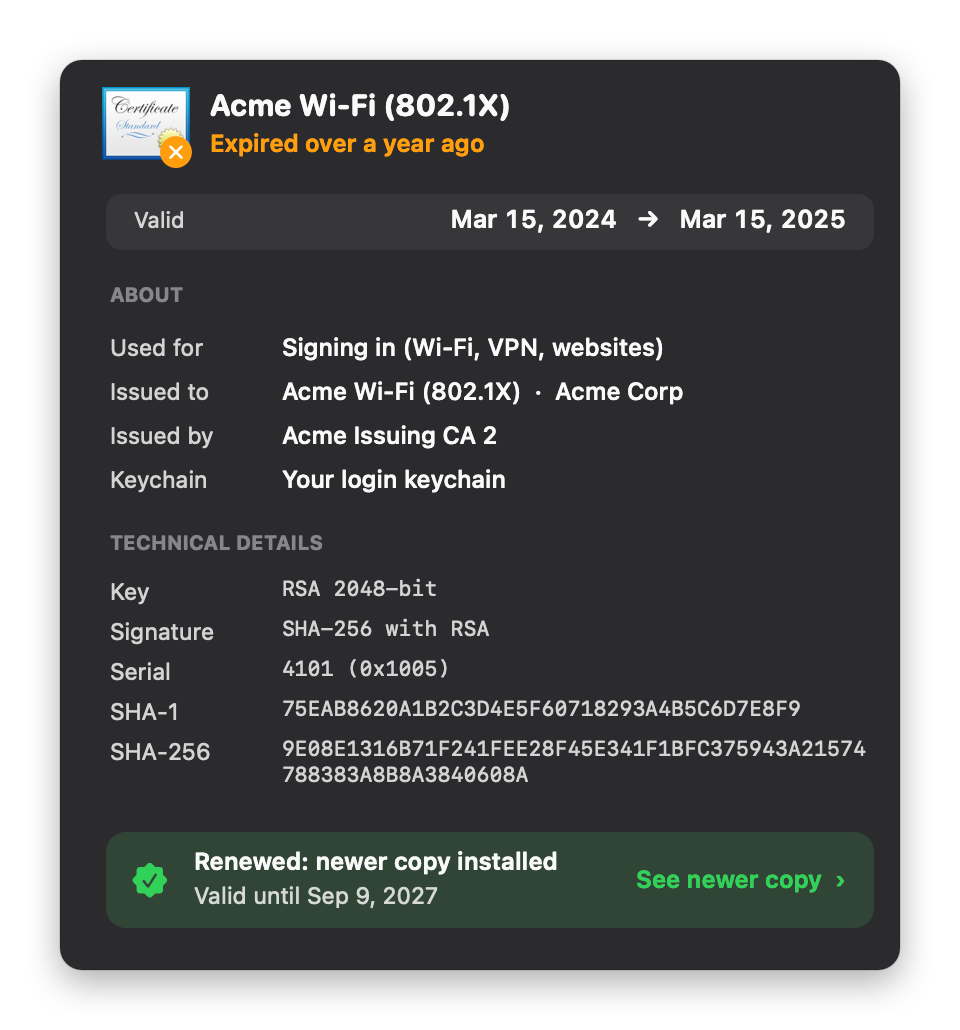
Finds expired certificates in the login and System keychains, backs each one up, and removes it. The user sees each certificate with its Keychain icon, issuer and expiry, can click one for plain-English details, and sees a Renewed badge when a newer copy is already installed. It also runs silently at check-in, and supports your logo and colors in light and dark mode.
Set Time Zone
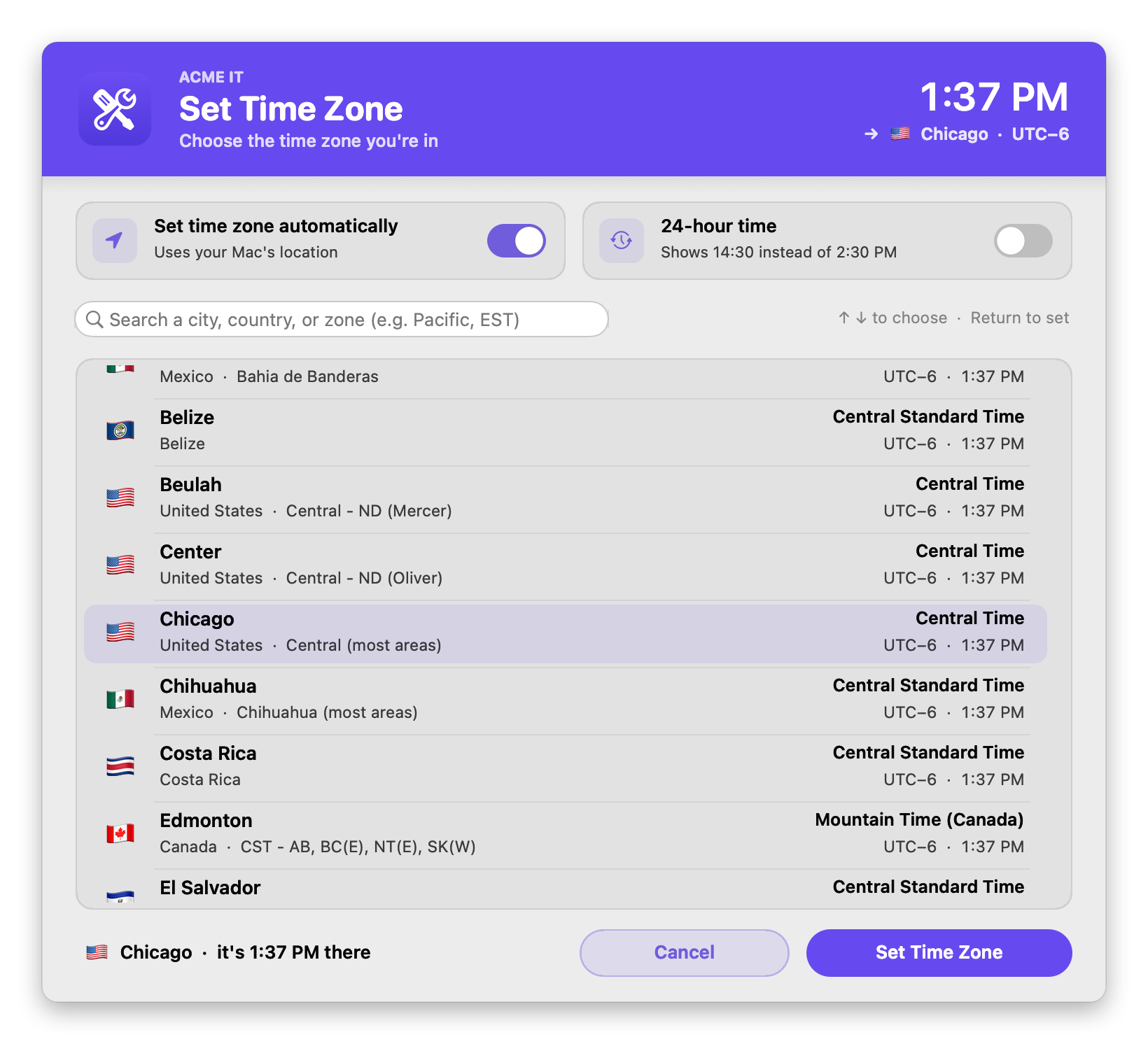
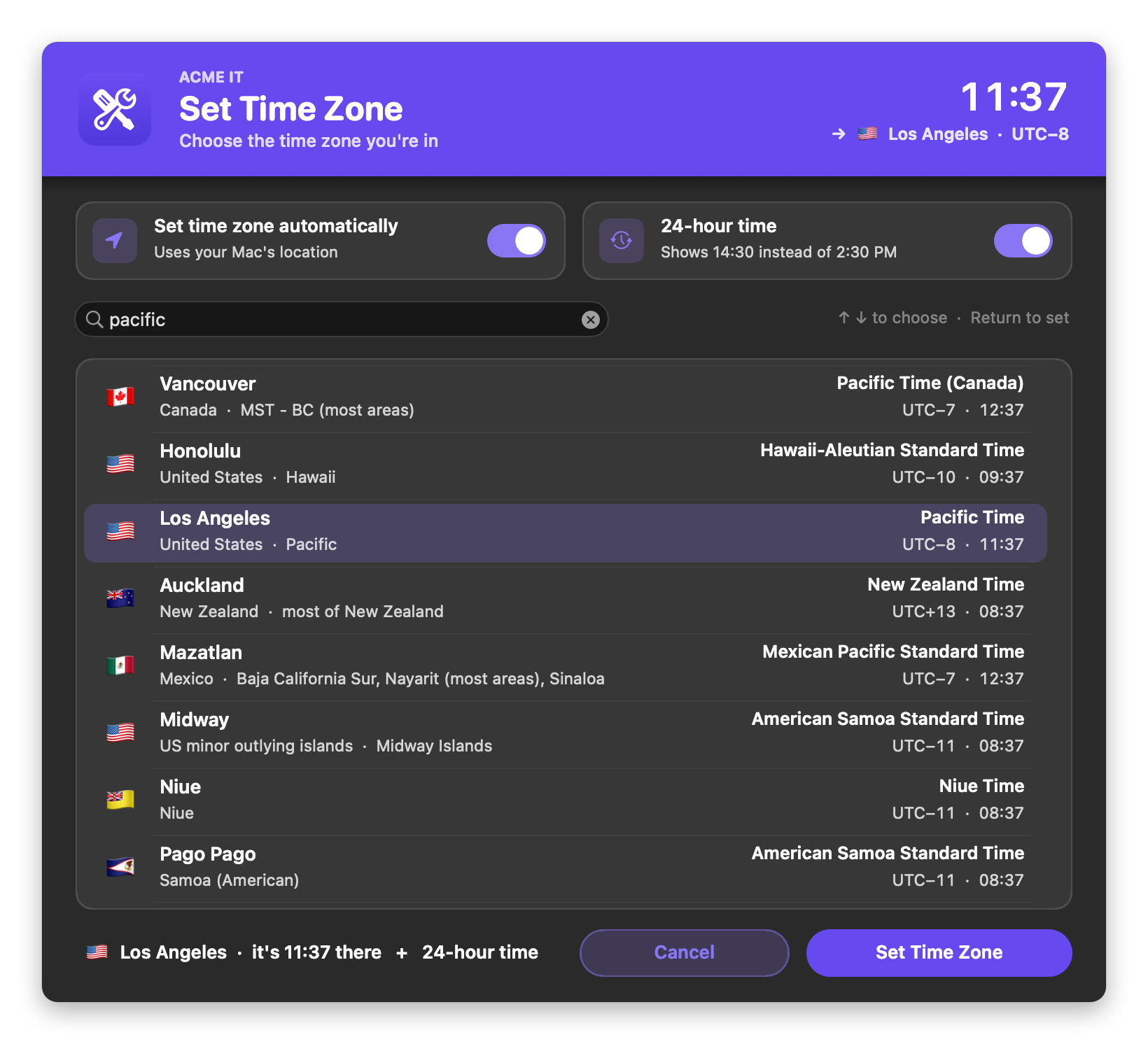
Lets the user pick their time zone from a searchable list of every zone (search by city, country, "Pacific", "CST" or "UTC-6"), turn automatic time zone on or off, and switch to a 24-hour clock. The clock in the corner previews the time in the zone they pick. It also sets a zone straight from the policy, and supports your logo and colors in light and dark mode.
Reset User Keychain
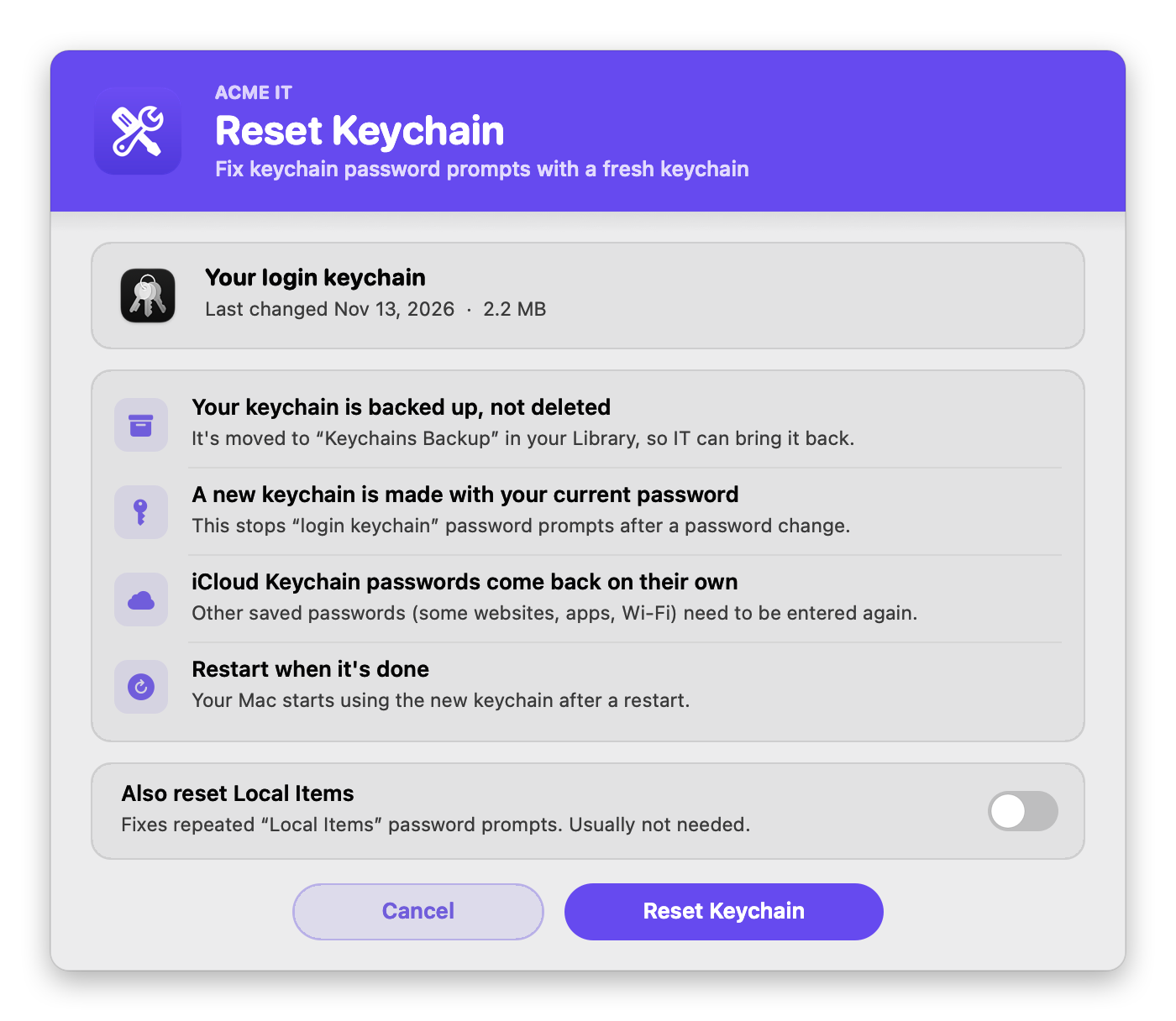
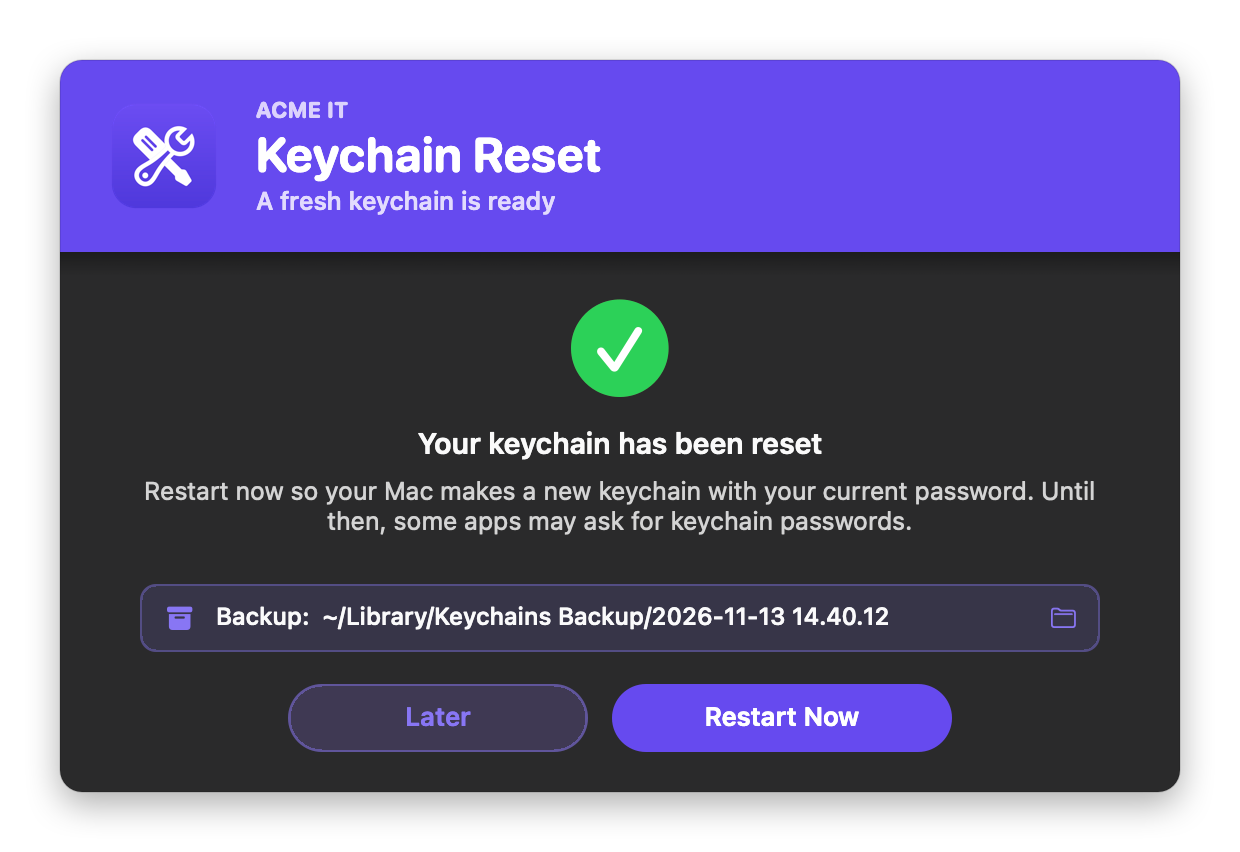
Gives the user a fresh login keychain to stop the "login keychain" password prompts that follow a password change. It explains what will happen in plain words, backs the old keychain up instead of deleting it, and offers Restart Now at the end. Local Items can be reset too. It supports your logo and colors in light and dark mode.
Recommend User Reboot
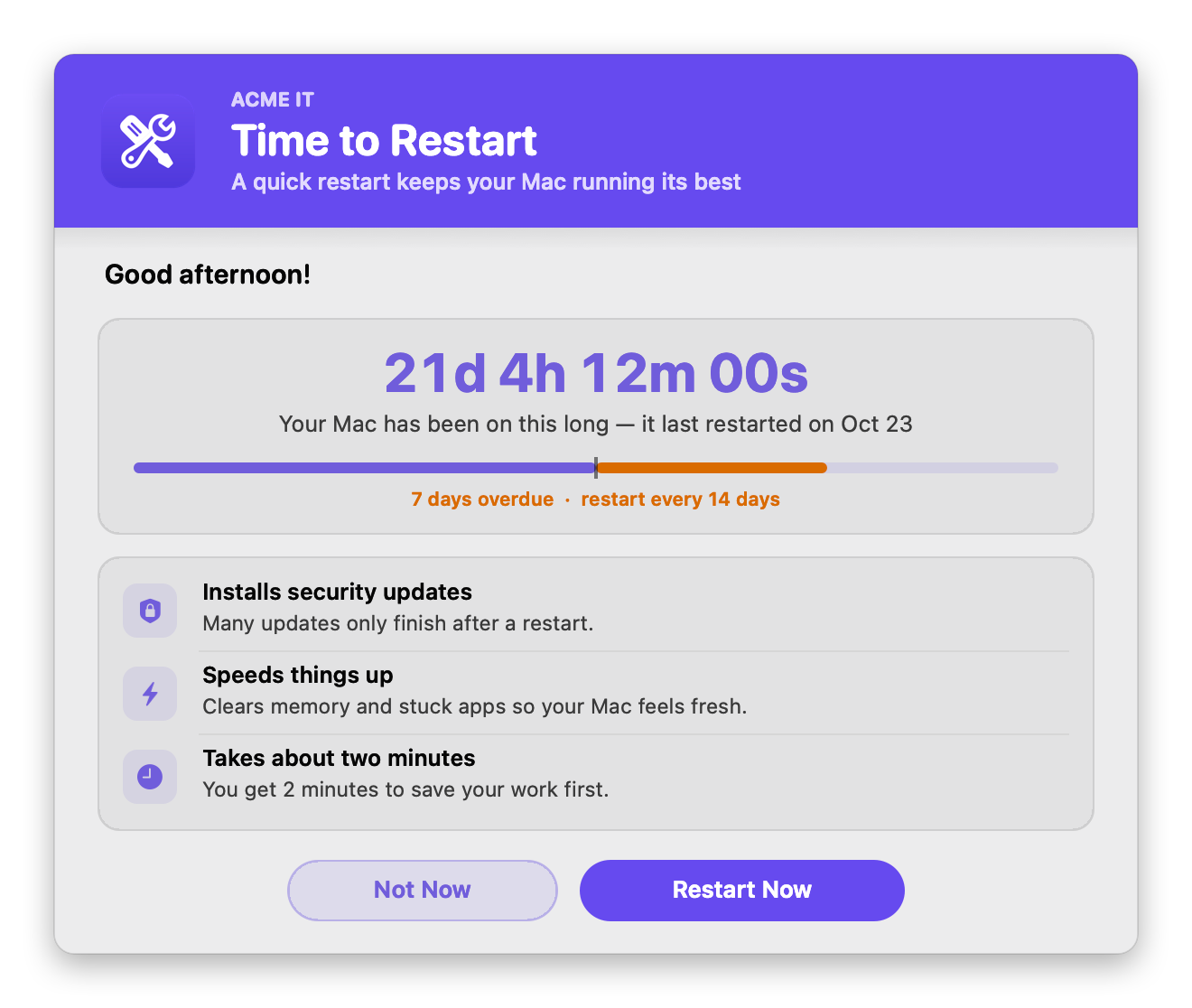
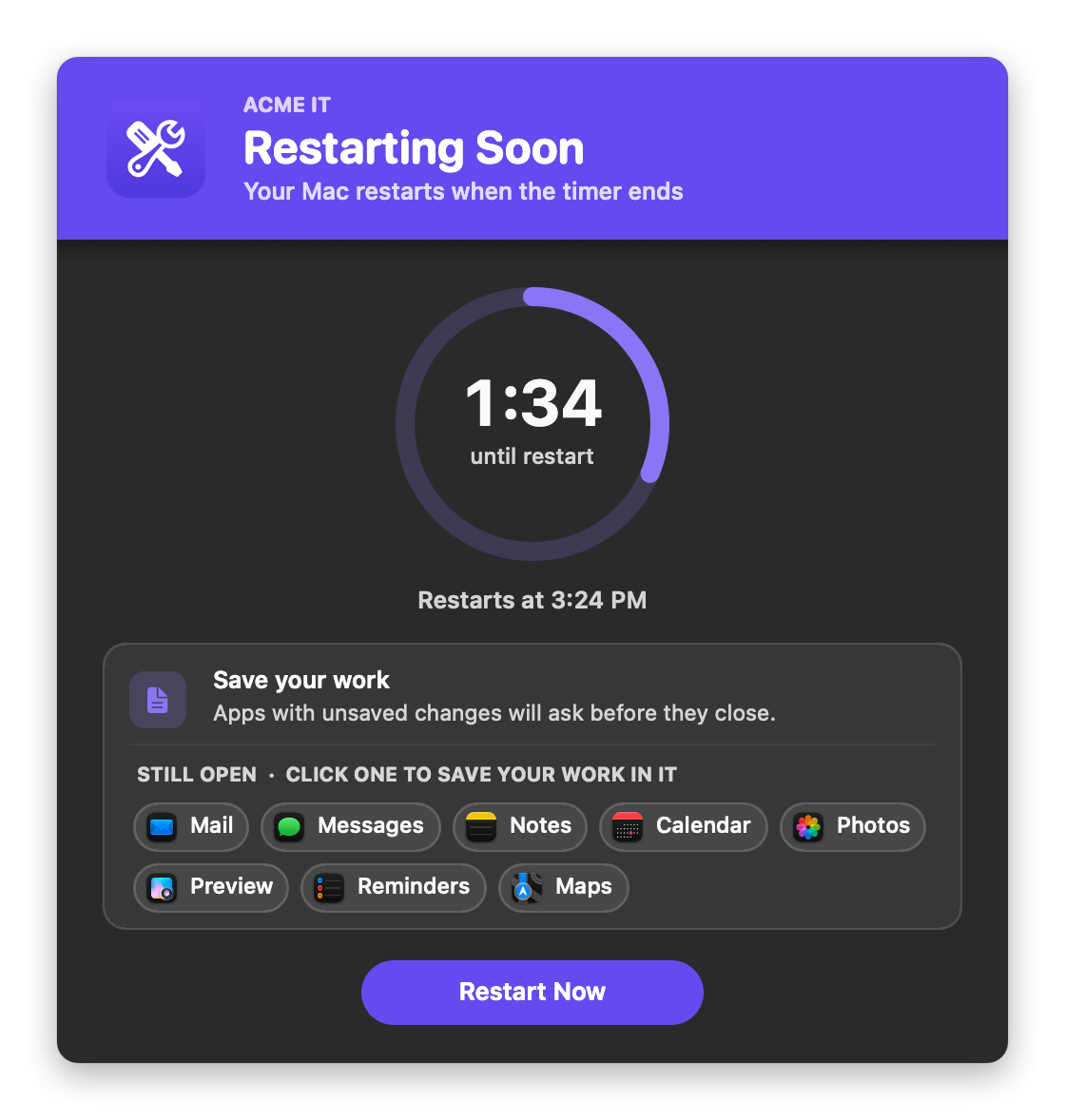
Reminds the user to restart once their Mac has been up too long. It shows the uptime ticking live, how many days overdue it is, and why restarting helps. Restart Now starts a countdown that lists the apps still open (click one to save your work in it). It never interrupts a meeting, can limit how many times the user postpones, and supports your logo and colors in light and dark mode.
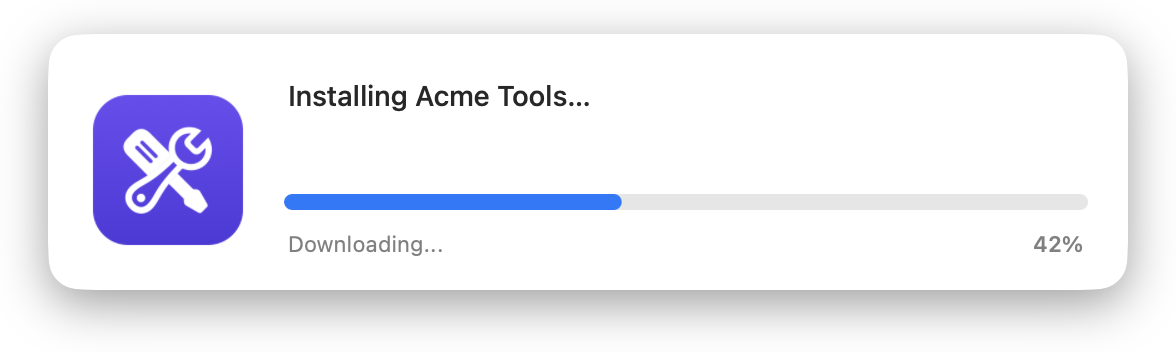
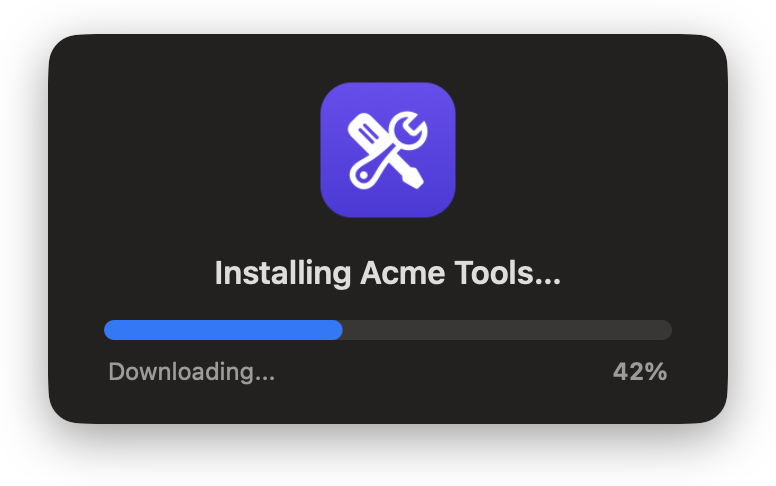
Installomator Progress
Installs or updates apps with Installomator and shows a native progress window, with no swiftDialog. One script replaces "00 - Prepare SwiftDialog" → Installomator → "ZZ - Quit SwiftDialog". Like App Auto-Patch, it keeps its own local copy of Installomator (main branch, latest signed release, or a pinned version). Four window styles, and it supports your icons and bar color in light and dark mode.
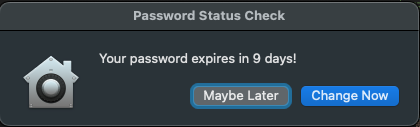
Password Expiring Warning
Warns users when their password is nearing expiration.
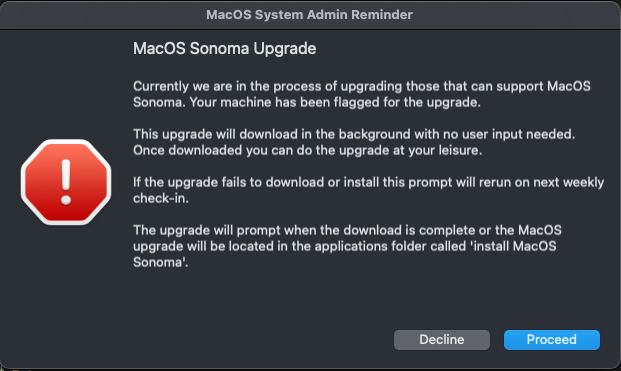
Encourager MacOS Upgrade Script
Prompts users to upgrade macOS via the Install Assistant pkg, encouraging them to perform the upgrade.
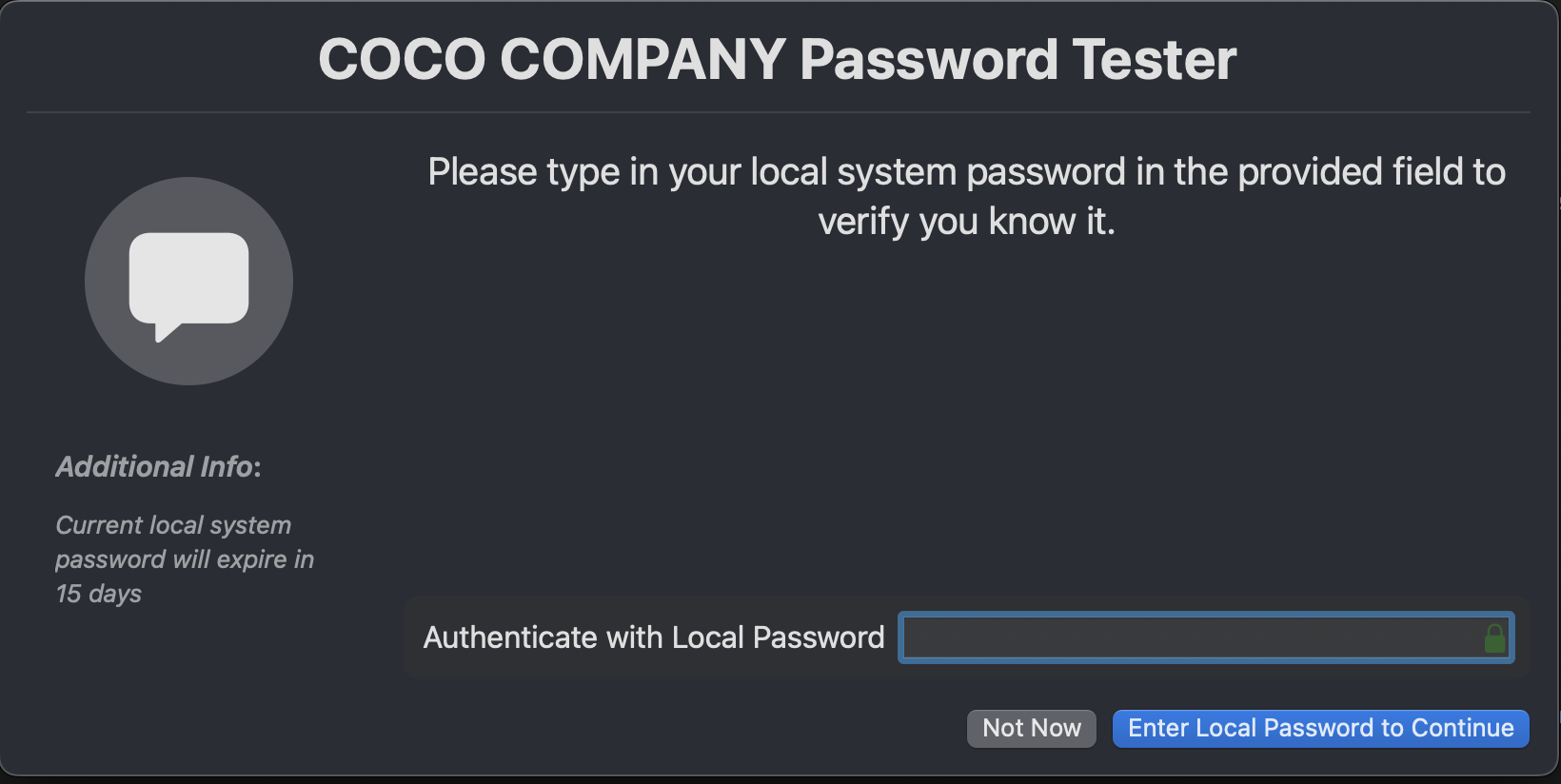
User Password Tester
Allows the local logged-in user to test their password, useful in SmartCard-enforced environments.
Available Scripts
Application Installers Scripts
A comprehensive collection of scripts for installing various applications.
Application Specific Scripts
Scripts tailored for customizing or configuring specific applications.
Application Uninstall Scripts
A set of scripts designed for uninstalling different applications.
Delete/Disable Scripts
Scripts for disabling or uninstalling software and services.
Jamf Only Scripts
Scripts specifically crafted for deployment via Jamf Pro.
Keychain, SSH, and Certificate Scripts
Scripts focused on managing keychain, SSH, and certificates.
MacOS Update/Upgrade Scripts
Scripts to assist with updating or upgrading macOS.
Password Management Scripts
Scripts designed to help admins manage and communicate password requirements.
User Tool Scripts
Scripts that provide tools and prompts for user and admin tasks.
App Uninstaller
Completely uninstalls one or more apps and all their leftover files. The user picks the apps, then reviews a checklist with sizes before anything is removed.
Collect User Logs
Collects logs and system details into a branded zip on the user's Desktop, ready for a support ticket.
Network Health Check
Tests the Mac's connection and shows a 0–100 score, what it's ready for, plain-English findings, and IT details.
Disk Usage
Shows what's filling the disk: free space, a breakdown, the biggest items, and ways to free up space.
Delete Expired Certificates
Finds expired certificates in the login and System keychains, backs them up, and removes them after the user reviews them (or silently).
Set Time Zone
Lets the user search for and set their time zone, turn automatic time zone on or off, and switch to a 24-hour clock (or set a zone from the policy).
Reset User Keychain
Gives the user a fresh login keychain to fix password prompts after a password change. The old keychain is backed up, not deleted.
Recommend User Reboot
Reminds the user to restart once their Mac has been up too long, with a countdown to save their work (and it skips meetings).
Installomator Progress
Installs or updates apps with a local copy of Installomator and shows a native progress window. No swiftDialog needed.
How to Download and Execute Scripts
To get started, follow the detailed instructions in our How-To Guide. This guide covers the steps to download, configure, and execute the scripts effectively.
Preexisting Requirements
Certain scripts may require additional software:
- Xcode: Required for compiling and running specific scripts.
- SwiftDialog: Needed for scripts using SwiftDialog for graphical user prompts.
- IBM Notifications: Necessary for scripts involving IBM notifications.
Questions, Concerns, and Requests
We welcome your feedback and encourage you to get involved:
- Report Issues: Submit an issue on GitHub for bug reports or feature requests.
- Join the Discussion: Engage with us on the Mac Admins Slack Channel for collaboration and insights.
- Email: Contact us at [email protected] for detailed inquiries or support.
- Share Feedback: Your suggestions are crucial for continuous improvement. Please share your thoughts to help us enhance these scripts.
- Fork and Fix: Interested in contributing? Fork the repository, make your modifications, and submit a pull request to improve the codebase.