
civilblur/mazanoke
civilblur/mazanoke has 2,739 GitHub stars and 145 forks. GitHot measured +1 stars in 24 hours and +7 in 7 days. Last checked 2026-11-12 13:53 UTC. Last push 2026-09-20.
A self-hosted local image optimizer that runs in your browser.
What you can do
- Adjust image quality
- Set target file size
- Set max width/height
- Paste images from clipboard
Measured star growth
- in 24h
- +1
- in 7 days
- +7
- in 15 days
- Collecting history
- in 1 month
- Collecting history
Net star changes over overlapping periods, not daily totals. Missing measurements are left blank. Stars measure attention, not software quality.
README.md
Original
MAZANOKE
A self-hosted local image optimizer that runs in your browser.
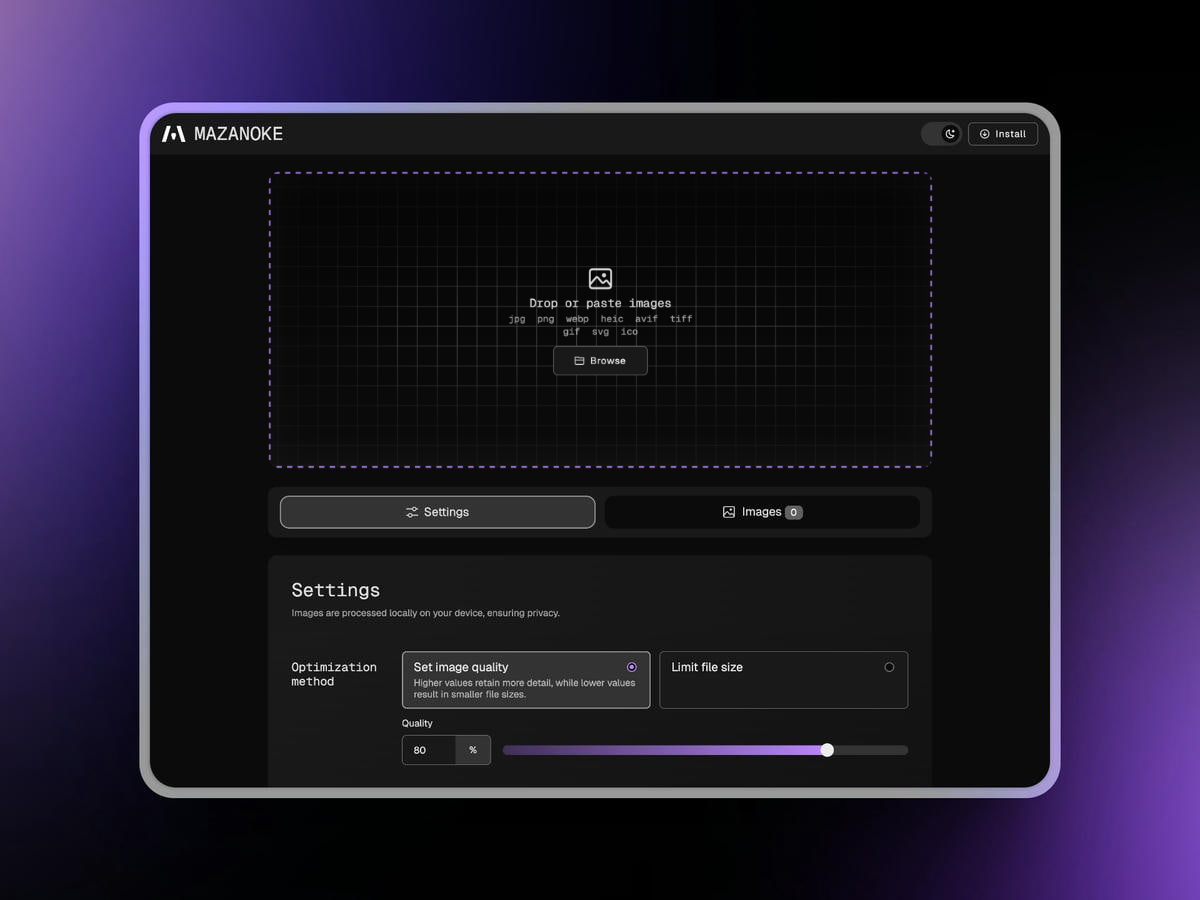
About
MAZANOKE is a simple image optimizer that runs in your browser, works offline, and keeps your images private without ever leaving your device.
Created for everyday people and designed to be shared with family and friends, it serves as an alternative to questionable "free" online tools.
Table of Content
Features
- 🖼️ Optimize Images in Your Browser
- Adjust image quality
- Set target file size
- Set max width/height
- Paste images from clipboard
- Convert between and to
JPG,PNG,WebP,ICO - Convert from
HEIC,AVIF,TIFF,GIF,SVG
- 🔒 Privacy-Focused
- Works offline
- On-device image processing
- Removes EXIF data (location, date, etc.)
- No tracking
- Installable web app (learn more)
Install
Docker
- Using Docker Compose:
Available environmental variables: Configurationservices: mazanoke: container_name: mazanoke image: ghcr.io/civilblur/mazanoke:latest ports: - "3474:80" restart: unless-stopped - Access the app at
http://localhost:3474
Local
- Download the latest source code release.
- Open the
index.htmlfile to launch the app in your browser.
Web App
- Visit MAZANOKE.com, or self-host for even stronger privacy.
- Click the "Install" button in the top-right.
- If the button isn’t available, you can still install it manually in a few simple clicks. (See how)
- A shortcut to MAZANOKE will be added to your device and can even be used offline.
Screenshots
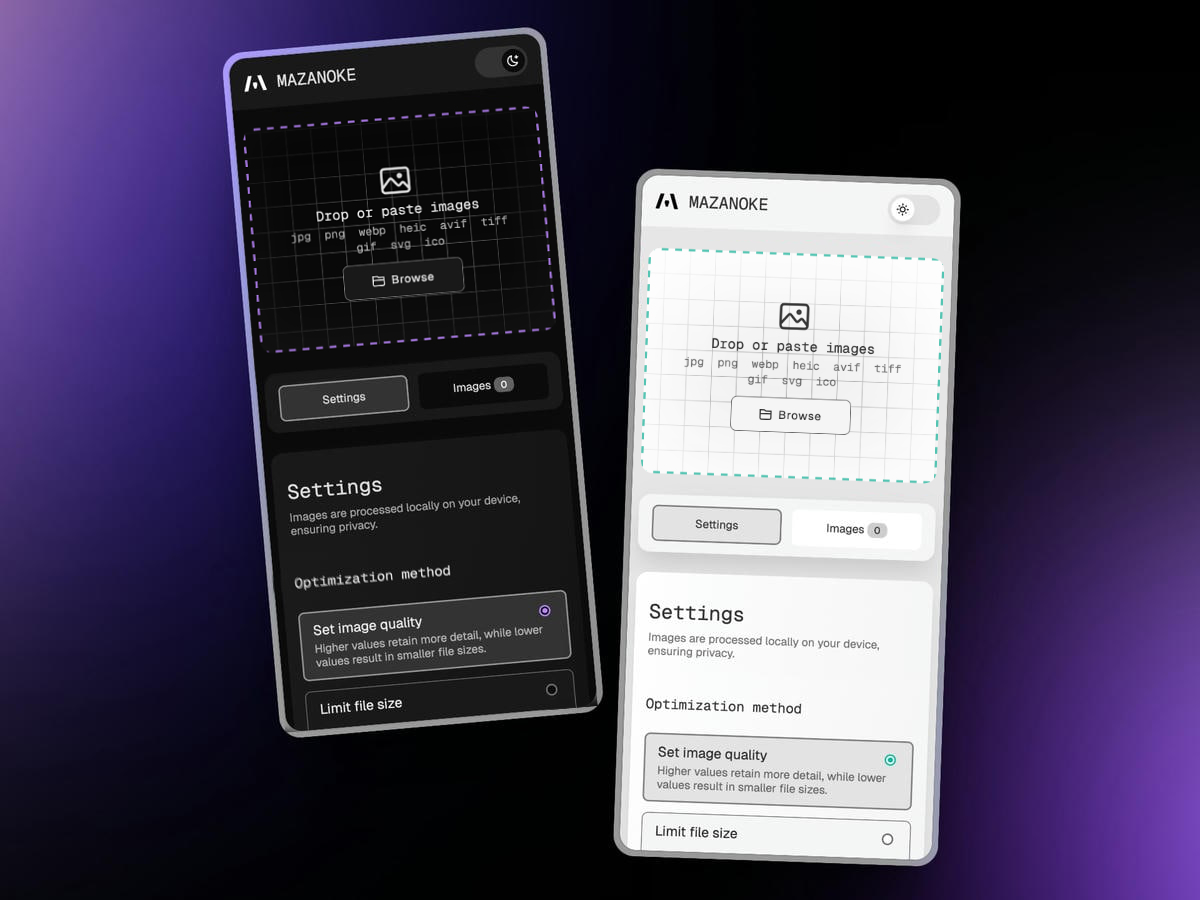
Dark mode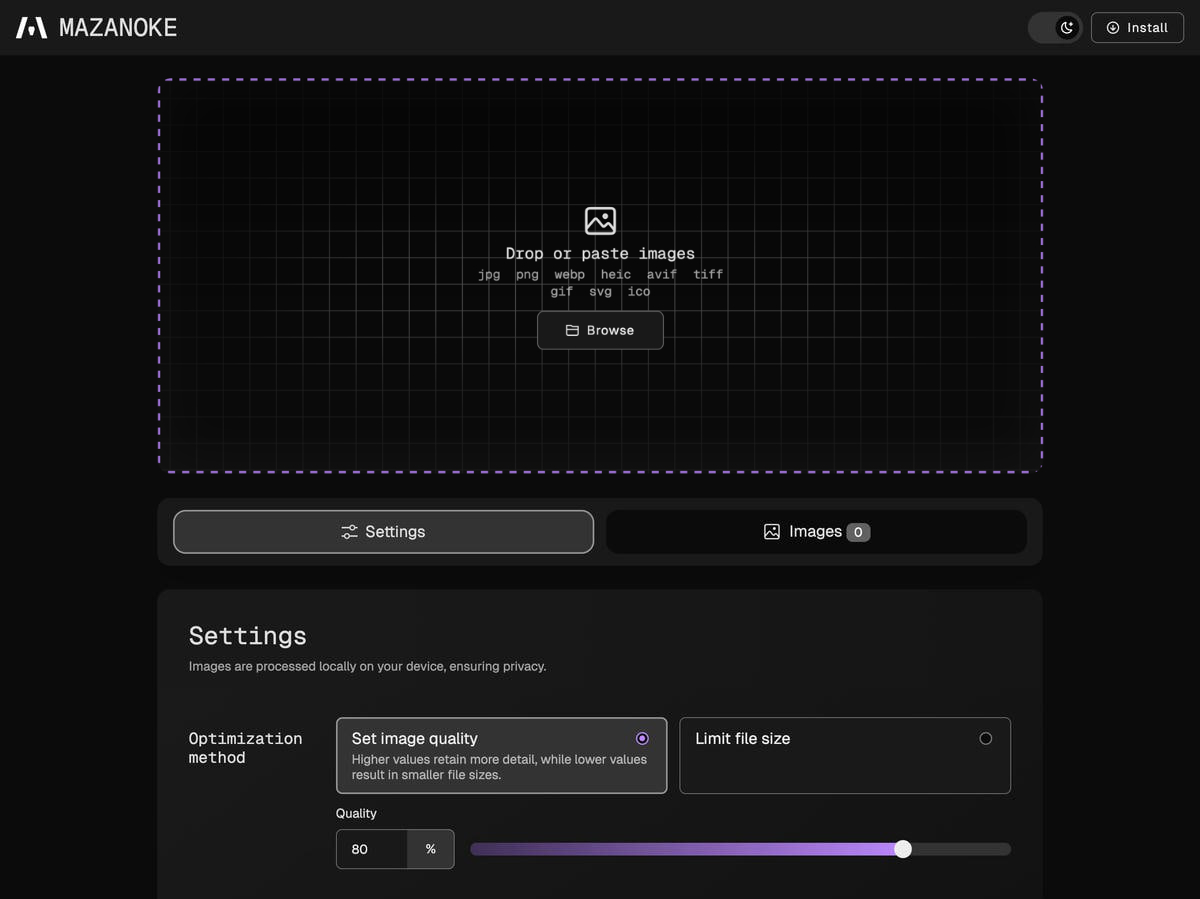 |
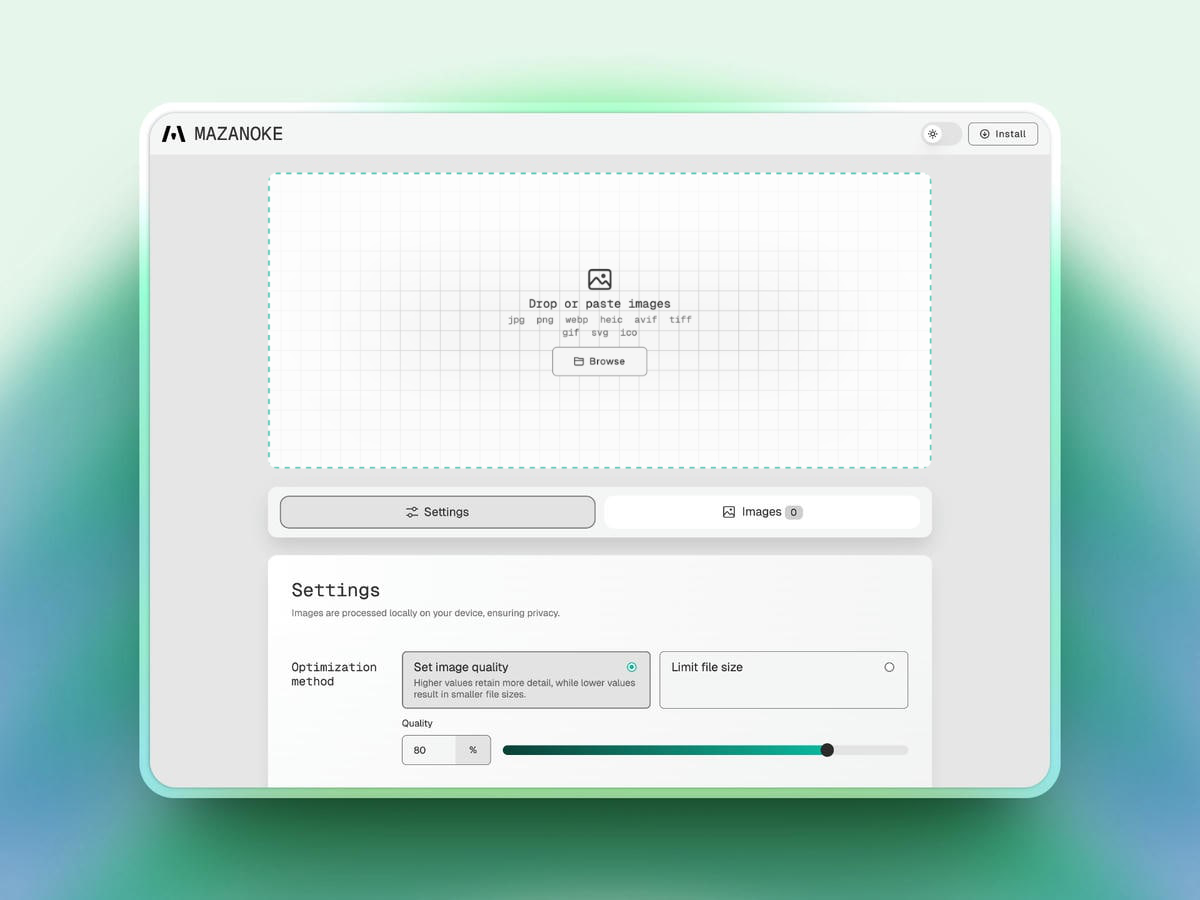
Light mode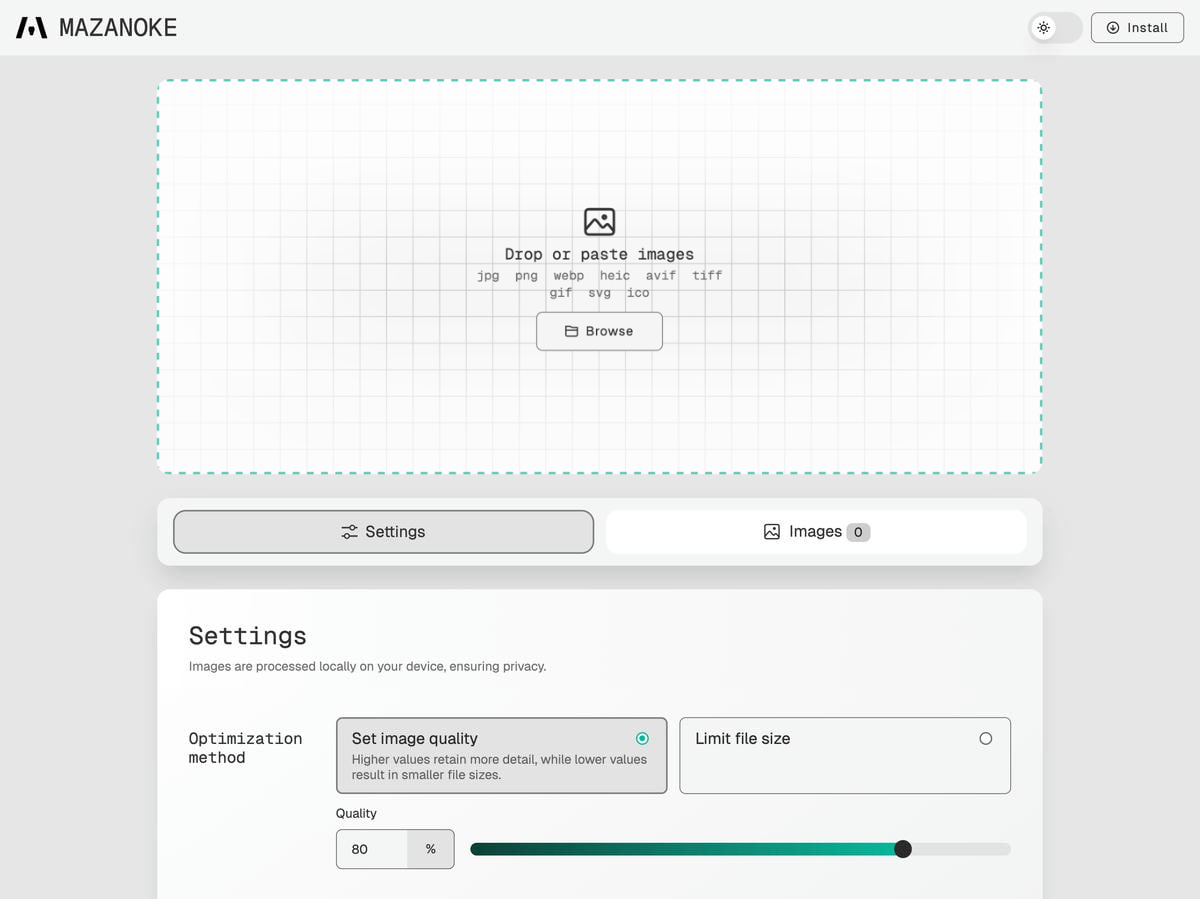 |
Settings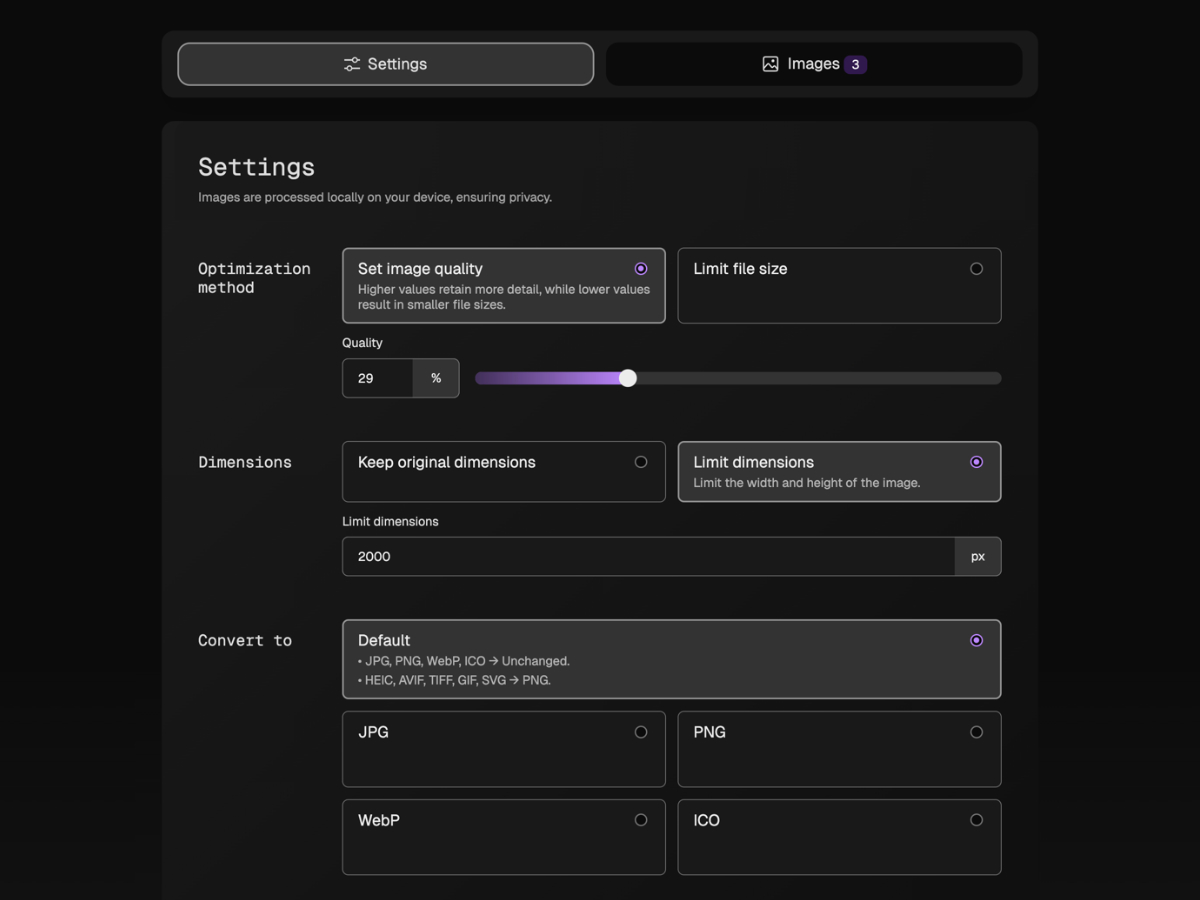 |
Download images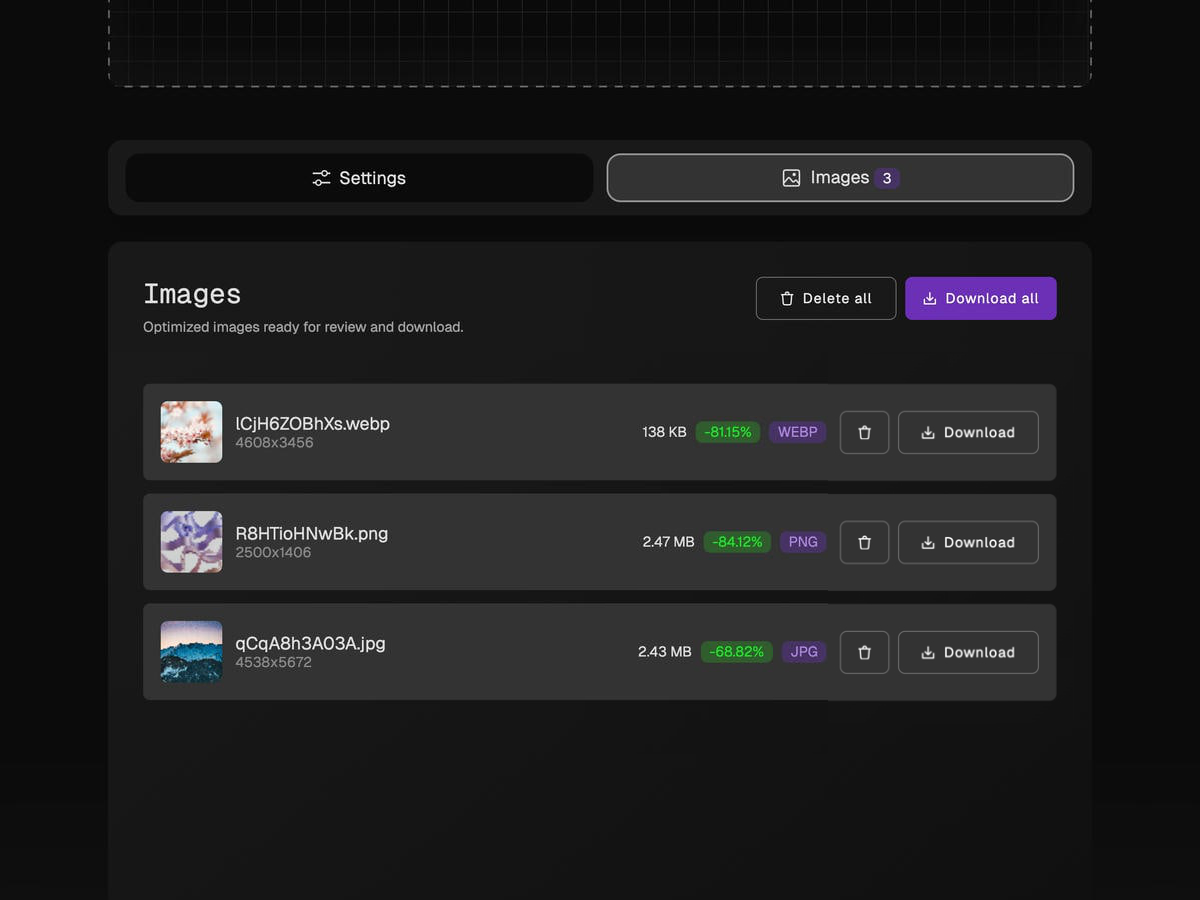 |
Attributions
License
Explore related projects
codecrafters-io/build-your-own-x
Master programming by recreating your favorite technologies from scratch.
562,095 starspublic-apis/public-apis
A collective list of free APIs
498,490 starsmorluto/rea
Reverse engineer anything with agents, from app behavior down to native binaries.
454,809 starsopenclaw/openclaw
The AI that really does things. Any OS. Any Platform. The lobster way. 🦞
394,406 stars