
cattr-app/server-application
cattr-app/server-application has 103 GitHub stars and 59 forks. GitHot measured 0 stars in 24 hours and -1 in 7 days. Last checked 2026-11-17 02:54 UTC. Last push 2026-11-14.
What you can do
- Time tracking across projects and tasks
- Project and task management
- Screenshot and activity tracking
- Dashboard and configurable reports
Measured star growth
- in 24h
- 0
- in 7 days
- -1
- in 15 days
- Collecting history
- in 1 month
- Collecting history
Net star changes over overlapping periods, not daily totals. Missing measurements are left blank. Stars measure attention, not software quality.
About
Cattr server application - self-hosted time tracking with project management, reports, screenshots, activity tracking and public API
ProductivityREADME.md
OriginalCattr
Self-hosted time tracking and project management platform with activity tracking, screenshots, reports, and a public API.
Website · Demo · Documentation · Discussions
Screenshots
| Dashboard | Project report |
|---|---|
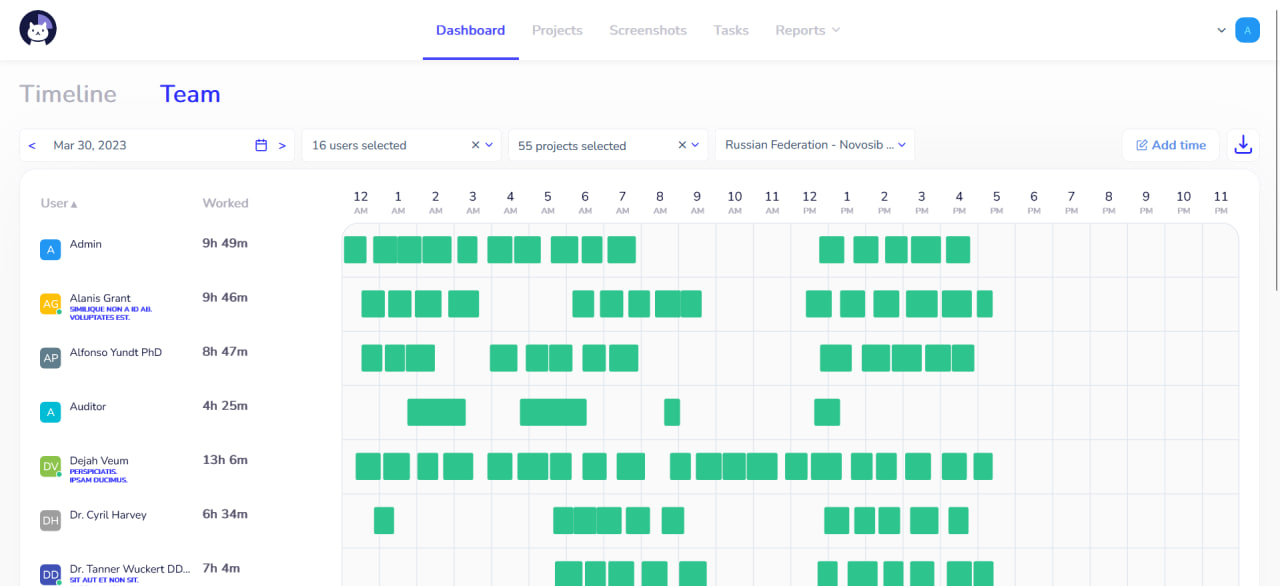 |
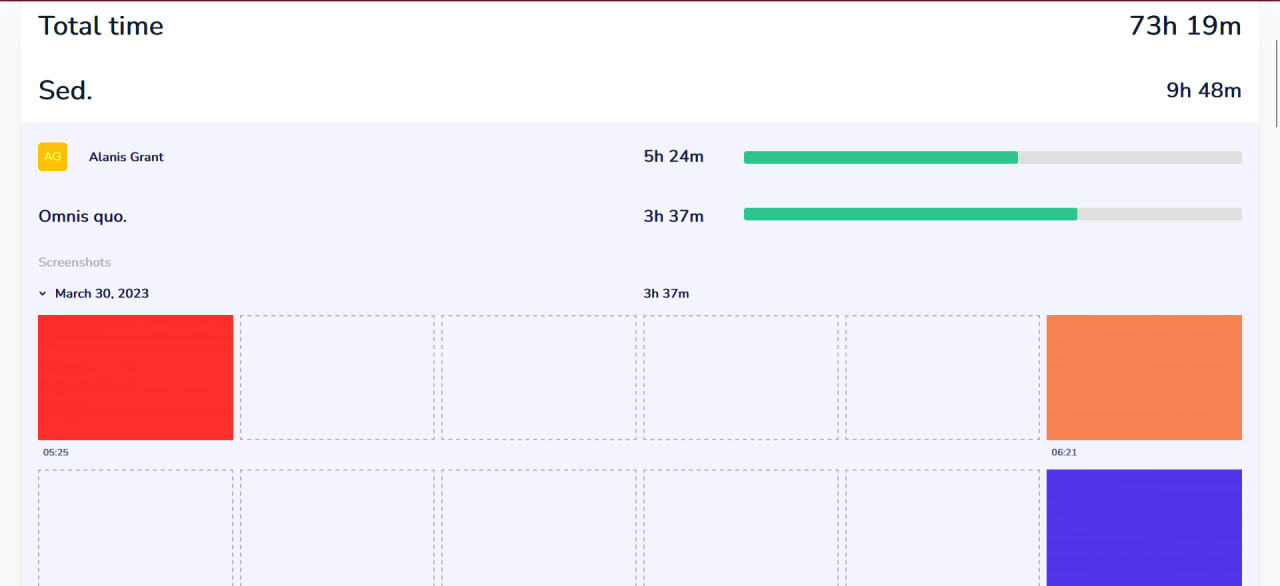 |
Features
- Time tracking across projects and tasks
- Project and task management
- Screenshot and activity tracking
- Dashboard and configurable reports
- Offline synchronization
- Team, user, and role management
- Task comments and attachments
- Public API
- Extensible module system
Try Cattr
A public demo is available at demo.cattr.app.
Installation
Cattr is designed to run on your own infrastructure.
See the installation guide for requirements, deployment, and configuration.
Container images are published to:
ghcr.io/cattr-app/server
API
Cattr provides an HTTP API for projects, tasks, users, time intervals, screenshots, reports, company settings, attachments, and offline synchronization.
See the API documentation.
Desktop application
The Cattr desktop client provides native time tracking and activity collection.
Development
Interested in contributing or building Cattr locally?
See CONTRIBUTING.md and the developer guides.
Build the published API reference from the repository root:
pnpm install --frozen-lockfile
pnpm build:pages
Modules
External backend and frontend modules are installed independently and are disabled by default. Each one is switched on with its own environment variable:
MODULE_BACKEND_<FLAG_NAME>_ENABLED=true     # backend module, <FLAG_NAME> from module.json "name"
MODULE_FRONTEND_<FLAG_NAME>_ENABLED=true    # frontend module, <FLAG_NAME> from ModuleConfig.moduleName
<FLAG_NAME> is the module identifier in upper snake case: a _ is inserted before an
uppercase letter that follows a lowercase letter or a digit, any other separator becomes
_, and the result is uppercased (CattrRedmineIntegration -> CATTR_REDMINE_INTEGRATION,
AmazingCat_RedmineIntegration -> AMAZING_CAT_REDMINE_INTEGRATION, Module2 -> MODULE2).
Only the exact value true enables a module. The full rules and examples are in
docs/dev/module-activation-flags.md; installing
modules for development is described in CONTRIBUTING.md.
The published Docker image contains only the modules declared in the repository's
composer.json, package.json and modules.config.json; to ship other modules, build a custom
image as described in
Building an image with modules.
Documentation
Community
For questions and general discussion, use GitHub Discussions.
For bugs and feature requests, use GitHub Issues.
License
Cattr Server is distributed under the Server Side Public License 1.0.