carpedm20/DiscoGAN-pytorch
carpedm20/DiscoGAN-pytorch has 1,098 GitHub stars and 215 forks. GitHot measured 0 stars in 24 hours. Last checked 2026-11-09 10:18 UTC. Last push 2018-03-26.
PyTorch implementation of "Learning to Discover Cross-Domain Relations with Generative Adversarial Networks"
Measured star growth
- in 24h
- 0
- in 7 days
- Update delayed
- in 15 days
- Update delayed
- in 1 month
- Update delayed
Net star changes over overlapping periods, not daily totals. Missing measurements are left blank. Stars measure attention, not software quality.
README.md
OriginalDiscoGAN in PyTorch
PyTorch implementation of Learning to Discover Cross-Domain Relations with Generative Adversarial Networks.
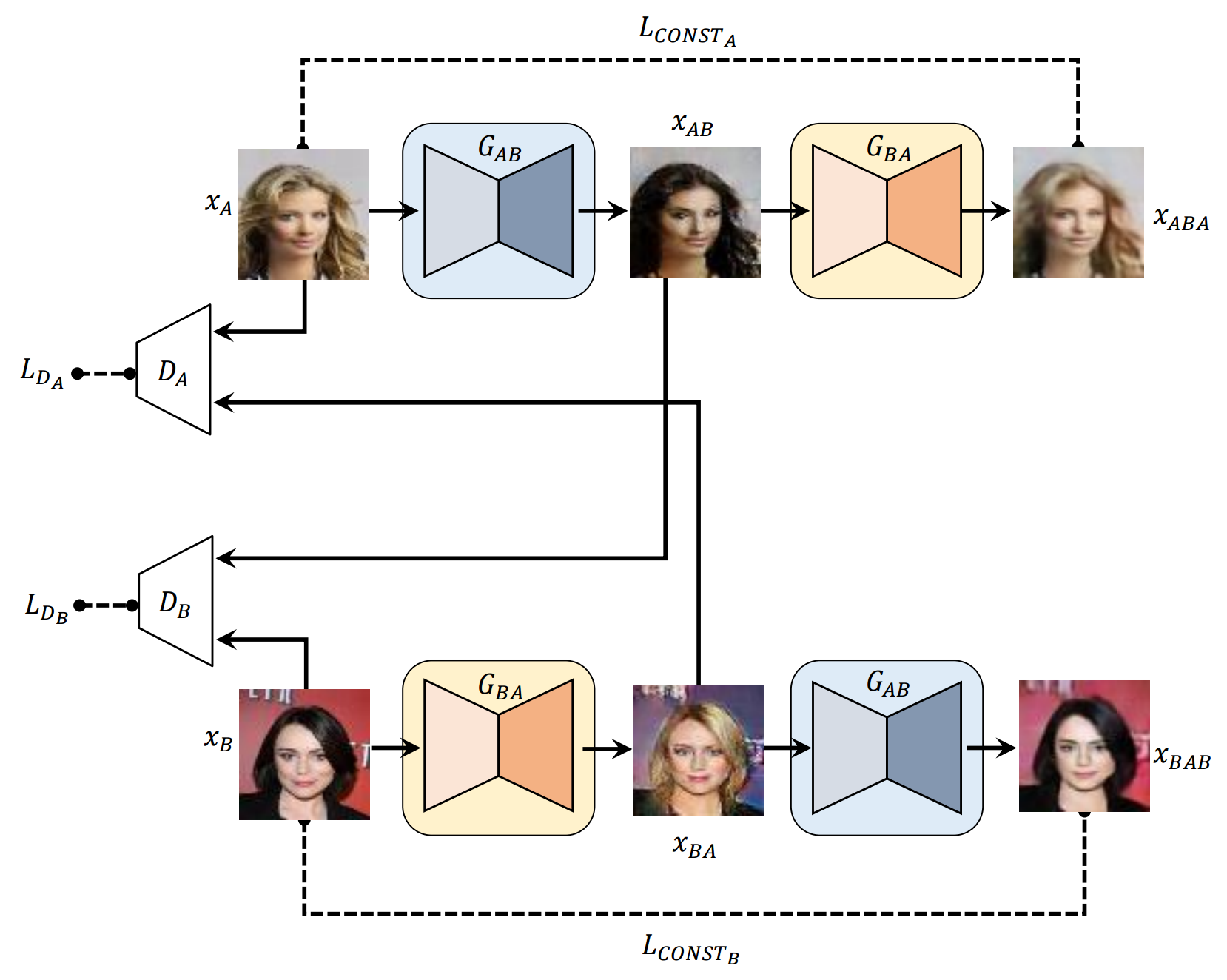
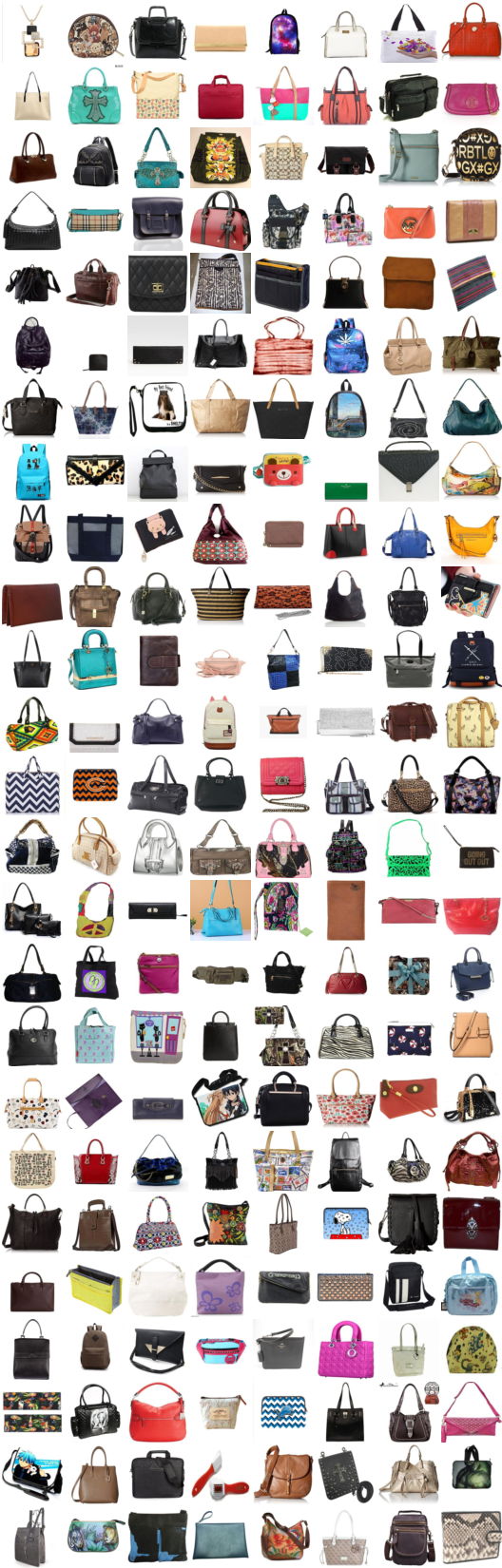
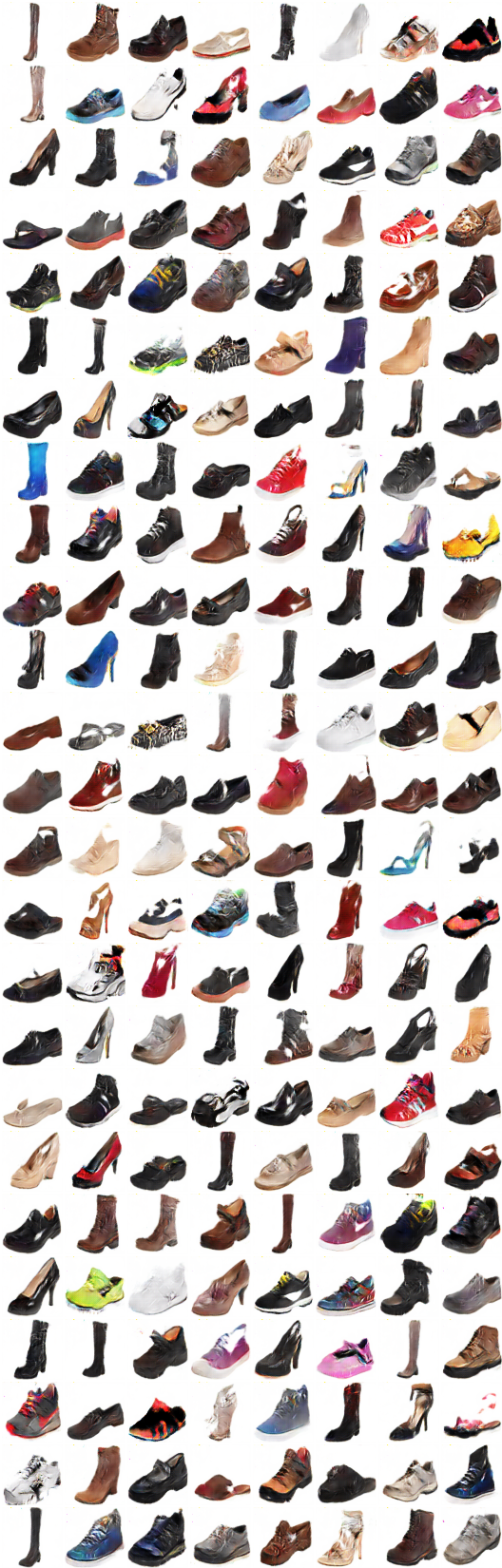
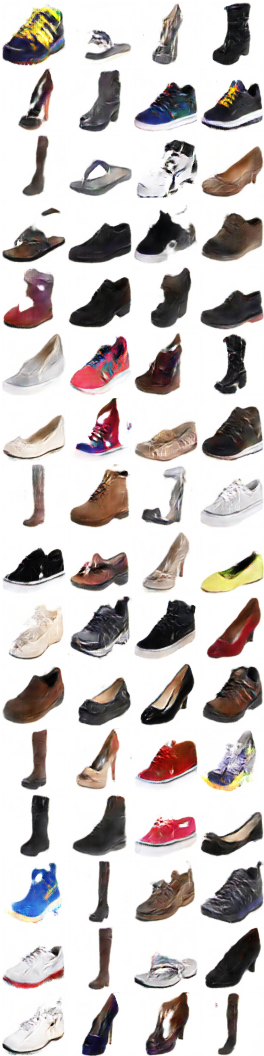
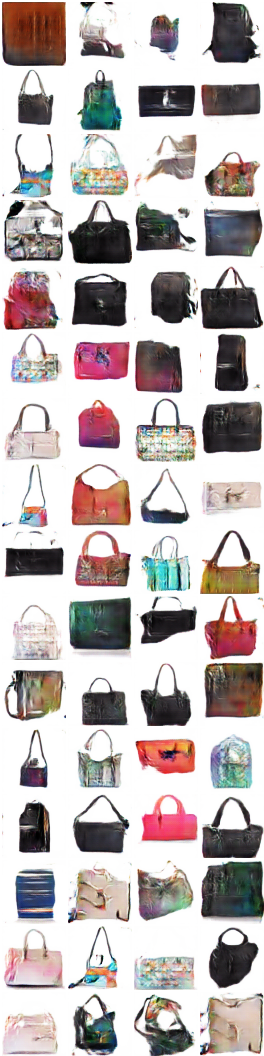
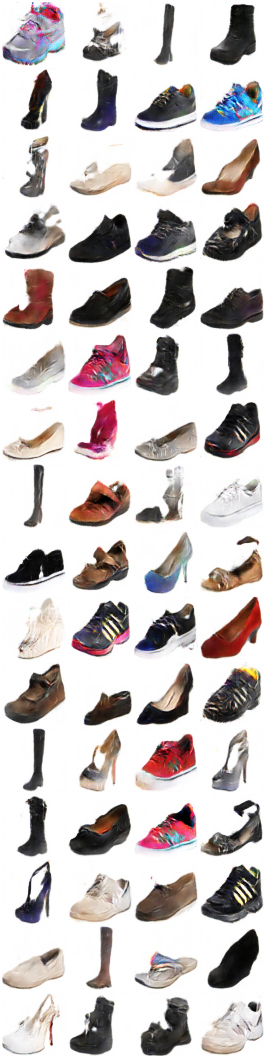
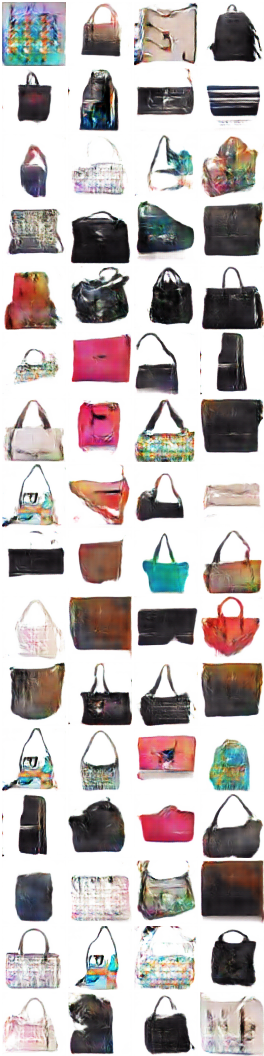
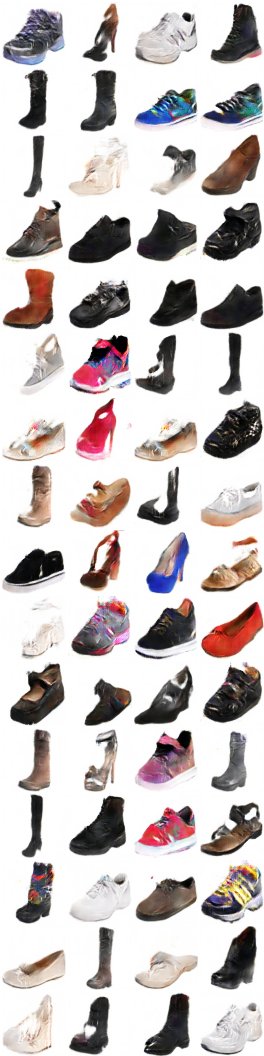
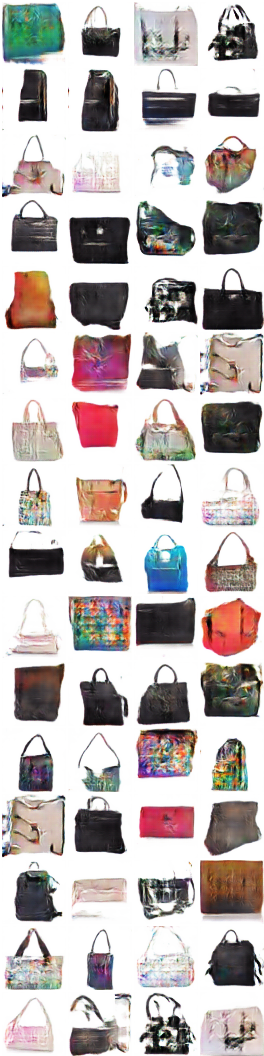
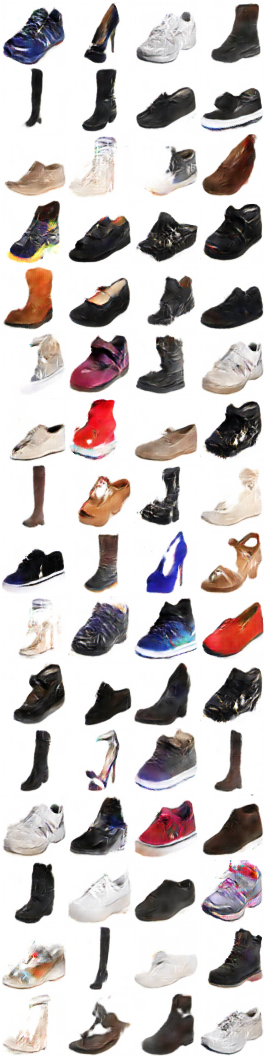
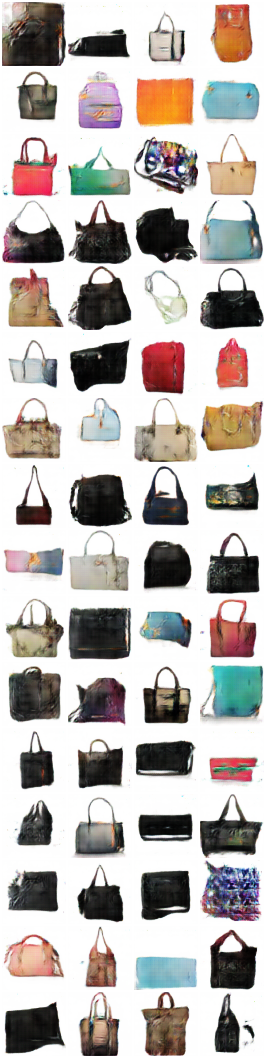
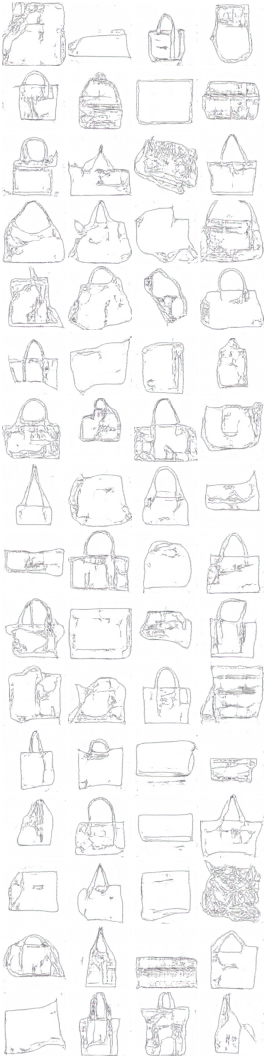
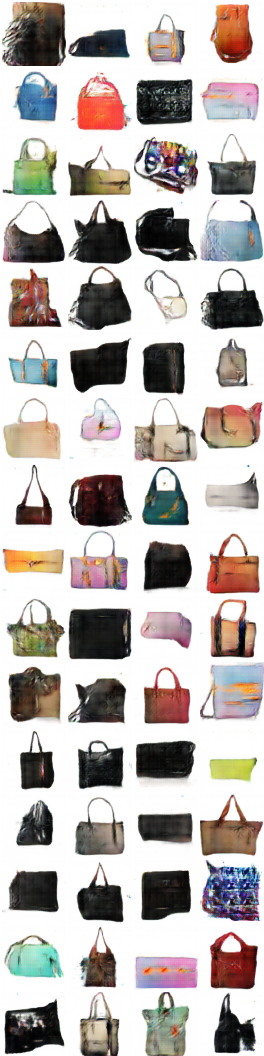
* All samples in README.md are genearted by neural network except the first image for each row.
* Network structure is slightly diffferent (here) from the author's code.
Requirements
- Python 2.7
- Pillow
- tqdm
- PyTorch
- torch-vision
Usage
First download datasets (from pix2pix) with:
$ bash ./data/download_dataset.sh dataset_name
facades: 400 images from CMP Facades dataset.cityscapes: 2975 images from the Cityscapes training set.maps: 1096 training images scraped from Google Mapsedges2shoes: 50k training images from UT Zappos50K dataset.edges2handbags: 137K Amazon Handbag images from iGAN project.
or you can use your own dataset by placing images like:
data
├── YOUR_DATASET_NAME
│   ├── A
│   |   ├── xxx.jpg (name doesn't matter)
│   |   ├── yyy.jpg
│   |   └── ...
│   └── B
│       ├── zzz.jpg
│       ├── www.jpg
│       └── ...
└── download_dataset.sh
All images in each dataset should have same size like using imagemagick:
# for Ubuntu
$ sudo apt-get install imagemagick
$ mogrify -resize 256x256! -quality 100 -path YOUR_DATASET_NAME/A/*.jpg
$ mogrify -resize 256x256! -quality 100 -path YOUR_DATASET_NAME/B/*.jpg

# for Mac
$ brew install imagemagick
$ mogrify -resize 256x256! -quality 100 -path YOUR_DATASET_NAME/A/*.jpg
$ mogrify -resize 256x256! -quality 100 -path YOUR_DATASET_NAME/B/*.jpg

# for scale and center crop
$ mogrify -resize 256x256^ -gravity center -crop 256x256+0+0 -quality 100 -path ../A/*.jpg
To train a model:
$ python main.py --dataset=edges2shoes --num_gpu=1
$ python main.py --dataset=YOUR_DATASET_NAME --num_gpu=4
To test a model (use your load_path):
$ python main.py --dataset=edges2handbags --load_path=logs/edges2handbags_2017-03-18_10-55-37 --num_gpu=0 --is_train=False
Results
1. Toy dataset
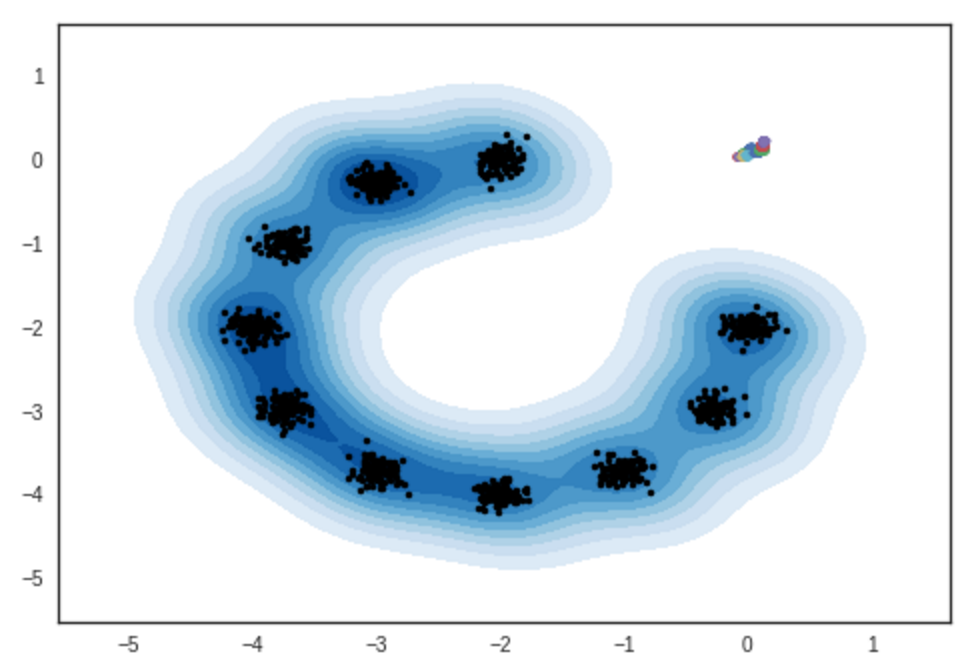
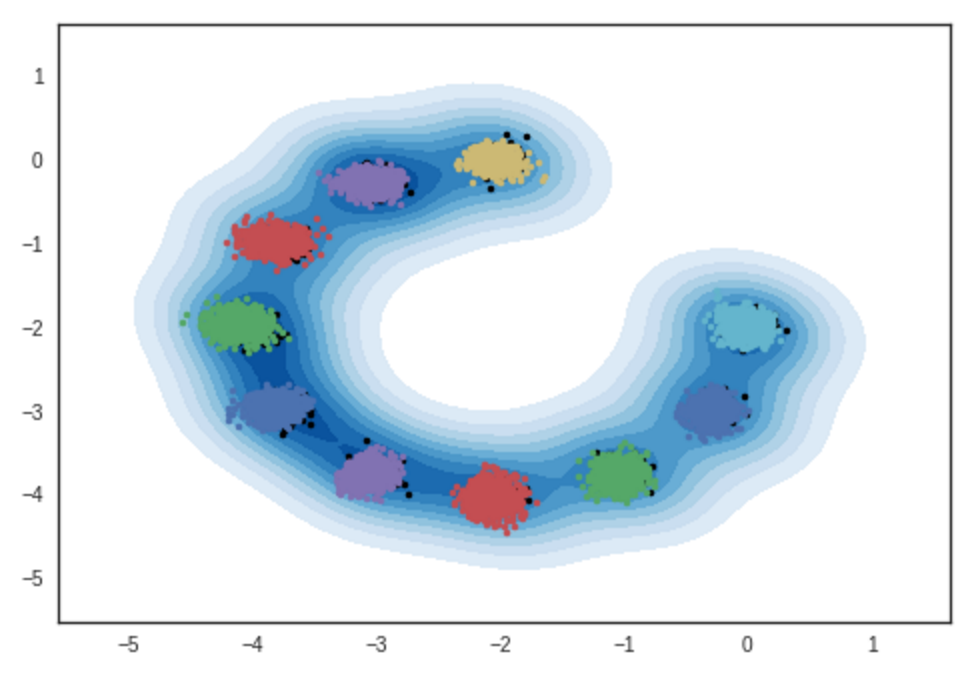
Result of samples from 2-dimensional Gaussian mixture models. IPython notebook
# iteration: 0:
# iteration: 10000:
2. Shoes2handbags dataset
# iteration: 11200:
x_A -> G_AB(x_A) -> G_BA(G_AB(x_A)) (shoe -> handbag -> shoe)
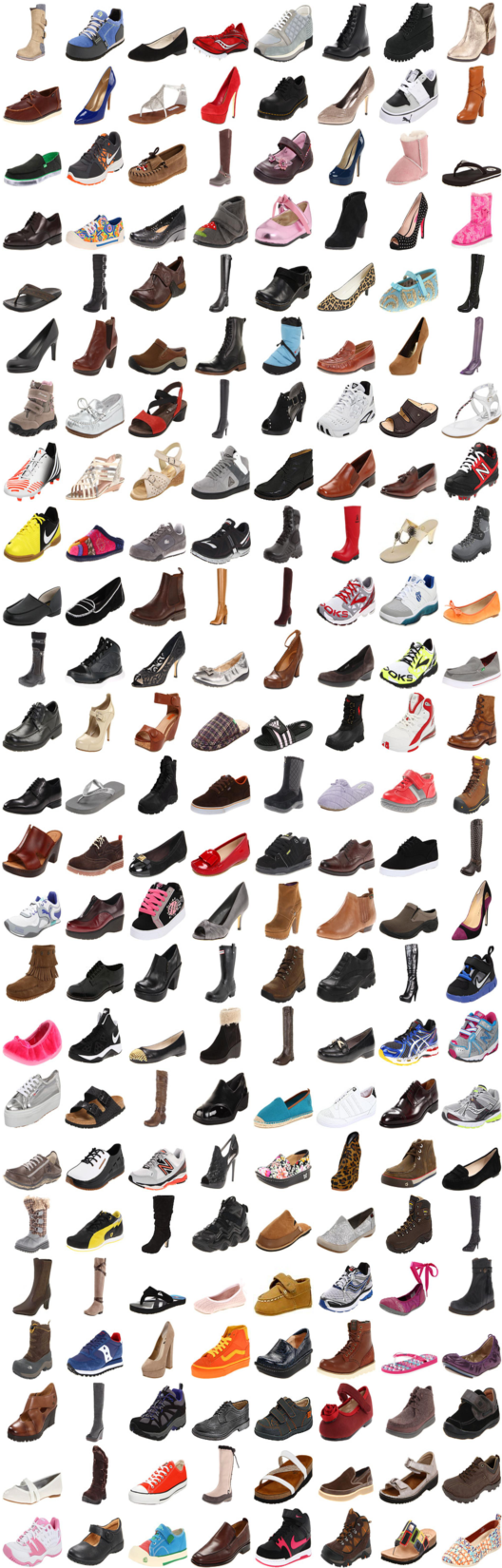


x_B -> G_BA(x_B) -> G_AB(G_BA(x_B)) (handbag -> shoe -> handbag)
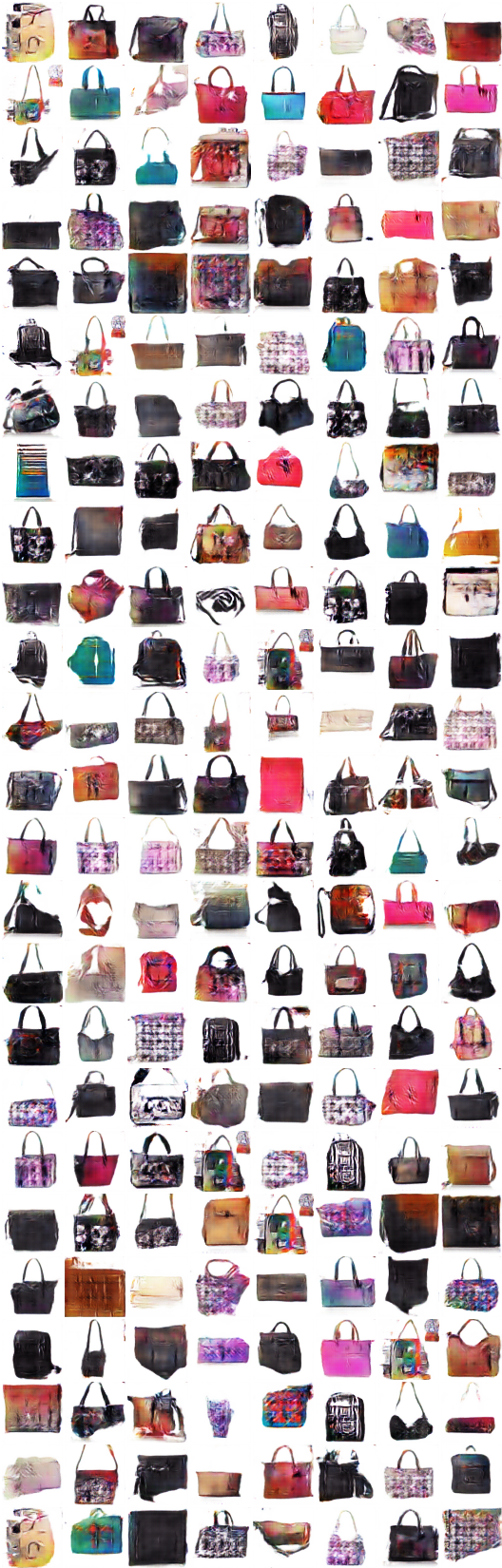
x_A -> G_AB(x_A) -> G_BA(G_AB(x_A)) -> G_AB(G_BA(G_AB(x_A))) -> G_BA(G_AB(G_BA(G_AB(x_A)))) -> ...
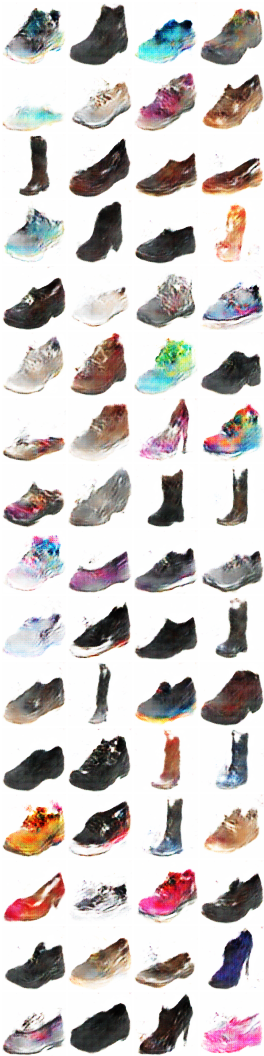
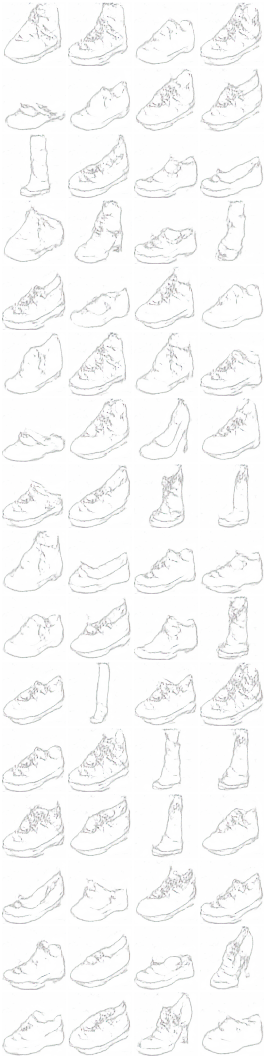
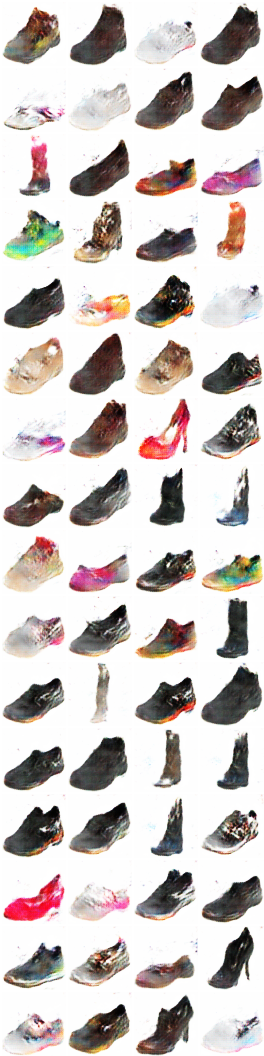
3. Edges2shoes dataset
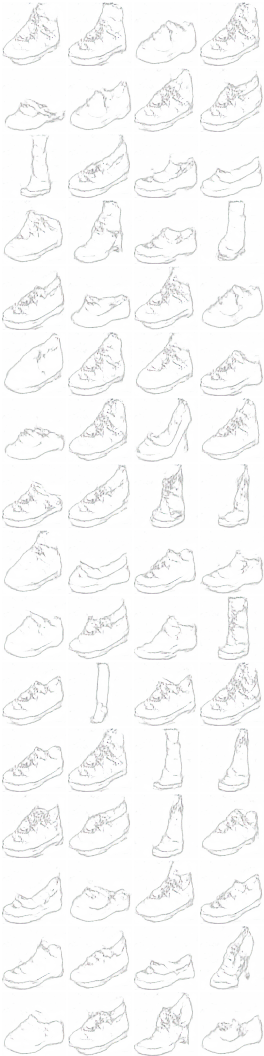
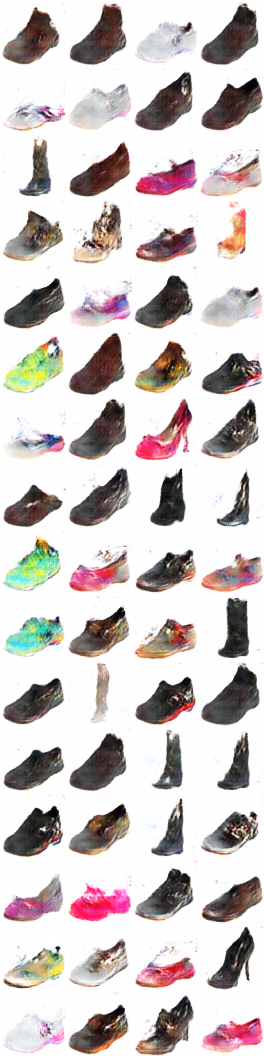
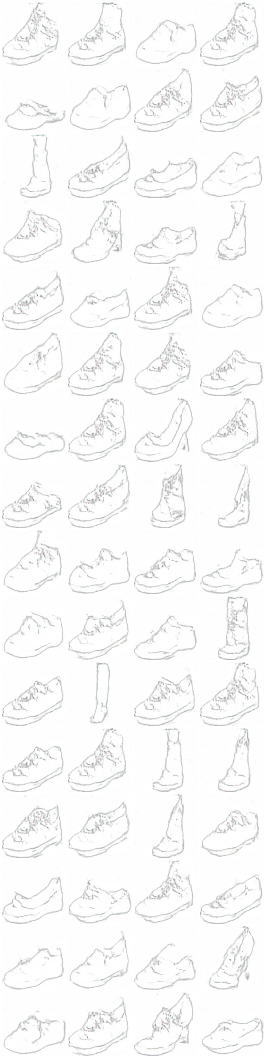
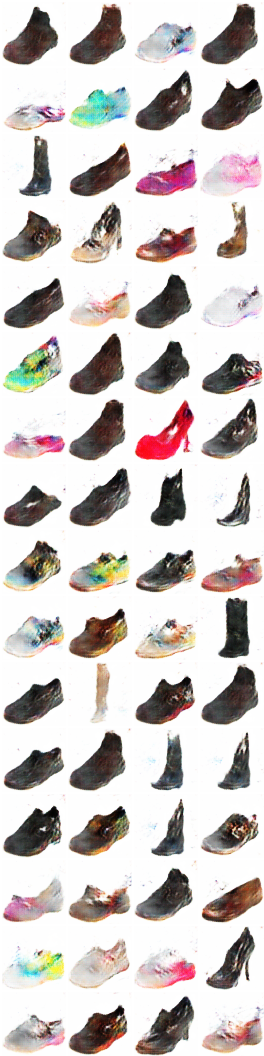
# iteration: 9600:
x_A -> G_AB(x_A) -> G_BA(G_AB(x_A)) (color -> sketch -> color)
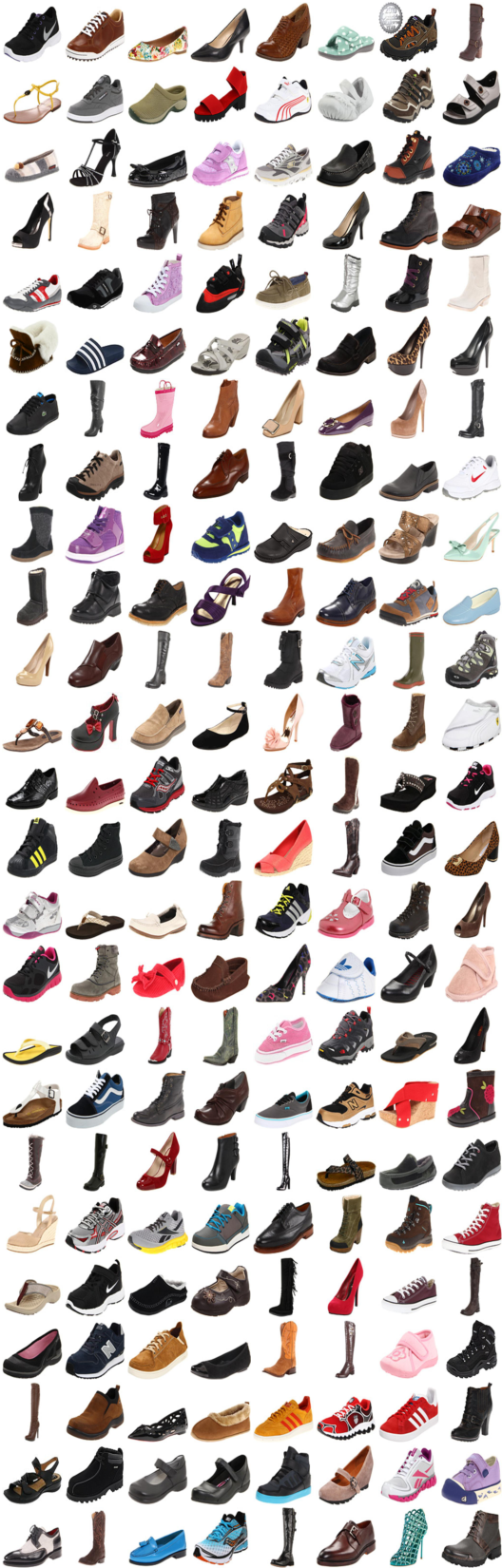
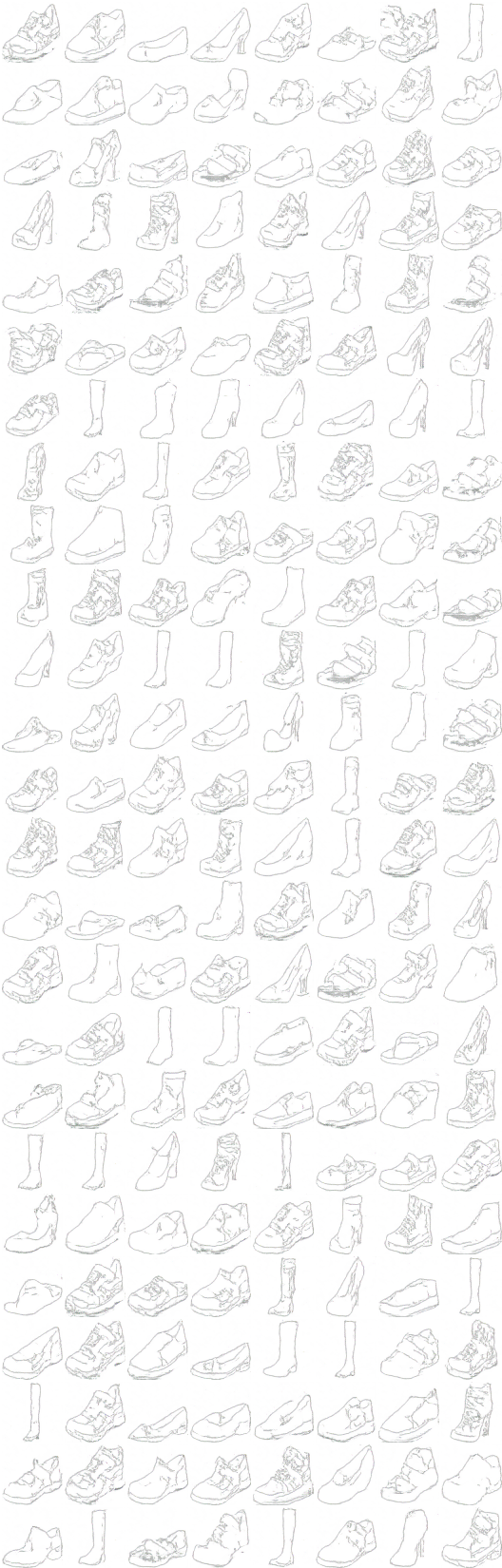
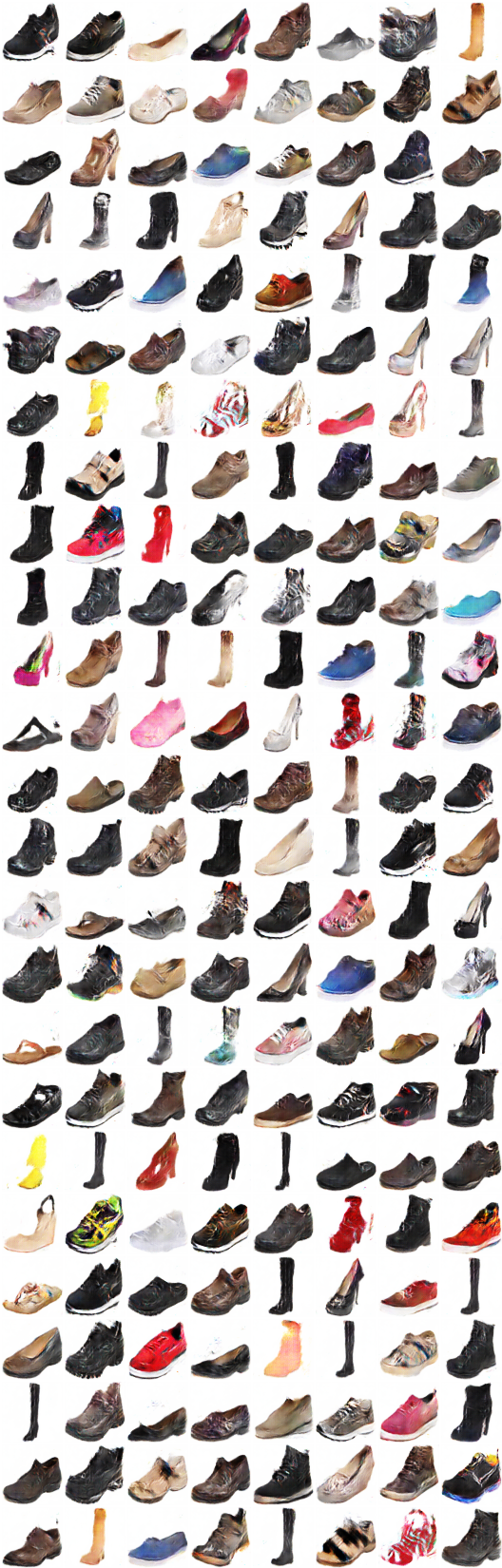
x_B -> G_BA(x_B) -> G_AB(G_BA(x_B)) (sketch -> color -> sketch)
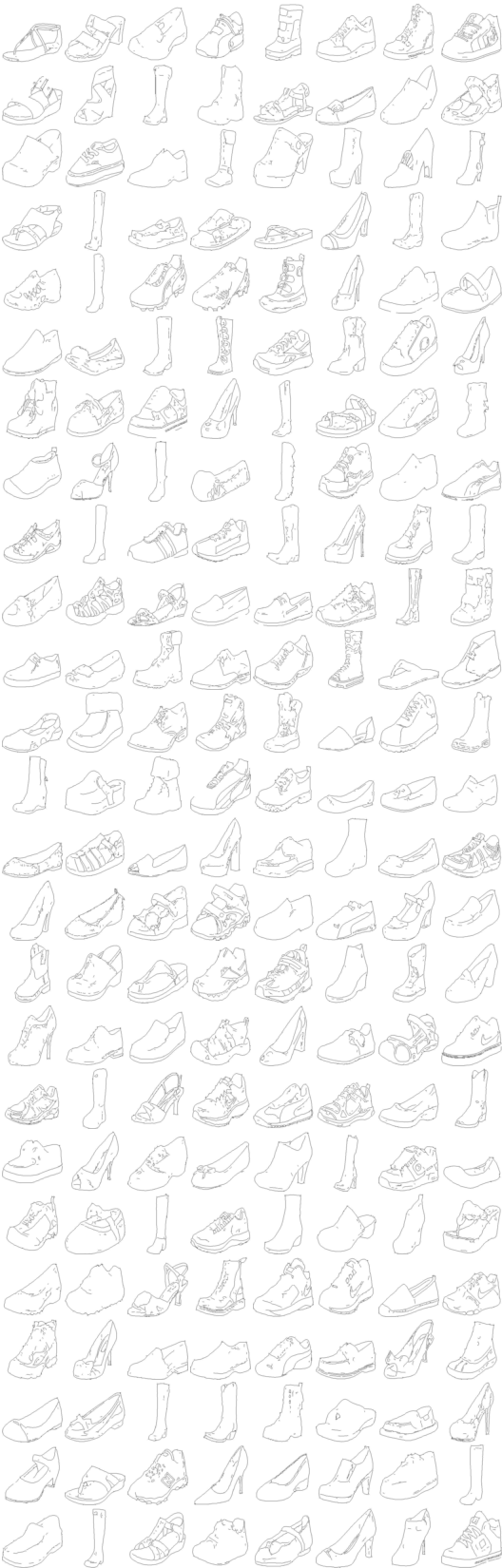
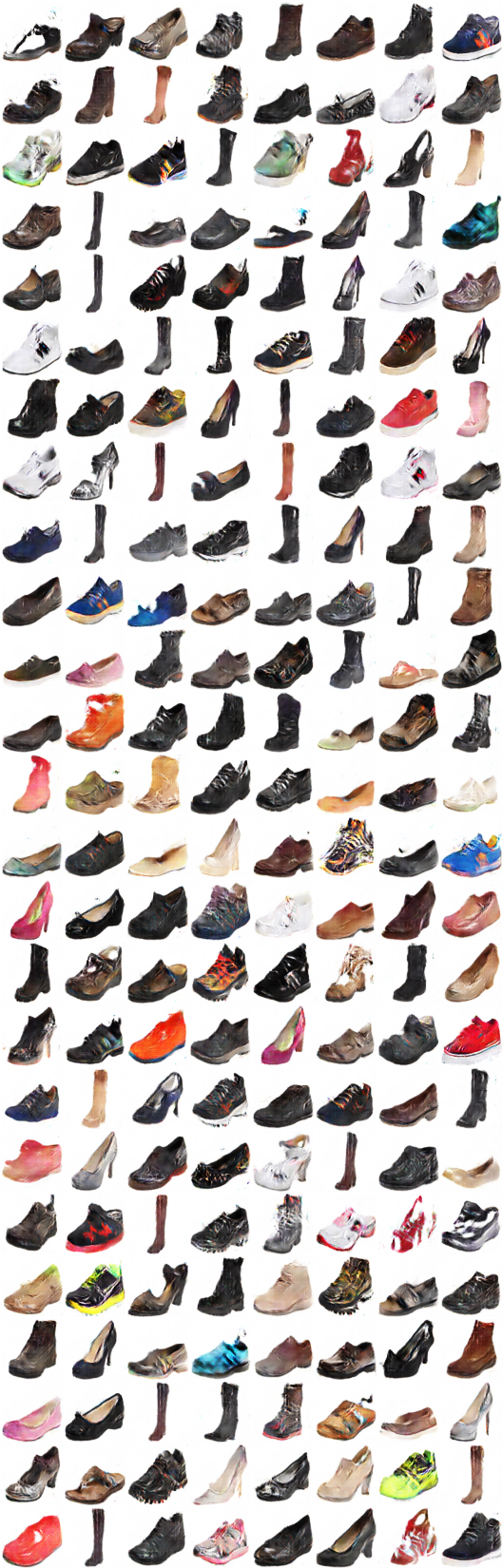
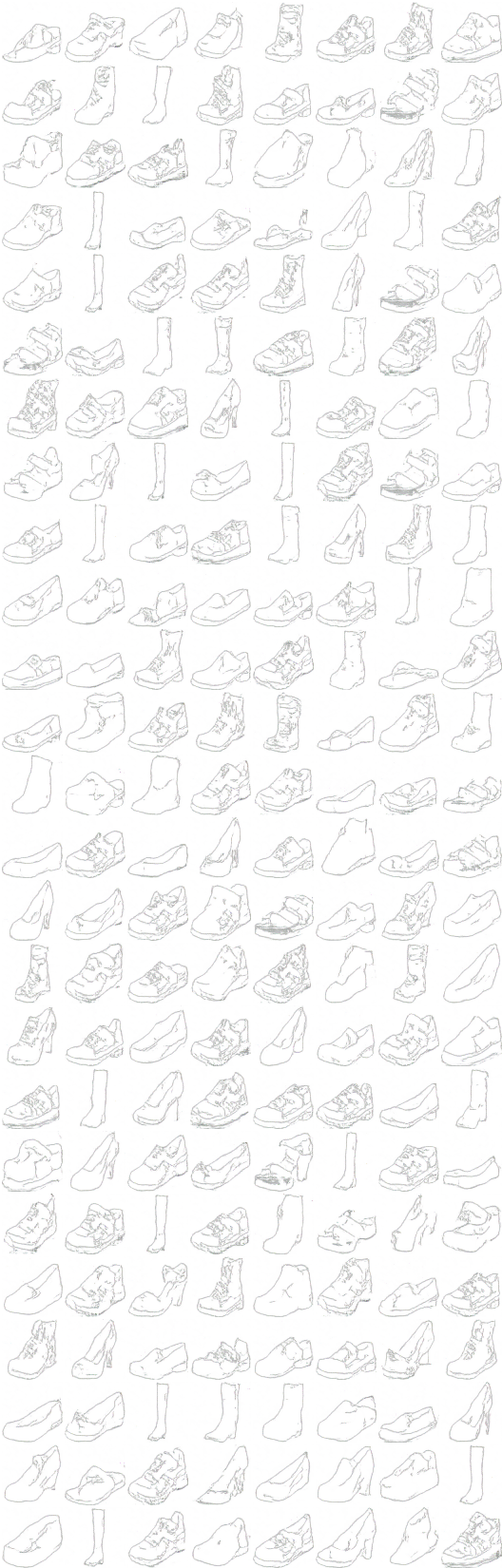
x_A -> G_AB(x_A) -> G_BA(G_AB(x_A)) -> G_AB(G_BA(G_AB(x_A))) -> G_BA(G_AB(G_BA(G_AB(x_A)))) -> ...
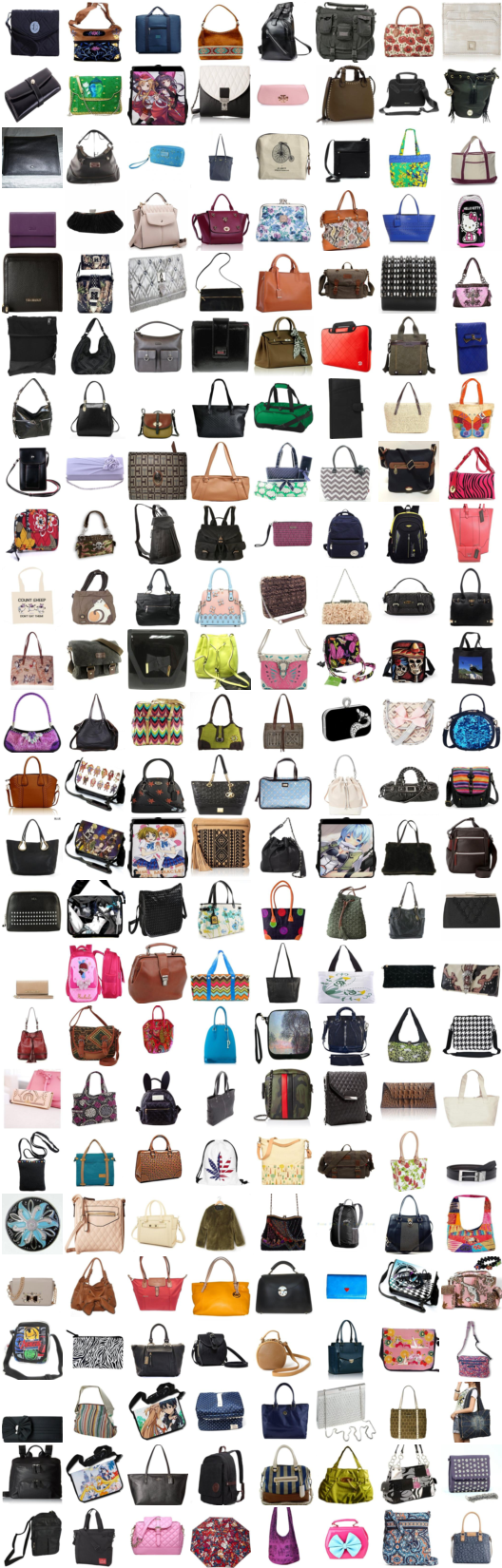
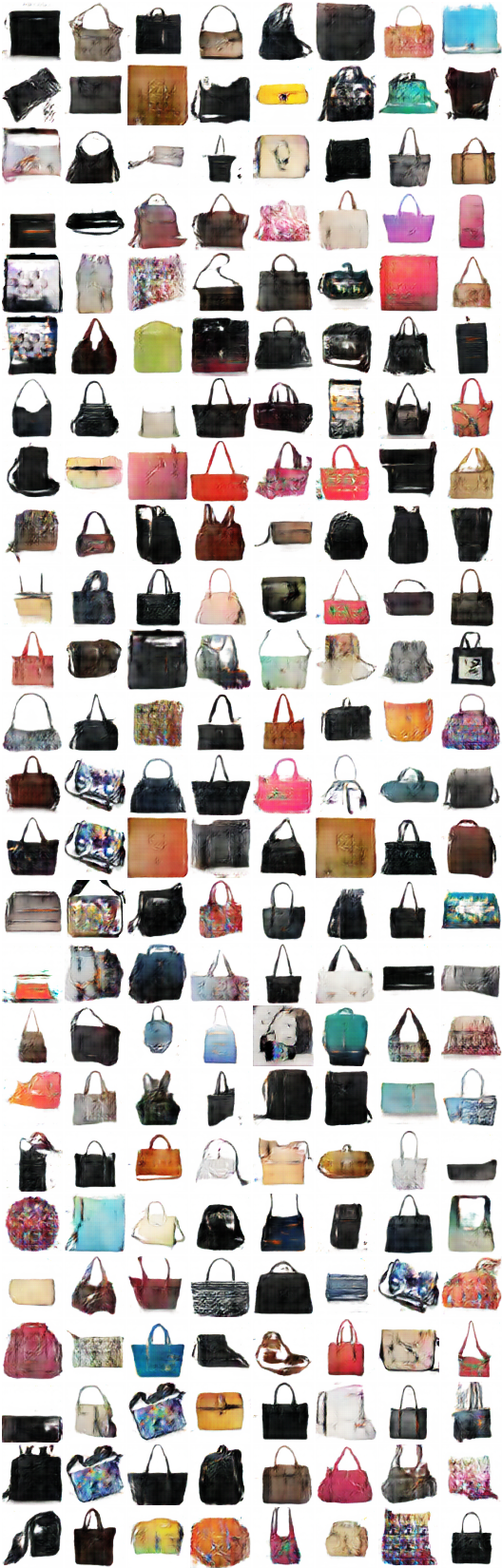
4. Edges2handbags dataset
# iteration: 9500:
x_A -> G_AB(x_A) -> G_BA(G_AB(x_A)) (color -> sketch -> color)
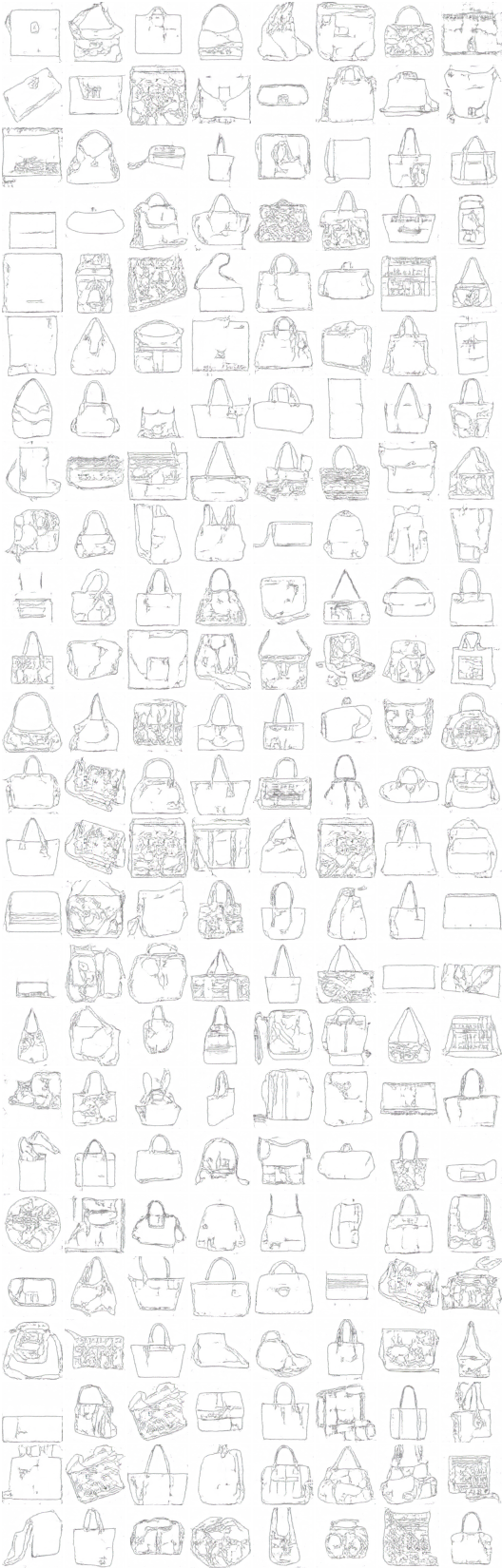
x_B -> G_BA(x_B) -> G_AB(G_BA(x_B)) (sketch -> color -> sketch)
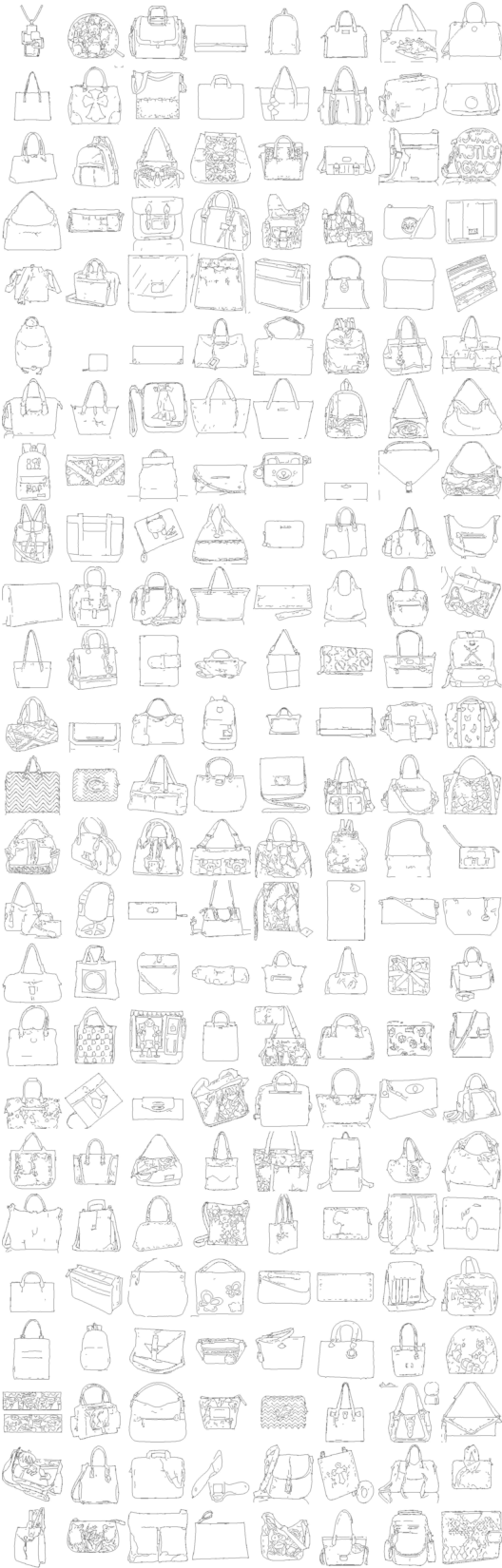
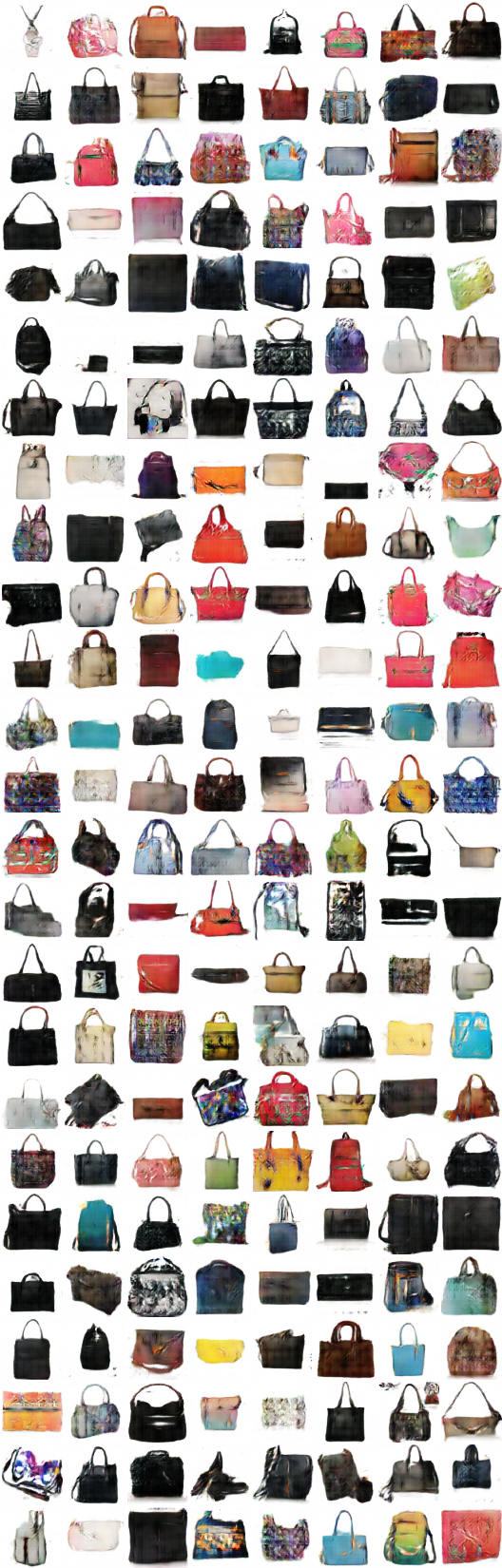
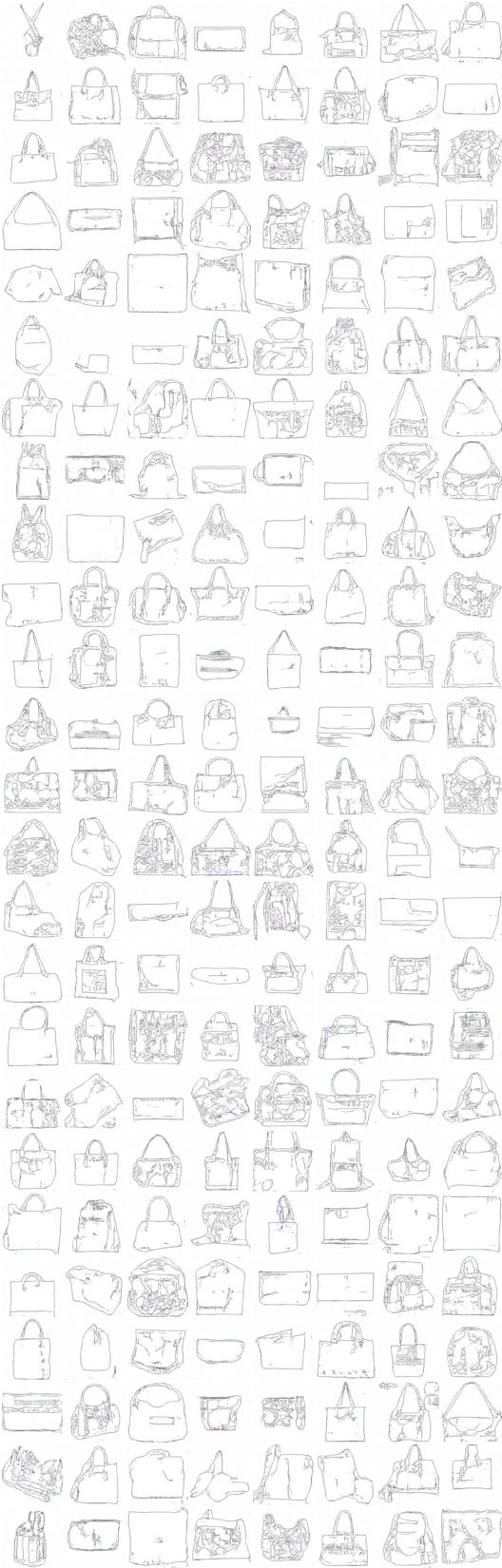
x_A -> G_AB(x_A) -> G_BA(G_AB(x_A)) -> G_AB(G_BA(G_AB(x_A))) -> G_BA(G_AB(G_BA(G_AB(x_A)))) -> ...

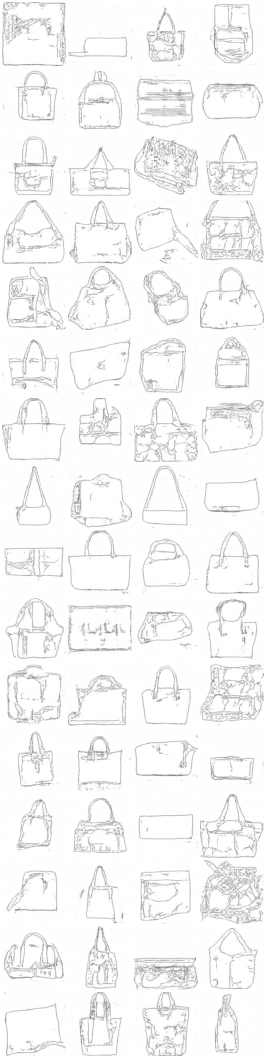
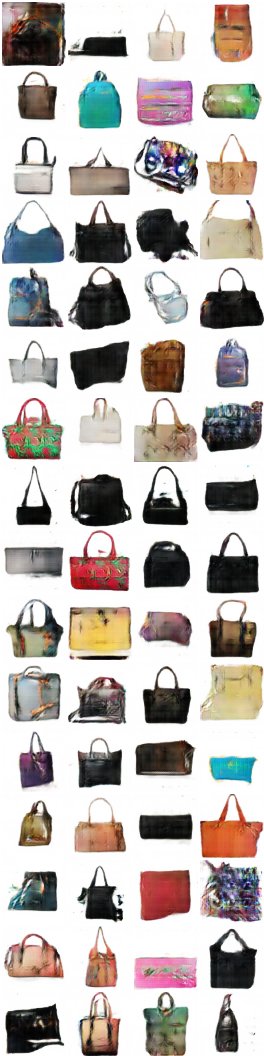

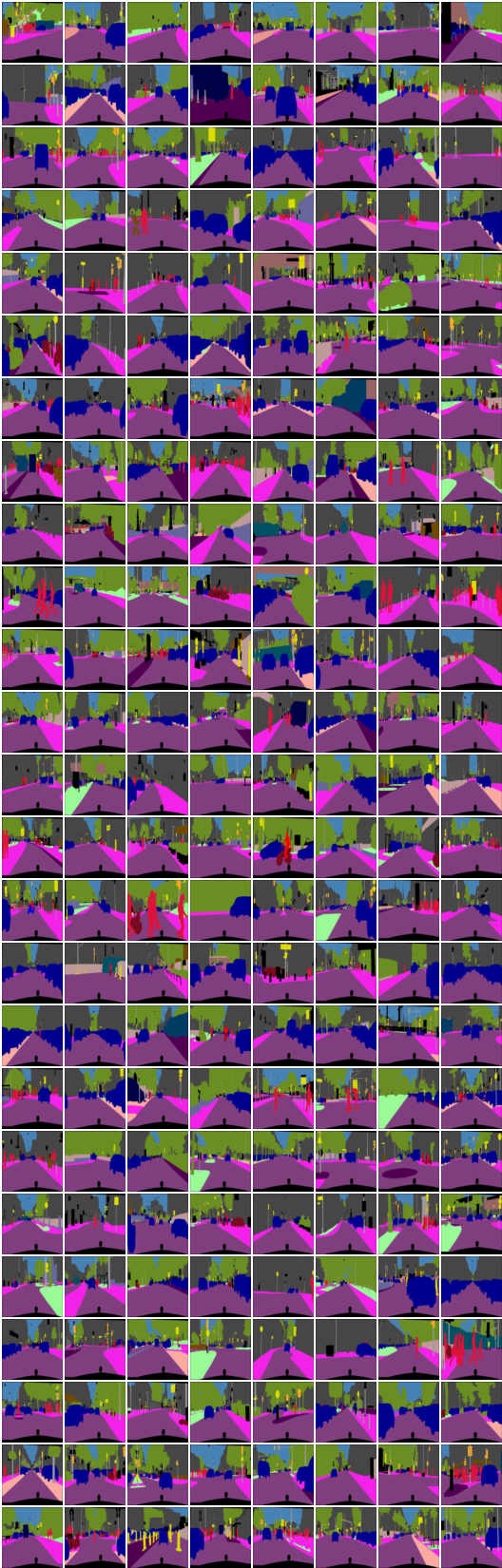
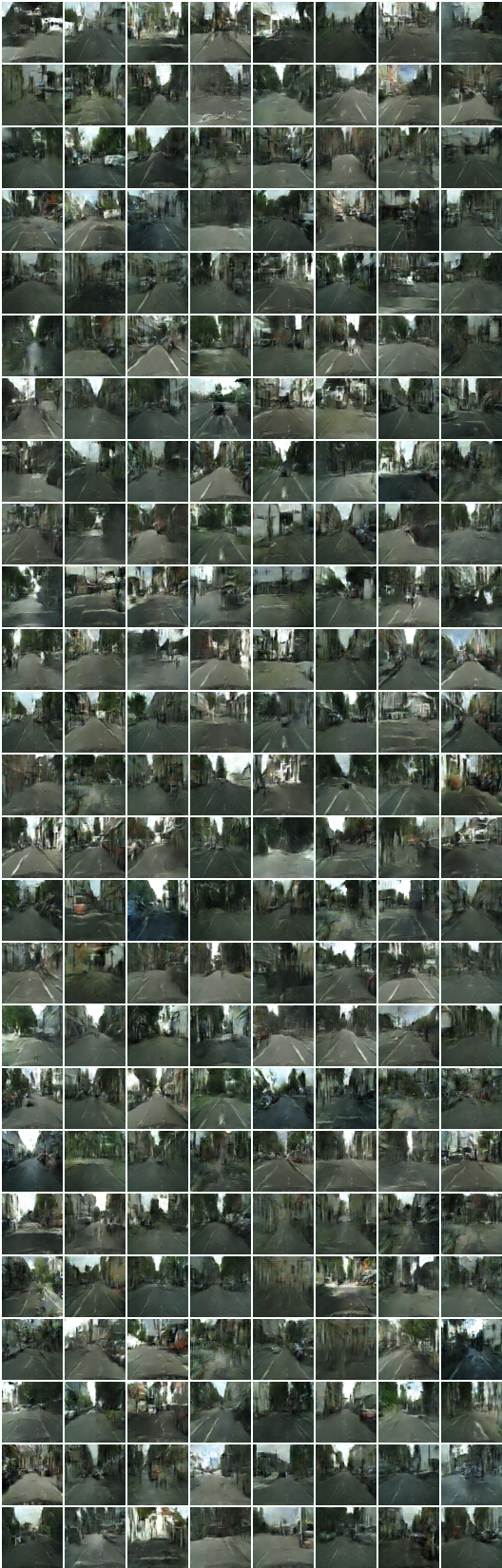
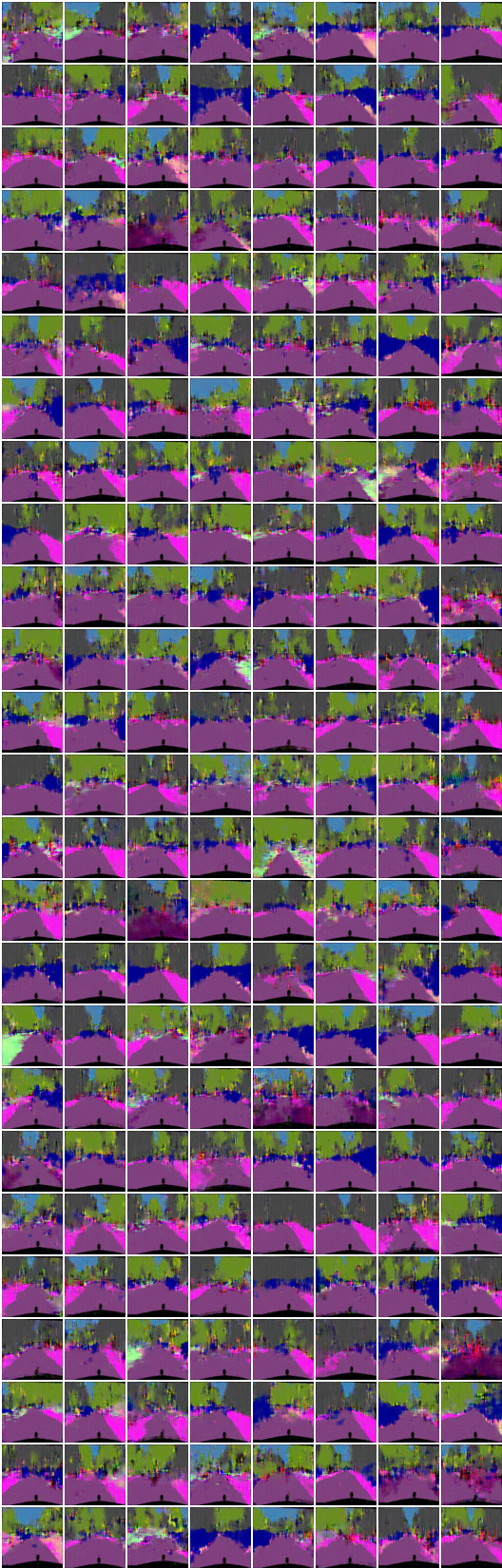
5. Cityscapes dataset
# iteration: 8350:
x_B -> G_BA(x_B) -> G_AB(G_BA(x_B)) (image -> segmentation -> image)
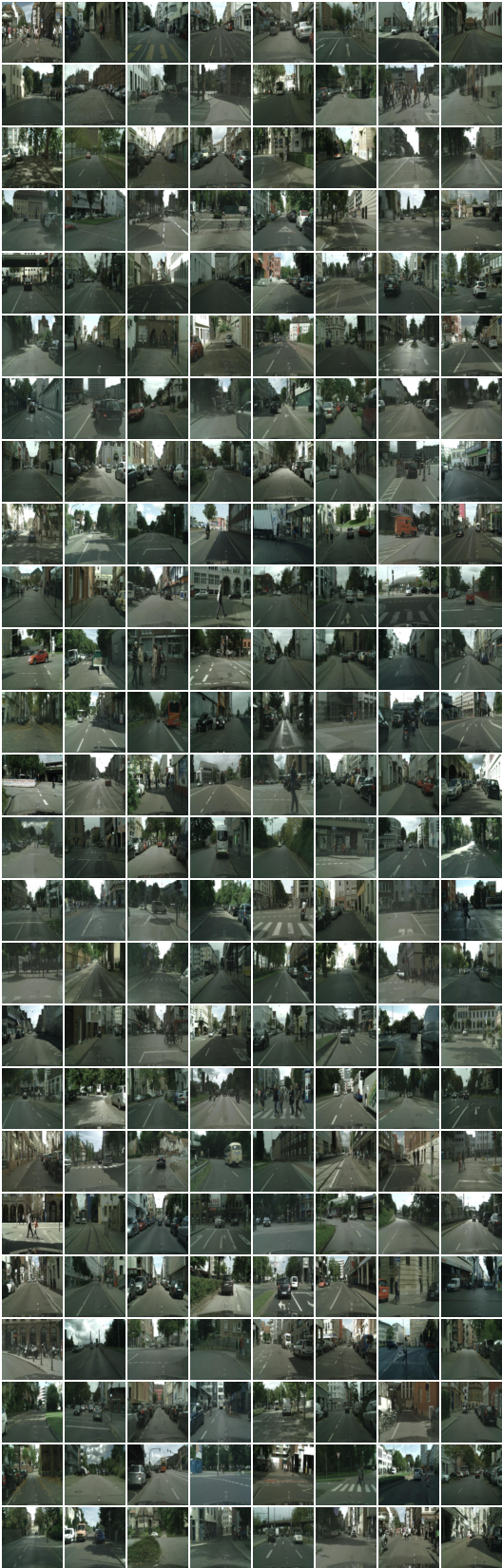
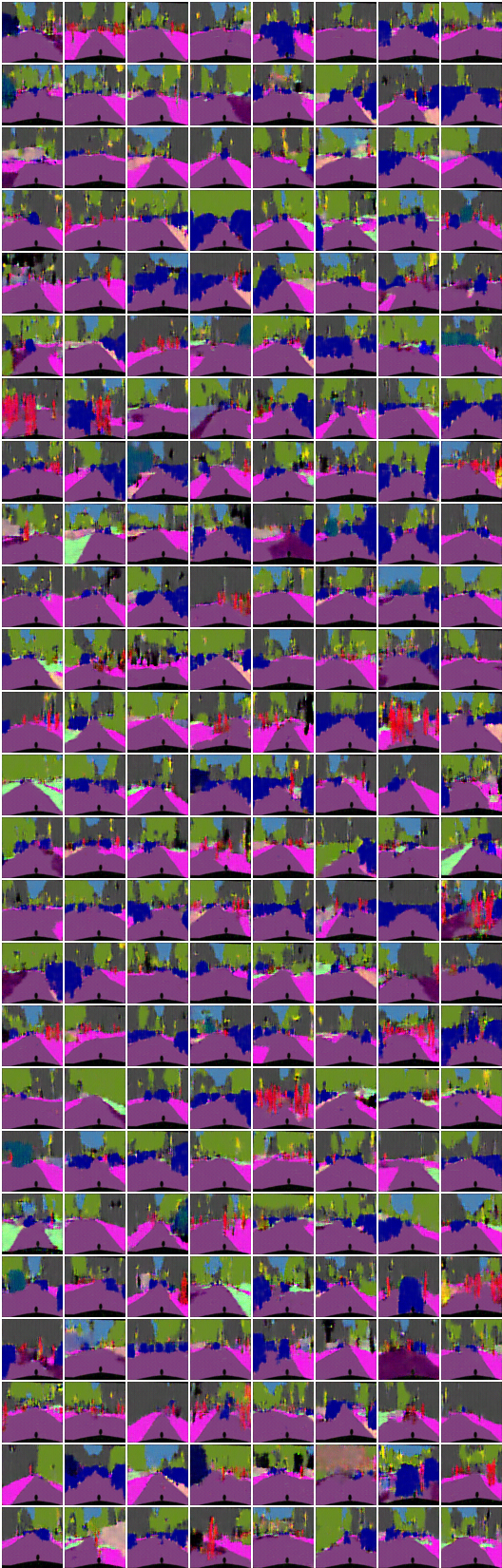
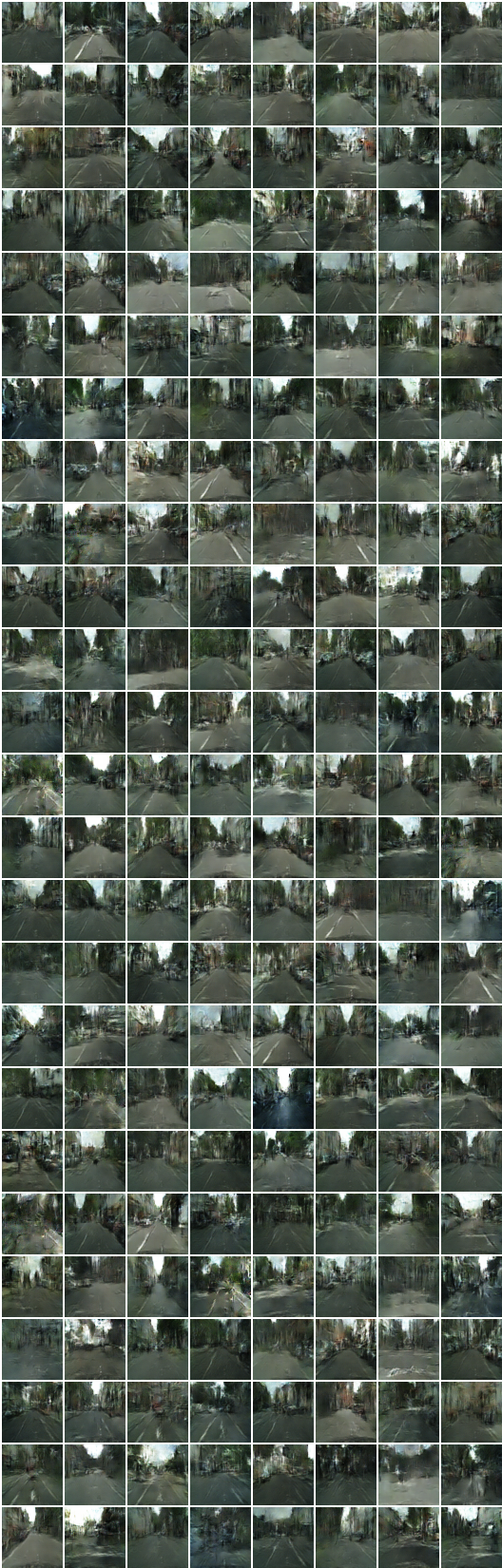
x_A -> G_AB(x_A) -> G_BA(G_AB(x_A)) (segmentation -> image -> segmentation)
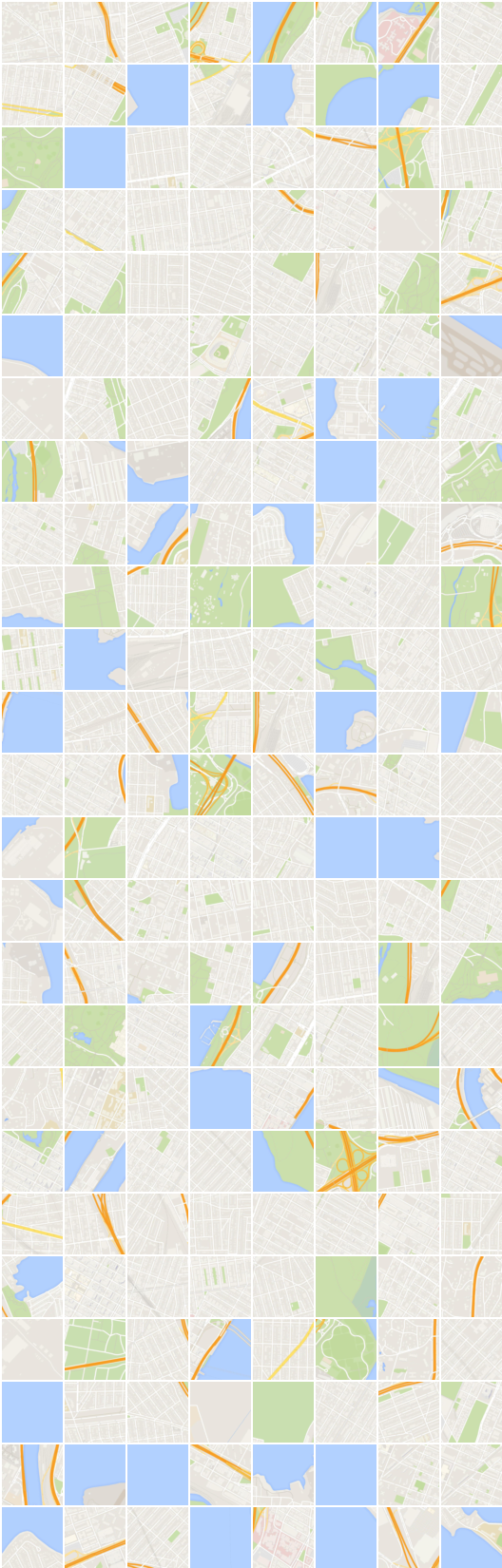
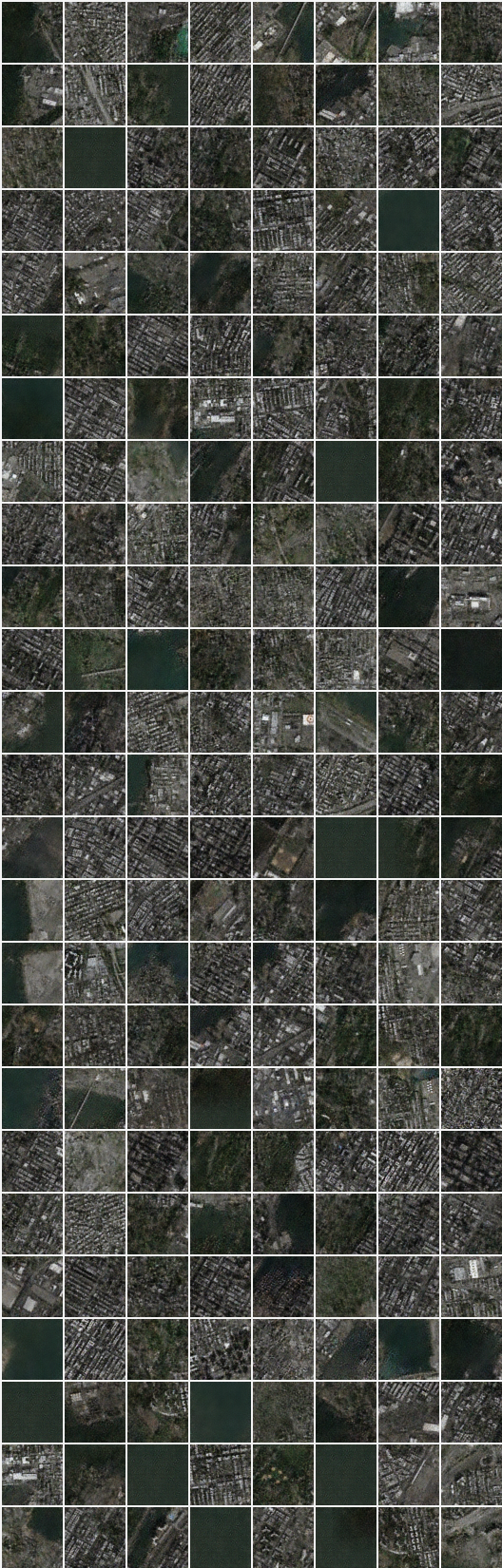
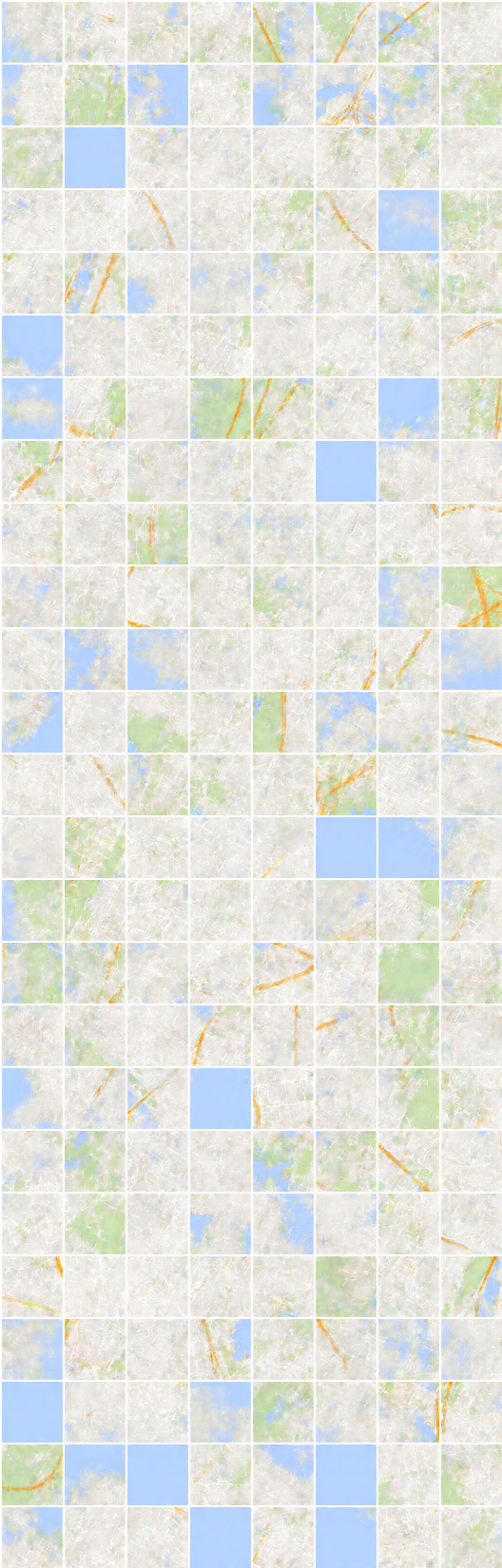
6. Map dataset
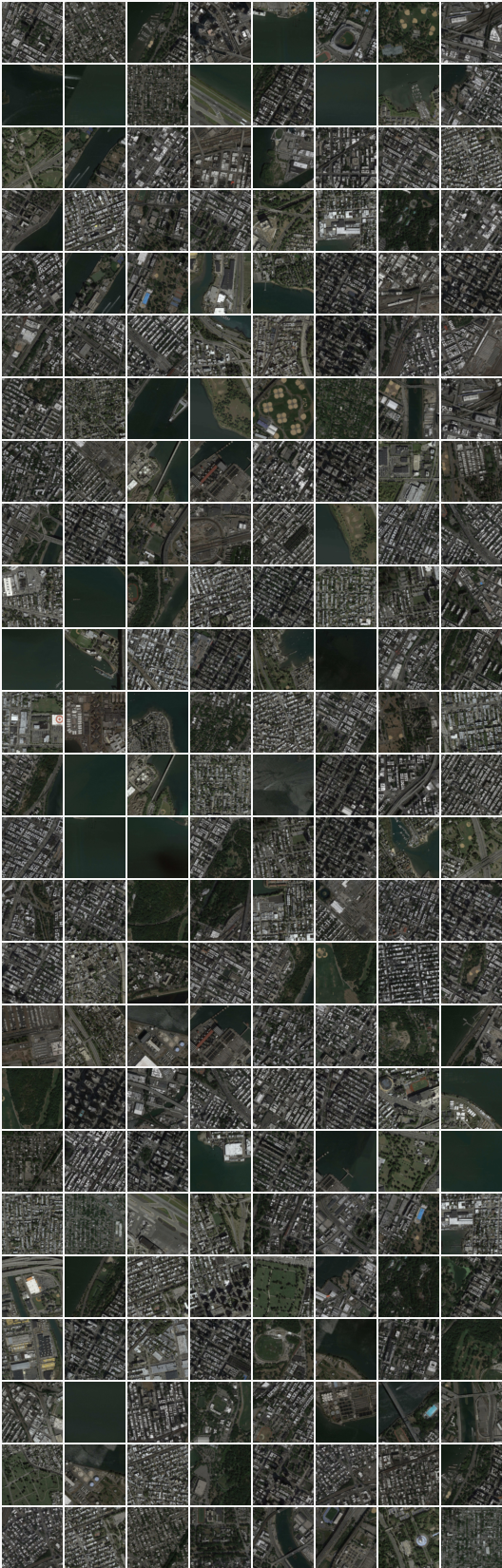
# iteration: 22200:
x_B -> G_BA(x_B) -> G_AB(G_BA(x_B)) (image -> segmentation -> image)
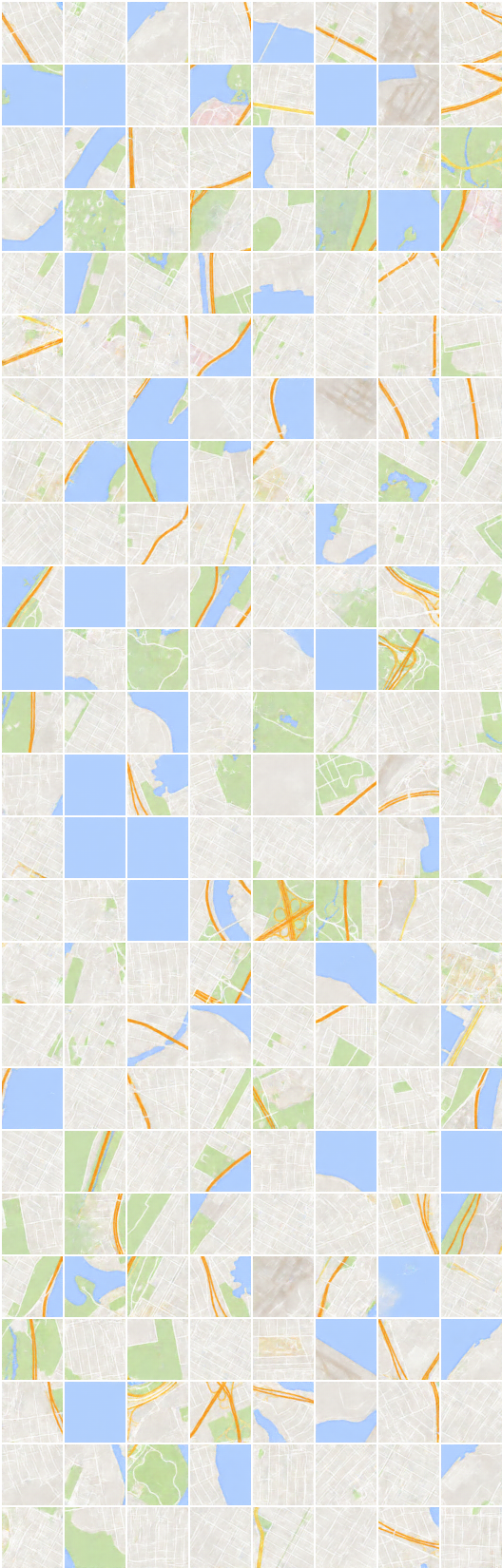
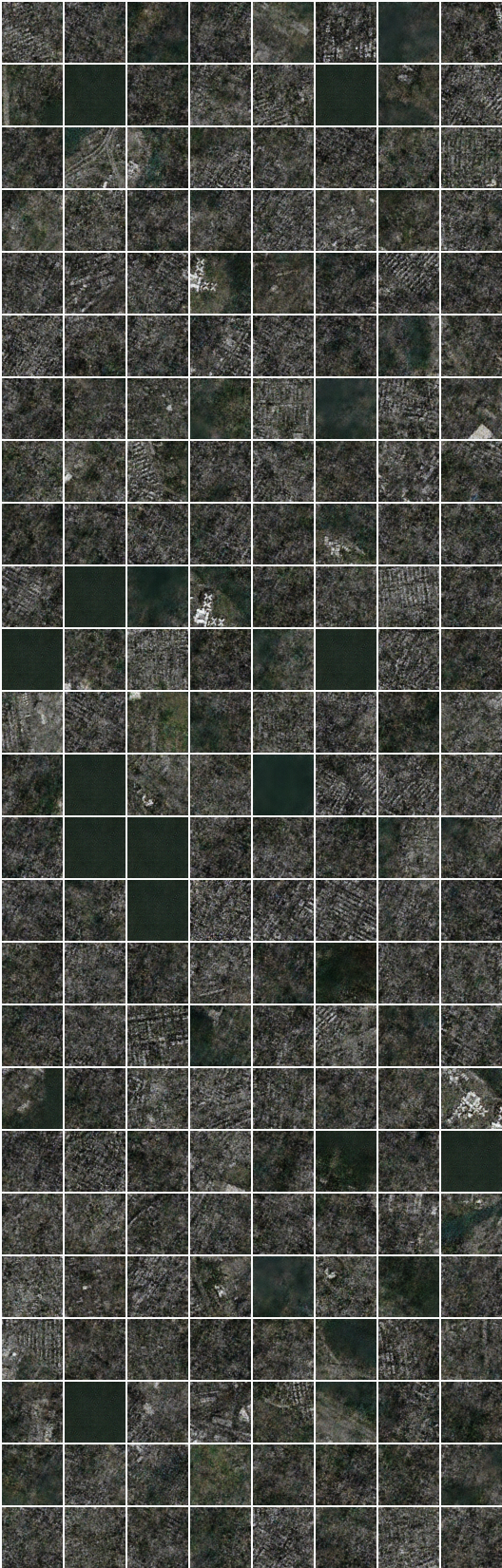
x_A -> G_AB(x_A) -> G_BA(G_AB(x_A)) (segmentation -> image -> segmentation)
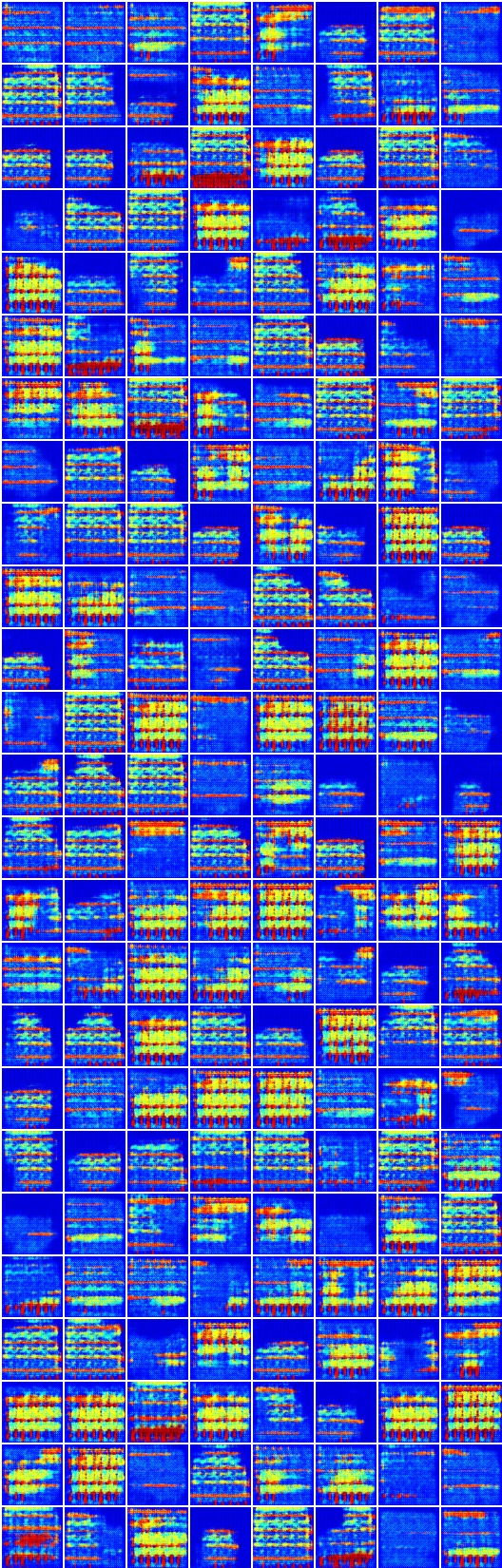
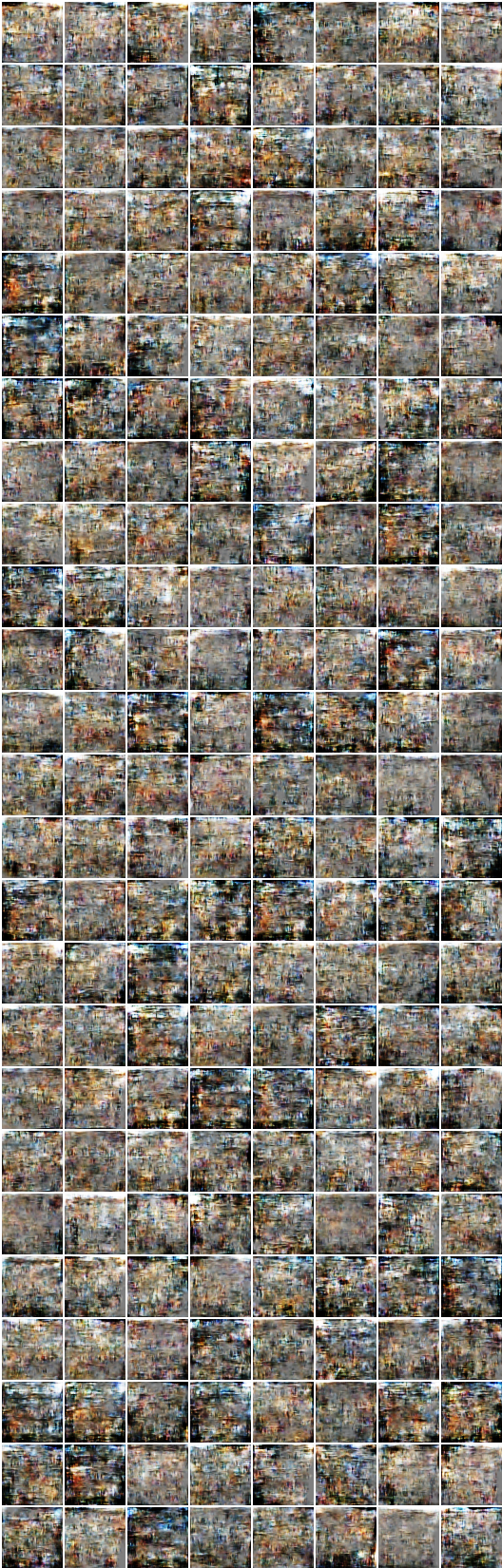
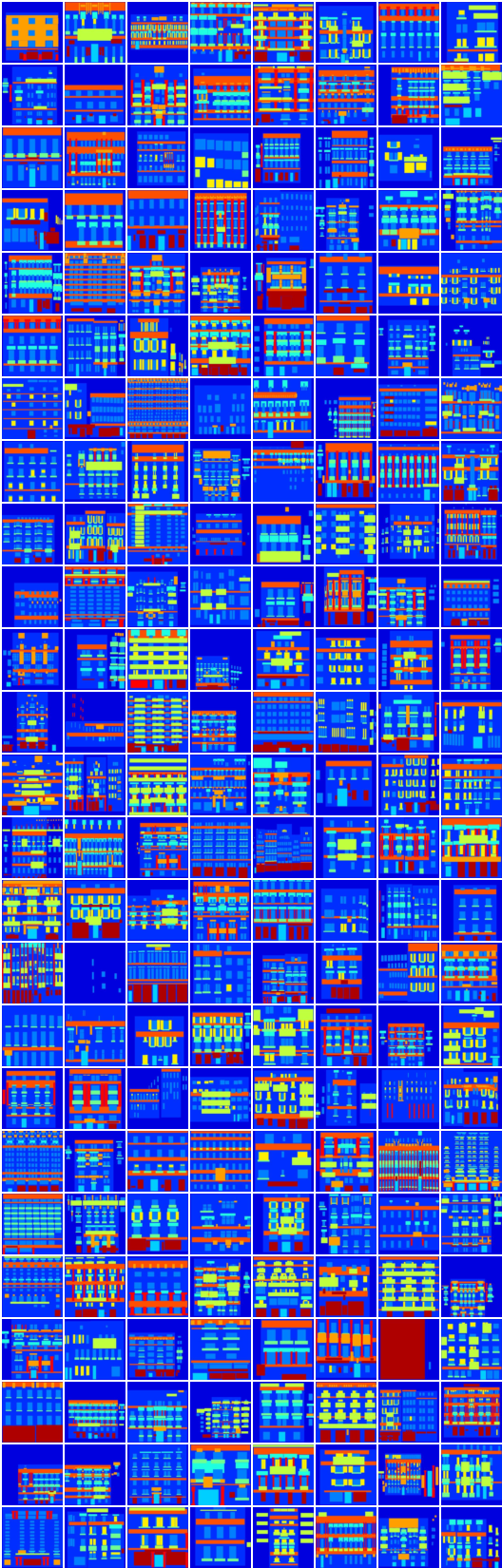
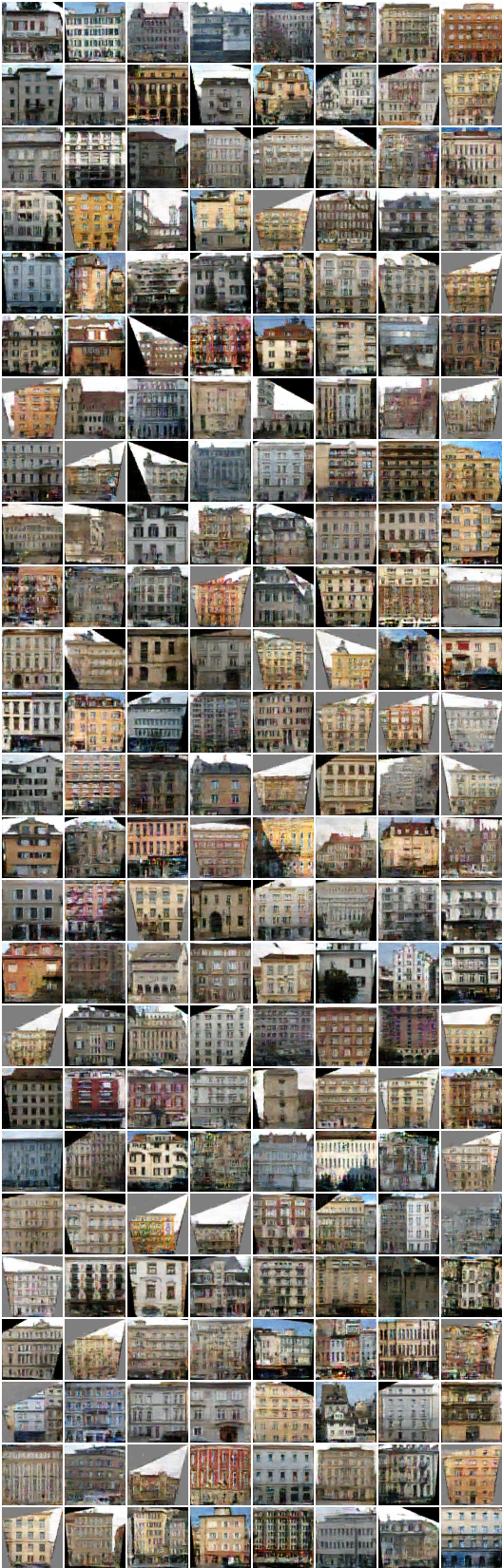
7. Facades dataset
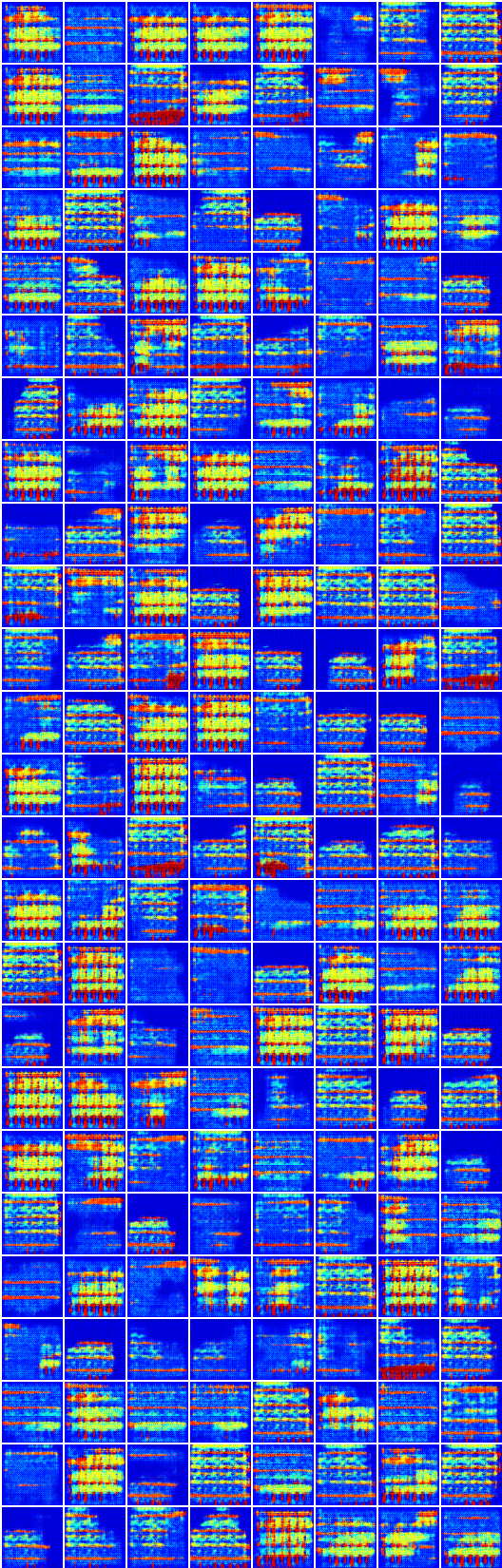
Generation and reconstruction on dense segmentation dataset looks weird which are not included in the paper.
I guess a naive choice of mean square error loss for reconstruction need some change on this dataset.
# iteration: 19450:
x_B -> G_BA(x_B) -> G_AB(G_BA(x_B)) (image -> segmentation -> image)
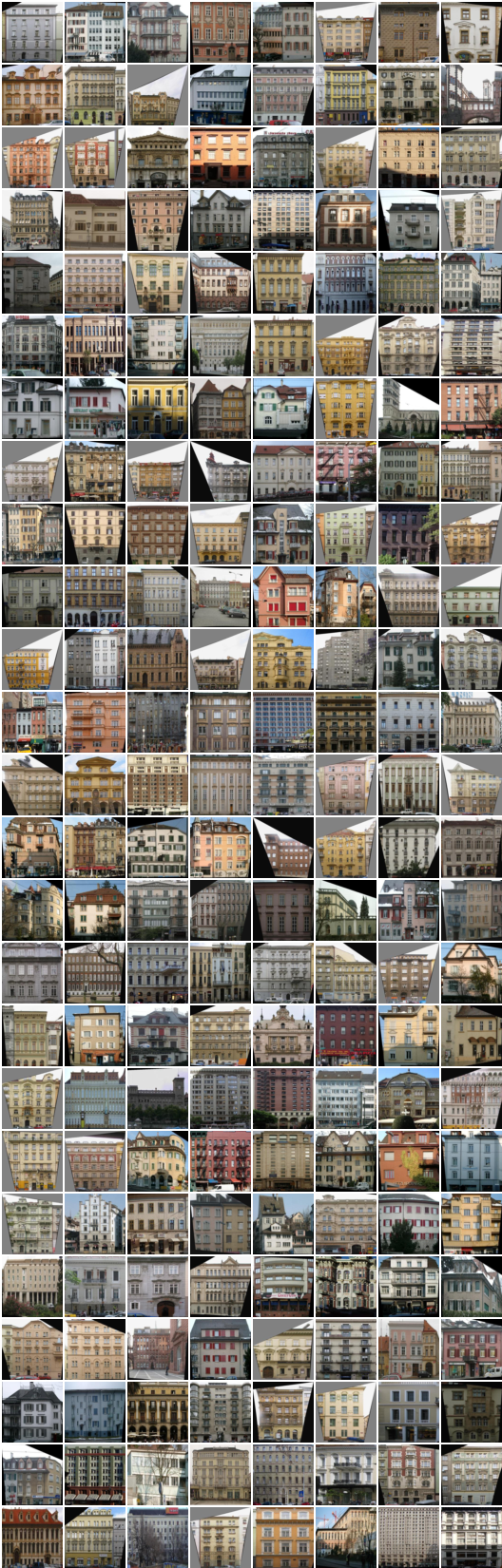
x_A -> G_AB(x_A) -> G_BA(G_AB(x_A)) (segmentation -> image -> segmentation)
Related works
Author
Taehoon Kim / @carpedm20
Explore related projects
tensorflow/tensorflow
An Open Source Machine Learning Framework for Everyone
201,427 starshuggingface/transformers
🤗 Transformers: the model-definition framework for state-of-the-art machine learning models in text, vision, audio, and multimodal models, for both inference and training.
168,711 starsAUTOMATIC1111/stable-diffusion-webui
Stable Diffusion web UI
165,274 starsComfy-Org/ComfyUI
The most powerful and modular diffusion model GUI, api and backend with a graph/nodes interface. The fastest local inference engine in the world.
146,024 stars