
callicoder/spring-security-react-ant-design-polls-app
callicoder/spring-security-react-ant-design-polls-app has 1,869 GitHub stars and 1,050 forks. GitHot measured 0 stars in 24 hours and -1 in 7 days. Last checked 2026-11-06 05:58 UTC. Last push 2023-12-10.
Full Stack Polls App built using Spring Boot, Spring Security, JWT, React, and Ant Design
Measured star growth
- in 24h
- 0
- in 7 days
- -1
- in 15 days
- Collecting history
- in 1 month
- Collecting history
Net star changes over overlapping periods, not daily totals. Missing measurements are left blank. Stars measure attention, not software quality.
README.md
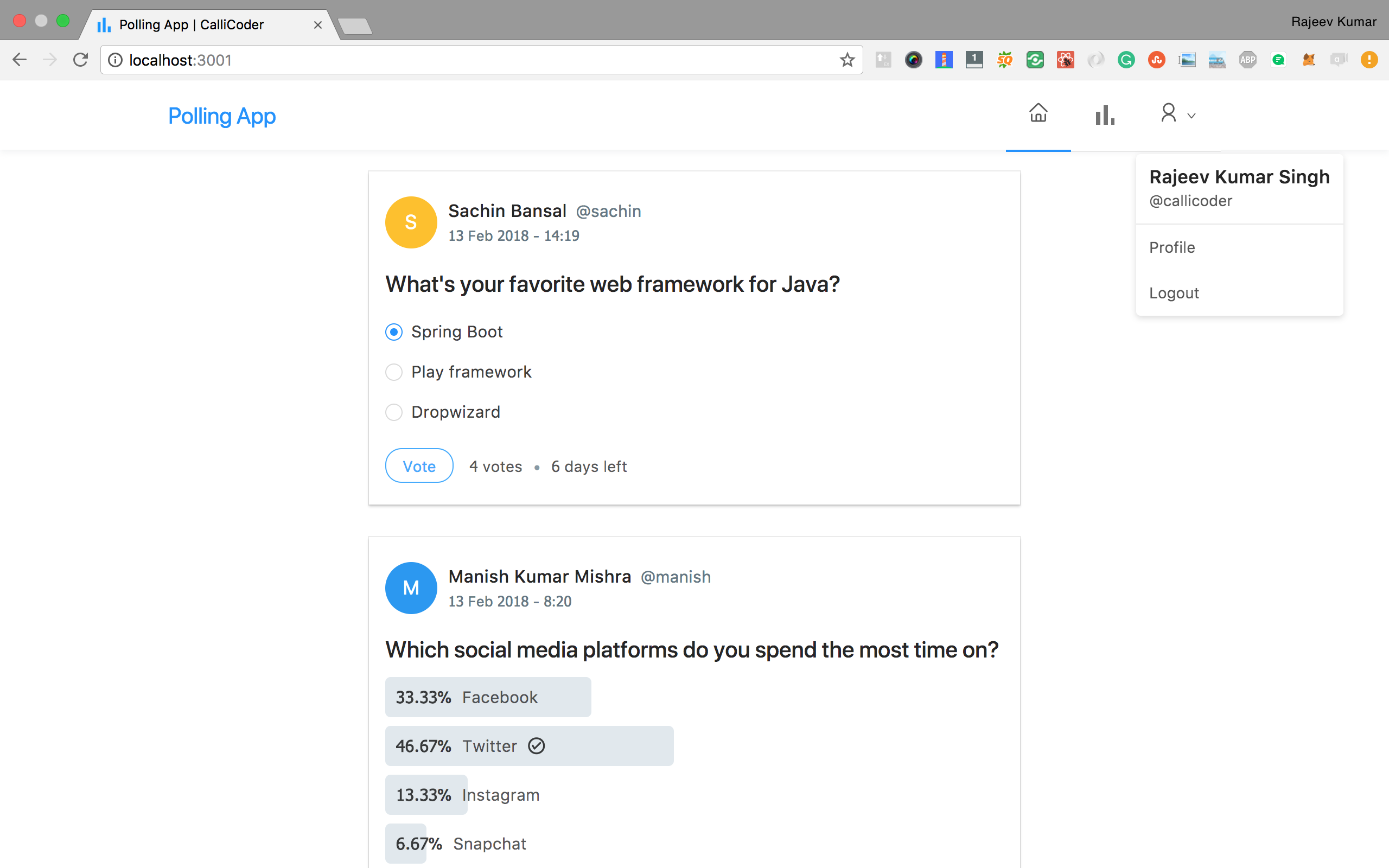
OriginalBuilding a Full Stack Polls app similar to twitter polls with Spring Boot, Spring Security, JWT, React and Ant Design
Tutorials
I've written a complete tutorial series for this application on The CalliCoder Blog -
Steps to Setup the Spring Boot Back end app (polling-app-server)
Clone the application
git clone https://github.com/callicoder/spring-security-react-ant-design-polls-app.git
cd polling-app-server
Create MySQL database
create database polling_appChange MySQL username and password as per your MySQL installation
open
src/main/resources/application.propertiesfile.change
spring.datasource.usernameandspring.datasource.passwordproperties as per your mysql installation
Run the app
You can run the spring boot app by typing the following command -
mvn spring-boot:runThe server will start on port 8080.
You can also package the application in the form of a
jarfile and then run it like so -mvn package java -jar target/polls-0.0.1-SNAPSHOT.jarDefault Roles
The spring boot app uses role based authorization powered by spring security. To add the default roles in the database, I have added the following sql queries in
src/main/resources/data.sqlfile. Spring boot will automatically execute this script on startup -INSERT IGNORE INTO roles(name) VALUES('ROLE_USER'); INSERT IGNORE INTO roles(name) VALUES('ROLE_ADMIN');Any new user who signs up to the app is assigned the
ROLE_USERby default.
Steps to Setup the React Front end app (polling-app-client)
First go to the polling-app-client folder -
cd polling-app-client
Then type the following command to install the dependencies and start the application -
npm install && npm start
The front-end server will start on port 3000.
Explore related projects
freeCodeCamp/freeCodeCamp
freeCodeCamp.org's open-source codebase and curriculum. Learn math, programming, and computer science for free.
458,638 starsdonnemartin/system-design-primer
Learn how to design large-scale systems. Prep for the system design interview. Includes Anki flashcards.
377,020 starsreact/react
The library for web and native user interfaces.
252,023 starsvuejs/vue
This is the repo for Vue 2. For Vue 3, go to https://github.com/vuejs/core
212,508 stars