
bydtesla1609/intent-debugger
bydtesla1609/intent-debugger has 124 GitHub stars and 14 forks. GitHot measured 0 stars in 24 hours. Last checked 2026-11-15 15:42 UTC. Last push 2026-11-14.
Measured star growth
- in 24h
- 0
- in 7 days
- Update delayed
- in 15 days
- Update delayed
- in 1 month
- Update delayed
Net star changes over overlapping periods, not daily totals. Missing measurements are left blank. Stars measure attention, not software quality.
About
Turn vague product or feature ideas into clear, checkable requirements before planning or coding—mapping rough descriptions to professional terms, exposing ambiguities, and aligning goals, flows, and boundaries. 这是一个需求澄清 Skill:把说不清的想法整理成一份清晰、可核对的需求清单,在执行任务前对齐目标、流程与边界等。
AIREADME_EN.md
Original简体中文 · English
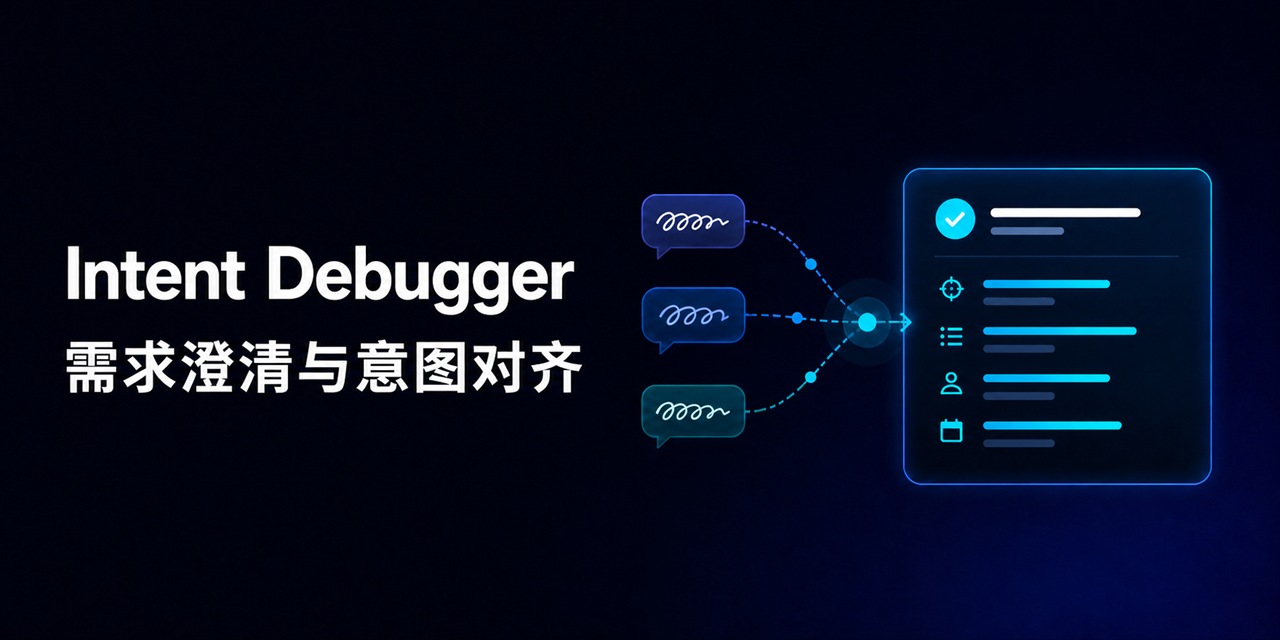
Intent Debugger
Requirements clarification and intent alignment
Turn hard-to-express ideas into clear, specific, and verifiable requirements.






⚡ Quick start · 📝 Usage example · 🧐 Compared with Plan · 🤝 Contributing
✏ Before we begin
When a user asks an AI to design a project or feature, the AI may respond with a long list of implementation techniques. To someone unfamiliar with those terms, the answer can look professional while still making it difficult to tell whether the AI understood the request. Starting with the desired outcome, usage, and functional boundaries makes it easier to form a requirements understanding that both sides can read and verify.
The underlying problem is that ideas are often difficult to express clearly in one attempt. You may already know roughly what the result should look like but not know the corresponding professional term; you may describe the idea in detail and still be misunderstood; or the AI may start designing or coding before either side has checked that the direction is correct.
Intent Debugger does not require you to learn professional prompt writing first. Describe the outcome, usage, concerns, and examples in your own words. Even if the wording is awkward or incomplete, it will organize that information into a structured and consistent requirements draft so you can judge whether the AI understood what you actually want to build.
🧩 What it does
Each clarification turn has three parts:
- 🧭 Requirements draft: gives a concise overall interpretation, then organizes the goal, scenario, core behavior, user flow, and constraints.
- ❓ Issue clarification and confirmation: for each consequential issue, explains what is unclear, why it matters, and asks a specific, directly answerable question that affects the requirement.
- ✅ Current alignment: distinguishes confirmed information, tentative interpretations, and unresolved decisions, then states whether the requirements are aligned.
Until the user confirms alignment, Intent Debugger keeps updating the same draft: it preserves settled information, applies corrections, and asks only about decisions that still matter. Intent Debugger finishes when the user confirms the requirements, all decision-critical questions are answered, and no major ambiguity remains. It does not automatically move into planning, design, or implementation.
🧐 How is this different from Plan mode?
Intent Debugger answers “What exactly should be built?” Plan mode answers “How should an already-defined requirement be implemented in this project?”
| Intent Debugger | Plan mode | |
|---|---|---|
| Main question | What should be built, why, and where are the boundaries? | How should the confirmed requirement be implemented? |
| Best input | Conversational ideas, visions, scattered features, or conflicting descriptions | A task with a clear scope and acceptance criteria |
| Main output | A clarified requirements draft, unresolved decisions, and confirmation points | Implementation steps, affected areas, and verification methods based on the current project |
| Technical detail | Does not enter the implementation layer | May discuss implementation, but does not itself begin execution |
This is a comparison of responsibilities, not a required sequence. Either tool can be used independently.
⚡ Quick start
To get only the core skill, download intent-debugger-skill.zip. It extracts to a complete intent-debugger folder that you can place in the directory used by your platform.
The “total downloads” badge combines full repository clones with downloads of the official ZIP. It measures how often the project was actively obtained, not installations or active users. View the public metric breakdown.
Codex
Copy skill/intent-debugger into your personal Codex skills directory:
$CODEX_HOME/skills/intent-debugger
Reload skills, then invoke it explicitly:
Use $intent-debugger to clarify this idea: I want to build a tool that helps a team find shared materials.
Codex may also select the skill automatically when a request clearly involves clarifying vague requirements.
Claude Code
Claude Code can load SKILL.md. Copy skill/intent-debugger to either location:
- Personal:
~/.claude/skills/intent-debugger/ - Project:
.claude/skills/intent-debugger/
Invoke it explicitly with /intent-debugger, or let Claude Code select it from the frontmatter description. See the Claude Code adapter for details.
 DeepSeek
The DeepSeek API does not provide the same file-based skill discovery mechanism. In the DeepSeek API or a client that supports a system prompt, send the complete contents of SKILL.md as the first system message, then send the idea as the user message. See the DeepSeek adapter for details.
All three platforms use the same platform-neutral core skill. The adapters document how to load it; they do not claim identical live behavior across every client or model version.
📝 Usage example
Original description:
I want something on the website that goes Home / Control Panel / Keyboard, level by level, and shows me where I am.
Intent Debugger first connects the description to a useful professional term:
Add breadcrumb navigation to the website to show the user's current location in the hierarchy and allow navigation back to parent levels.
It then checks the details that still affect the requirement: which levels are clickable, whether the current page is clickable, how long paths should be displayed, and how the path is determined when a user enters the page from another route. The answers are written back into the same requirements draft.
View the full team knowledge base example (Chinese) →
🤝 Contributing
You can contribute without direct write access to the repository. Intent Debugger can organize your feedback into a reviewable improvement candidate for a public Issue. If you already have a concrete change, you can also fork the repository and open a Pull Request.
All candidates are reviewed publicly by the maintainer. AI-generated content is not written or merged automatically.
📖 Behavioral checks
The scenarios in evals/cases.md check the skill's decisions and boundaries rather than merely checking whether it prints fixed headings.
View the main acceptance criteria
- Forms an evidence-based, verifiable requirements understanding without changing the user's goal;
- Marks reasonable inferences as tentative instead of presenting them as user-confirmed facts;
- Finds real ambiguities, conflicts, boundary cases, and risks;
- Explains why each consequential issue matters and asks a directly answerable confirmation question;
- Avoids technical proposals and code before alignment;
- Preserves confirmed information across turns, applies corrections, and stops repeating resolved questions;
- Uses natural language without mechanical templates, repetition, or unnecessary terminology.
📄 License
This project is open source under the MIT License.
Clarify what should be built, then verify whether the AI truly understood you.
If this project helps you, consider giving it a Star ⭐