Projects View on GitHub
bw2012/UE4VoxelTerrain
About
Unreal Engine 4: Smooth voxel terrian example
Developer ToolsWhat you can do
- Runtime terrain modification
- Procedural landscape/caves generation
- Level of details (per chunk)
- Up to 65535 terrain materials
Measured star growth
- in 24h
- 0
- in 7 days
- 0
- in 15 days
- Collecting history
- in 1 month
- Collecting history
Net star changes over overlapping periods, not daily totals. Missing measurements are left blank. Stars measure attention, not software quality.
README.md
OriginalUE4VoxelTerrain
Unreal Engine 4 procedural voxel terrian example (partially based on Transvoxel™ Algorithm by Eric Lengyel http://transvoxel.org/) This plugin provides tools to generate, visualize and in-game change volume terrain using voxels.
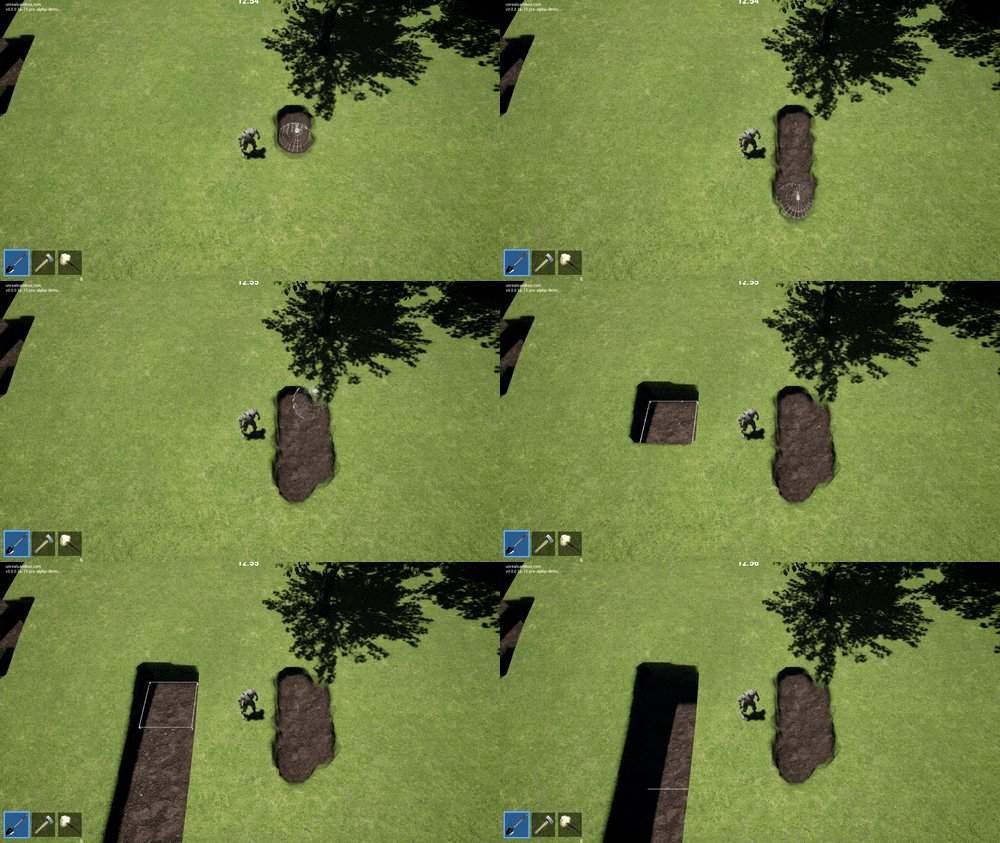
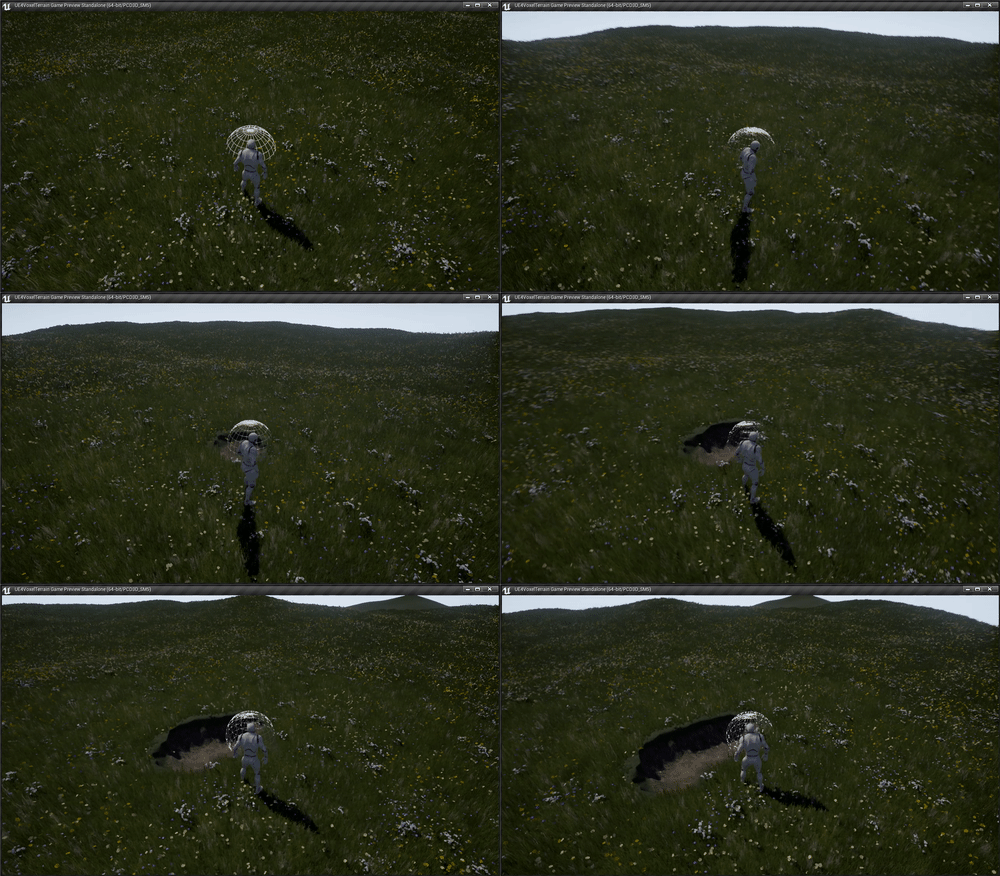
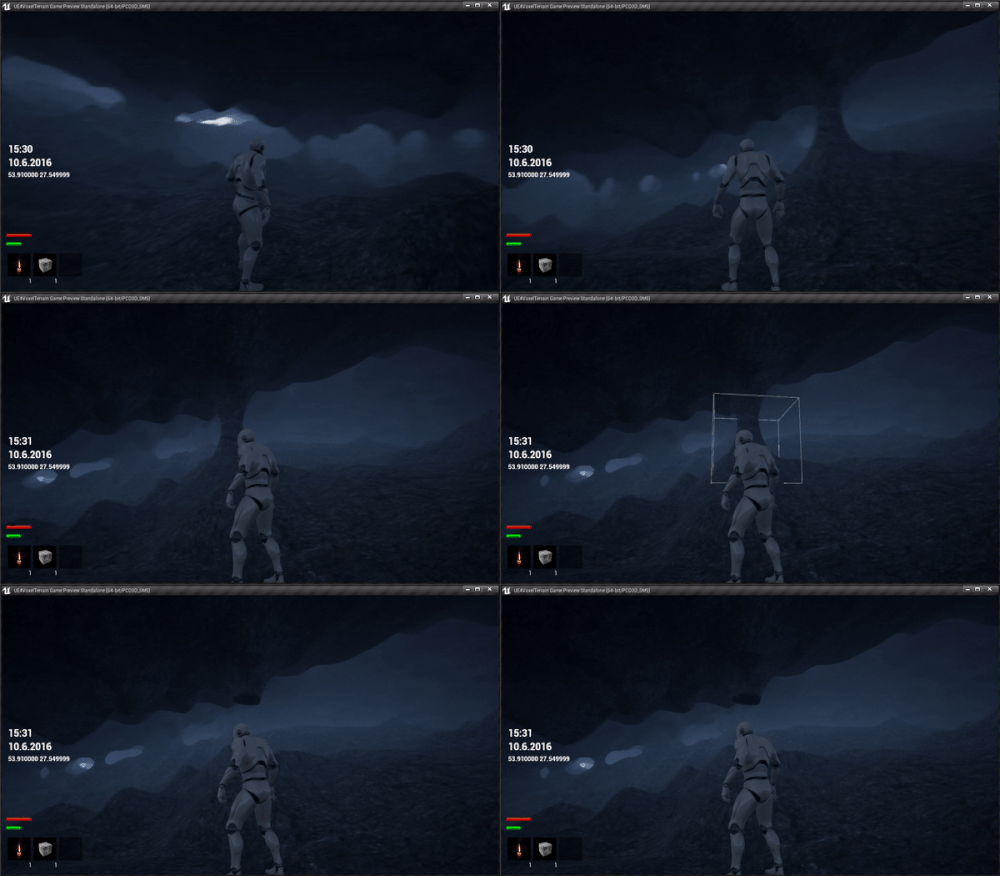
Master branch tested with Unreal Engine 4.27.1 [Windows 10]
[!WARNING]
This version is discontinued due to UE5 release. Please use UE5 version.
UE5 version source code
https://github.com/bw2012/UE5VoxelTerrainDemo
Download playable demo
UE5 version: UE5VoxelTerrain-0.0.39.zip
UE4 version: UE4VoxelTerrain-0.0.23.zip
Features
- Runtime terrain modification
- Procedural landscape/caves generation
- Level of details (per chunk)
- Foliage
- Up to 65535 terrain materials
Usage
- Install MS Visual Studio 2022
- Clone repository properly
git clone --recursive https://github.com/bw2012/UE4VoxelTerrain.git - This project uses git submodules. Make sure that project are cloned properly and folder UE4VoxelTerrain/Plugins is not empty.
- Open directory UE4VoxelTerrain
- Download Content.zip (~1.2Gb) and unzip it to
Contentfolder - Open project file with Unreal Engine 4.27
- Wait for compile UE4 KiteDemo shaders (first run may take long time)
Explore related projects
Loading…