
babluboy/bookworm
babluboy/bookworm has 1,388 GitHub stars and 106 forks. GitHot measured 0 stars in 24 hours. Last checked 2026-11-08 06:18 UTC. Last push 2026-10-29.
A simple ebook reader for Elementary OS
Measured star growth
- in 24h
- 0
- in 7 days
- Collecting history
- in 15 days
- Collecting history
- in 1 month
- Collecting history
Net star changes over overlapping periods, not daily totals. Missing measurements are left blank. Stars measure attention, not software quality.
README.md
OriginalBookworm 


A simple, focused eBook reader
Author: Siddhartha Das
Read the books you love without having to worry about the different format complexities like epub, pdf, mobi, cbr, etc. This version supports EPUB, MOBI, FB2, PDF, FB2 and Comics (CBR and CBZ) formats with support for more formats to follow soon.
Check the Bookworm website for details on features, shortcuts, installation guides for supported distros : https://babluboy.github.io/bookworm/
Building, Testing, and Installation
You'll need the following dependencies to build and run on Ubuntu/Debian based distros:
- unzip
- poppler-utils
- unar
- html2text
- python2
- libgtk-3-dev
- libgee-0.8-dev
- libgranite-dev
- libsqlite3-dev
- libxml2-dev
- webkit2gtk-4.0
- libwebkit2gtk-4.0-37
- libpoppler-glib-dev
- meson
- valac
- gettext
- curl
- ninja-build
- appstream
Run the command below to install the above on Ubuntu and Debian distros:
sudo apt-get install unzip poppler-utils unar html2text python2.7 libgtk-3-dev libgee-0.8-dev libgranite-dev libsqlite3-dev libxml2-dev webkit2gtk-4.0 libwebkit2gtk-4.0-37 libpoppler-glib-dev meson valac gettext curl ninja-build appstream git
Run git clone to download the source code, meson build to configure the build environment and run ninja test to build
git clone https://github.com/babluboy/bookworm.git
cd bookworm
meson build --prefix=/usr
mkdir -p build && cd build
ninja
To install, use ninja install, then execute with com.github.babluboy.bookworm
sudo ninja install
com.github.babluboy.bookworm
Screenshots
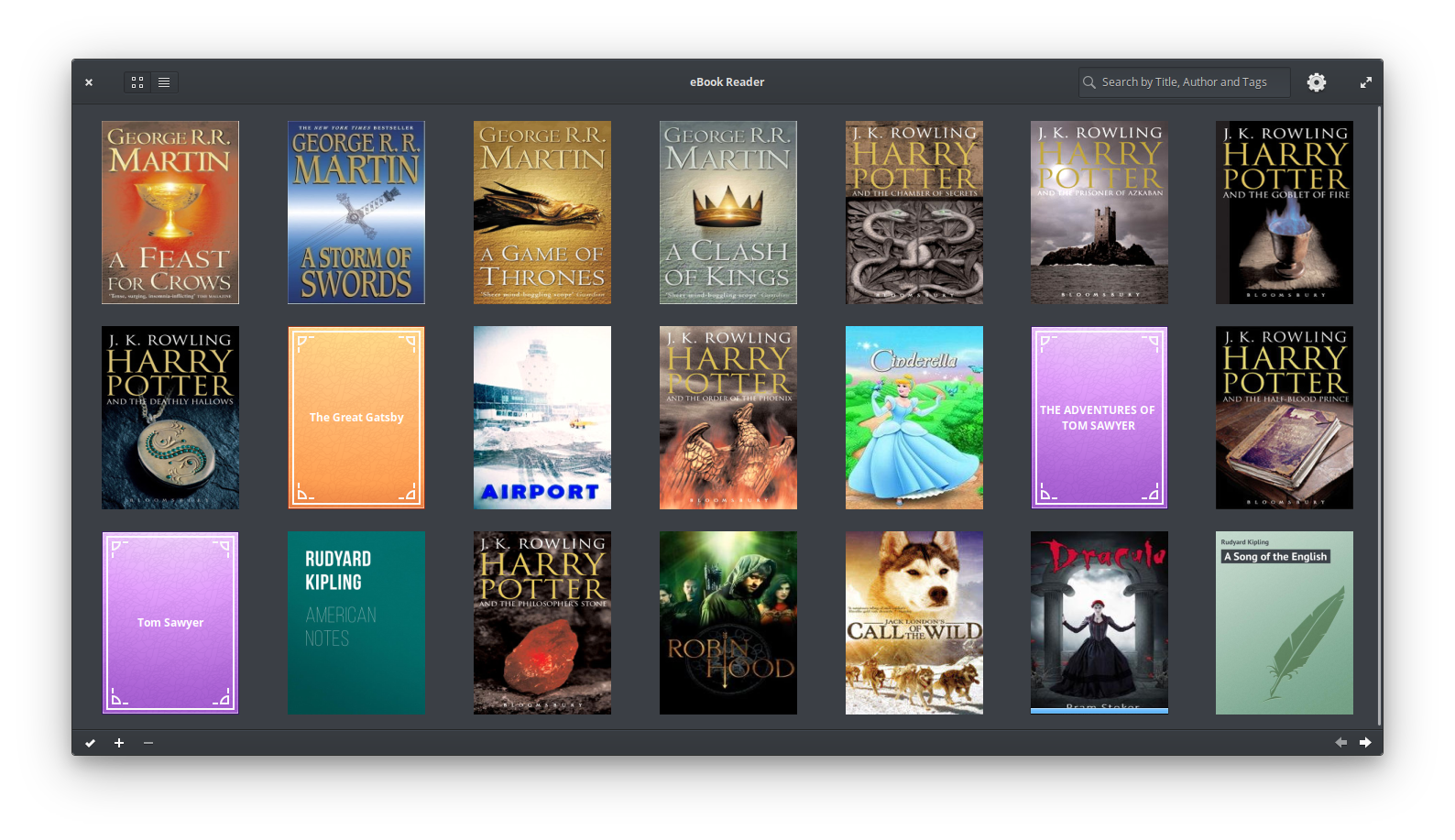
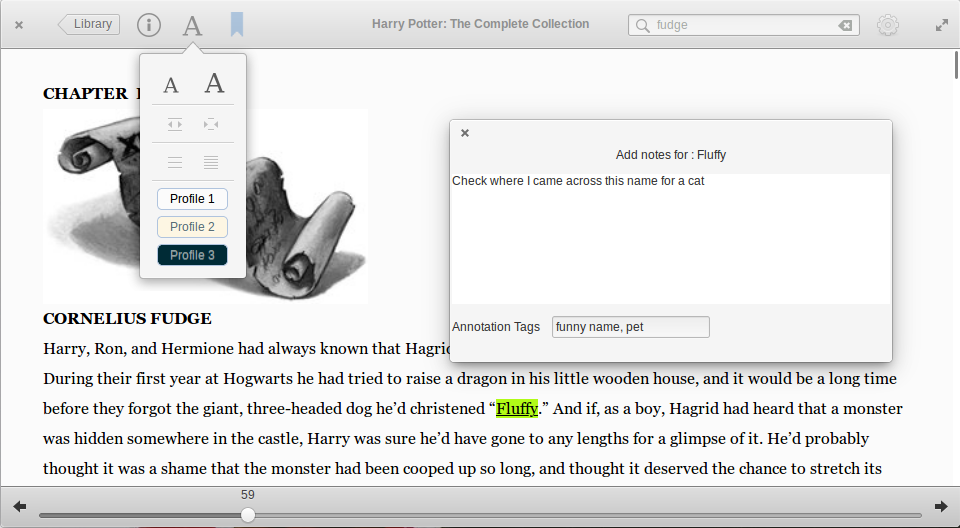
Two Page View
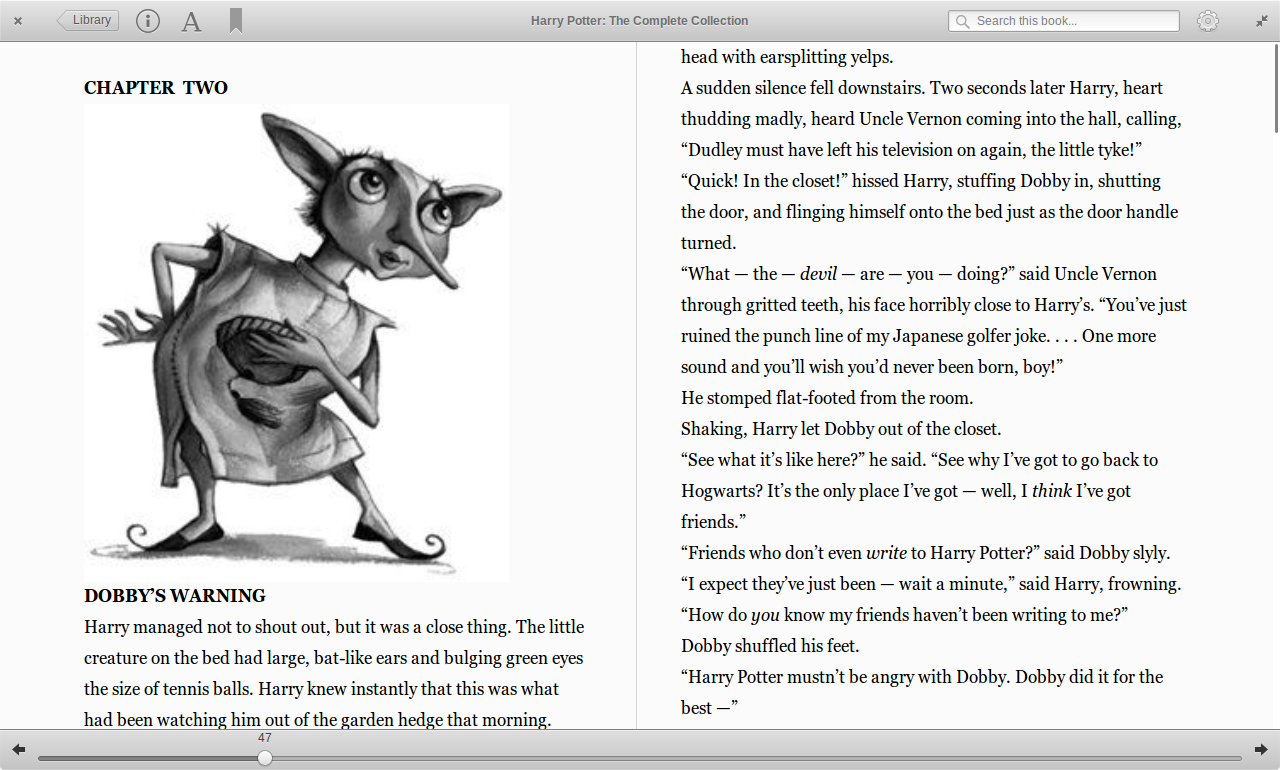
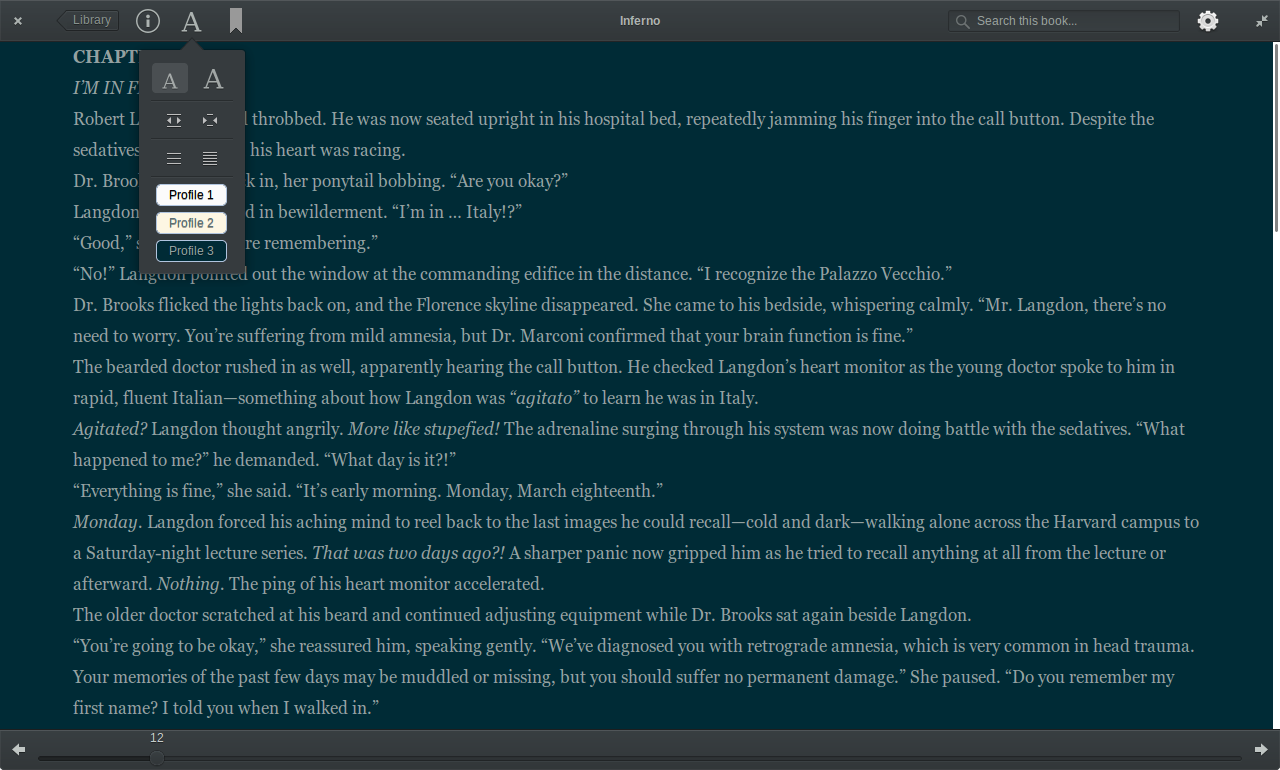
Bookworm Dark Mode
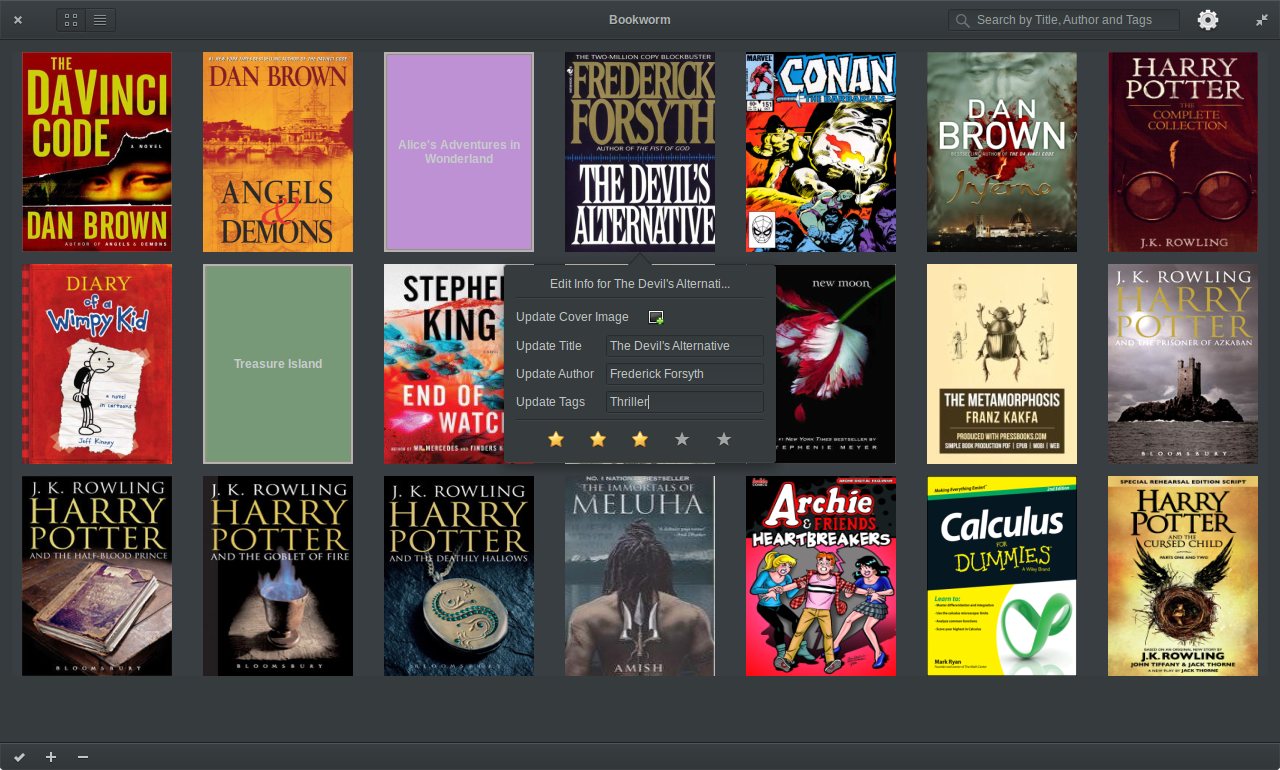
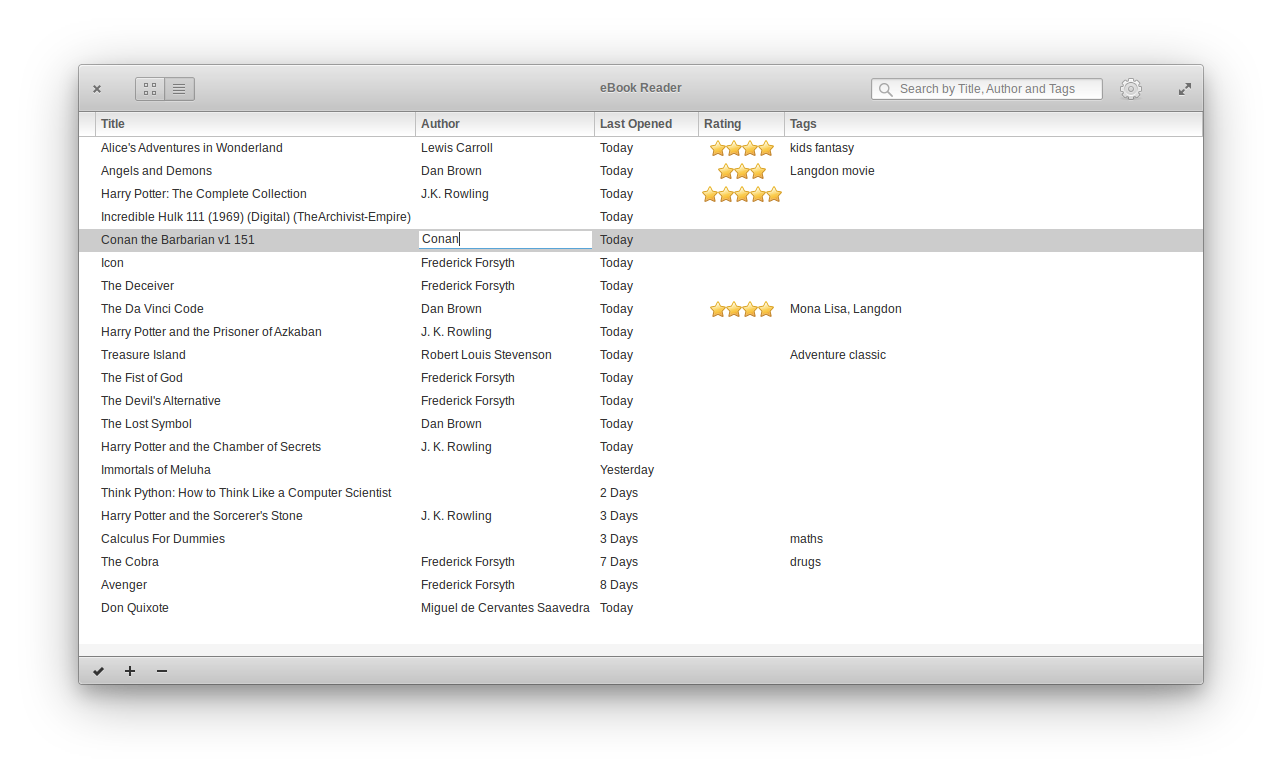
Library List View
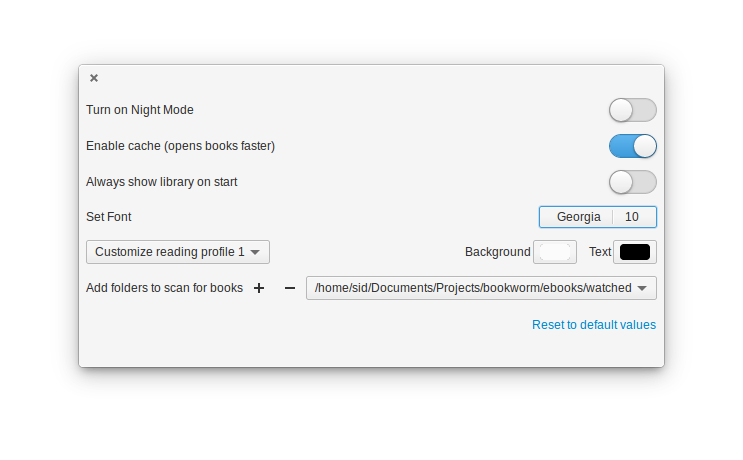
Bookworm Preferences
Explore related projects
codecrafters-io/build-your-own-x
Master programming by recreating your favorite technologies from scratch.
560,941 starspublic-apis/public-apis
A collective list of free APIs
497,202 starsmorluto/rea
Reverse engineer anything with agents, from app behavior down to native binaries.
442,610 starsopenclaw/openclaw
The AI that really does things. Any OS. Any Platform. The lobster way. 🦞
394,181 stars