Projects View on GitHub
atrinh0/buttoncraft
About
Craft that perfect SwiftUI button effect 👌🏼
Developer ToolsWhat you can do
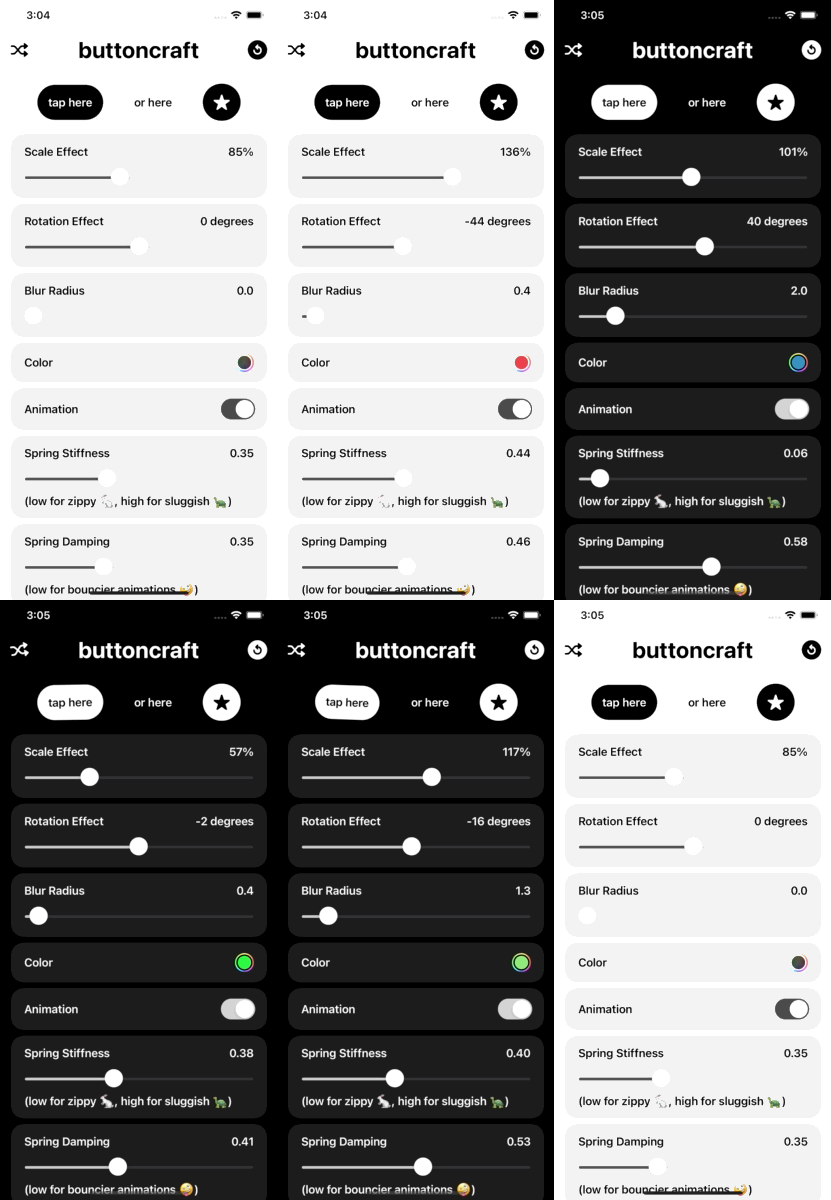
- 🔀 Randomise different settings for inspiration
- Reset to my default style
- Using the new iOS ColorPicker
- Copy your perfect masterpiece as a code snippet to your clipboard
Measured star growth
- in 24h
- 0
- in 7 days
- 0
- in 15 days
- Collecting history
- in 1 month
- Collecting history
Net star changes over overlapping periods, not daily totals. Missing measurements are left blank. Stars measure attention, not software quality.
README.md
Original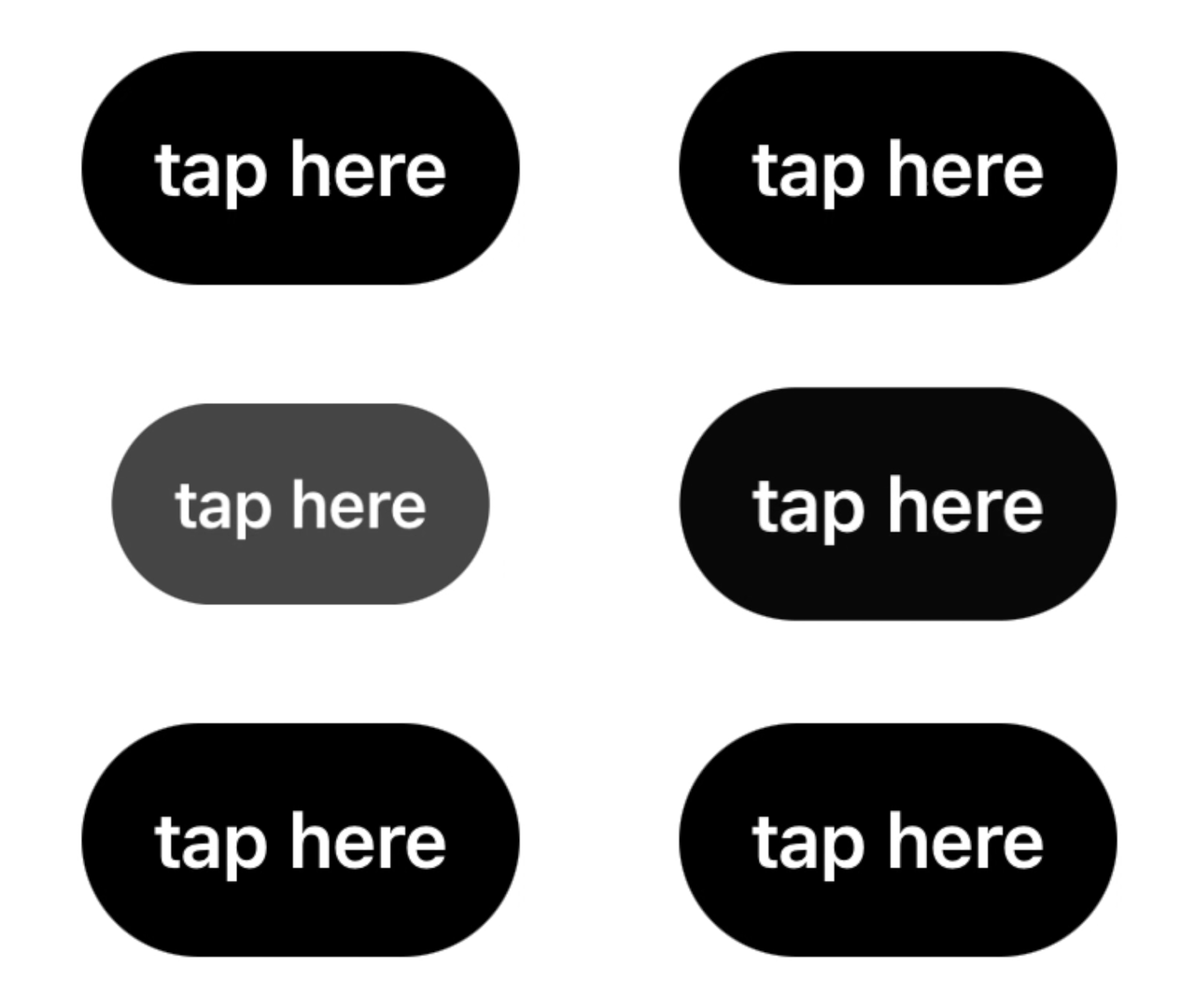


buttoncraft (SwiftUI App)
Experimenting with
SwiftUIwhilst creating a practical app to craft that perfect button style.
✈️ Testflight
https://testflight.apple.com/join/pZDhygQt
Last TestFlight bump: 13th November 2024
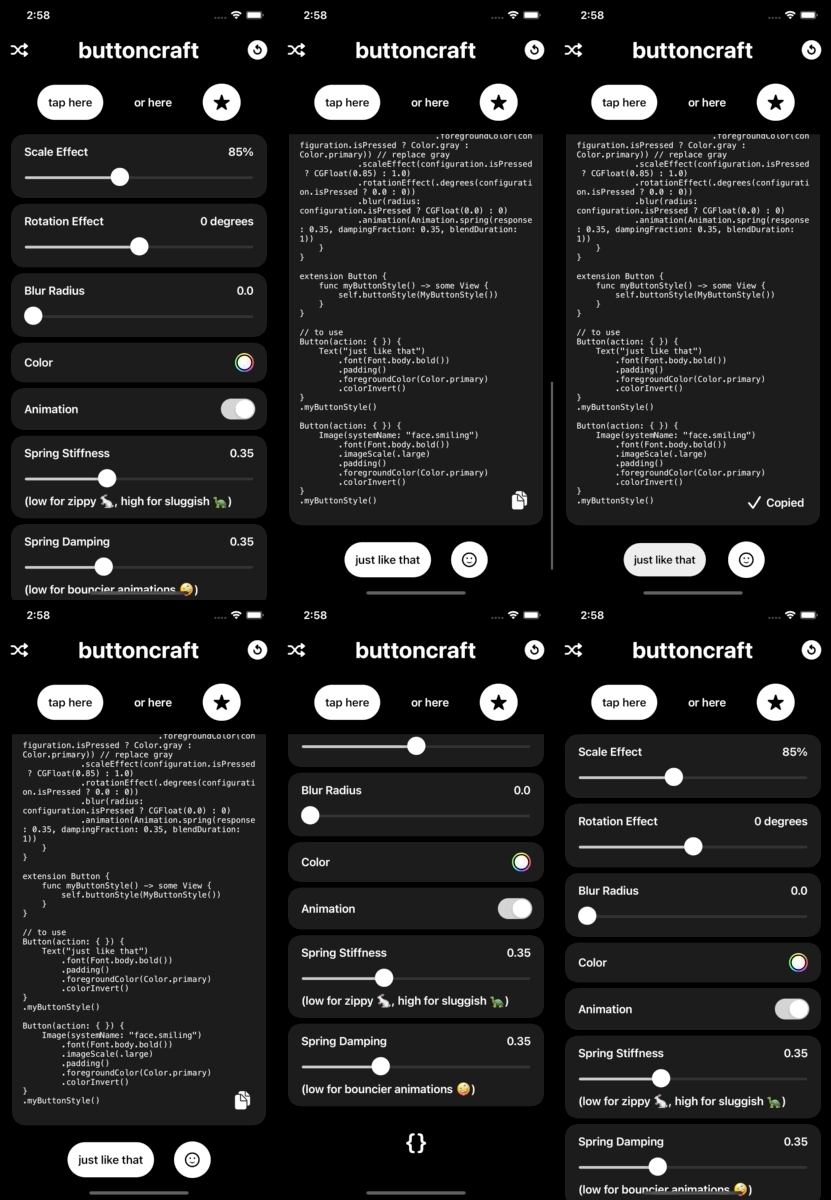
👨🏻💻 Code outputted from app
struct MyButtonStyle: ButtonStyle {
    func makeBody(configuration: Self.Configuration) -> some View {
        configuration.label
            .background(Capsule()
                            .foregroundColor(configuration.isPressed ? Color.primary.opacity(0.75) : Color.primary))
            .scaleEffect(configuration.isPressed ? CGFloat(0.85) : 1.0)
            .rotationEffect(.degrees(configuration.isPressed ? 0.0 : 0))
            .blur(radius: configuration.isPressed ? CGFloat(0.0) : 0)
            .animation(Animation.spring(response: 0.35, dampingFraction: 0.35, blendDuration: 1), value: configuration.isPressed)
    }
}

extension Button {
    func myButtonStyle() -> some View {
        self.buttonStyle(MyButtonStyle())
    }
}

// to use
Button { } label: {
    Text("just like that")
        .font(Font.body.bold())
        .padding()
        .foregroundColor(Color.primary)
        .colorInvert()
}
.myButtonStyle()

Button { } label: {
    Image(systemName: "face.smiling")
        .font(Font.body.bold())
        .imageScale(.large)
        .padding()
        .foregroundColor(Color.primary)
        .colorInvert()
}
.myButtonStyle()
🧐 Features
- 🔀 Randomise different settings for inspiration
- Reset to my default style
- Using the new iOS
ColorPicker - Copy your perfect masterpiece as a code snippet to your clipboard
👨🏻⚖️ Disclaimer
This is posted as a way to share SwiftUI learnings (and is not production level code). Use it at your own risk.
Explore related projects
Loading…