
anyproto/anytype-raycast
anyproto/anytype-raycast has 32 GitHub stars and 6 forks. GitHot measured 0 in 7 days. Last checked 2026-11-11 03:28 UTC. Last push 2026-10-16.
Create, browse, search and edit within Anytype - right at your fingertips, anywhere on your Mac.
Measured star growth
- in 24h
- Update delayed
- in 7 days
- 0
- in 15 days
- Collecting history
- in 1 month
- Collecting history
Net star changes over overlapping periods, not daily totals. Missing measurements are left blank. Stars measure attention, not software quality.
README.md
OriginalAnytype for Raycast
Create, browse, search and edit within Anytype - right at your fingertips, anywhere on your Mac.
Setup
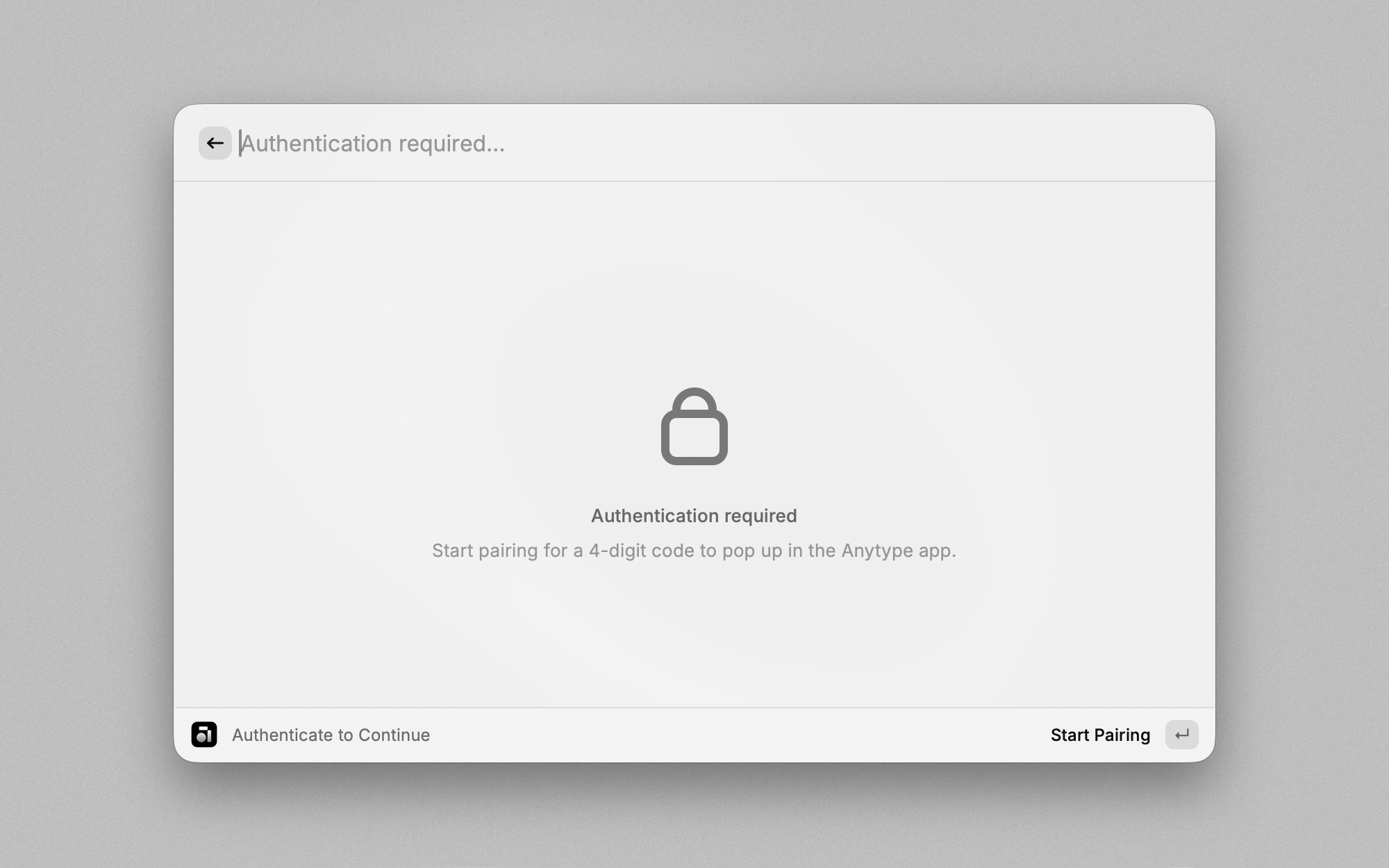
To get started, grant the extension access to your account using the local pairing process. Follow these steps:
- Install the Extension: Add the Anytype extension via the Raycast Store.
- Open Anytype Desktop: Ensure the app is running and you are logged in.
- Run a Command: Trigger any extension command.
- Authenticate: When prompted, press Enter to start the pairing process.
- Enter the Code: A popup in Anytype Desktop will display a 4-digit code. Input this code in the extension's
Codefield. Press Command+Enter to confirm. - Confirmation: Once successfully paired, the extension is ready to use.
Commands
Create Object
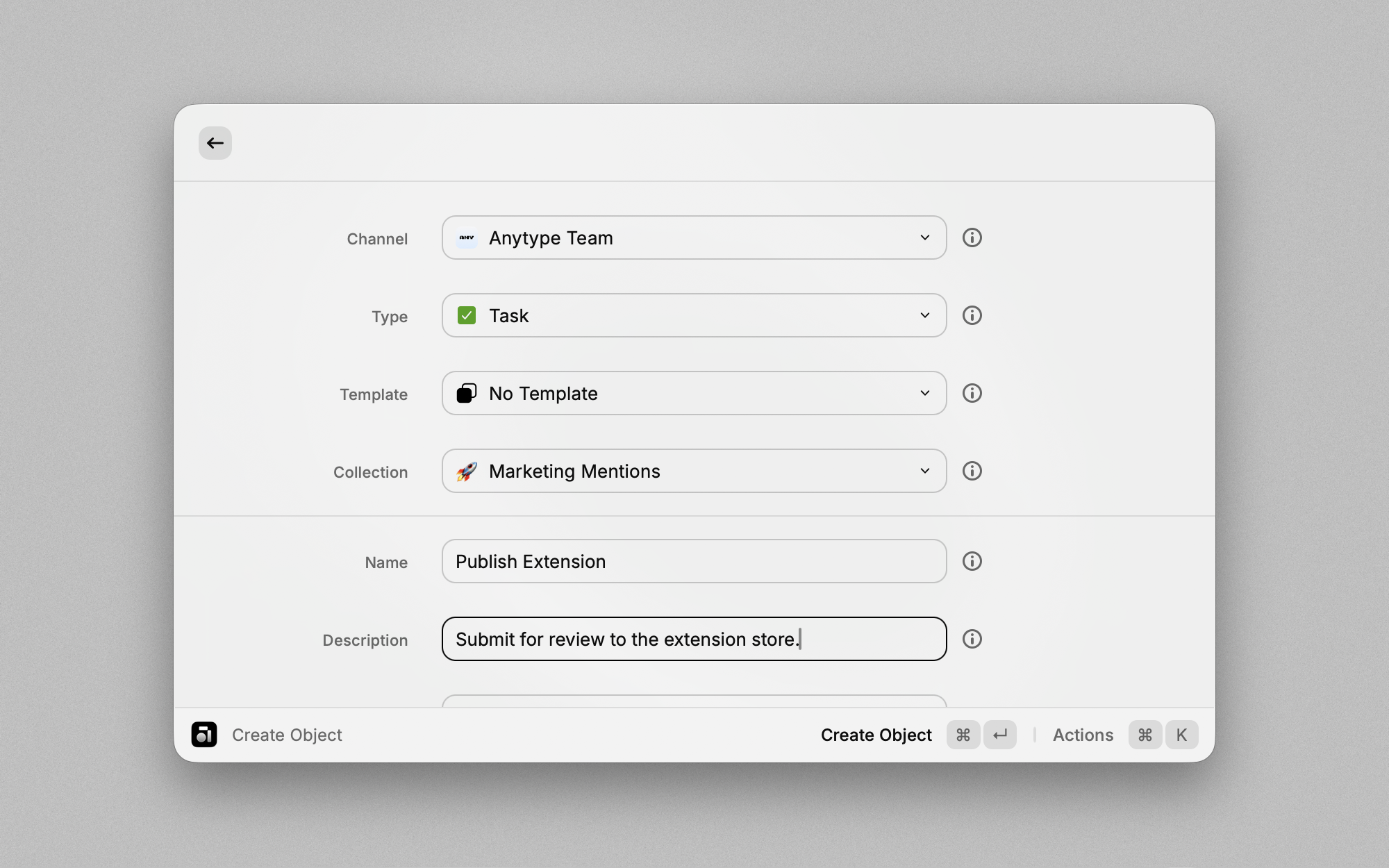
Create new objects in your spaces directly from Raycast.
- Choose: Specify the
SpaceandTypeof object (e.g., Bookmark, Note, Task). - Input: Fill in details like the object name, description, or body text.
- Save: Press Command+Enter to save the object. It will immediately appear in your vault.
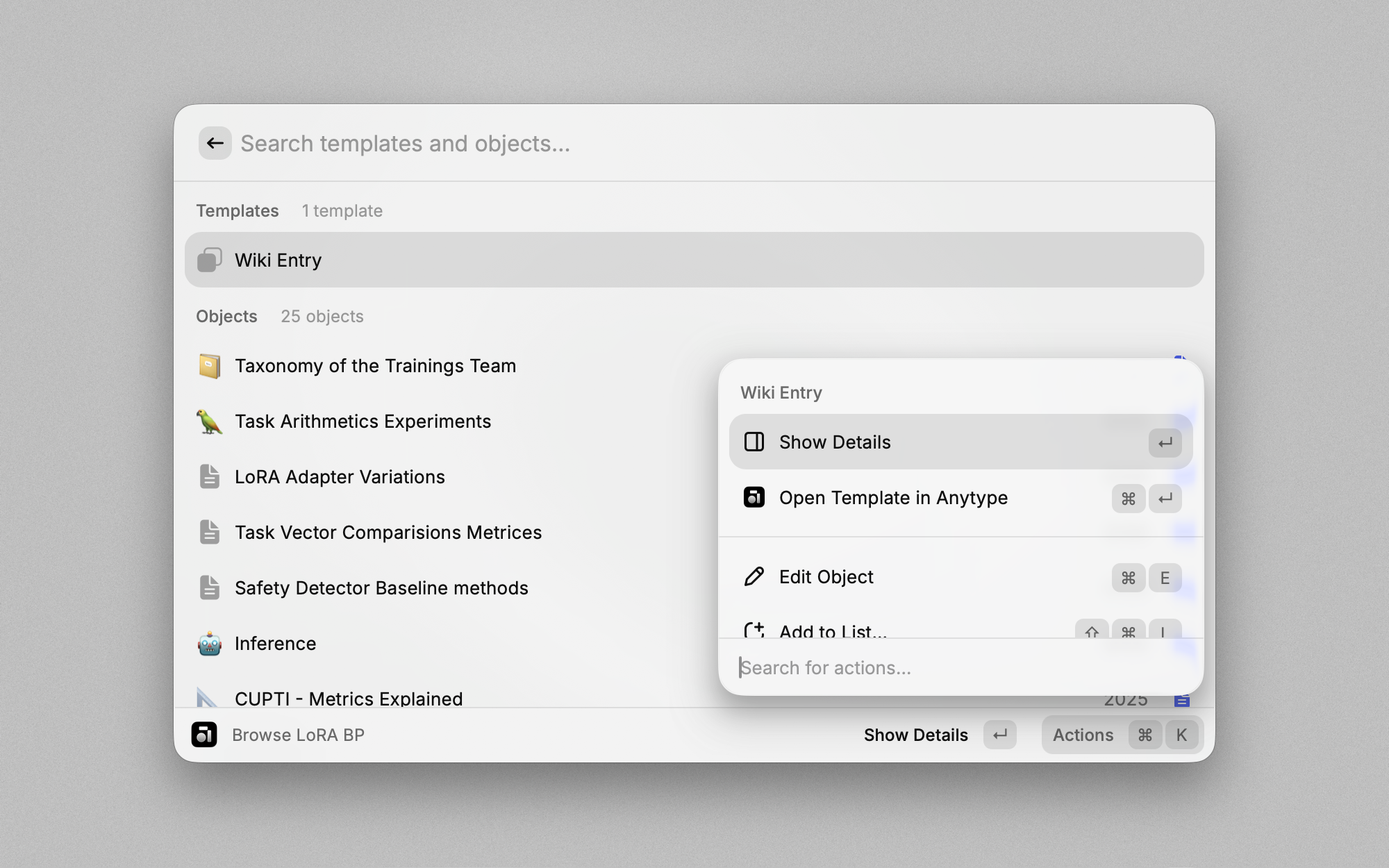
Browse Spaces
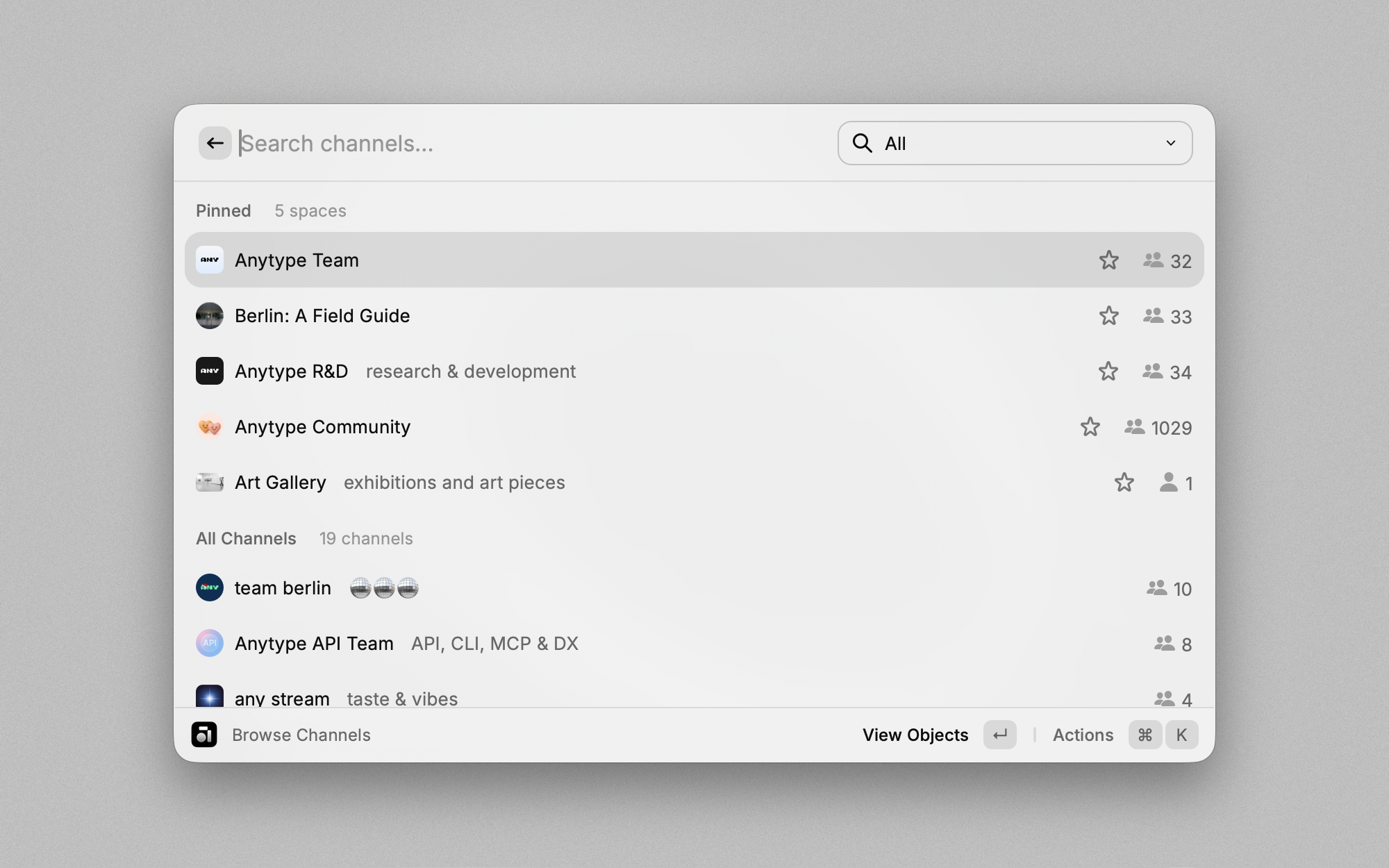
Navigate through your spaces and explore their contents.
- View: A list of available spaces will appear.
- Explore: Select a space to view its objects, types, and members.
- Interact: Press Enter to view an object in Raycast or Command+Enter to open it in Anytype.
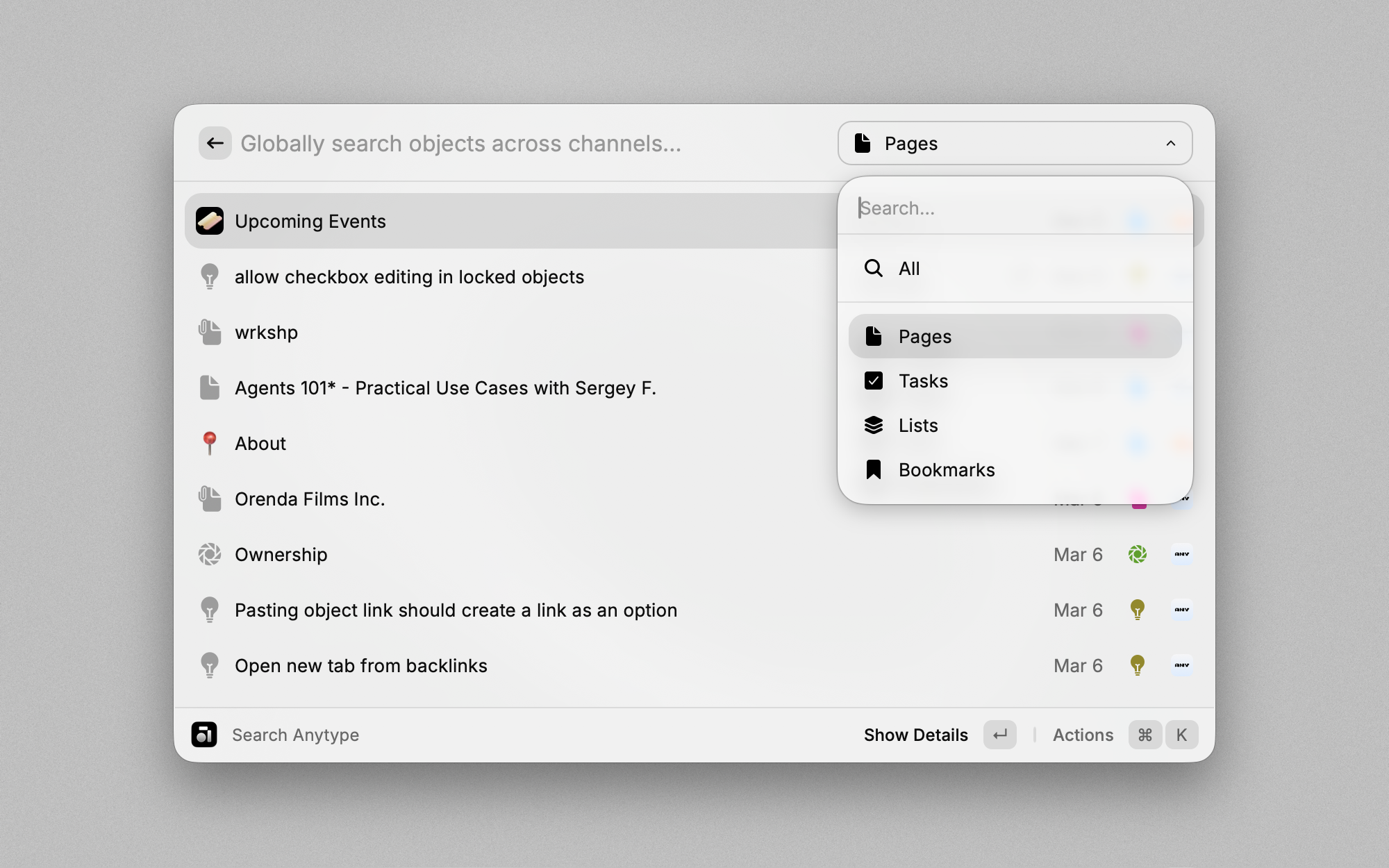
Search Anytype
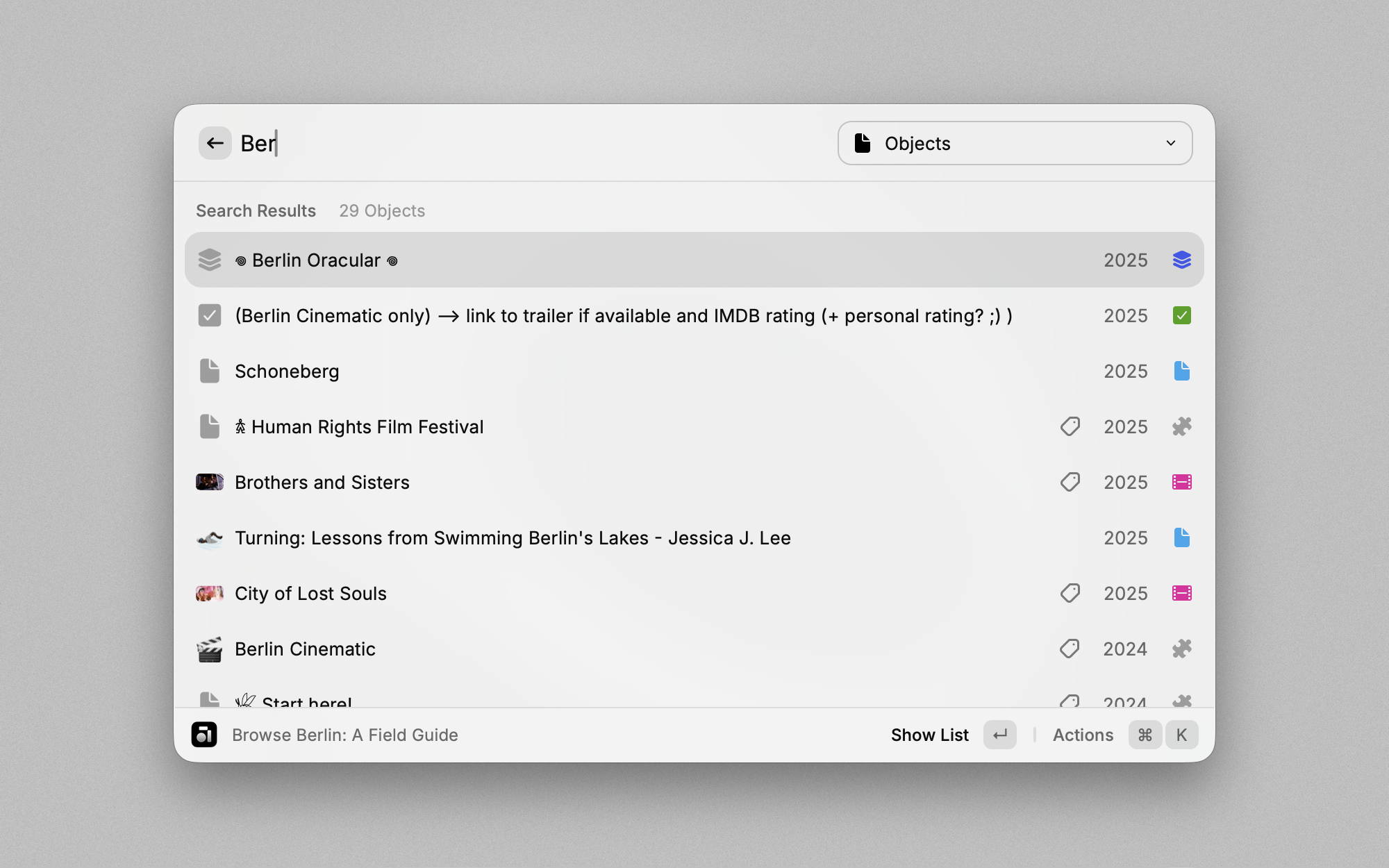
Perform a global search across all spaces in your vault.
- Search: Enter your search term in the search bar.
- Filter: Use the dropdown menu to filter results by type.
- Interact: Press Enter to view the object in Raycast or Command+Enter to open it in Anytype.

Tips
Make the most of the Anytype extension with the following tips:
- Open: Use Command+Enter to instantly open the currently selected space or object in Anytype.
- Refresh: Manually refresh data with Command+R.
- Deletion: Quickly delete objects with Ctrl+X.
- Drafts: Leave the Object Creation command with unsaved changes, and the current state is automatically saved as a draft, allowing you to resume later.
- Quicklinks: Leverage even faster object creation:
- Select the
SpaceandType. - Prefill object fields as needed.
- Use the
Create Quicklinkoption in the action menu and save with Command+Enter. - The Quicklink will appear in the root search under the specified name.
- Select the
Troubleshooting
Error: API Not Reachable
- Ensure the Anytype Desktop app is running.
- Confirm you are logged into your vault.
- Verify both the extension and Anytype desktop app are up-to-date, with the app version being v0.45.0 or later.
Objects, Types or Spaces Not Displaying Completely
For performance reasons, the extension only fetches a limited amount of items at a time.
- Pagination is supported in lists to access additional items when scrolling down. However, the extension might refuse to paginate further if the available memory is exhausted.
- For dropdowns in
Create Objectcommand the limitation remains. - The API limit can be adjusted in the extension settings - default is 50 items.
Explore related projects
trimstray/the-book-of-secret-knowledge
A collection of inspiring lists, manuals, cheatsheets, blogs, hacks, one-liners, cli/web tools and more.
257,508 starsHack-with-Github/Awesome-Hacking
A collection of various awesome lists for hackers, pentesters and security researchers
125,103 starsswisskyrepo/PayloadsAllTheThings
A list of useful payloads and bypass for Web Application Security and Pentest/CTF
82,542 starscaddyserver/caddy
Fast and extensible multi-platform HTTP/1-2-3 web server with automatic HTTPS
78,935 stars