
antoinepirlot/Satunes
antoinepirlot/Satunes has 44 GitHub stars and 5 forks. GitHot measured -1 stars in 24 hours, 0 in 7 days, and 0 in 15 days. Last checked 2026-11-09 15:48 UTC. Last push 2026-09-12.
(Migrated to https://codeberg.org/antoinepirlot/Satunes) Modern MP3 Player to listen your local music files on Android Lollipop 5.1.1+ & compatible with Android Auto made in 🇪🇺.
Measured star growth
- in 24h
- -1
- in 7 days
- 0
- in 15 days
- 0
- in 1 month
- Update delayed
Net star changes over overlapping periods, not daily totals. Missing measurements are left blank. Stars measure attention, not software quality.
README_EN.md
Original
Satunes (🇬🇧)



Vous pouvez retrouver ce fichier en français 🇫🇷
Satunes is an mp3 player on Android and developed by an organic intelligence. Use it to listen your music from your audio files stored in your Android phone (Android Lollipop 5.1.1 and later).
This entire project is under GNU/GPL v3 and it's applied on all versions of this project (even the code pushed from the very first commit.).
You can reuse my code but you will have to redistribute it. This allows free software to prosper 🗽.
Screenshots
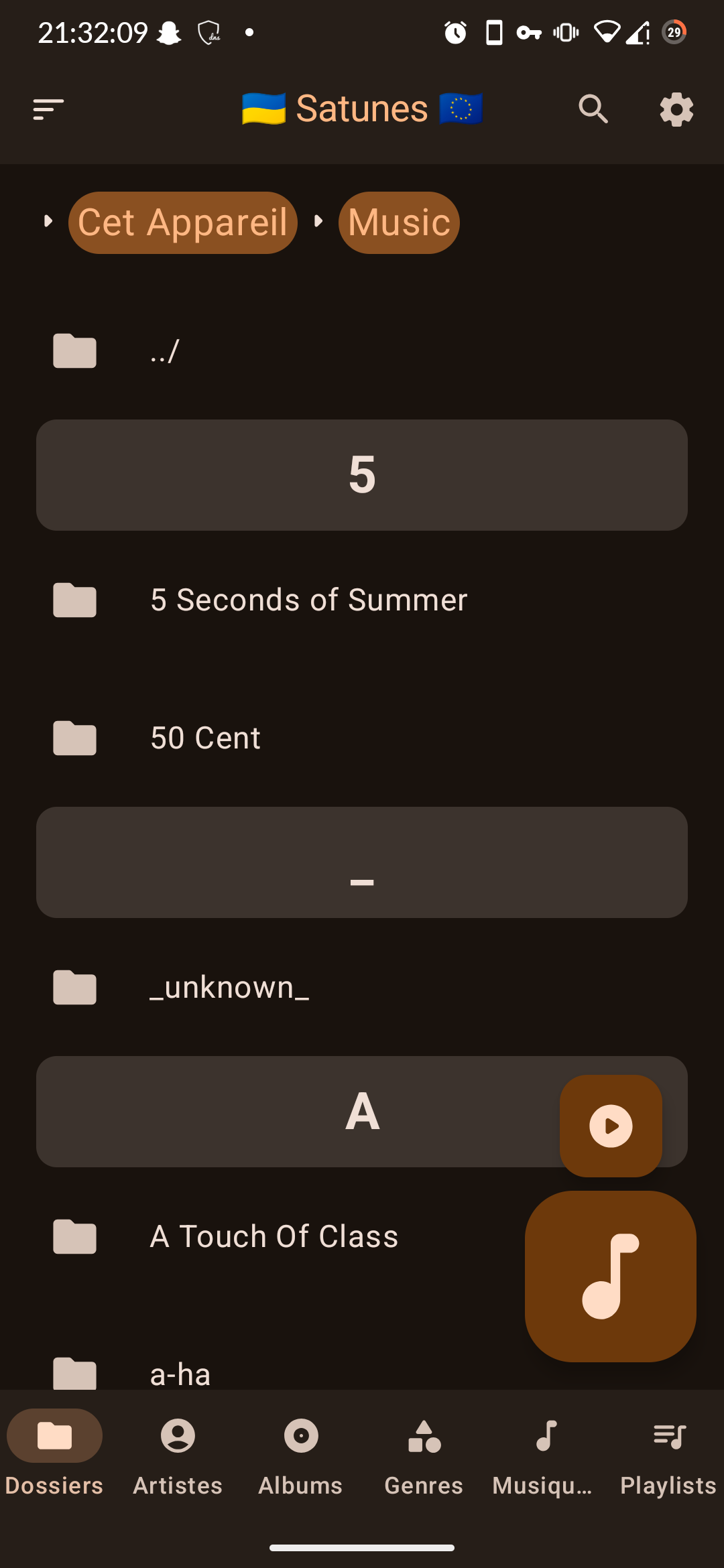
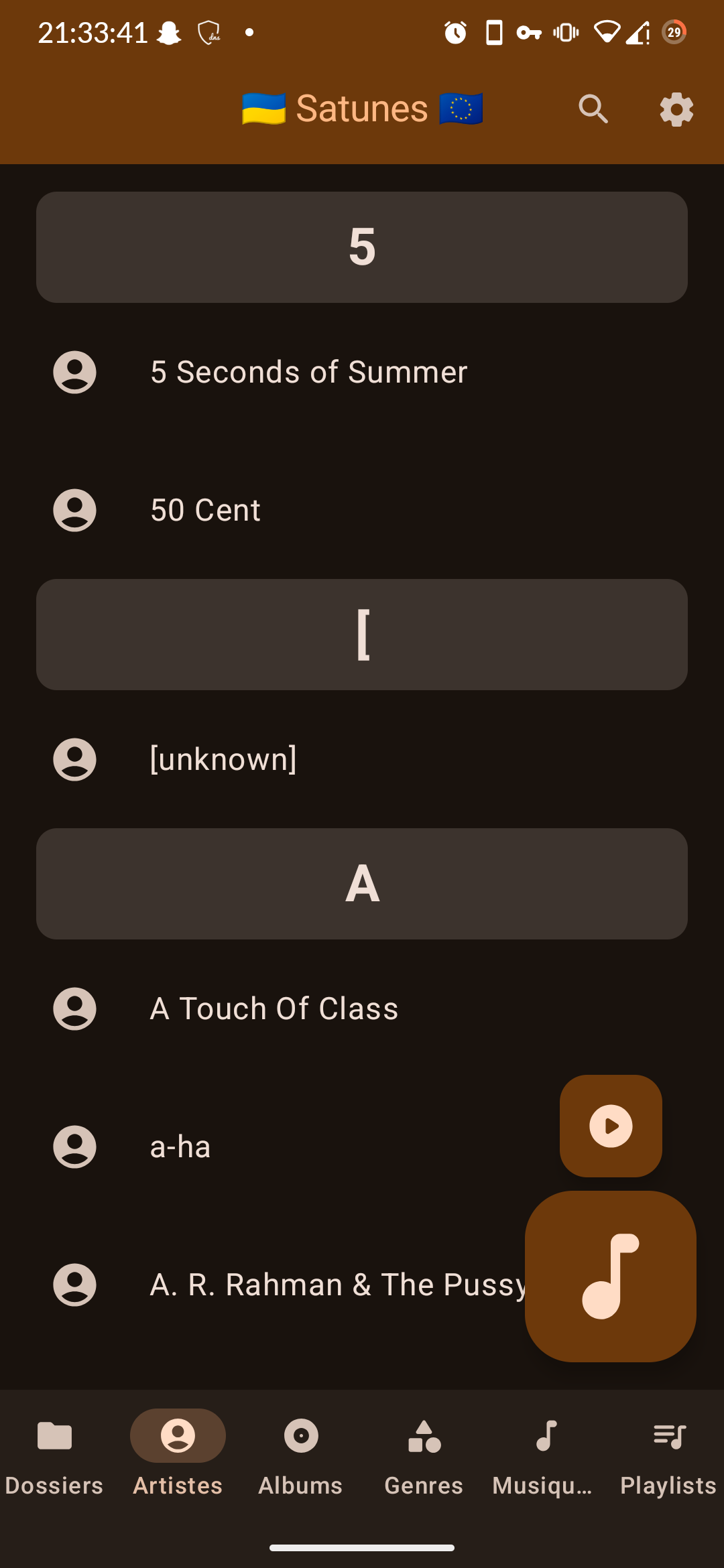
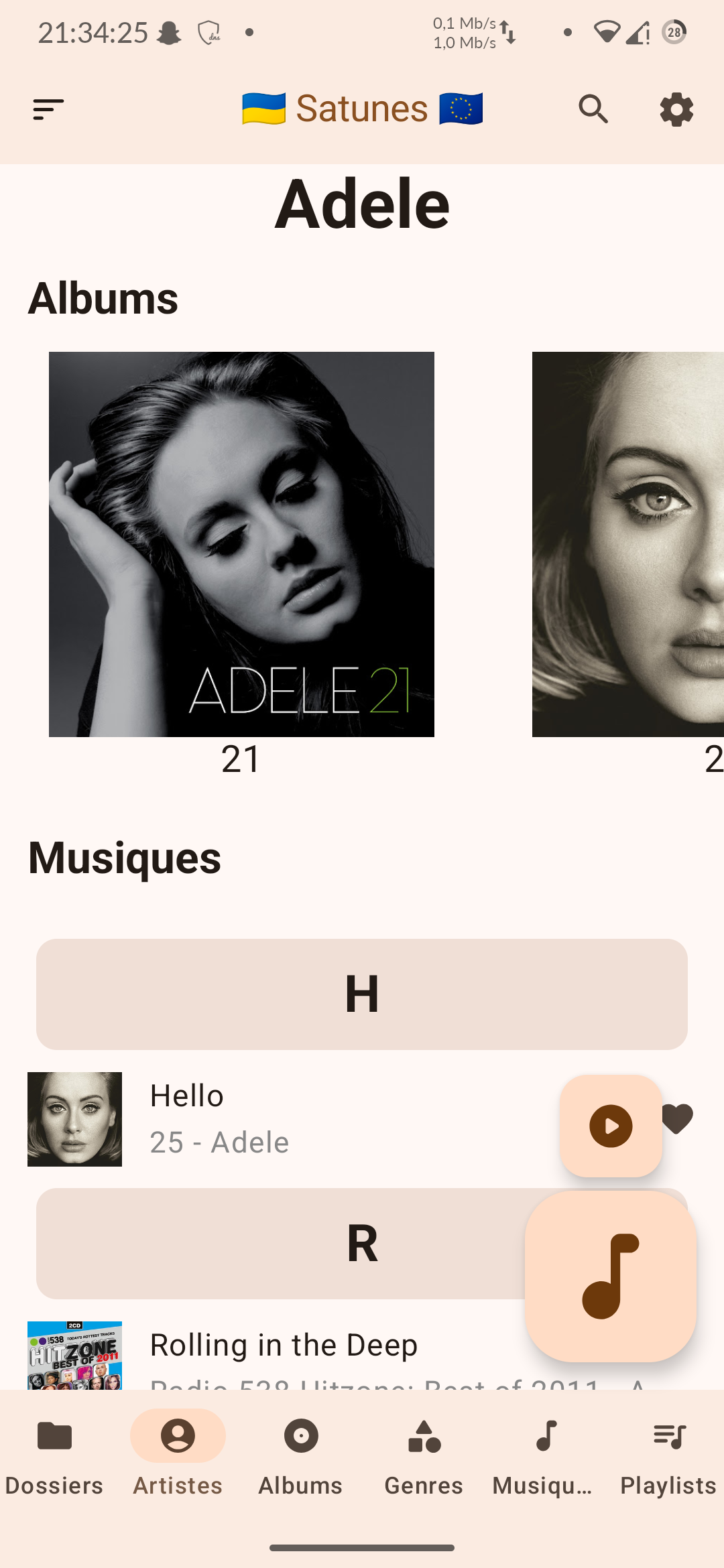
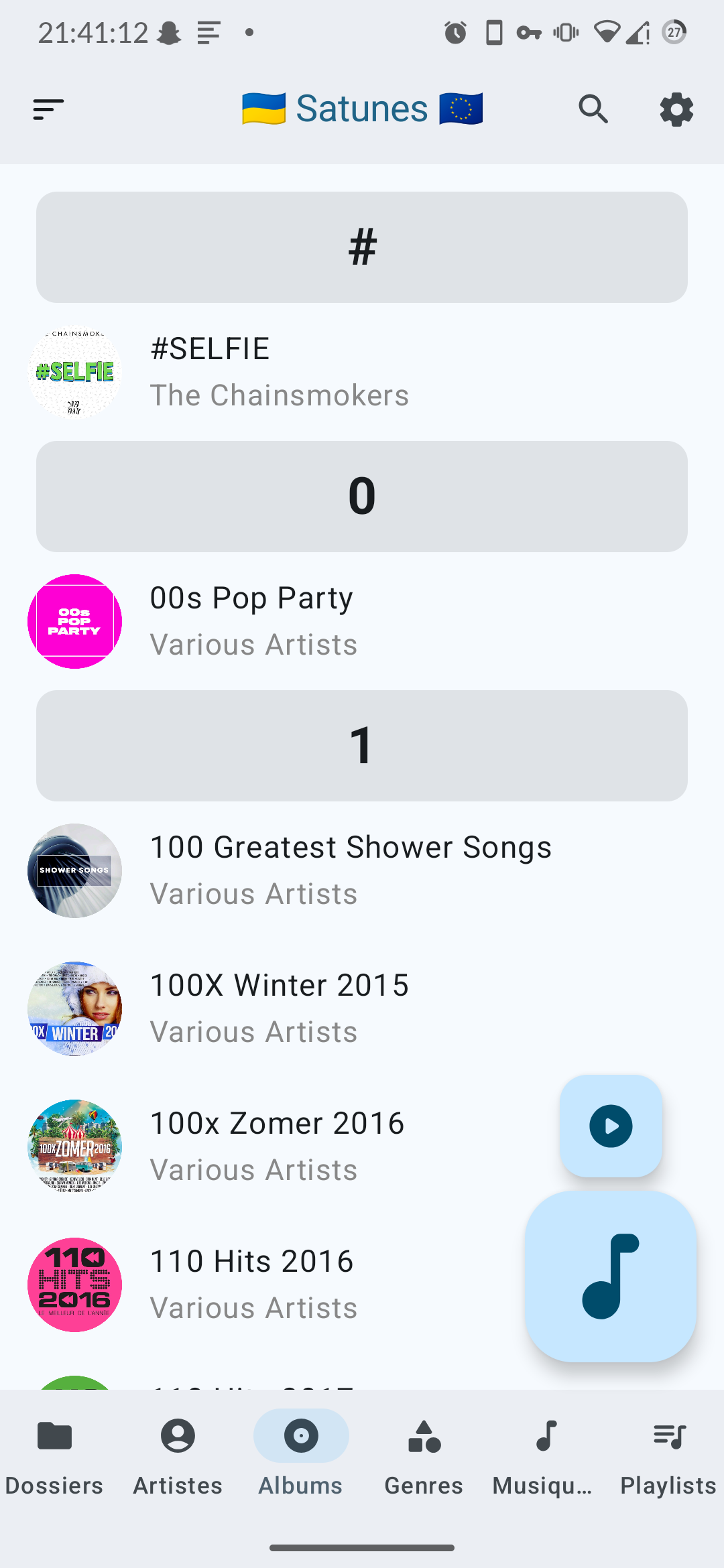
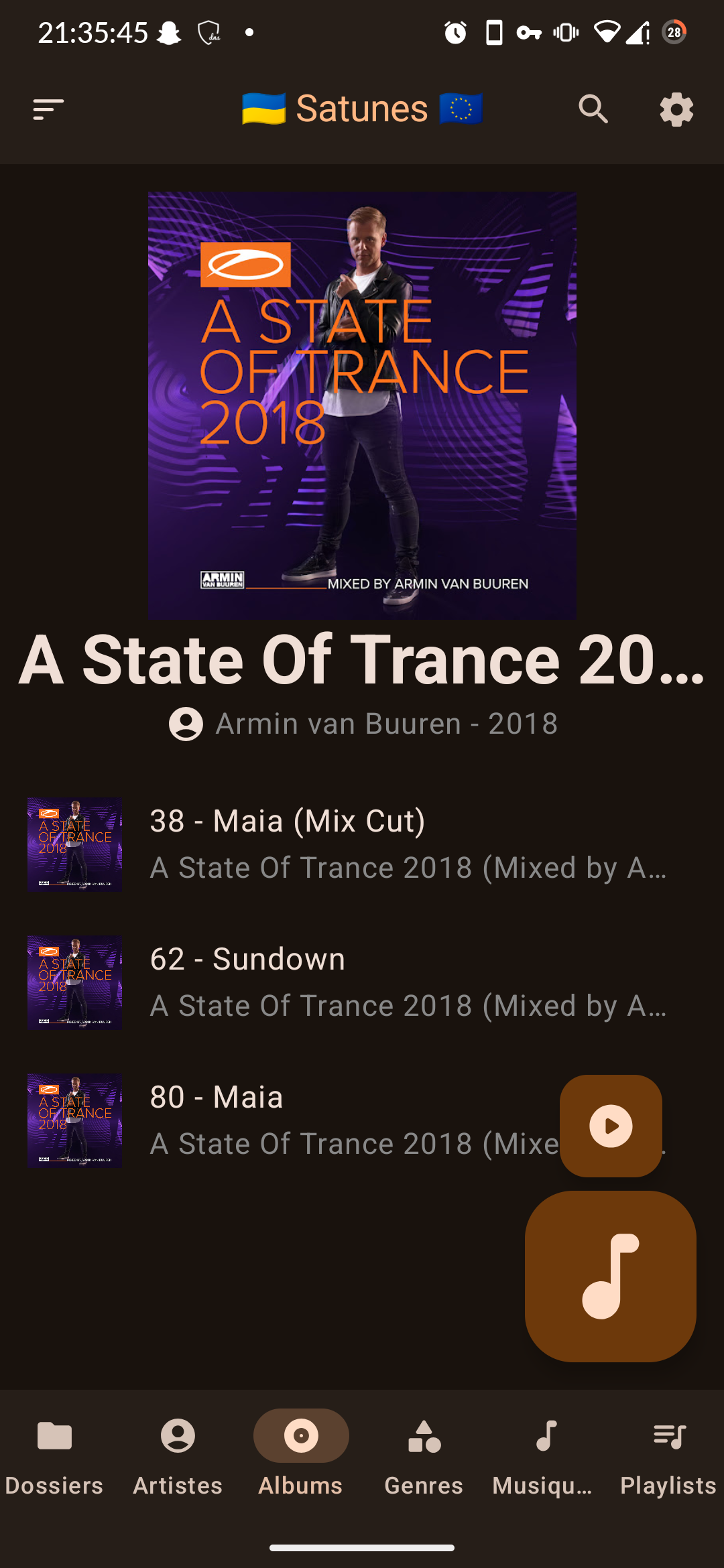
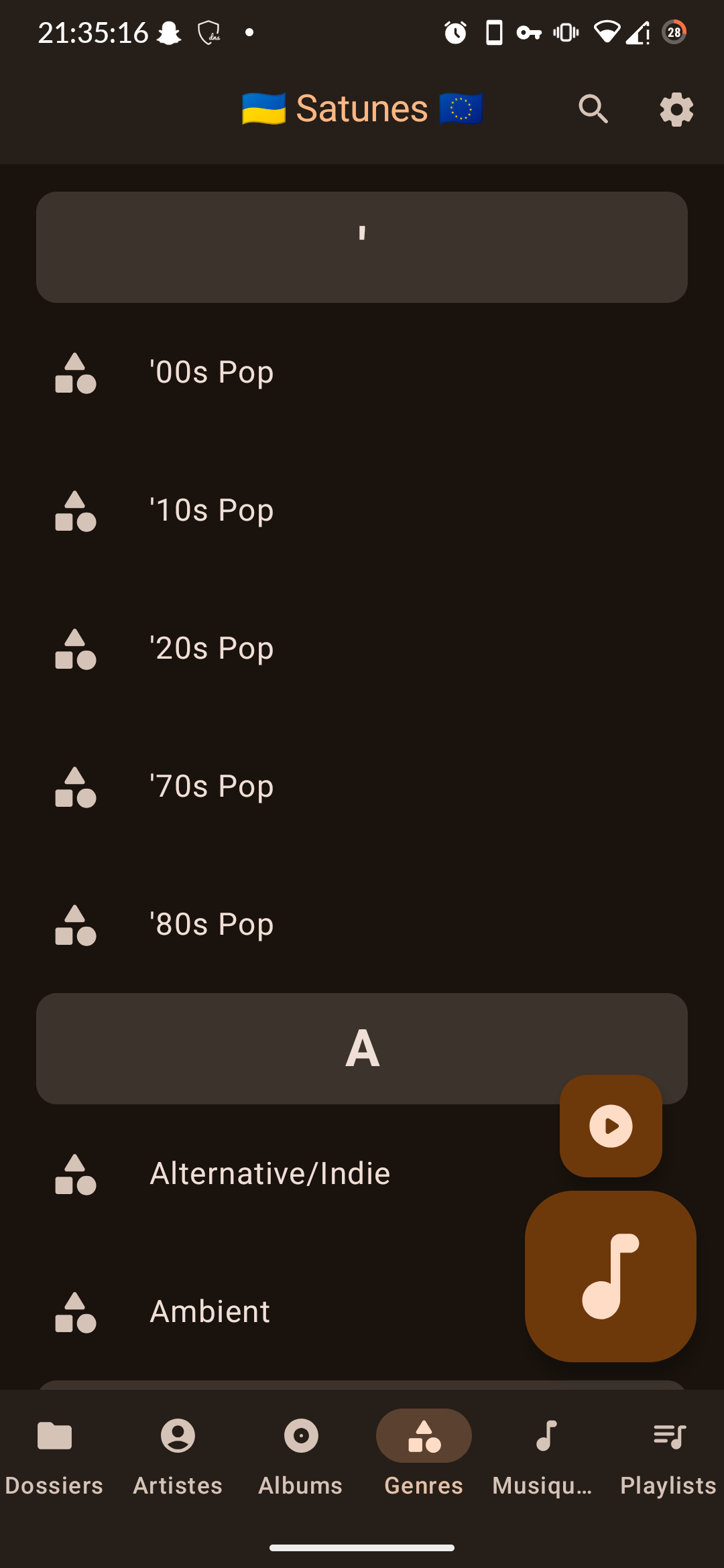
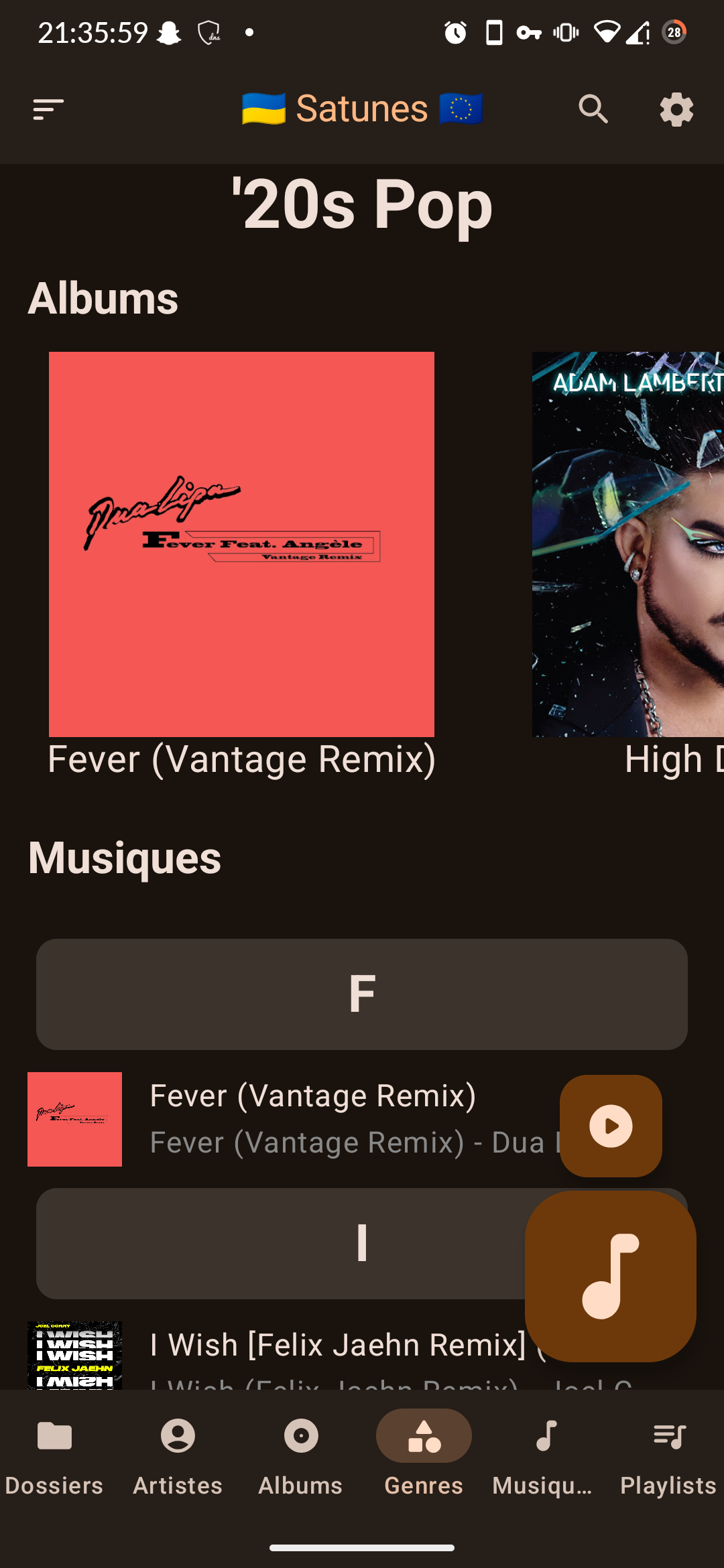
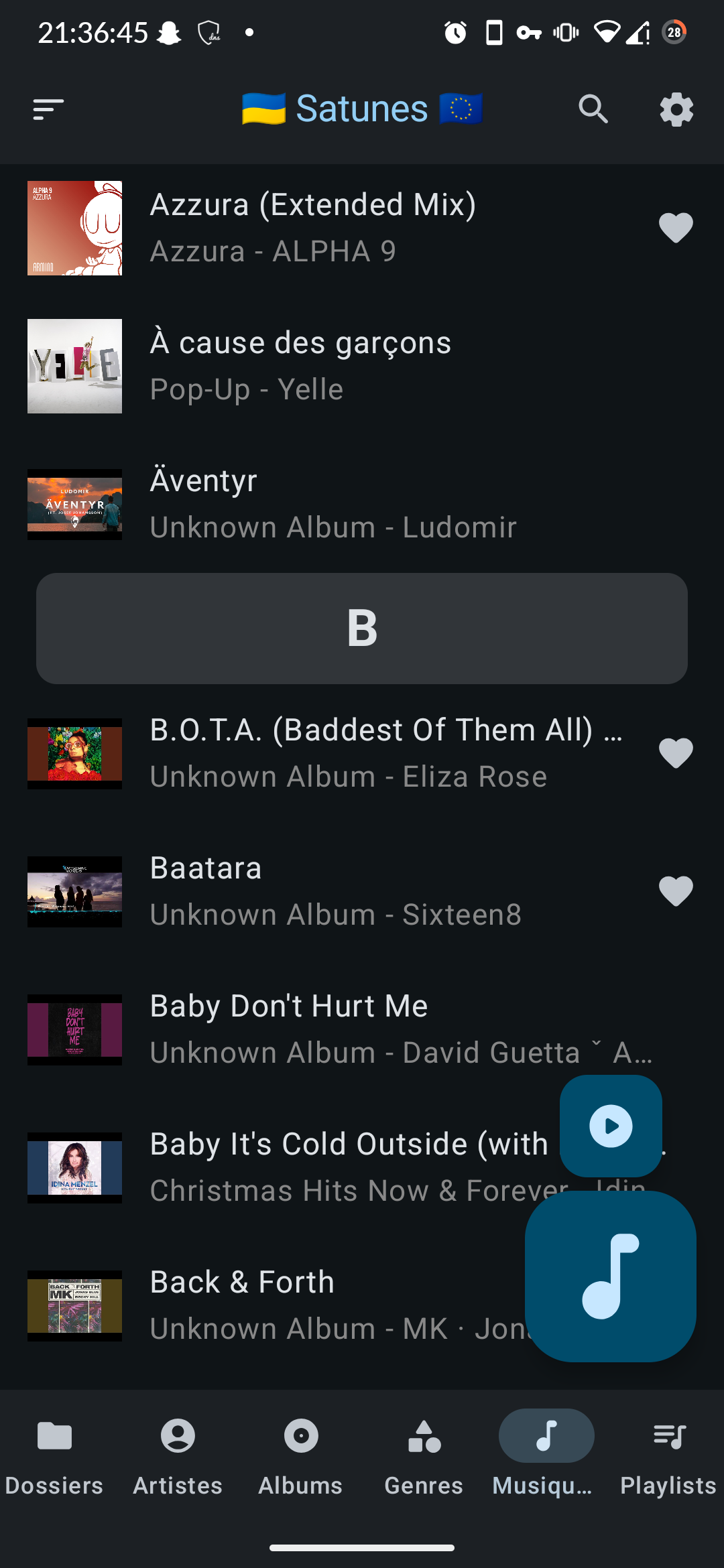
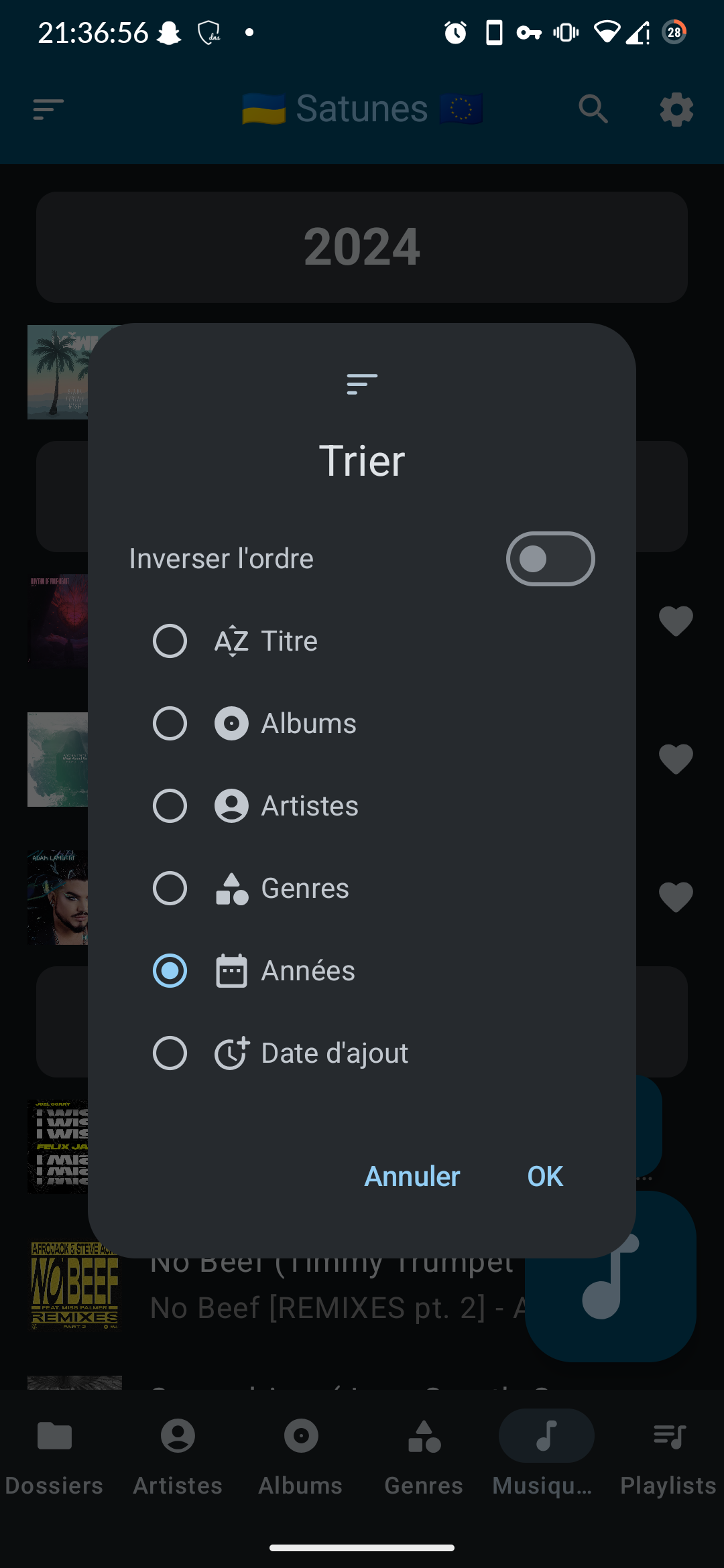
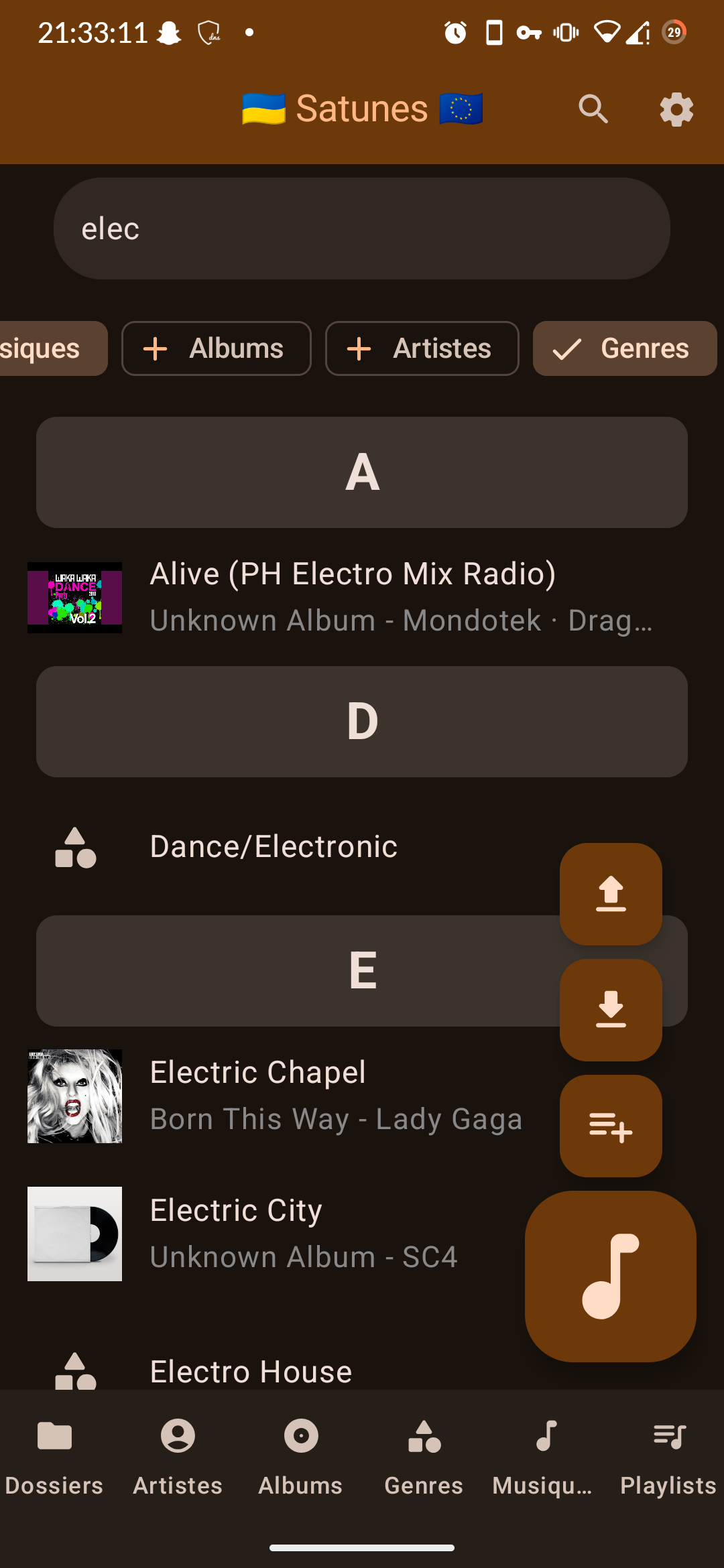
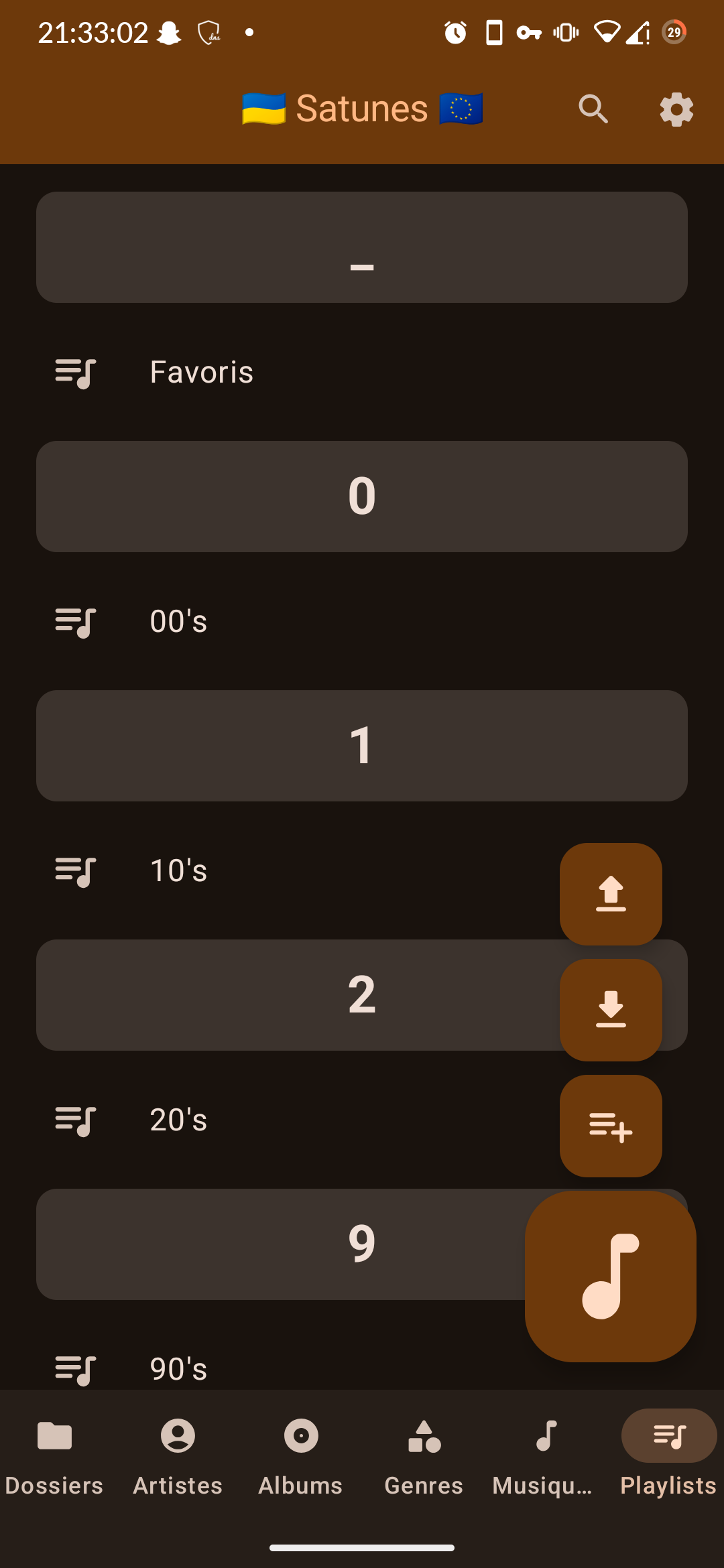
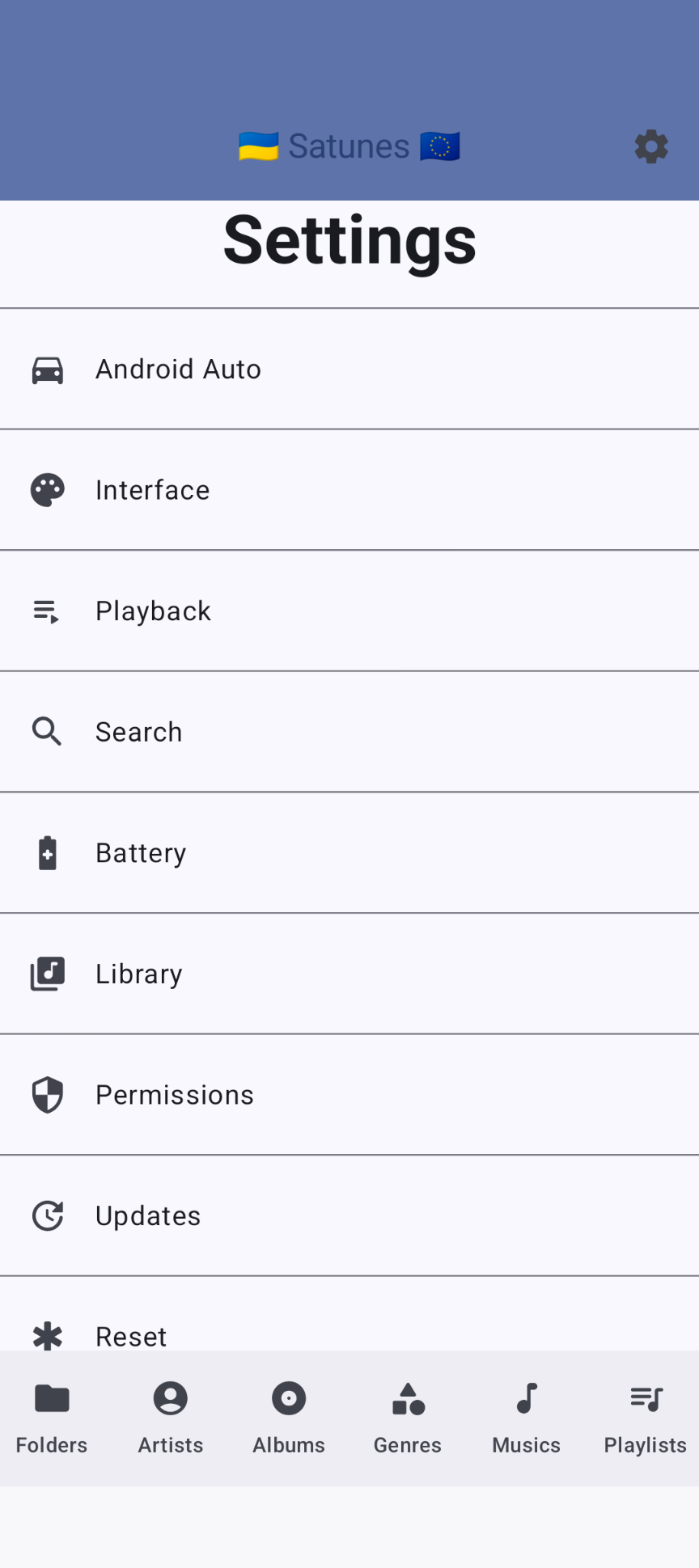
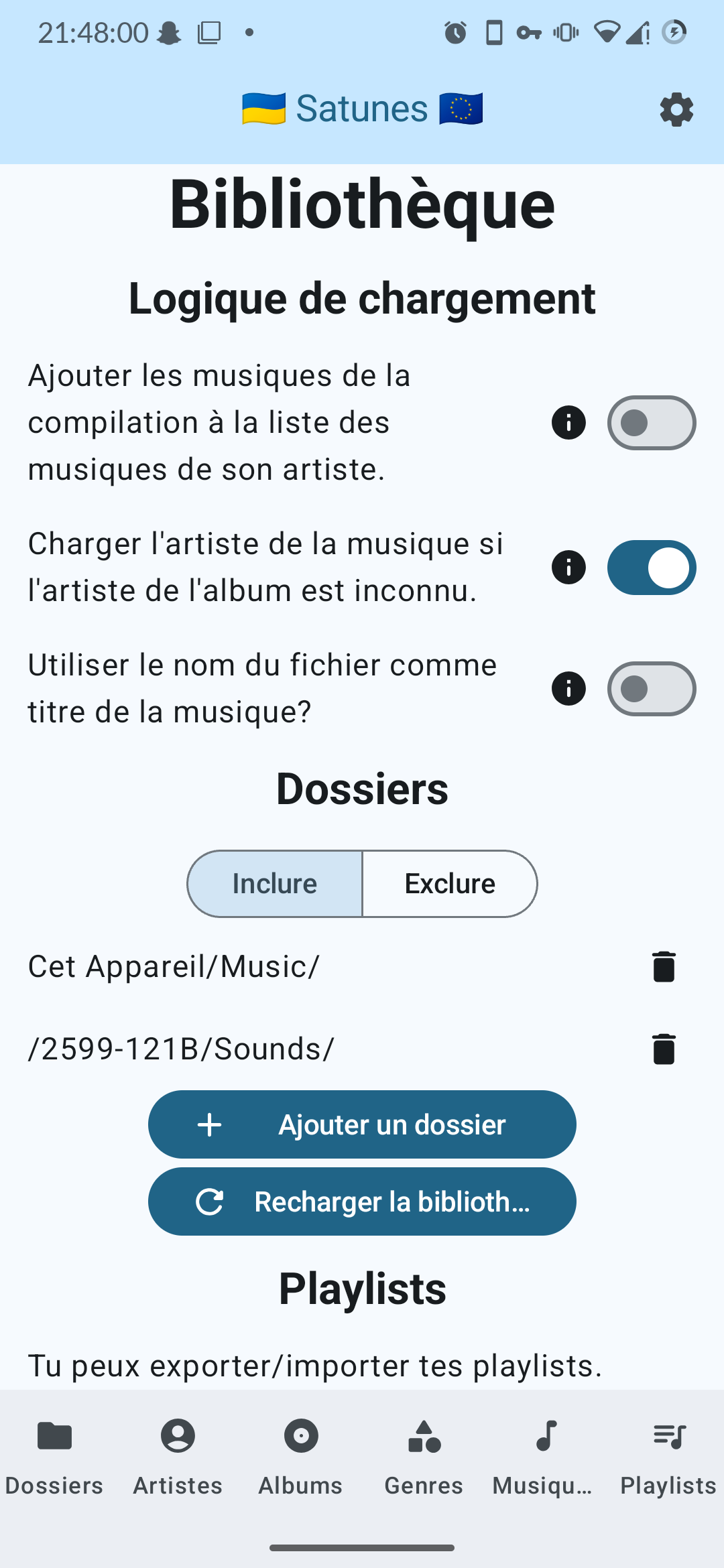
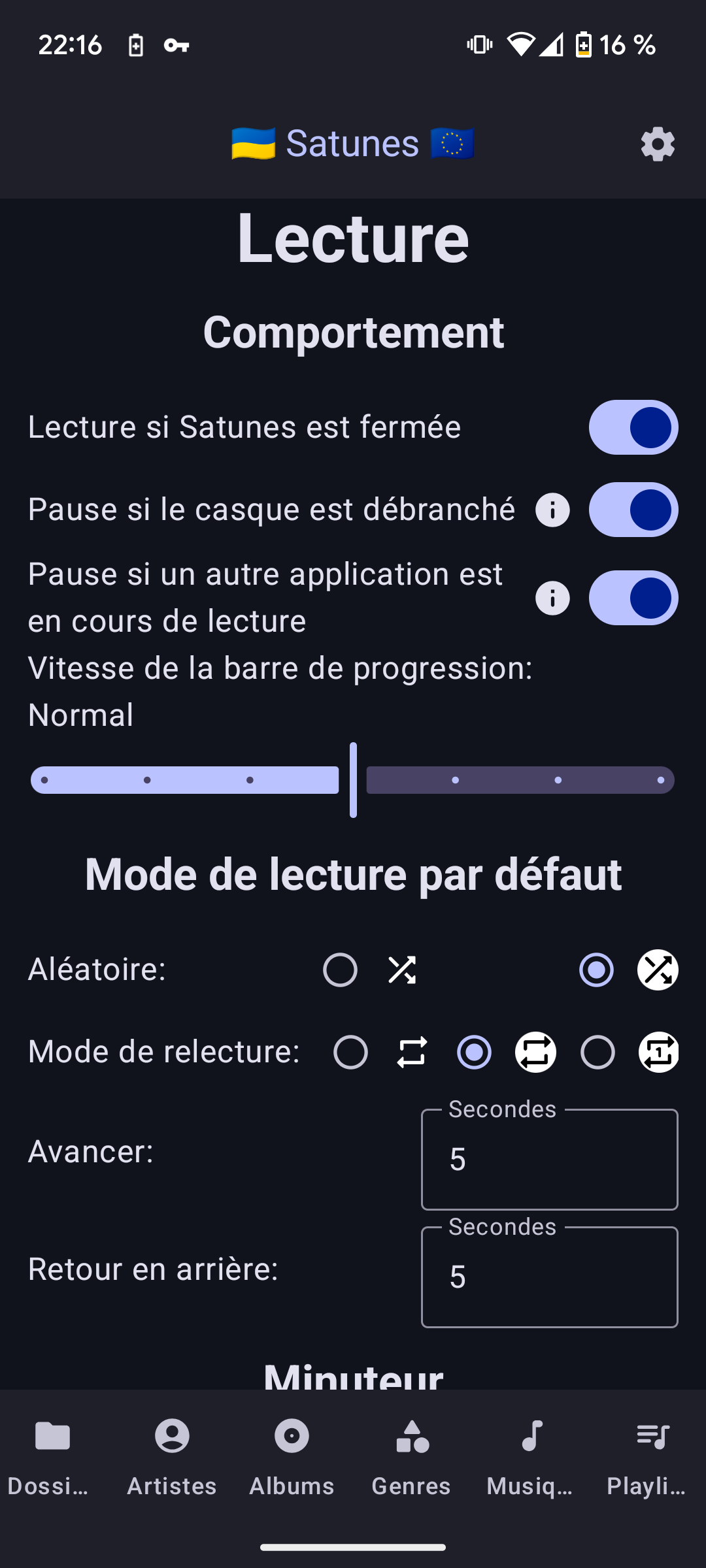
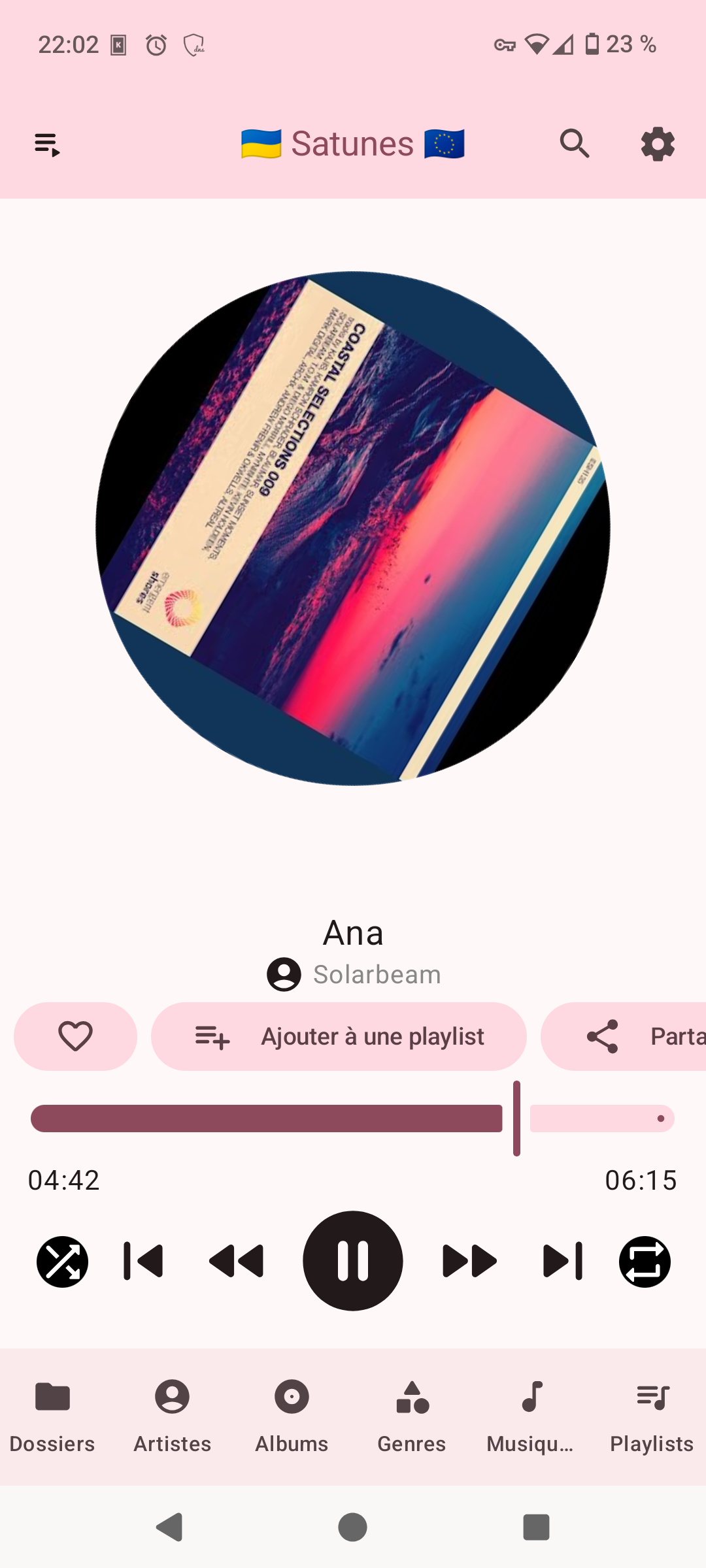
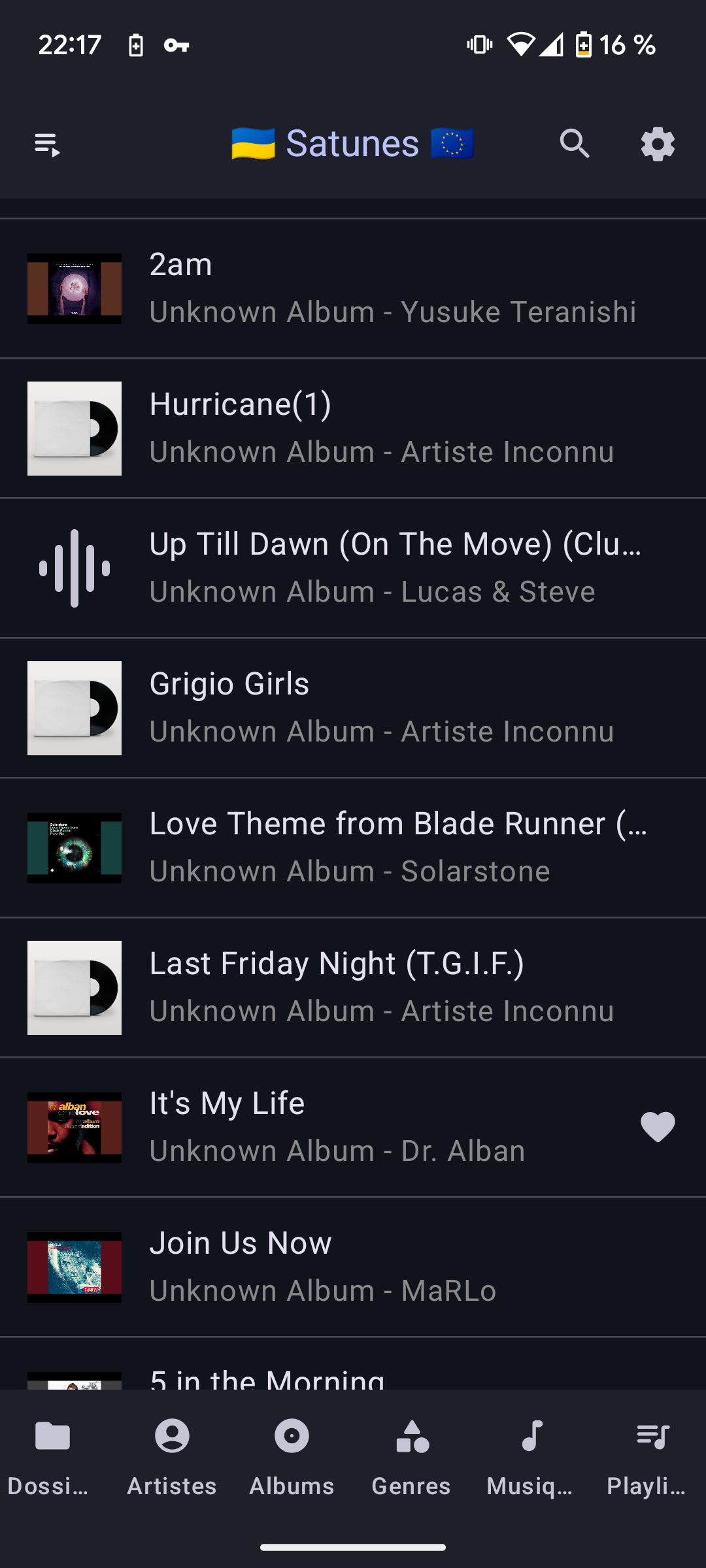
Features
- Play music on phone and on Android Auto
- View artists and their albums and music
- View genres and their albums and music
- Playlists (support M3U)
- Play music based on folders, albums, genres, artists and playlists
- Export and import playlists
- Personalization of the experience:
- Stop or continue playing music if the app is closed
- Pause or not if:
- another app plays another audio
- Headphones are unplugged (bluetooth and cable)
- Choice of progress bar refresh speed
- Choice of default playback modes
- And more
- Choose folders to exclude or include
- Puse music after a moment
- Share your music's files with others
- Search into your library
- In-app updates
- ...
Installation
To install easily, you can download the application from Fdroid by clicking on the button below.
Otherwise, you can also follow the following steps:
Application
- Click on Release
- Choose your version
- Click on "Assets" to deploy a menu that contains the installation file.
- Click on the file Satunes_vx.y.z.apk (A file will be downloaded on your device).
- Once the file is downaloded, open it.
- Allow the unknwon application installation (It's required as the app is not deployed on the Play Store).
- Install the app (it is likely that you will have to start step 5 again).
- I recommand you to disable unknown app installation for the app from where you installed the app.
- Enjoy you music freely :D
Android Auto
- Go to Android Auto settings.
- Multiple click on "Version" to activate dev mode.
- Go to Dev's settings and activate "Unknown sources" as this app is not published on Google Play Store.
- Click on the 3 buttons as in point 3, but click on "Exit developer mode" the setting you just activated will be saved.
- Add app in launcher.
- Enjoy
If you like the app and want to support me click on the button below.
Releases
If you want to know about different releases and what they added, click here.
Support Ukraine 🇺🇦
Explore related projects
ytdl-org/youtube-dl
Command-line program to download videos from YouTube.com and other video sites
141,500 starsexcalidraw/excalidraw
Virtual whiteboard for sketching hand-drawn like diagrams
135,396 starsgodotengine/godot
Godot Engine – Multi-platform 2D and 3D game engine
119,840 starsmrdoob/three.js
JavaScript 3D Library.
117,983 stars