
alextselegidis/questionful
alextselegidis/questionful has 40 GitHub stars and 6 forks. GitHot measured 0 stars in 24 hours. Last checked 2026-11-16 03:10 UTC. Last push 2026-11-13.
Measured star growth
- in 24h
- 0
- in 7 days
- Collecting history
- in 15 days
- Collecting history
- in 1 month
- Collecting history
Net star changes over overlapping periods, not daily totals. Missing measurements are left blank. Stars measure attention, not software quality.
About
Creating web forms has never been easier.
Web & AppsREADME.md
Original

Questionful
Questionnaires Made Simple


About • Setup • Build • Docker • License
About
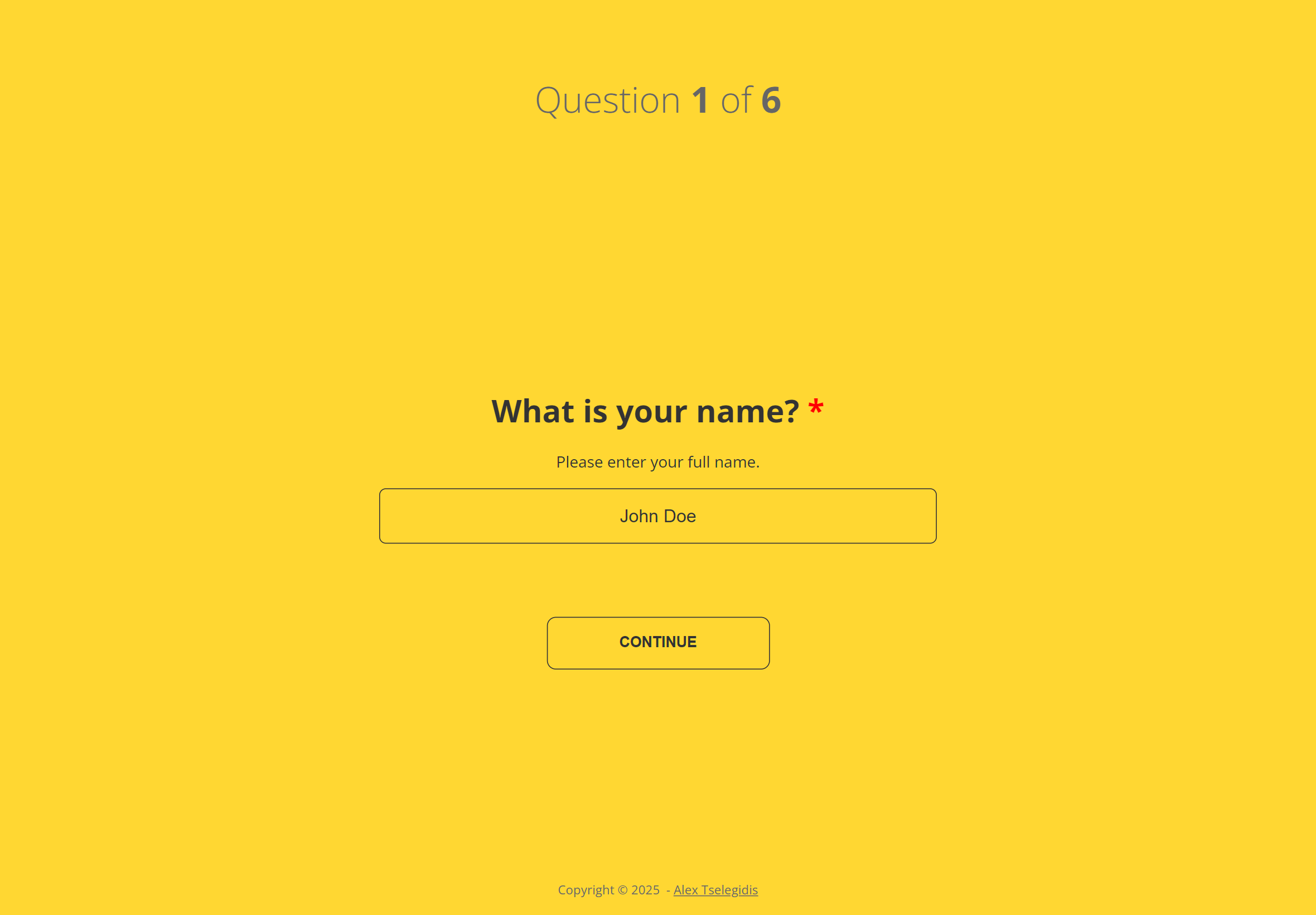
Questionful makes creating online questionnaires a breeze.
Setup
To clone and run this application, you'll need Git and Node.js (which comes with npm) installed on your computer. From your command line:
# Clone this repository
$ git clone https://github.com/alextselegidis/questionful.git

# Go into the repository
$ cd questionful

# Install dependencies
$ npm install

# Run the app
$ npm start
Note: If you're using Linux Bash for Windows, see this guide or use node from the command prompt.
Build
To build your online questionnaire you have to add your questions to the
src/Questionful.json file and run the npm run build command.
Your questionnaire files will become available in the build directory,
serve them online! 😊
Docker
You can run Questionful as a Docker container — ideal for deploying a pre-built questionnaire on your own network.
Quick Start
# Build the image (uses the default example config)
./docker/docker-build.sh

# Run the container
docker run -p 8080:80 alextselegidis/questionful
Open http://localhost:8080 to see your questionnaire.
Custom Questionnaire
Provide your own Questionful.json at runtime via a mounted volume:
docker run -p 8080:80 -v /path/to/config:/config:ro alextselegidis/questionful
Or via an environment variable:
docker run -p 8080:80 -e 'QUESTIONFUL_JSON={...}' alextselegidis/questionful
Publish to Docker Hub
./docker/docker-build.sh v1.0.0
./docker/docker-publish.sh v1.0.0
For the full Docker guide including Docker Compose, networking, and troubleshooting, see docker.md.
API Test
To start the fake API server:
npm run fake-server
This will start a lightweight Express server on port 4000, which logs submitted questionnaire data to the console.
When the questionnaire completes, Questionful will automatically send the answers to:
✅ Example console output:
📬 Received questionnaire submission:
{
  "answers": [
    { "questionId": 1, "answer": "Yes" },
    { "questionId": 2, "answer": "No" }
  ],
  "submittedAt": "2025-11-07T14:25:00Z"
}
You can adjust the port or endpoint inside fake-server.js as needed.
License
Code Licensed Under GPL v3.0 | Content Under CC BY 3.0
Website alextselegidis.com · GitHub alextselegidis · Twitter @alextselegidis