
alejandrobujan/tendedero
alejandrobujan/tendedero has 3,091 GitHub stars and 280 forks. GitHot measured +7 stars in 24 hours. Last checked 2026-11-08 18:03 UTC. Last push 2026-11-01.
Screenshots, hung out to dry. A tiny native macOS app that hangs every screenshot on a line at the top of your screen.
Measured star growth
- in 24h
- +7
- in 7 days
- Update delayed
- in 15 days
- Update delayed
- in 1 month
- Update delayed
Net star changes over overlapping periods, not daily totals. Missing measurements are left blank. Stars measure attention, not software quality.
README.md
Original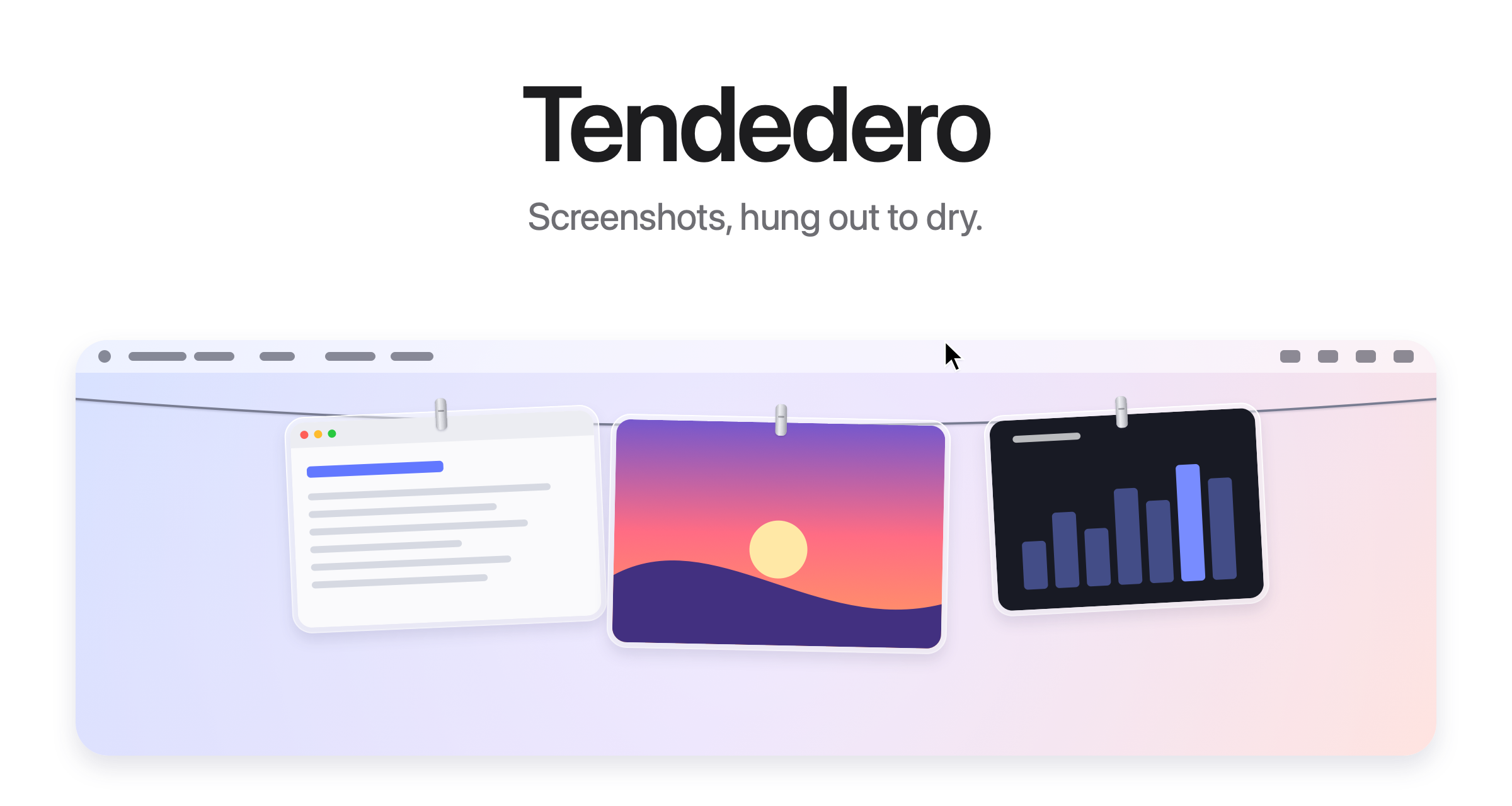
Try it in your browser at tendedero.app ›
Free and open source. For macOS 14 and later.
Download ›
Build from source ›
English · Español · Galego · Français · Português (Brasil) · 日本語 · 한국어 · 简体中文 · Türkçe · Azərbaycanca · हिन्दी
Out of sight. Within reach.
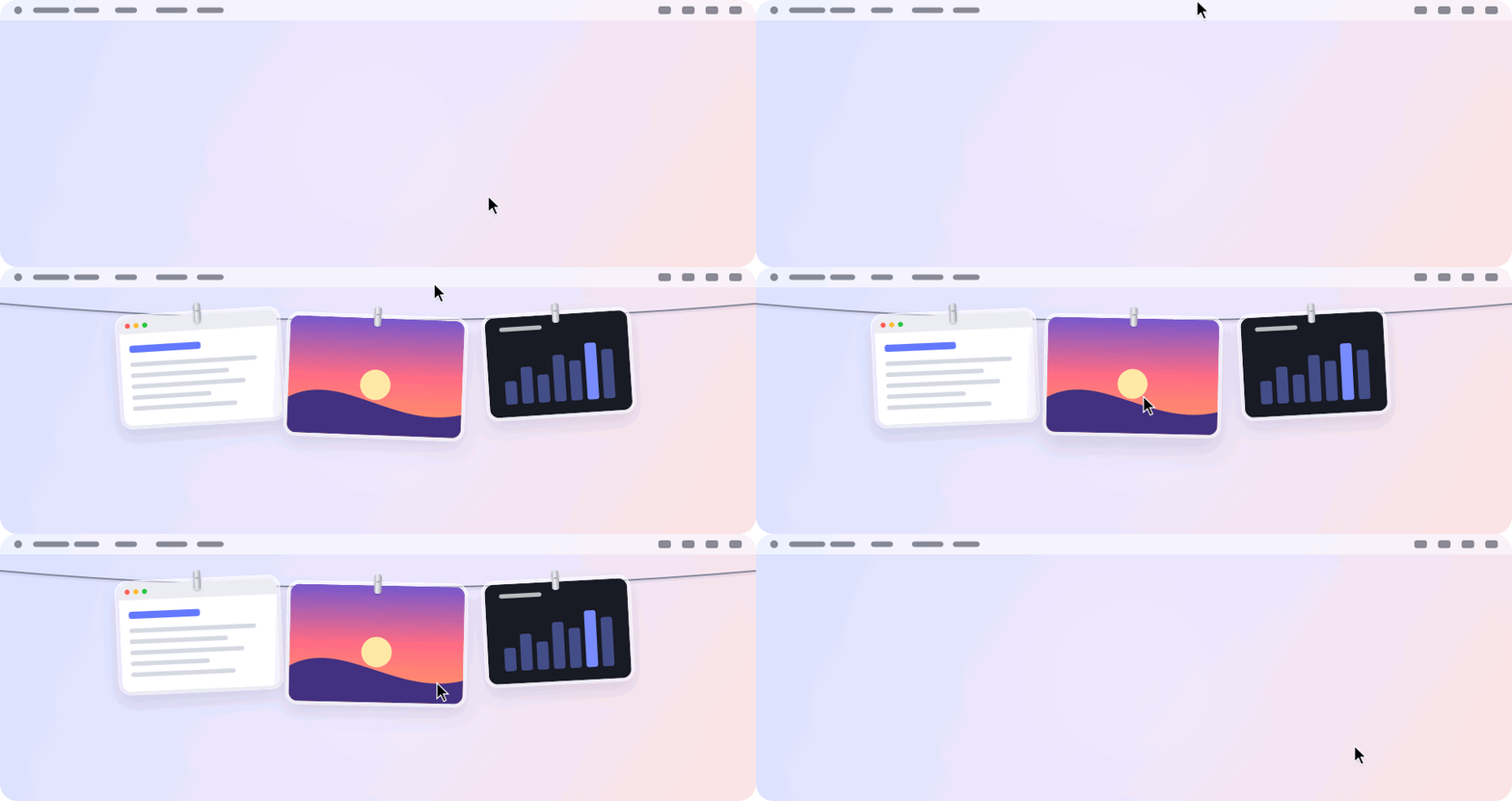
Every screenshot you take hangs on a line just above your screen. Rest the pointer in the middle of the menu bar and it glides down. Move away and it's gone.
A gesture for everything.
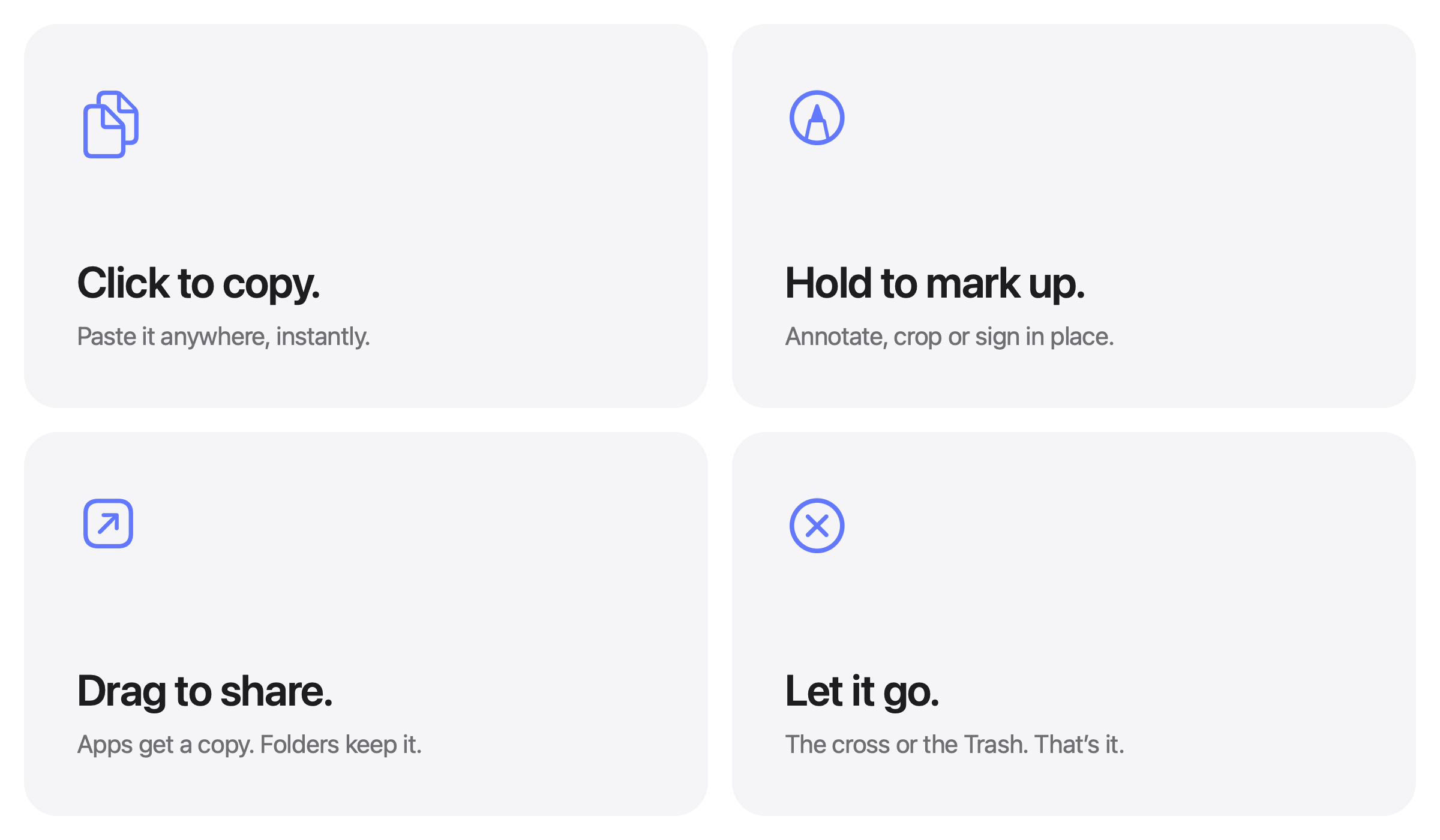
| Click | Copy the image. |
| Press and hold | Open it in Markup. |
| Double click | Open it in Preview. |
| Force click | Take a quick look. |
| Drag into an app | Send a copy. It stays on the line. |
| Drag into a folder | Keep it there. It leaves the line. |
| Drag to the Trash, or click the cross | Let it go. |
| ⌘ Z with the pointer on the line | Hang back what you just let go. |
| Space with the pointer on a photo | Take a quick look. |
| ⌫ with the pointer on a photo | Let it go, as its corner button does. |
| Right click, then Share | Send it with AirDrop, Messages, Mail and more. It stays on the line. |
| Right click, then Pin | Keep it: it hangs left of the knot on a space grey clip, and no new screenshot pushes it off. |
| Right click, then Hold | Take it off the line and keep it in front of you while you work. |
| In Finder, right click an image, then Hang on Tendedero | Hang any image on the line, pinned. |
| Rest the pointer in the middle of the menu bar | Bring the line down on that screen. |
| Click anything in the menu bar | Put it away. |
| ⌃ ⌥ T | Show or hide the line. Change it under Shortcut in the menu bar. |
Your Desktop. Finally clear.
Hand Tendedero your screenshots1 and they skip the Desktop entirely. No floating thumbnail. No five-second wait. Each capture hangs the instant you take it, and only what you drag out is kept.
Screen recordings hang there too, with a play button over them. Press and hold one to trim it.
Same shortcuts. Same muscle memory. Just less mess.
Copied images too.
Take a screenshot with ⌃ held, or copy an image in Preview, and it hangs on the line like any other. Turn on Hang copied images in the menu bar and the shirt fills in while it is on. Only images: anything copied along with text or a file, and anything a password manager marks as private, is left alone.
Private by design.
No account. No network. No analytics. Tendedero runs entirely on your Mac, and your screenshots never leave it.
Tech Specs
| Compatibility | macOS 14 Sonoma or later, on Apple silicon and Intel. Designed for macOS 27. |
| Size | 3.5 MB |
| Languages | English, Spanish, Galician, French, Portuguese (Brazil), Japanese, Korean, Chinese (Simplified), Turkish, Azerbaijani, Hindi |
| Built with | Swift, AppKit and SwiftUI |
| Network access | None |
| Price | Free |
| License | MIT for the code. The name and icon are not included. |
Install
Download the disk image from the latest release, open it and drag Tendedero to Applications. Or install it with Homebrew:
brew install tendedero
Tendedero is signed with a Developer ID and notarized by Apple, so it opens like any other app.
Build from source
git clone [email protected]:alejandrobujan/tendedero.git
cd tendedero
scripts/build-app.sh
open build/Tendedero.app
Requires the Swift toolchain. Xcode is optional. With the Command Line Tools for macOS 27, the script falls back to the macOS 26 SDK they install alongside, because the new SDK needs a SwiftUI macro plugin only Xcode includes. Local builds are signed ad hoc, so macOS asks again for access to the Desktop after each rebuild.
Want to help? Read CONTRIBUTING.md first.
Inside the app
| File | Role |
|---|---|
AppDelegate.swift |
Menu bar, shortcut, revealing and tucking away the line |
LinePanel.swift |
The transparent strip along the top of the screen |
LineView.swift |
The line and where each photo hangs |
PeggedView.swift |
One photo: glass frame, clip, swing and breeze |
GrabArea.swift |
Click, long press, drag and drop |
ScreenshotWatcher.swift |
Notices new screenshots |
ClipboardWatcher.swift |
Notices images copied to the clipboard |
Inbox.swift |
Takes over screenshot settings and puts them back |
Markup.swift |
Opens the system Markup editor and saves the result |
Trim.swift |
Trims a screen recording and saves the result |
FullScreen.swift |
Knows when to stay hidden |
Line.swift |
What is hanging, and what you can do with it |
Held.swift |
A photo held in front of you, off the line |
Every image here, the icon included, is drawn in code by
scripts/make-icon.swift and scripts/make-readme-art.swift.
scripts/make-dmg.sh builds the disk image for releases.
Translations live in Sources/Tendedero/Resources, one .lproj folder per
language. swift scripts/check-strings.swift checks that none is missing.
1. On first launch, Tendedero offers to handle your screenshots. If you accept, it turns off the floating thumbnail and saves new screenshots to its own folder, two settings also found under Options in Cmd+Shift+5. Your previous settings are saved and restored when Tendedero quits or the option is turned off from the menu bar. Tendedero hides automatically while an app is in full screen.
The code is MIT licensed. The Tendedero name and icon are not, so forks need their own. See LICENSE.
Designed and built by Alejandro Buján.
Explore related projects
codecrafters-io/build-your-own-x
Master programming by recreating your favorite technologies from scratch.
561,239 starspublic-apis/public-apis
A collective list of free APIs
497,490 starsmorluto/rea
Reverse engineer anything with agents, from app behavior down to native binaries.
445,685 starsopenclaw/openclaw
The AI that really does things. Any OS. Any Platform. The lobster way. 🦞
394,228 stars