
alanwangmodify/WXSTransition
alanwangmodify/WXSTransition has 1,518 GitHub stars and 258 forks. GitHot measured 0 stars in 24 hours. Last checked 2026-11-06 07:19 UTC. Last push 2018-07-25.
🍎 界面转场动画集
Measured star growth
- in 24h
- 0
- in 7 days
- Update delayed
- in 15 days
- Update delayed
- in 1 month
- Update delayed
Net star changes over overlapping periods, not daily totals. Missing measurements are left blank. Stars measure attention, not software quality.
README.md
OriginalWXSTransition
介绍(Introduce)
It is a transition animation asset。
We can add some transiton animations between view controllers in our iOS Apps .
Now,it is easily to do this by this animation asset,even only one line of code.
It includes about 50 kinds of animations.
Now, it support 4 kinds of gesture for pop view controller. You can see the property in WXSTransitionProperty
这是一个界面转场动画集。 目前只支持纯代码。 在平时开发中,有时候需要一些转场动画给界面调整增添一些活力,而实现这些动画相对比较繁琐。为了让实现转场更简单,我写了这个界面转场动画集。跳转界面时,只要一行代码就可以实现这里面的动画。包括系统提供的动画在内,目前有大概50种动画。
现在已支持手势返回,有四个手势可以选择,可以在WXSTransitionProperty查看相关相关属性
使用方法(Usage)
1、首先导入头文件
#import "UINavigationController+WXSTransition.h"
2、一行代码就可以调用
Push:
[self.navigationController wxs_pushViewController:(UIViewController *) animationType:(WXSTransitionAnimationType)];
Present:
[self wxs_presentViewController:(UIViewController *) animationType:(WXSTransitionAnimationType) completion:^{

}];
说明: WXSTransitionAnimationType是转场动画类型,通过这个枚举选择你想要的转场动画。
3、支持属性修改(Custom made property)
[self wxs_presentViewController:<#(UIViewController *)#> makeTransition:^(WXSTransitionManager *transition) {
transition.animationType =  WXSTransitionAnimationTypePointSpreadPresent;
transition.animationTime = 1;
}];
可以通过transition设置动画时间、、返回手势、动画类型等属性,可以在WXSTransitionProperty查看相关可修改属性。
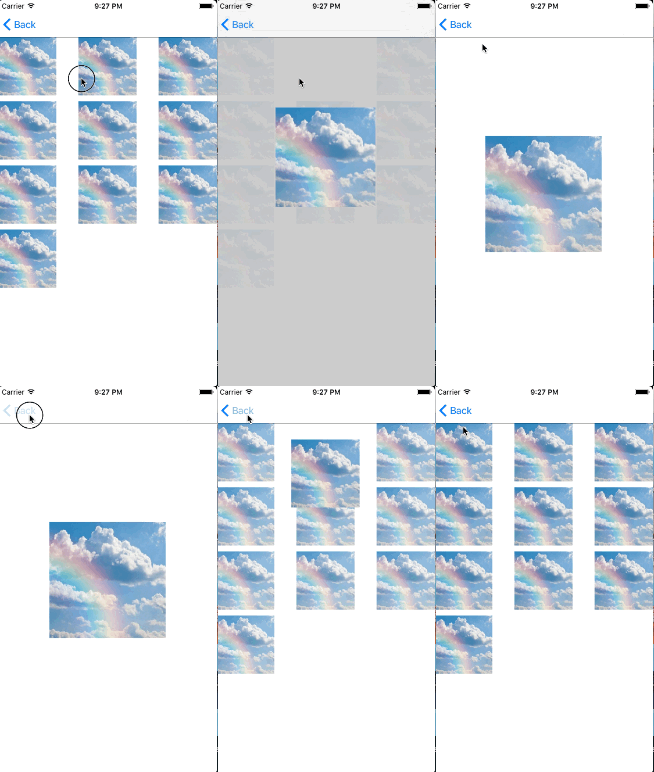
像point Spread 、ViewMoveToNextVC这样的动画,需要个起始view,只要将目标控制器的startView指向这个view就可以了,代码如下;
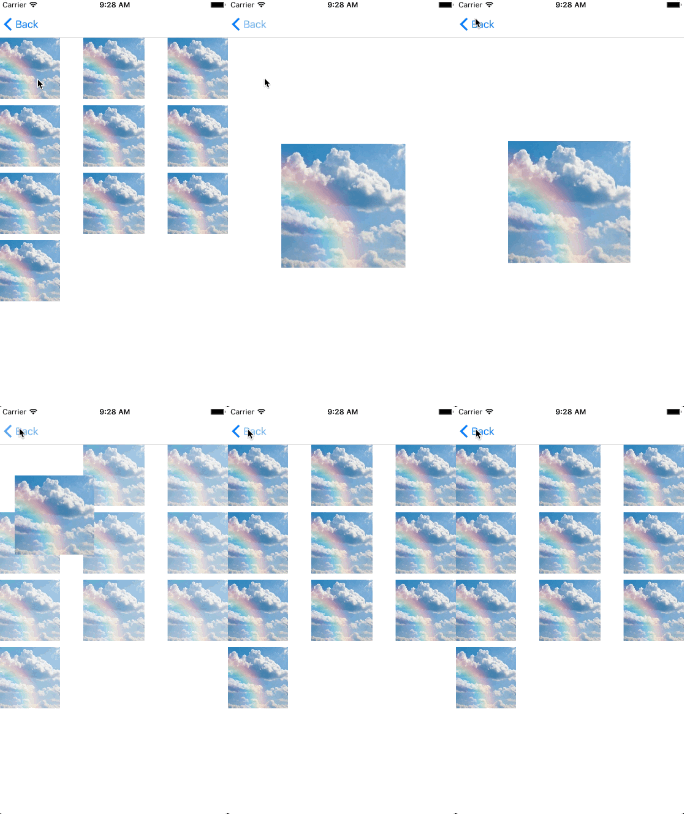
[self.navigationController wxs_pushViewController:vc makeTransition:^(WXSTransitionProperty *transition) {
transition.animationType = WXSTransitionAnimationTypeViewMoveToNextVC;
transition.animationTime = 1;
transition.startView  = cell.imgView;
transition.targetView = vc.imageView;
}];
动画效果图
自定义动画
boom: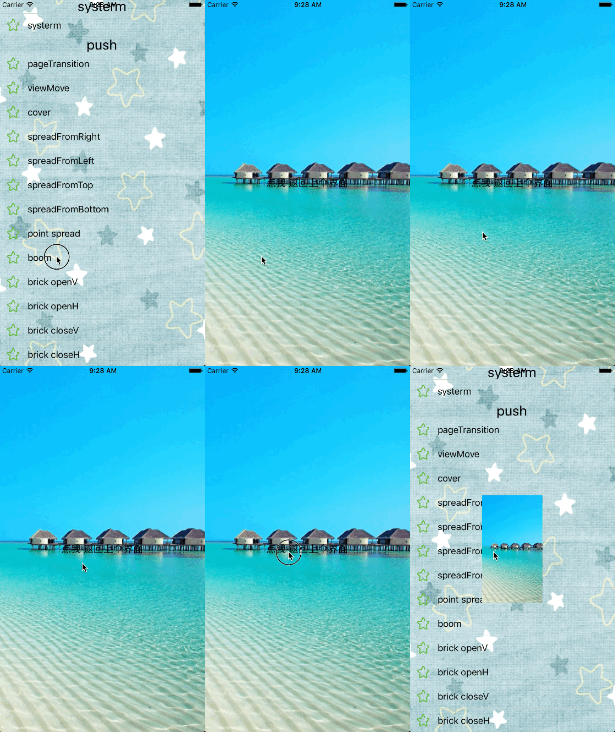
brick: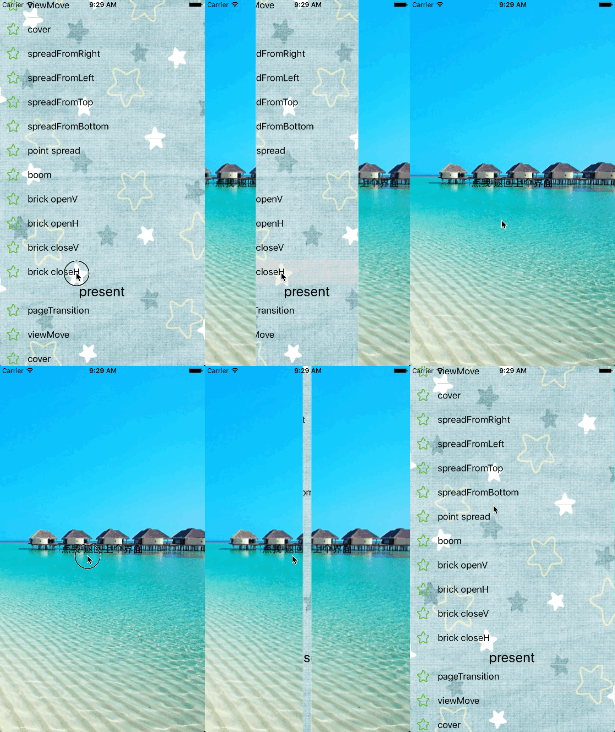
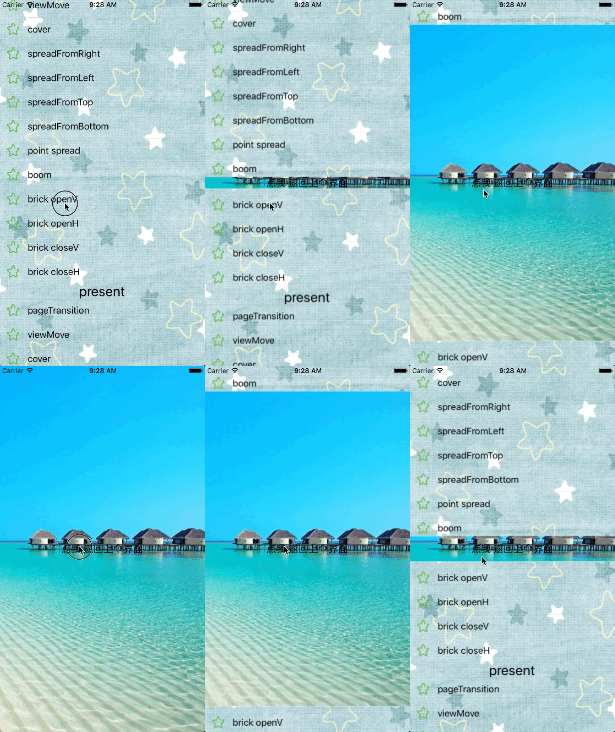
cover: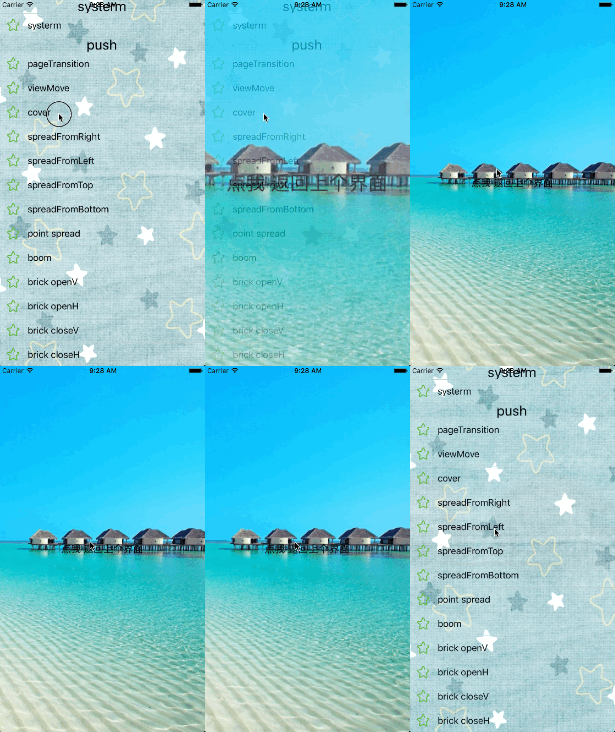
spread: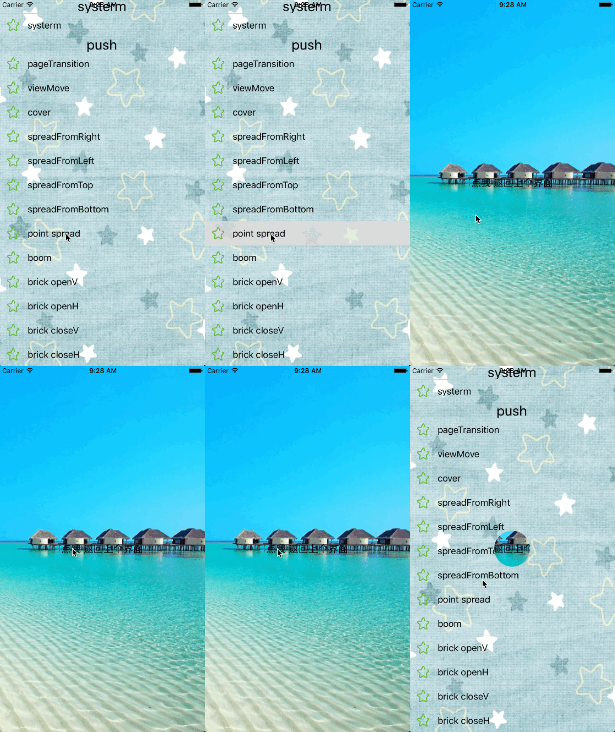
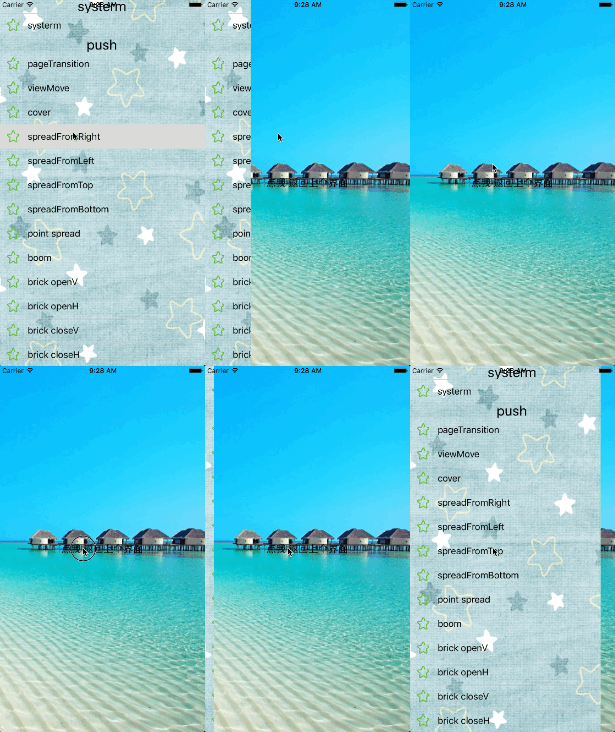
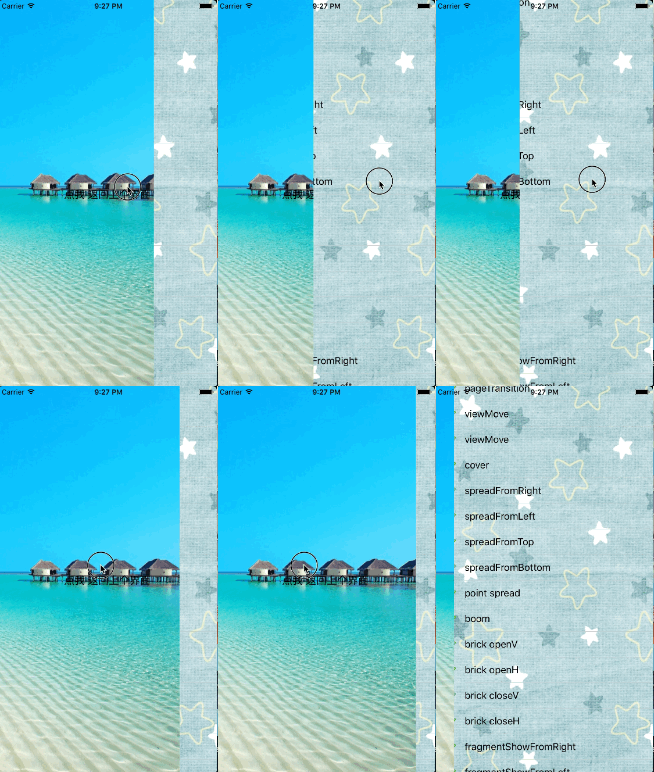
view move:
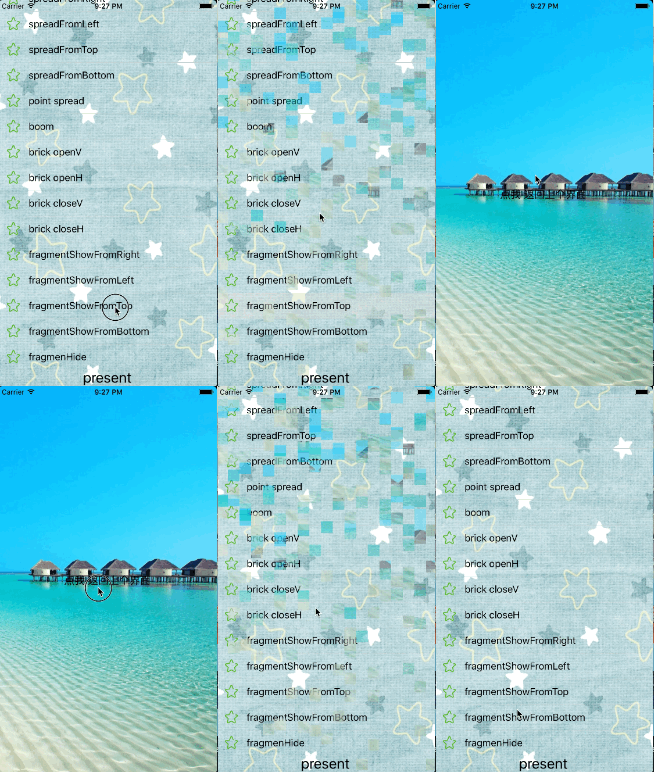
frgment: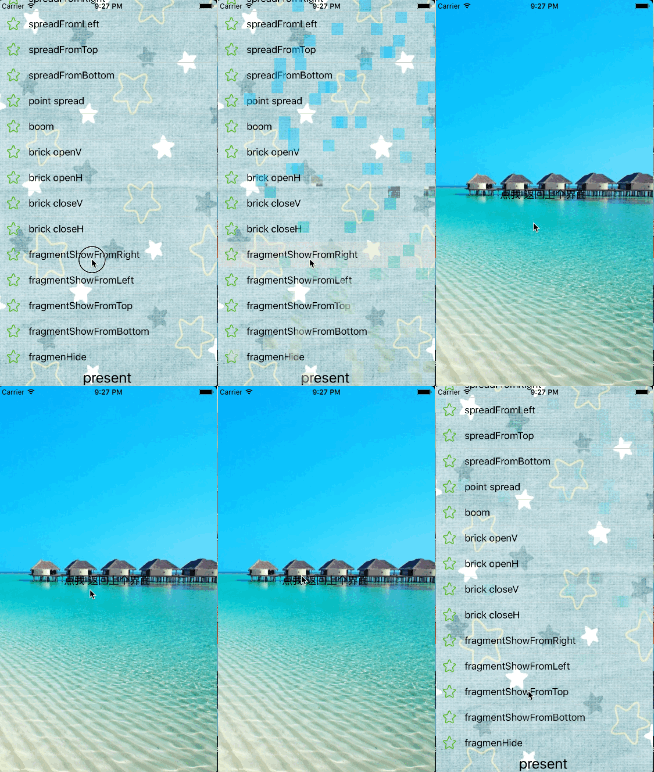
insideThenPush: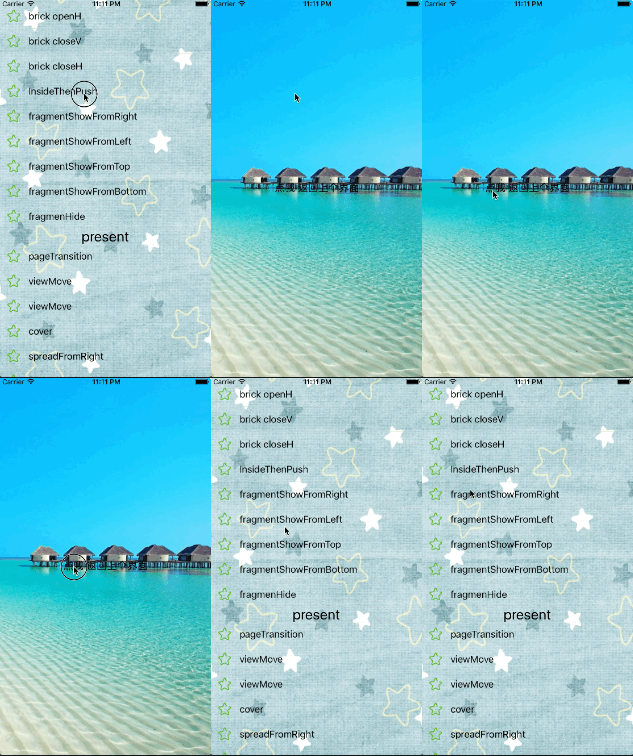
######系统动画 iOS自身其实有许多不错的转场动画,在这个转场动画集里也进行了封装,使用方法跟自定义转场动画一样。
Push:
[self.navigationController wxs_pushViewController:<#(UIViewController *)#> animationType:<#(WXSTransitionAnimationType)#>];
Present:
[self wxs_presentViewController:<#(UIViewController *)#> animationType:<#(WXSTransitionAnimationType)#> completion:<#^(void)completion#>]
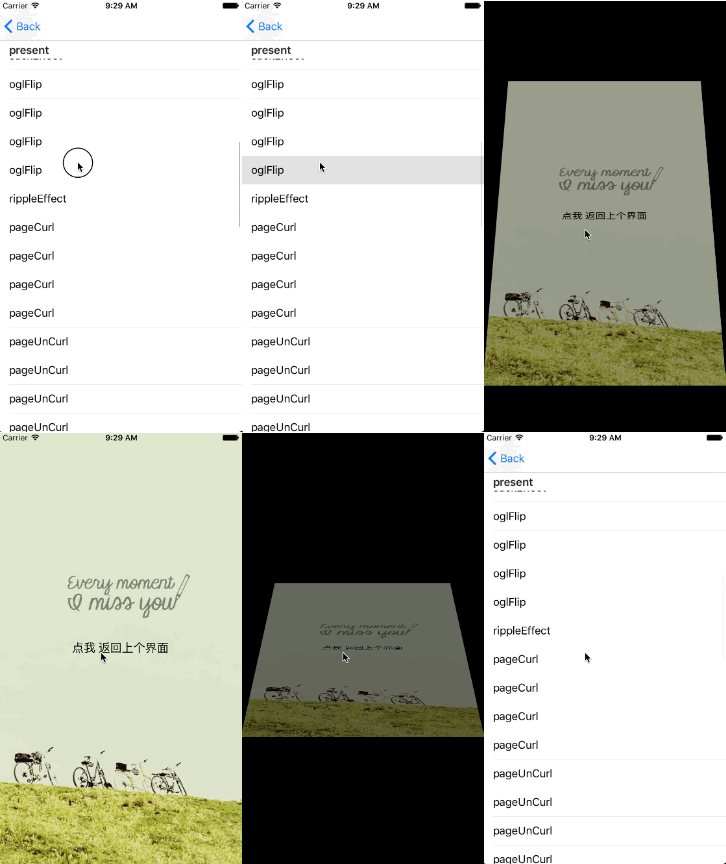
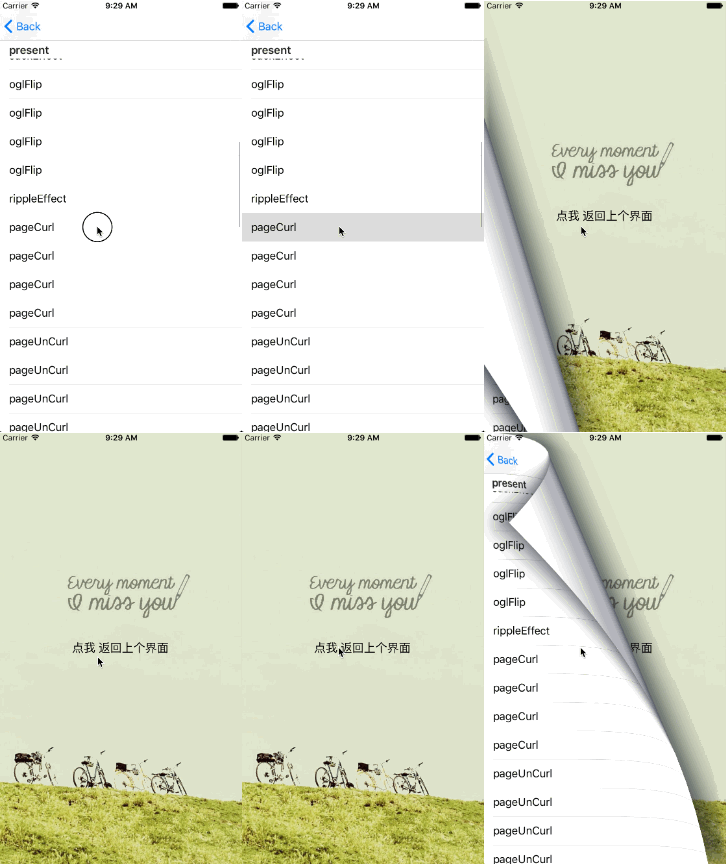
关于tabbar动画影响效果的问题:
如果tabbar的系统动画影响了效果,可以用一下方法去掉动画。 把 self.hidesBottomBarWhenPushed = YES 去掉 手动控制tabbar的隐藏显示时机: push之前把tabBar隐藏 self.tabBarController.tabBar.hidden = YES; pop后在viewDidApear里显示 self.tabBarController.tabBar.hidden = NO;
Explore related projects
codecrafters-io/build-your-own-x
Master programming by recreating your favorite technologies from scratch.
560,411 starspublic-apis/public-apis
A collective list of free APIs
496,738 starsmorluto/rea
Reverse engineer anything with agents, from app behavior down to native binaries.
437,830 starsopenclaw/openclaw
The AI that really does things. Any OS. Any Platform. The lobster way. 🦞
394,061 stars