
ad-si/FlatCV
ad-si/FlatCV has 64 GitHub stars and 3 forks. GitHot measured 0 stars in 24 hours. Last checked 2026-11-15 17:44 UTC. Last push 2026-11-07.
Measured star growth
- in 24h
- 0
- in 7 days
- Update delayed
- in 15 days
- Update delayed
- in 1 month
- Update delayed
Net star changes over overlapping periods, not daily totals. Missing measurements are left blank. Stars measure attention, not software quality.
About
Image processing and computer vision library in pure C
Developer ToolsREADME.md
OriginalFlatCV
Image processing and computer vision library in pure C.
 |
 |
 |
Features
Flip,
Crop,
Trim,
Resize,
Blur,
Draw,
Grayscale,
Binarize
Corner-Detection,
QR-Code Decoding,
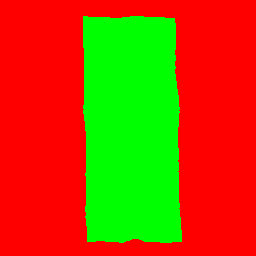
Segmentation,
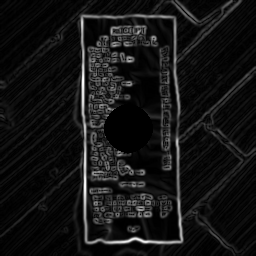
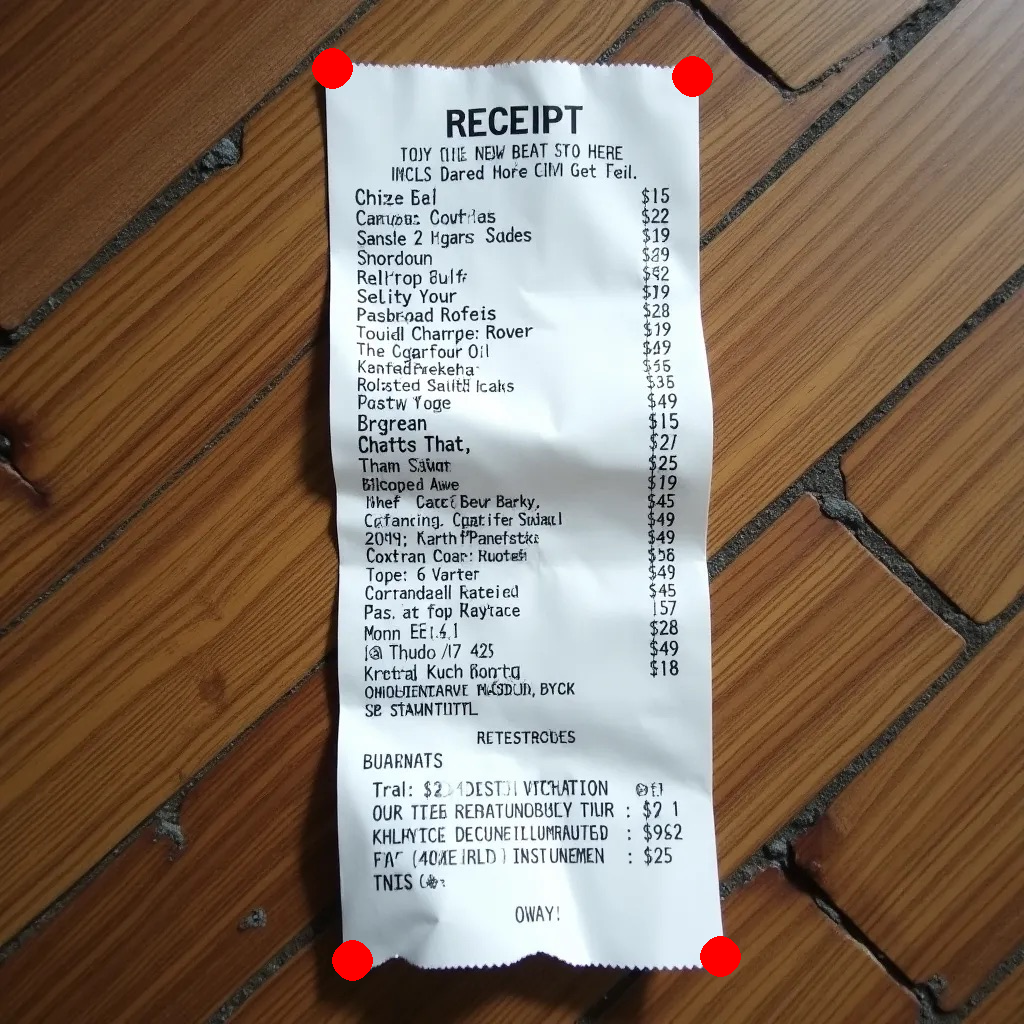
Document-Extraction
Check out the official documentation for more details on each feature.
Cross Platform Support
- Linux (x86 & arm64)
- macOS (x86 & arm64)
- Windows (x86 & arm64)
- PowerPC
- RISC-V
- …
Usage
FlatCV can either be used as a C library or via its CLI.
You can get the single file version of the code and the CLI binaries in the release artifacts section of each release: github.com/ad-si/FlatCV/releases
CLI
The CLI supports edit pipelines which sequentially apply all transformations.
flatcv <input> <comma-separated-edit-pipeline> <output>
As commas aren't special characters in shells, you can write the edit pipeline without quotes. Both variants yield the same result:
flatcv i.jpg 'grayscale, blur 9' o.jpg
flatcv i.jpg grayscale, blur 9 o.jpg
Examples
Check out the official documentation website for more examples and usage instructions.
| Command | Input | Output |
|---|---|---|
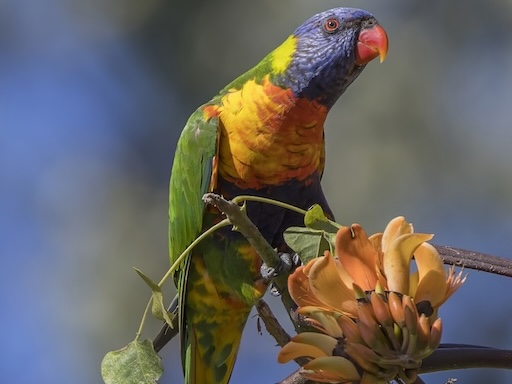
flatcv i.jpg grayscale o.jpg |
 |
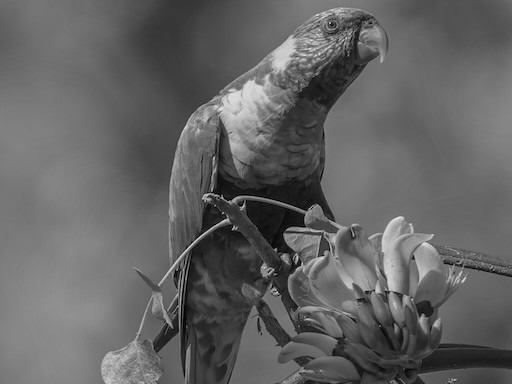 |
flatcv i.jpg grayscale, blur 9 o.jpg |
|
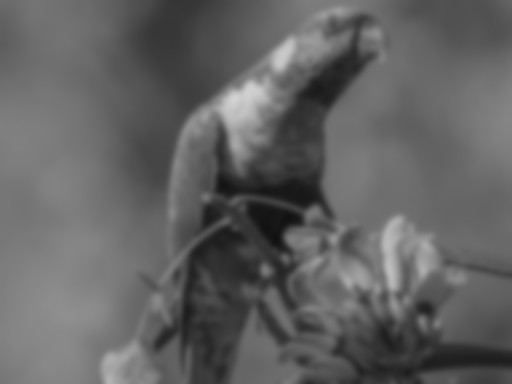 |
flatcv i.jpg bw_smooth o.jpg |
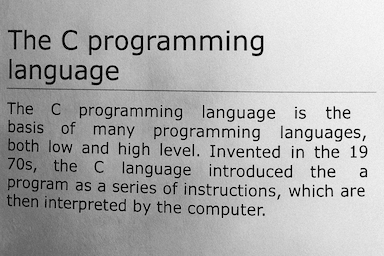 |
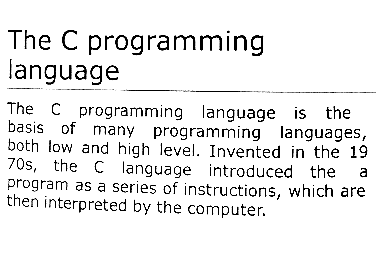 |
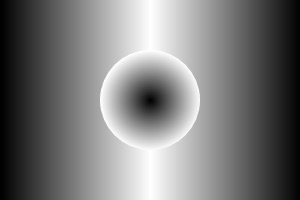
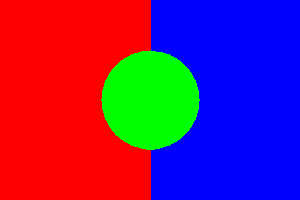
flatcv i.jpg watershed 0x0 300x200 599x0 o.jpg |
 |
 |
flatcv i.png flood_fill 10 128 0x0 150x100 o.png |
 |
 |
Library
#include "flatcv.h"

// Resize an image to 50%
unsigned char const * half_size = resize(
  input_width, input_height,
  0.5, 0.5,
  &out_width, &out_height,
  input_data
);

// Do something with the resized image

free(half_size);