
a466350665/smart-sso
a466350665/smart-sso has 2,300 GitHub stars and 1,218 forks. GitHot measured 0 in 7 days. Last checked 2026-11-09 20:03 UTC. Last push 2026-10-30.
SpringBoot single sign-on authentication and authorization, implemented with OAuth 2.0, supporting cross-domain and distributed deployment.
What you can do
- Lightweight — minimal implementation on Spring Boot 3 + OAuth 2.0 authorization code, no extra moving parts.
- Single sign-on — log in once on any client application, the rest follow.
- Single logout — each client implicitly registers its own logout URI when fetching a token; logging out anywhere makes the server notify every related client to drop its local token.
- Silent renewal — when the access token expires, the client backend refreshes it with the refresh token and extends the server-side stub, transparently to the user.
Measured star growth
- in 24h
- Update delayed
- in 7 days
- 0
- in 15 days
- Update delayed
- in 1 month
- Update delayed
Net star changes over overlapping periods, not daily totals. Missing measurements are left blank. Stars measure attention, not software quality.
README.md
OriginalSmart-SSO


English | 简体中文
Smart-SSO is a lightweight authentication and authorization center (SSO) built on Spring Boot 3 and the OAuth 2.0 authorization-code flow. It ships SSO login/logout, silent token renewal, forced logout, button-level permissions and distributed deployment support — plus a zero-dependency demo mode that starts with a single command, no database required.
English guides for client integration, architecture, configuration and frequently asked questions are available under
docs/. Chinese originals remain available from the language switcher.
Features
- Lightweight — minimal implementation on Spring Boot 3 + OAuth 2.0 authorization code, no extra moving parts.
- Single sign-on — log in once on any client application, the rest follow.
- Single logout — each client implicitly registers its own logout URI when fetching a token; logging out anywhere makes the server notify every related client to drop its local token.
- Silent renewal — when the access token expires, the client backend refreshes it with the refresh token and extends the server-side stub, transparently to the user.
- Forced logout — an administrator can terminate a user's session; the server revokes the credentials and notifies all related clients to clear their local sessions.
- Button-level permissions — permissions are classified as menus or functions and exposed as stable codes that can be reused across endpoints, with per-application authorization isolation.
- Distributed deployment — Redis-backed implementations for both server and client, sharing credentials and permissions across instances.
Quick Start
Requirements
| Component | Requirement |
|---|---|
| JDK | 17+ |
| Maven | 3.8+ |
| Database | Not required (embedded H2 by default); MySQL 5.7+/8.0 recommended for production |
| Redis | Optional (distributed deployment only) |
Option 1 — Zero-dependency demo (recommended)
git clone https://github.com/a466350665/smart-sso.git
cd smart-sso
mvn -DskipTests package
java -jar smart-sso-server/target/smart-sso-server-2.1.0.jar
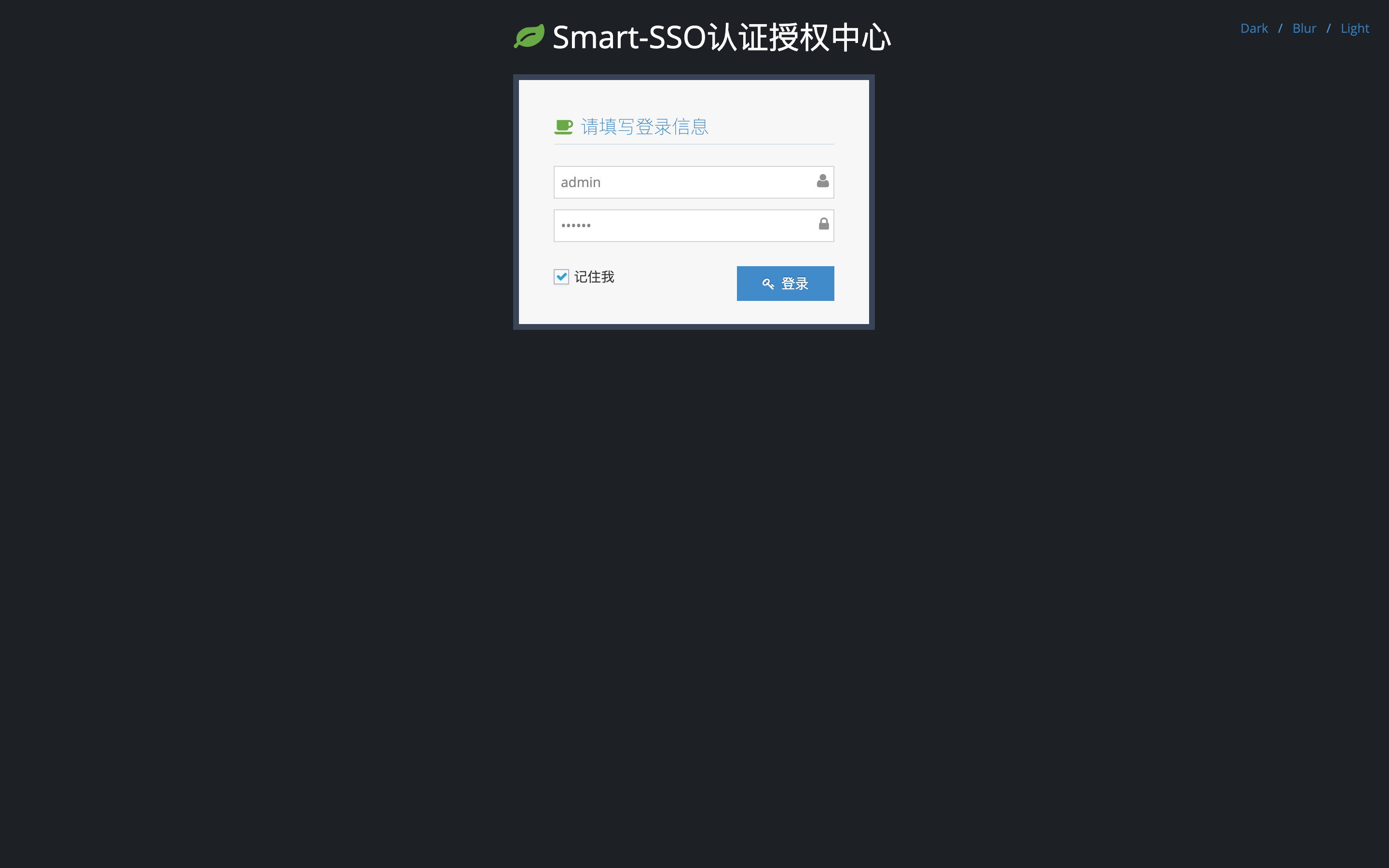
Open http://localhost:8080 and sign in with the built-in account admin / 123456. (Server also a client of itself)
- The
devprofile is active by default: it uses an in-memory H2 database and executessmart-sso-server/src/main/resources/init.sqlon startup to create tables and seed demo data. - Data lives only for the lifetime of the process — restarting resets everything, which is ideal for demos, integration work and automated tests.
Option 2 — MySQL (production)
# 1. Create the schema and import (the script works for both MySQL and H2)
mysql -uroot -p -e "CREATE DATABASE IF NOT EXISTS \`smart-sso\` DEFAULT CHARSET utf8mb4"
mysql -uroot -p --default-character-set=utf8mb4 smart-sso < smart-sso-server/src/main/resources/init.sql

# 2. Adjust smart-sso-server/src/main/resources/application-prod.yaml, then start
java -jar smart-sso-server/target/smart-sso-server-2.1.0.jar --spring.profiles.active=prod
The
prodprofile uses MySQL and never runs the SQL script (Spring Boot only initializes embedded databases by default), so startup cannot wipe your data.
Client example
java -jar smart-sso-demo/target/smart-sso-demo-2.1.0.jar
Client example. Open http://localhost:8082, no need to log in again. It will automatically redirect you to the homepage.
Client Integration
Integrating a client takes three steps: add the smart-sso-starter-client dependency, configure smart.sso.*,
and let auto-configuration install the filters that handle interception and login redirects. Minimal configuration:
smart:
  sso:
    server-url: http://localhost:8080   # required for a standalone client
    client-id: 1000                     # issued by the server after registering the app
    client-secret: xxxxxxxx
    exclude-urls: /static/*,/auth/*     # paths reachable without login
Full guide (dependency coordinates, filter behaviour, cookie-less mode, cross-domain setups, pitfalls): see docs/client-integration.en.md.
Architecture
The example below uses two applications: after signing in on App A, visiting App B from the same browser requires no credentials.
sequenceDiagram
    autonumber
    participant B as Browser
    participant A as App A
    participant S as SSO server
    participant X as App B

    Note over B,X: 1) First login: sign in once on App A
    B->>A: Access a protected resource of App A
    A-->>B: 302 to /sso/login?clientId=A
    B->>S: GET /sso/login
    S-->>B: No TGT, 302 to the login page
    B->>S: POST /sso/login with credentials
    S->>S: Create TGT, set the TGC cookie
    S-->>B: Redirect back to redirectUri?code=..
    B->>A: Request App A with code
    A->>S: Exchange code for tokens and fetch permissions
    S-->>A: accessToken + refreshToken + permissions
    A-->>B: 302 back to the original URL, App A signed in

    Note over B,X: 2) Single sign-on: App B needs no credentials
    B->>X: Access a protected resource of App B
    X-->>B: 302 to /sso/login?clientId=B
    B->>S: GET /sso/login
    S-->>B: TGT exists, redirect back to redirectUri?code=.. directly
    B->>X: Request App B with code
    X->>S: Exchange code for tokens and fetch permissions
    S-->>X: accessToken + refreshToken + permissions
    X-->>B: 302 back to the original URL, App B signed in silently
Why App B needs no credentials: the browser carries the
TGCcookie of the SSO domain, so the server recognises the existing global session (TGT) and issues an authorization code directly. Logout and renewal sequences: docs/architecture.en.md.
- Protocol: OAuth 2.0 authorization code. The server keeps a global session (
TGT, cookie nameTGC); clients validate their ownaccessTokenlocally and use therefreshTokenfor renewal. - Two-step validation: the user's identity is validated when issuing the authorization code, and the client's identity (ClientId/ClientSecret) when exchanging it for an access token — an application can never obtain another application's resource permissions.
- Same-origin by default: when
smart.sso.server-urlis left empty and the application is the SSO server, everything is same-origin — browser redirects use relative paths and server-to-server calls use a derived loopback address. A standalone client that forgets to configure it fails fast at startup instead of silently redirecting to itself. - Permission model:
sso_permission.codestores stable business permission codes such asuser:readanduser:write; menu entries usetype=menuand keep their navigation URL insso_permission.url, while endpoint authorization usestype=function. Controllers in thesmart.sso.url-patternsscope require login by default; methods annotated with@RequiresPermission("...")additionally require the corresponding function permission. Unannotated methods remain available to logged-in users, and paths outside the scope (or inexclude-urls) bypass SSO.
Full protocol sequence, credential model and distributed setup: docs/architecture.en.md.
Modules
smart-sso
├── smart-sso-server    -- authentication & authorization center + permission console (also a client of itself)
├── smart-sso-demo      -- client example (token via request header)
├── smart-sso-starter   -- auto-configuration modules (individually consumable)
│   ├── smart-sso-starter-base              -- shared constants, utilities, credential cleanup
│   ├── smart-sso-starter-client            -- client-side token lifecycle management
│   ├── smart-sso-starter-client-redis      -- Redis support for the client
│   ├── smart-sso-starter-server            -- server-side credential lifecycle management
│   └── smart-sso-starter-server-redis      -- Redis support for the server
└── verify/             -- functional verification suite (API + browser end-to-end)
| Branch | Stack | Notes |
|---|---|---|
master |
Spring Boot 3.5.x + JDK 17 | Current line, version 2.1.x |
1.7 |
Spring Boot 2.x + JDK 8 | Legacy maintenance branch |
Tech Stack
| Technology | Version | Purpose |
|---|---|---|
| spring-boot | 3.5.9 | Container + MVC |
| smart-stage | 2.0.3 | Base layer (Result/Page, MyBatis-Plus wiring) |
| mybatis-plus | 3.5.12 | ORM (managed by smart-stage) |
| H2 | 2.3.232 | Embedded in-memory database for the zero-dependency mode |
| mysql-connector-j | 9.5.0 | Production JDBC driver (managed by Spring Boot) |
| spring-boot-starter-data-redis | 3.5.9 | Shared credentials for distributed deployments |
| httpclient | 4.5.14 | Authorization-code exchange between client and server |
| Front-end | static SPA | Ace Admin + jQuery + zTree (no template engine) |
Configuration Cheat Sheet
| Property | Default | Description |
|---|---|---|
smart.sso.server-url |
empty | Authentication center URL; empty = same-origin (only when this app is also the server) |
smart.sso.client-id / client-secret |
— | Client credentials, issued by the server |
smart.sso.exclude-urls |
— | Paths bypassing login; a trailing /* means prefix match |
smart.sso.server.timeout |
7200 | Global session (TGT) timeout, seconds |
smart.sso.server.access-token-timeout |
1800 | Access token timeout, seconds |
mybatis-plus.global-config.db-config.table-prefix |
sso_ |
Table name prefix |
spring.profiles.active |
dev |
dev = H2 in-memory, prod = MySQL |
Full reference: docs/configuration.en.md.
Documentation
| Guide | English | 中文 |
|---|---|---|
| Why OAuth 2.0 | English | 中文 |
| Client integration | English | 中文 |
| Architecture and protocol | English | 中文 |
| Configuration reference | English | 中文 |
| Frequently asked questions | English | 中文 |
| Development and verification | English | 中文 |
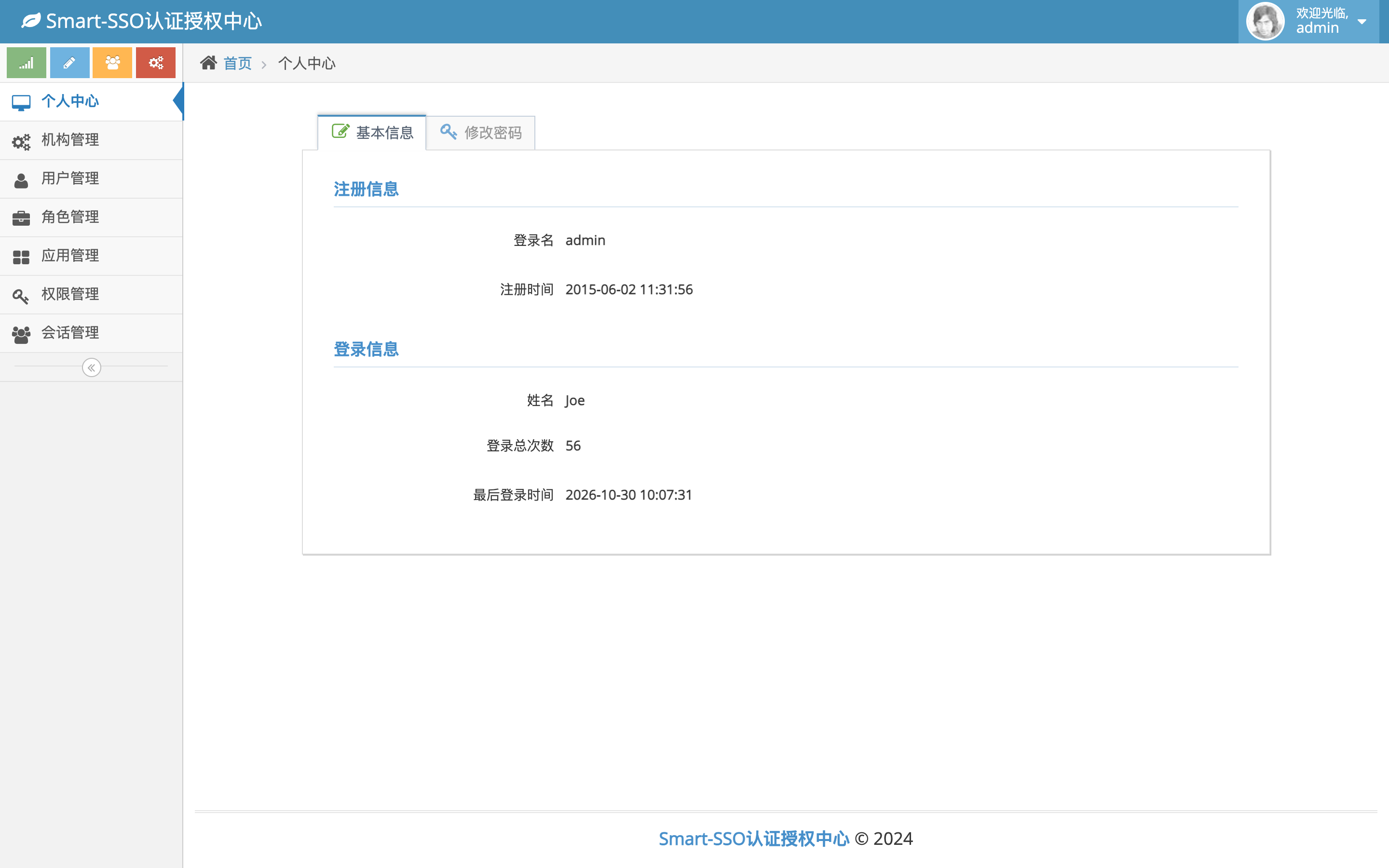
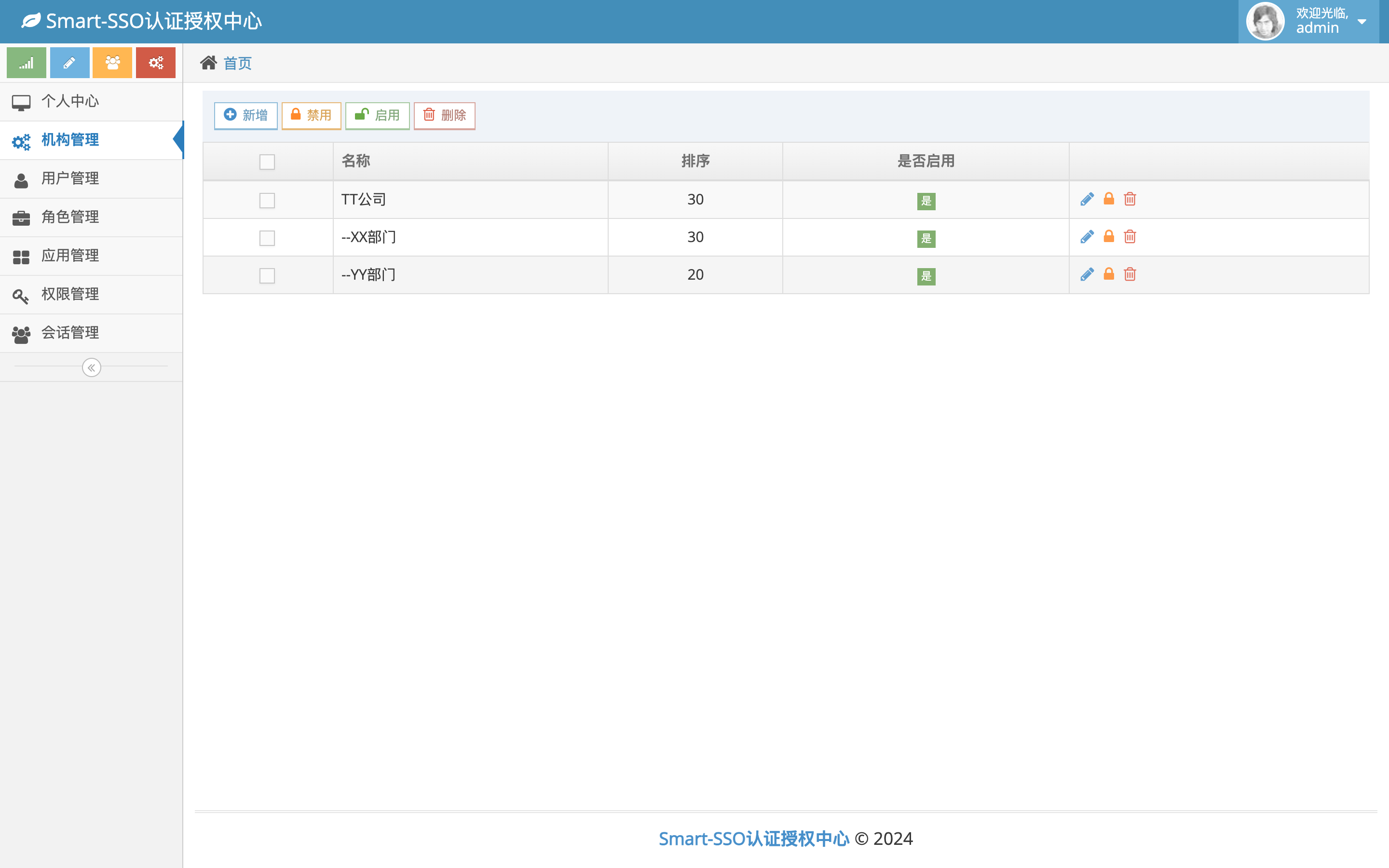
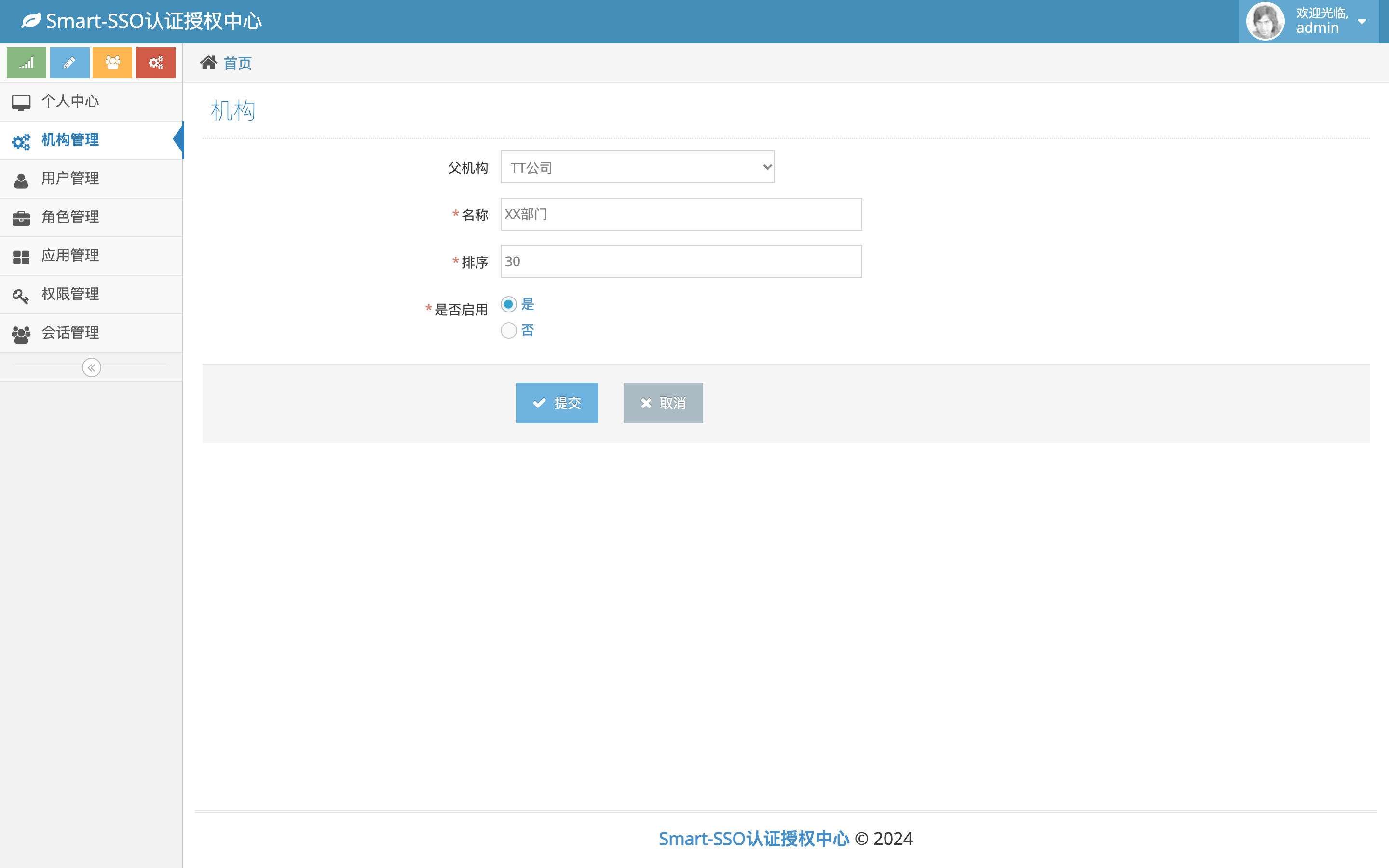
Screenshots
| Sign-in page | Console home |
|---|---|
 |
 |
| Organization management | Organization editor (parent pre-selected) |
|---|---|
 |
 |
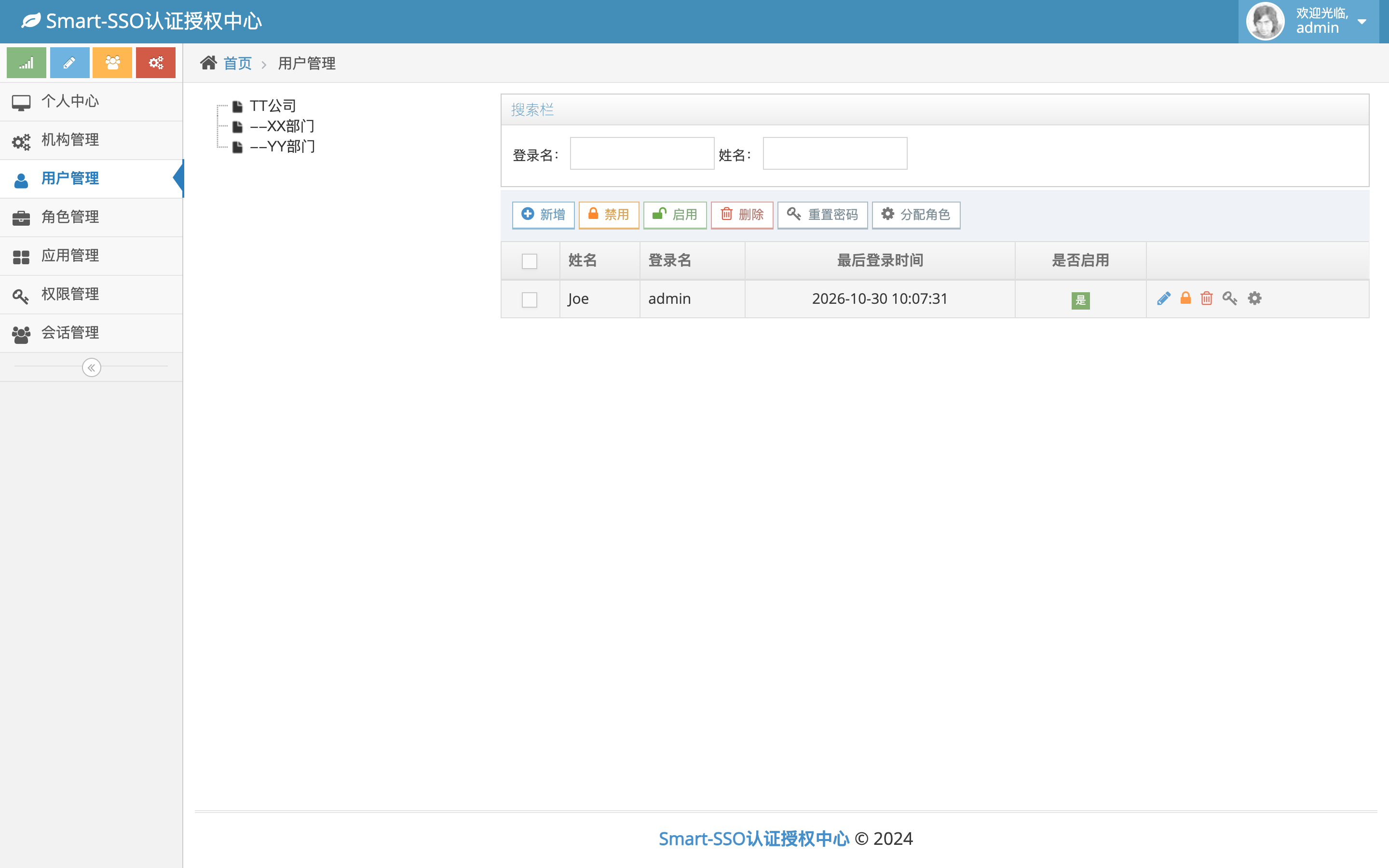
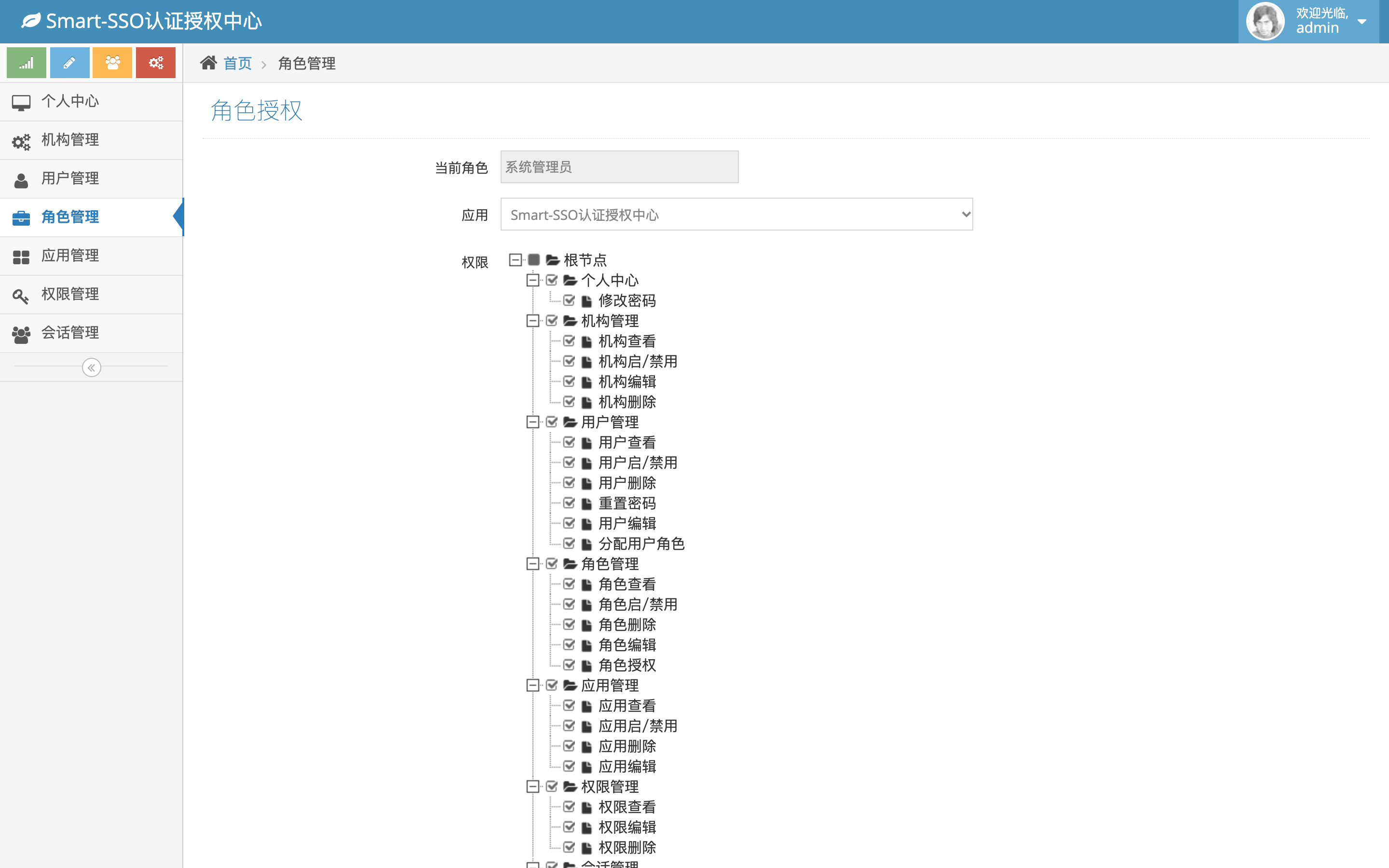
| User management (organization tree) | Role authorization (granted permissions pre-checked) |
|---|---|
 |
 |
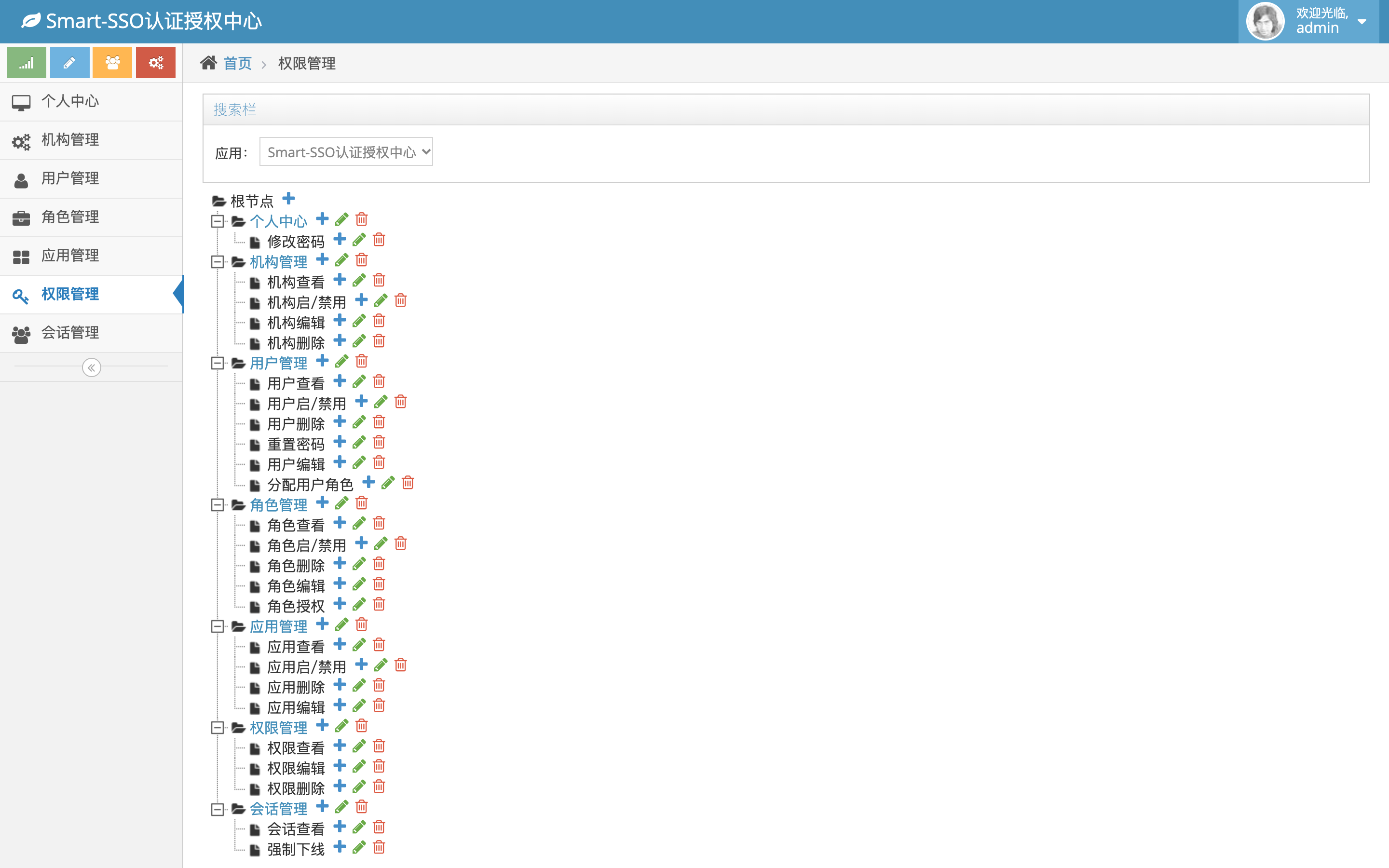
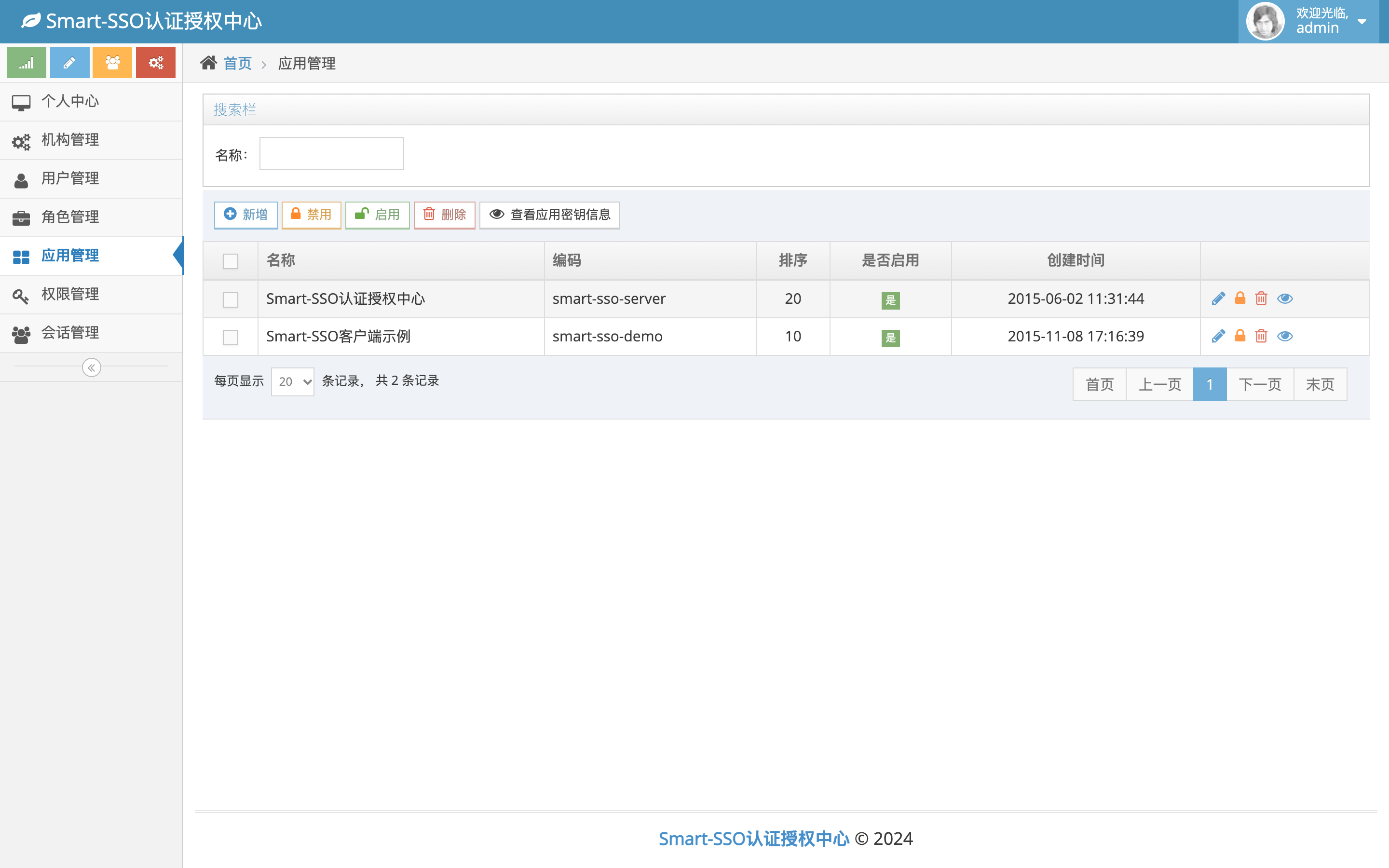
| Permission management | Application management |
|---|---|
 |
 |
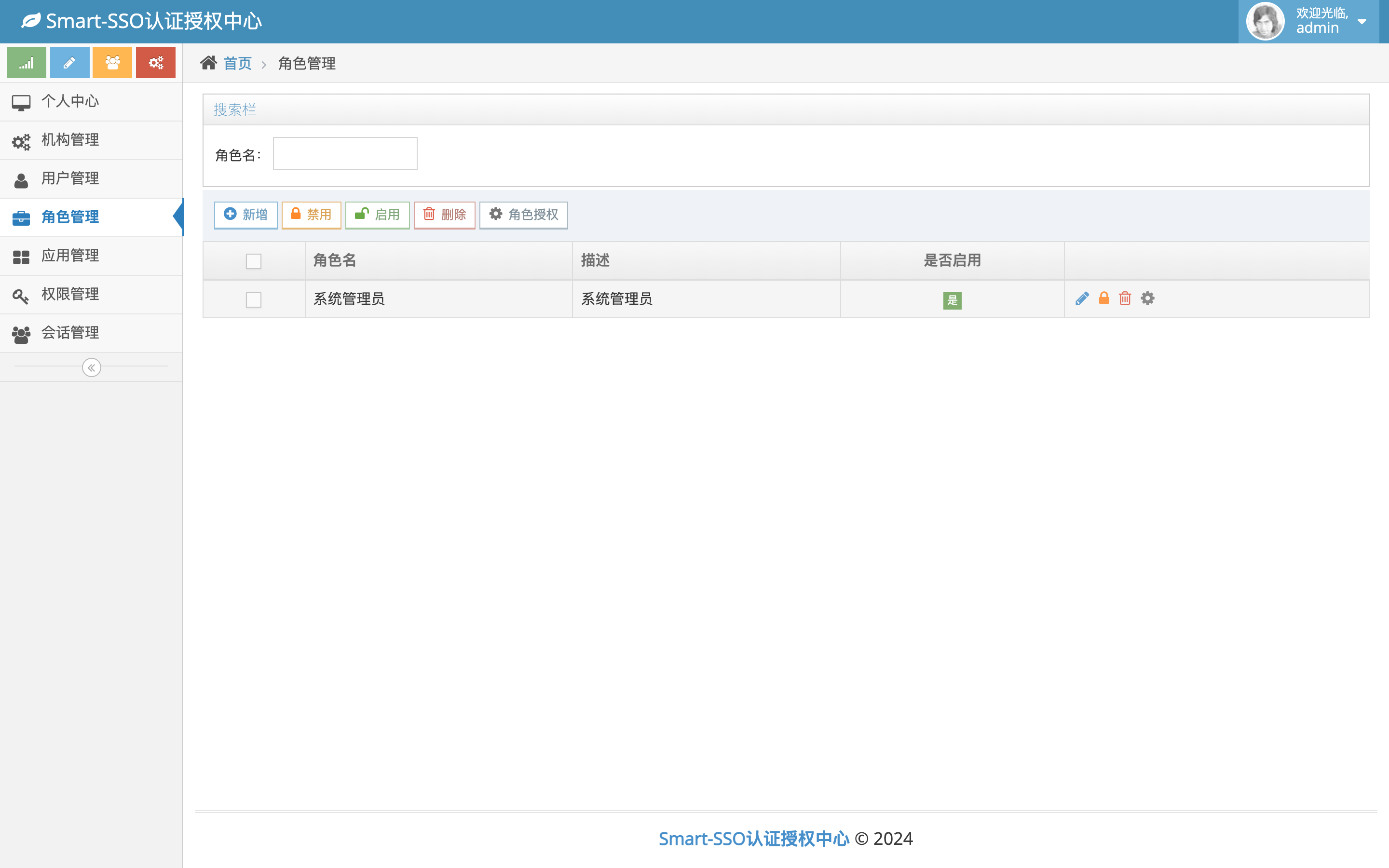
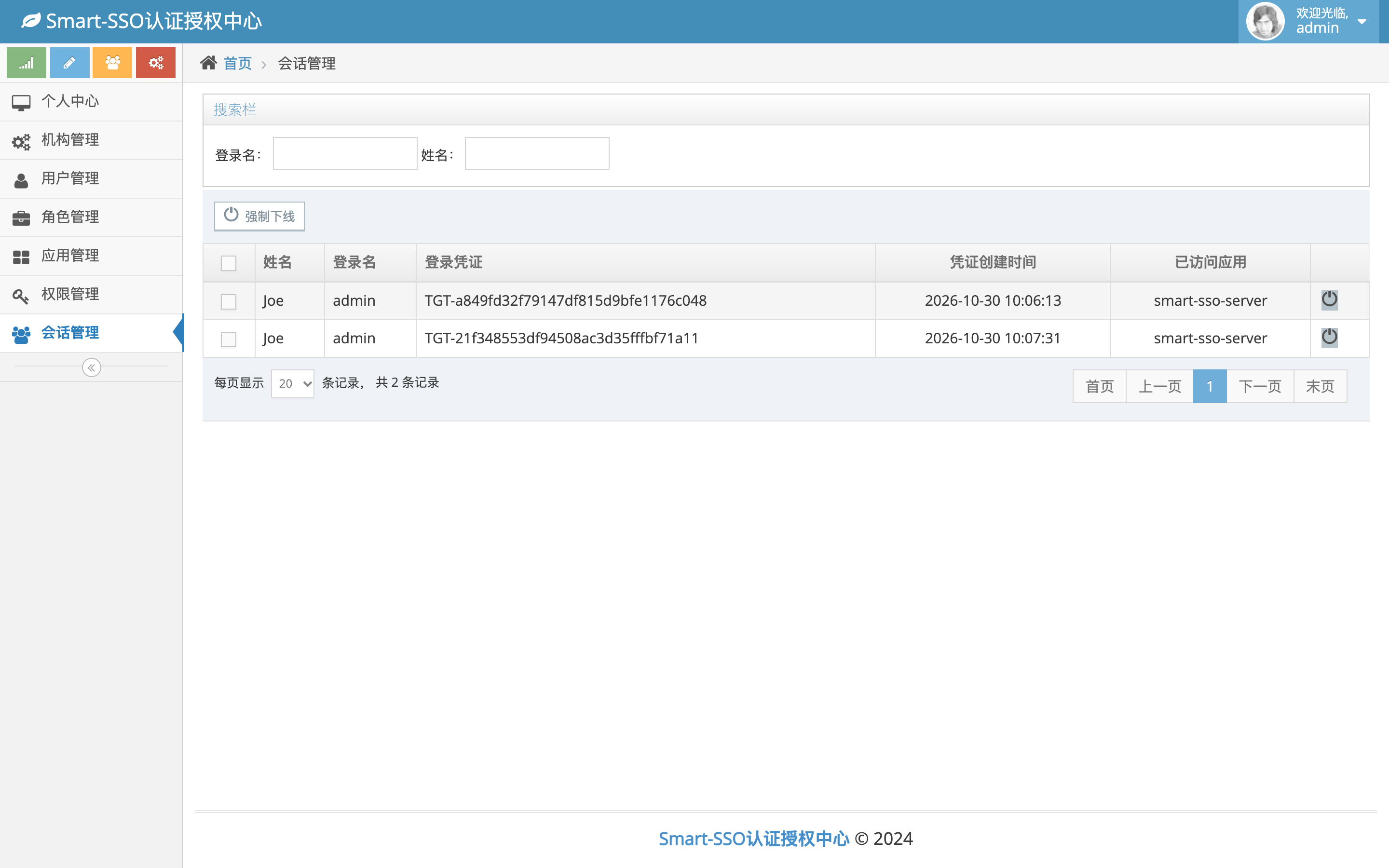
| Role management | Session management |
|---|---|
 |
 |
Build & Verification
# Build (works offline once the local repository is populated)
mvn -o -DskipTests clean package

# Server-side suite: build + start dev/H2 + protocol/security/API/CRUD assertions (exit code is the result)
verify/verify.sh

# Front-end suite: real browser (local Chrome) end-to-end
cd verify/e2e && npm install && BASE=http://127.0.0.1:8080 node front.mjs
Coverage: startup and profile wiring, the SSO protocol main path, unauthenticated/unauthorized branches, all read-only APIs, CRUD plus cascade deletion across the five admin modules, and browser-level rendering/interaction assertions. Currently 68 server-side assertions + 37 browser assertions pass. See docs/development.en.md.
Contributing
Issues and pull requests are welcome. Please read docs/development.en.md first, and run
verify/verify.sh locally before submitting — the protocol and business cases should all pass.
Community
QQ groups: 454343484, 769134727
Email: [email protected]
License
MIT © 2020 Joe
Explore related projects
codecrafters-io/build-your-own-x
Master programming by recreating your favorite technologies from scratch.
561,686 starspublic-apis/public-apis
A collective list of free APIs
498,071 starsmorluto/rea
Reverse engineer anything with agents, from app behavior down to native binaries.
450,943 starsopenclaw/openclaw
The AI that really does things. Any OS. Any Platform. The lobster way. 🦞
394,312 stars