
ZihangDong/toolknit-desktop
ZihangDong/toolknit-desktop has 2,058 GitHub stars and 180 forks. GitHot measured 0 stars in 24 hours. Last checked 2026-11-08 22:58 UTC. Last push 2026-11-01.
多功能工具箱 · 桌面端开源版 | 音视频/图片/PDF/AI 一站式处理
Measured star growth
- in 24h
- 0
- in 7 days
- Collecting history
- in 15 days
- Collecting history
- in 1 month
- Collecting history
Net star changes over overlapping periods, not daily totals. Missing measurements are left blank. Stars measure attention, not software quality.
README_EN.md
Original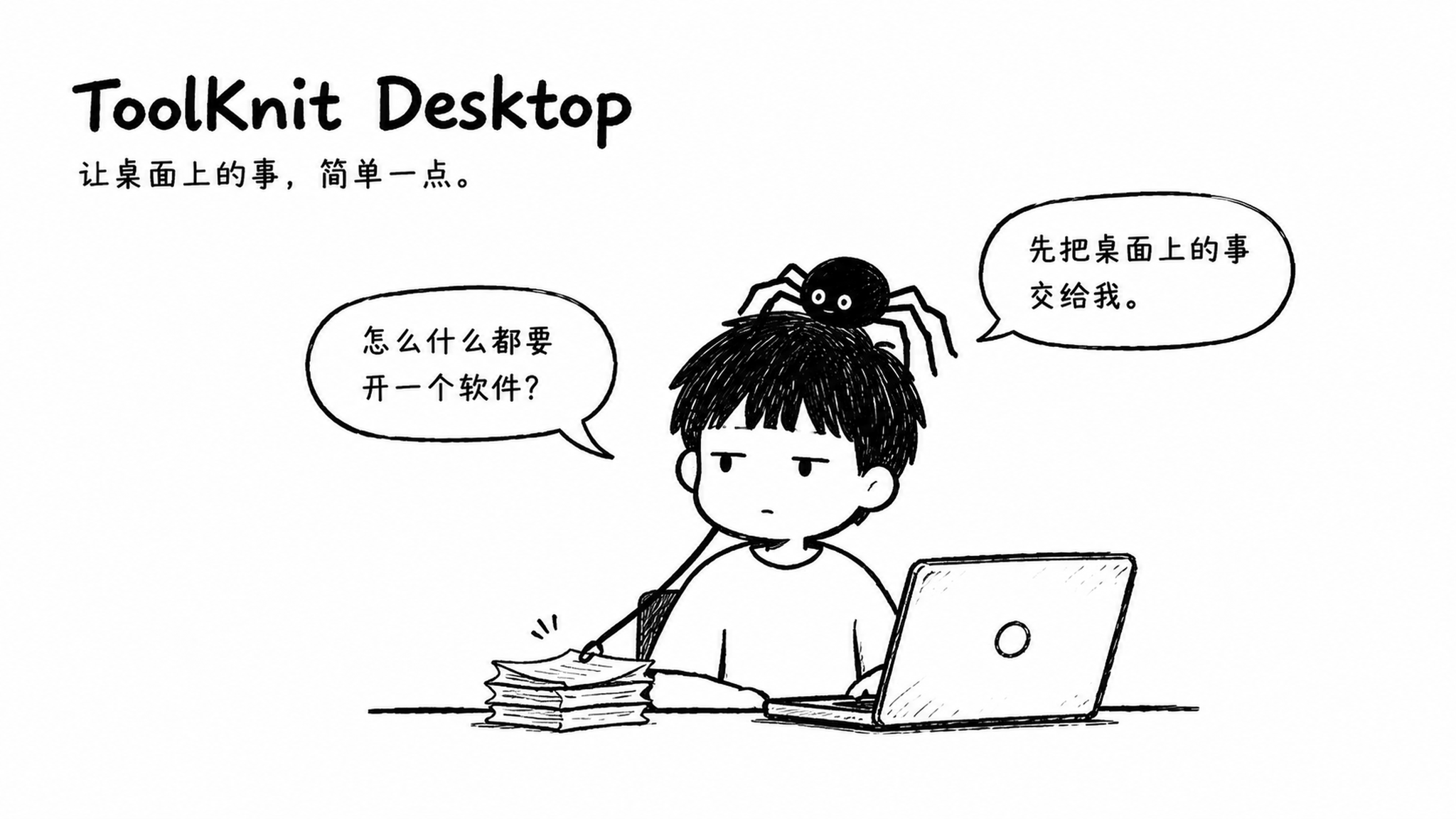
ToolKnit Desktop 3.2
One toolbox for the little tasks scattered across your desktop.
73 desktop tools · 12 categories · 77 CLI / MCP capabilities · Local first
Source licenses and separate PDF-to-Word authorization



About the project and me

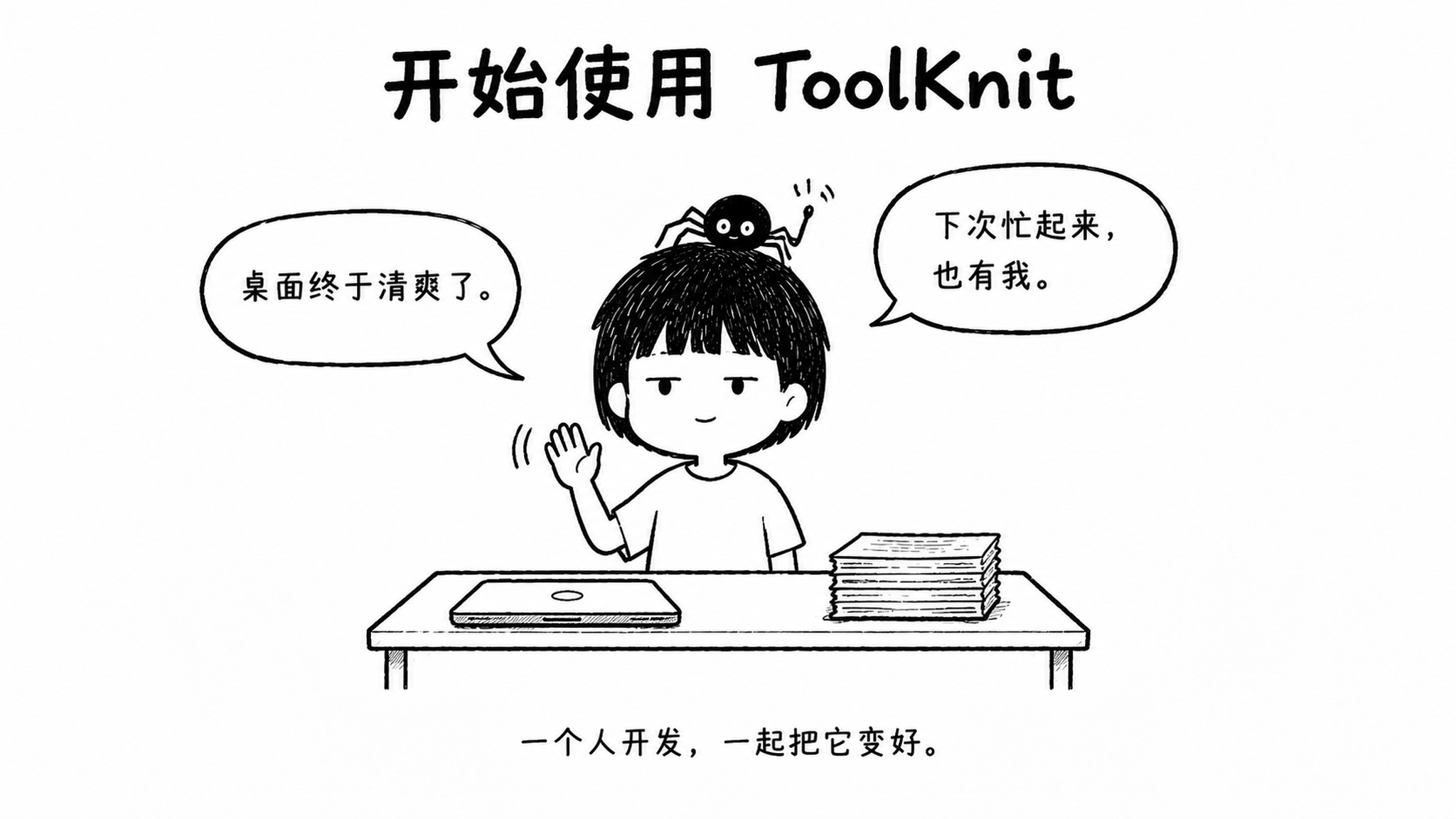
Hi, I am Zihang Dong, an independent developer turning everyday annoyances into small tools. ToolKnit is a spider weaving a growing web. Each need adds a thread and becomes a tool. People discover it, use it and help improve it. The boy is me; the spider on his head is the toolbox's little companion.
Try the web app first
Open ToolKnit.com in a modern desktop or mobile browser. No installation needed. 95 web tools cover PDF, images, audio, video, text, calculators, time, creative tasks, AI and self-tests. Most need no account. Supported file tasks run locally in your browser. Network requirements are listed in each tool.
Then bring it to your desktop
For everyday file work, install the Windows app. V3.2 contains 73 tools, with PDF to Word, Images to PDF, expanded floating history and saved phrases.
Set an output folder and favorite your tools. Install models only when needed.
Enable one-click recording mode for startup, clipboard monitoring and floating history. Press Alt + Q to capture.
The home page's V3.2 feature filter groups six new or enhanced tools.
See Get started for installation requirements and instructions.
People weaving it together
 Zihang Dong Product design · Development · Maintenance |
 Joshua-Zion Color spaces · Interaction improvements |
 hqyx2025 Project verification · Bug testing |
Thanks to everyone who uses, tests and improves ToolKnit. Joshua-Zion's contributions: PR #23, PR #67.
Contents
01 The idea · 02 Recording mode · 03 Screenshots · 04 Clipboard
05 Files · 06 Pictures and sound · 07 CLI / Agents · Actual screenshots
08 Get started · Tool catalog · Support and feedback · Run and build from source · Technology stack · License · Star History
| MaLiang AI / 马良 AI Author-recommended AI gateway Explore MaLiang AI → |
Doufu AI / 豆腐 AI Author-recommended multi-model gateway Explore Doufu AI → |
These are referral links. Pricing, model capabilities and availability are determined by the providers.
01 / Fewer apps, more things done
Start with one small tool, then weave more of the desktop's everyday friction into one web.
Crop a PDF page. Find the text you just copied. Annotate a screenshot. Remove an image background. Small jobs often mean switching between several applications.
ToolKnit brings PDF, PPT, image, audio, video, text, system and developer tools together. Use the desktop app for local files, the web app for quick access, and CLI or Agents for suitable automated workflows.
02 / Keep the things you want to remember
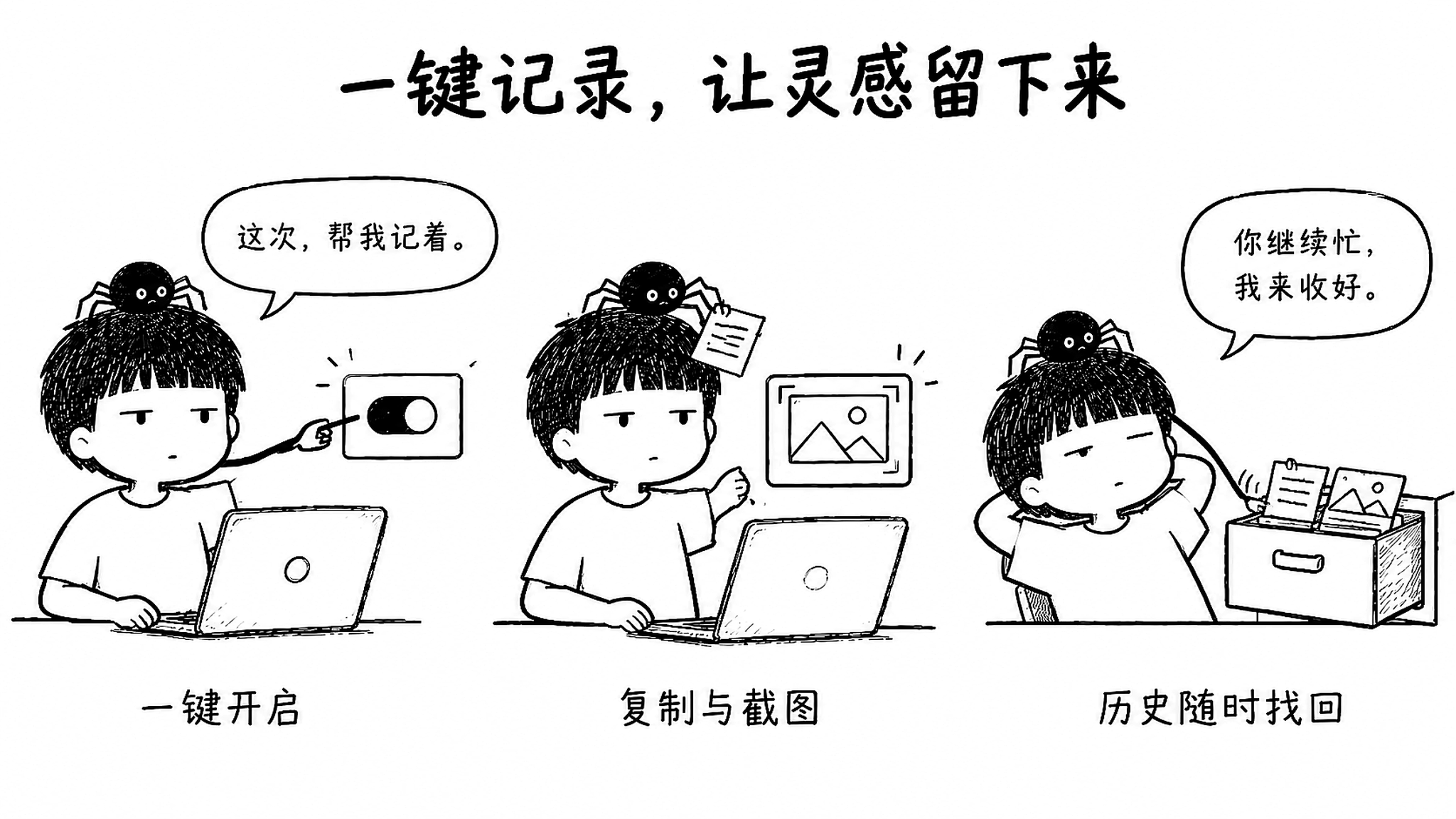
Enable one mode in Settings to bring three features together.
| Enabled together | What it does |
|---|---|
| Start with Windows | Keeps ToolKnit ready in the system tray after a restart |
| Live clipboard monitoring | Records newly copied text, images and file paths |
| Floating history | A draggable Logo opens shared clipboard images, text and file records with type filters |
Recording is opt-in and can be paused. Turning the mode off restores previous settings. Each switch also works independently. Dismiss the home prompt for this session or permanently. The Settings switch remains available. No keystroke or browsing logging. Monitoring stops when the application fully exits.
03 / A screenshot is just the start
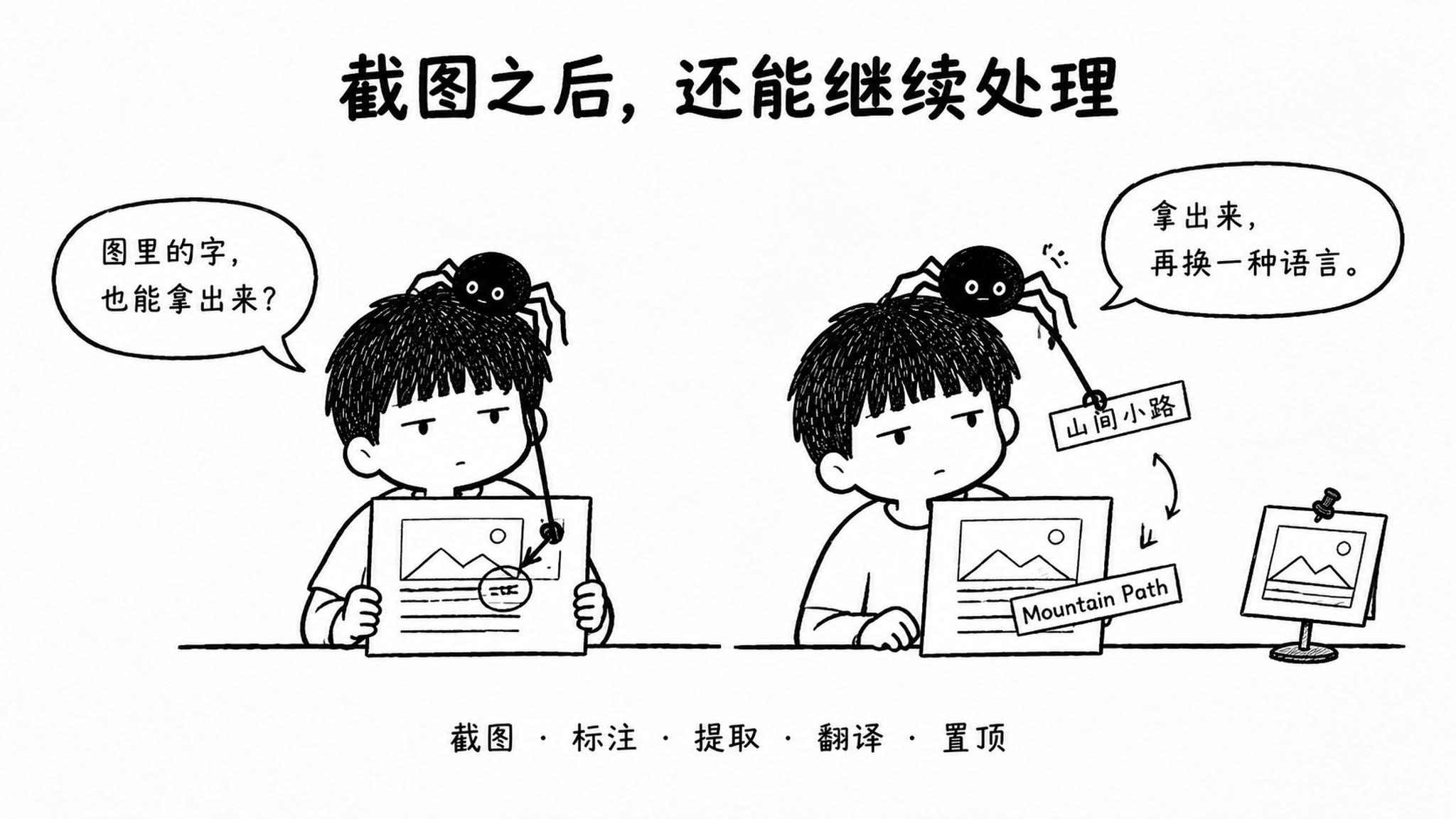
Press Alt + Q by default to capture a window or region. You can change or disable the shortcut.
Add shapes, arrows, pen strokes, mosaic and text. Undo, redo or hold to compare with the original. Text handles fit the content. The text editor has a quick-copy button. Copy, save PNG / JPG or open the pinned viewer. Reveal a saved file in its folder and exit capture mode. Find the tool under Creative. Screenshots share history with content copied from other apps; older images can be reopened.
| Task | How it works |
|---|---|
| Extract text | Local Windows OCR; small text, complex backgrounds and layouts can reduce accuracy |
| AI extraction | Sends the selected region to your configured image-capable model for text extraction |
| Screenshot translation | Requires the local Chinese / English model installed in Settings; recognition is followed by local translation and an image overlay |
Screenshot translation supports Chinese and English only. Without AI configuration, local OCR feeds the local translator. With image-capable AI configured, OCR locates text and AI corrects it before local translation. If AI fails, you choose whether to use OCR instead. The full translation remains copyable even when it cannot fit.
Translation components are downloaded on demand: approximately 192 MiB downloaded / 225 MiB installed, separate from the main installer. External AI latency depends on the provider. There is no fixed completion-time guarantee. Check recognition and translation results.
04 / Find what you copied
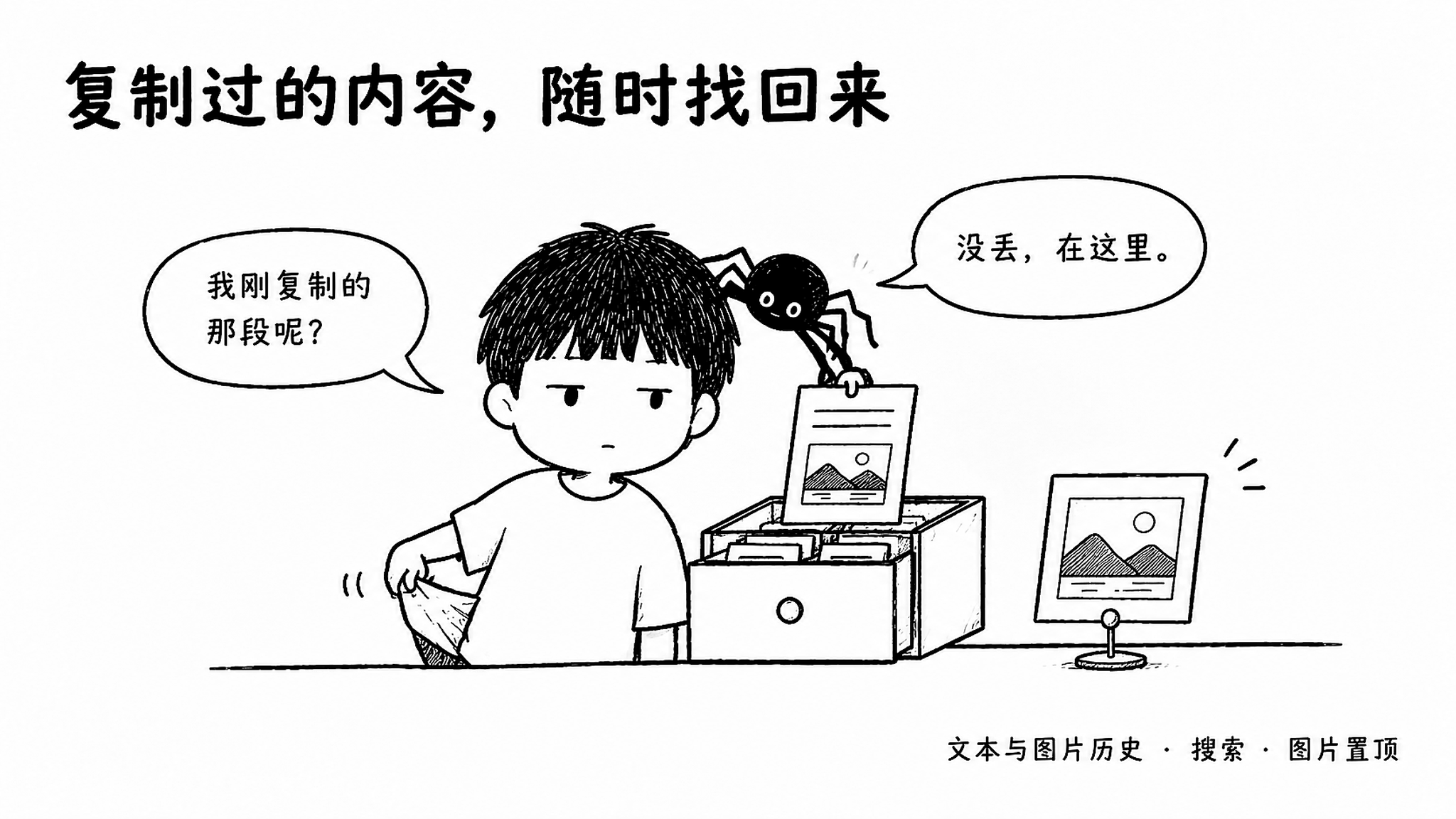
The note you copied a moment ago does not have to disappear.
Text, images and file paths stay in a searchable timeline. Filter, favorite and store records with local encryption. Monitoring preferences survive restarts.
| Action | How it works in V3.2 |
|---|---|
| Browse floating history | Shares the full history database; shows the first 20 records, type filters and detailed timestamps |
| Search and annotate | Searches content, source and notes as you type; right-click to add a note or delete |
| Reorder | Use the drag handle; new records enter at the top, displaced records remain in full history |
| Save phrases | Add a title and content, or save a text record; search separately and delete manually |
| Copy and drag | Click a phrase to copy; drag phrases, history text and original images into other apps |
| Inspect images | Thumbnails in the list, originals in the viewer; pin images on the desktop |
| Manage the window | Rounded context menus, shortcuts to the main app and history, or hide until ToolKnit restarts |
The recording switch sits at the bottom with a slim scroll indicator. Off-screen windows slide back into view. Click the menu button again to collapse it. Opening history restores the main window. Copy feedback appears at the primary screen's bottom without taking focus. Drop support depends on the receiving app. Dragging never sends a message automatically. Saved phrases survive history clearing and rotation.
Only newly copied content is recorded. Windows Win + V history is not imported. Pause or clear sensitive records as needed. A Windows-account-protected backup can restore a missing key file. Without a usable key, the old database is preserved; lost encrypted content is not guaranteed to be recoverable.
05 / Keep file work in one place
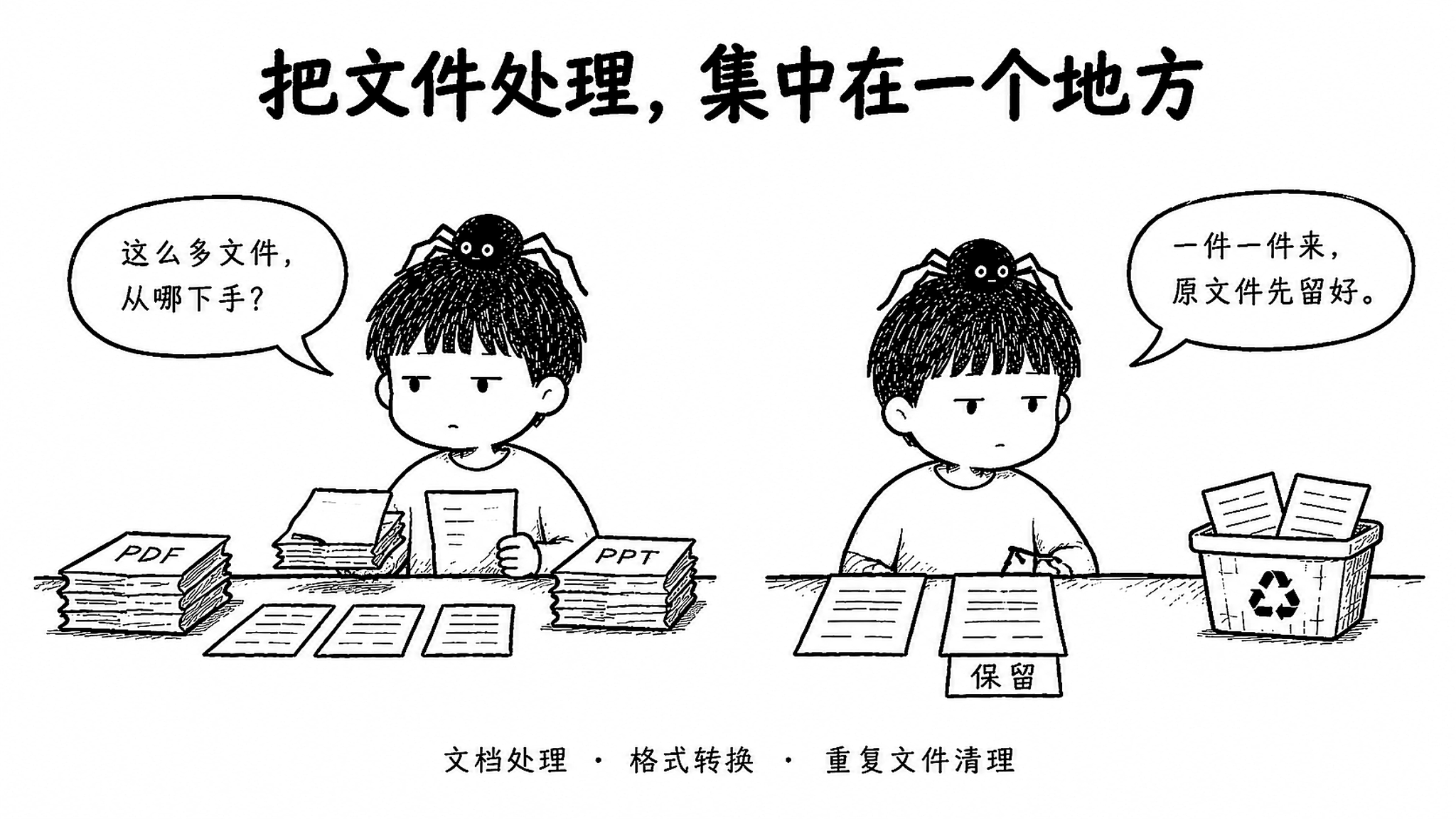
Move from preview to output with fewer detours.
| Workflow | Common tasks |
|---|---|
| Merge, split, crop, page numbers, rotate, export images / Word, compress, encrypt, decrypt, edit and extract text / Markdown | |
| PPT | Export PDF / images, extract pictures and text, compress, generate AI outlines or editable PPTX drafts |
| Excel | Convert XLSX / XLS / ODS to PDF; select all or visible sheets, paper size, orientation and scaling |
| Cleanup | Analyze large files, clean C drive and scan duplicates by file type |
PDF to Word: convert, then edit
Local analysis reconstructs text, paragraphs, tables and columns into editable DOCX. No Python, Office, GPU or extra model needed. Handles papers, contracts, ebooks, invoices, quotes and common tables. Improves Chinese fonts, reading order, spacing and pagination.
| Option | Purpose |
|---|---|
| Preserve original pages | Keeps source page sizes and content positions, prioritizing layout |
| Continuous A4 layout | Fits content to A4 and splits pages at safe content boundaries |
| Start editing | Change text, delete content or replace images; automatic font sizing, undo, redo and reset |
| AI layout assistance | Optional image-capable AI reviews local structure; keeps source text and supports continuing after timeouts |
Three panes: settings, preview and page navigation. Select pages, cancel processing or export a fresh result. Fixes include table backgrounds blocking text, short fields becoming images and reader-specific spacing. Complex formulas and uncertain regions remain local images. No scan OCR. Not every element will be editable or render identically in every reader. Limit: 64 MiB / 100 pages per file. Only enabled AI processing sends necessary regional images and text. This custom engine has a separate source license. Commercial and noncommercial reuse both require written permission. Read the terms.
Images to PDF: turn pictures into a document
- JPG, PNG, BMP, WebP, GIF and common TIFF files. Multi-page TIFF expands; animated files use the first frame.
- Drag to reorder, rotate or remove. Choose A4, original dimensions, margins and orientation.
- Original color, grayscale or scanned-style output, with three quality levels. Transparency becomes white.
- Up to 100 pages, 64 MiB per image. Processes one page at a time, with cancellation, retries and unique output names.
PDF editing and selection: start with a blank page
Create a blank A4 PDF without uploading a file. Add multiline text, images and shapes, with undo and redo. Improves rotated-page editing, edge placement and preview/export consistency. Fixes missing images after undo and stale state on rapid reopen.
The split workspace starts with no pages selected. Enter 1-10, then 15-20, to select 16 pages without 11-14.
Select all, enter a single page or overlap ranges without duplicates. Multiple files use continuous numbering. Each addition clears the input for the next range.
Zoom PDF previews around the pointer with the wheel. Pan with the middle button or Space. Sidebars and text areas still scroll. Shared navigation, themes, input underlines and completion dialogs reduce flashing and clipped controls.
Output and cleanup
Excel's All worksheets option includes hidden sheets and changes only a temporary copy. Text-layer PDF extraction needs no AI key. Use the separate AI vision tools for scanned text. Duplicates are checked by content. Nothing is selected for deletion by default. Keep at least one copy per group; confirmed files are rechecked before moving to the Recycle Bin.
File tools preserve originals by default and write results to the output directory. Visual covering in the PDF editor is not secure redaction, and a scanned-style PDF does not prevent copying. Cleanup safeguards cannot replace your judgment about your files.
06 / A workbench for pictures and sound
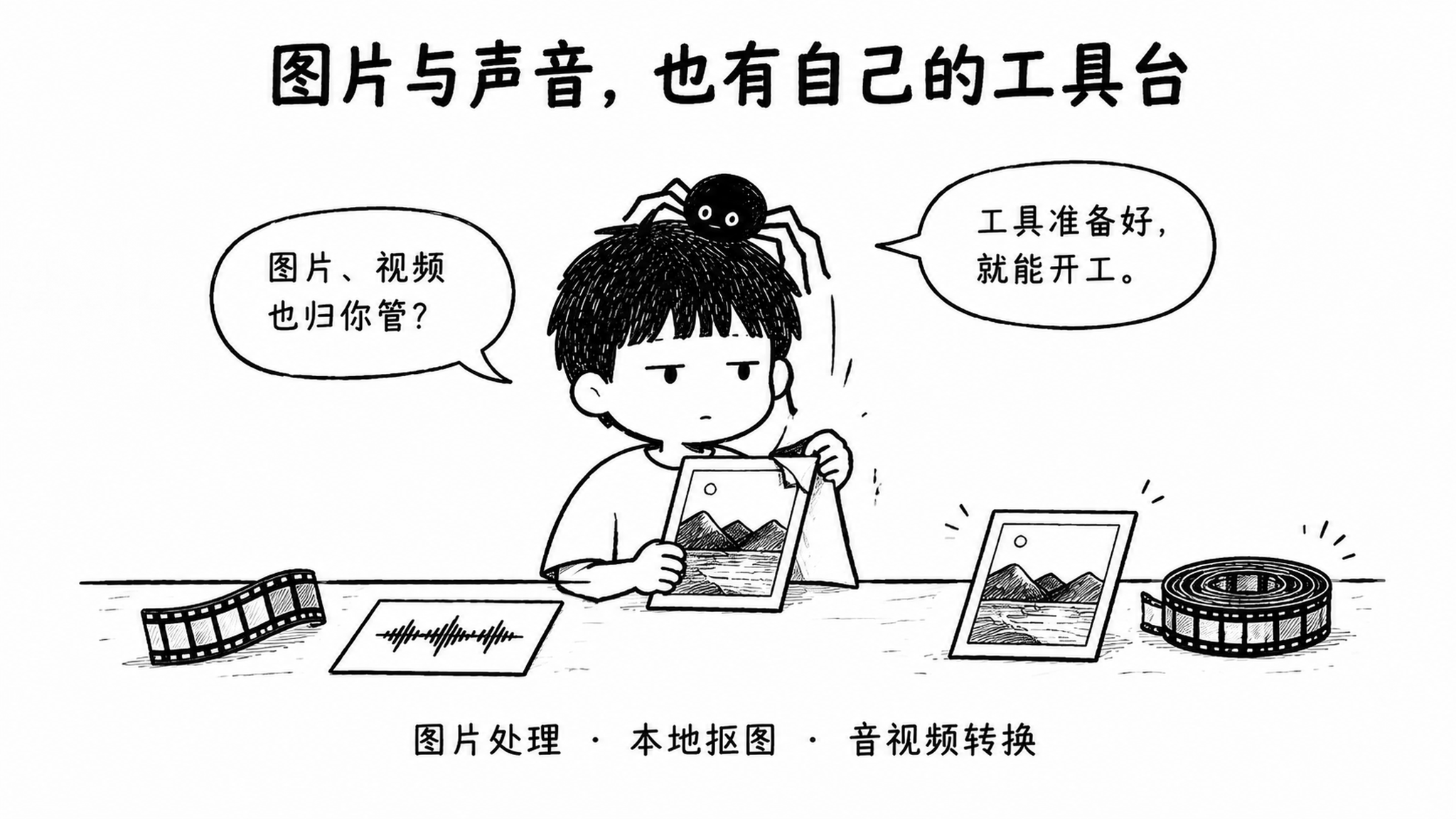
Crop, compress, convert and stitch images; generate icons or remove backgrounds with a local model. Convert audio and video, trim audio, extract sound, capture video frames, create GIFs, transcribe offline and edit Markdown.
FFmpeg, LibreOffice, transcription and background-removal models are installed on demand. Existing usable runtimes are reused where supported.
Downloads support source fallback, resume and integrity checks. Failed updates preserve usable components. Network speeds vary.
Background removal offers CPU mode. Automatic mode retries on CPU after GPU failure. Missing components get a specific error.
WPS / Microsoft Office is not LibreOffice and cannot replace workflows that need soffice.
07 / Work by hand, or hand it to an Agent
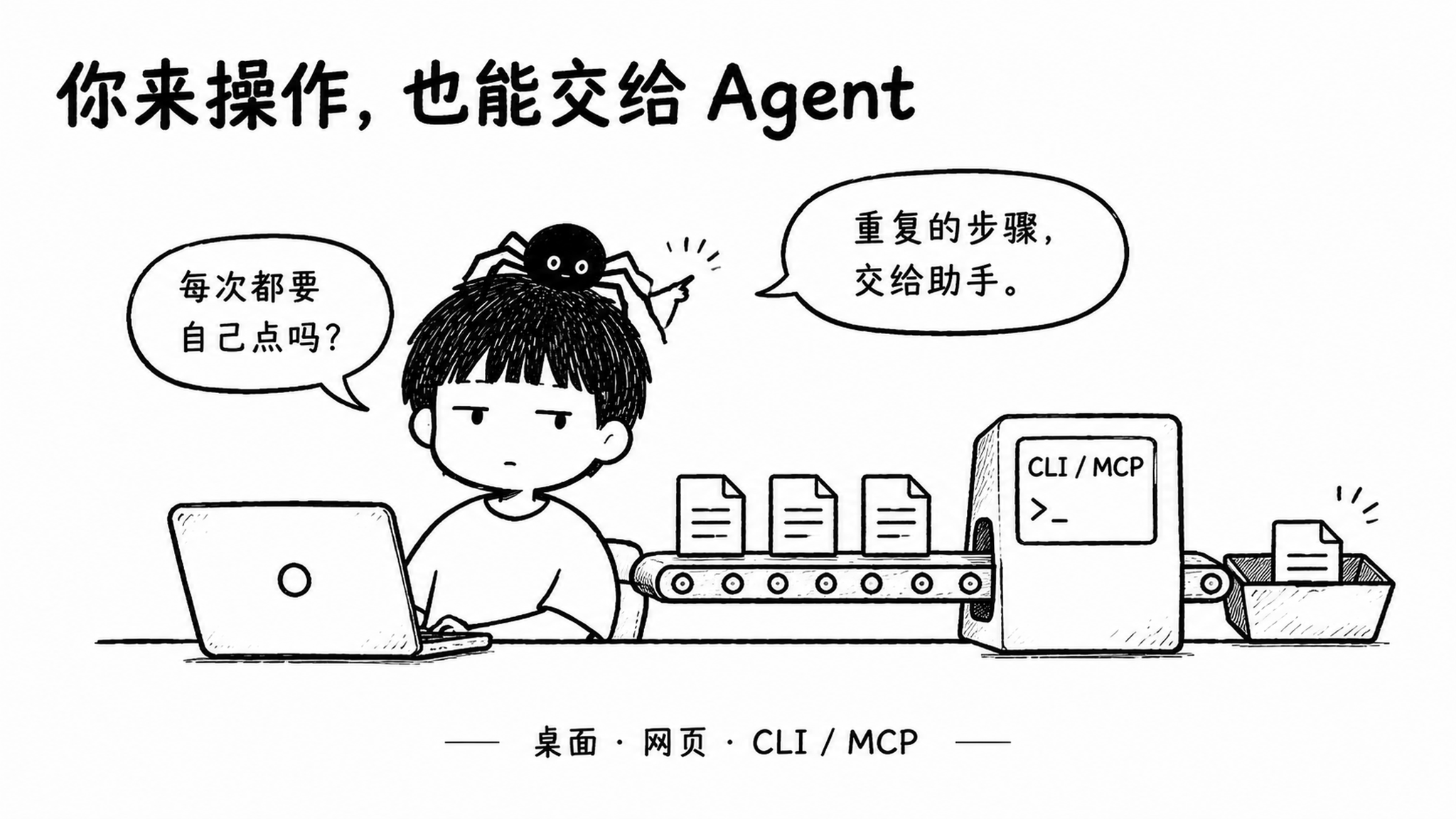
Desktop for visual interaction. CLI for batches. Agents for orchestration.
The V3.2 source expands from 46 to 77 CLI / MCP capabilities, exposed through @toolknit/cli.
Desktop V3.2 and npm CLI / MCP 3.2.0 are both released. Install each independently.
| Area | Examples |
|---|---|
| Documents | PDF to Word, Images to PDF, PDF pages and text, Excel to PDF, Markdown export |
| Images | Conversion, compression, cropping, rotation and icon packages |
| Text and calculation | Formatting, statistics, encoding, developer utilities and calculators |
| AI and media | Polishing, translation, document / spreadsheet workflows, media conversion and offline transcription |
| File inspection | Read-only scanning, dependency checks and structured JSON results |
Progress, cancellation and explicit errors are supported. Originals and existing outputs stay protected. Unicode paths, long paths and model downloads are improved. Windows, clipboard monitoring and system cleanup remain desktop interactions. 77 interfaces do not map one-to-one to 73 desktop tools.
Use @toolknit/cli 3.2.0 or later, independently of the desktop app. See the complete catalog for all 77 capabilities. Requires Node.js 22.13+.
npm install --global @toolknit/cli
toolknit doctor --json
toolknit --help
Connect an MCP-compatible client
{
  "mcpServers": {
    "toolknit": {
      "command": "toolknit",
      "args": ["mcp", "serve"]
    }
  }
}
Basic file capabilities do not require an AI key. AI workflows require DEEPSEEK_API_KEY or TOOLKNIT_AI_API_KEY in the CLI / MCP process environment, as specified by the command contract.
The actual workspaces
Windows desktop
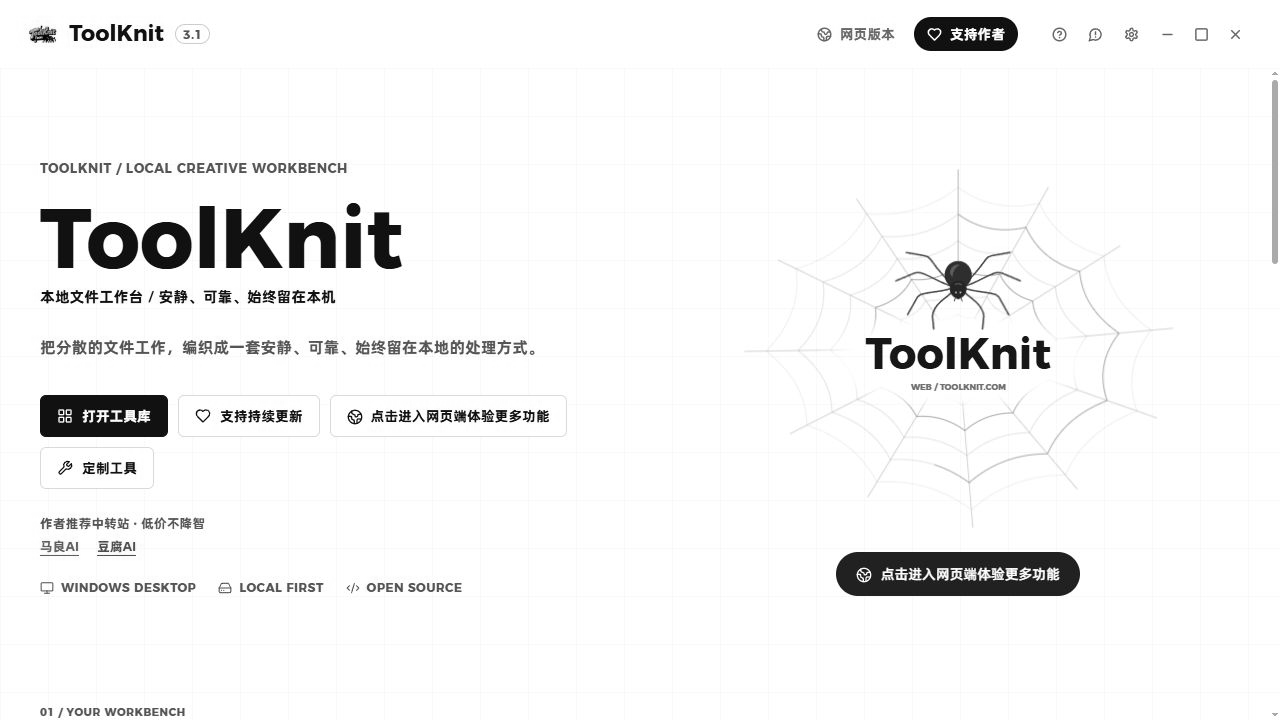
An actual capture of this repository's 3.1 home interface, rendered in a browser and converted to grayscale. Native file, shortcut and system features require the installed Windows app.
No-install web app
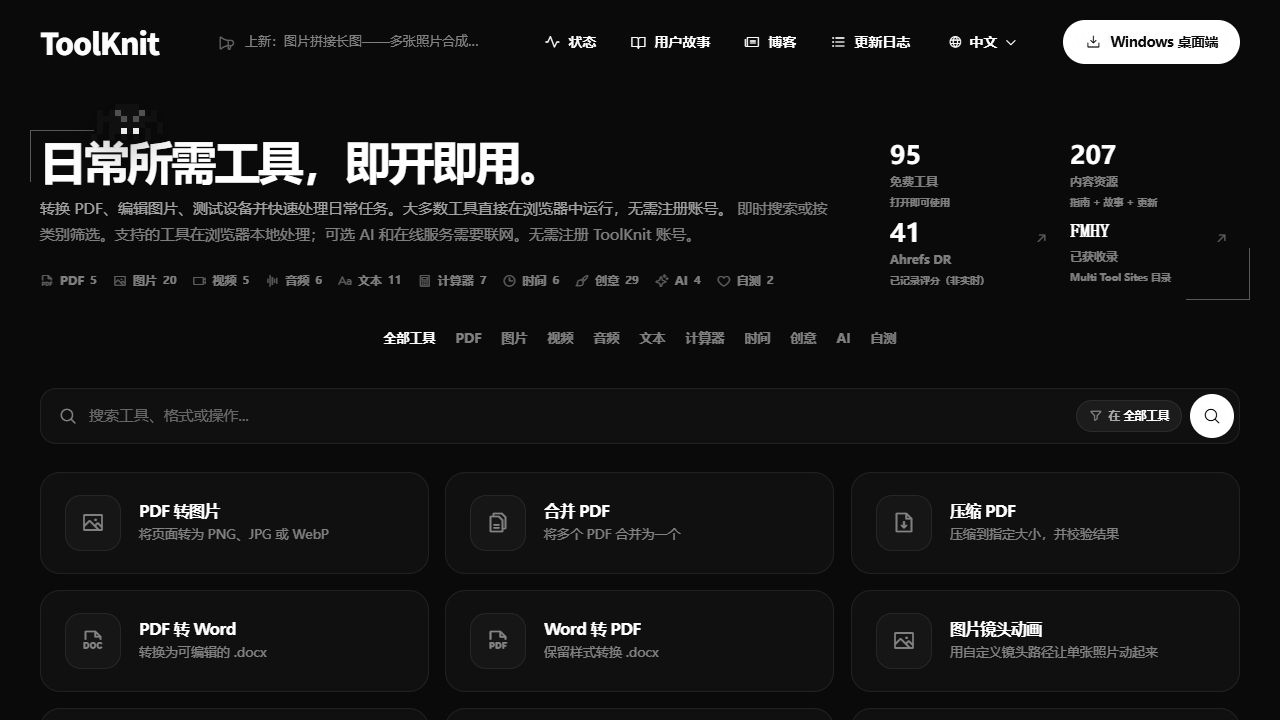
An actual capture of ToolKnit.com, converted to grayscale. Desktop and web tool scopes, dependencies and offline support follow each product's own documentation.
The comics share the approved Chinese-language artwork in both READMEs. Their accessible descriptions and the surrounding English text explain each scene and feature.
08 / Get started
| Entry | Best for |
|---|---|
| Download for Windows | Local file workflows, recording mode and screenshots |
| Open ToolKnit.com | Quick access and cross-platform use without installation |
| Install the CLI | Scripts, batch processing and MCP Agents |
Requires Windows 10 1803 / build 17134 or later, or Windows 11, and Microsoft Edge WebView2 Runtime. The installer includes a bootstrapper. A missing WebView2 runtime needs an online download. Restart before using the app when requested. Windows 7 / 8 / 8.1 are unsupported. Available installer versions follow the download page. See the code signing policy for signing status.
Installation and everyday use
| Area | Improved behavior |
|---|---|
| Upgrades | Handles incomplete installation records and Unicode paths, waits for file locks, preserves data and startup settings |
| Uninstall failures | Distinguishes cancellation, failure and reboot requirements; keeps registration and offers retry while files remain locked |
| Windows and navigation | Fixes intermittent close failures; tray restores the page, Settings Escape preserves the background tool |
| Themes | Fixes PPT dropdown arrows, extracted text, AI editors and image / media tool colors |
| Inputs and dialogs | Focus underlines stay inside controls; improved narrow layouts, disabled initial focus and nested Escape handling |
| Stability | Improves cancellation, failure recovery and resource cleanup after reopening; updates security dependencies |
Update checks read GitHub and AtomGit. Downloads go to the official website. See the changelog for details.
Local first, with clear boundaries
Ordinary file tasks run locally by default. When you actively use an AI feature, necessary file content or screenshot regions are sent to your configured provider. Dependency downloads and update checks need a connection; installed offline capabilities do not require an AI key. File-size, page, pixel and batch limits vary by tool; support is not unlimited for every format.
Complete tool catalog
Expand 73 desktop tools / 12 categories
| Category | Count | Tools |
|---|---|---|
| 16 | Merge, split, page numbers, crop, export images, export Word, scanned-style PDF, images to PDF, text / Markdown extraction, editor with blank PDF creation, rotate, encrypt, decrypt, compress, text enhancement, Excel to PDF | |
| PPT | 7 | Export PDF, export images, extract images, AI text extraction, compress, AI outline, AI draft / PPTX |
| Image | 7 | Crop, smart color replacement, background removal, format conversion, compress, stitch, icon generator |
| Audio | 4 | Format conversion, BPM measurement, trim, extract audio |
| Video | 3 | Format conversion, full-resolution frame, GIF clipping |
| Text | 5 | Markdown editor, media transcription, teleprompter, text statistics, text formatting |
| Calculator | 5 | Body fat, timestamp, mortgage, interest, password generator |
| Creative | 4 | Palette extraction, color-space comparison, quick screenshot, typing test |
| Cleanup | 3 | AI large-file cleanup, C drive cleanup, duplicate files |
| AI | 5 | PDF to Markdown, text polishing, translation, document generation, spreadsheet generation |
| Hardware | 8 | System overview, CPU / memory, GPU / displays, motherboard / firmware, storage / health, network / devices, power / sensors, clipboard history |
| Developer | 6 | JSON formatting, Base64, URL encoding / decoding, UUID, JWT viewer, Hash & Crypto |
Support and feedback
Thanks to AtomGit for code hosting and developer collaboration. Repository mirror: AtomGit / ToolKnit Desktop.
ToolKnit recommends: help open-source ideas reach more people. AtomGit brings code hosting, project management and developer collaboration together. Discover useful tools, share your work and build good ideas with other developers. Explore AtomGit.
Report a bug · Suggest a feature · Contribution guide
If ToolKnit saves you time, a Star or one-time donation helps support development, AI testing and maintenance. Thank you to our supporters. Donations do not purchase a feature or promise implementation. Custom tools: WeChat wunanvip6. Code licensing requests, including commercial licensing: [email protected].
Run and build from source
Prerequisites
Confirm authorization before running the source. This branch includes the PDF-to-Word Engine. Running, testing or building the complete app with that Engine requires prior written permission. Reading the source does not. Normal use of official apps and the official CLI follows their applicable terms. See the Engine license.
Use a supported Windows 10 / 11 system with Node.js 22.13+ (24 recommended), Rust stable 1.90+, Visual Studio C++ Build Tools (Desktop development with C++ and Windows SDK), and Microsoft Edge WebView2 Runtime. Initial npm and Rust dependency installation requires a connection. Install using the existing lockfiles.
Start the desktop app
git clone --branch main https://github.com/ZihangDong/toolknit-desktop.git
Set-Location toolknit-desktop\toolknit-desktop
npm ci
npm run tauri dev
This checks out main. Once authorized, run npm run dev for a frontend preview at http://localhost:1420/ by default.
Native files, the system tray and global screenshots need the Tauri desktop environment.
Build an installer
From the nested toolknit-desktop/ directory:
npm run build:release-package
Builds the frontend, then the desktop app. Production settings disable DevTools. Code signing needs separate configuration.
Default NSIS output: src-tauri/target/release/bundle/nsis/. A custom Cargo target directory changes that location.
FFmpeg, LibreOffice and optional models are installed on demand. Source code does not include user keys or complete model packages.
Source layout
Repository root/
├── README.md / README_EN.md   Project introduction
├── BUILD.md                  Full build guide
├── assets/                   Documentation and artwork
└── toolknit-desktop/          npm / Tauri working directory
    ├── src/features/         Tool pages, logic and styles
    ├── src/app/              App orchestration and lifecycle
    ├── src/shared/           Shared UI and runtimes
    ├── src/platform/         Browser and native adapters
    ├── src-tauri/            Rust native capabilities and configuration
    ├── cli/                  CLI / MCP interfaces
    └── scripts/              Checks, tests and build scripts
Read more: Build guide · Contributing · Architecture and maintenance (Chinese) · CLI / MCP.
Technology stack
| Layer | Technologies | Role in ToolKnit |
|---|---|---|
| Desktop and native | Tauri 2, Rust, Windows API, WebView2 | Windows, system tray, shortcuts, screenshots, local OCR and file operations |
| Frontend and build | Vanilla JavaScript (ES Modules), HTML / CSS, Vite 8, Lucide | Modular tool pages, lazy loading, themes and icons |
| PDF and office files | PDF.js, pdf-lib, docx, ExcelJS, JSZip | PDF preview and editing, editable Word, spreadsheets and document archives |
| Markdown and editing | CodeMirror 6, markdown-it, KaTeX, Mermaid, DOMPurify | Editing, typesetting, math, diagrams and HTML sanitization |
| Images and media | Canvas, Rust image / oxipng, FFmpeg | Image processing and compression, media conversion; FFmpeg is installed on demand |
| Local models and external runtimes | ONNX Runtime, offline recognition and Chinese / English translation components, LibreOffice | Background removal, transcription, local translation and office rendering, installed per feature |
| Data and networking | SQLite, AES-GCM / Argon2, Tokio, reqwest | Local history and encryption, asynchronous tasks and native requests |
| Automation and AI | Node.js CLI, MCP, OpenAI-compatible APIs | Batches, Agent access and AI workflows actively configured by the user |
Third-party components retain their own licenses. See package-lock.json and src-tauri/Cargo.lock in the desktop project for exact versions. Optional runtimes and models are not all bundled in the main installer.
Source license
Visible source is not blanket permission to reuse it. Licenses differ by component.
| Scope | License and limits |
|---|---|
| General author-owned code | From 2026-10-14, PolyForm Noncommercial 1.0.0; compliant noncommercial use, modification and distribution must retain notices. Commercial use needs separate permission |
| Custom PDF-to-Word Engine | A separate source-viewing license; excluded from the general PolyForm grant |
| Prior grants and third parties | Earlier Apache-2.0 and other grants are not revoked. Third-party code, fonts, models and runtimes retain their licenses |
Separate PDF-to-Word Engine terms
Applies to author-owned Engine material in:
- All of
toolknit-desktop/src/features/pdf-to-word/. toolknit-desktop/src-tauri/src/native_runtime/pdf/docx_write.rs.
| Activity | Separate authorization |
|---|---|
| Read the implementation; keep private copies needed for viewing | Not required. Retain license and copyright notices |
| Execute, compile, test or modify Engine source | Prior written permission required for BOTH commercial and noncommercial purposes |
| Integrate into a product, redistribute or offer a conversion service | Prior written permission required, even when offered free of charge |
| Normally use an official app, test build or official CLI/MCP package | Follow the application's terms. No separate request solely because of this Engine license; commercial-use rights are not expanded |
Engine copies and adapters in the official npm package retain the same license. Moving, renaming or extracting code does not change its terms. The official-app exception does not permit Engine extraction, reuse or building modified versions. Your input files and converted output do not become the author's property or inherit the Engine source license.
Contact [email protected]. Describe the intended use, deployment and distribution scope. An email request, donation, payment or publicly available source is not authorization.
Copyright remains with the respective authors. These are source-available licenses, not OSI-approved open-source licenses. Independent implementations of general ideas that do not copy protected expression remain unaffected. So do express hosting-platform rights and non-waivable legal rights. ToolKnit branding, domains and hosted services are not licensed by the source license. This is a summary. See NOTICE, the Engine license and Apache-2.0 for the applicable terms.
Star History
Explore related projects
codecrafters-io/build-your-own-x
Master programming by recreating your favorite technologies from scratch.
561,129 starspublic-apis/public-apis
A collective list of free APIs
497,359 starsmorluto/rea
Reverse engineer anything with agents, from app behavior down to native binaries.
444,323 starsopenclaw/openclaw
The AI that really does things. Any OS. Any Platform. The lobster way. 🦞
394,213 stars