
VocaHQ/vocamac
VocaHQ/vocamac has 164 GitHub stars and 20 forks. Star changes are not measured yet. Last checked 2026-11-14 02:04 UTC. Last push 2026-11-13.
What you can do
- Type into any app, with live words in a small overlay while you speak.
- Paragraph breaks at long pauses between sentences, and spoken emoji and numbers ("party emoji" → 🎉, "seven thirty pm" → 7:30 pm).
- Personal dictionary for names and jargon ("get hub" → GitHub), plus snippets that expand short phrases. Import or export it as CSV, JSON or a word list, or bring it over from VoiceInk. Say a word to teach VocaMac how your speech model mishears it, and clear out words you haven't said in 60 days.
- Pastes by default, and types the text key by key when an app doesn't take the paste, or always in apps you choose (remote desktops, some games).
Measured star growth
- in 24h
- Collecting history
- in 7 days
- Collecting history
- in 15 days
- Collecting history
- in 1 month
- Collecting history
Net star changes over overlapping periods, not daily totals. Missing measurements are left blank. Stars measure attention, not software quality.
About
Open-source, offline voice-to-text for macOS. Hold a hotkey, speak, text appears. Private on-device dictation with multiple speech engines.
SecurityREADME.md
Original
VocaMac
Hold a key, speak, and your words appear wherever you type.
Open-source dictation for macOS. Your voice is transcribed on your Mac.



Download · Website · Models · Discord
Why VocaMac
- Private. Speech is recognized on your Mac. No account, no subscription, no cloud speech service.
- Works everywhere. Text is typed at your cursor in any app: Mail, Slack, VS Code, the terminal, your browser.
- Fast and accurate. Native Apple Silicon engines (Parakeet, Whisper, Apple Speech) on the Neural Engine and GPU.
- Free and open source under AGPL-3.0.
Install
Needs an Apple Silicon Mac on macOS 14 Sonoma or later.
brew tap vocahq/vocamac
brew trust vocahq/vocamac
brew install --cask vocamac
Or download the DMG from the latest release and drag VocaMac to Applications. The app is signed and notarized by Apple.
Nightly builds, building from source, and uninstalling →
Get started
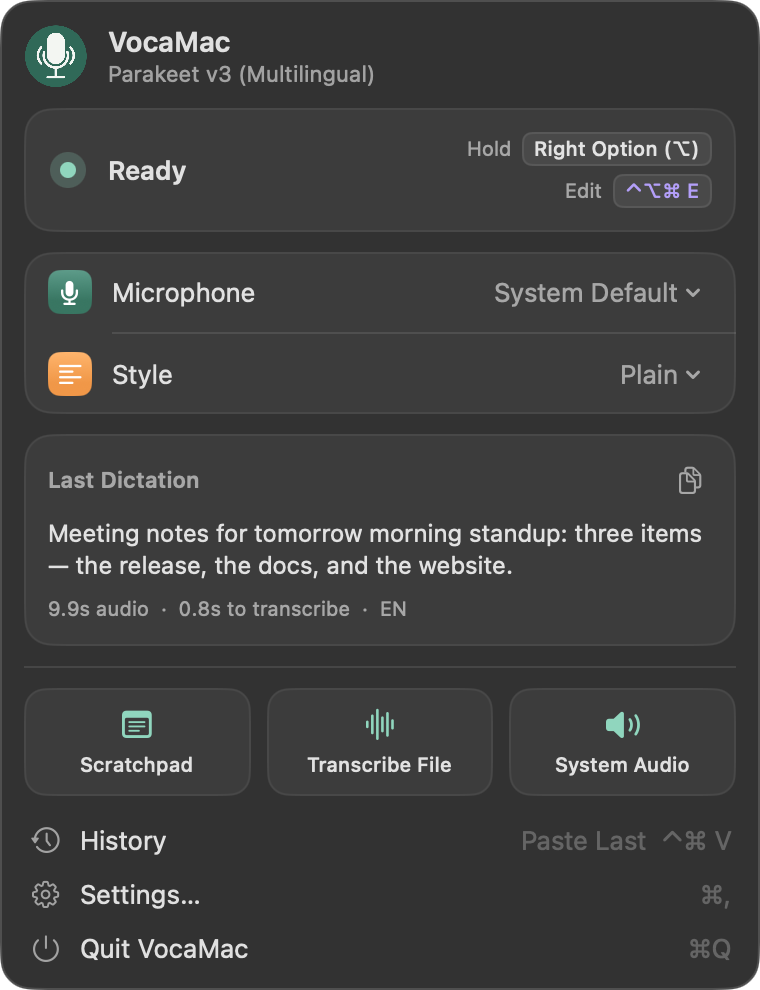
Open VocaMac. It lives in the menu bar, not the Dock.
Allow the three permissions it asks for:
Permission Why Microphone To hear you Accessibility To type the text into other apps Input Monitoring To notice the shortcut in any app (VocaMac asks to reopen once after you allow it) Hold Right Option, speak, and let go. Your words appear at the cursor.
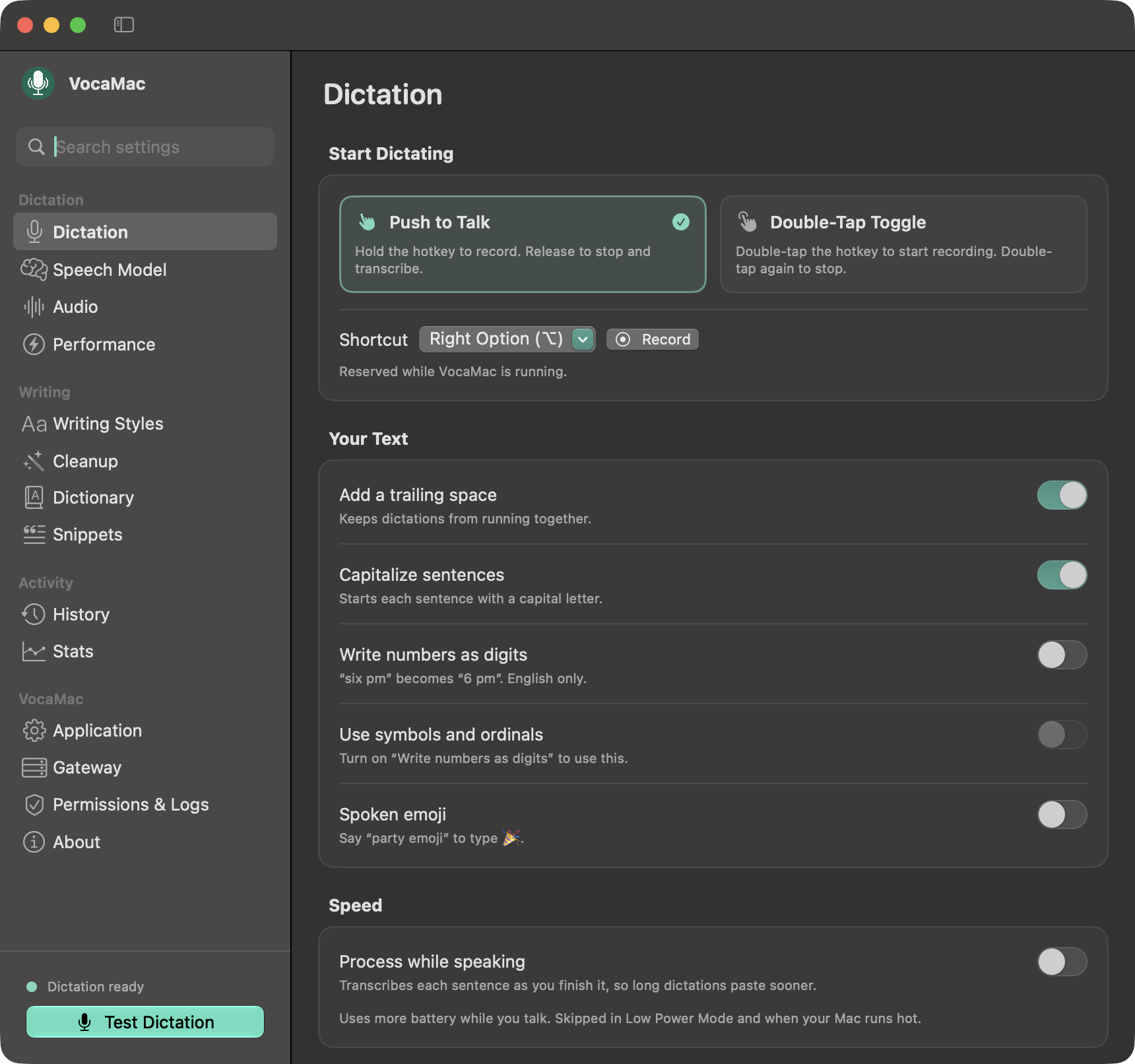
You can also double-tap the key to start and stop, use a separate hands-free shortcut or a mouse button, and press Escape to cancel. Change the shortcut in Settings → Dictation.
The Tiny Whisper model is built in, so you can dictate right away. VocaMac suggests a better model for your Mac, which downloads once.
Features
Dictation
- Type into any app, with live words in a small overlay while you speak.
- Paragraph breaks at long pauses between sentences, and spoken emoji and numbers ("party emoji" → 🎉, "seven thirty pm" → 7:30 pm).
- Personal dictionary for names and jargon ("get hub" → GitHub), plus snippets that expand short phrases. Import or export it as CSV, JSON or a word list, or bring it over from VoiceInk. Say a word to teach VocaMac how your speech model mishears it, and clear out words you haven't said in 60 days.
- Pastes by default, and types the text key by key when an app doesn't take the paste, or always in apps you choose (remote desktops, some games).
- Auto Send: press Return after each dictation, or only when you end with "send it" as its own sentence. Terminals and code editors are left out unless you add them.
- History of past dictations to search, replay, and paste again (⌃⌘V). You can keep chosen apps out of it, or turn it off.
Writing
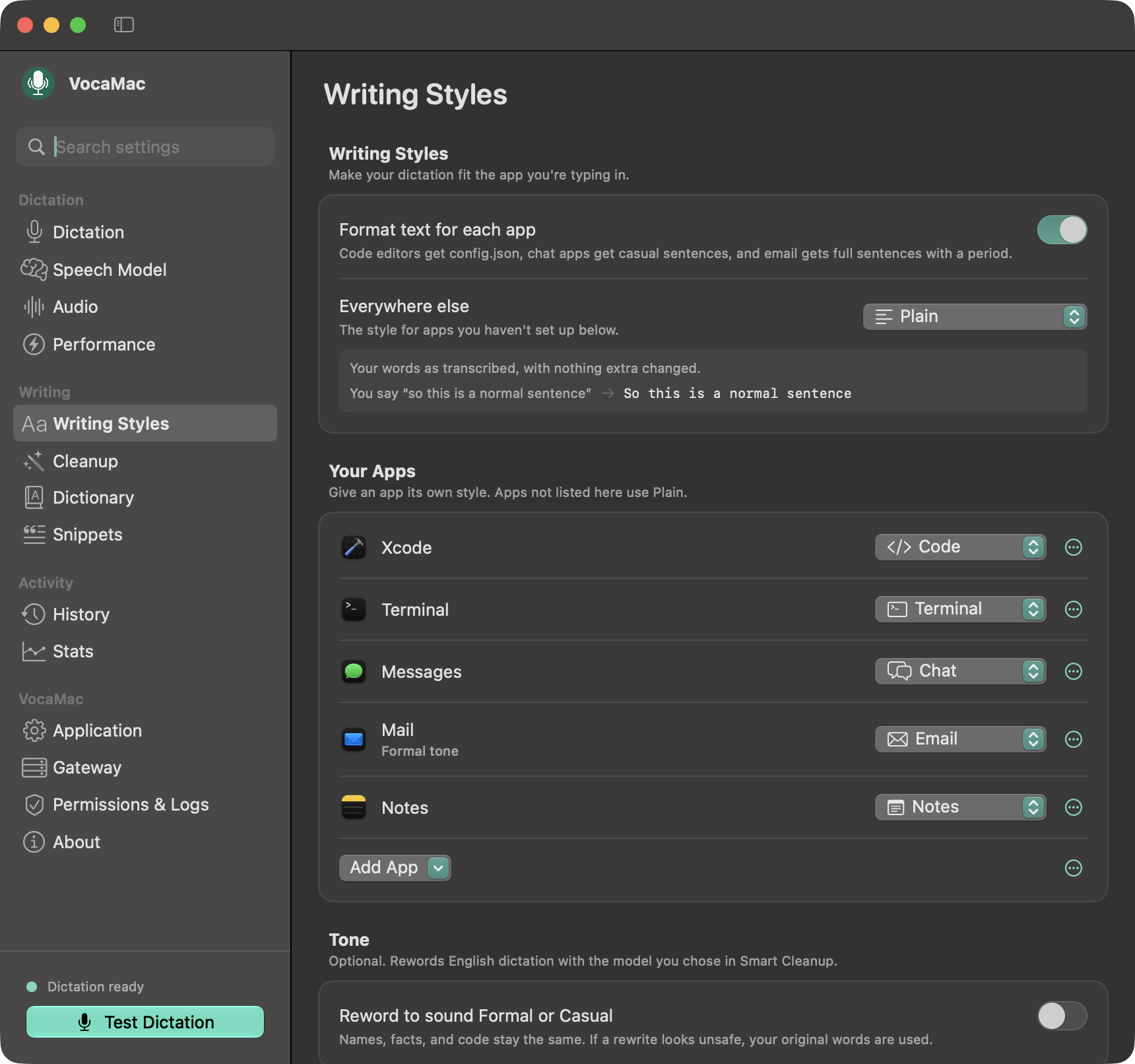
- Writing styles per app or website: email, chat, notes, code, terminal.
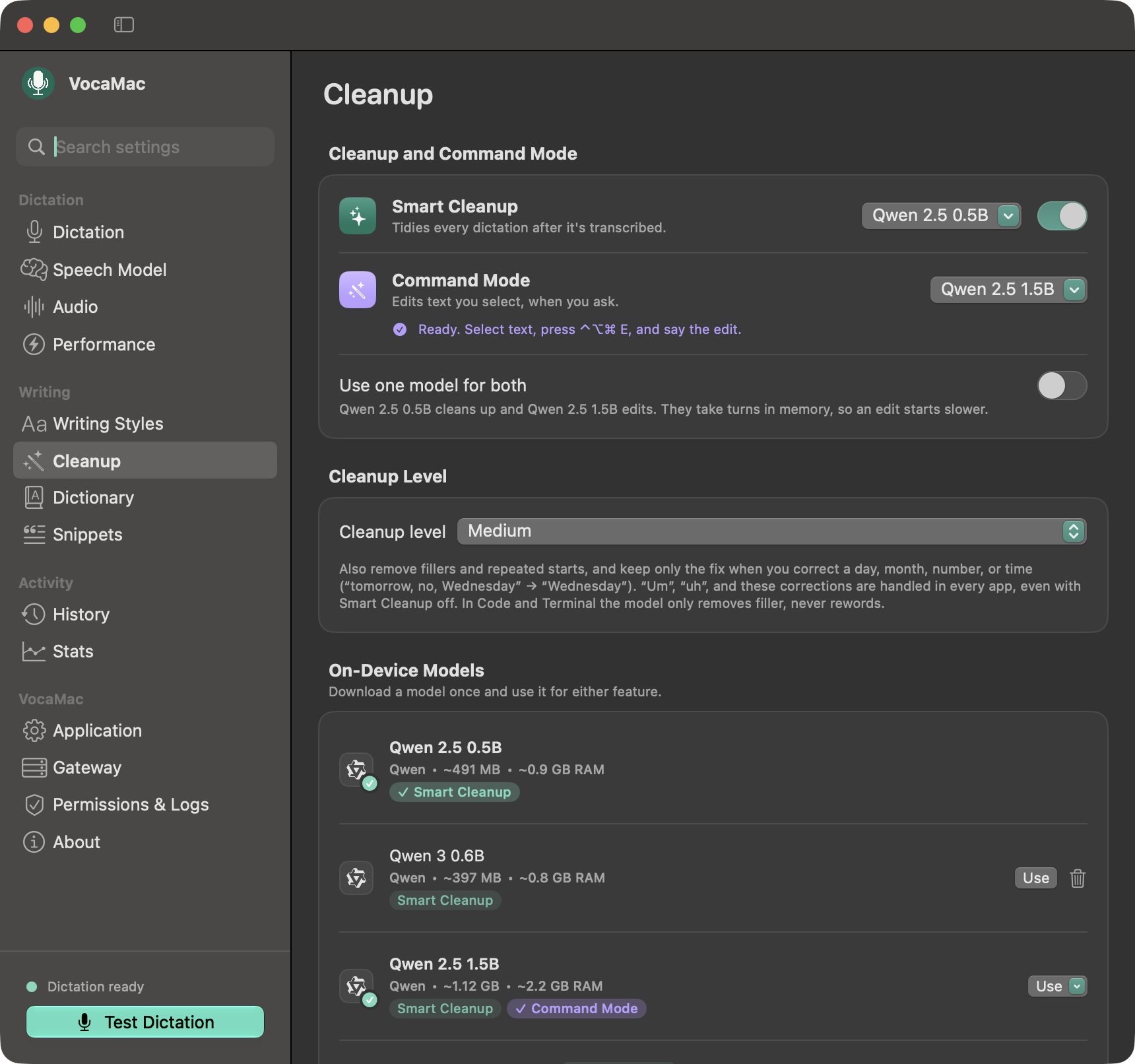
- Cleanup removes "um", false starts, and changes of mind ("let's meet tomorrow, sorry, no, let's meet Friday" → "let's meet Friday", "scratch that") with on-device rules, and a small on-device model tidies the rest.
- Command Mode: select text and say what to change ("make this shorter", "translate to Spanish").
And more
- Transcribe audio and video files, or record system audio.
- A command-line transcriber for scripts.
- Automation with the Shortcuts app and
vocamac://links. - Installs its own updates and keeps your permissions.
See every feature on vocamac.com.
Privacy
Local speech engines process audio on your Mac. After a model is downloaded, dictation works offline, and nothing about what you say leaves the computer.
Two features can send data elsewhere, and both are off until you set them up:
- Custom Endpoint uploads each recording to a speech server that you host.
- Remote cleanup (Ollama, LM Studio, or an OpenAI-compatible endpoint) sends text to clean up or edit, never audio. API keys stay in your Keychain.
Speech models
| Engine | Best for | Runs on |
|---|---|---|
| Parakeet (recommended) | Fastest dictation, in English or 25 European languages | Neural Engine |
| Whisper | The most languages, and translation to English | Neural Engine and GPU |
| Apple Speech | Built into macOS 26 and later; language packs may download on first use | On device, managed by macOS |
| Specialized (Moonshine, SenseVoice, GigaAM, Qwen3 ASR, Cohere Transcribe) | Low-memory Macs; Chinese, Japanese, Korean, or Russian; or the highest accuracy in one of Cohere's 14 languages | CPU |
Sizes, languages, and the full list are in docs/MODELS.md.
Screenshots
Show screenshots
 |
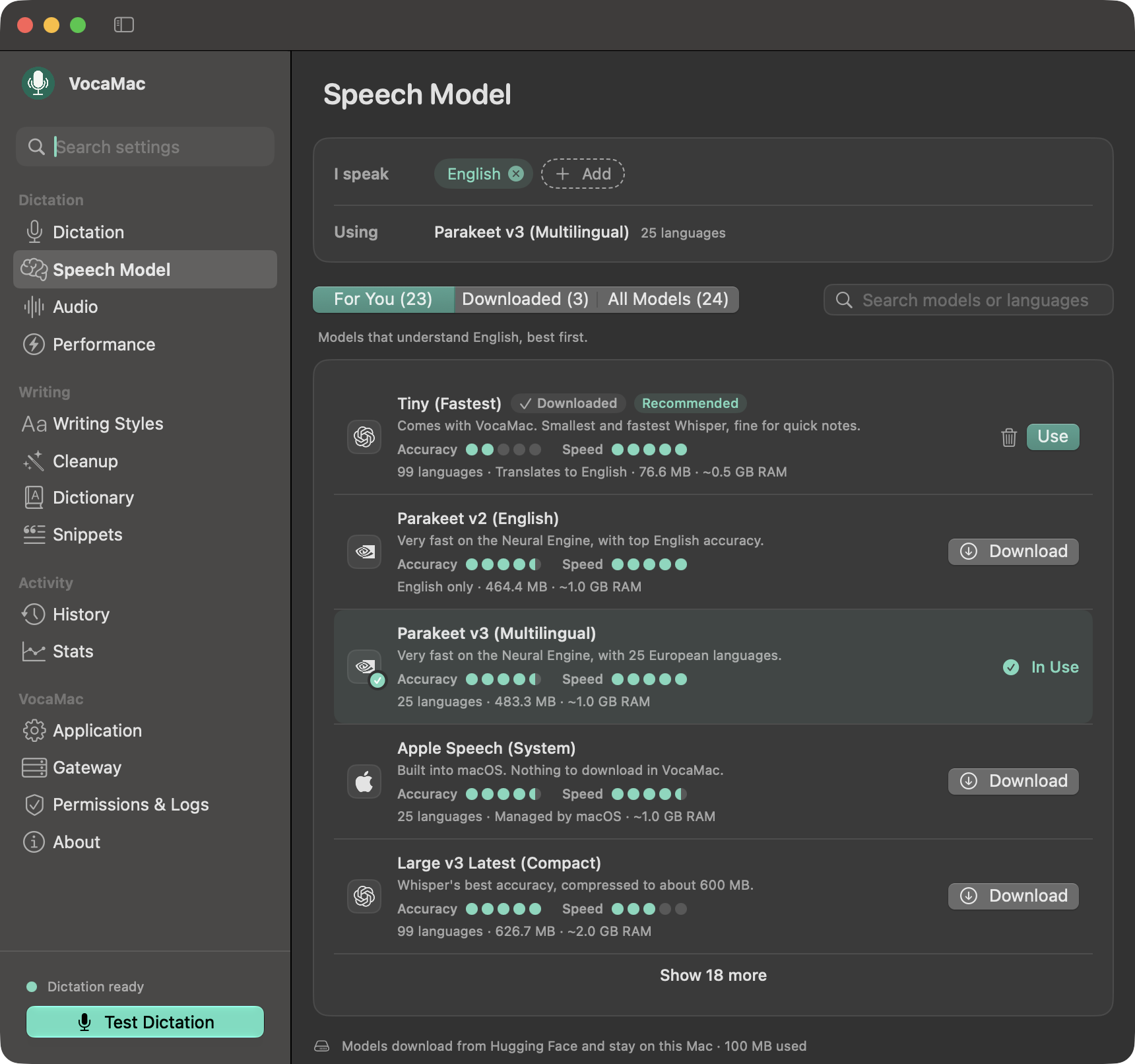 |
| Dictation | Speech Model |
 |
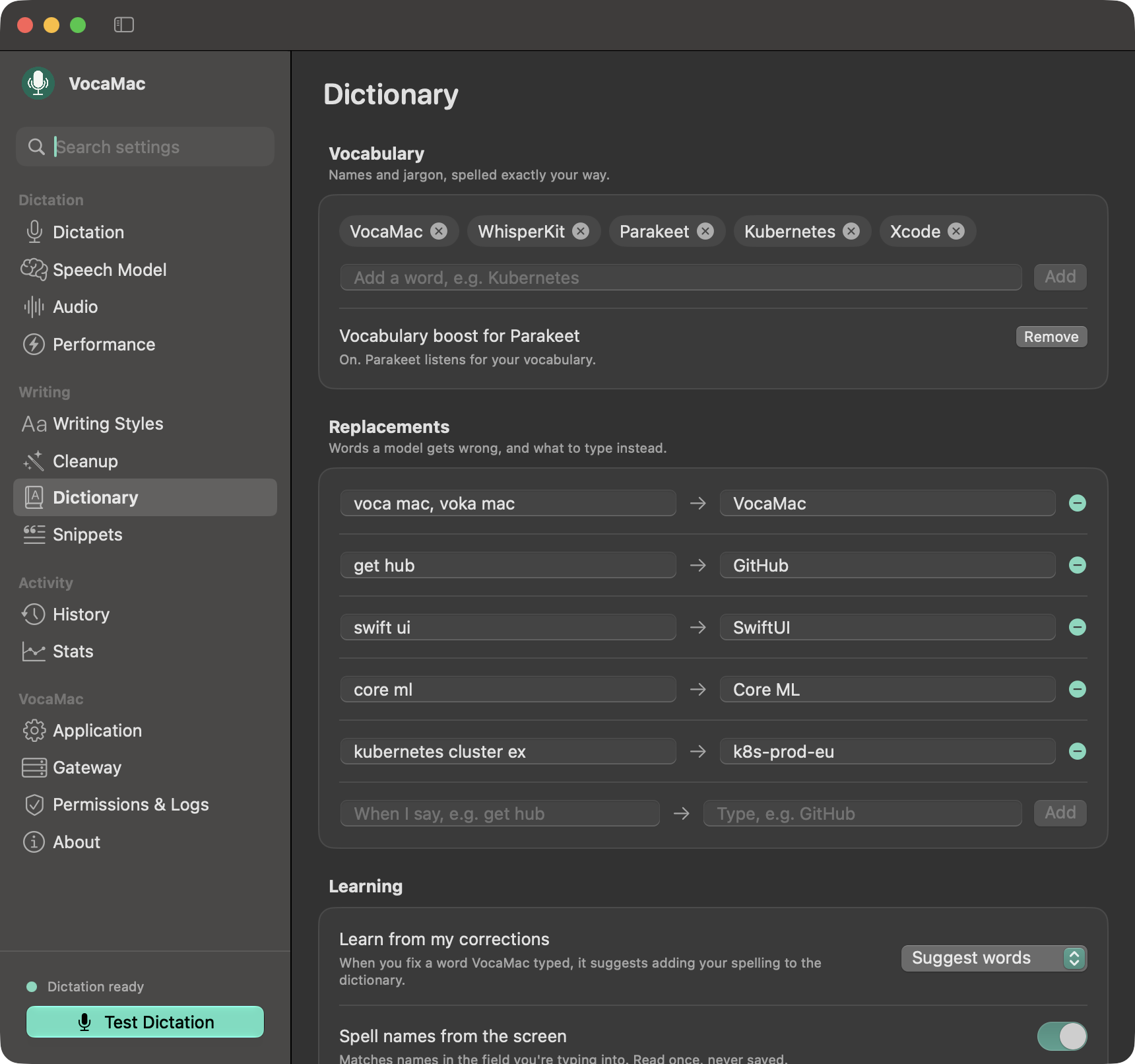 |
| Writing Styles | Dictionary |
 |
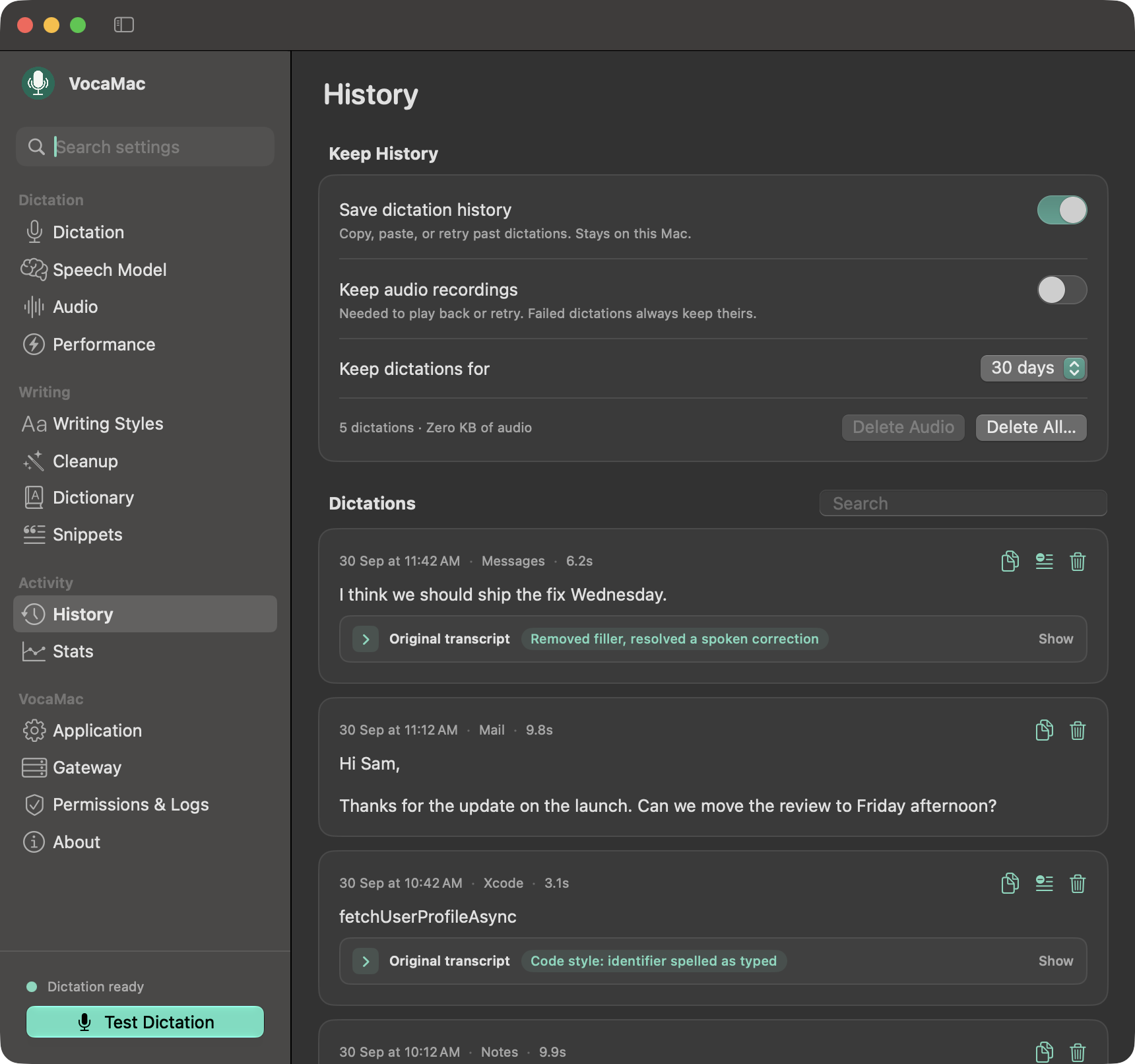 |
| Smart Cleanup | History |
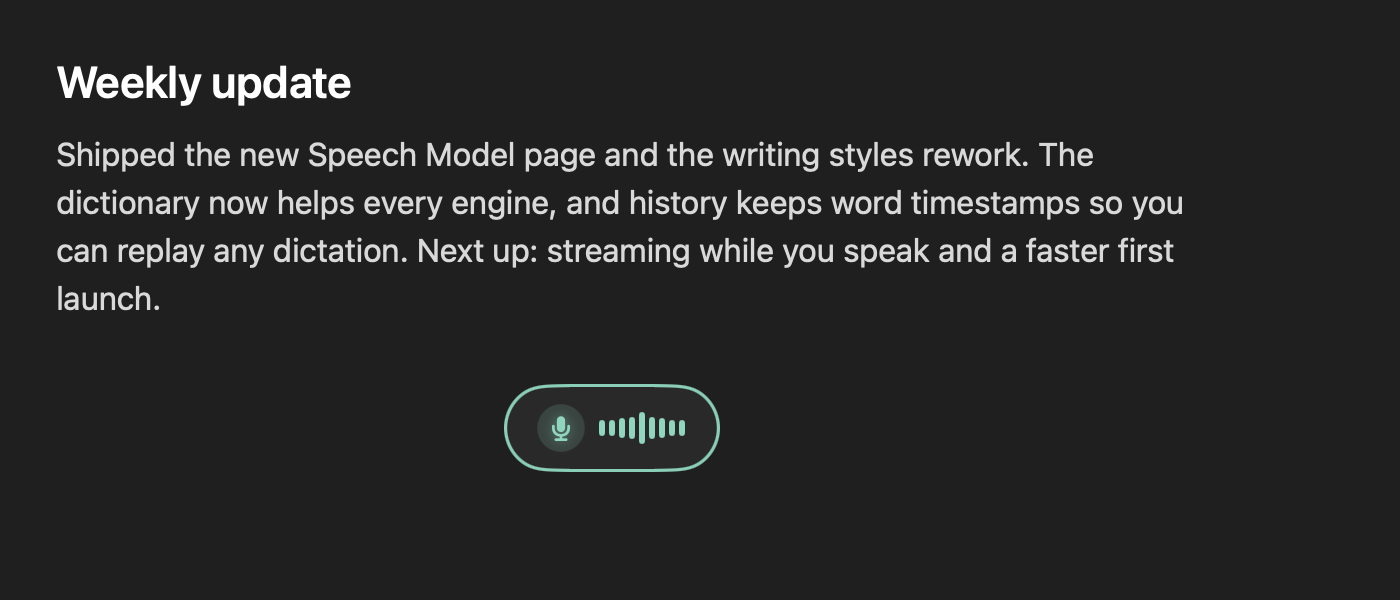 |
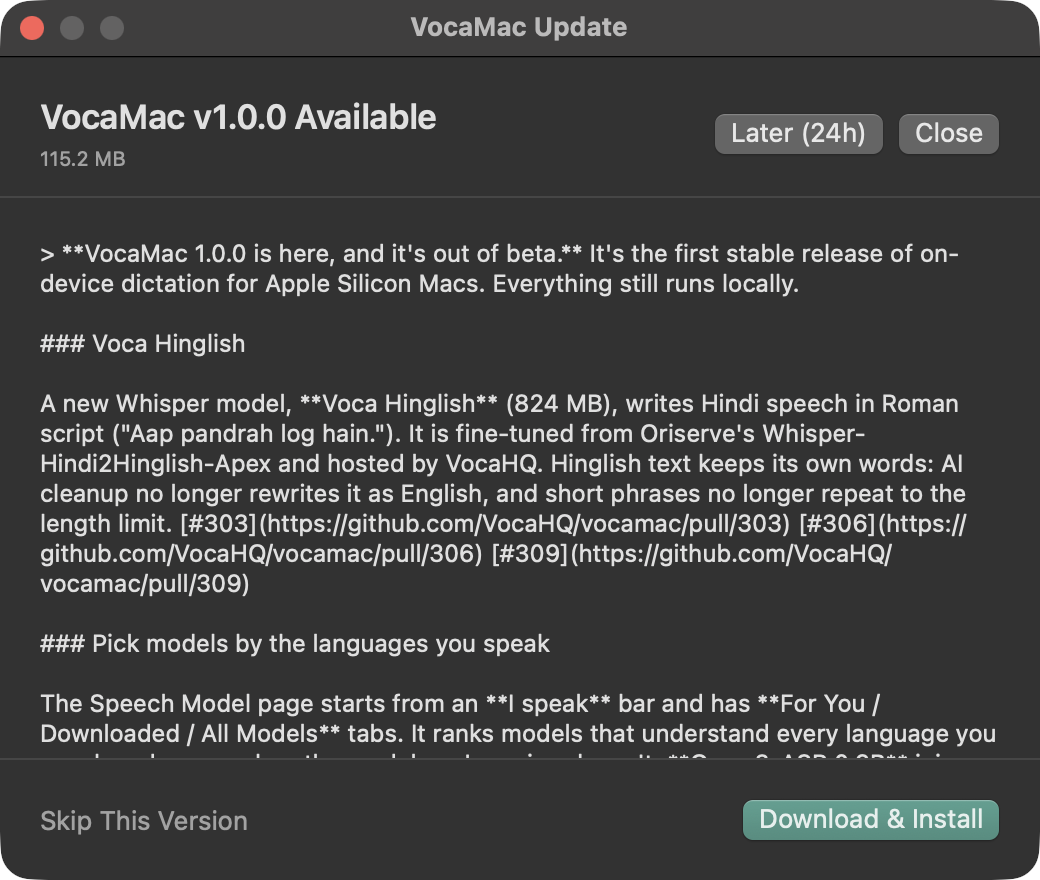 |
| Recording indicator | In-app update |
Documentation
| Install | Homebrew, DMG, nightly builds, building from source, uninstalling |
| Speech models | Every engine and model, with sizes and languages |
| Command-line transcription | Transcribe files from scripts, with JSON output |
| Troubleshooting | Resetting permissions or settings, update errors |
| Managed Macs | Pre-approving permissions with MDM |
| Architecture | How the app is built |
The Voca family
VocaMac is the macOS member of Voca.
| Platform | Project | Status |
|---|---|---|
| macOS | VocaMac | Stable (v1.2.0) |
| Linux | VocaLinux | Available now (v0.16.0) |
| Windows | VocaWin | Beta (unsigned v0.1.0-beta.1) |
| Phone | VocaPhone | Android beta, iOS TestFlight |
| Gateway | VocaGateway | Early. Optional self-hosted compute, not on-device |
Contributing
Bug reports, ideas, and pull requests are welcome. Start with CONTRIBUTING.md, or say hi on Discord.
VocaMac is built on WhisperKit, FluidAudio, sherpa-onnx, and LLM.swift.
License
Star History
Made for the macOS community · @vocahq on X · [email protected]
Explore related projects
trimstray/the-book-of-secret-knowledge
A collection of inspiring lists, manuals, cheatsheets, blogs, hacks, one-liners, cli/web tools and more.
258,313 starsHack-with-Github/Awesome-Hacking
A collection of various awesome lists for hackers, pentesters and security researchers
125,464 starsswisskyrepo/PayloadsAllTheThings
A list of useful payloads and bypass for Web Application Security and Pentest/CTF
82,661 starscaddyserver/caddy
Fast and extensible multi-platform HTTP/1-2-3 web server with automatic HTTPS
79,027 stars