
VeteranBoLuo/light-note
VeteranBoLuo/light-note has 86 GitHub stars and 9 forks. GitHot measured 0 stars in 24 hours, +1 in 7 days, and +1 in 15 days. Last checked 2026-11-17 02:36 UTC. Last push 2026-11-06.
Measured star growth
- in 24h
- 0
- in 7 days
- +1
- in 15 days
- +1
- in 1 month
- Update delayed
Net star changes over overlapping periods, not daily totals. Missing measurements are left blank. Stars measure attention, not software quality.
About
轻笺 - 免费的书签、笔记与云文件管理平台,内置 AI 助手,支持跨设备同步|Free bookmark, note and cloud file manager.
ProductivityREADME.en.md
Original


📦 轻笺 · LightNote
A free online workspace for bookmarks, notes, tasks, and cloud files
Bookmarks · Notes · Cloud files · Tasks · AI assistant · Cross-device sync
免费的书签、笔记、待办与云文件管理平台



Sound familiar?
❝ Find a great article → save it to browser bookmarks → never open it again ❞
❝ Quick notes scattered across Apple Notes, Notion, local txt → can't find any of them ❞
❝ Work files arriving over chat, shuffled through cloud drives → endless back-and-forth ❞
LightNote puts them all in one place. Bookmarks are auto-fetched, notes captured on the fly, files stored in the cloud, and tasks kept on schedule — with unified tags connecting your materials. Open it in your browser and get started. The hosted service is currently free to use, with no deployment required.
Features at a glance
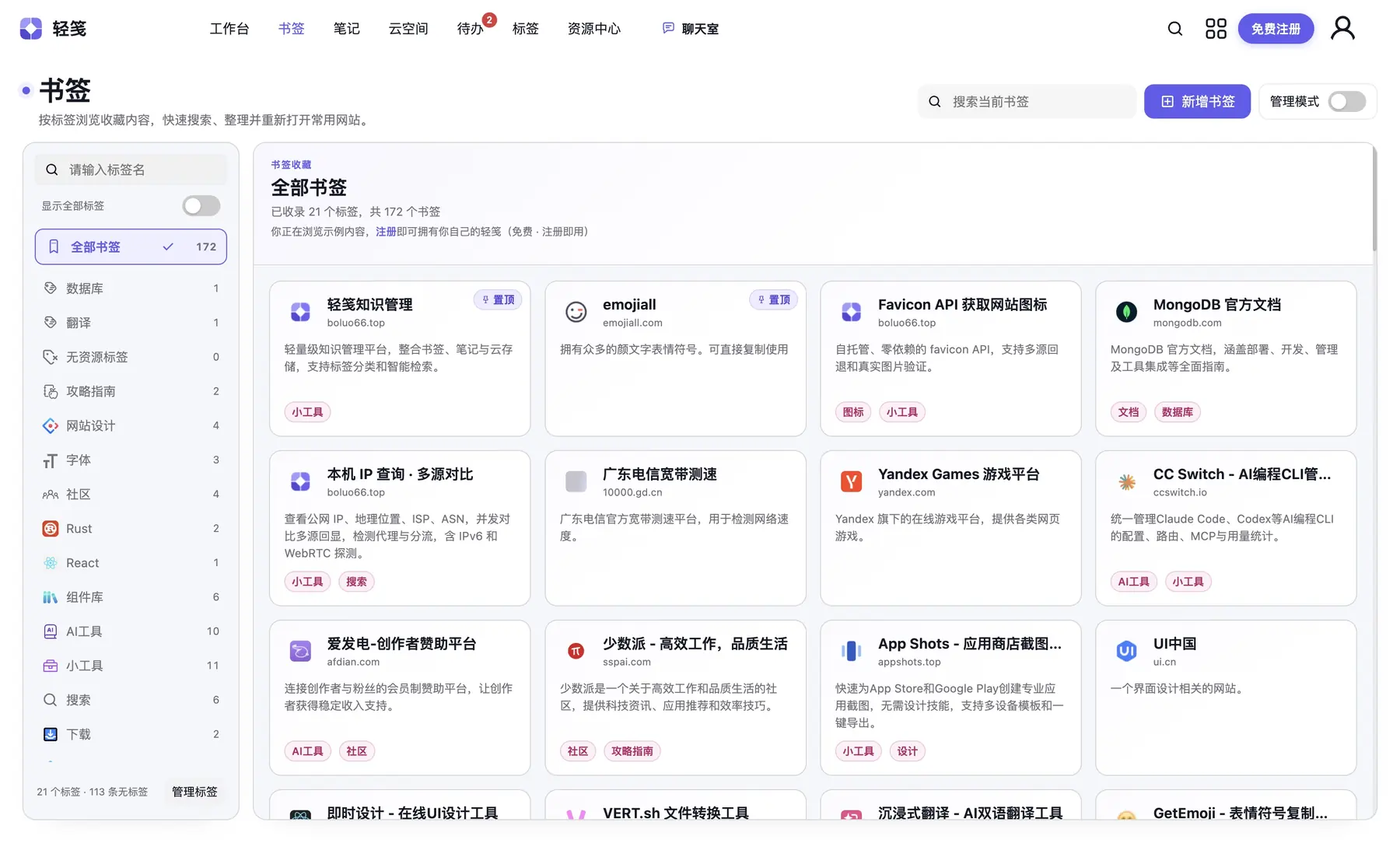
📌 Bookmark management
Paste a link and the title, description, and icon are fetched automatically. Tag tree on the left, card wall on the right, multi-tag filtering.
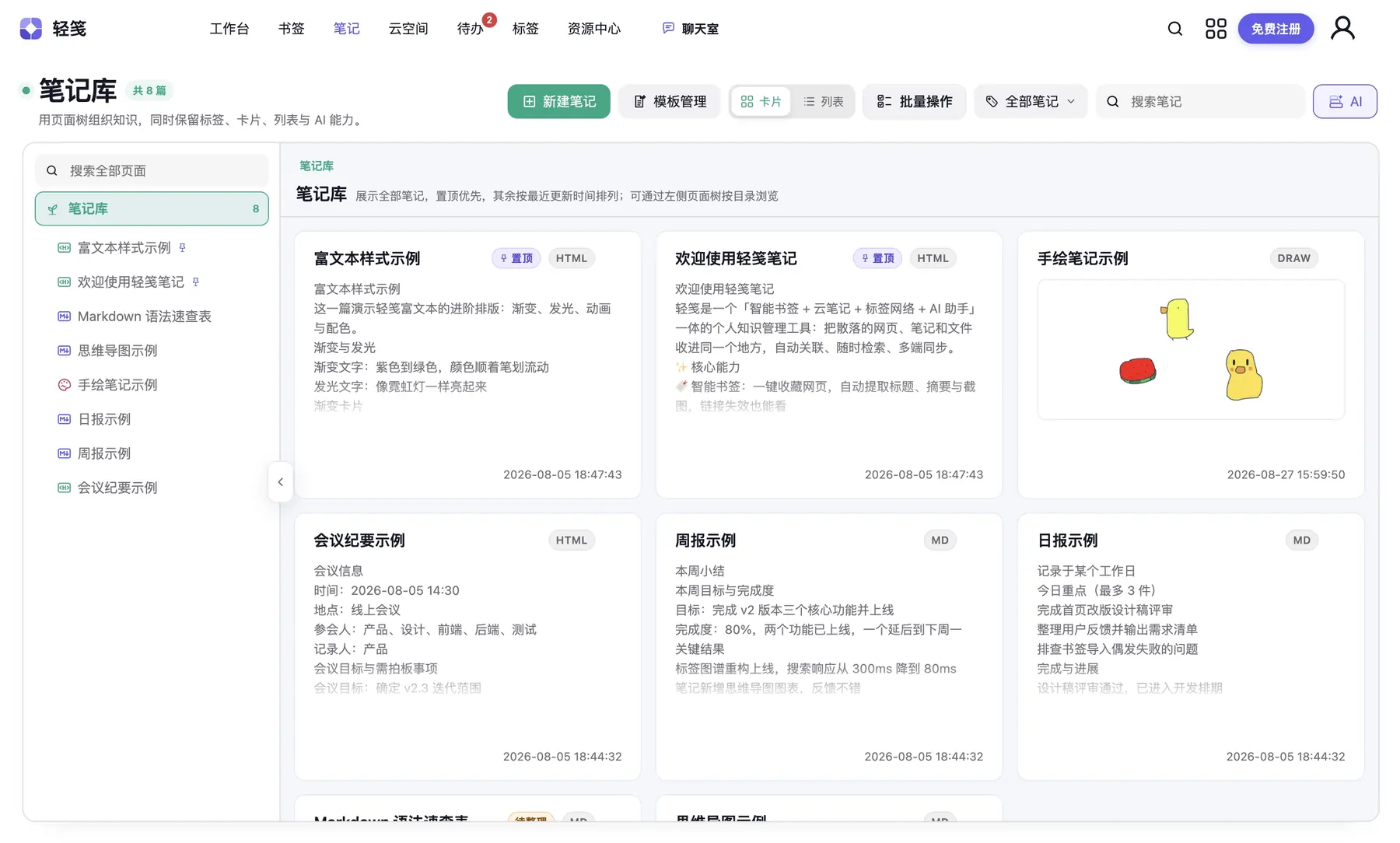
📝 Note library
Rich text | Markdown dual-mode editing with instant switching. Supports text, images, tables, and code blocks, plus multi-level folders, card/list dual views, PDF export, and mobile editing.
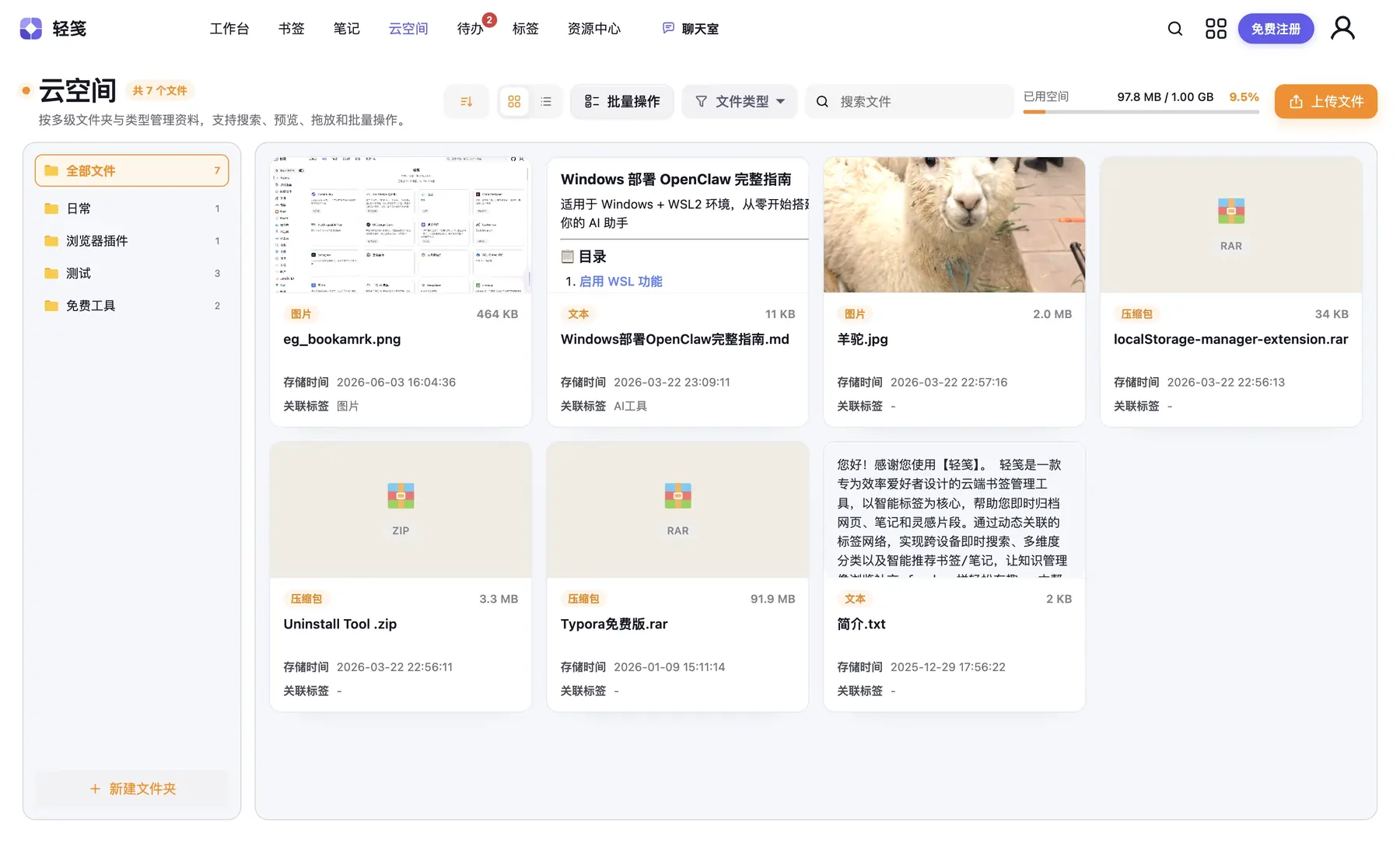
☁️ Cloud space
Keep files organized by folder and type, with upload, search, online preview, drag-and-drop organization, bulk actions, and unified tags. Storage usage stays visible, and frequently used files remain available across devices.
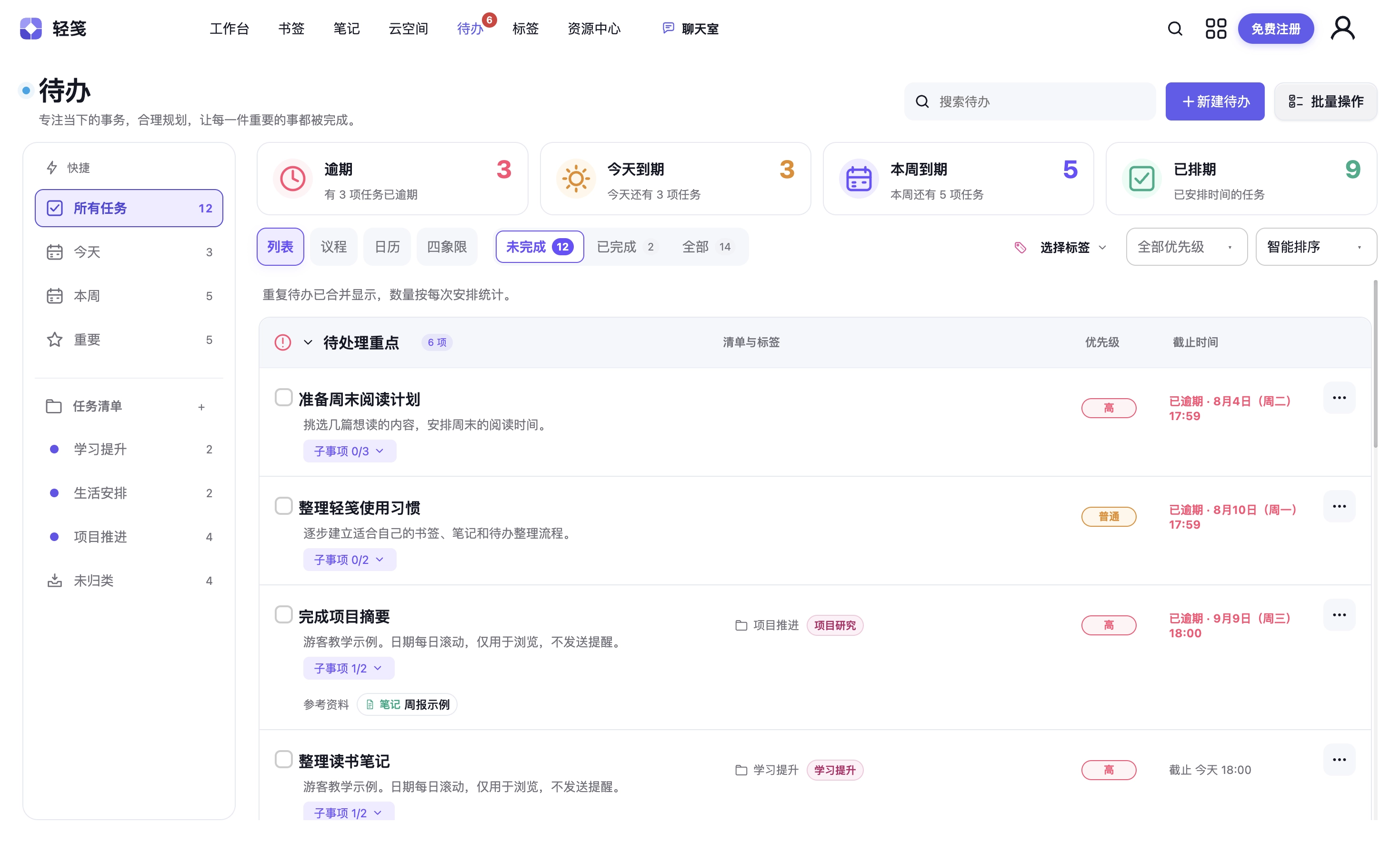
✅ Task management
Turn saved material into next actions. Switch between list, agenda, and calendar views; set priorities, due times, one-time or recurring reminders, recurring tasks, and checklists; and link bookmarks, notes, and files.
🔍 Global search
Search bookmarks, notes, files, tags, and tasks across every module at once — keyword + tag filtering, found in seconds.

🤖 Modular AI Scope-bound AI capabilities live inside notes, bookmarks, files, tasks, Resource Center, and Help Center for summarizing, generating, breaking down, and organizing the resources you explicitly select.
🧭 More workspaces
Move the day forward from the daily workspace, manage material in Resource Center, and connect long-term organization through Organize Center, tag management, growth, and community chat.
Workspace |
Resource Center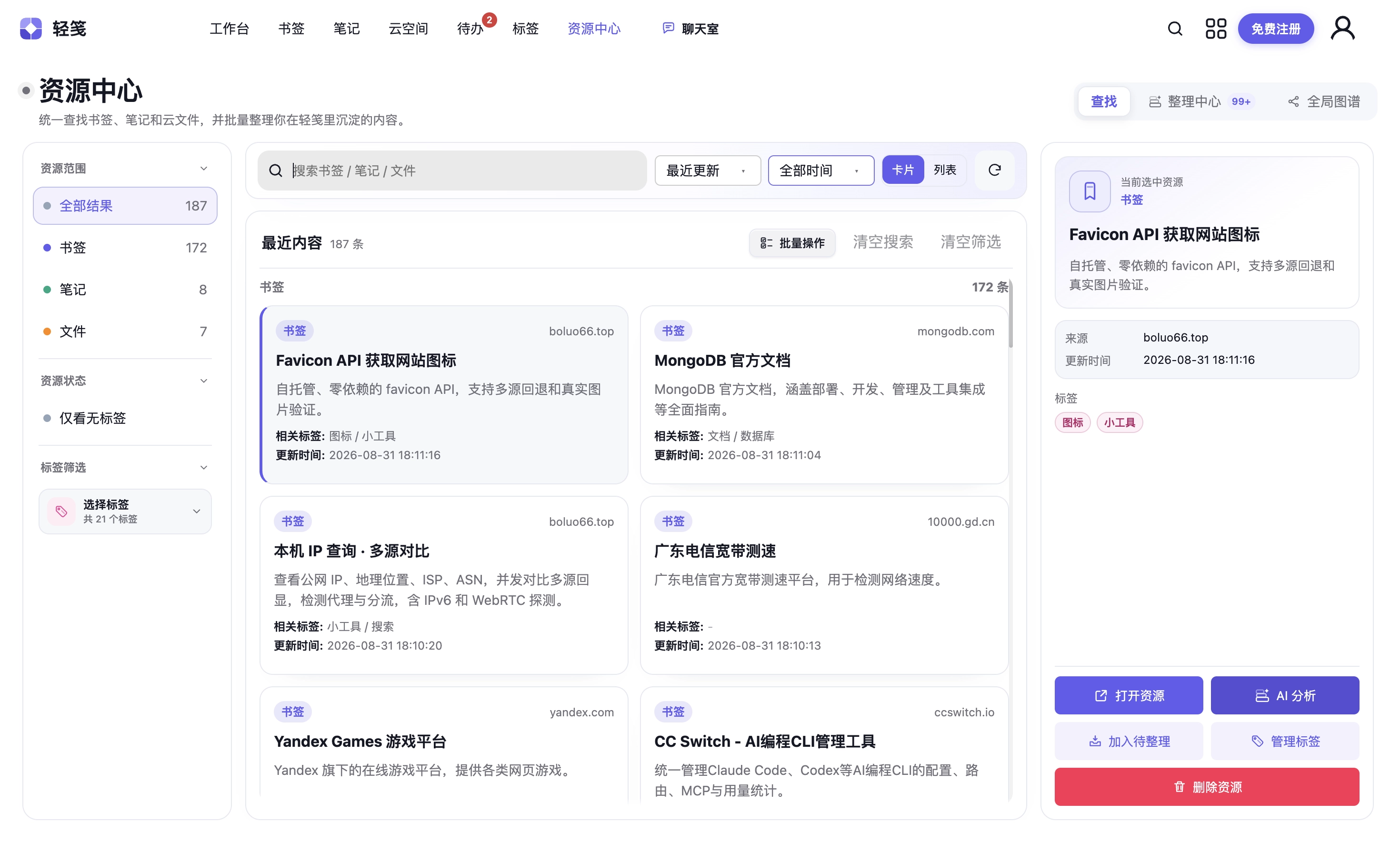 |
Organize Center |
Tag management |
Growth Center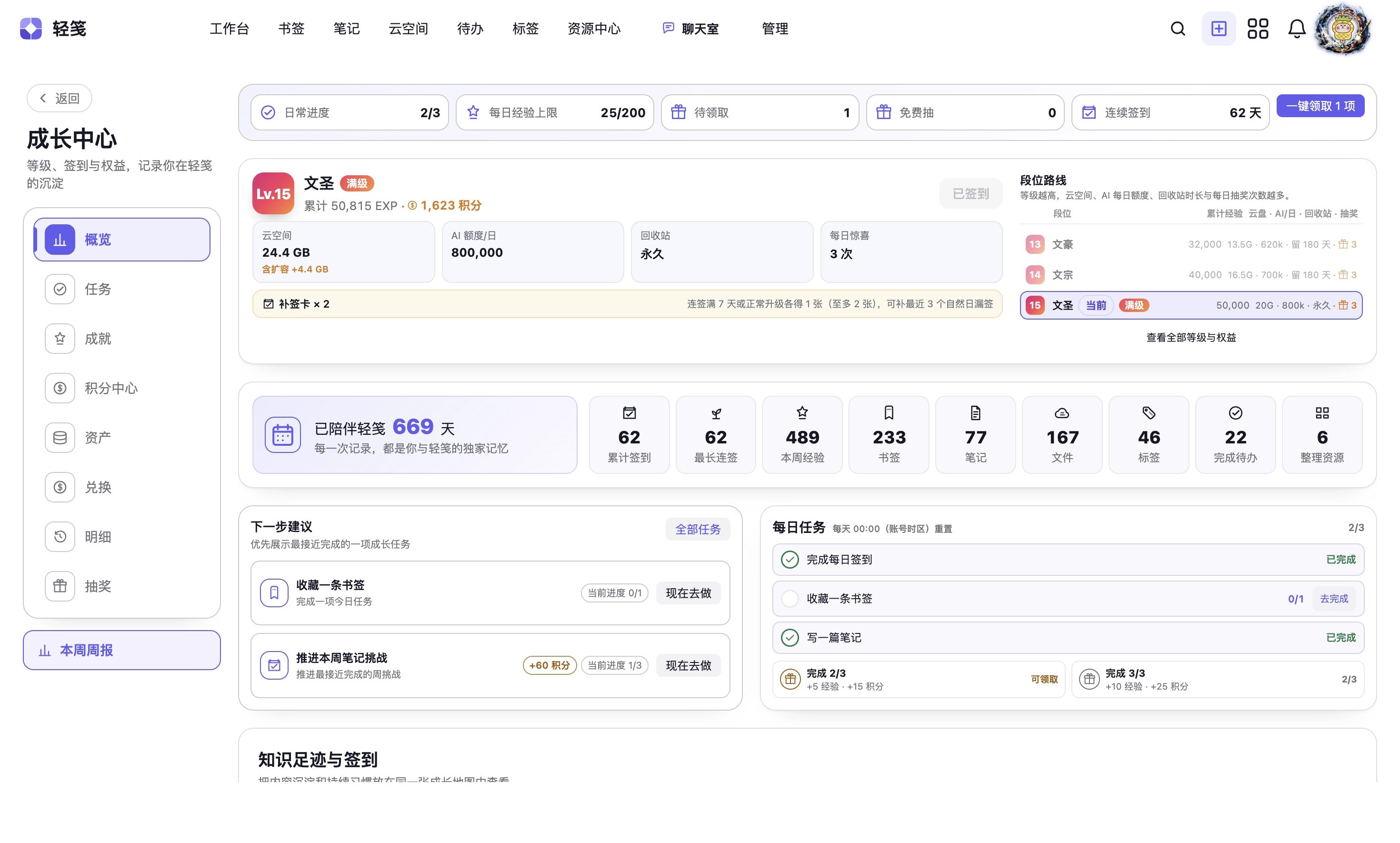 |
Community chat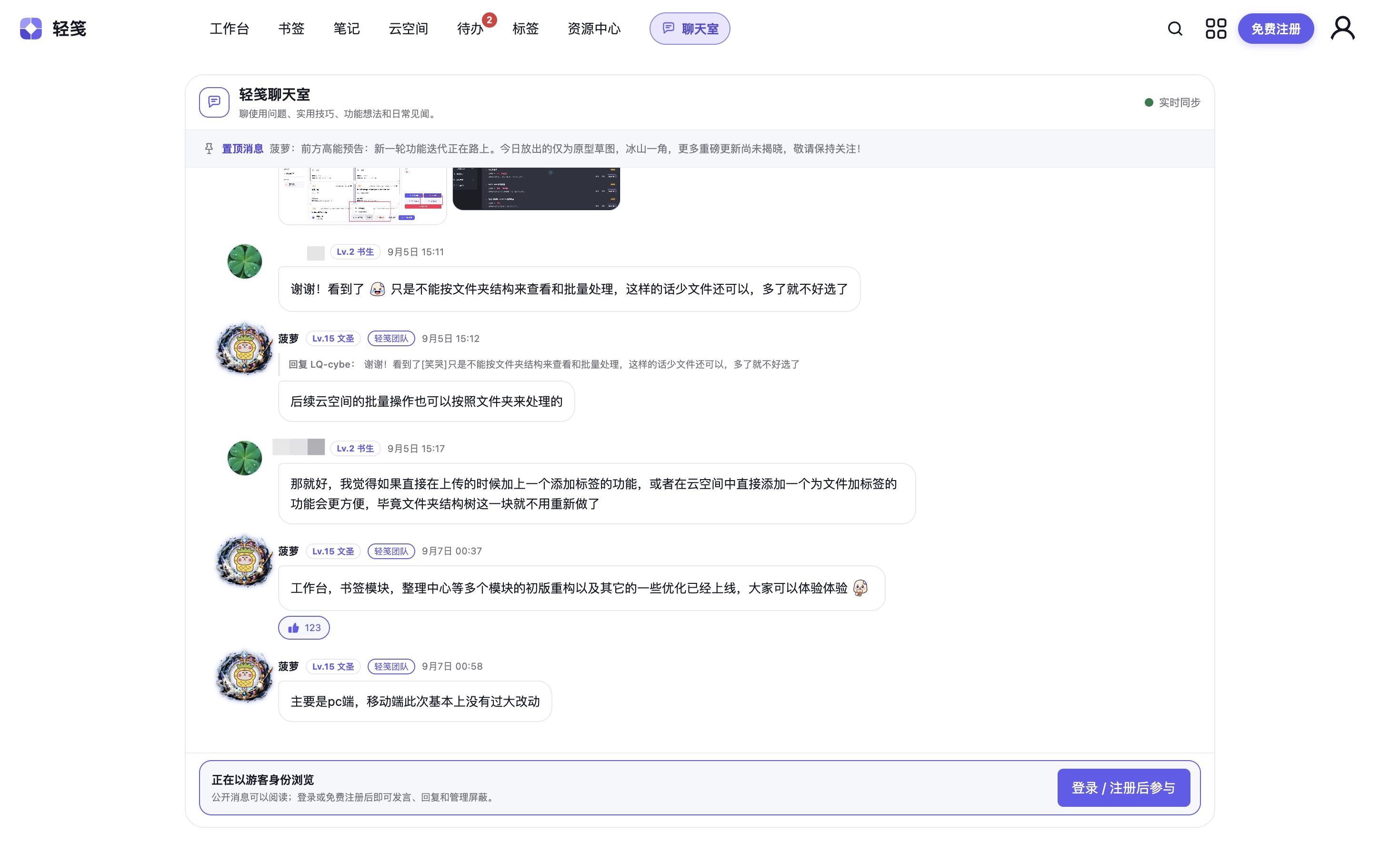 |
See user suggestions, developer replies, and real progress in public. Follow what is planned, in development, or already shipped — then sign in to submit ideas and vote.

And more 🌱 Growth system (check-in / points / achievements) · 📚 Knowledge base · 🕸️ Relationship graph · 🔗 Note sharing · 🌙 Dark / light theme · 📱 Mobile-friendly · 🌐 Bilingual (中 / EN) · 🗑️ Recycle bin · 🏷️ Unified tags · 🛡️ Security center
What LightNote is for
Keep bookmarks, notes, cloud files and tasks in one account. Use tags and search to find your material again, continue editing, or take the next action.
Core resource management is free to use. AI and cloud storage have usage limits; additional resources follow the in-app store terms. Voluntary support is not required to use existing free features.
⚡ Get started
- Open boluo66.top
- Register or sign in to your own account
- Save one item of your own, open it to check the result, and find it by name next time.
Saving, finding and browser extension guide (Chinese)
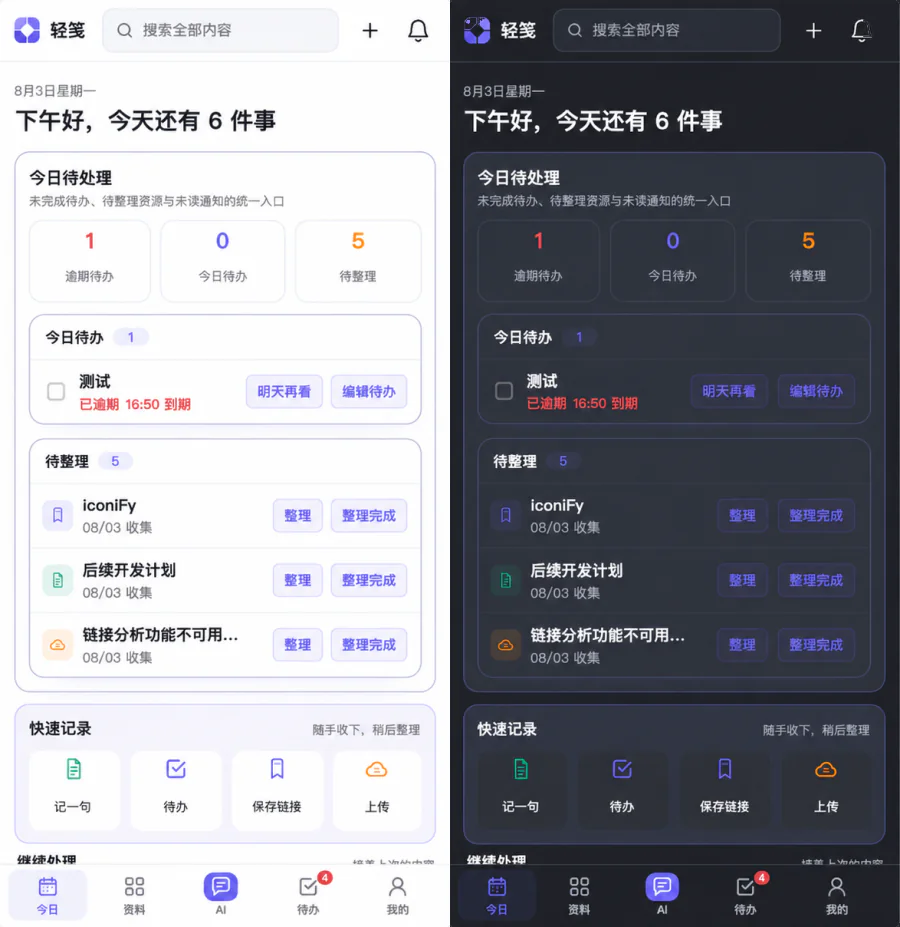
Desktop + mobile, with cloud sync — it follows you wherever you go.
🛠️ Tech stack
Frontend · Vue 3 · TypeScript · Pinia · Vite · TinyMCE · AntV
Backend · Node.js · Express · MySQL
Deployment · Huawei Cloud · Nginx · PM2 · OBS object storage
💻 Source code and development
LightNote is first and foremost an online service for end users. Its source code is also available here for transparency, issue reporting, and community contributions.
- Want to use LightNote? Visit boluo66.top — no server or environment setup required.
- Want to contribute? Read the contribution guide and development guide.
- Want to deploy it yourself? A production installation depends on a database, object storage, cache, email, and third-party AI services. A one-click, beginner-oriented self-hosting setup is not currently provided.
The source code is available under the MIT License. Storage, AI features, and usage quotas of the hosted service are subject to the information shown in the product.

Like it? → ⭐ Star to show your support
Got ideas? → open an Issue or read the contribution guide
Every Star fuels another late-night coding session ✨