
VandalByte/dedsec-grub2-theme
VandalByte/dedsec-grub2-theme has 557 GitHub stars and 35 forks. GitHot measured 0 stars in 24 hours. Last checked 2026-11-15 21:57 UTC. Last push 2025-10-24.
Measured star growth
- in 24h
- 0
- in 7 days
- Collecting history
- in 15 days
- Collecting history
- in 1 month
- Collecting history
Net star changes over overlapping periods, not daily totals. Missing measurements are left blank. Stars measure attention, not software quality.
About
DedSec GRUB Theme 💀🖤
Developer ToolsREADME.md
Original



⚙️ Installation
git clone --depth 1 https://github.com/VandalByte/dedsec-grub2-theme.git && cd dedsec-grub2-theme
sudo python3 dedsec-theme.py --install
With a little effort the theme's text colours, progress bar colours, progress bar text, and so on can all be customised in theme.txt to your liking 💕
Installation ( Manual )
Click below to view...
Debian 💀 Ubuntu 💀 Arch
1️⃣ Download your favourite version of the theme from Pling.
Now extract your downloaded .zip file.
Either manually extract it or use the command below. ( Here I'm using 'brainwash' version of my theme as an example )
unzip dedsec-brainwash-1080p.zip
The rest of the commands are the same for all the theme styles.
2️⃣ Copy the theme directory.
sudo cp -r dedsec /boot/grub/themes/
3️⃣ Make changes to the GRUB config file.
sudo nano /etc/default/grub
Find the line GRUB_THEME= then change it to GRUB_THEME="/boot/grub/themes/dedsec/theme.txt"
Then save the file.
4️⃣ Finally, update the grub.
sudo grub-mkconfig -o /boot/grub/grub.cfg
Now the theme should be installed successfully, enjoy !!
Fedora 💀 Redhat
1️⃣ Download your favourite version of the theme from Pling.
Now extract your downloaded .zip file.
Either manually extract it or use the command below. ( Here I'm using 'brainwash' version of my theme as an example )
unzip dedsec-brainwash-1080p.zip
The rest of the commands are the same for all the theme styles.
2️⃣ Copy the theme directory.
sudo cp -r dedsec /boot/grub2/themes/dedsec
3️⃣ Make changes to the GRUB config file.
sudo nano /etc/default/grub
Find the line GRUB_THEME= then change it to GRUB_THEME="/boot/grub2/themes/dedsec/theme.txt"
Change the line GRUB_TERMINAL_OUTPUT=console to this (comment it out) #GRUB_TERMINAL_OUTPUT=console
Then save the file.
4️⃣ Finally, update the grub.
sudo grub2-mkconfig -o /boot/grub2/grub.cfg
Now restart your computer the grub theme should be installed successfully, enjoy !!
NixOS
1️⃣ Add dedsec-grub-theme to your flake as nixos module
{
  inputs = {
    nixpkgs.url = github:NixOS/nixpkgs/nixos-unstable;

    dedsec-grub-theme = {
      url = gitlab:VandalByte/dedsec-grub-theme;
      inputs.nixpkgs.follows = "nixpkgs";
    };
  };

  outputs = { self, nixpkgs, dedsec-grub-theme }: {
    nixosConfigurations.mysystem = nixpkgs.lib.nixosSystem {
      system = "x86_64-linux";
      modules = [
        dedsec-grub-theme.nixosModule
        ./path/to/your/configuration.nix
      ];
    };
  };
}
2️⃣ Enable and configure grub theme
boot = {
  # Use the GRUB 2 boot loader.
  loader.grub = {
    enable = true;
    version = 2;

    dedsec-theme = {
      enable = true;
      style = "sitedown";
      icon = "color";
      resolution = "1080p";
    };
  };
};
3️⃣ Save changes and rebuild your nixos
sudo nixos-rebuild boot --flake .#mysystem
Now the theme should be installed successfully, enjoy !!
❌ Uninstallation
sudo python3 dedsec-theme.py --uninstall
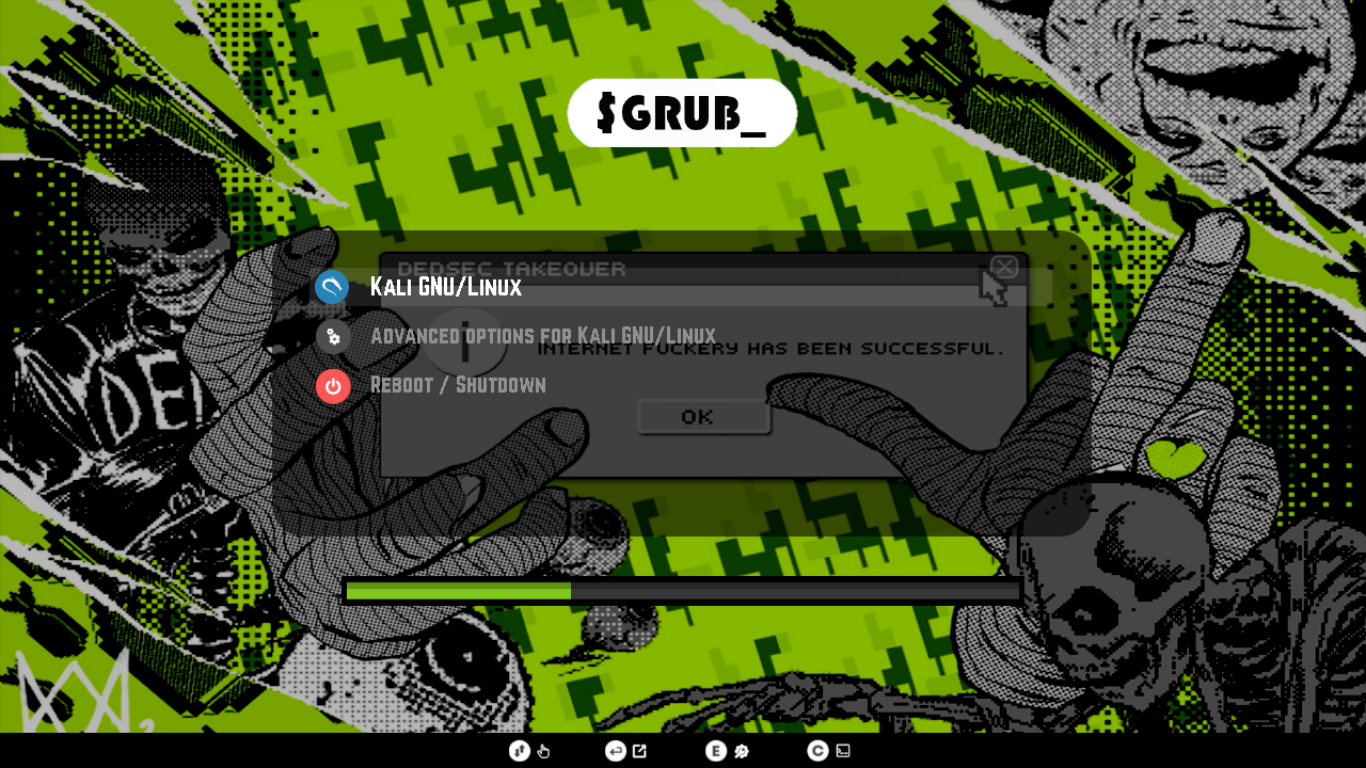
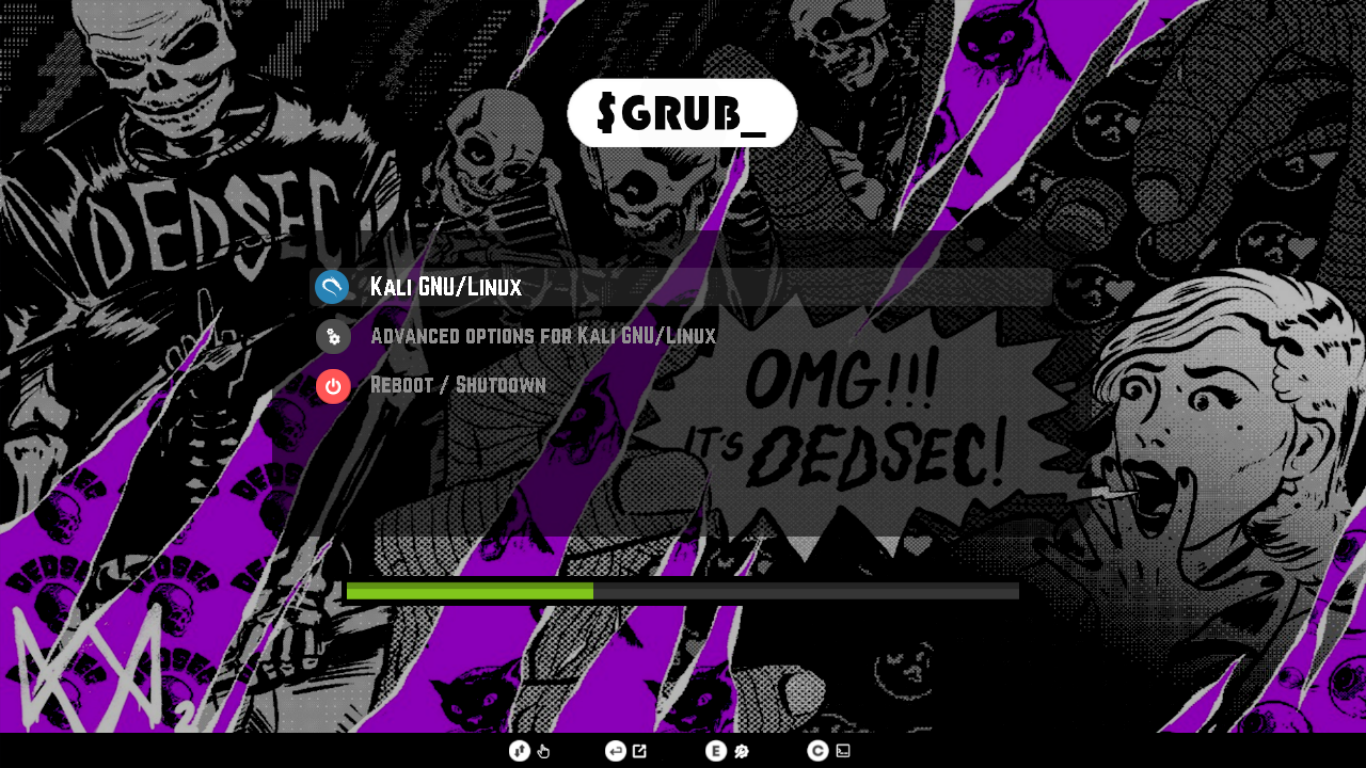
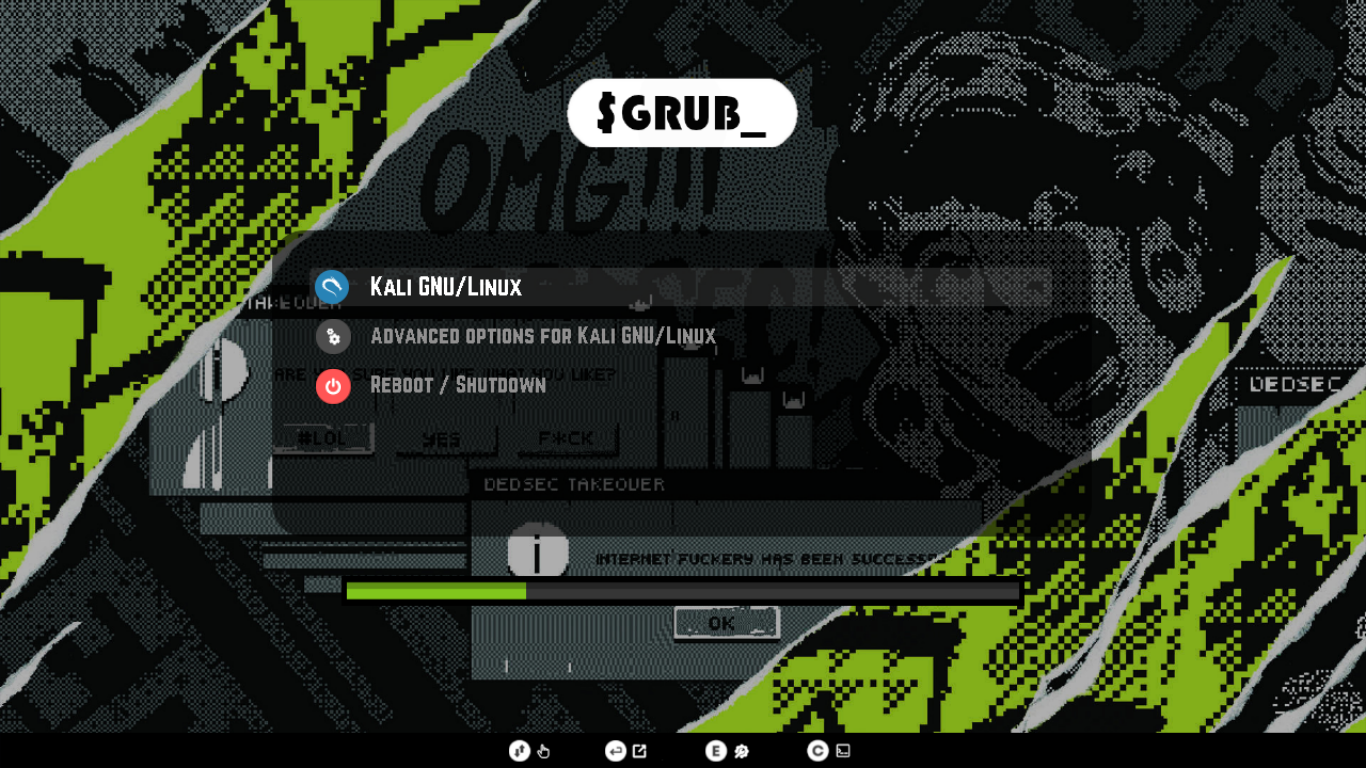
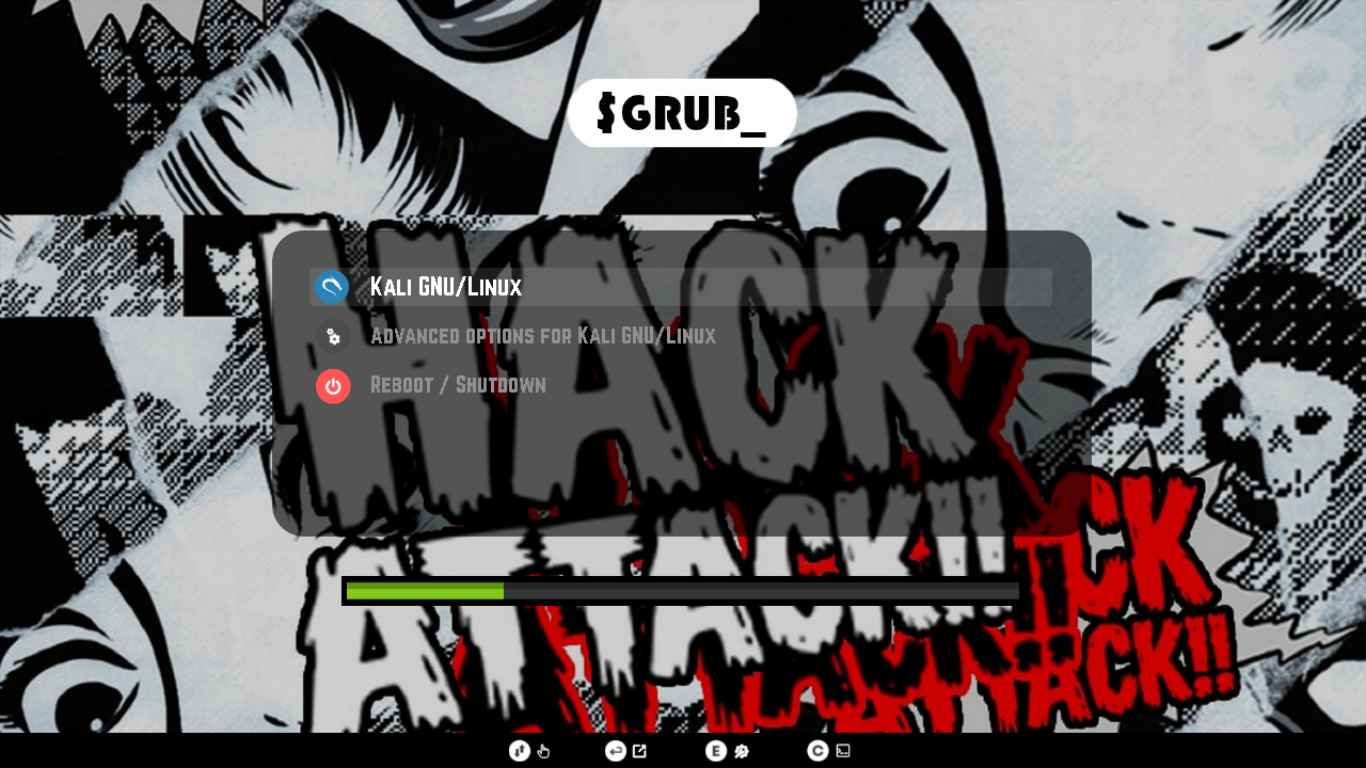
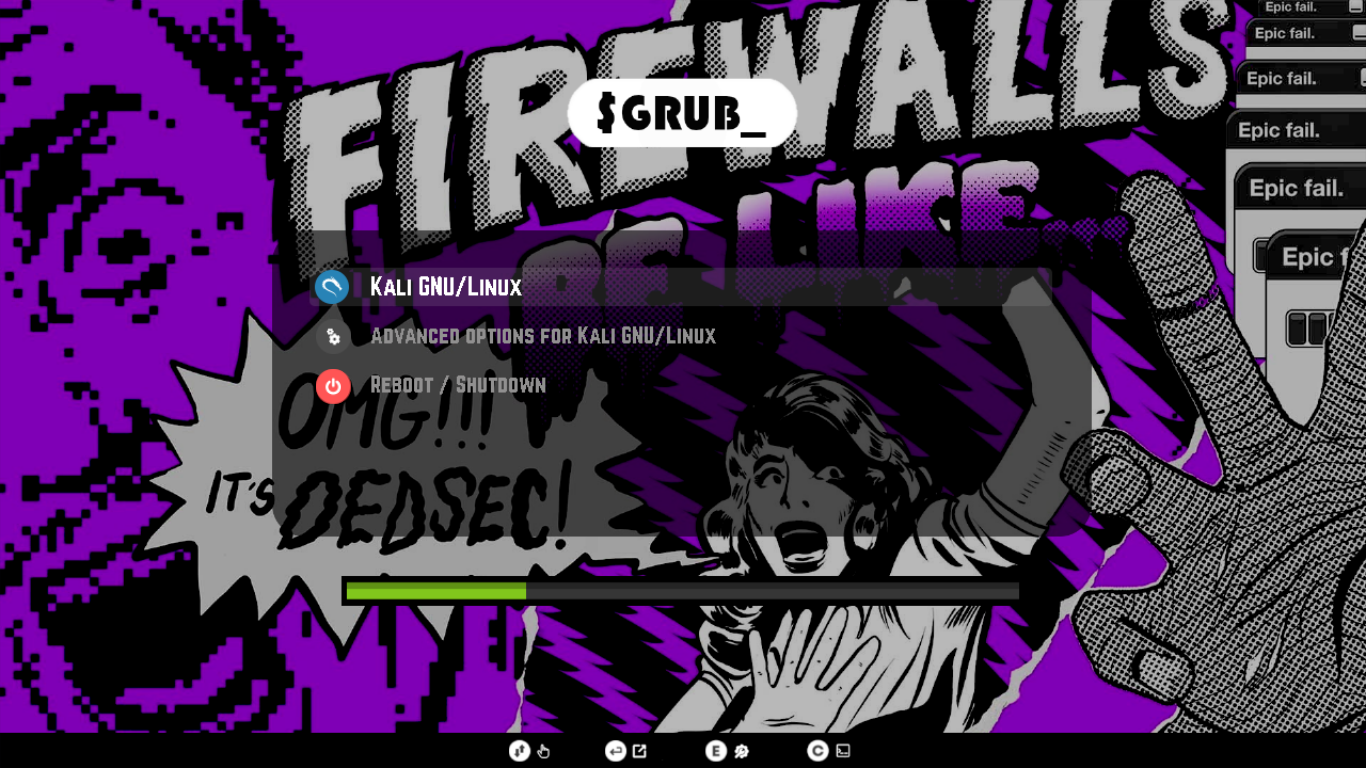
🖼️ Preview
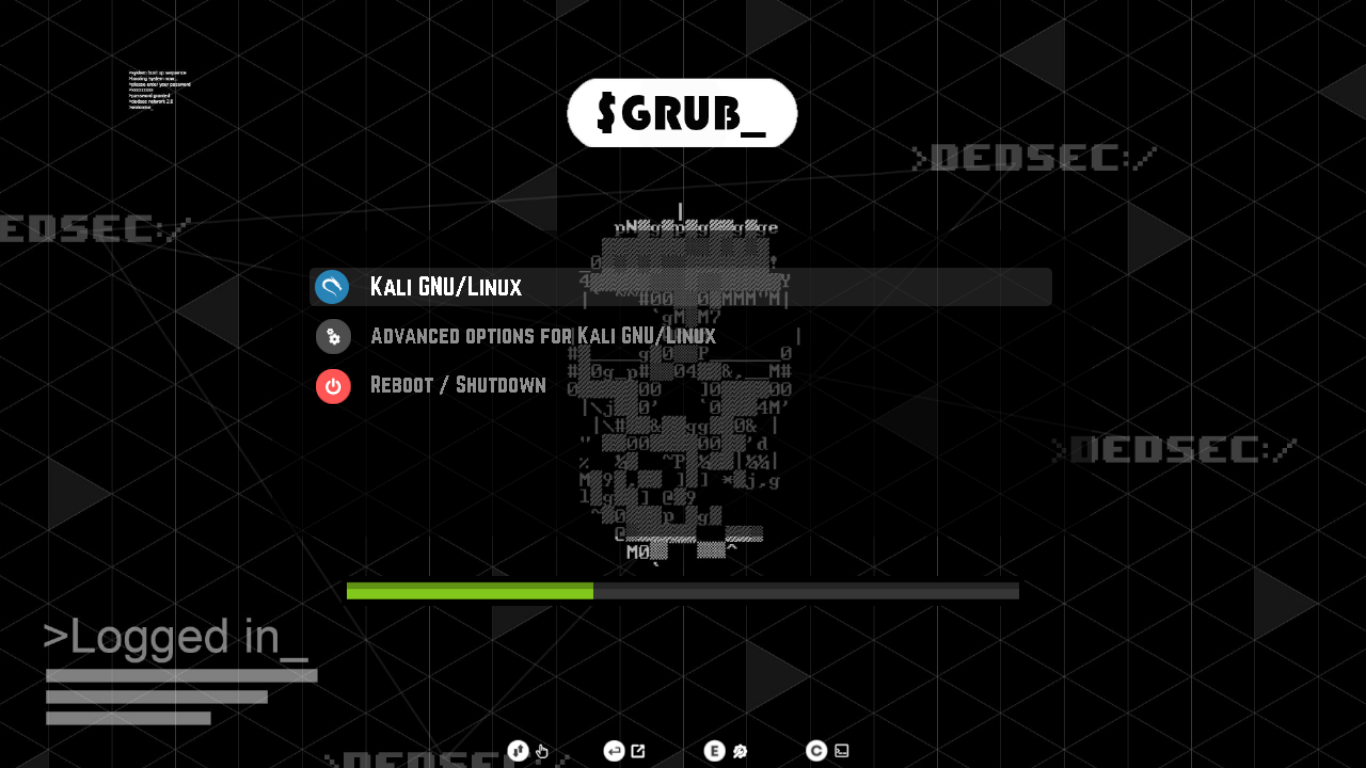 |
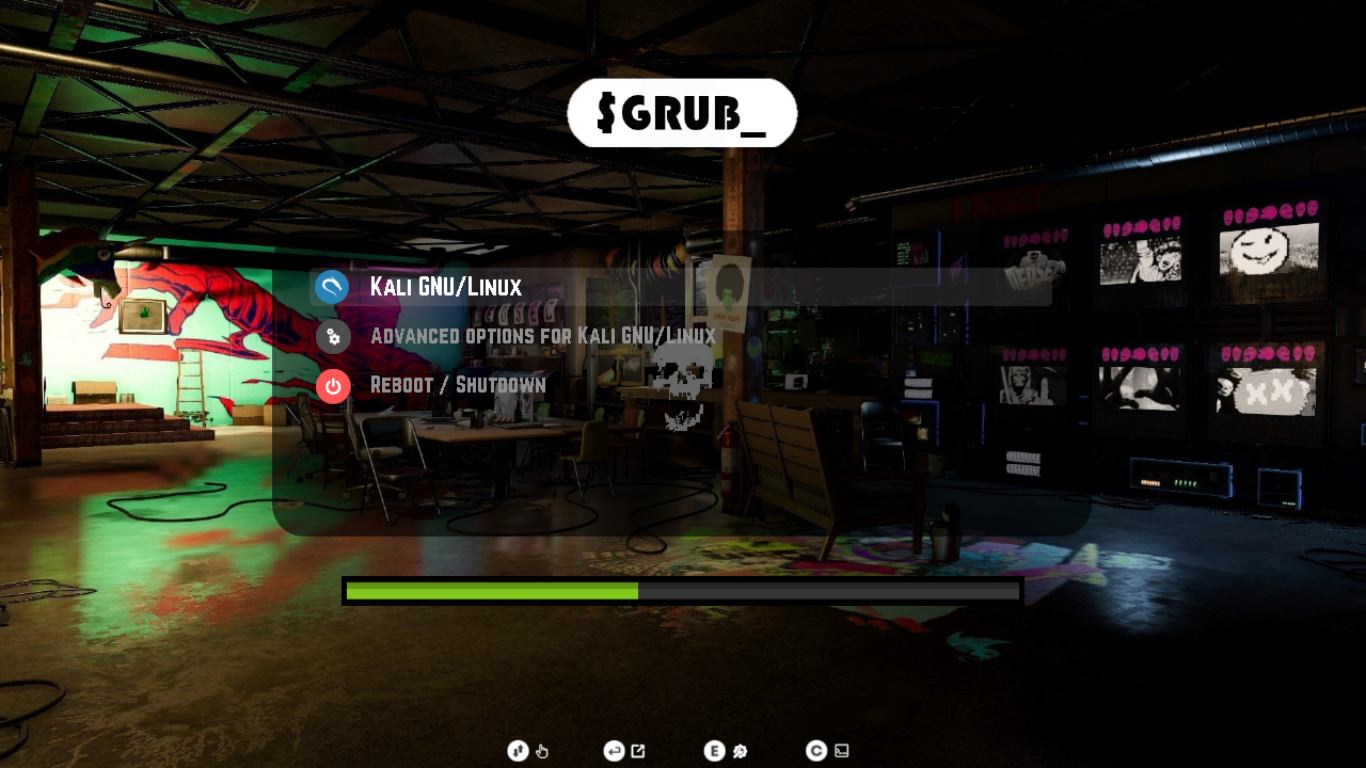 |
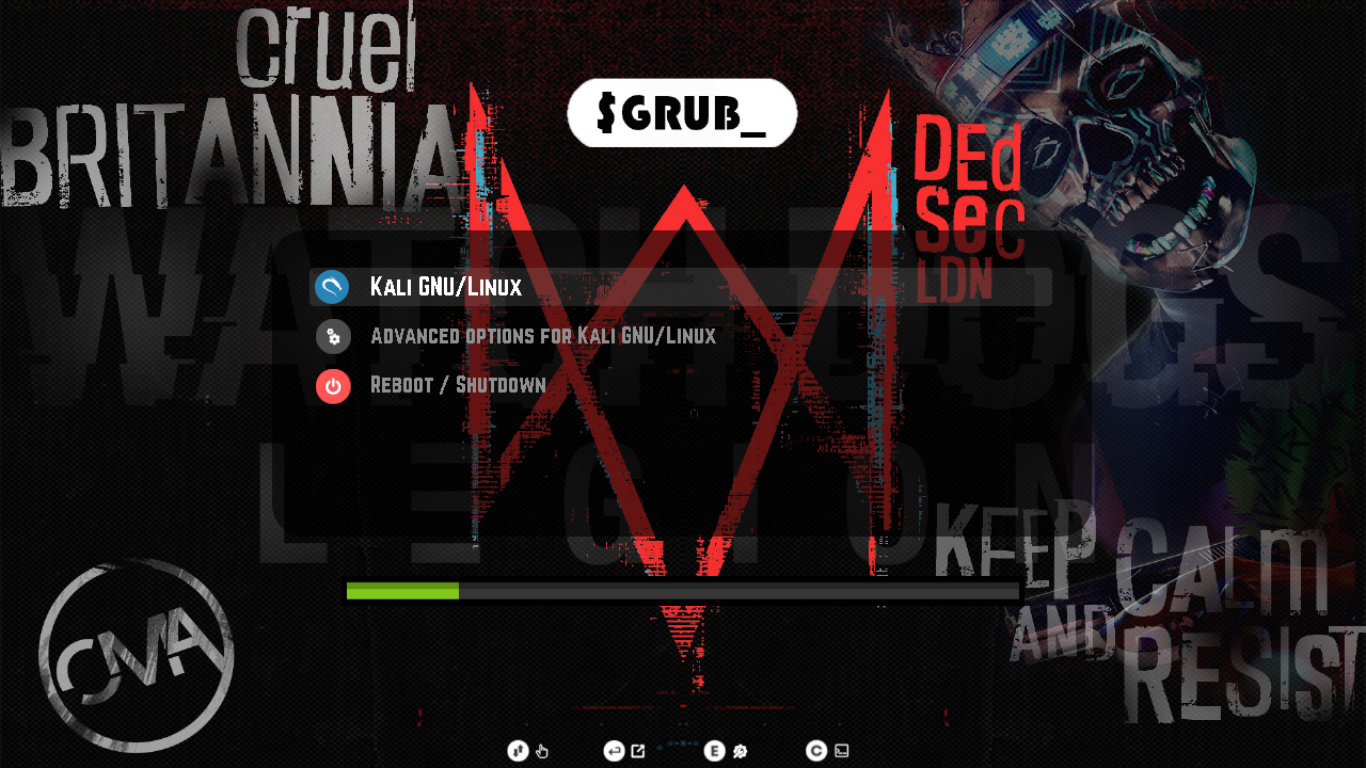 |
| Compact | HackerDen | Legion |
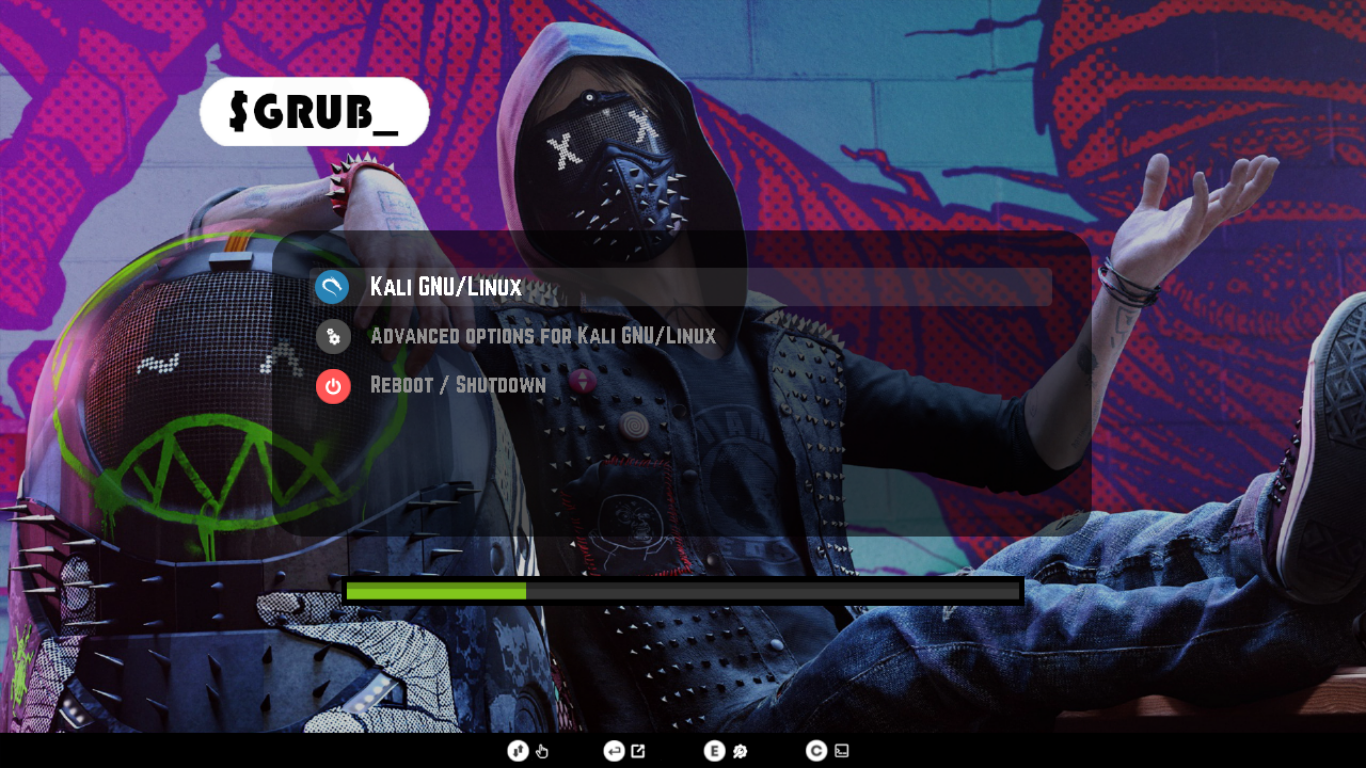 |
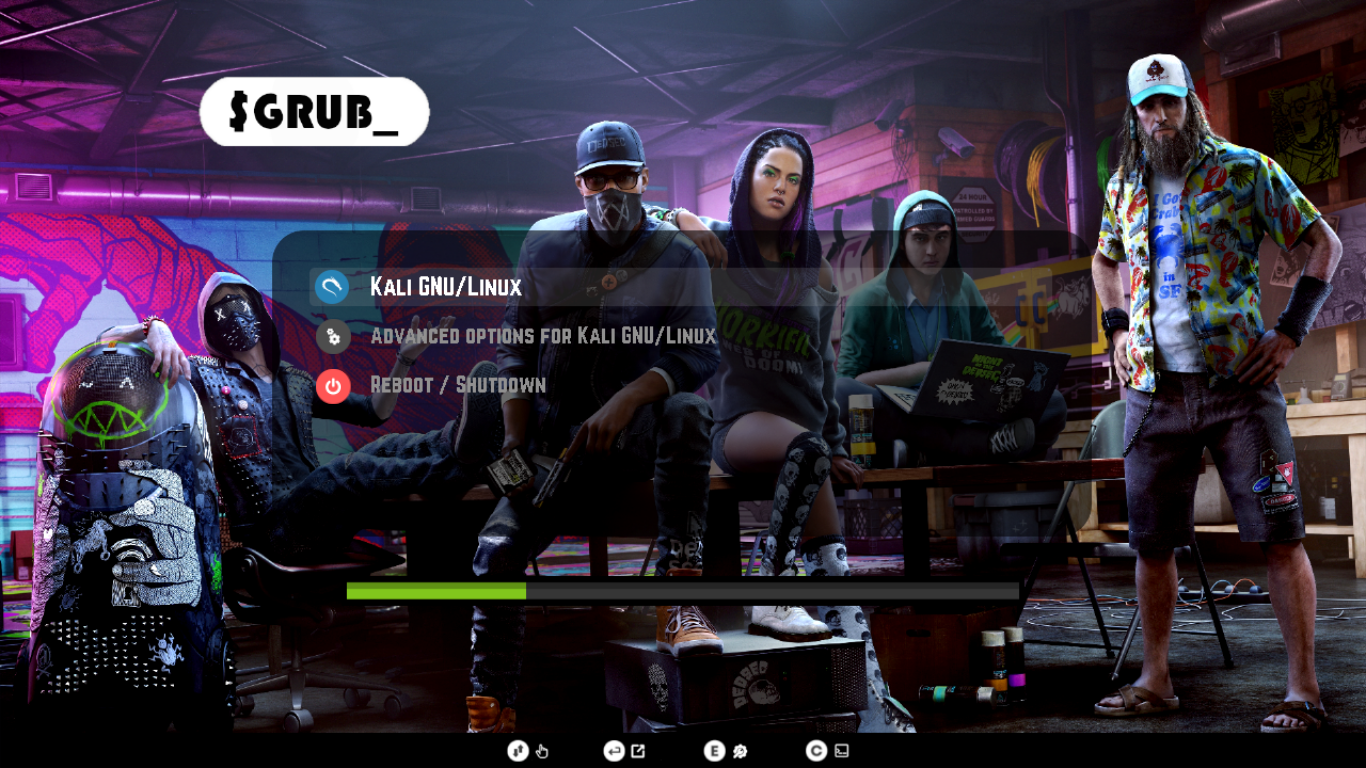 |
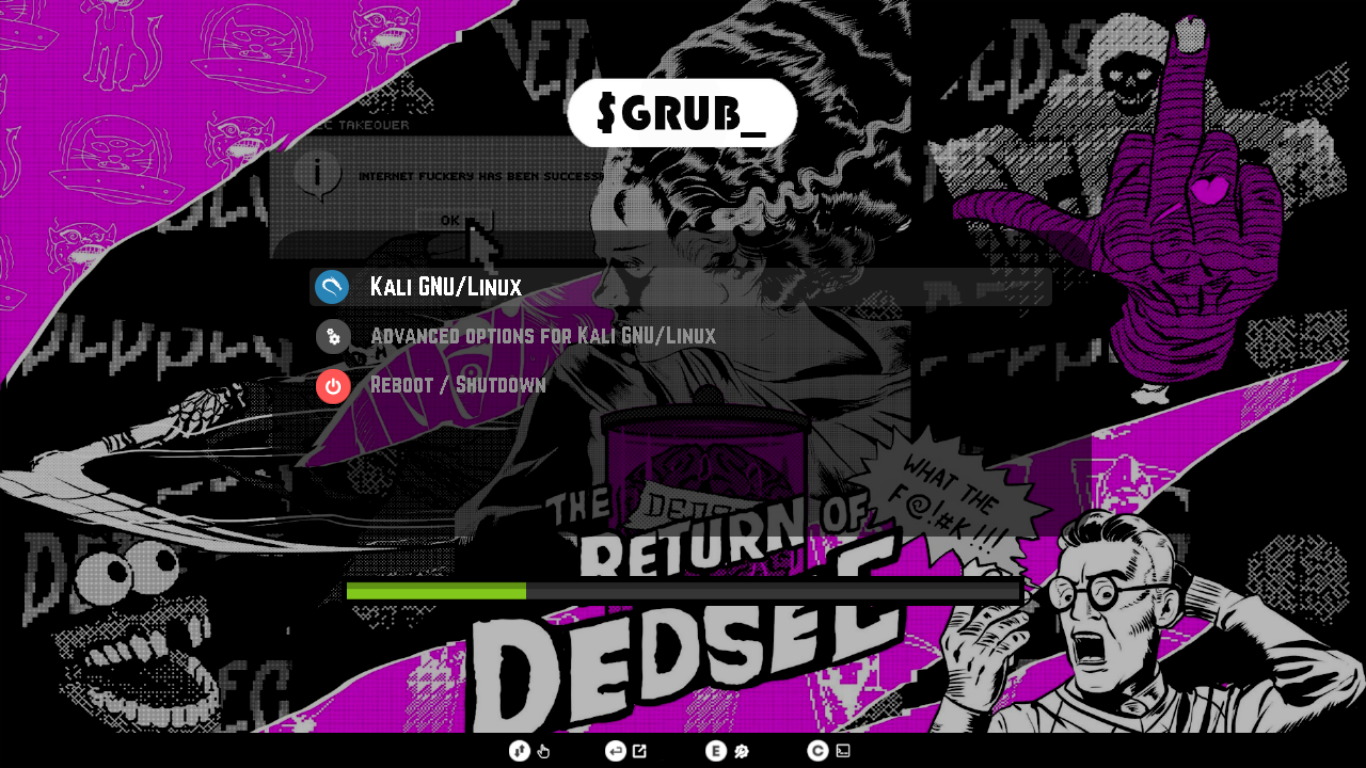 |
| Wrench | Unite | Mashup |
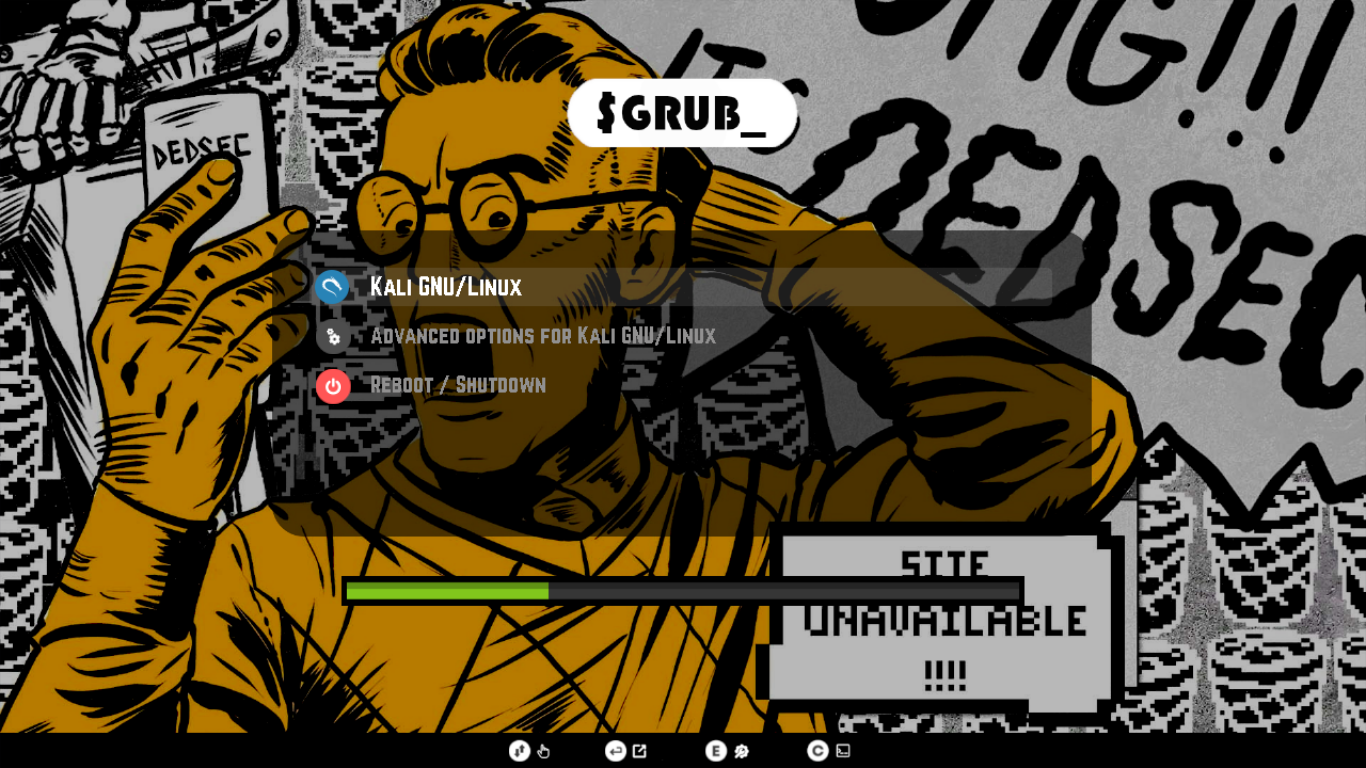 |
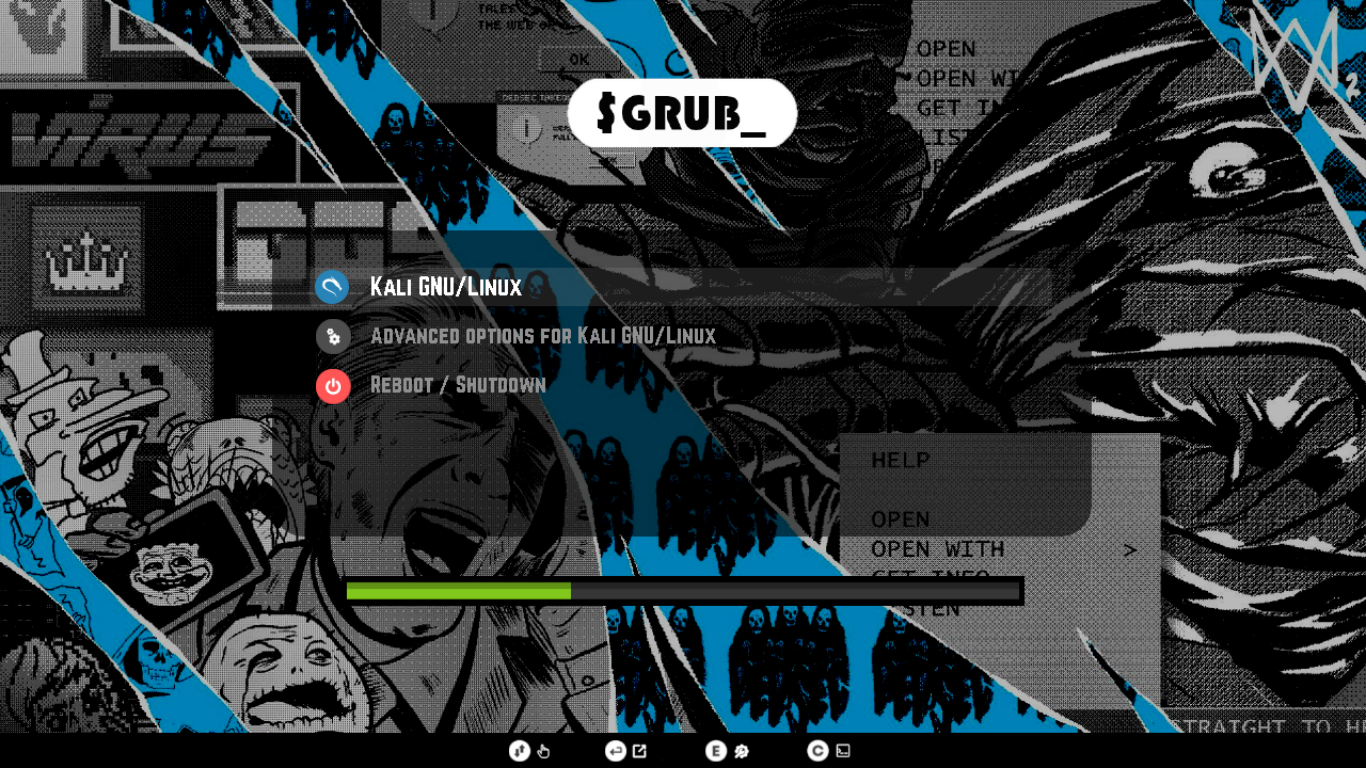 |
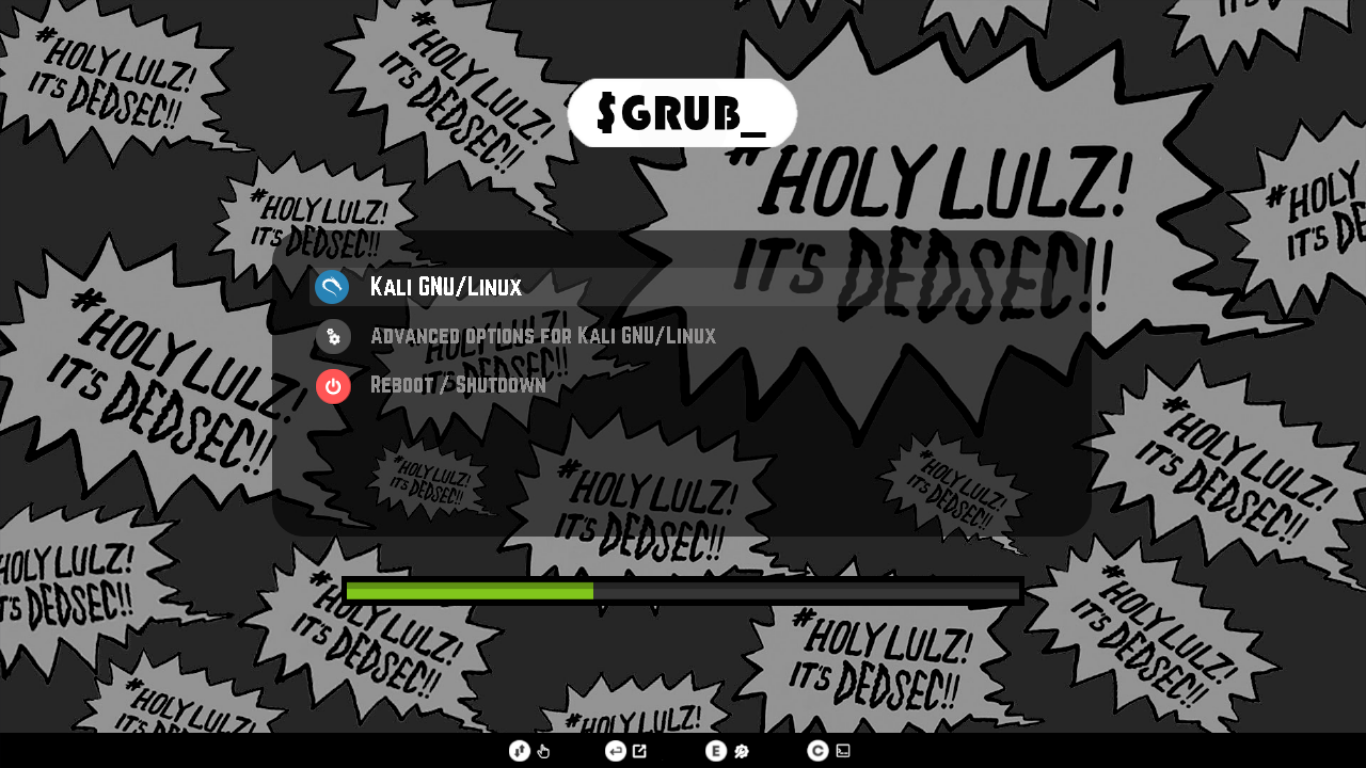 |
| SiteDown | Trolls | Comments |
 |
 |
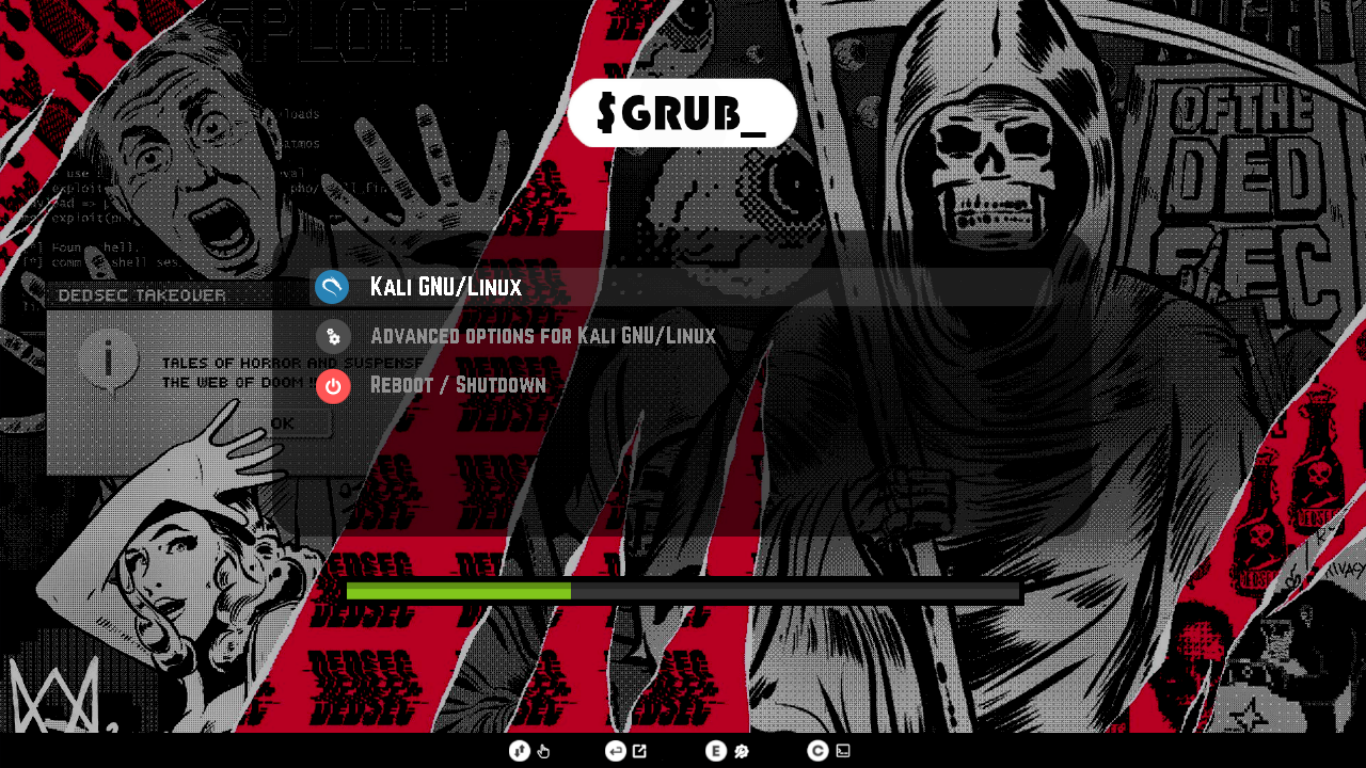 |
| Fuckery | Tremor | Reaper |
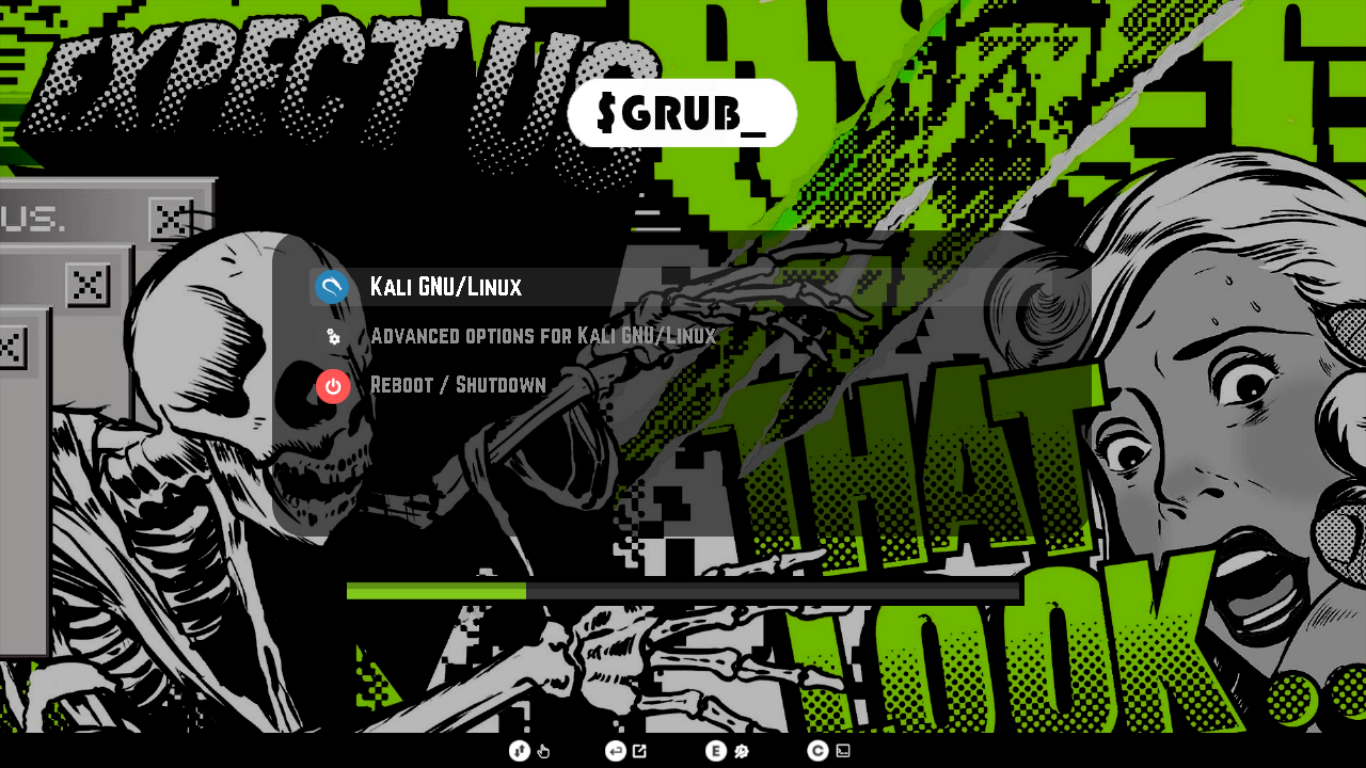 |
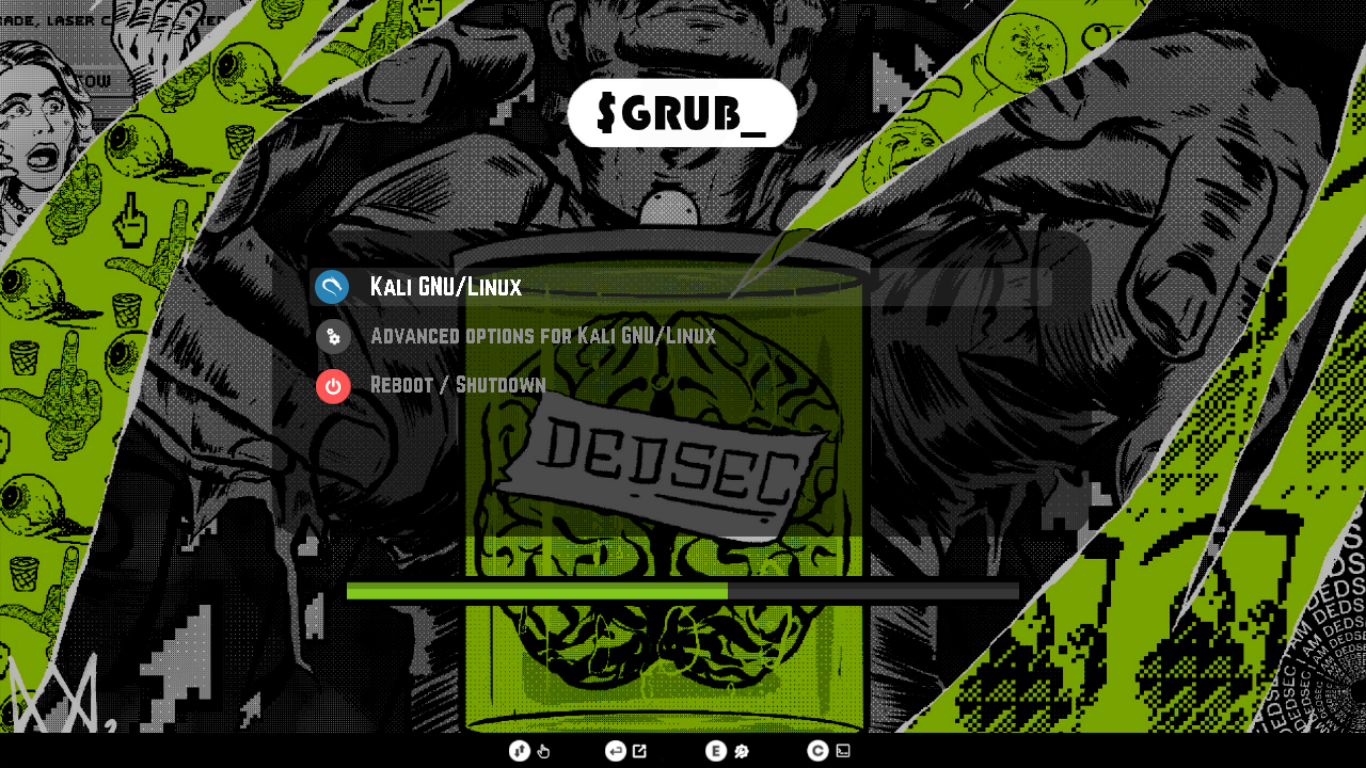 |
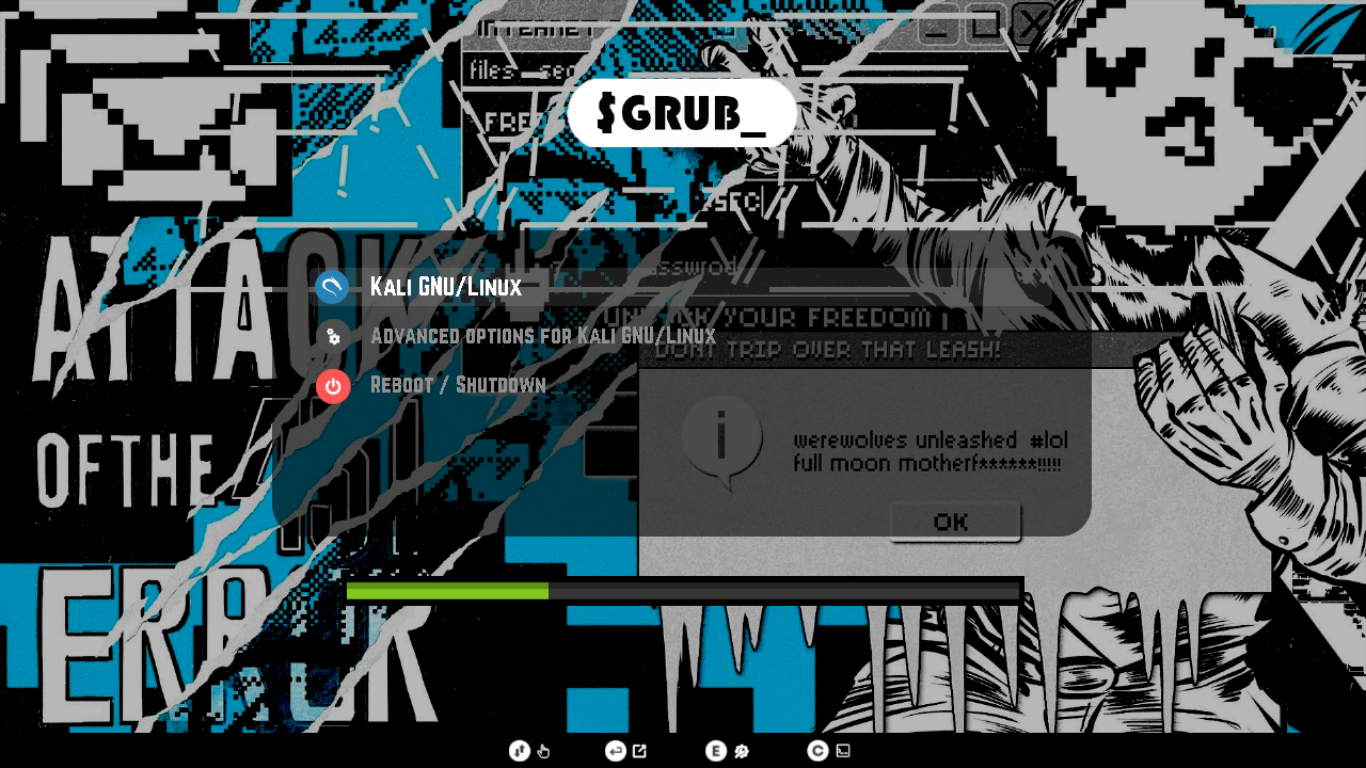 |
| Stalker | Brainwash | LoveTrap |
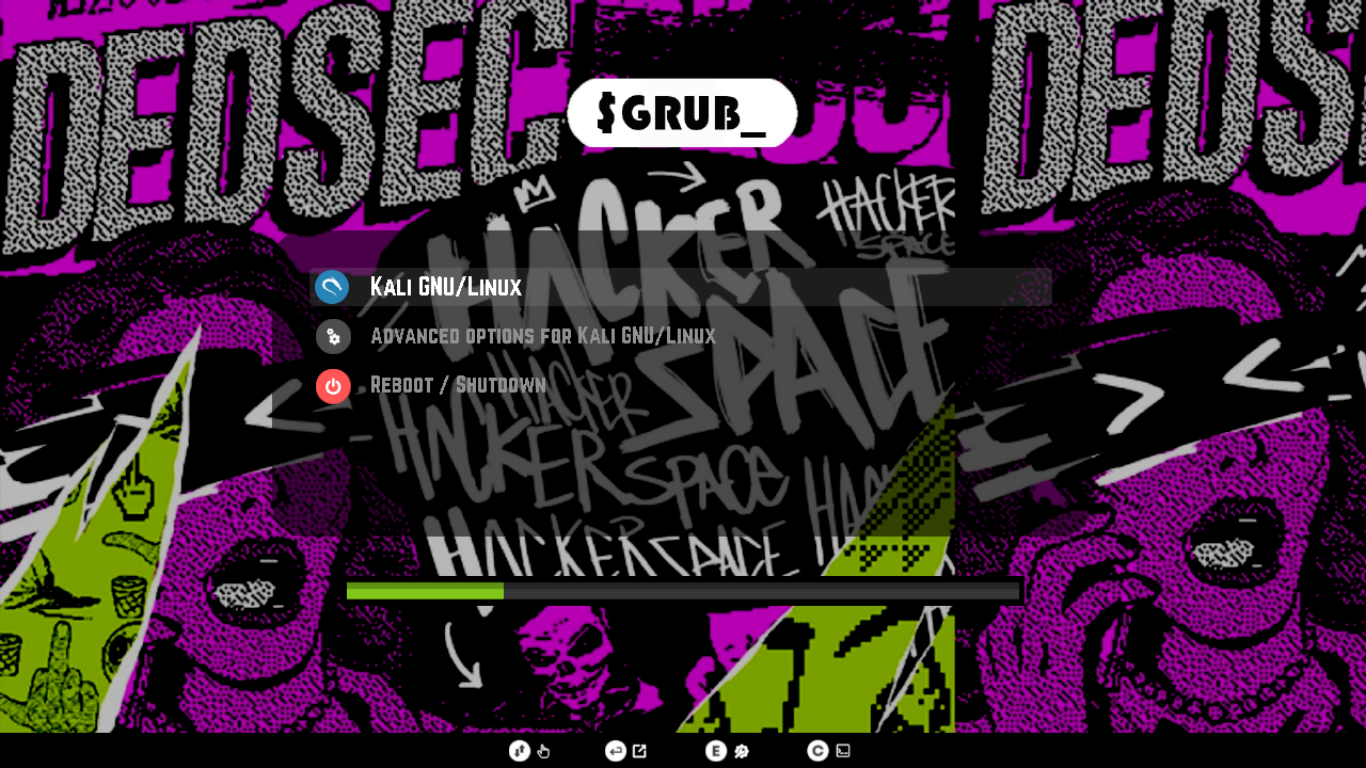 |
 |
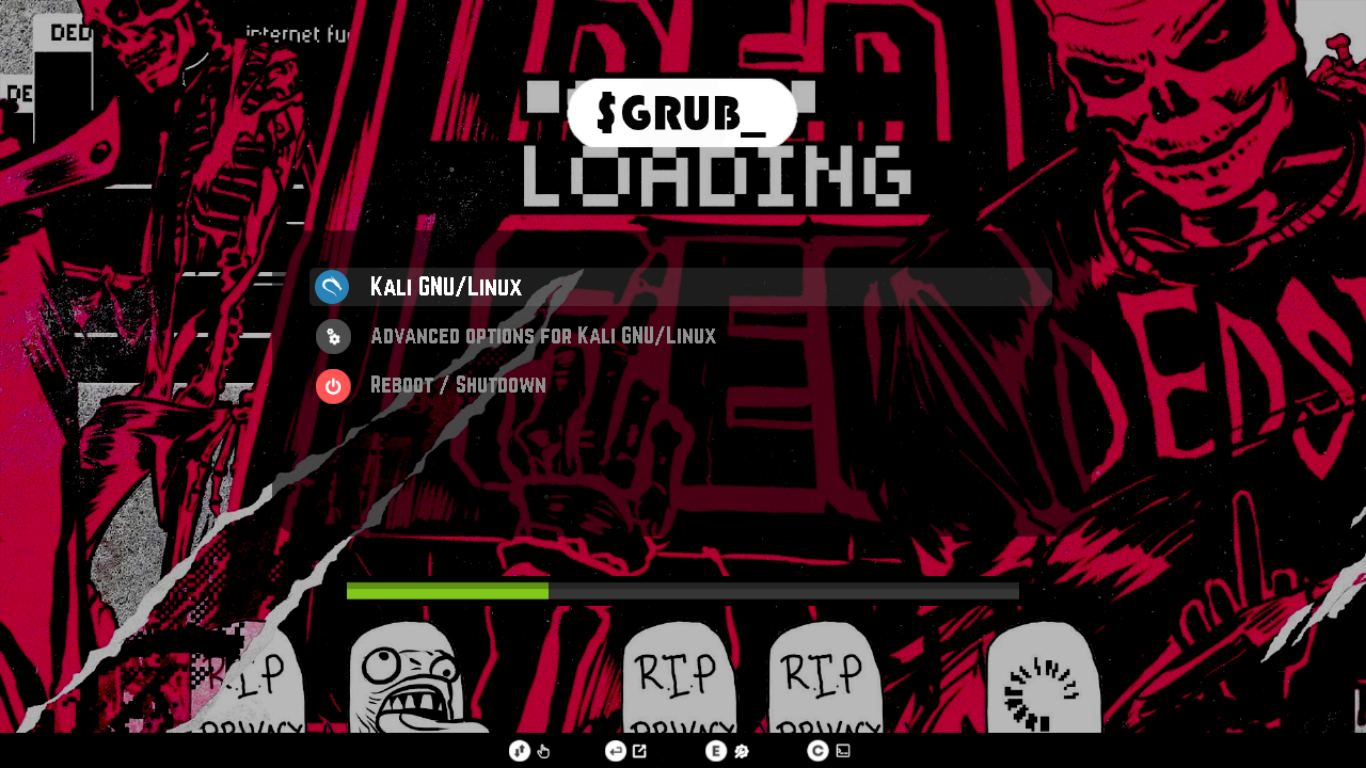 |
| Spyware | Spam | RedSkull |
 |
 |
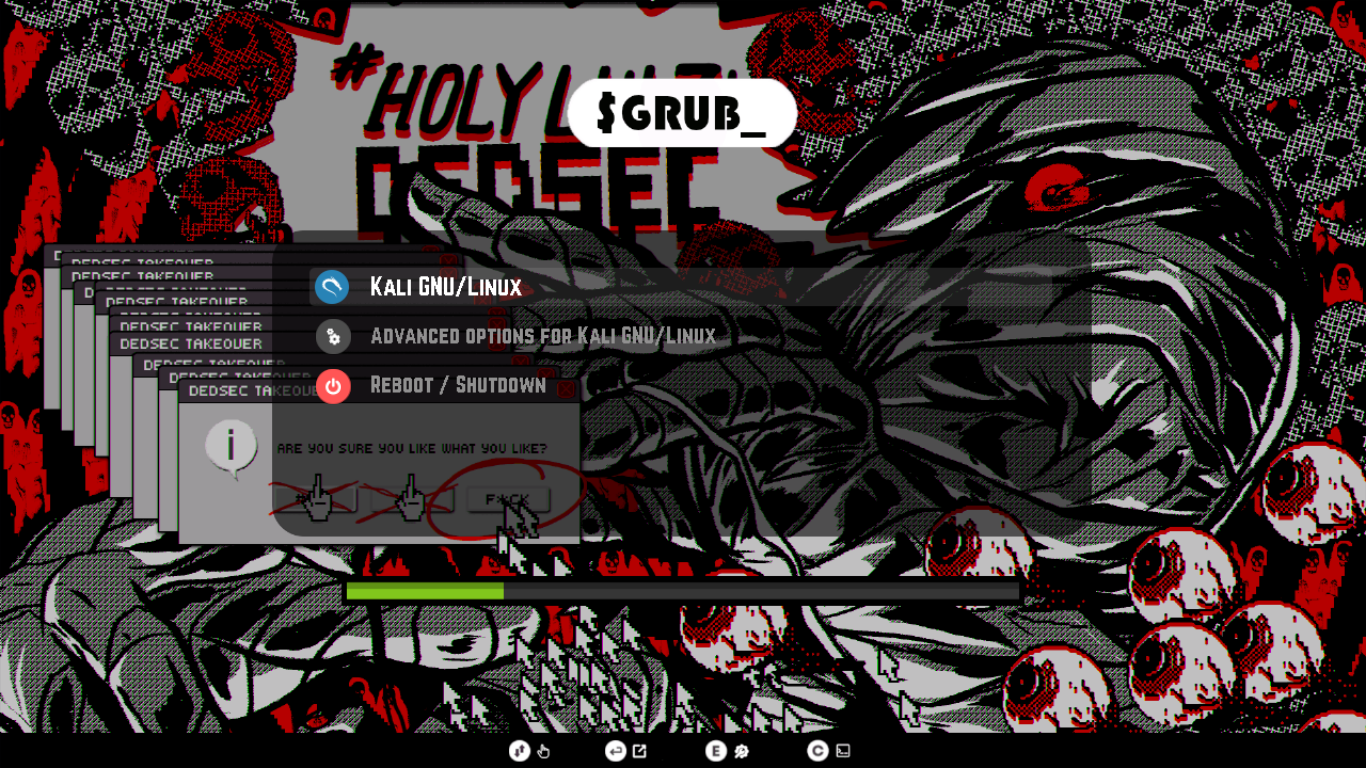 |
| Strike | Firewall | WannaCry |