
Thecosy/IceCMS
Thecosy/IceCMS has 1,917 GitHub stars and 276 forks. GitHot measured 0 stars in 24 hours. Last checked 2026-11-08 00:18 UTC. Last push 2025-09-20.
🌈冰激凌内容管理系统🍦,实现MacWK资源站,社区图片视频圈子CMS,支持网页端移动端小程序🌟适合做 资讯商城,社区论坛,聊天交友 社区,博客,圈子,论坛,图片,视频,社交。
Measured star growth
- in 24h
- 0
- in 7 days
- Update delayed
- in 15 days
- Update delayed
- in 1 month
- Update delayed
Net star changes over overlapping periods, not daily totals. Missing measurements are left blank. Stars measure attention, not software quality.
README_en.md
Original简体中文 | English





Introduction
Content management system based on Spring Boot + Vue front-end and back-end separation
Demo: ( www.icecmspro.com ) Backend: ( admin.icecmspro.com )
Official website: ( www.icecms.cn )
IceCMS Documentation: ( http://www.icecms.cn )
Content management: management of various types of content such as articles, pictures, resources, etc.
Column management: customize columns, add, delete, modify and query columns;
User management: manage backend users, including adding, deleting, modifying, assigning permissions, etc.
Data statistics: statistical analysis of website visits, user behavior, etc.;
Template management: custom website templates to facilitate and quickly build websites;
SEO optimization: website title, keywords, description and other SEO optimization functions.
Preview address:
Front Desk: www.icecmspro.com
uniapp mobile version: uni.icecmspro.com
Backstage: admin.icecmspro.com Account: admin Password: admin123
API documentation: api.icecmspro.com/doc.html
PC
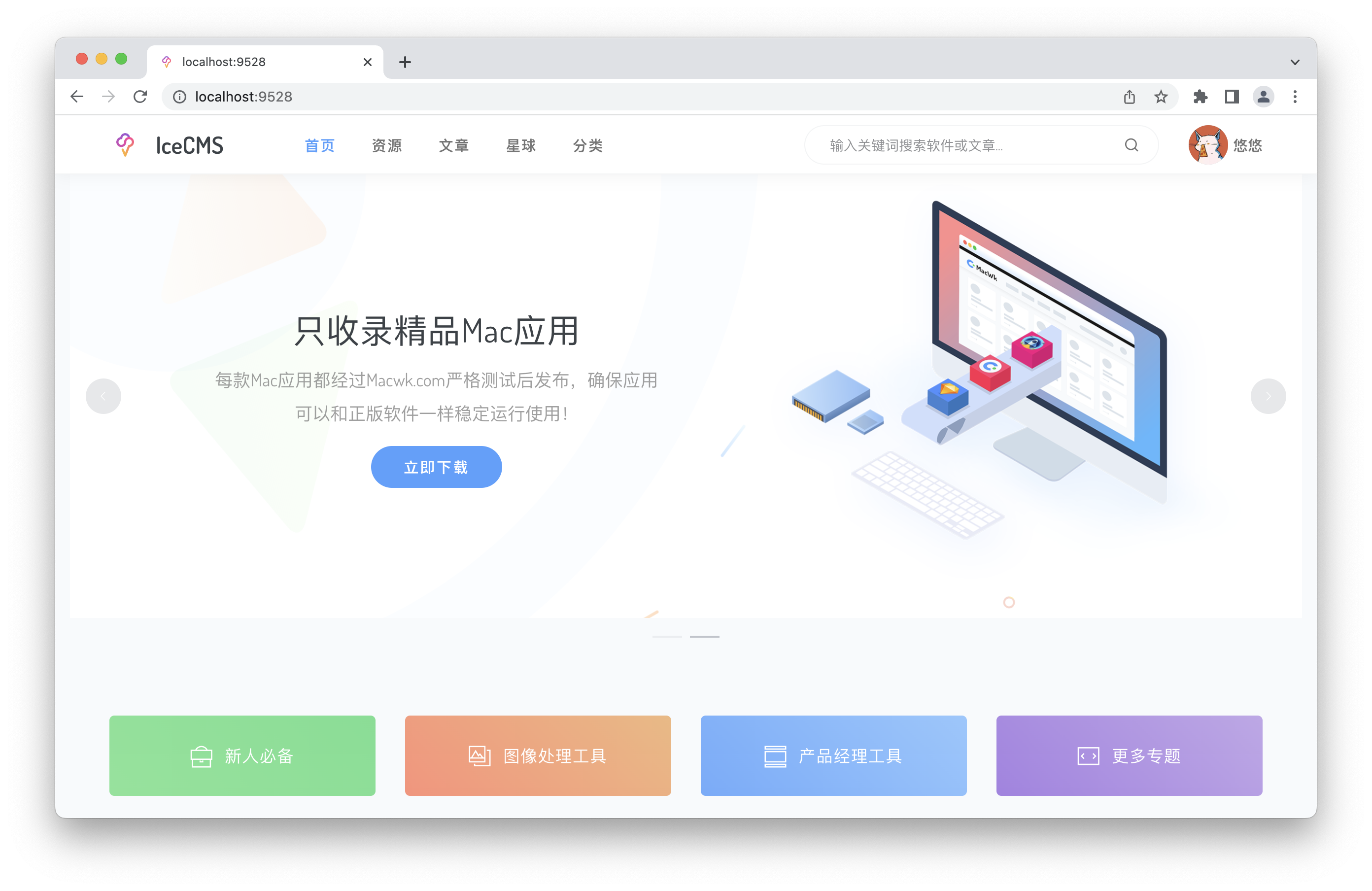
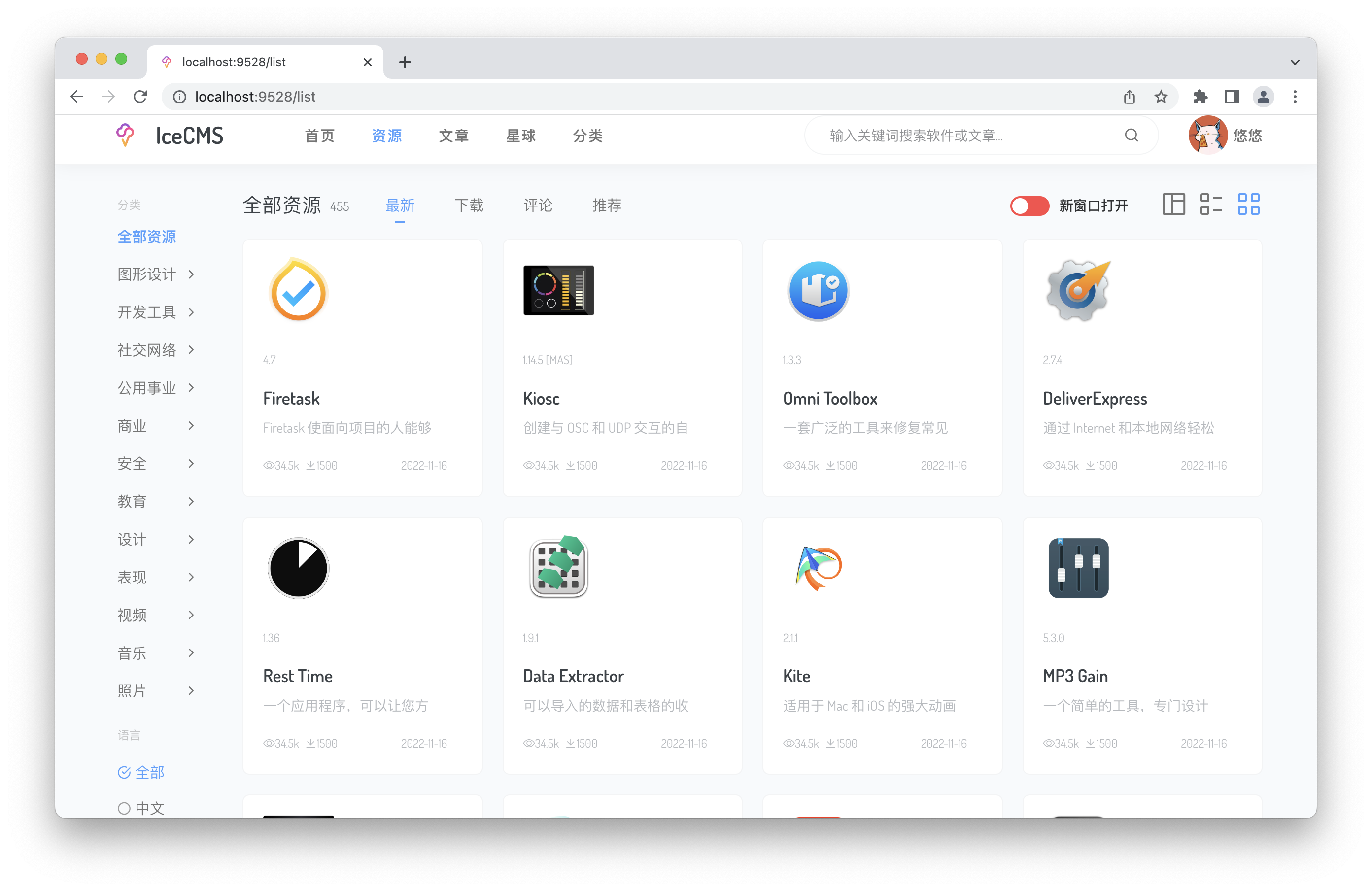
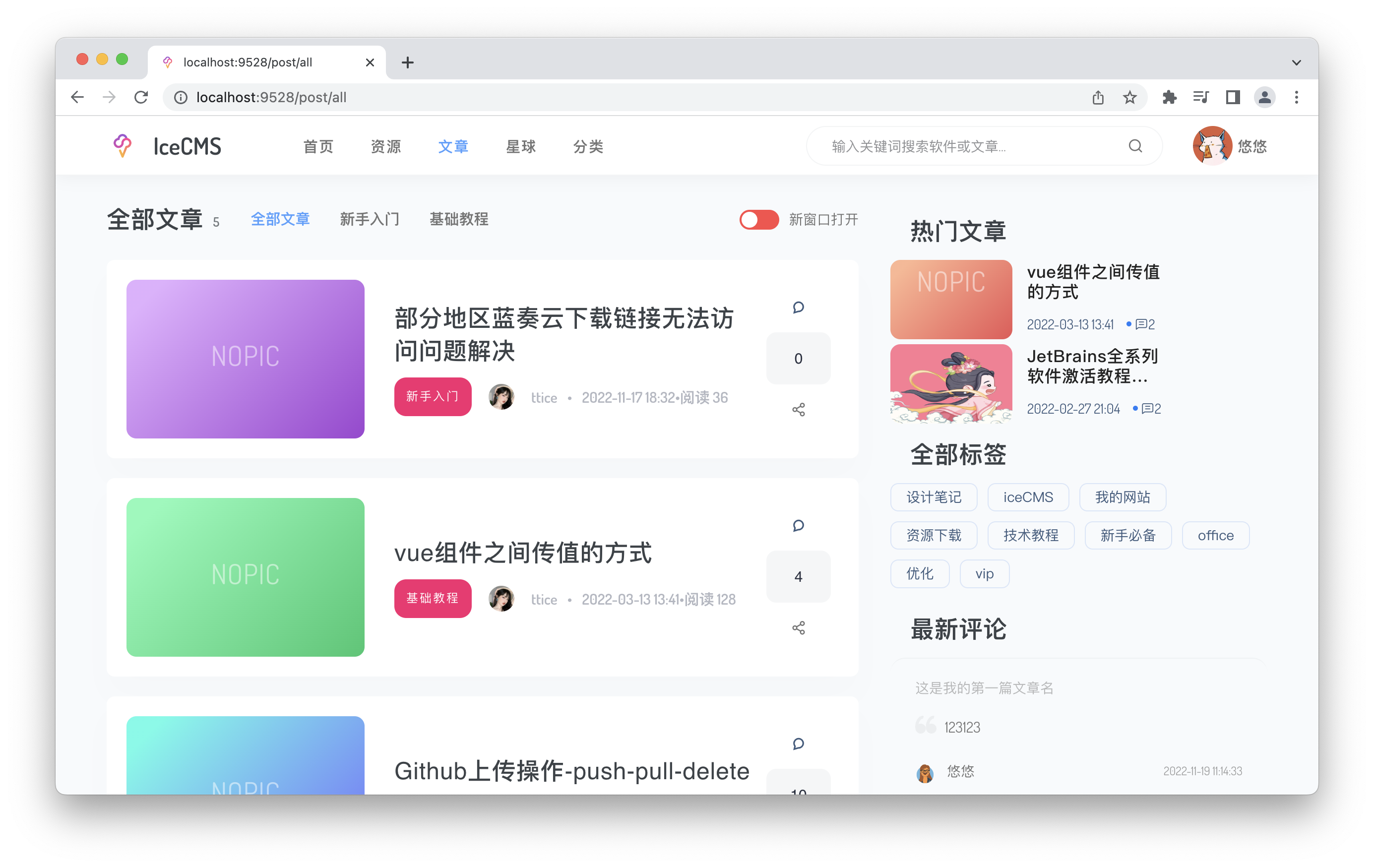
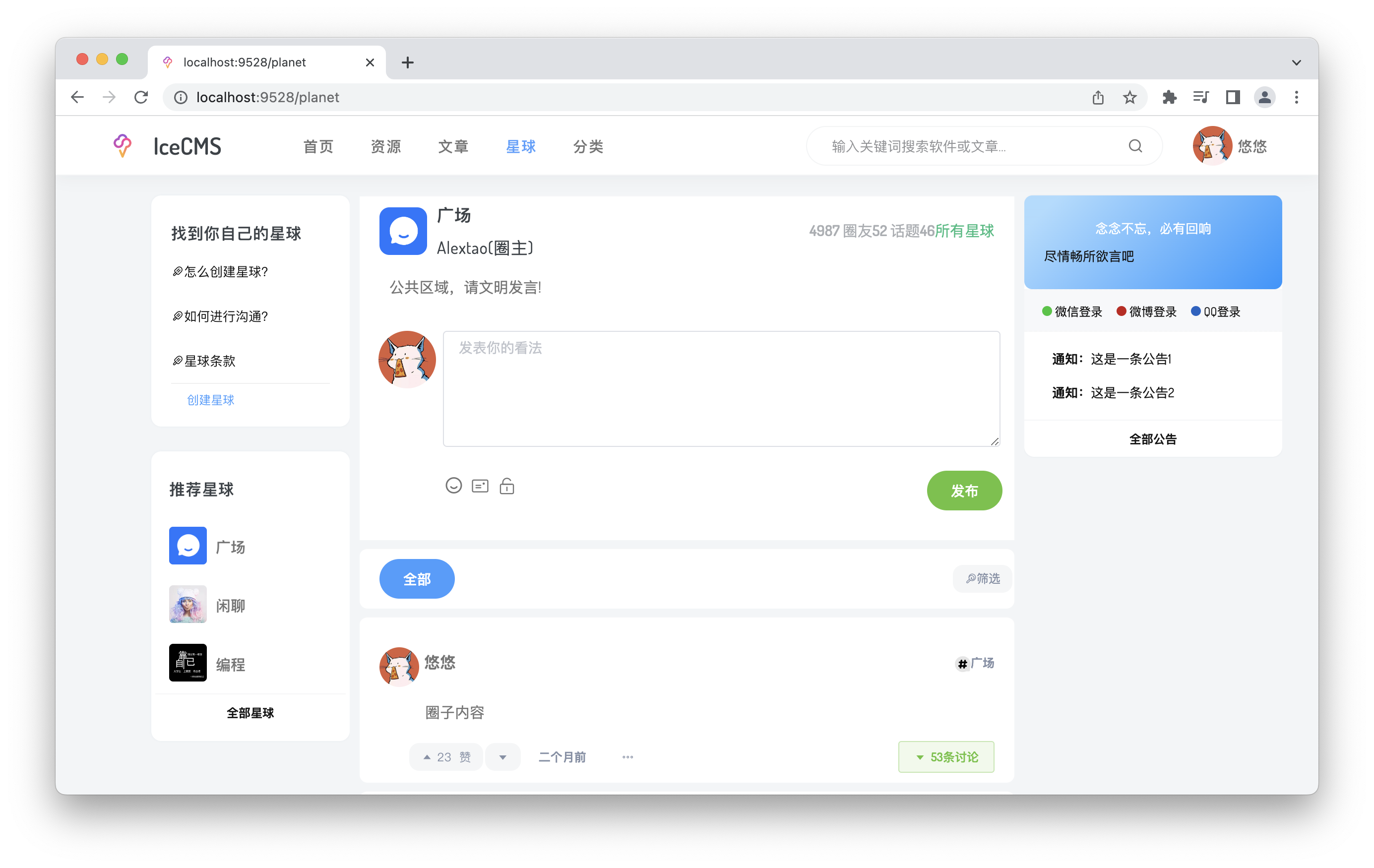
Backstage
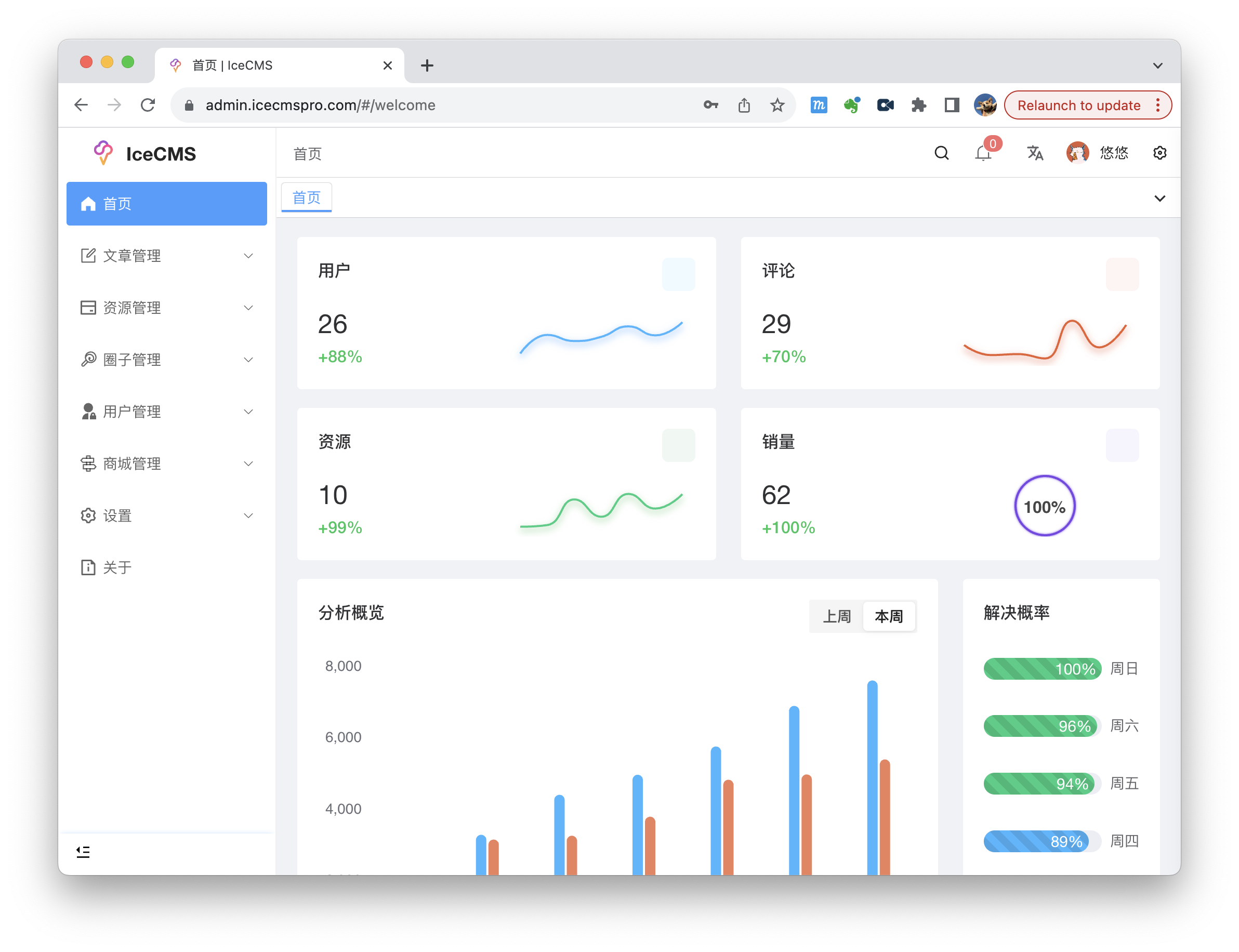
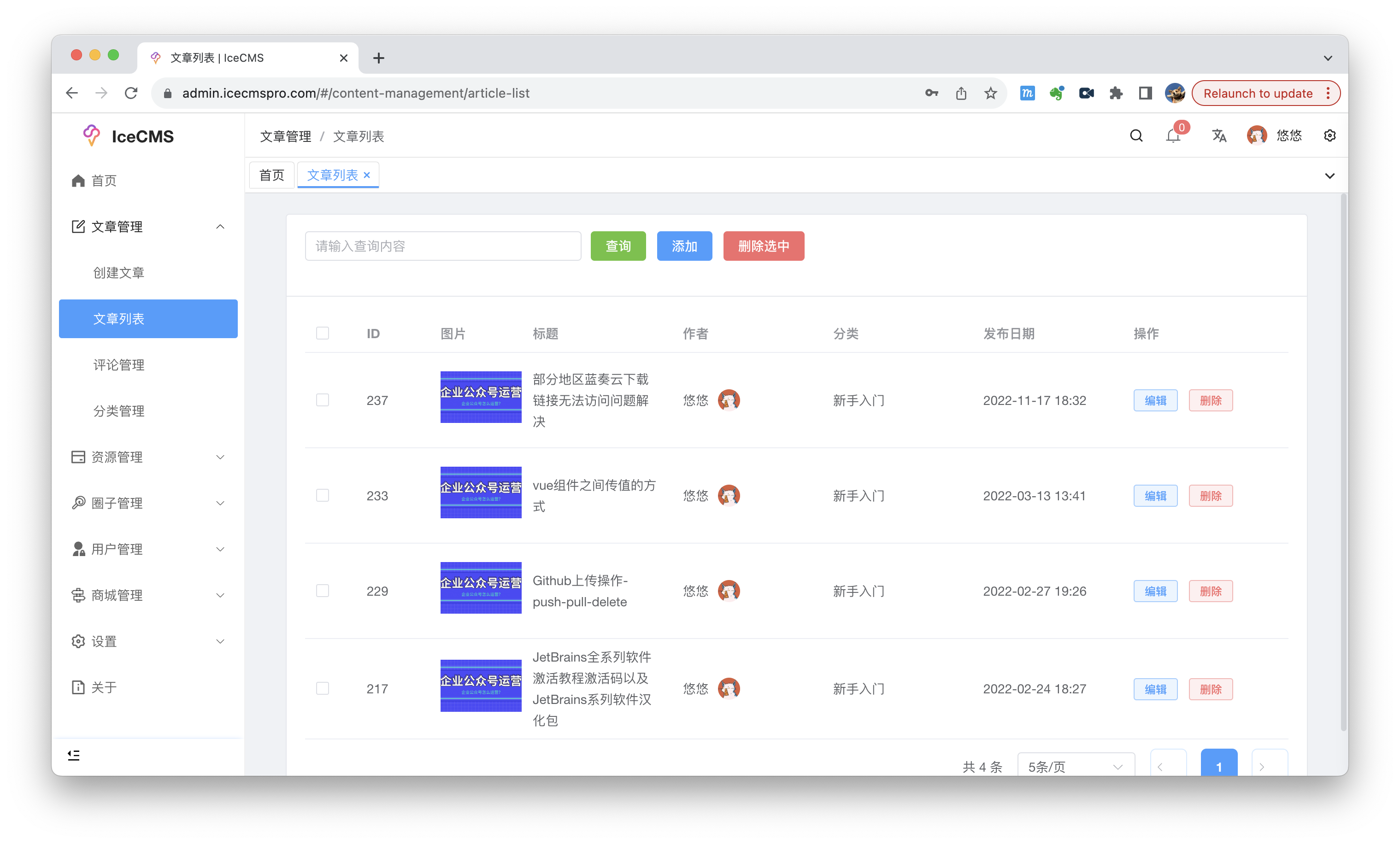
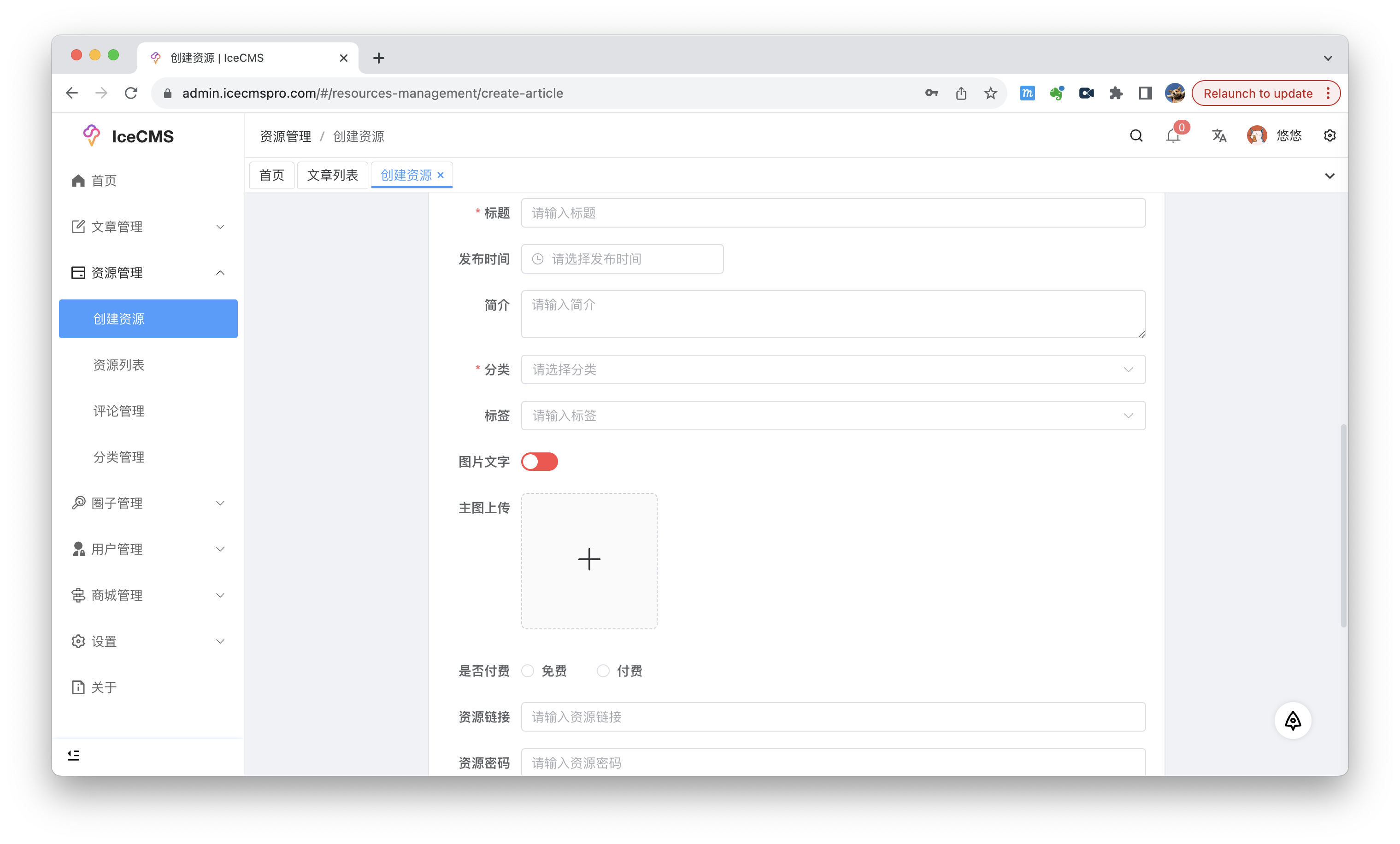
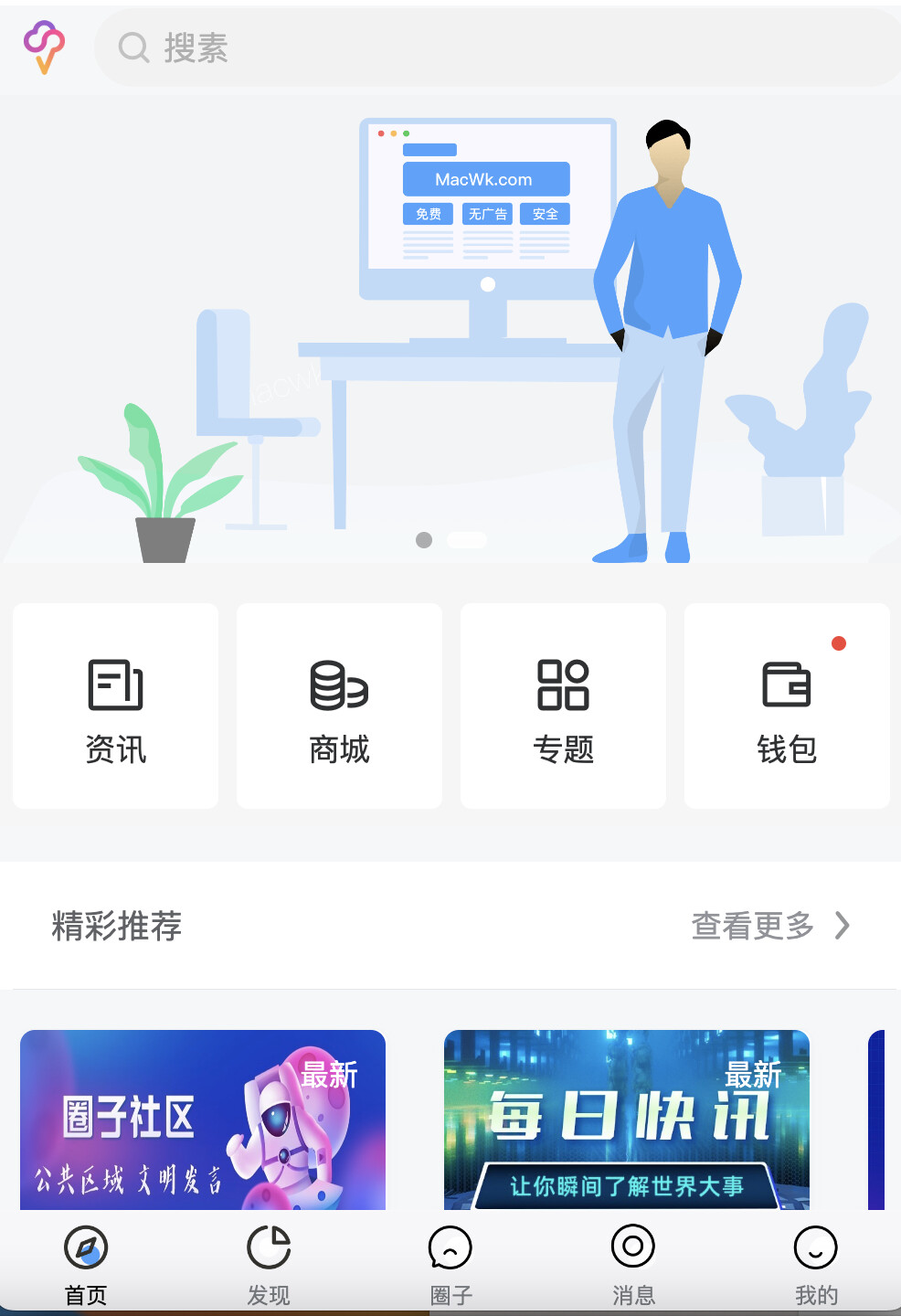
UniApp H5, Mini Program Mobile
rear end
- Core framework: Spring Boot
- Security Framework: Spring Security
- Token authentication: jjwt
- Persistence framework: MyBatis
- Pagination plugin: PageHelper
- NoSQL Cache: Redis
- Convert Markdown to HTML: commonmark-java
- Offline IP address database: ip2region
Developed based on JDK8, add dependencies for 8 and above:
<dependency>
  <groupId>javax.xml.bind</groupId>
  <artifactId>jaxb-api</artifactId>
  <version>2.3.0</version>
</dependency>
front end
Core framework: Vue2.x, Vue Router, Vuex
Vue project is built based on @vue/cli4.x
JS dependencies and referenced CSS: axios , moment , nprogress , v-viewer , prismjs , APlayer , MetingJS , lodash , mavonEditor , echarts , tocbot , iCSS
Backstage UI
Backend CMS is partly based on vue-admin-template
The UI framework is Element UI
Front-end UI
Element UI : Partial use, some small components, changed the UI style to facilitate quick effect
Recently Updated
Add label function
Improve some UI
Docker front-end deployment method
Docker Compose one-click deployment
Quick Start
Docker deployment method (recommended, can be used for rapid launch or testing)
# 未安装docker的请先安装docker,已经安装的跳过此步
yum install docker-ce -y
#启动docker
systemctl start docker
# 配置国内源
# 创建docker目录
sudo mkdir -p /etc/docker
# 创建配置文件
sudo tee /etc/docker/daemon.json <<-'EOF'
{
"registry-mirrors": ["https://mirror.ccs.tencentyun.com"]
}
EOF
# 加载新的配置文件
sudo systemctl daemon-reload
# 重启docker服务
sudo systemctl restart docker

main-命令执行
Ps:按顺序执行

1.运行Mysql容器
docker run -d -p 0:3389 \
--name ice-sql \
--restart always \
thecosy/icemysql:v2.2.0

2.运行Spring容器
docker run -d -p 8181:8181 \
--name ice-api \
--restart always \
--link ice-sql:db \
thecosy/icecms:v2.2.0

3.运行Vue容器
docker run -d -p 3000:80 \
--name ice-vue \
--restart always \
--link  ice-api:iceApi \
thecosy/icevue:v2.2.0

#访问前端地址http://ip:3000
Directory Structure
iceCMS/
├── HELP.md
├── IceCMS-java.iml
├── IceCMS-main             --java主程序启动入口
│   ├── IceCMS-main.iml
│   ├── main.iml
│   ├── pom.xml
│   ├── src
│   └── target
├── IcePay-ment             --java支付模块
│   ├── IcePay-ment.iml
│   ├── pom.xml
│   ├── src
│   └── target
├── IceWk-ment              --java前端api模块
│   ├── IceWk-ment.iml
│   ├── pom.xml
│   ├── src
│   └── target
├── IceWk-uniApp            --h5Uniapp模块
│   ├── App.vue
│   ├── LICENSE
│   ├── components
│   ├── main.js
│   ├── manifest.json
│   ├── nPro
│   ├── package-lock.json
│   ├── package.json
│   ├── pages
│   ├── pages.json
│   ├── static
│   ├── store
│   ├── subPage
│   ├── template.h5.html
│   ├── theme
│   ├── uni.scss
│   ├── uni_modules
│   ├── utils
│   └── vue.config.js
├── IceWk-vues                --前端vue模块
│   ├── LICENSE
│   ├── README.md
│   ├── babel.config.js
│   ├── build
│   ├── dist
│   ├── jest.config.js
│   ├── jsconfig.json
│   ├── node_modules
│   ├── package-lock.json
│   ├── package.json
│   ├── postcss.config.js
│   ├── public
│   ├── serverless.yml
│   ├── src
│   ├── vue.config.js
│   └── yarn.lock
├── README.md
├── bin
│   ├── clean.bat
│   ├── package.bat
│   └── run.bat
├── doc
│   └── IceCMS环境使用手册.docx
├── mvnw
├── mvnw.cmd
├── pom.xml
└── sql                        --项目sql文件
├── icecms5.6.sql
└── icecms8.0.sql
Configuring a minimal development environment
- Environment Configuration
MySQL JDK1.8 or above Maven Nodejs WeChat Developer Tools
Backend deployment
Create the MySQL database
IceCMSand execute/sql/IceCMS.sqlto initialize the table dataStart the backend service of iceCMS-main management background
3.1. Modify the configuration information IceCMS-main/src/main/resources/application.yml to configure the database connection
3.2. Install Redis and start it (it will not affect you if you don't use it)
3.3. Open the command line and enter the following command
cd iceCMS
mvn install
mvn clean package
java -Dfile.encoding=UTF-8 -jar iceCMS/iceCMS-main/target/iceCMS.jar
#在iceCMS.jar目录输入 java -jar iceCMS.jar
Front-end deployment
- Enter the iceCMS-vues directory
Open the command line and enter the following command
# 克隆项目
git clone https://github.com/PanJiaChen/vue-admin-template.git

# 进入项目目录
cd IceWk-VUE

# 安装依赖
npm install

# 建议不要直接使用 cnpm 安装以来,会有各种诡异的 bug。可以通过如下操作解决 npm 下载速度慢的问题
npm install --legacy-peer-deps --registry=https://registry.npm.taobao.org
# 启动服务
npm run dev
release
# 构建测试环境
npm run build:stage

# 构建生产环境
npm run build:prod
- Start the front end
Open the browser and visit http://localhost:9528 to enter the front-end page.
Start the front-end backend (backend address http://localhost:9528/admin)
- Start the uniapp mobile terminal
Download HBuilderX
Enter the uniapp mobile plug-in directory ( https://ext.dcloud.net.cn/plugin?id=9261 ), click Import, and then import it to the local computer.
You can also open the IceCMS-uniapp project locally
Open the IceWK-uniApp directory and compile and package it
Precautions
Some common questions:
- MySQL usually has no problem ensuring that the database character set is
utf8mb4(many table fields such as "Site Settings" and "Article Details" require theutf8mb4character set to support emoji emoticons. Otherwise, when importing the sql file, even if the import is successful, some field contents will be incomplete, resulting in an error when rendering data on the front-end page) - Make sure Maven can successfully import the current version of the dependency. Do not upgrade or downgrade the dependency version.
- The default username and password in the database are
rootand123123Because it is a personal project, I don't plan to make a password modification page. You can manually generate a password and store it in the database in themainmethod undertop.naccl.util.HashUtils - Note: modify the configuration information of
application-dev.propertiesin the IceCMS-main directory- If Redis has no password, leave it blank
- Be careful to modify
token.secretKey, otherwise the security of token cannot be guaranteed.
QQ chat group
QQ chat group: (951286996 )
Tg group: https://t.me/+1rau4SBwFyE1OTA1
This group is a learning and communication group. If you have any program-related questions, please submit issues directly.
Soft
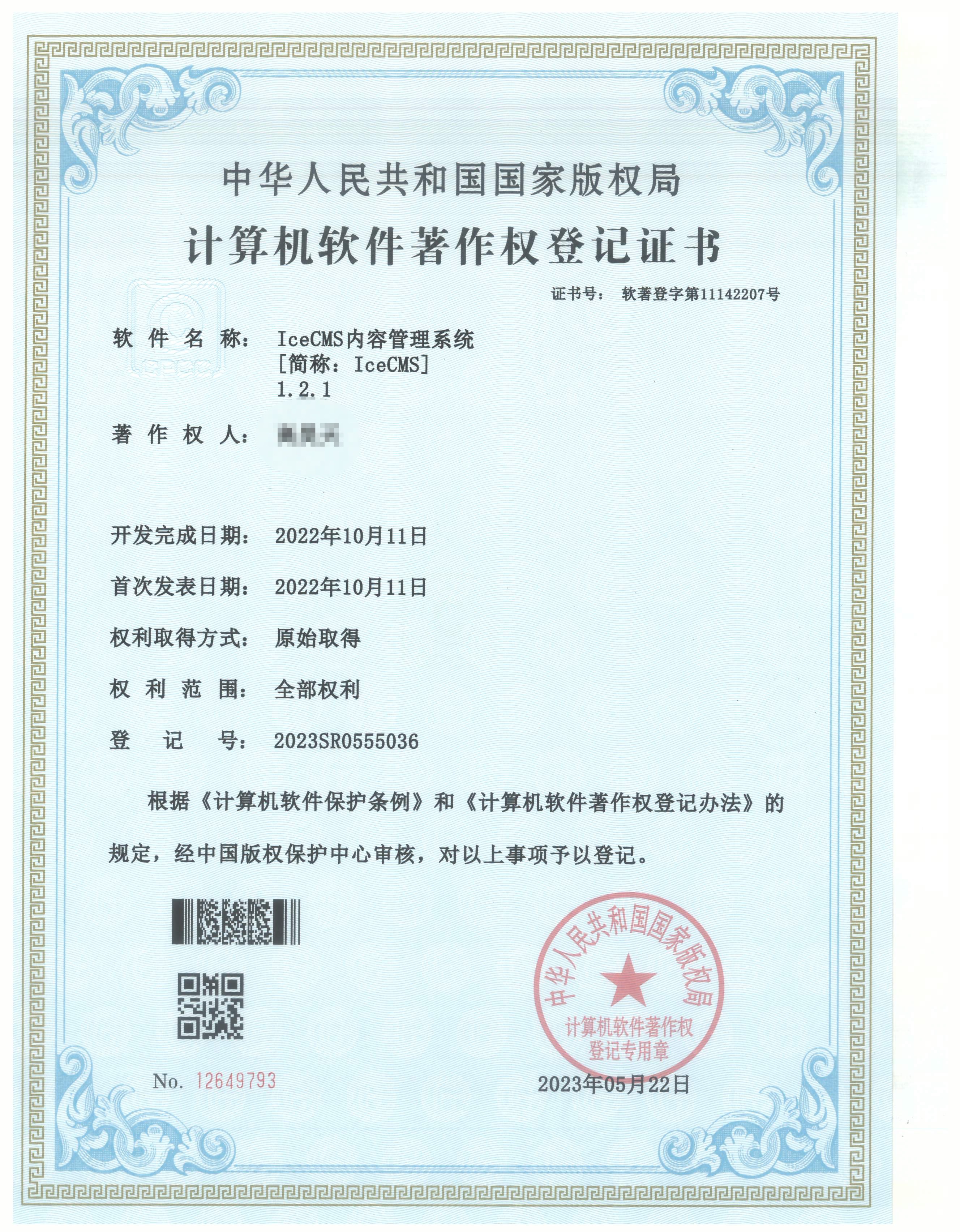
Open Source Agreement
GPL-3.0 license © pipipi-pikachu
Commercial Use
- If you want to use this project for commercial purposes, I hope you can strictly follow the GPL-3.0 agreement;
- If you really need closed-source commercial use and cannot execute the GPL-3.0 agreement, you can choose:
- Becoming a contributor to a project generally includes:
- Your code is referenced as a dependency by this project;
- The PR you submitted is merged into this project (only valuable ones, excluding simple typos or spelling errors, etc.);
- You have participated in the design and implementation of this project (including providing valuable ideas for the implementation of various functions/modules or the repair of bugs);
- Contact the author for commercial use
Thanks
Thanks to JetBrains for providing the non-commercial open source software license
Star History
Explore related projects
codecrafters-io/build-your-own-x
Master programming by recreating your favorite technologies from scratch.
560,963 starspublic-apis/public-apis
A collective list of free APIs
497,225 starsmorluto/rea
Reverse engineer anything with agents, from app behavior down to native binaries.
442,786 starsopenclaw/openclaw
The AI that really does things. Any OS. Any Platform. The lobster way. 🦞
394,185 stars