
TestlumFramework/Testlum
TestlumFramework/Testlum has 49 GitHub stars and 5 forks. GitHot measured 0 stars in 24 hours. Last checked 2026-11-15 05:06 UTC. Last push 2026-11-12.
What you can do
- 🌐 Web UI TestingTest any web application with support for modern browsers, advanced actions, and element validation.
- 📱 Mobile TestingRun tests on mobile browsers or native apps using real devices or emulators.
- 💾 Database TestingExecute and validate SQL/NoSQL queries across various databases like PostgreSQL, MySQL, MongoDB, etc.
- 🔌 HTTP API TestingEasily send requests, validate responses, handle authentication (API Key, JWT, OAuth), and simulate complex flows.
Measured star growth
- in 24h
- 0
- in 7 days
- Collecting history
- in 15 days
- Collecting history
- in 1 month
- Collecting history
Net star changes over overlapping periods, not daily totals. Missing measurements are left blank. Stars measure attention, not software quality.
About
Codeless Runtime Engine For End-to-End Testing
Web & AppsREADME.md
Original
The best codeless end-to-end testing framework


🎬 Running Regression Tests (Example)
This repository contains the Testlum framework.
To see it in action with real test scenarios, use the demo project.
👉 Demo project (recommended starting point):
https://github.com/TestlumFramework/Demo
It includes:
- Ready-to-run regression tests
- Sample configuration
- Real usage examples
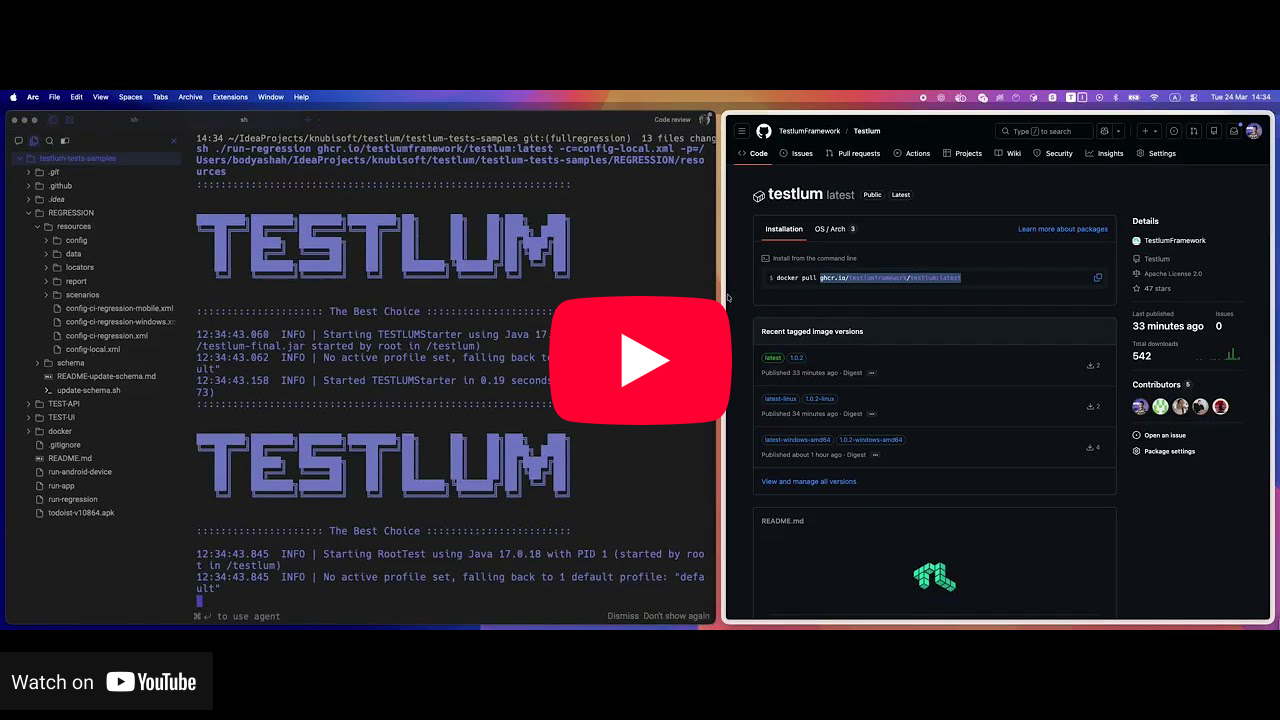
📺 Watch the step-by-step video guide:
Key Features
🌐 Web UI Testing
Test any web application with support for modern browsers, advanced actions, and element validation.📱 Mobile Testing
Run tests on mobile browsers or native apps using real devices or emulators.💾 Database Testing
Execute and validate SQL/NoSQL queries across various databases like PostgreSQL, MySQL, MongoDB, etc.🔌 HTTP API Testing
Easily send requests, validate responses, handle authentication (API Key, JWT, OAuth), and simulate complex flows.Tests are defined in XML scenarios rather than code, making it accessible to non-developers
20+ Integrations
Table of Contents
TestSample
<scenario>
    <overview>
        <name>End-to-end test. Using Web, Postgres, Http commands</name>
        <description>Open web browser and press 'Sign In' button, check users in the database, get profile via http call</description>
    </overview>

    <settings>
        <tags>web</tags>
    </settings>

    <web comment="Start web browser">
        <click comment="Click on 'Sign In' button" locator="login.signIn"/>
    </web>

    <postgres comment="Make sure that users were added to 'users' table" file="expected_2.json">
        <query>SELECT * FROM users</query>
    </postgres>

    <http comment="Get user profile from API">
        <get endpoint="/user/profile/1">
            <response code="200" file="expected_3.json"/>
        </get>
    </http>
</scenario>
Running
Prerequisites
Make sure you have the following installed:
- Java [17,21]
- Maven
Run locally
After cloning repository to your local machine:
- navigate to root project folder
- build executable jar file
mvn clean install -DskipTests - and run it by passing test resources location (-c or --config, -p or --path). -s or --scenarios can be added as optional parameter to run test(s) in specific folder (-s=/apiTests)
java -jar engine/target/testlum-<version>.jar -c="global-config-file-name.xml" -p="absolute path to folder with test resources" - examples of test resources can be found in our Wiki
If you want to build docker image from the latest code
- navigate to root project folder
- build image from Dockerfile
  docker build --no-cache -t testlum:local .
  ./run-docker testlum:local global-config.xml ~/Users/user/test-resources
To build the Windows image from Dockerfile.windows, build the JAR first and stage it as
build-artifacts/testlum.jar:
  mvn clean install -DskipTests
  mkdir -p build-artifacts && cp engine/target/testlum-*.jar build-artifacts/testlum.jar
  docker build -f Dockerfile.windows -t testlum:local-windows .
Or You can use our official docker image from Packages
Pull it
docker pull ghcr.io/testlumframework/testlum:latest
Documentation
Full user documentation for this project is available on: 👉 View Documentation
Social
- 🌐 Check for more features on website 👉 Open
- 💬 Ask more questions on discord 👉 Open
- 🎥 Get more interesting insights on YouTube 👉 Open
Subscribe and never miss an update
Contributing
Please read CONTRIBUTING.md before submitting your pull requests
License
Testlum source code is made available under the Apache 2.0 license.